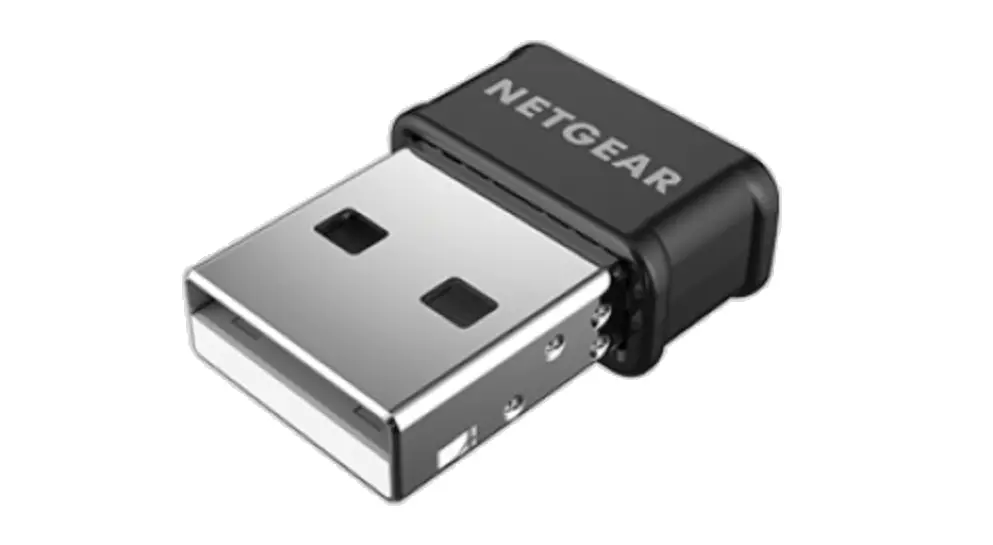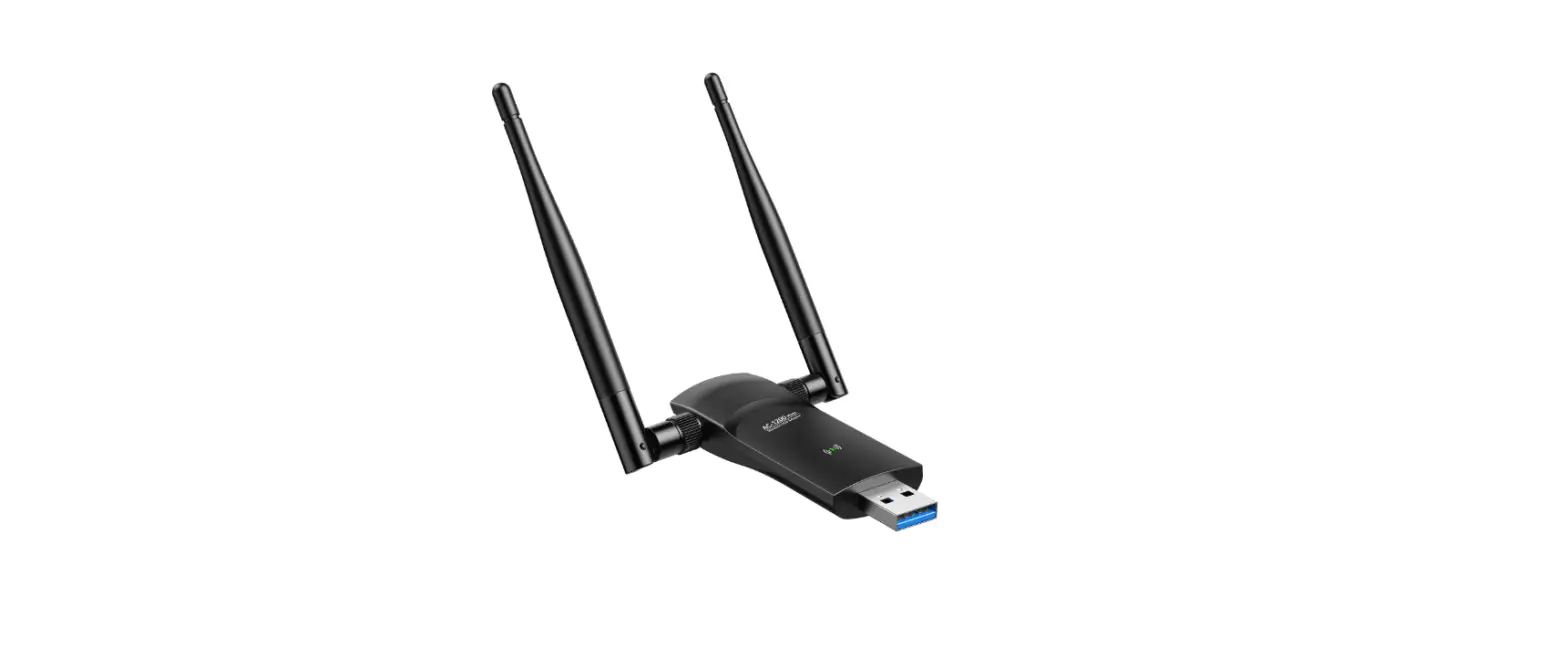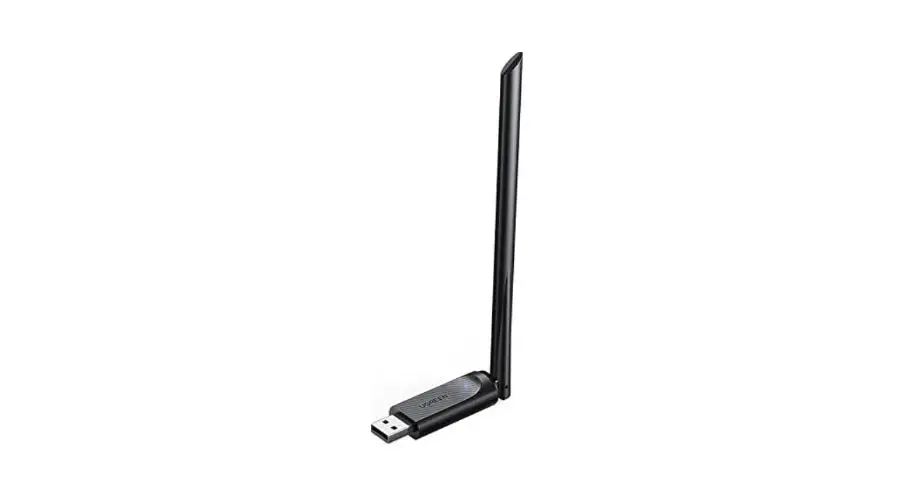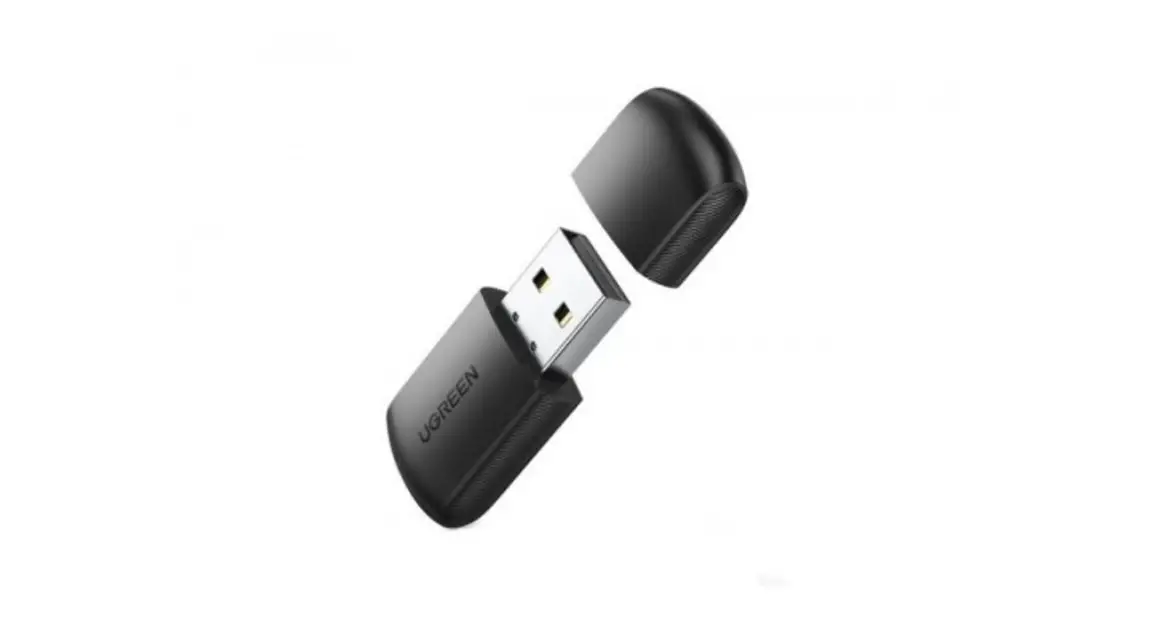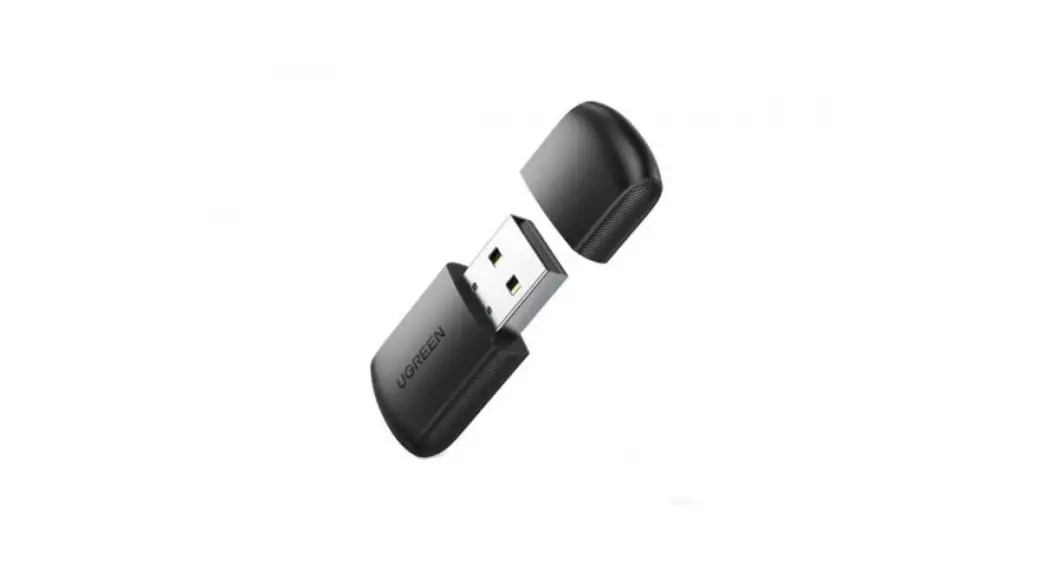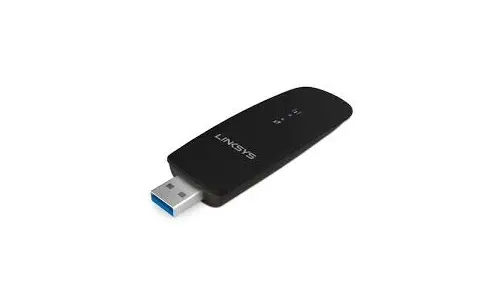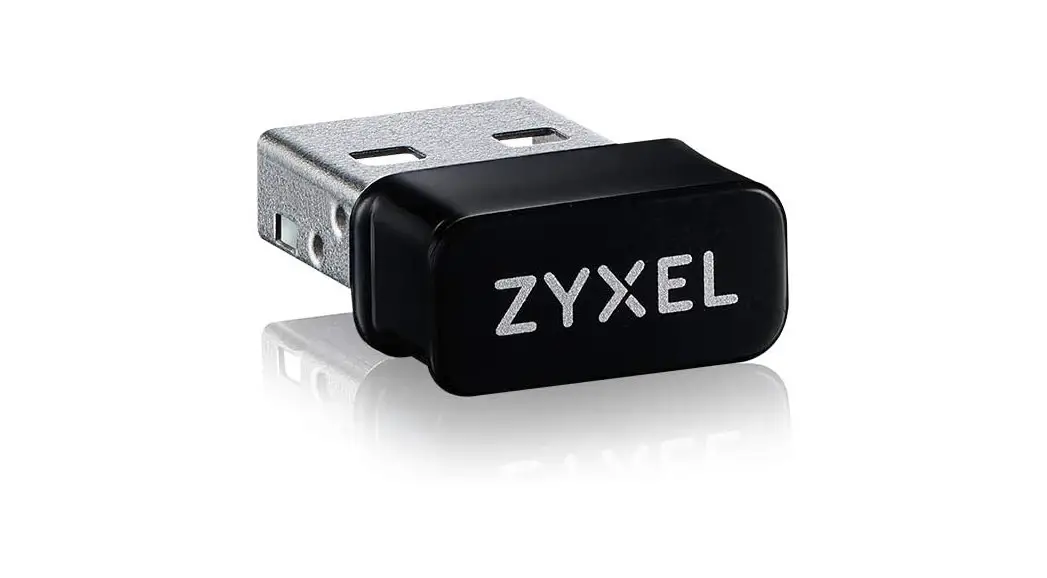

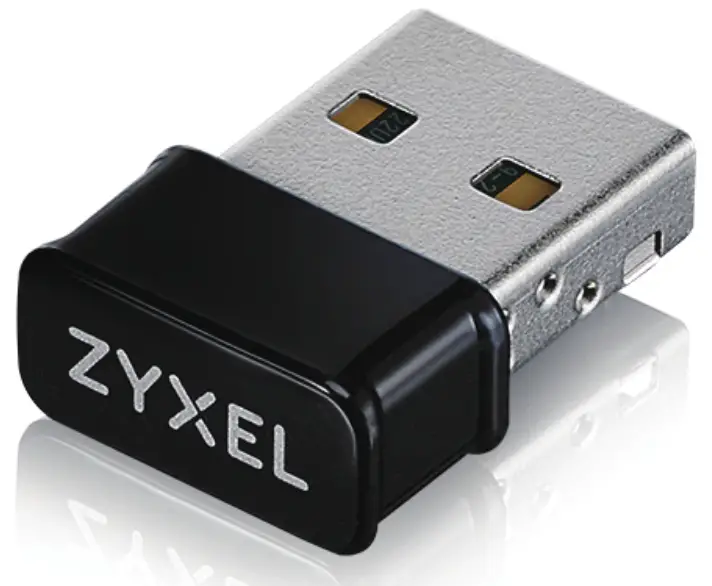
NWD6602
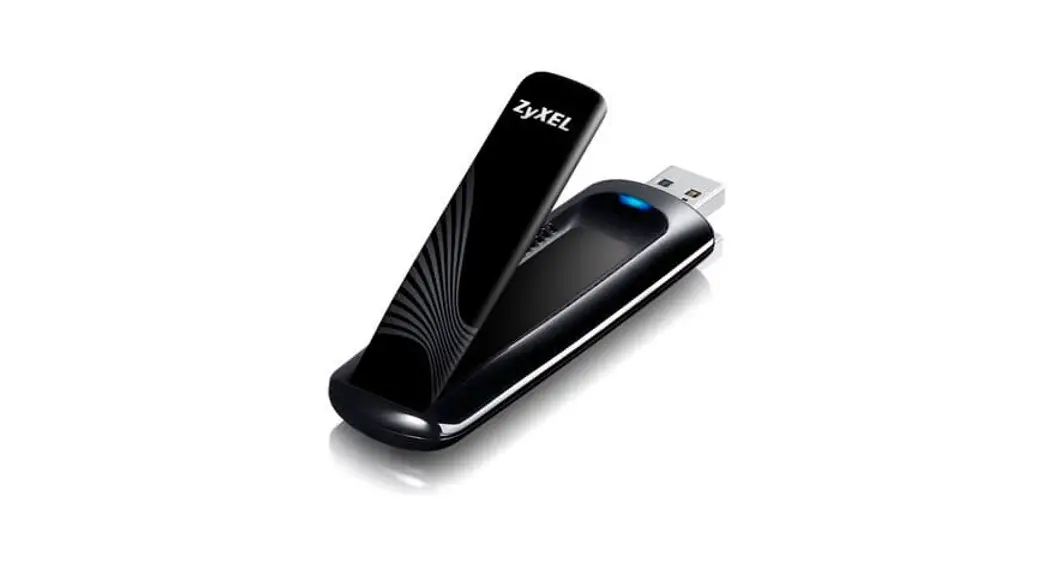
Dual-Band Wireless AC1200 USB Adapter
 Quick Start Guide
Package Contents
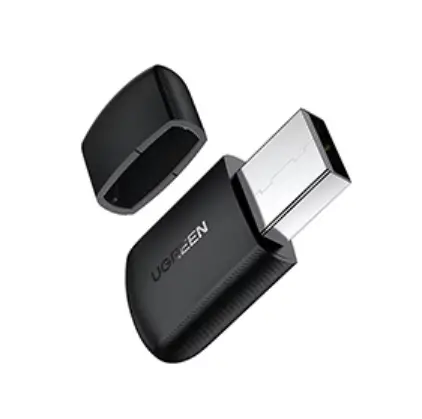
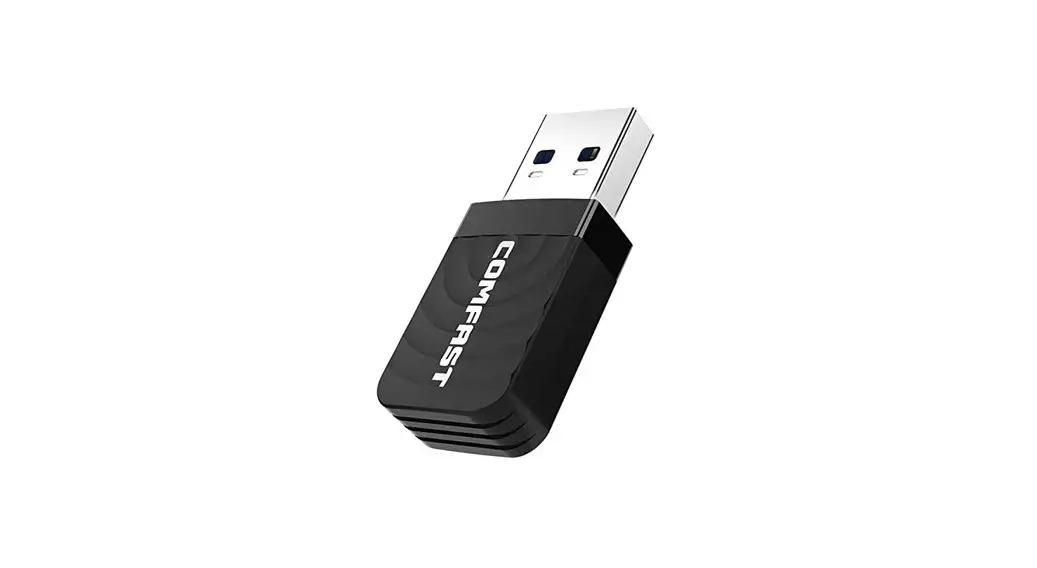
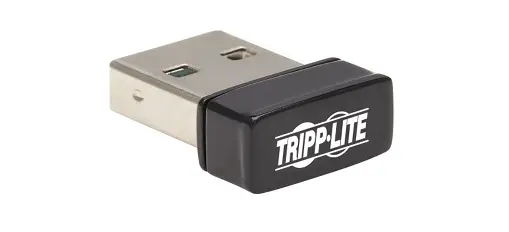
 | Device |
 | QSG / Warranty Card |
 | Declaration of Conformity Safety Warnings |
The NWD6602 Compatible Operating System | ||
Windows | Mac | Linux |
| 7 / 8 / 8.1 / 10 | 10.11 / 10.12 / 10.13 / 10.14 / 10.15 | Fedora 20 Kernel 3.11 Fedora 23 Kernel 4.11 Ubuntu 15.04 Kernel 3.19 Ubuntu 18.04 Kernel 4.15 |
Setup network connection
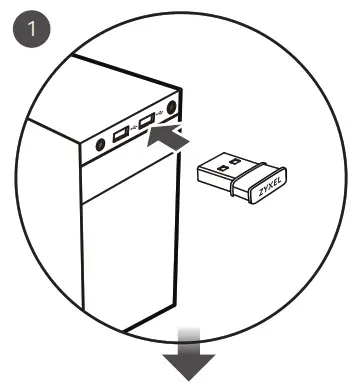
- Insert the NWD6602 to a USB Type-A port on your computer.

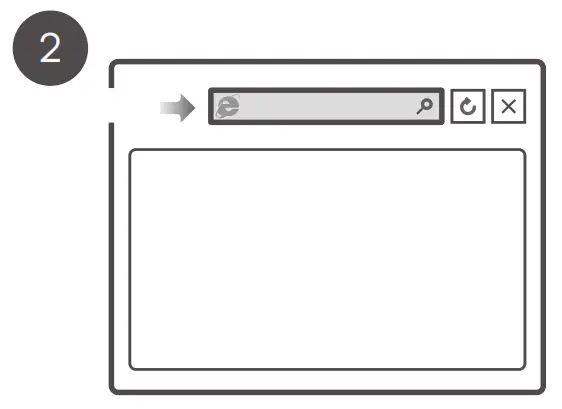
- Open a web browser and go to https://www.zyxel.com/nwd6602driver to download the driver.
 https://www.zyxel.com/nwd6602driver
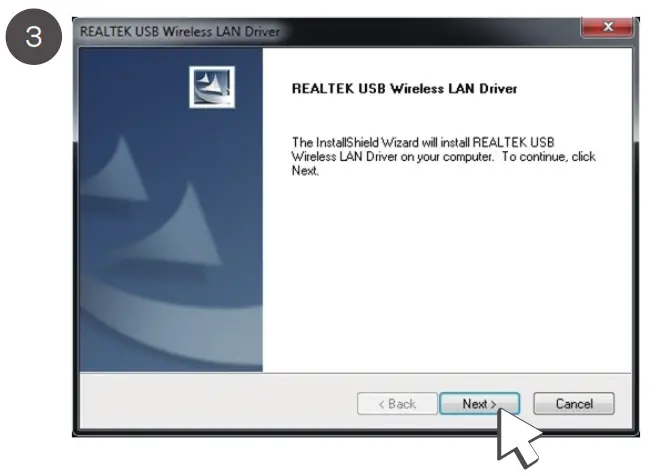
 - Follow the wizard prompts to complete the installation.

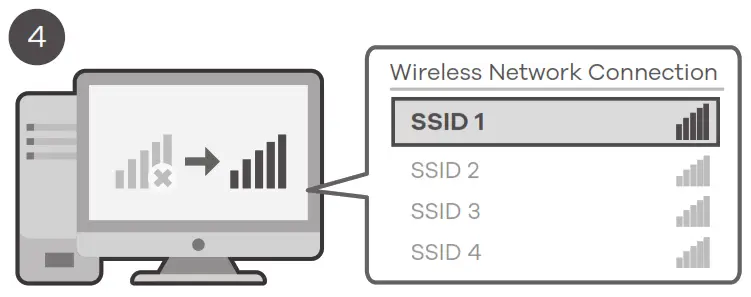
- Check that your computer now has WiFi.

Support Information
| USA | EU, Turkey and Russia |
 + 1 800 255 4101 + 1 800 255 4101 [email protected] [email protected] |  https://support.zyxel.eu https://support.zyxel.eu |
| Thailand + 66 2831 5315[email protected] | Taiwan + 886 2 2739 9889 [email protected] |
| EU Importer Zyxel Communications A/S Gladsaxevej 378, 2. th. 2860 Søborg, Denmark https://www.zyxel.com/dk/da/ | US Importer Zyxel Communications, Inc 1130 North Miller Street Anaheim, CA 92806-2001 https://www.zyxel.com/us/en/ |

Copyright © 2020 Zyxel Communications Corp.
All Rights Reserved.
Your Networking Ally
 http://www.zyxel.com/support/warranty_information.shtml
Warranty Card
Thank you for purchasing a Zyxel product Zyxel has a reputation for delivering high-quality, high-performance products and services to our customers. We recommend that you now visit the Zyxel website and register your product online. This will mean you can receive the latest firmware, drivers and product-related information. If you still have further questions or enquiries related to the product, please contact our subsidiaries worldwide. Please note that warranty terms may vary by region. Full detailed information is available on our website, here: http://www.zyxel.com/support/warranty_information.shtml
Purchase Information
| Zyxel Product Name: |
| Hardware Serial Number: |
| Date of Purchase: |
| (In certain countries, the warranty will be validated with seller’s signature and stamp): |
 zyxel.com