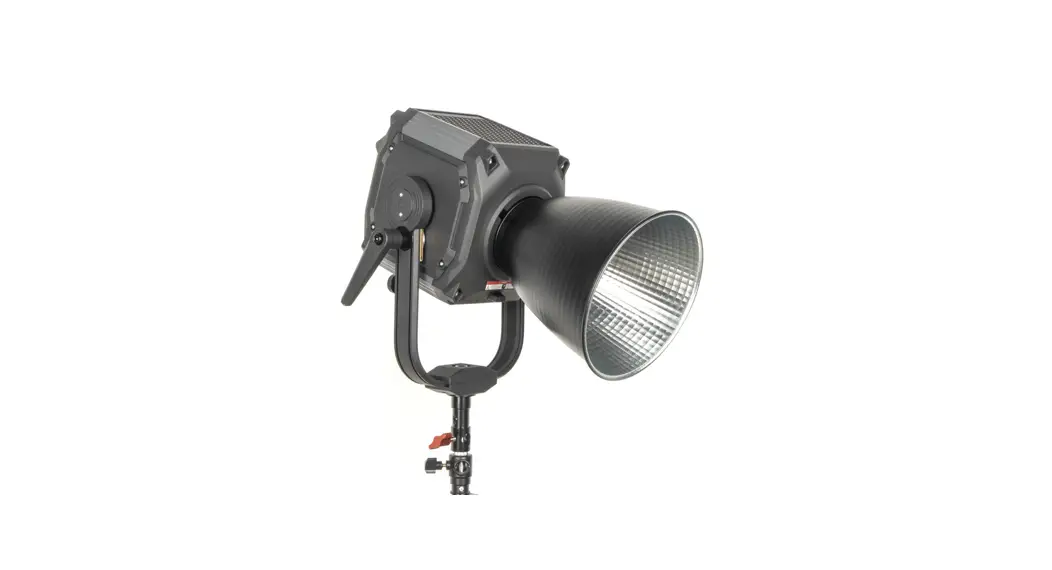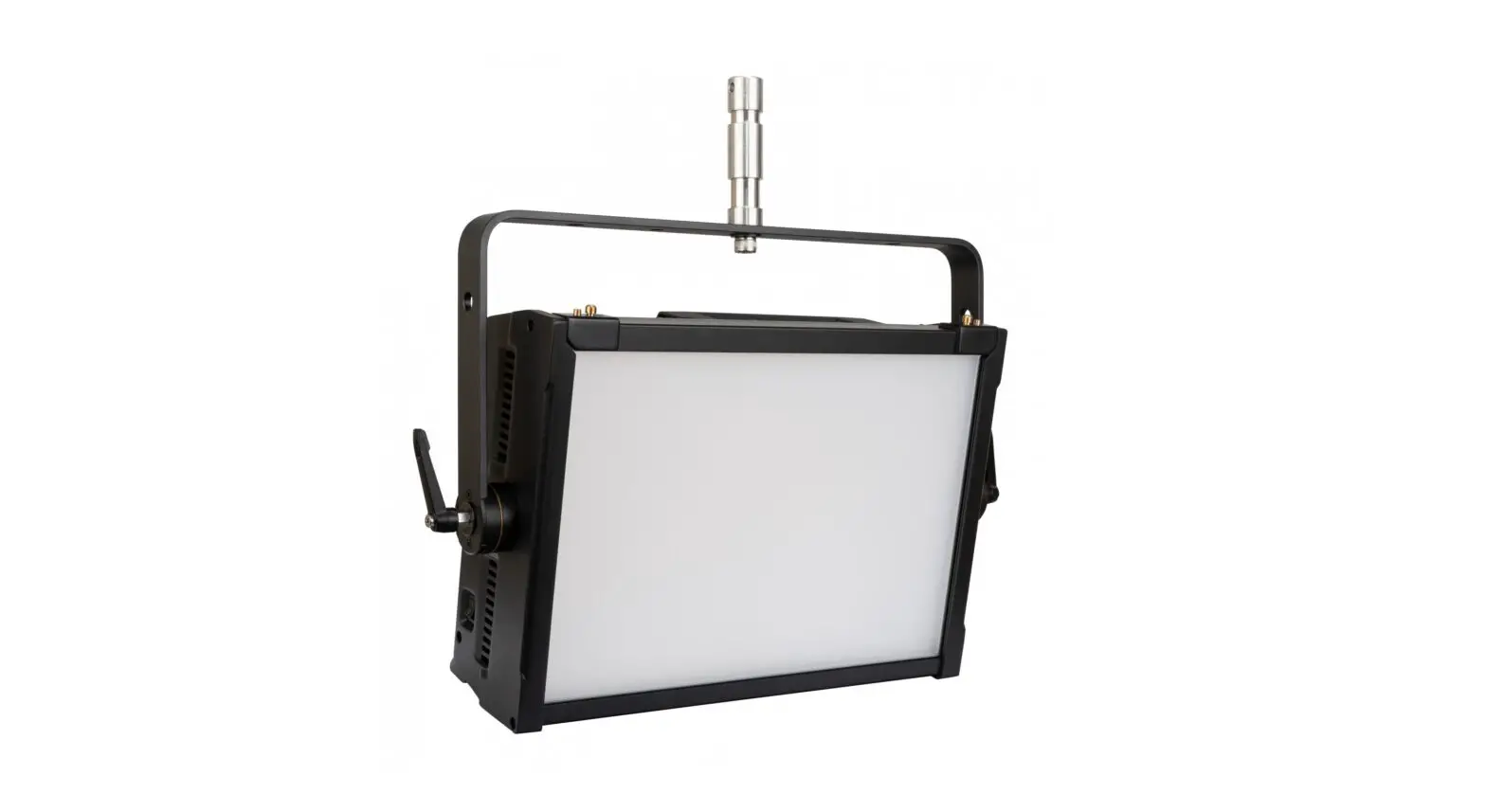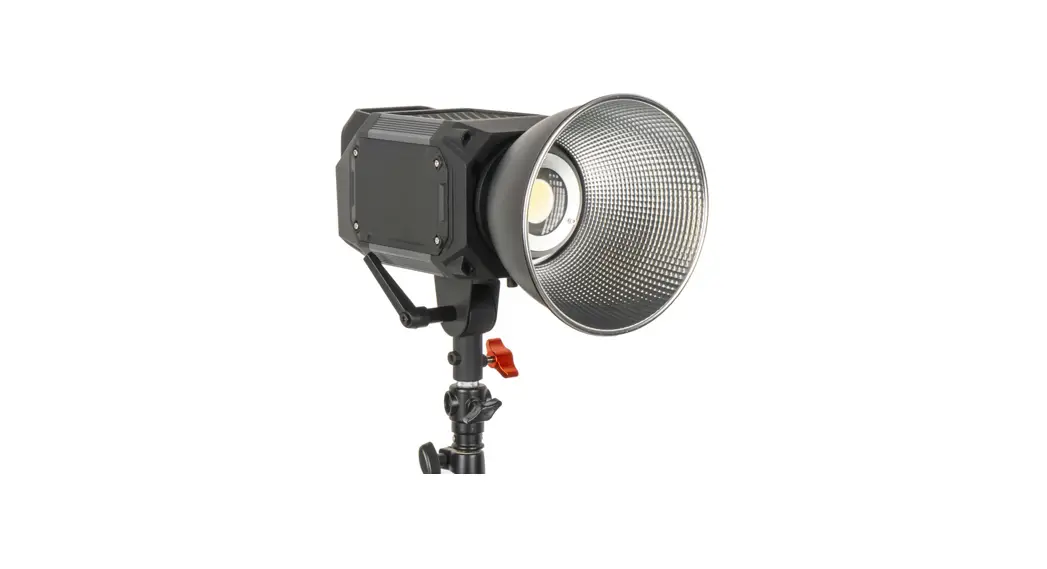
 220D TIOGA Series 220W High Output LED Spotlight
User Manual
Introduction
- Using high-power LED light source. Accurate color temperature, color rendering index and TLC1of 95 and above, and a working life of more than 50.000 hours.
- 0- 100% PWM integrated digital stepless dimming, the dimming process is linear and uniform.
- Preset II special effects modes with adjustable brightness, color temperature and speed.
- With NTC temperature detection, automatic fan speed control, overheating protection function.
- LCD color digital display, accurate display of real-time data.
- The high-strength aluminum shell has good heat dissipation, to ensure the overall life of the product.
- LED heat-free technology ensures that the light source output is stable, consistent and accurate in various environments.
- Support mobile APP to adjust various parameters of lighting, convenient and fast.
- Two lighting versions are available, 220D daylight version and 220B dual color temperature version.
- Suitable for film and television shooting, studio. advertising shooting, shooting of various characters and scenes including portrait photography, wedding photography, children photography, etc.
Precaution
- Do not disassemble the lamps, weld the lamp bead by non-professionals.
- Do not operate with wet hands, otherwise it may cause electric shock.
- Do not use in flammable volatile liquid or gas environment, otherwise it may cause explosion or fire.
- Do not use this product in a closed vehicle or other high-temperature environments exposed to direct sunlight, otherwise it may protect the product from frequent overheating and affect use.
- Do not touch the plug or adapter with wet hands, otherwise it may cause electric shock.
- Do not damage disassemble, pull or twist the power cord, otherwise it may cause fire or electric shock.
- Do not place this product under heavy objects.
- Please wipe the dust on the product with a dry cloth.
- Please use the power adapter included with this product.
- It is forbidden to hit the LCD touch screen with force to avoid damage.
- Keep the light-emitting surface clean to avoid the influence of dirt on brightness and color temperature.
- When using accessory such as power adapter, please ensure that it is installed in place to avoid damage or other safety issues caused by falling.
- Please loosen the angle adjustment locking handle before adjusting the angle of the lamp body.
Part Name
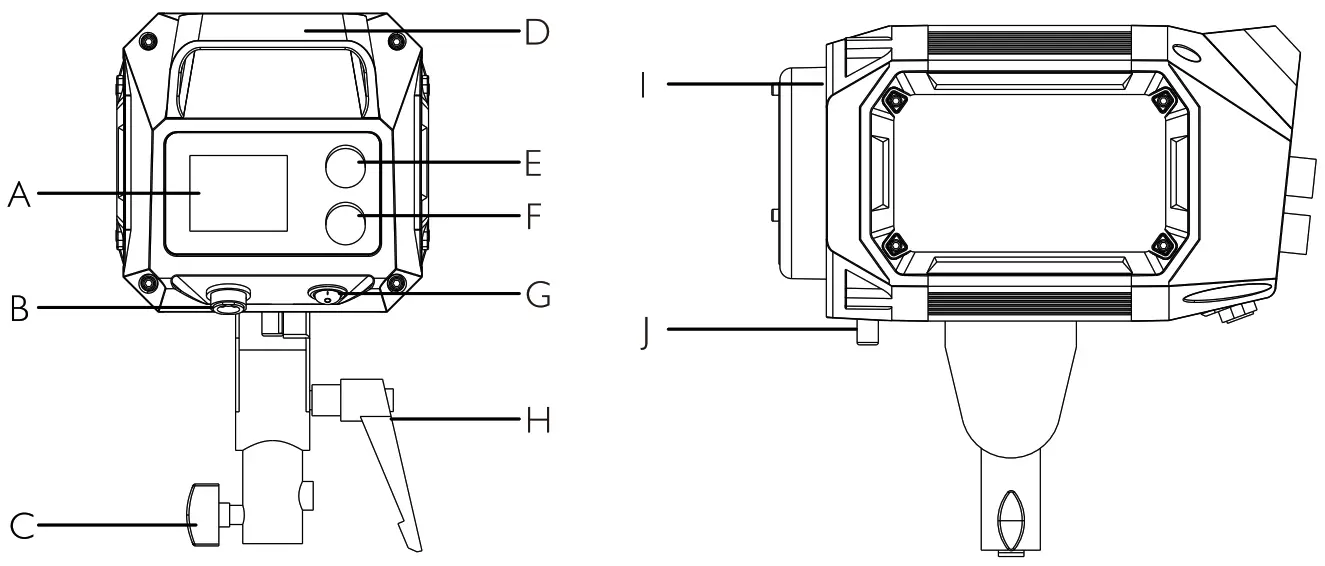
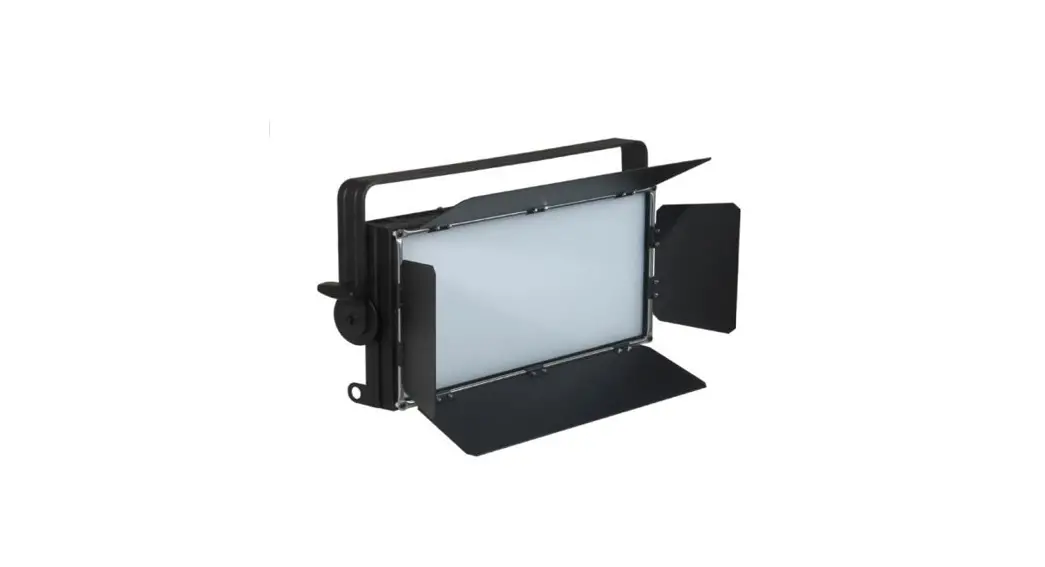
| (A) LCD screen (B) DC power input socket C) Stand mount locking screw (D) Integrated caring handle (E) Multi-function knob | (F) Mode switch knob (G) Power ON/OFF switch (H) Angle adjustment & locking handle (I) Bowens mount (J) Bowens mount accessory lock button |
Usage
- Lamp Installation
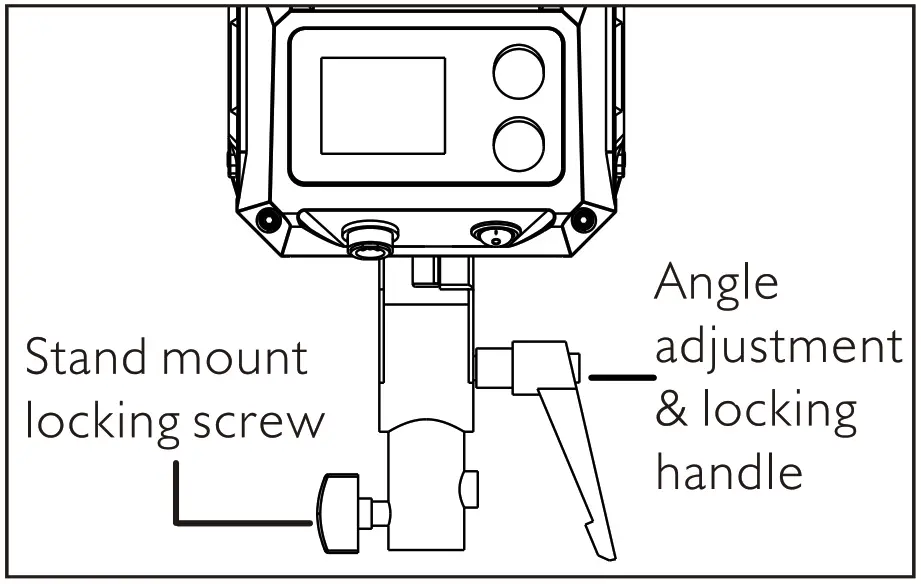
1) Loosen the stand mount locking screw by turning counterclockwise. Place the mount on the light stand and secure the screw by turning clockwise. Please insure the light stand is fully mounted onto the support and the screw is securely fastened.
2) Adjust the light to the desired angle by loosening the angle adjustment and locking handle by turning clockwise. Move the light to the desired position, then tighten the angle adjustment and locking handle by turning clockwise.
- Place the power adapter
Use the safety cable to hang the power adapter on the light stand. - Power supply
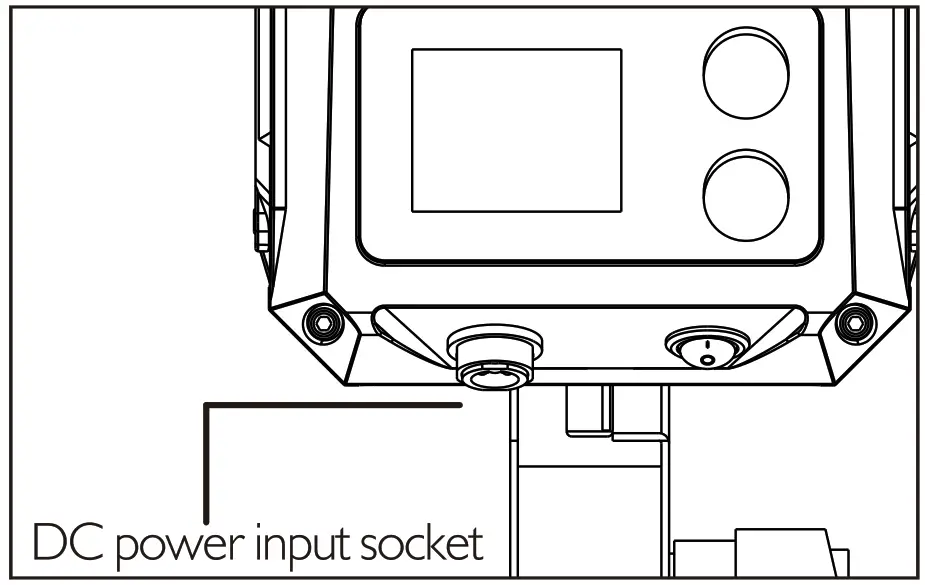
Connect the power adapter to the light fixture by inserting the power adapter plug into the DC power input socket in the lower left corner of the light fixture.Connect the AC power cable to the external power supply (ACI00-240V).
- Power ON/OFF
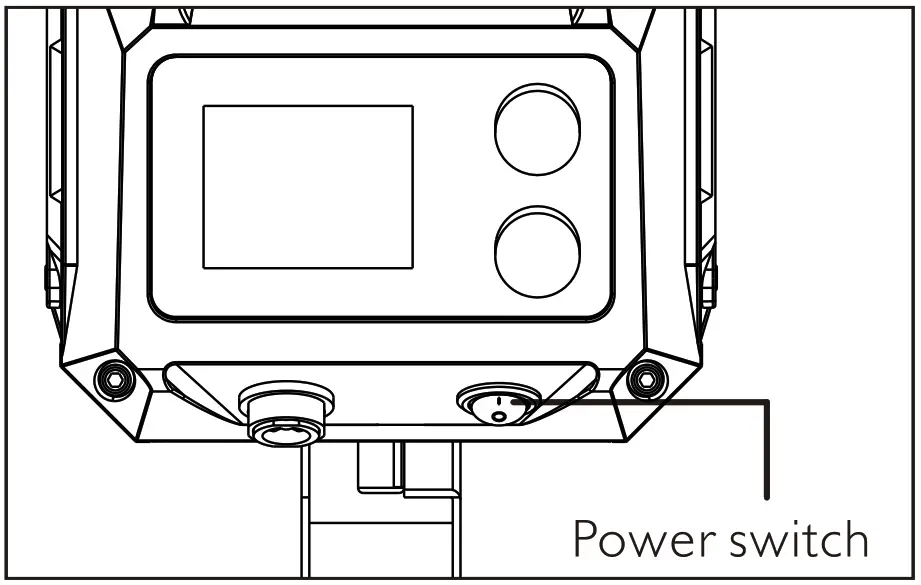
Press the power switch, the light is on. Turn the mode switch knob. and the LCD screen display the brightness, color temperature special effects, language and address.
- Brightness/Color Temperature Mode
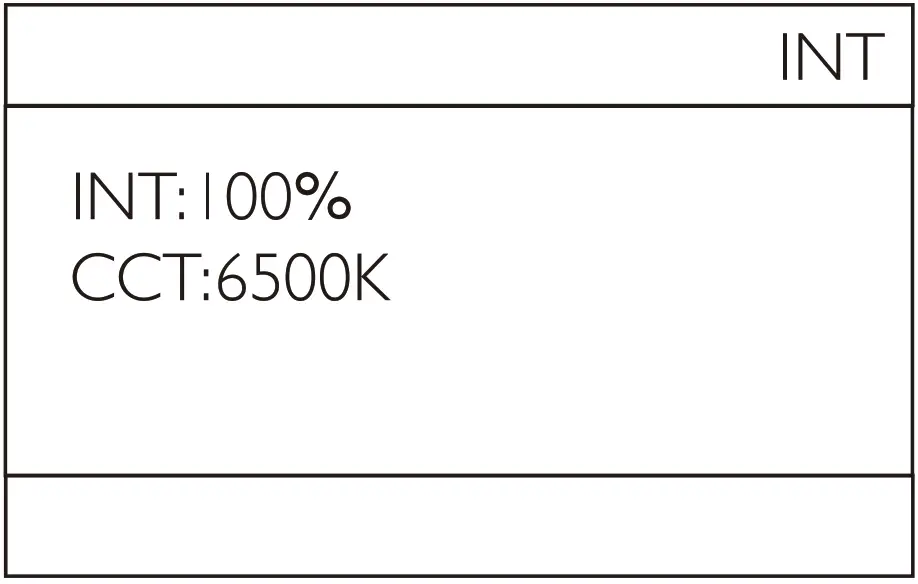
Turn the mode switch knob to enter the brightness/color temperature interface, and short press the multi-function knob to switch between brightness and color temperature modes. Turn the multi-function knob to adjust the brightness from 0 100%, or adjust the color temperature from 2700-6500K on a Bi-color lamp.
- FX Mode
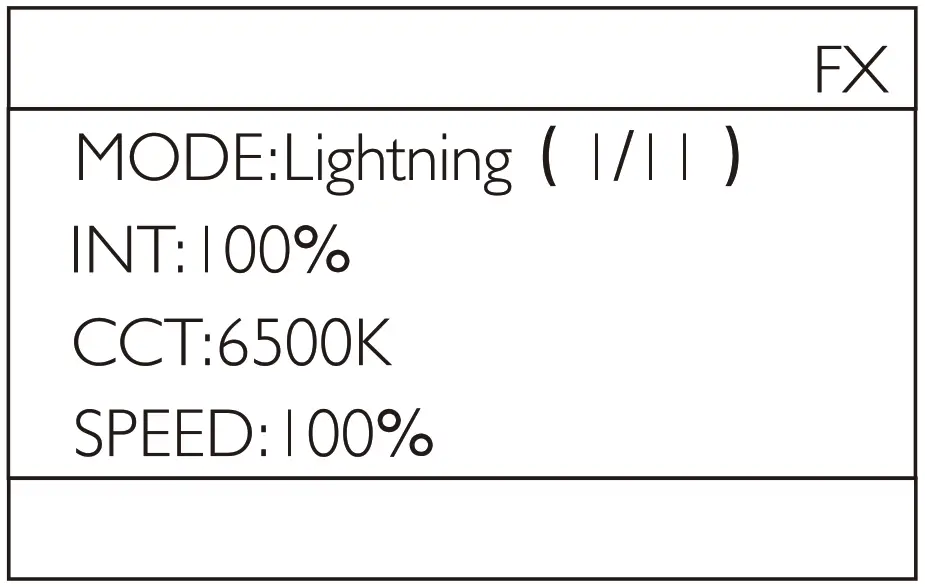
Turn the mode switch knob to enter the special effect interface.
Short press the multi-function knob to switch between brightness, color temperature, mode and speed. Turn the multi-function knob to adjust the brightness, color temperature, special effect mode and speed.
The brightness and speed adjustment range is 0-100%. The color temperature adjustment range is 2700K-6500K, the special effect modes include lightning, fireworks, strobe, breathing, cop car, SOS, fault light, turn signal paparazzi screen, H&L beam. The brightness and speed adjustment range is 0-100%. The color temperature adjustment range is 2700K-6500K the special effect modes include lightning, fireworks, strobe breathing, cop car SOS fault light turn signal, paparazzi screen H&L beam.
 - Language Mode
Turn the mode switch knob to enter the language interface and turn the multi function knob to switch between Chinese and English modes.
- Remote control Mode
Turn the mode switch knob to enter the address interface. rotate the mult-function knob to adjust the remote control address I-12.
Remarks. RMT.OFF is the remote control lock function, and the operation light is not controlled.
Noted RMT-OFF means that the remote control function can not be used.
- How to use CAME-TV Tioga APP
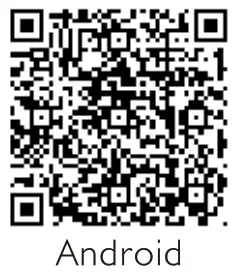
You can search CAME-TV Tioga in APP store or Android market or scan the QR code below to download the APP to control lights.

https://play.google.com/store/apps/details?id=com.cametv.tioga https://apps.apple.com/us/app/came-tv-tioga/id1645059354
 The brightness and speed adjustment range is 0-100%. The color temperature adjustment range is 2700K-6500K the special effect modes include lightning, fireworks, strobe breathing, cop car SOS fault light turn signal, paparazzi screen H&L beam.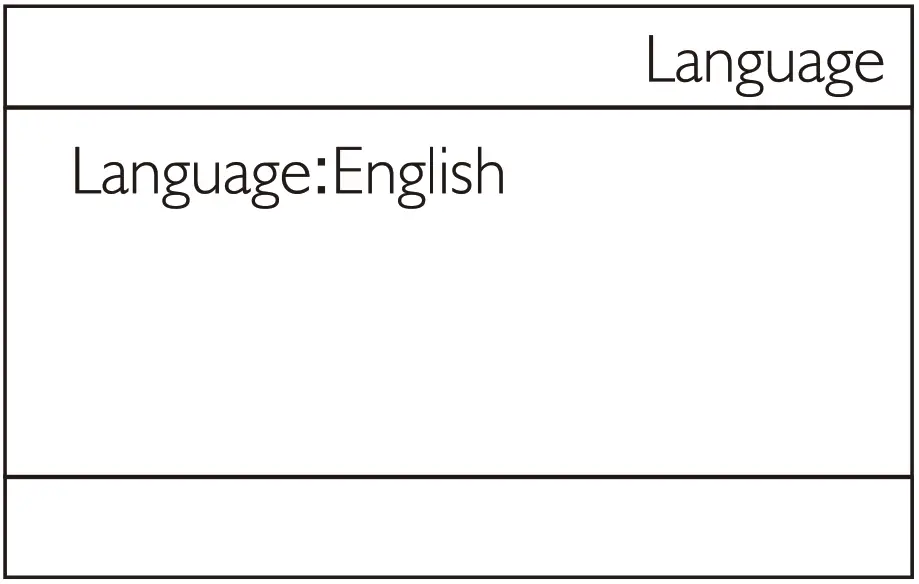
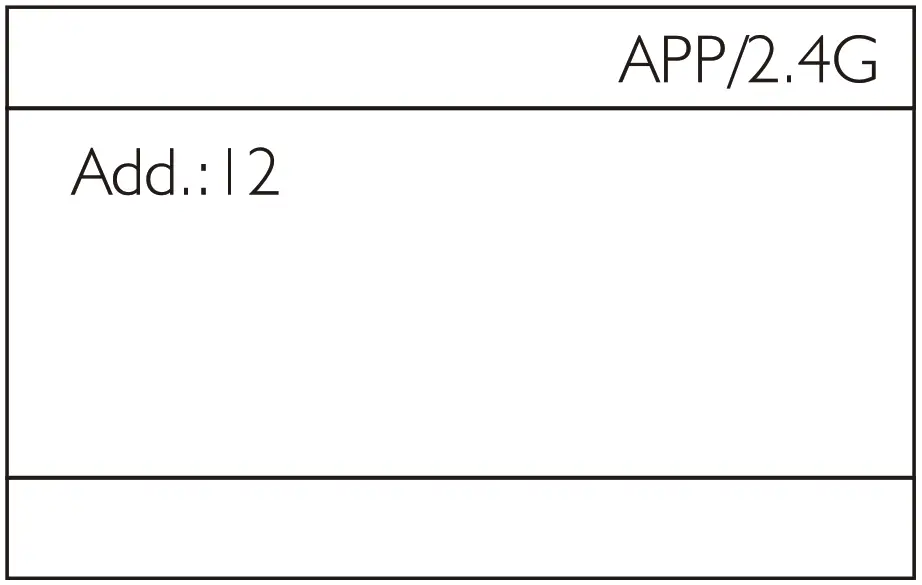

Open the APP Select DAYLIGHT or BI COLOR to search for devices, click to search device and enter the control interface. Set APP address the same as on the light, The APP address can be set I-12.
Now the light can be controlled by the mobile APP The Brightness,color temperature, special effects, language and APP address can be adjusted.
Product specifications
| Product model | 220D | 220B |
| CCT Color temperature | 5600K(±300K) | 2700K(± I 50K)-6500K(±300K) |
| Brightness adjustment range | 0- I 00% | |
| CRI | 96 | I 95 |
| Beam angle | I 20° | |
| Scene | Support (I I scenes ) | |
| Power | 220W | I 220W max |
| Working voltage | AC power adapter:AC I 00V-240V, Light fixture:DC48V | |
| Size | 23.5 x 13.2 x 24cm | |
| Net weight | 2.34kg | |
| Item included | LED Spotlightx I , 55°Standard reflector, Power cord x I , AC power adapterx I , Safety cable x I | |
| 220D Illuminance data | ||||||
| CCT | Distance→ Data ↓ | I m | 2m | 3m | 4m | 5m |
| W/O reflector | 7456Lux | 19 I 4Lux | 880Lux | 5 I 6Lux | 338Lux | |
| 5600K | W/55° reflector | 2051ILux | 4676Lux | 1994Lux | 1100Lux | 707Lux |
| 220B Illuminance data | ||||||
| CCT | Distance→ Data ↓ | i m | 2m | 3m | 4m | 5m |
| 2700K | W/O reflector | 4I64Lux | 108 I Lux | 493Lux | 289Lux | I 90Lux |
| W/55° reflector | 12 1 I 3Lux | 2890Lux | I258Lux | 701Lux | 455Lux | |
| 3200K | W/O reflector | 5287Lux | I 368Lux | 626Lux | 367Lux | 24I Lux |
| W/55° reflector | I 5389Lux | 3655Lux | I 604Lux | 898Lux | 579Lux | |
| 4400K | W/O reflector | 5941 Lux | I 579Lux | 726Lux | 425Lux | 279Lux |
| W/ 55° reflector | I 80 I 3Lux | 4358Lux | 1910Lux | I 064Lux | 690Lux | |
| 5600K | W/O reflector | 5787Lux | 154 ILux | 707Lux | 4 1 6Lux | 274Lux |
| w/55°mflector | I 7879Lux | 4266Lux | I 864Lux | I 037Lux | 669Lux | |
| 6500K | W/O reflector | 5101 Lux | I 333Lux | 620Lux | 365Lux | 240Lux |
| W/55° reflector | 15905Lux | 3760Lux | I 652Lux | _ 9I5Lux | 594Lux | |
All specifications and parameters of this product are tested according to the company’s laboratory samples. The product may be slightly different and does not affect normal use. Design and specifications are subject to change without notice.
220D/220B