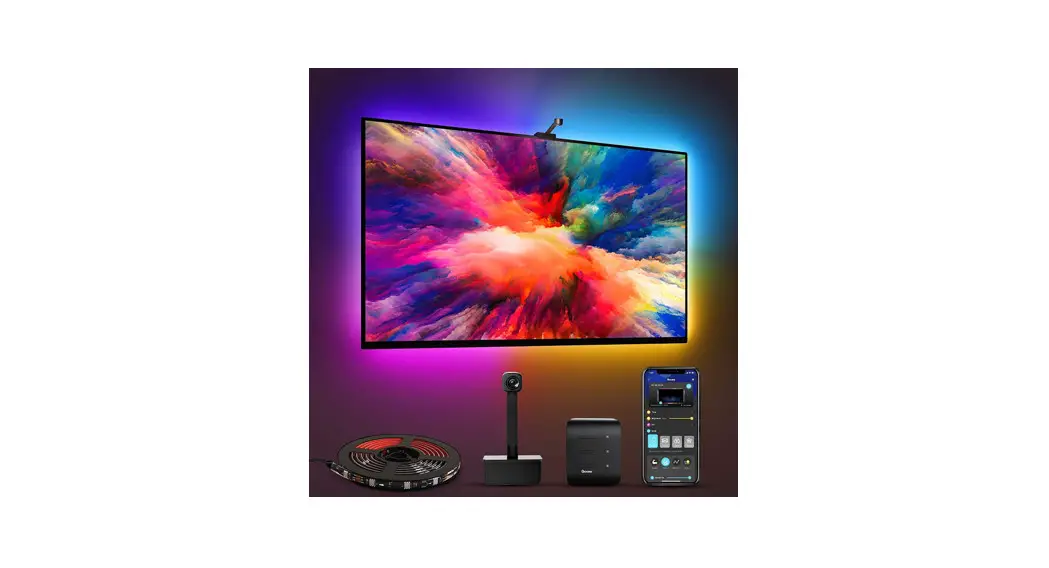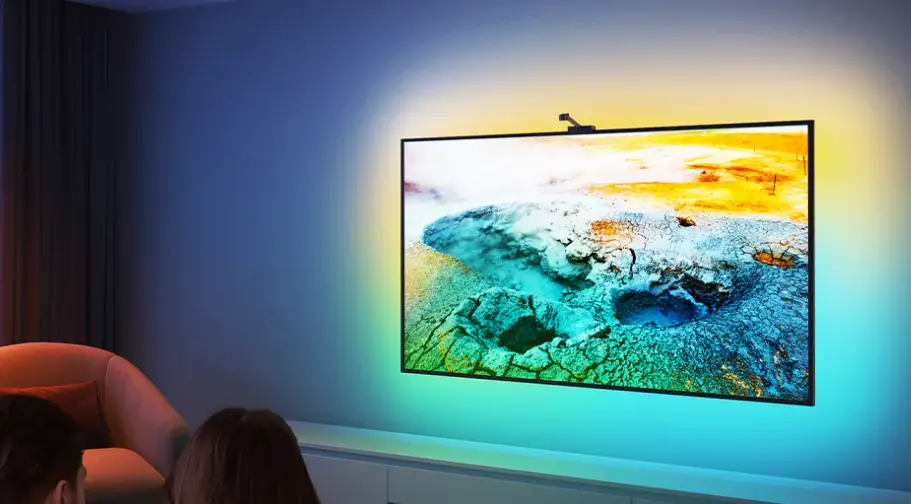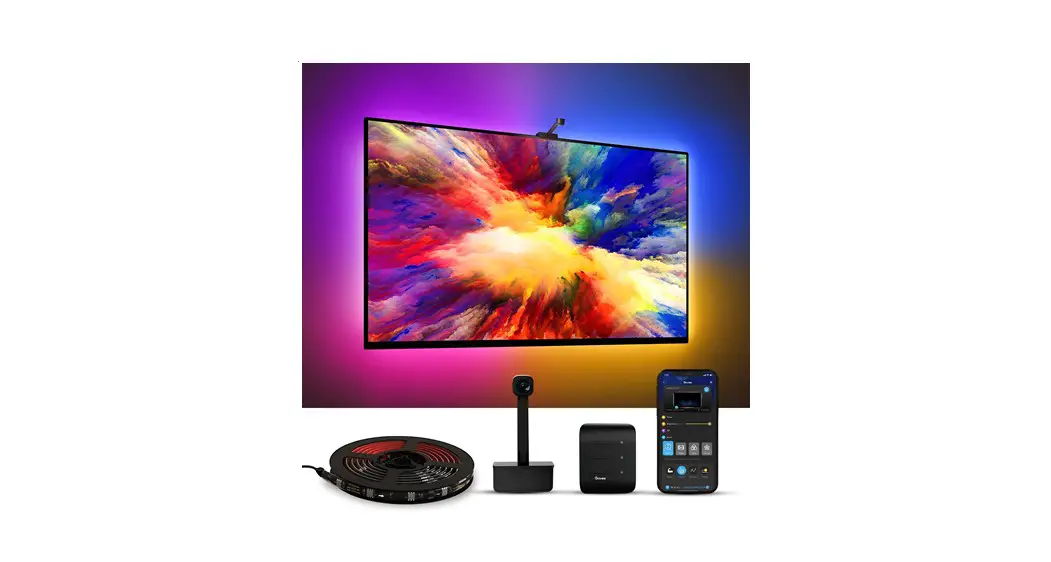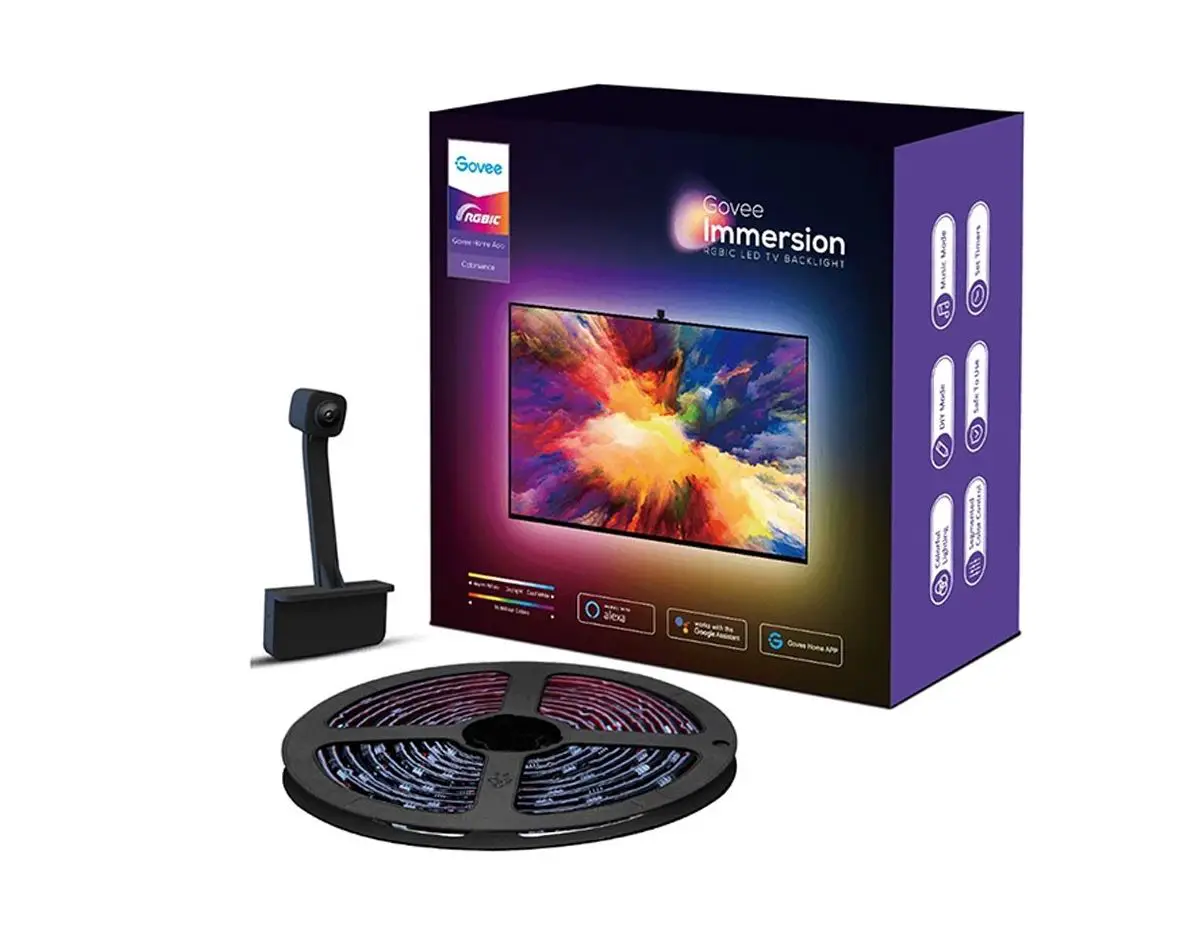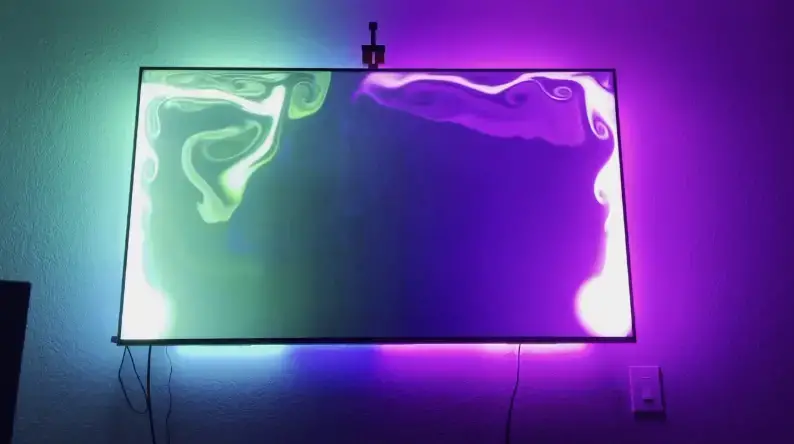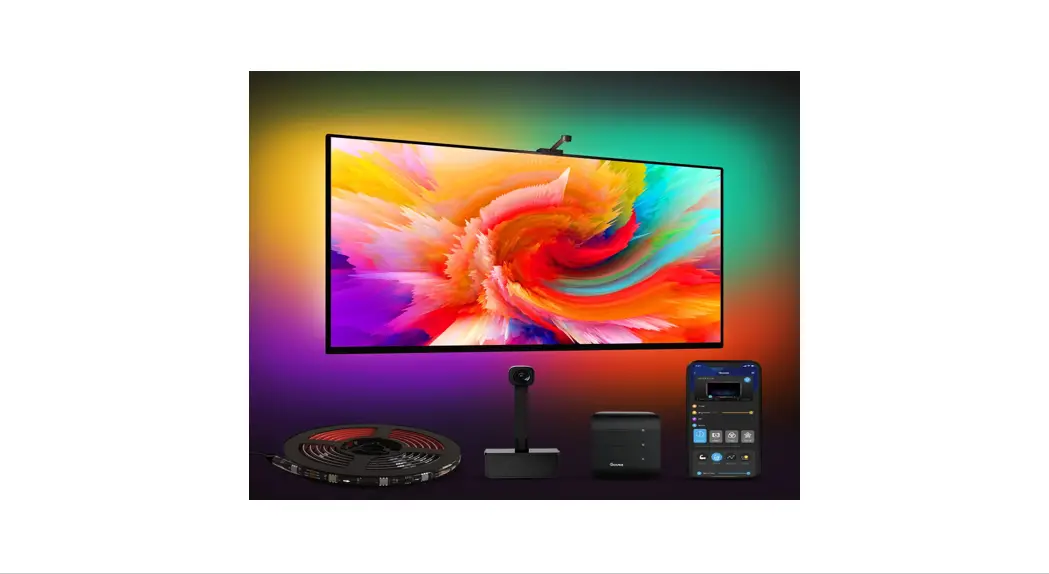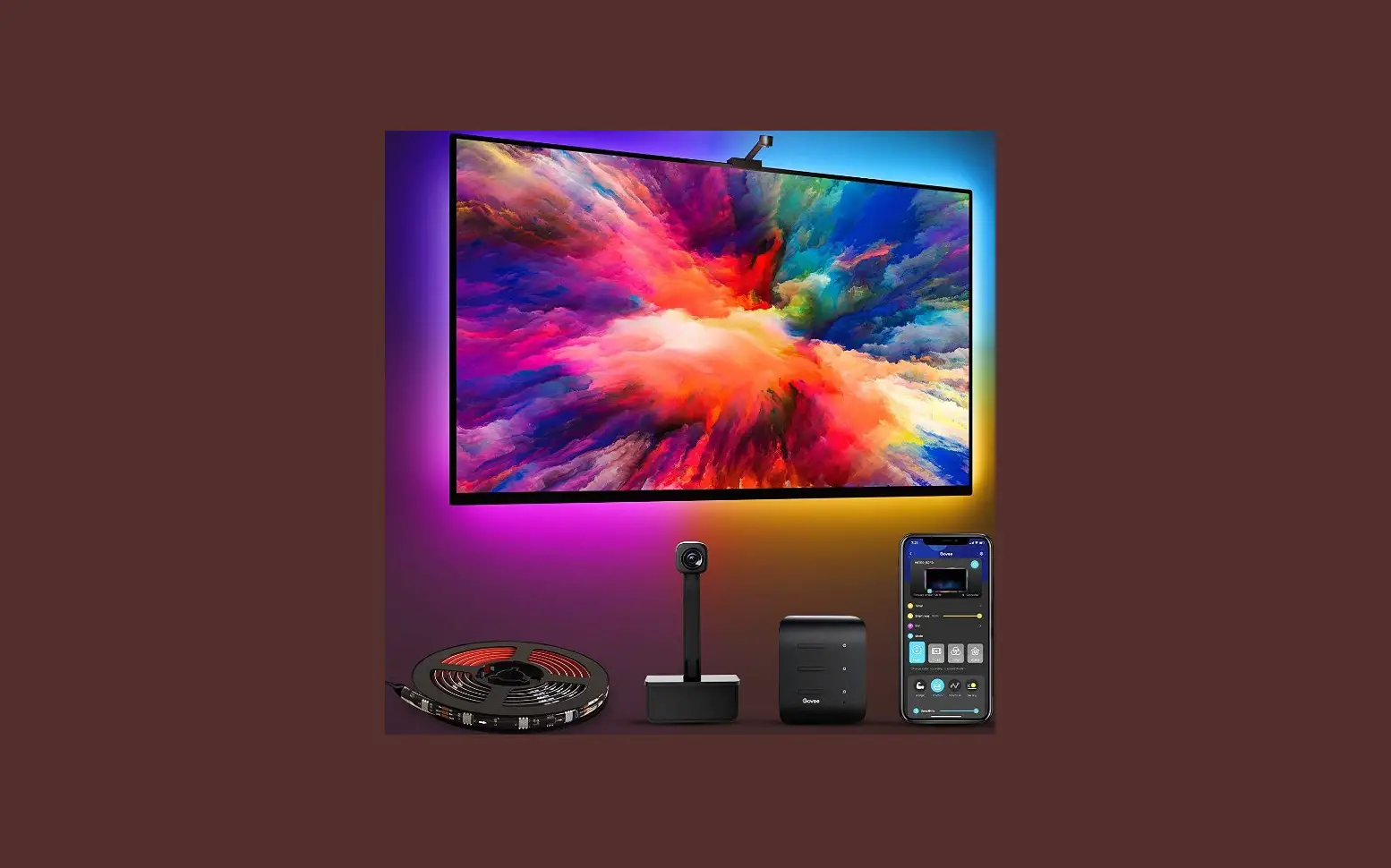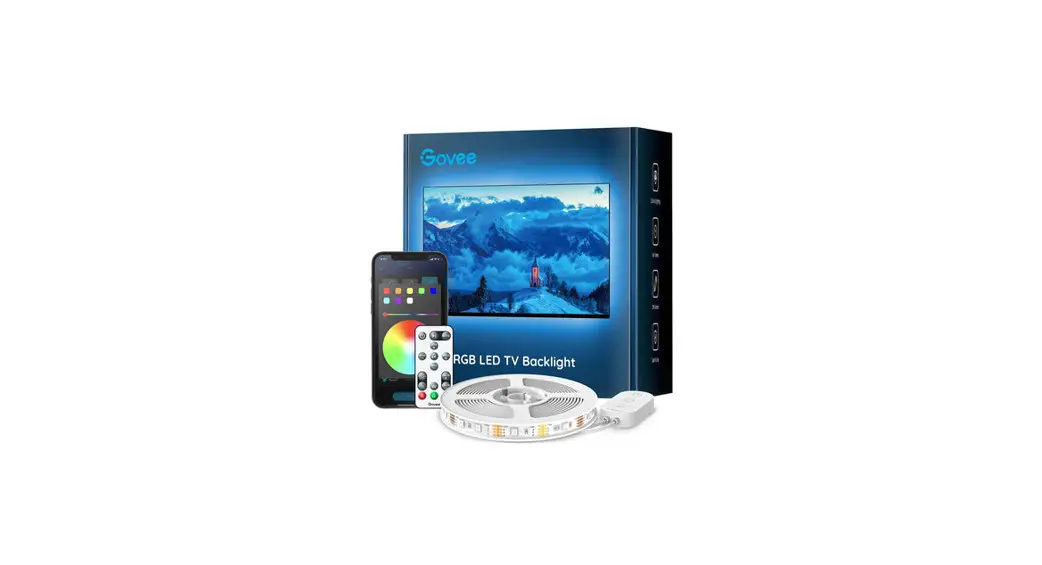
 H6183 RGB LED TV Backlight
User Manual
At a Glance
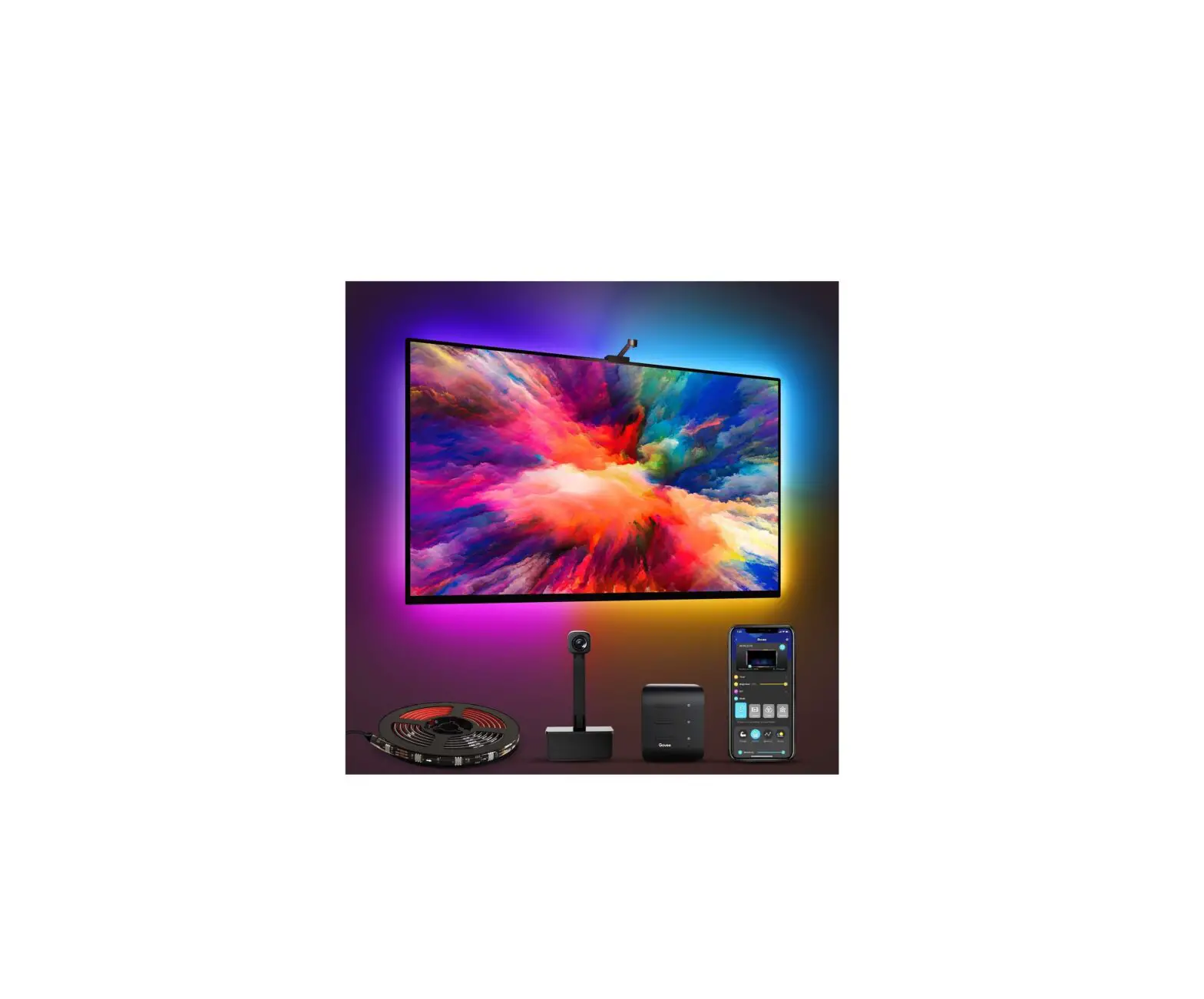
| LED Strip Lights | 1 |
| Control Box | 1 |
| Remote | 1 |
| User Manual | 1 |
Specifications
| Length | 2 x 50cm + 2 x 100cm / 2 x 1.64ft + 2 x 3.28ft |
| Lighting Color | RGB |
| Waterproof | NO |
| Control Method | Control Box & Remote |
| Power Supply | USB SV |
Installing Your Strip Lights
- Preparation Before Installing
a. Unpack the box and check all items listed in the packing list.
b. Plug the adapter into the power outlet to check whether the lights turn on. - Installing Steps
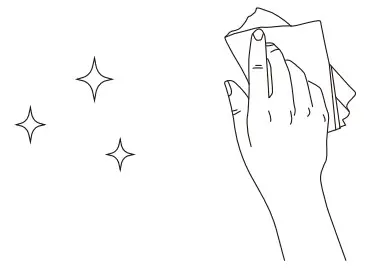
a. Wipe the surface to make sure it’s clean and dry. b. Peel off the protective film on the tape, stick the strip on and press over it firmly.
 c. Reinforce via clips around corners.
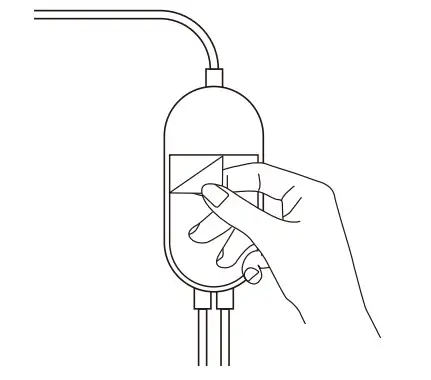
 d. Peel off the protective film on the control box and stick it on.
 e. Power on the strip lights and start using.
 b. Peel off the protective film on the tape, stick the strip on and press over it firmly.
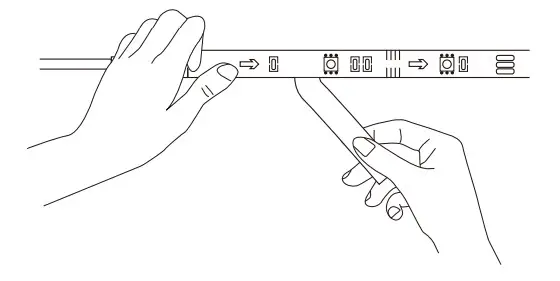 c. Reinforce via clips around corners.
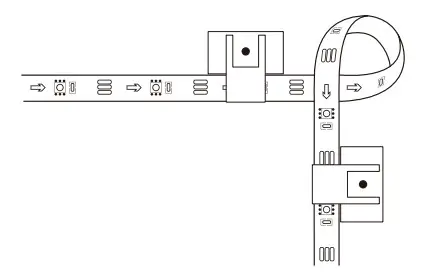 d. Peel off the protective film on the control box and stick it on.
 e. Power on the strip lights and start using.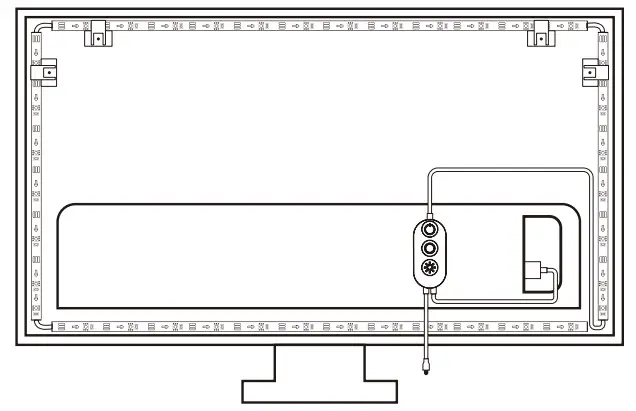
Controlling with the Control Box
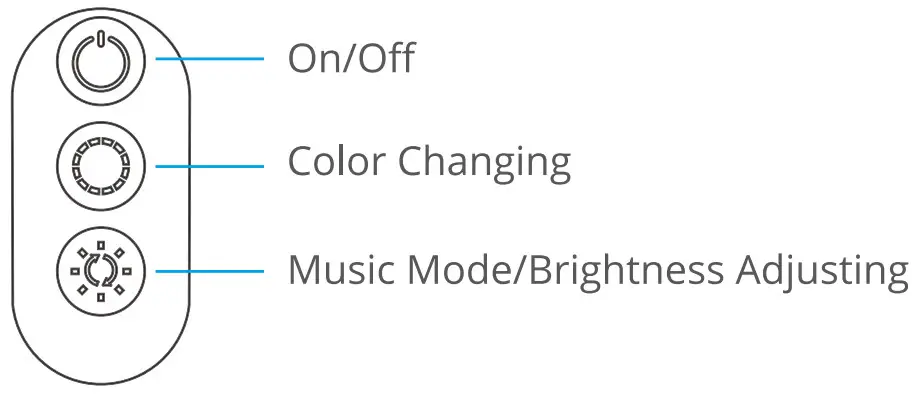
| Button | Function |
| On/Off | Turn the light on/off. |
| Color Changing | Press to cycle through 9 colors. |
| Music Mode/Brightness Adjusting | Press to enter music mode. Press and hold to cycle through the 6 brightness levels. |
Steuern mit der Fernbedienung
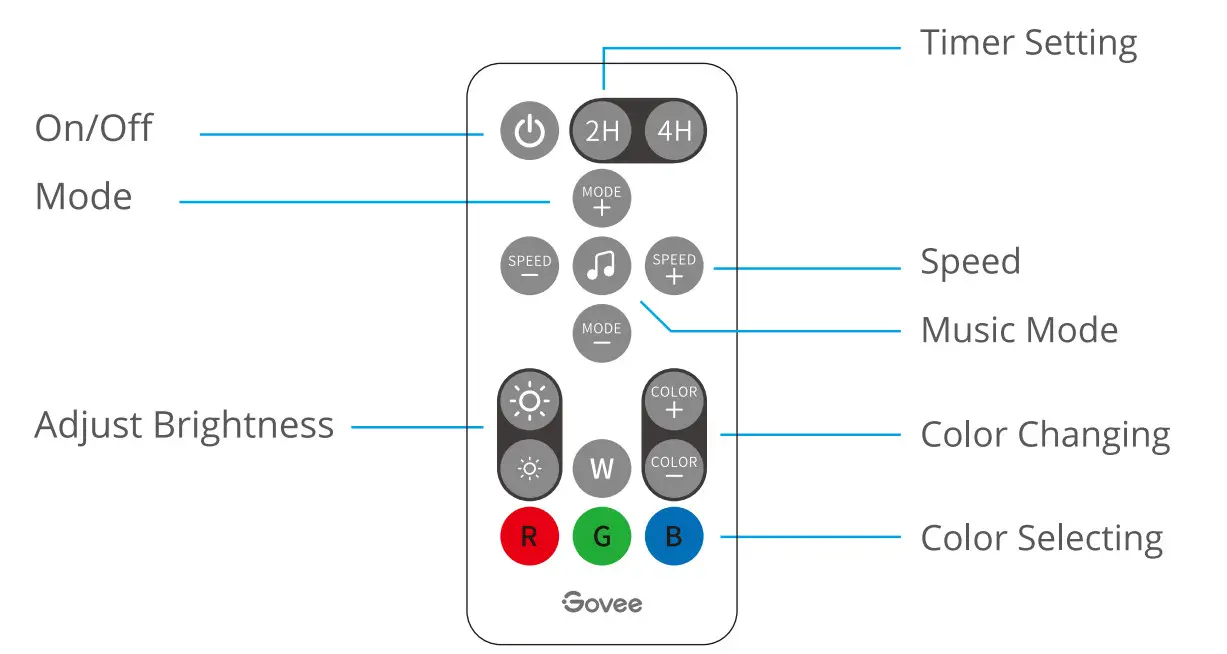
| Button | Function |
| On/Off | Press to turn the light on/off. |
| Timer Setting | 2H/4H: Turn off the light 2 or 4 hours later. |
| Mode | MODE +/-: Press to cycle forward or backward through 7 scene modes. |
| Music Mode | Press to enter music mode. |
| Speed | SPEED +/-: For scene mode, press it to speed up or slow down the changing of lights; For music mode, press it to increase or decrease the sensitivity of the mic. |
| Adjust Brightness | Dim or brighten the light. |
| Color Changing | COLOR+/-: Press to cycle forward or backward through 32 colors. |
| Color Selecting | Press to change the color. R: Red, G: Green, B: Blue, W: White |
Troubleshooting
- The strip light flickers or the light is not bright enough.
a. Plug out the USB port and re-plug it in.
b. Power on the strip lights with a 5V USB adapter. (Notice: The adapter is NOT included). - The adhesive tape is not strong enough.
a. Make sure the installation surface is clean and dry.
b. Firmly press over the strip after sticking.
c. Reinforce the installation via more clips and tape. - The control box doesn’t work.
Re-plug in the USB port and try again. - The strip doesn’t match the same color /Some lamp beads don’t light up.
Please contact Govee support team in time for return.
Customer Service
 Warranty: 12-Month Limited Warranty
 support: Lifetime Technical support
 Email: [email protected]
 Official Website: www.govee.com

Compliance Information
EU Compliance Statement:
Shenzhen lntellirocks Tech Co. Ltd. hereby declares that this device is in compliance with the essential requirements and other relevant provisions of the Directive 2014/30/EU.
A copy of the EU Declaration of Conformity is available on line at www.govee.com/
EU contact address: BellaCocool GmbH (E-mail: [email protected])
pettenkoferstra~e 18, 10247 Berlin, Germany
Environmentally friendly disposal Old electrical appliances must not be disposed of together with the residual waste, but have to be disposed of separately. The disposal at the communal collecting point via private persons is for free. The owner of old appliances is responsible to bring the appliances to these collecting points or to similar collection points.With this little personal effort, you contribute to recycle valuable raw materials and the treatment of toxic substances.
FCC Statement
This device complies with Part 15 of the FCC Rules. Operation is subject to the following two conditions: (1) This device may not cause harmful interference, and (2) This device must accept any interference received, including interference that may cause undesired operation.
Warning: Changes or modifications not expressly approved by the party responsible for compliance could void the user’s authority to operate the equipment.
NOTE: This equipment has been tested and found to comply with the limits for a Class B digital device, pursuant to Part 15 of the FCC Rules.
These limits are designed to provide reasonable protection against harmful interference in a residential installation. This equipment generates uses and can radiate radio frequency energy and, if not installed and used in accordance with the instructions, may cause harmful interference to radio communications. However, there is no guarantee that interference will not occur in a particular installation. If this equipment does cause harmful interference to radio or television reception, which can be determined by turning the equipment off and on, the user is encouraged to try to correct the interference by one or more of the following measures:
- Reorient or relocate the receiving antenna.
- Increase the separation between the equipment and receiver.
- Connect the equipment into an outlet on a circuit different from that to which the receiver is connected.
- Consult the dealer or an experienced radio/TV technician for help.
Non-replaceable light source.
Not intended for illumination. Only used for creating ambiance.
- Do not connect the rope light to the supply while it is in the packing or wound onto a reel;
- Do not use the rope light when covered or recessed into a surface;
- Do not open or cut the rope light;
CAUTION:
RISK OF EXPLOSION IF BATTERY IS REPLACED BY AN INCORRECT TYPE. DISPOSE OF USED BATTERIES ACCORDING TO THE INSTRUCTIONS.
Govee is a trademark of Shenzhen lntellirocks Tech Co.Ltd.
Copyright ©2020 Shenzhen lntellirocks Tech Co.Ltd. All Rights Reserved.
For FAQs and more information
please wsire www.govee.com