
Contents hide
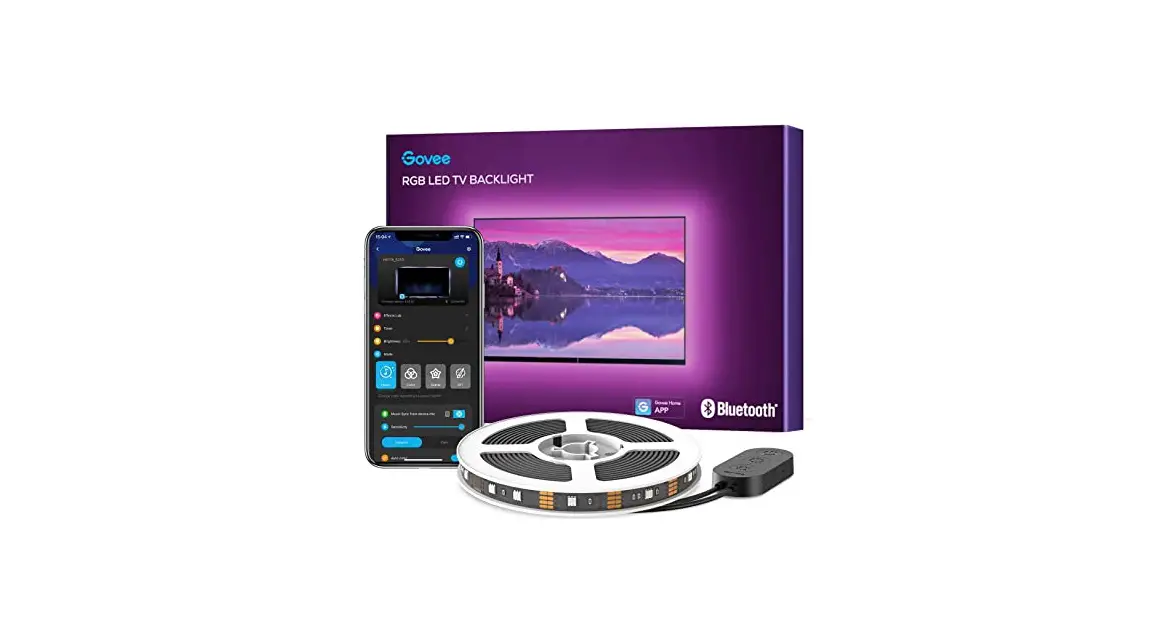
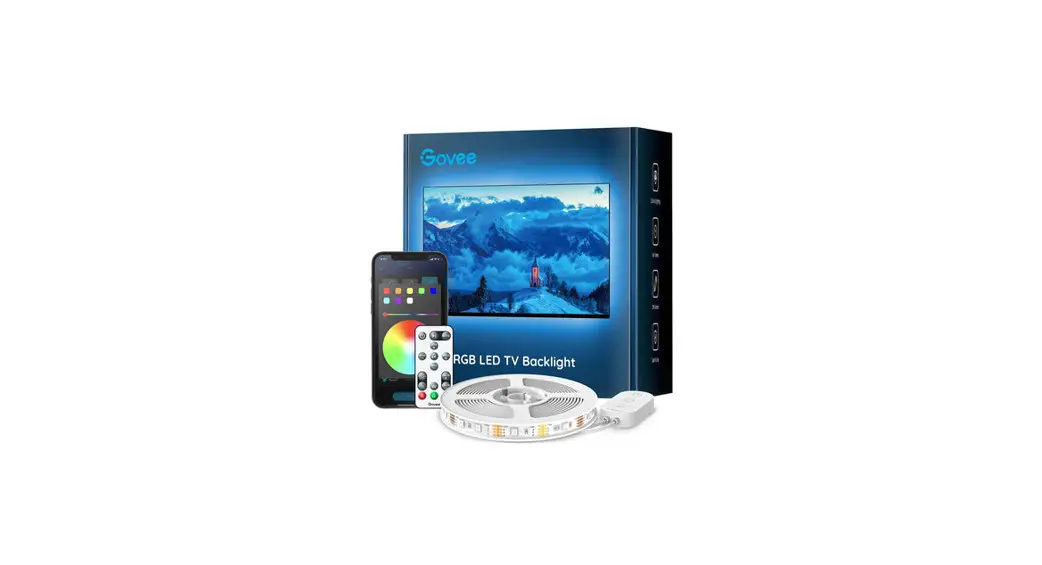
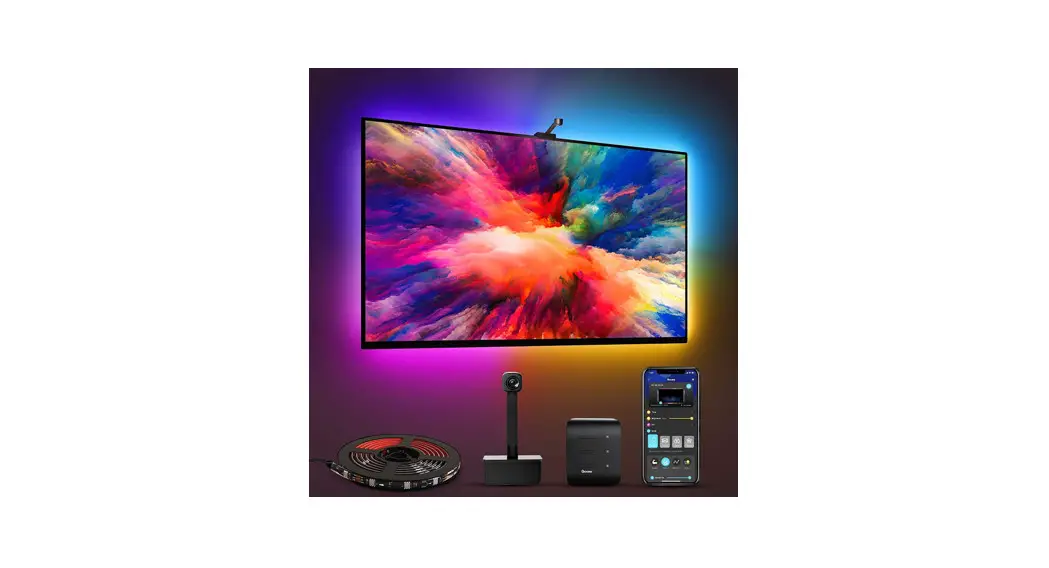
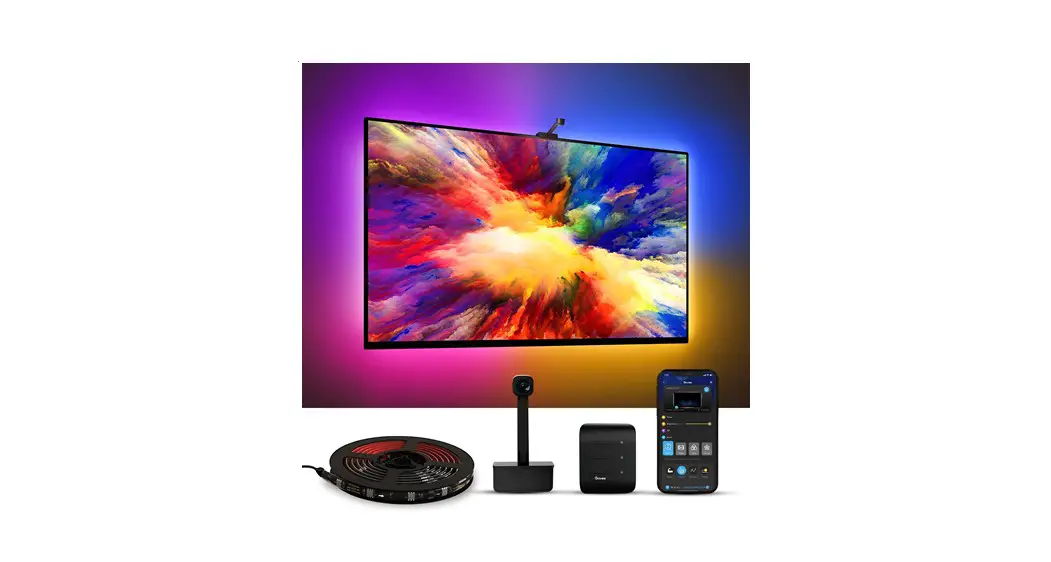
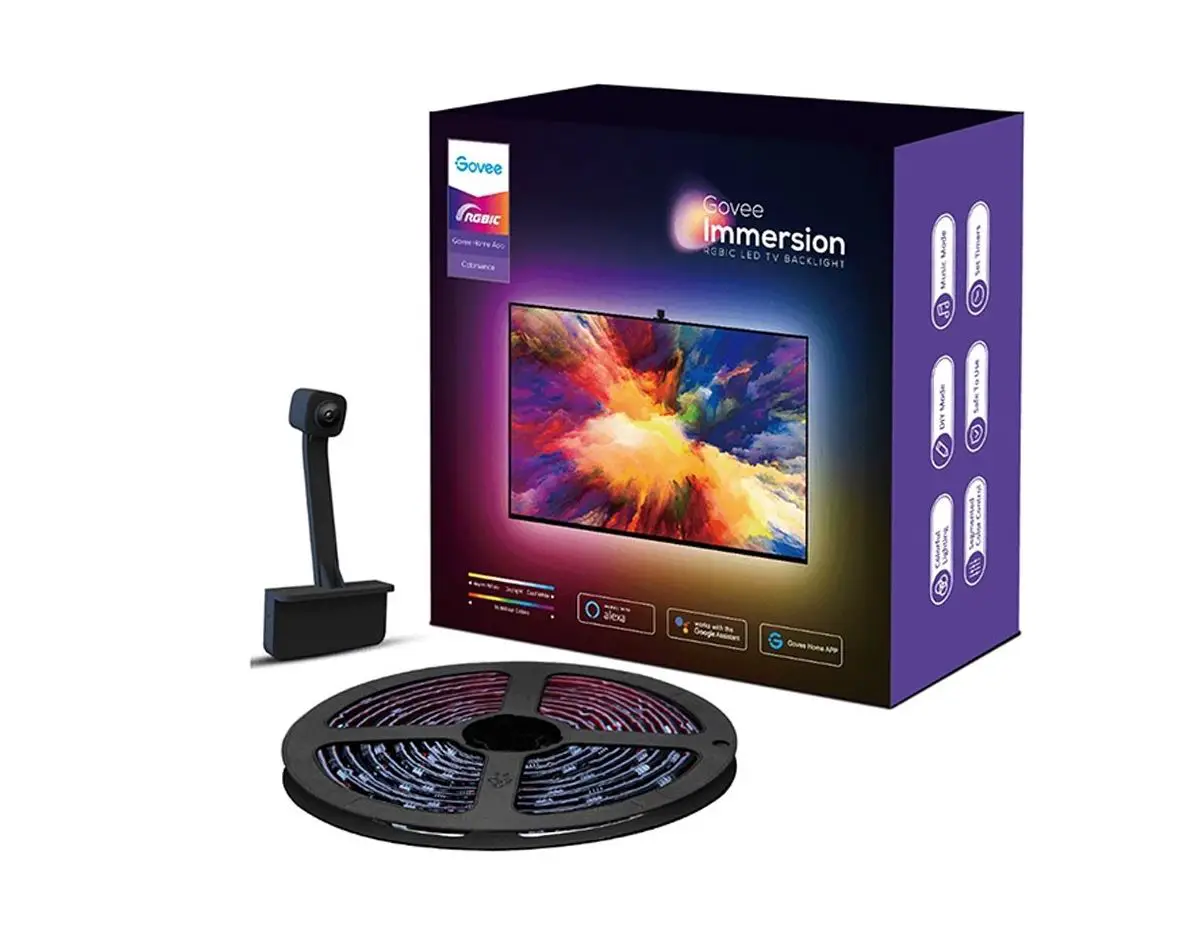
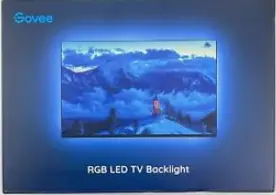
Govee H6179 RGB LED TV Backlight 
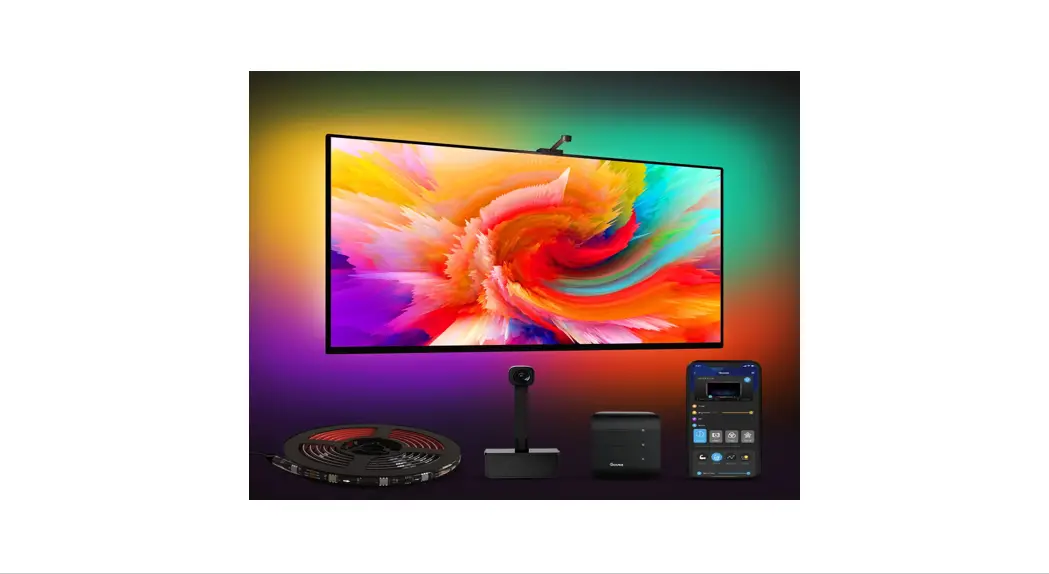
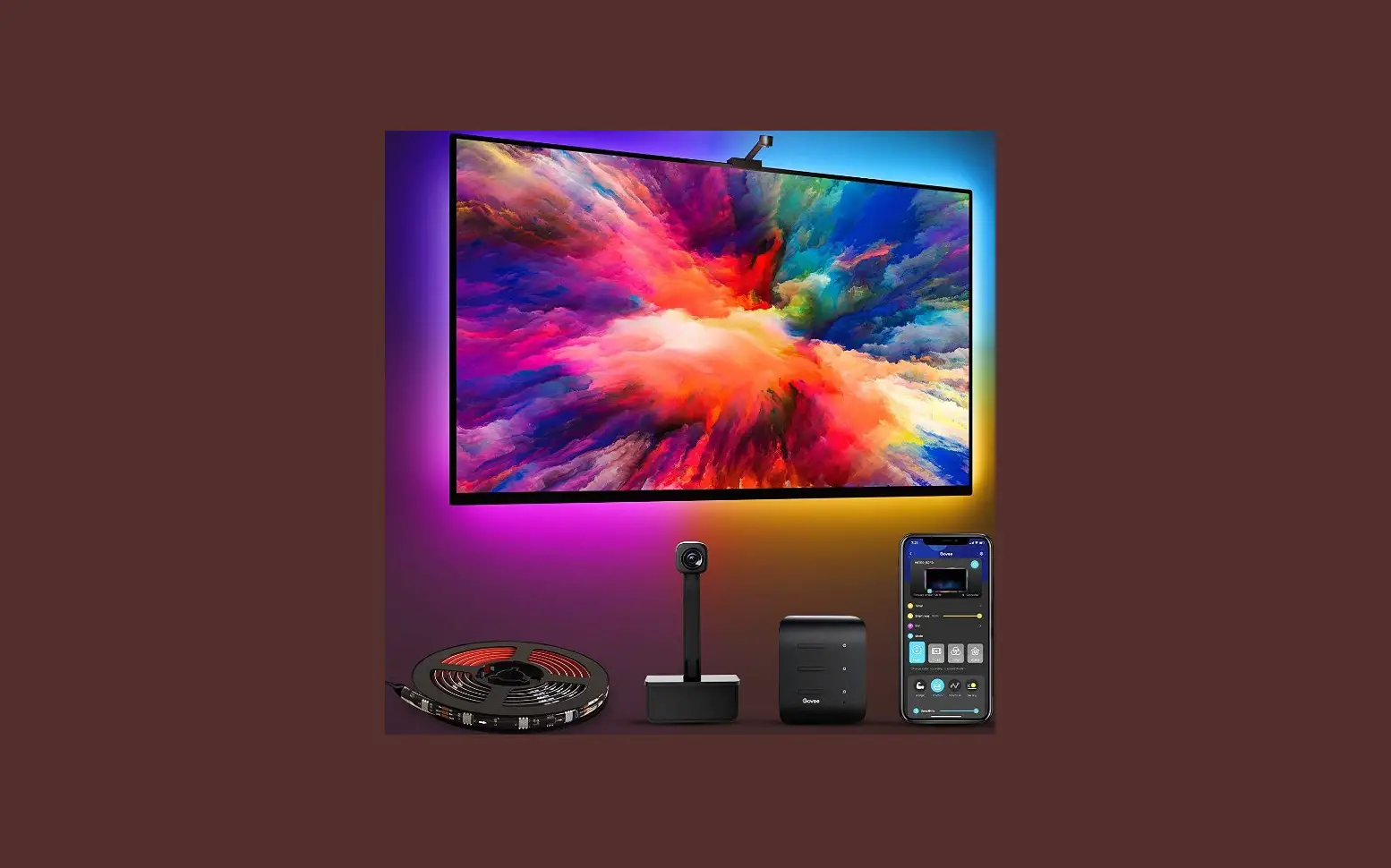
At a Glance
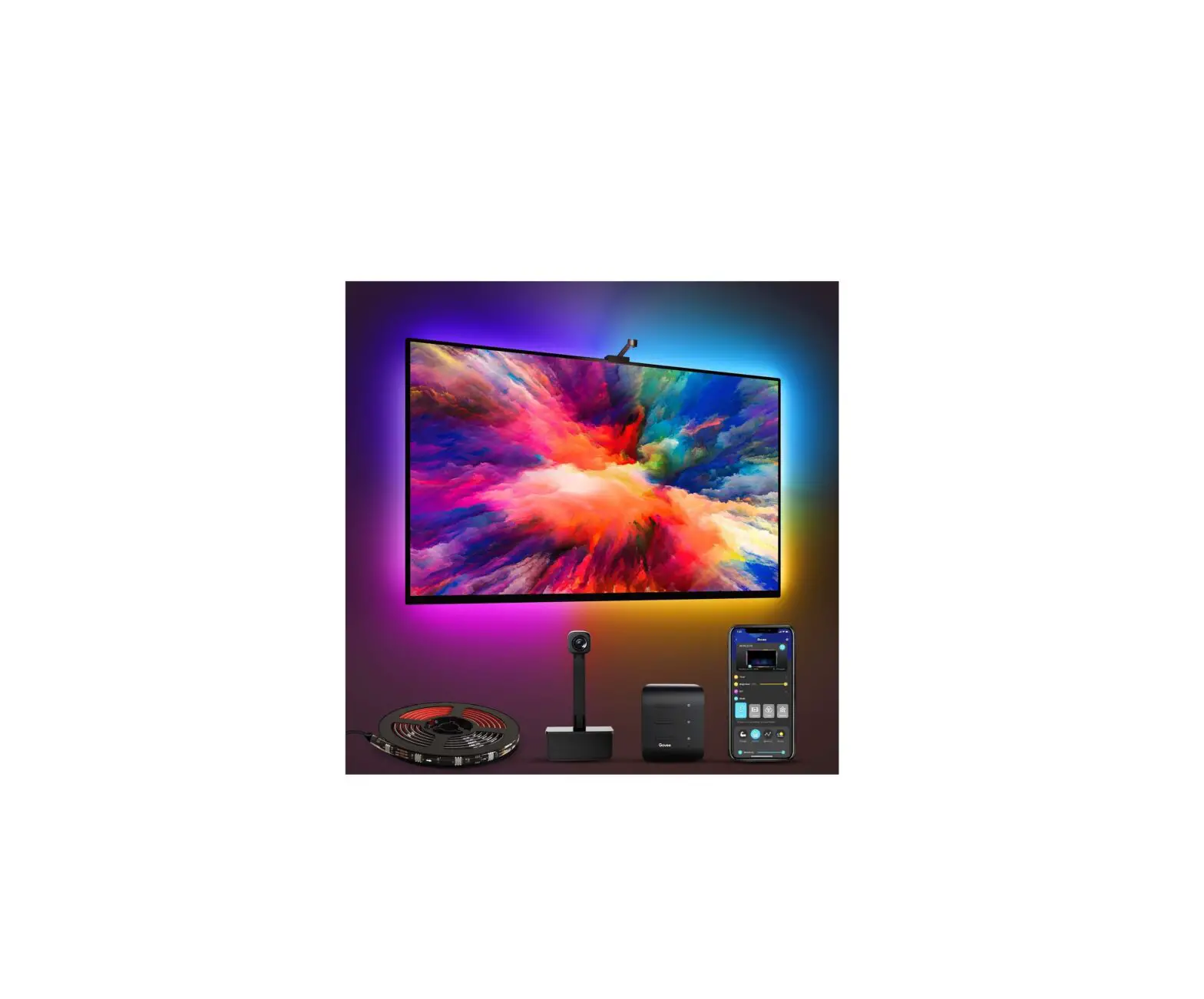
| LED Strip Lights | 1 |
| Control Box | 1 |
| Remote | 1 |
| User Manual | 1 |
Specifications
| Length | 2 × 50cm + 2 × 100cm / 2 × 1.64ft + 2 × 3.28ft |
| Lighting Color | RGB |
| Waterproof | NO |
| Control Method | App & Control Box & Remote |
| Power Supply | USB 5V |
Installing Your Strip Lights
Preparation Before Installing
- Unpack the box and check all items listed in the packing list.
- Plug the adapter into the power outlet to check whether the lights turn on.
Installing Steps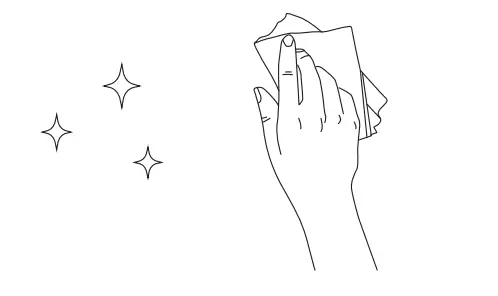
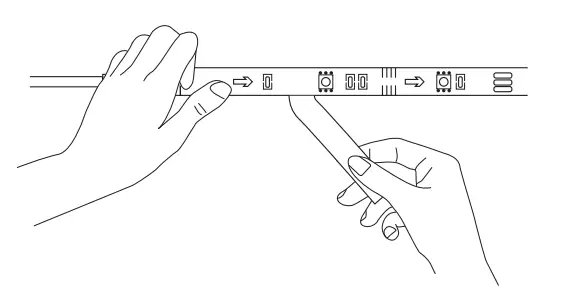
- Wipe the surface to make sure it’s clean and dry.

- Peel off the protective film on the tape, stick the strip on, and press over it firmly.

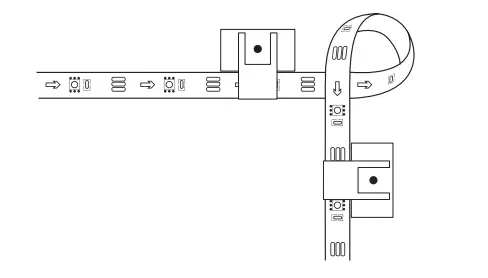
- Reinforce via clips around corners.

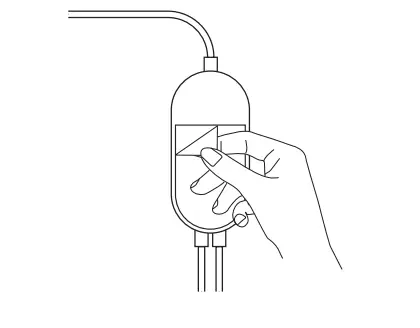
- Peel off the protective film on the control box and stick it on.

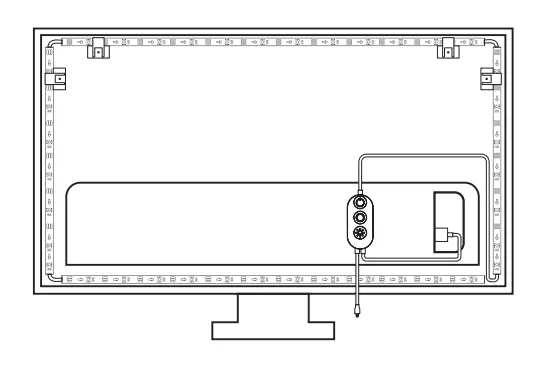
- Power on the strip lights and start using.
Controlling with the Control Box
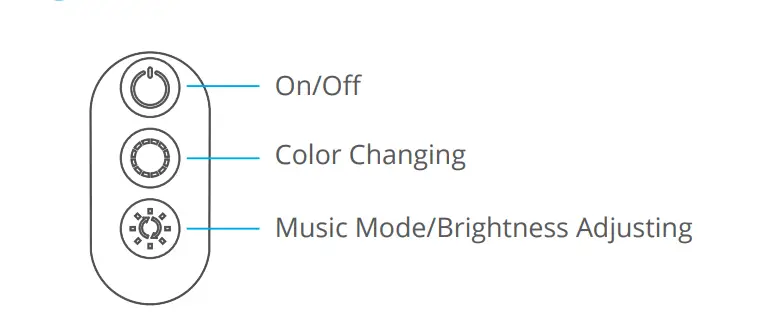
| Button | Function |
| On/Off | Turn the light on/off. |
| Color Changing | Press to cycle through 9 colors. |
| Music Mode/Brightness Adjusting | Press to enter music mode. Press and hold to cycle through the 6 brightness levels. |
Steuern mit der Fernbedienung
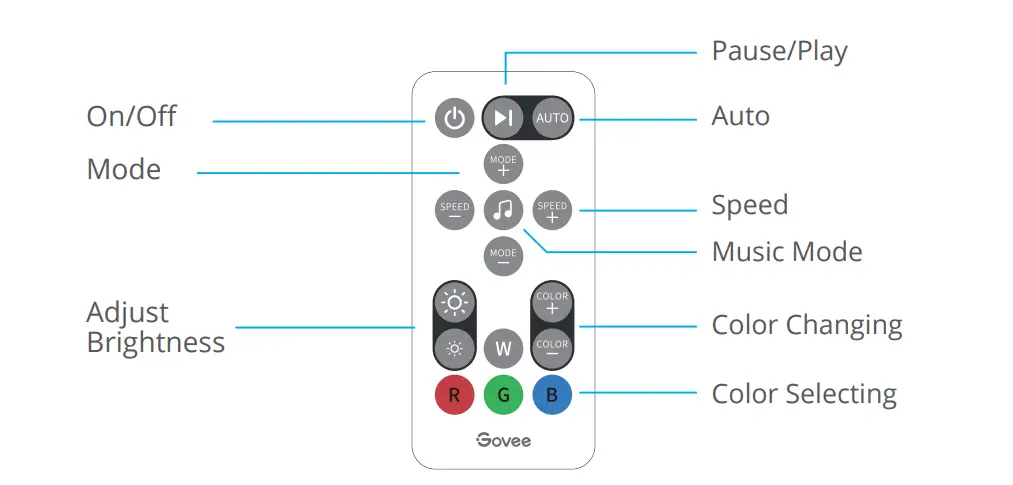
| Button | Function |
| On/Off | Press to turn the light on/off. |
| Pause/Play | Press to pause/continue the Music Mode or dynamic Scene Modes. |
| Auto | 1. Switch the Scene Mode between 7 options at random. 2. Every mode lasts for the 30s. |
| Mode | MODE +/-: Press to cycle forward or backward through 7 scene modes. |
| Music Mode | Press to enter music mode. |
| Speed | SPEED +/-: For scene mode, press it to speed up or slow down the changing of lights; For music mode, press it to increase or decrease the sensitivity of the mic. |
| Adjust Brightness | Dim or brighten the light. |
| Color Changing | COLOR +/-: Press to cycle forward or backward through 32 colors. |
| Color Selecting | Press to change the color. R: Red, G: Green, B: Blue, W: White |
Downloading the Govee Home App
- You need a smartphone or tablet running iOS 9.3 (or above) or Android 4.3 (or above).
- Download the Gove Home app from the App Store (iOS devices) or Google Play (Android devices).

Connecting the Strip Lights to the App
- Turn on Bluetooth on your mobile phone.
- Open the Gove Home app and tap the “ + ” icon in the top right corner.
- Select “ H6179 ” in the device list.
Troubleshooting
- The strip light flickers or the light is not bright enough.
- Plug out the USB port and re-plug it in.
- Power on the strip lights with a 5V USB adapter. (Notice: The adapter is NOT included).
- The adhesive tape is not strong enough.
- Make sure the installation surface is clean and dry.
- Firmly press over the strip after sticking.
- Reinforce the installation via more clips and tape.
- The control box doesn’t work. Re-plug in the USB port and try again.
- Cannot connect to Bluetooth.
- Do not skip the Bluetooth connection in the app.
- Make sure Bluetooth in your mobile phone has been turned on.
- It may be caused by incompatibility between the phone system and the app. Please change to another mobile phone and connect again.
- Re-power on the strip and re-turn on Bluetooth in your phone to try again.
- Keep the distance between the strip and the phone less than 1m/3.28ft while connecting.
- Keep obstructions between the strip and the phone as few as possible.
- The strip doesn’t match the same color /Some lamp beads don’t light up. Please contact Govee support team in time for return.
Customer Service
 Warranty: 12-Month Limited Warranty
 Support: Lifetime Technical Support
 Email: [email protected]
 Official Website: www.govee.com
 @Govee
  @Govee
  @Govee
  @Goveeofficial
 govee.com