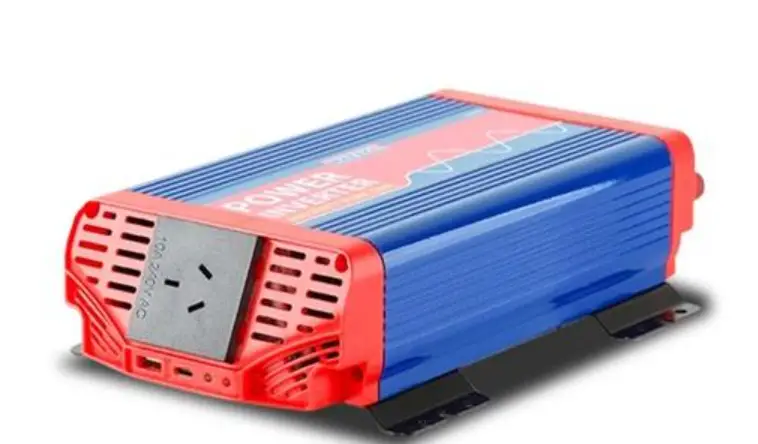
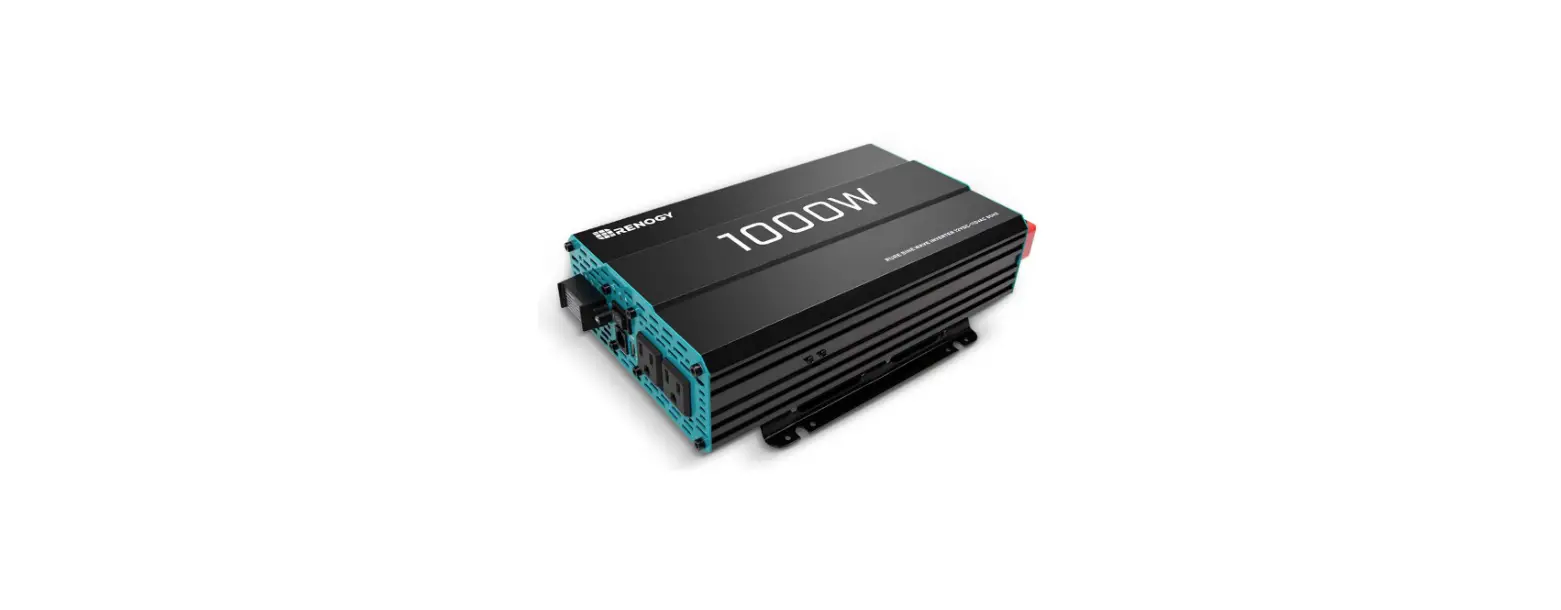
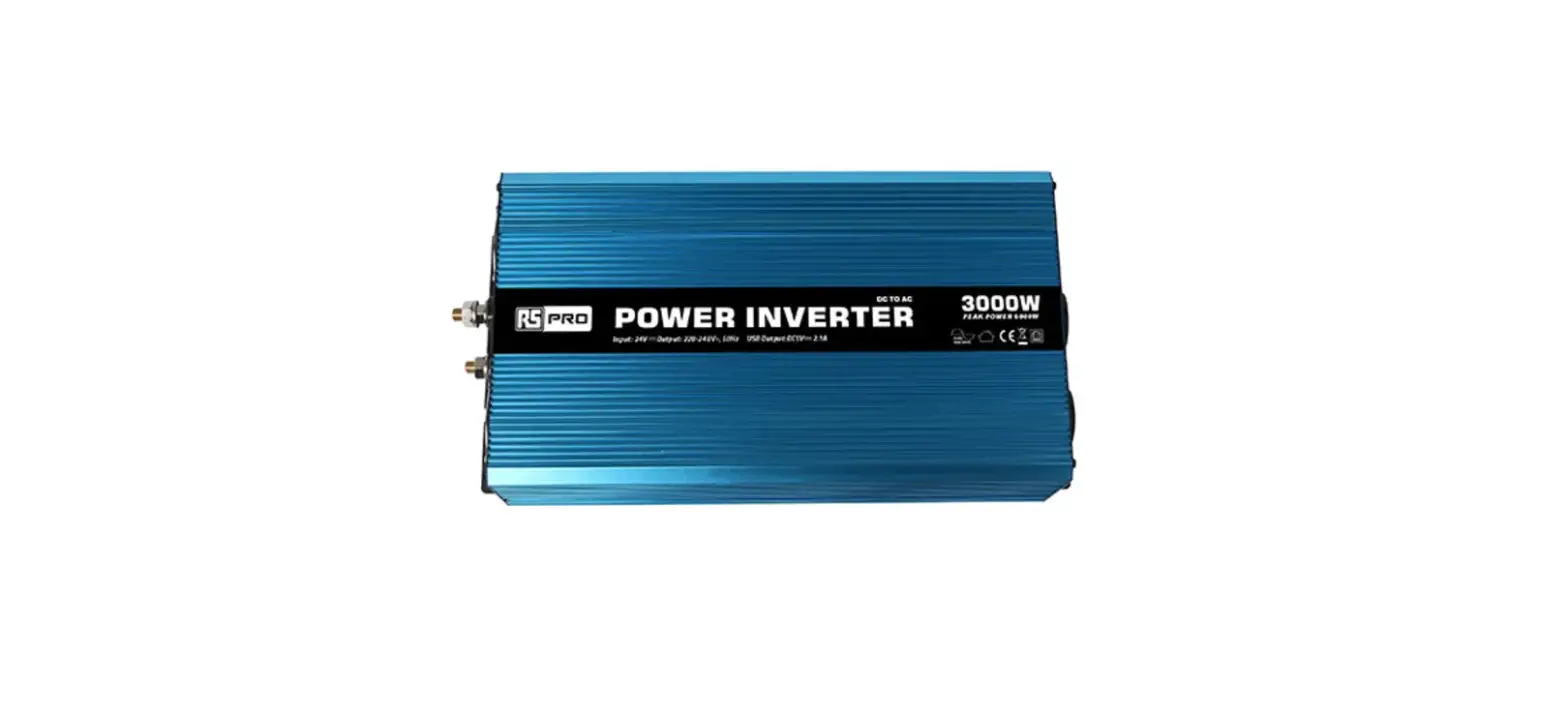
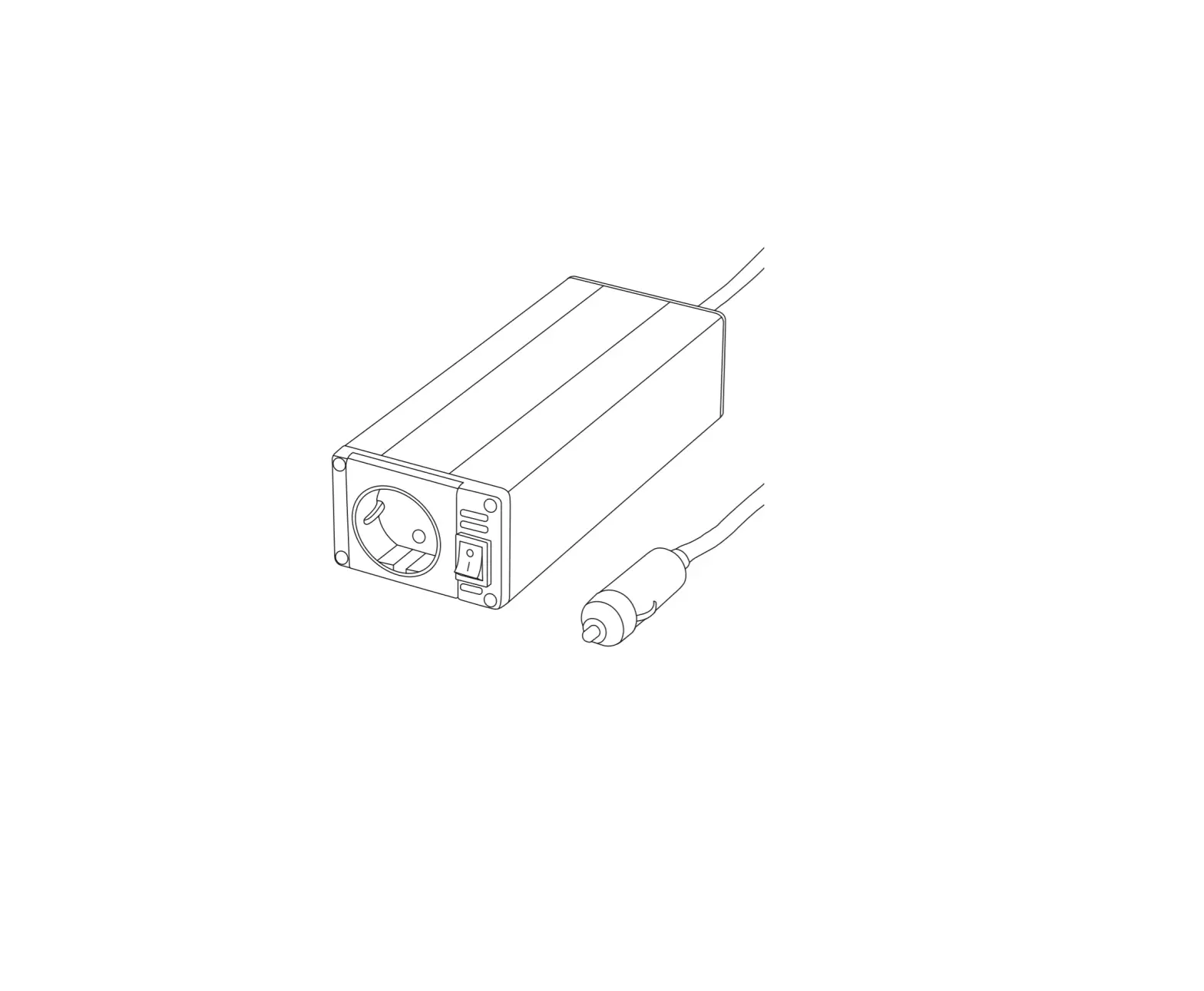
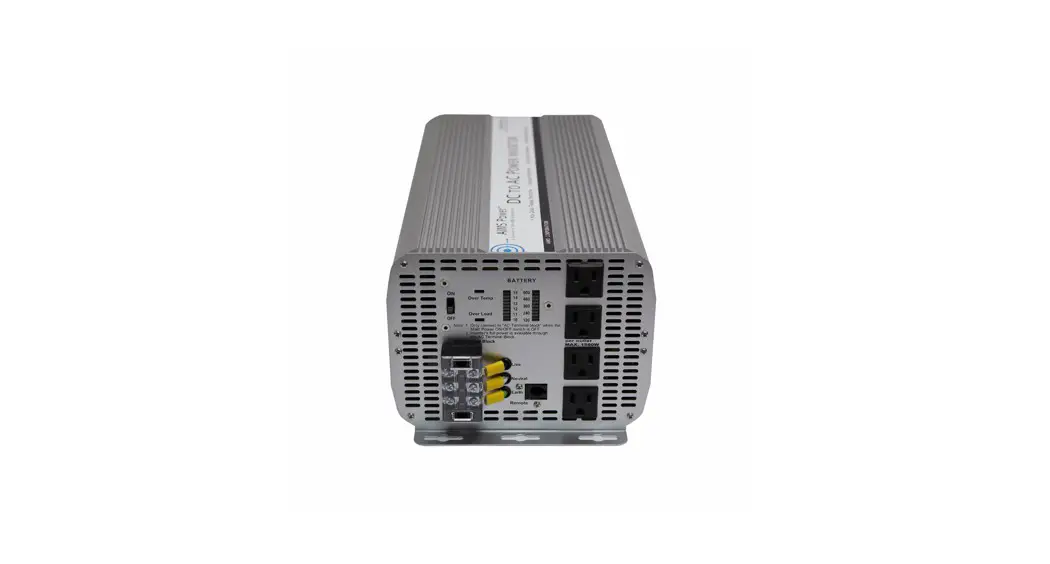
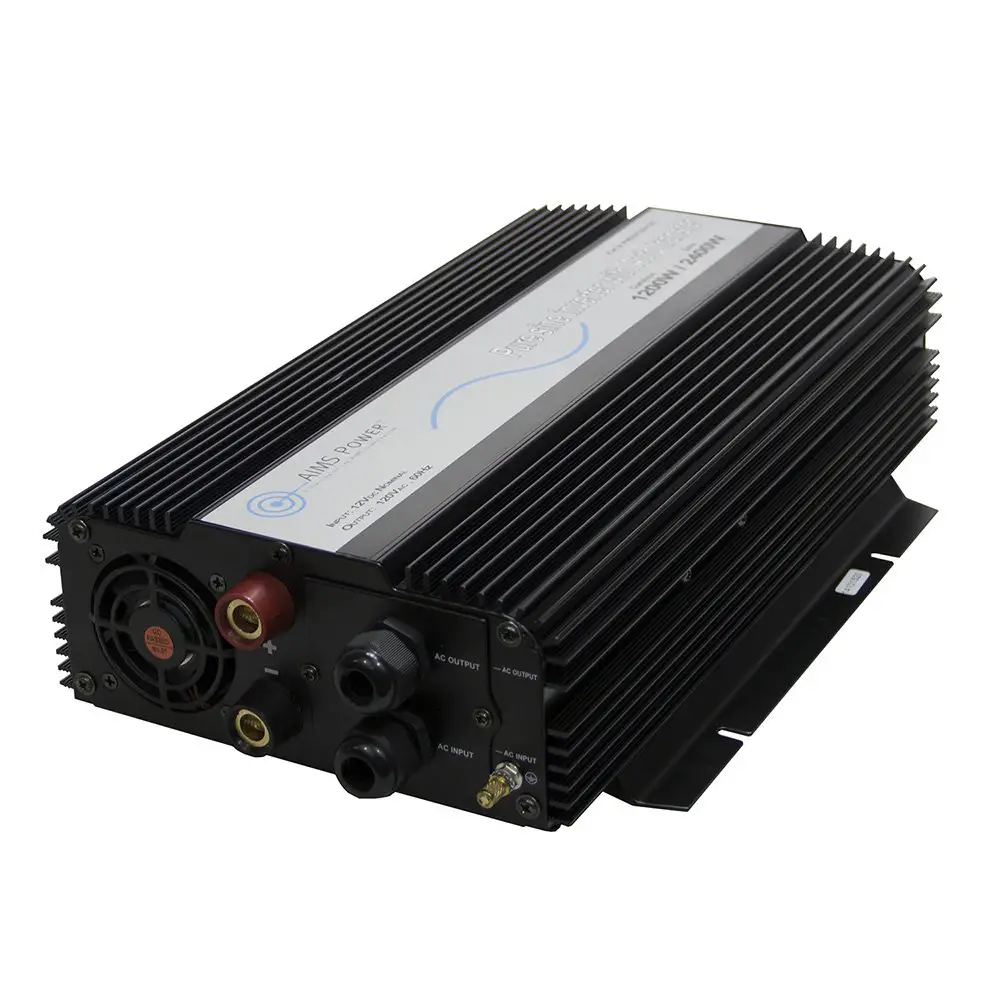
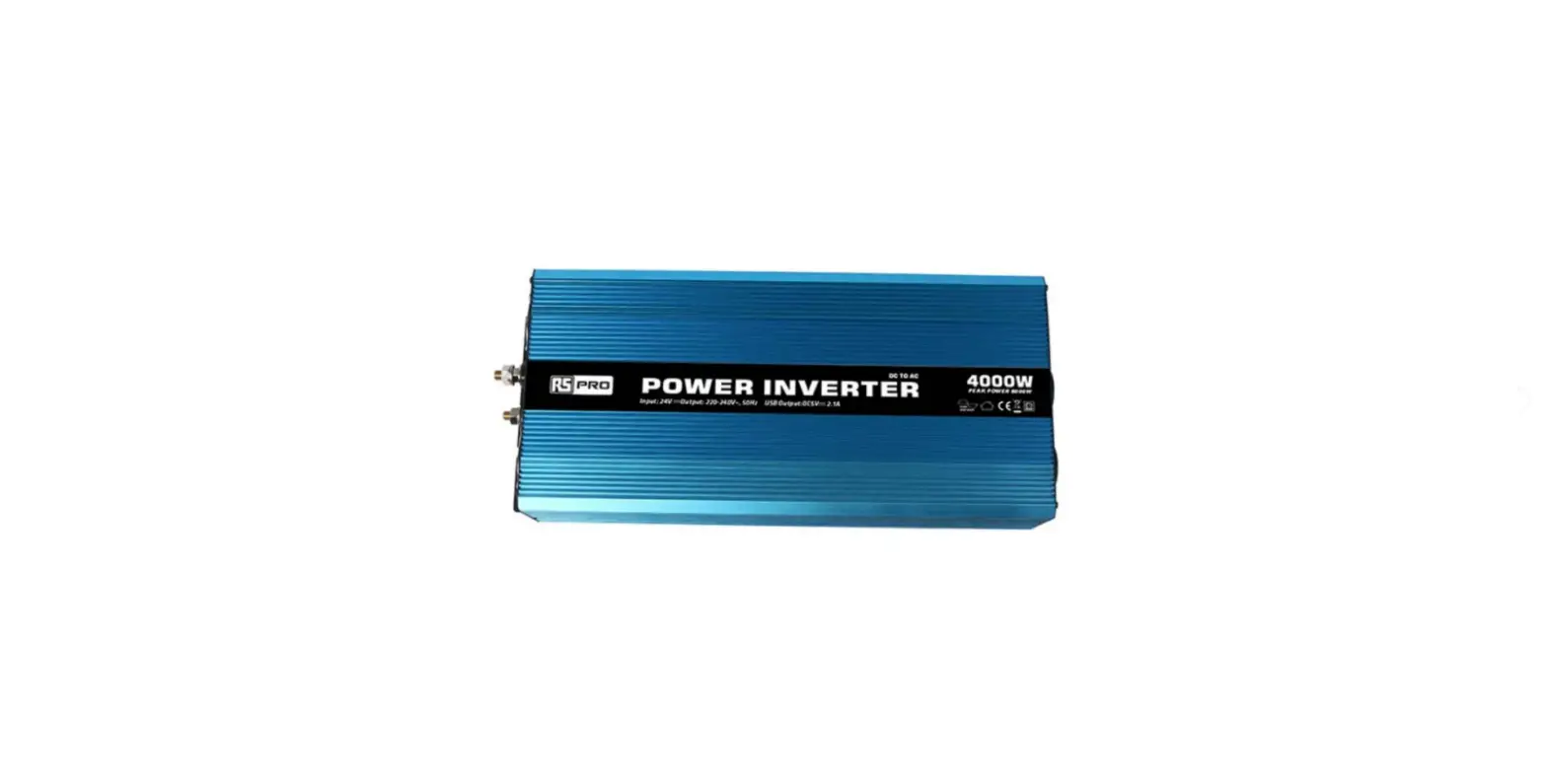
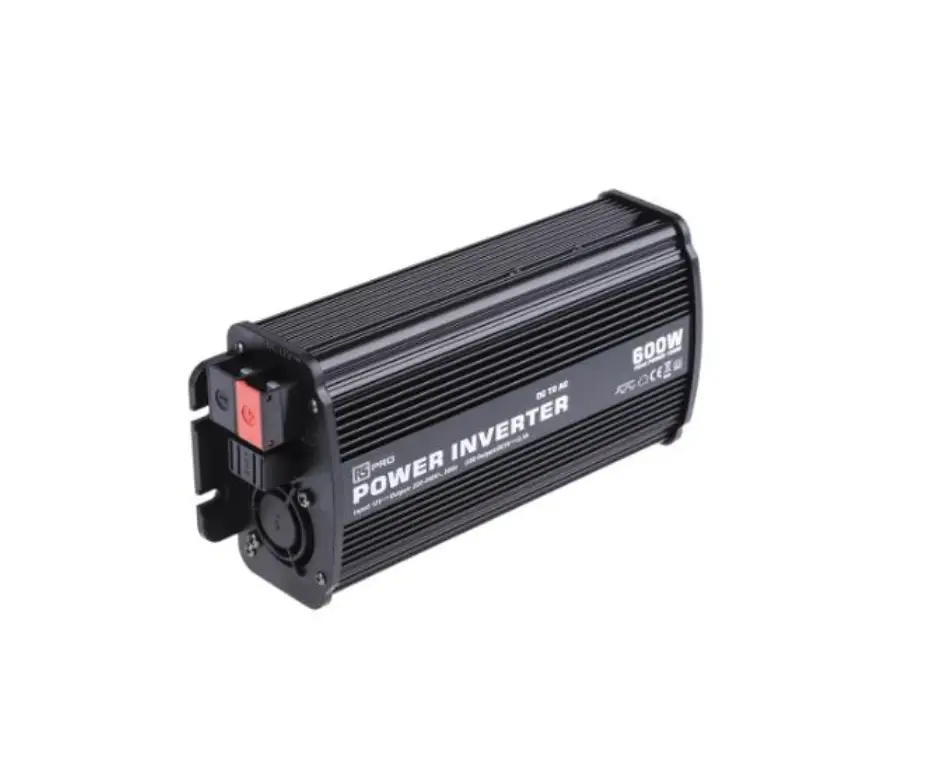
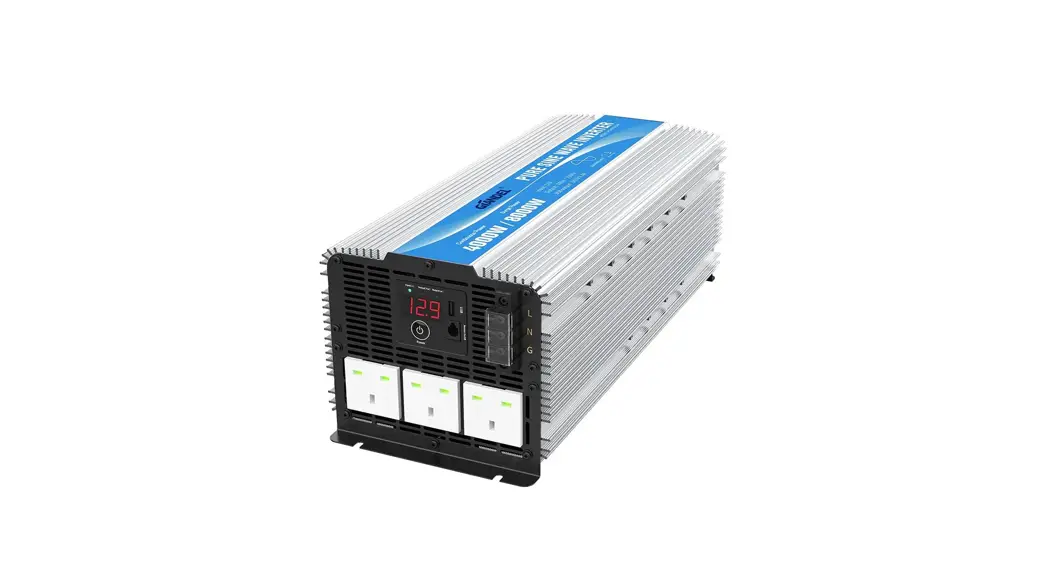
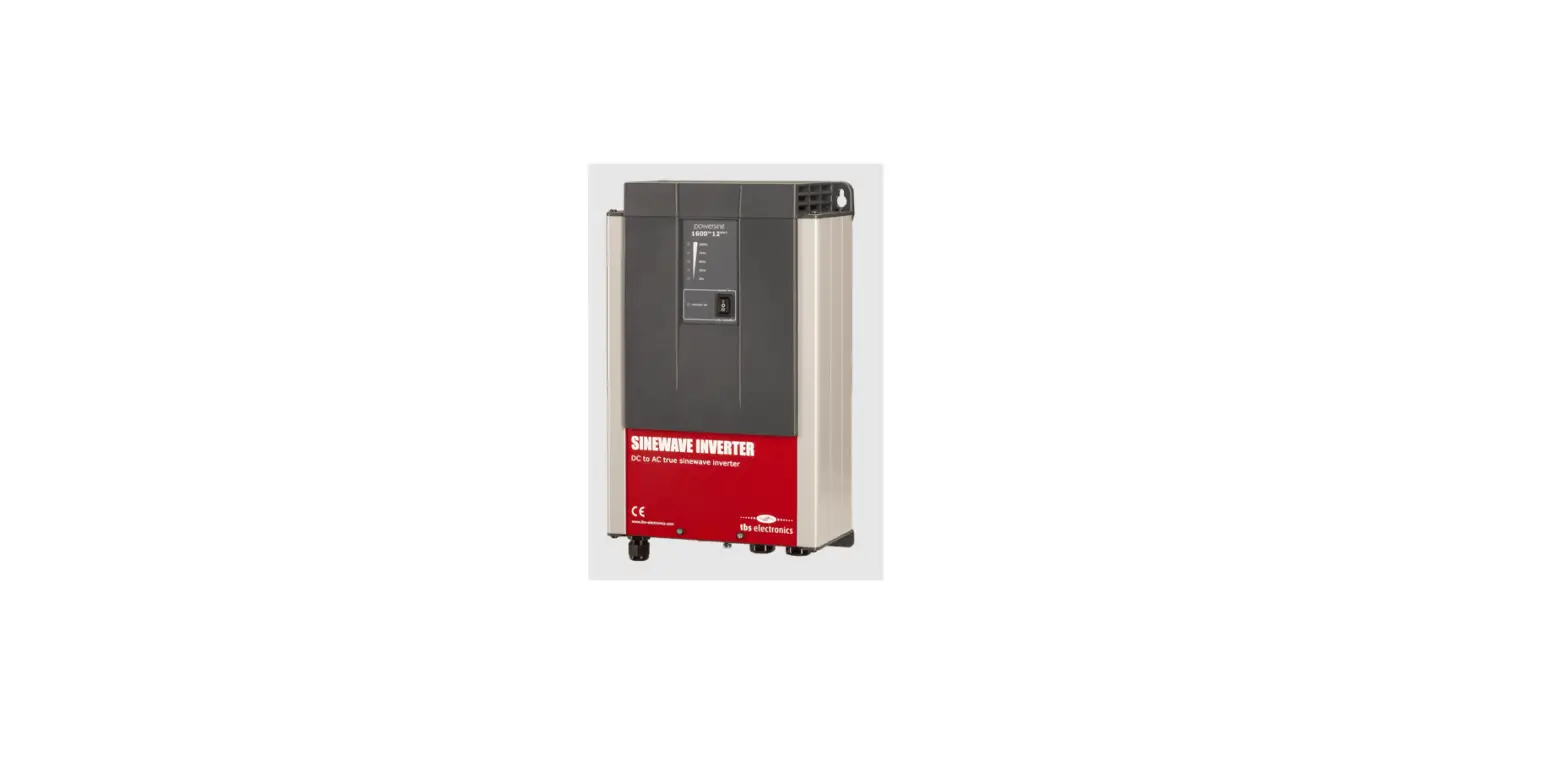
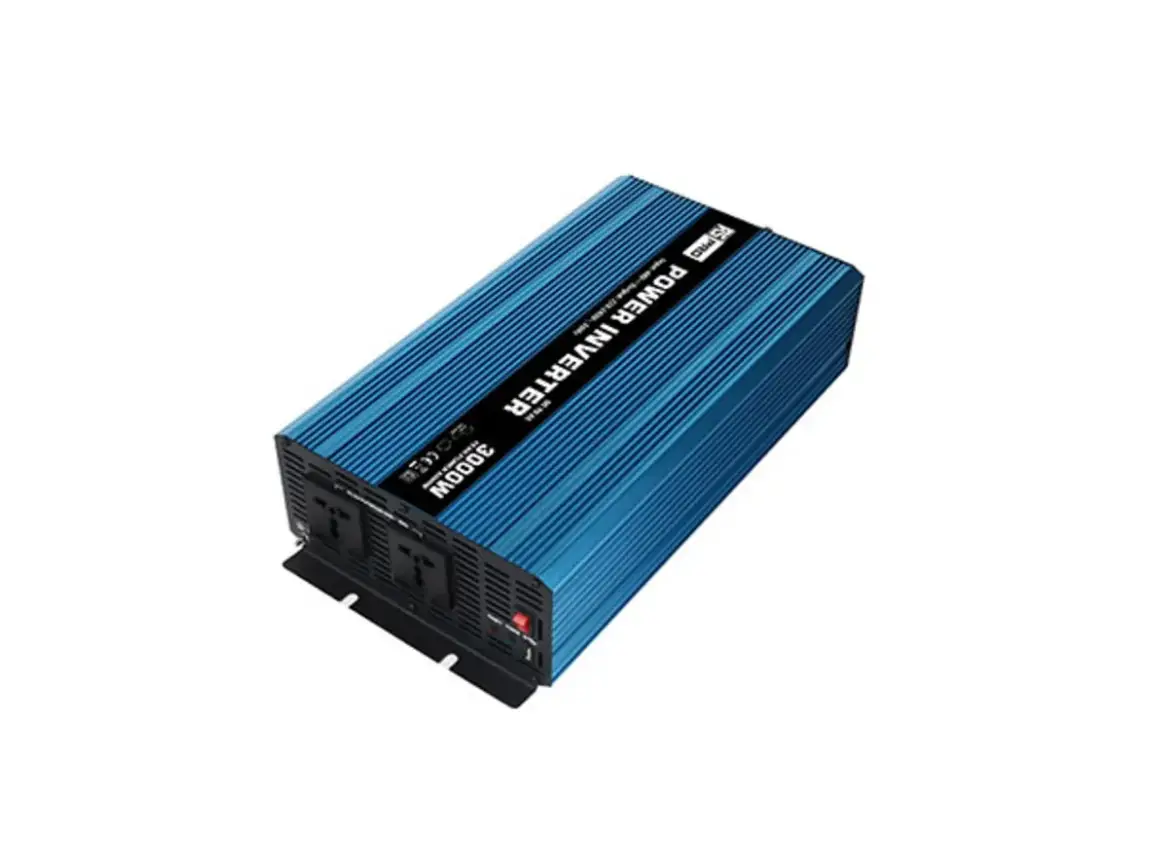
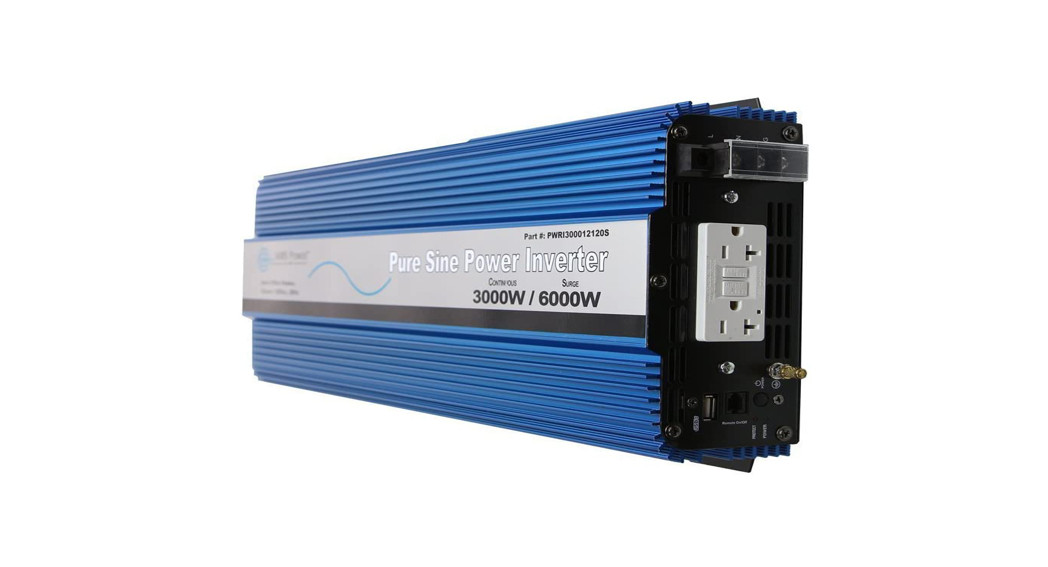
81400127 DC to AC Inverter
Geotech DC to AC Inverter
Product Information
- Part Number: 81400127
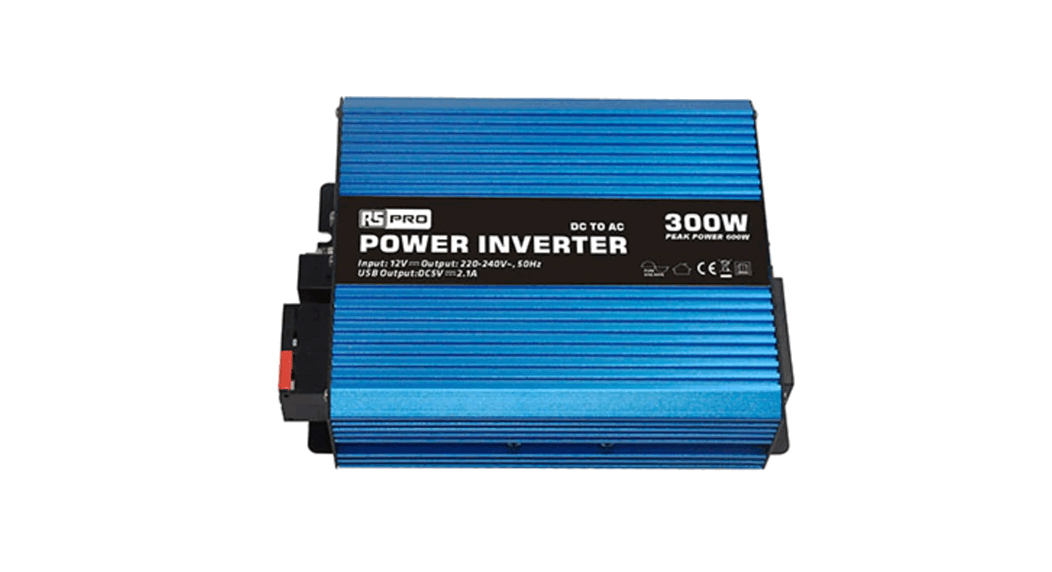
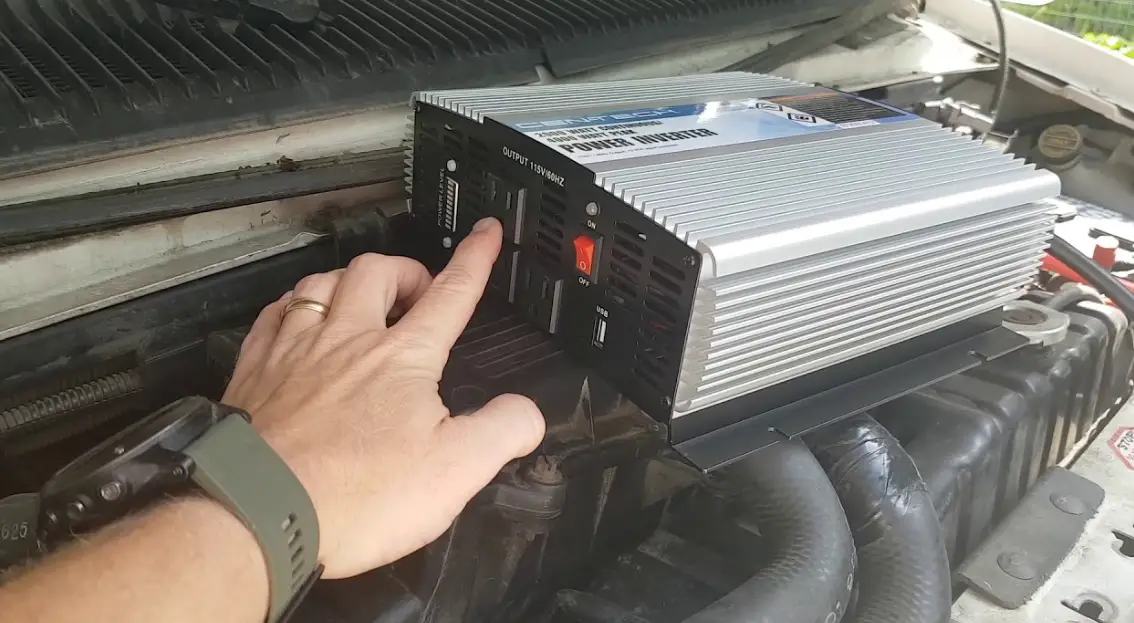
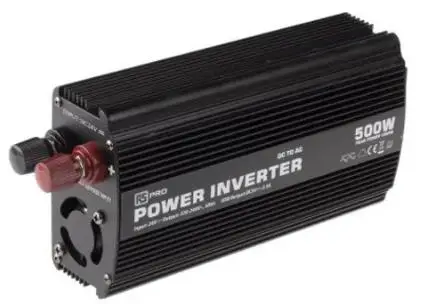
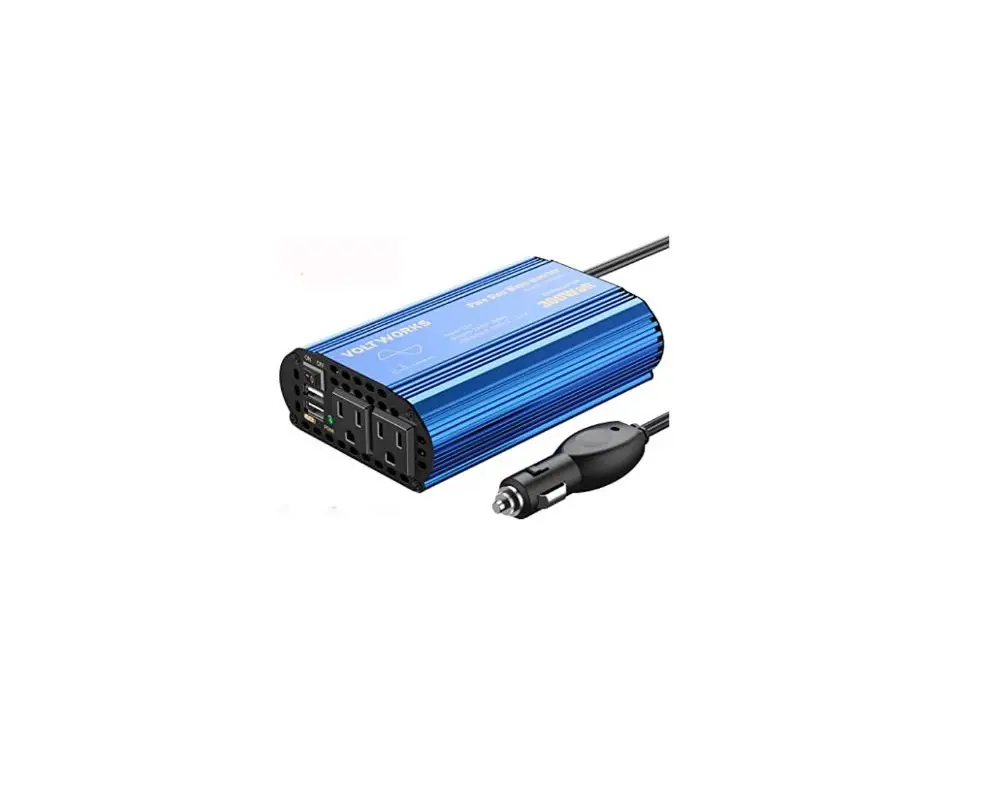
- Description: DC to AC Inverter
- Carrying Case: Included (Part Number: 17500220)
- Battery Clips: Included (Part Number: 11200942)
- Quick Start Guide: Included (Part Number: 21400025)
- DC to AC Inverter Kit Price: $$$$
Warning: Do NOT expose the inverter to water!
Disconnect immediately from the battery if the unit becomes wet!!
Note: The inverter may go into thermal protection and shutdown if
not properly ventilated or if used in direct sunlight.
Troubleshooting
The inverter includes an indicator for Input Voltage, Output
Voltage, and Output Wattage. Press the blue button to cycle through
these options. Holding down the blue button will cause it to turn
the unit off.
Ensure that the equipment does not exceed the output wattage of
the inverter.
Technical Support
Please contact Geotech Environmental Equipment, Inc. for
technical support at (800) 833-7958.
Date: 3/12/2019
Geotech DC to AC Inverter Quick Start Guide
Inventory
Qty Part Number Description
1 81400127 DC to AC Inverter
1 17500220 Carrying Case
1 11200942 Battery Clips
1 21400025 Quick Start Guide
1
DC to AC Inverter Kit
Price $ $ $ $ $
Warning: Do NOT expose the inverter to water! Disconnect immediately from battery if unit becomes wet!! Note: Inverter may go into thermal protection and shutdown if not properly ventilated or if used in direct sunlight.
Operation 1. Visually inspect the inverter and wiring to assure there is no physical damage 2. Before connecting the inverter to your vehicle, make sure the vehicle is running. Note: Battery will discharge very quickly if vehicle is not running. 3. Connect the Red battery clip to the positive battery terminal 4. Connect the Black battery clip to the system ground or negative battery terminal 5. Connect any equipment that draws 750W or LESS to the inverter through the AC plug 6. If you’re unsure of the electrical load, please call Geotech to confirm application a. Wattage = Voltage * Amps
Troubleshooting The inverter includes an indicator for Input Voltage, Output Voltage, and Output Wattage. Press the blue button to cycle through these options. Holding down the blue button will cause it to turn the unit off.
· If you have input voltage and output voltage, but there still isn’t output wattage this could be due to the connection. To let current flow into the inverter, make sure the clamps are on the battery terminal (NOT THE WING NUT) and not impeded by rust, paint, foreign material, etc. After connecting the clamps it may be necessary to grasp the jaws and rotate around the terminal two or three times to dig through any clear-coat, paint, or rust present on the battery terminal.
· If you have low or no input voltage check the connections like above and verify the battery is charged. · If you have input voltage but low output voltage, check the connection like above, verify the wattage draw of
the equipment does not exceed the output wattage of the inverter.
· Use with battery chargers: Monitor charger for first 10min to verify charger doesn’t get abnormally warm, if so uplug unit
For technical support please contact Geotech Environmental Equipment, Inc. at (800) 833-7958
3/12/2019