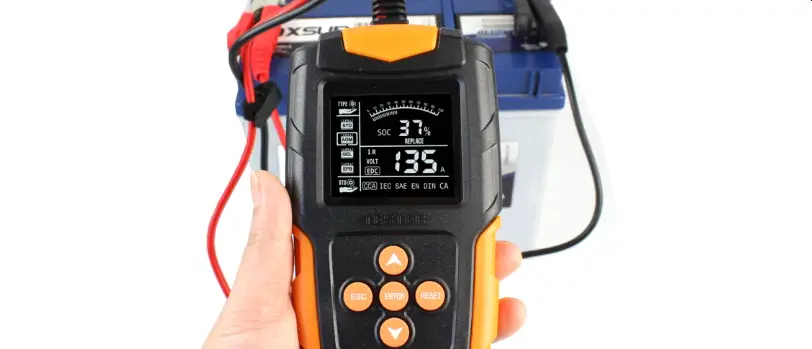
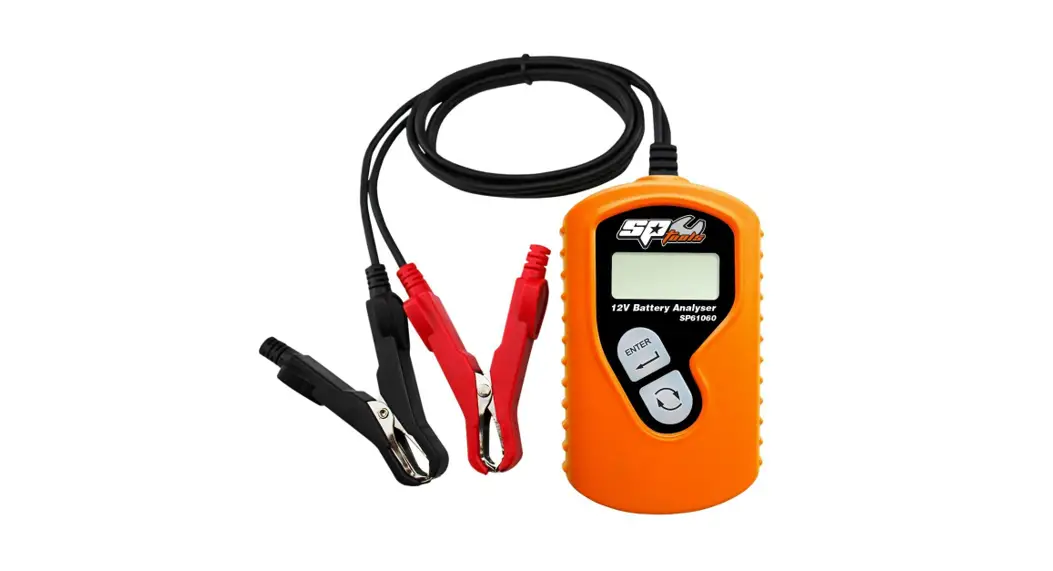
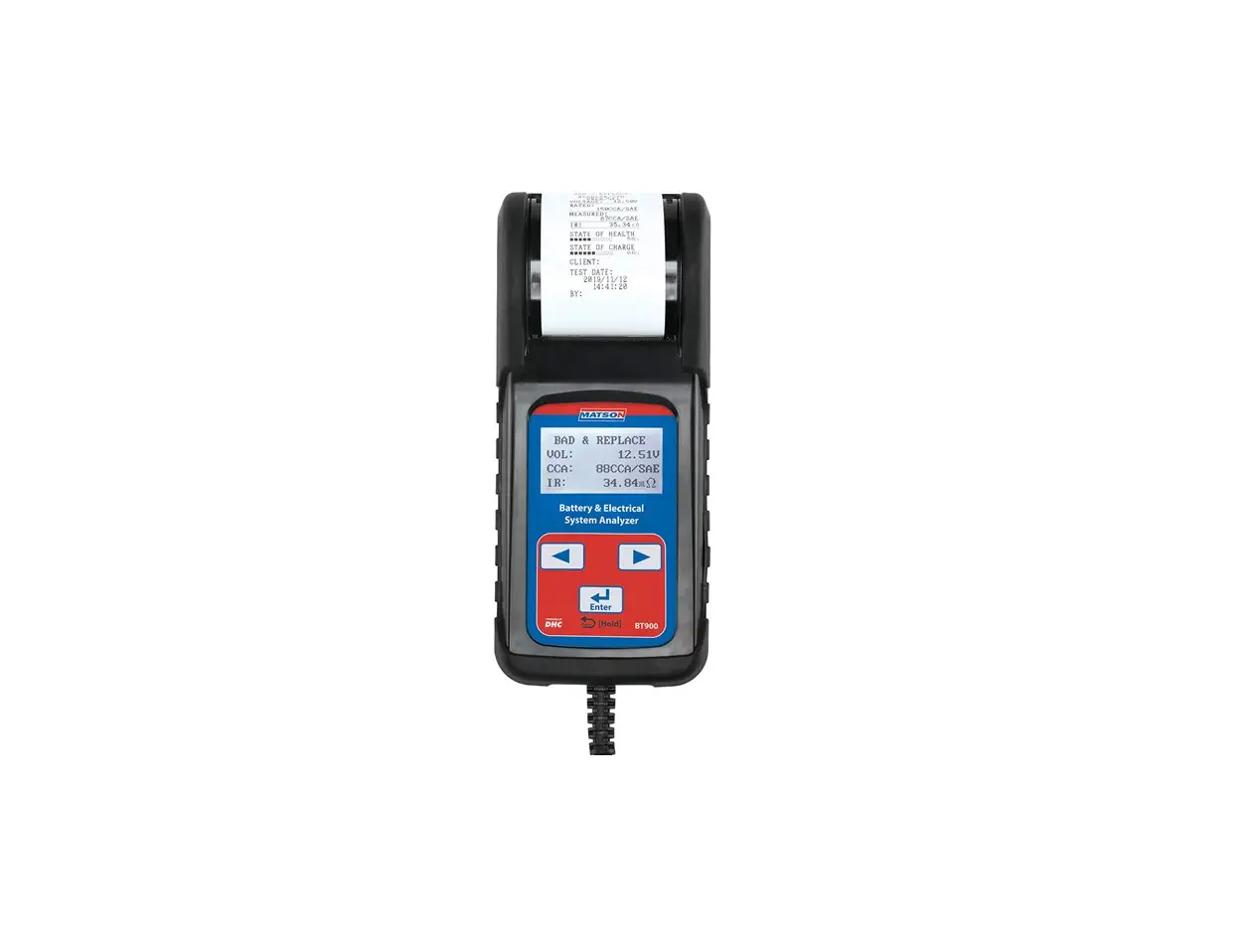
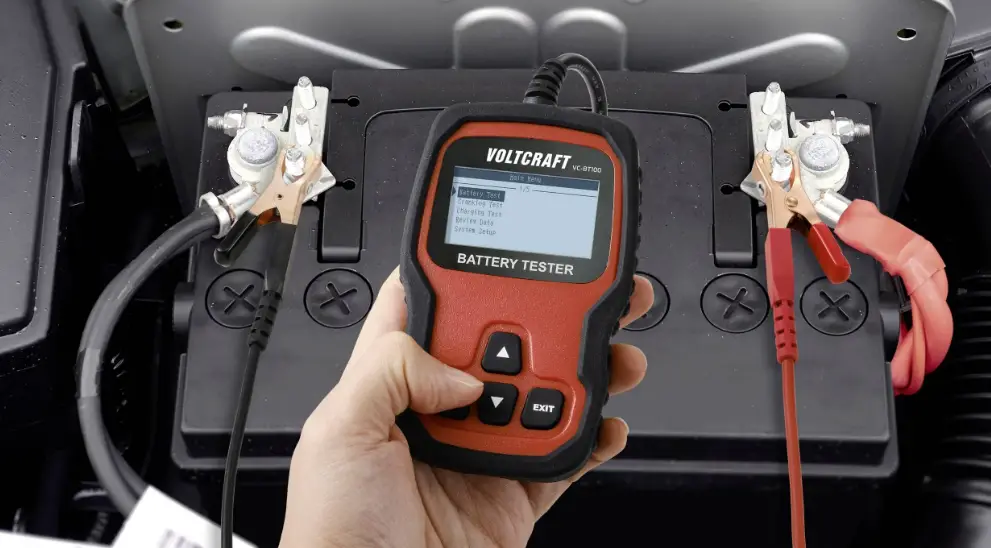
ET8664 Battery Tester
Product Information:
- Product: ET8664 Battery Tester
- Functions: 12V Lead-acid Battery Test, 12V/24V Cranking System
Test, 12V/24V Charging System Test - Technical Parameters:
- Cold Cranking Amps Measure Range: CCA BCI CA MCA JIS DIN IEC EN
SAE GB - Measure Standard: Battery Council International Standard,
Cranking Amps Standard, Marine Cranking Amps Standard, Japan
Industrial Standard, German Auto Industry Committee Standard,
Internal Electro Technical Commission Standard, European Automobile
Industry Association Standard, Society of Automotive Engineers
Standard, China National Standard
- Cold Cranking Amps Measure Range: CCA BCI CA MCA JIS DIN IEC EN
Product Usage Instructions:
Battery Tester Operation:
- Prompt to select the battery type (Regular Flooded, AGM Flat
Plate, AGM Spiral, Gel, or EFB battery).
- Press the UP/DOWN button to select the battery type.
- Press the Enter button to confirm the selection.
- Battery Test
- Cranking Test
- Charging Test
- Review Data
- System Setup
rating marked on the battery.
- Use the UP/DOWN button to select the battery type.
- Refer to the markings on the battery for the correct
selection. - Each battery manufacturer may have different markings, so if
unsure, contact the battery manufacturer for assistance.
- Use the UP/DOWN button to select the appropriate standard and
rating. - Refer to the instructions provided with the battery tester for
more information on selecting the correct standard and rating.
be displayed.
Product Safety Instructions:
- Read and follow all safety information and instructions
provided in the user manual. - Ensure proper precautions are taken when using the battery
tester to avoid any potential hazards or accidents.
QR code
12V Lead-acid Battery Test 12V/24V Cranking System Test 12V/24V Charging System Test
ET8664 Battery Tester
4. BATTERY TESTER OPERATION
4.1 BATTERY TEST Select battery type · After entering Battery Test, the tester will
prompt to select battery type, i.e. Regular Flooded, AGM Flat Plate or AGM Spiral, Gel and EFB battery. Press UP/DOWN button to select battery type, then press Enter button to confirm.
Main Menu 1. Battery Test 2. Cranking Test 3. Charging Test 4. Review Data 5. System Setup
Battery Type
1. Regular Flooded 2. AGM Flat Plate 3. AGM Spiral 4. GEL 5. EFB
Battery System Standard and Rating · The tester will test each battery according
to the selected standard and rating. Use UP/DOWN button to select according to the actual system standard and rating marked on the battery. See in picture, the arrow indicates normal locations.
(Please note each battery manufacture is different and the location of the marking may change, if unsure please contact the manufacturer of the battery).
7
TABLE OF CONTENTS
1. SAFETY NOTE 1.1 SAFETY INFORMATION ——————————————— 1 1.2 IMPORTANT SAFETY INSTRUCTIONS —————————– 1
2. PRODUCT DESCRIPTION
2.1 PRODUCT INTRODUCTION
————————————– 2
2.2 FUNCTION DESCRIPTION —————————————– 2
2.3 TECHNICAL PARAMETERS
————————————— 3
2.4 TECHNICAL SPECIFICATIONS —————————————– 3
2.5 PRODUCT INFORMATION —————————————– 4
3. BATTERY TESTER SETUP
3.1 TESTER SETUP
————————————————— 5-6
4. BATTERY TESTER OPERATION
4.1 BATTERY TEST
————————————————— 7-8
4.2 BATTERY TEST RESULT ——————————————— 9
4.3 CRANKING TEST
————————————————– 10
4.4 CHARGING TEST
————————————————– 11
4.5 REVIEW DATA
—————————————————– 12
CCA: Cold Cranking Amps, specified by SAE&BCI, most frequently used value for starting battery at 0°F (-18°C).
BCI: Battery Council International Standard. CA: Cranking Amps Standard, effective starting current value at 0°C. MCA: Marine Cranking Amps Standard, effective starting current value
at 0°C. JIS: Japan Industrial Standard, displayed on the battery as combination
of the numbers and letters, e.g. 55D23,80D26. DIN: German Auto Industry Committee Standard. IEC: Internal Electro Technical Commission Standard. EN: European Automobile Industry Association Standard. SAE: Society of Automotive Engineers Standard. GB: China National Standard.
Rating range as following
Input correct test standard and rating, press Enter button, tester starts to test, and dynamic interface “TESTING” prompted.
Setting Rate
500A
CCA
Note: It takes around 5 seconds to display the battery test result. 8
1. SAFETY NOTE
1.1 SAFETY INFORMATION For your own safety and the safety of others, and to prevent damage to the equipment and vehicles, read this manual thoroughly before operating your battery tester. The safety messages presented below and throughout this user’s manual are reminders to the operator to exercise extreme care when using this device. Always refer to and follow safety messages and test procedures provided by vehicle manufacturer. Read, understand and follow all safety messages and instructions in this manual.
1.2 IMPORTANT SAFETY INSTRUCTIONS
WARNING
· Do not smoke, strike a match, or cause a spark near the vehicle while testing and keep all sparks, heated items and open flames away from the battery and fuel / fuel vapours as they are highly flammable.
· The device should not be used again when abnormal phenomena occur during the test. If smoke, peculiar smell or abnormal noise occurs, stop using it immediately and contact the supplier. Use under abnormal conditions may cause accidents, fires, etc.
· Prevent engine oil, gasoline, antifreeze and electrolyte from contacting this product, which may cause surface deterioration of this product.
· If the skin of the cable is damaged, it may cause a short circuit, so stop using it immediately and send it for repair.
· After the test, please remove the alligator pliers from the battery terminal, otherwise it may cause the product to malfunction or damage the battery.
· Do not use alcohol-based liquids to wipe the product, as it may crack.
· Do not allow engine oil to adhere to the metal parts of the alligator pliers, which may cause poor contact.
2. PRODUCT DESCRIPTION
2.1 PRODUCT INTRODUCTION This battery tester adopts the world’s most advanced conductance test technology, which can conveniently, quickly and accurately measure the cold cranking current capacity and battery health of the vehicles battery without damaging the battery performance. It has the ability to quickly detect the car common faults of cranking system and charging system. Obtain the test report by scanning the QR code.
2.2 FUNCTION DESCRIPTION · Quickly test the health of 12V batteries, and show status with the result of “Good
Battery” / “Replace” / “Good & Recharge” / “Charge & Retest”/ “Bad Cell”. · Test 12V/24V cranking system and charging system of vehicles. · Batch battery test mode is available through “Fn” button. · Support mobile phone to scan QR code to obtain test report. · With reverse polarity protection function, wrong connection will not damage
the tester, car or battery. · Support English, German, Spanish, French, Dutch and Italian etc.
2.3 TECHNICAL PARAMETERS Cold Cranking Amps Measure Range
Measure Standard
Description
Measure Range
CCA BCI CA MCA JIS DIN IEC EN SAE GB
Cold Cranking Amps
Battery Council International Standard Cranking Amps Standard
Marine Cranking Amps Standard Japan Industrial Standard
German Auto Industry Committee Standard Internal Electro Technical Commission Standard European Automobile Industry Association Standard Society of Automotive Engineers Standard China National Standard
100-2000 100-2000 100-2000 100-2000 26A17-245H52 100-1400 100-1400 100-2000 100-2000 30-220Ah
2.4 TECHNICAL SPECIFICATIONS · Input Voltage Range: 8V ~ 30V · Tester Working Temperature: -10°C to 60°C (14°F to 140°F) · Storage Temperature: -20°C to 70°C (-4°F to 158°F) · Dimensions: (L)158 x (W)102 x (H)30 mm
1
4.2 BATTERY TEST RESULT Battery test result includes 5 types as following.
(1) GOOD BATTERY · The battery is without any problem.
Health: 96% 490A Charge: 97% 12.64V Internal R=6.1m Rated:500A CCA
GOOD BATTERY
(2) GOOD, RECHARGE · Good battery but low power, recharge before using.
(3) REPLACE · The battery is near to or already reached the end of
the using life, replace battery.
Health: 78% 440A Charge: 31% 12.20V Internal R=7.2m Rated:500A
GOOD, RECHARGE
Health: 8% 144A Charge: 99% 12.68V Internal R=18.1m Rated:500A CCA
REPLACE
(4) CHARGE-RETEST
· Unstable battery recharge and retest. If same test result appears after recharge and retest, the battery is regarded as damaged, replace the battery.
Health: 39% 310A Charge: 12% 12.08V Internal R=30.1m Rated:500A CCA
CHARGE-RETEST
(5) BAD CELL · Internal damage, replace battery.
Health: 10% 165A Charge: 0% 9.97V Internal R=17.83m Rated: 500A CCA
BAD CELL
9
2
4.3 CRANKING TEST Tester prompts as following
· Choose to test 12V/24V cranking system. · Start the engine when prompted, the tester will
automatically complete the cranking test and display the result.
Main Menu 1. Battery Test 2. Cranking Test 3. Charging Test 4. Review Data 5. System Setup
Cranking Test 1. 12V 2. 24V
· When the RPM is detected this will display on the screen.
· Normally a cranking voltage value lower than 9.6V is regarded as abnormal.
· The test result of the tester will include actual cranking voltage and actual cranking time.
· This is for the convenience of the maintenance personnel to quickly know the whole state of the cranking system according to the data.
Cranking Test START ENGINE
Cranking Test RPM Detected
After the test is finished, do not shut down the engine, the next step is the charging test.
Cranking Test
Time
780ms
Voltage
10.13V
Normal
10
3
4.4 CHARGING TEST Tester prompts as following · Select “Charging Test” and press Enter button to
start the charging test. Note: Do not shut down the engine during the test. Follow the steps according to the on screen instructions. · Choose to test 12V/24V charging system. · After the test has finished, the tester displays
the loaded and unloaded charging voltages, ripple voltage and charging test result. Note: “NO OUTPUT” means Charging system is no output. The vehicle will stop working when the battery is exhausted. Please check the alternator or contact the maintenance service center immediately.
11
Main Menu 1. Battery Test 2. Cranking Test 3. Charging Test 4. Review Data 5. System Setup
Charging Test 1. 12V 2. 24V
Ripple Test
Turn off headlights and air conditioner, keep 10 seconds.
Press ENTER continue
Unloaded Test
Turn off all devices, increase RPM to 2500-3000r/min and keep 10 seconds Press ENTER continue
loaded Test
Turn on headlights and air conditioner to the maximum, keep RPM idle for 10 seconds Press ENTER continue
Charging Test
Unloaded 14.39V
Loaded
14.16V
Ripple
15mV
Normal
2.5 PRODUCT INFORMATION
(1) LCD display
(2) Enter button
(3) Back button
(4) Up button
(5) Down button
(6) Fn button — Quick test or voltage test function can be set.
(7) Alligator clamps (red & black) — Connect the red clamp to the positive pole and the black clamp to the negative pole.
7
1
QR code
4
3
2
5
6
4
4.5 REVIEW DATA · Choose the function of Review
Data to review last time test results.
· Obtain the test report by scanning the QR code.
QR code
12
Main Menu
1. Battery Test 2. Cranking Test 3. Charging Test 4. Review Data 5. System Setup
Health: 96% 490A Charge: 97% 12.64V Internal R=6.1m Rated:500A CCA
GOOD BATTERY
Show result on the phone
TEST REPORT
BATTERY TEST
——————————————-REGULAR FLOODED BATTERY
——————————————–
VOLTAGE:
12.71V
SELECT INPUT:
CCA
RATED:
580A
MEASURED:
538A
INTERNAL R:
5.44m
GOOD BATTERY
STATE OF HEALTH:
86%
STATE OF CHARGE:
100%
CRANKING TEST
CRANKING: VOLTAGE: TIME:
NORMAL 10.00V 500ms
CHARGING TEST
CHARGING: LOADED: UNLOADED: RIPPLE:
LOW 13.21V 13.58V 1mV
3. BATTERY TESTER SETUP
3.1 TESTER SETUP The tool allows you to make the following adjustments and settings. Language: Choose a language. Fn Setup: Set the One-Click-Key function. Contrast adjustment: Adjusts the contrast of the LCD display. Tool Information: Show the software and hardware version.
System setup · From main menu, select the System Setup, and
press Enter.
Language · From System Setup menu, use Enter button to
select Language. · Use UP and DOWN button to select the desired
language and press Enter button to save your selection and return to previous menu.
Fn Setup · From System Setup menu, use Enter button to
select.
· Use UP and DOWN button to select the desired one-click quick function. Voltmeter selection is to show the real time voltage. Quick Test Mode is suitable for using the same parameters batteries test. That means, after inputting the battery parameters during first test, the user can then press the Fn button to quickly access the same test procedure using the same perameters, as long as the Quick Test Mode is selected.
5
System Setup 1. Language 2. Fn Setup 3. Contrast 4. Tool Information
Language 1. English 2. German 3. Spanish 4. French 5. Italian 6. Dutch
System Setup 1. Language 2. Fn Setup 3. Contrast 4. Tool Information
Fn Setup 1. Voltage 2. Quick Test Mode
Battery Tester
Contrast · From System Setup menu, use Enter button to
select contrast.
· Use UP and DOWN button to select the contrast value and press Enter button to save your selection setting and return to previous menu.
System Setup 1. Language 2. Fn Setup 3. Contrast 4. Tool Information
Contrast 09
Tool Information · From System Setup menu, use Enter button to
select Tool Information.
· Press Back button to return the previous menu.
System Setup 1. Language 2. Fn Setup 3. Contrast 4. Tool Information
Tool Information Software Version: 1.04 Hardware Version: 1.01
OPERATION AND TEST
· After connecting the tool to vehicle battery, the tester displays the real-time voltage.
· Press the Enter button, the tester will display the following contents in a sequence, select accordingly.
Voltage 12.40V
6
QR code