
Xhorse Css-00017 Vvdi Mini Key Tool User Manual

Xhorse Css-00017 Vvdi Mini Key Tool User Manual

Xhorse - logoMINI
KeEYTOOUW
User Manual Xhorse CSS 00017 VVDI Mini Key Tool

Overview

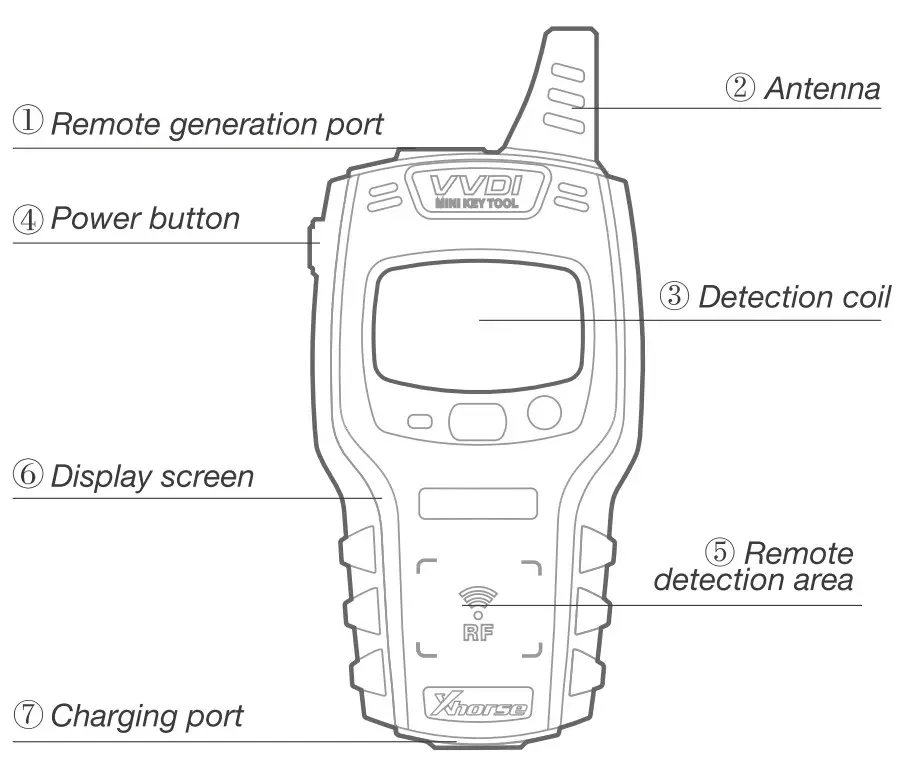
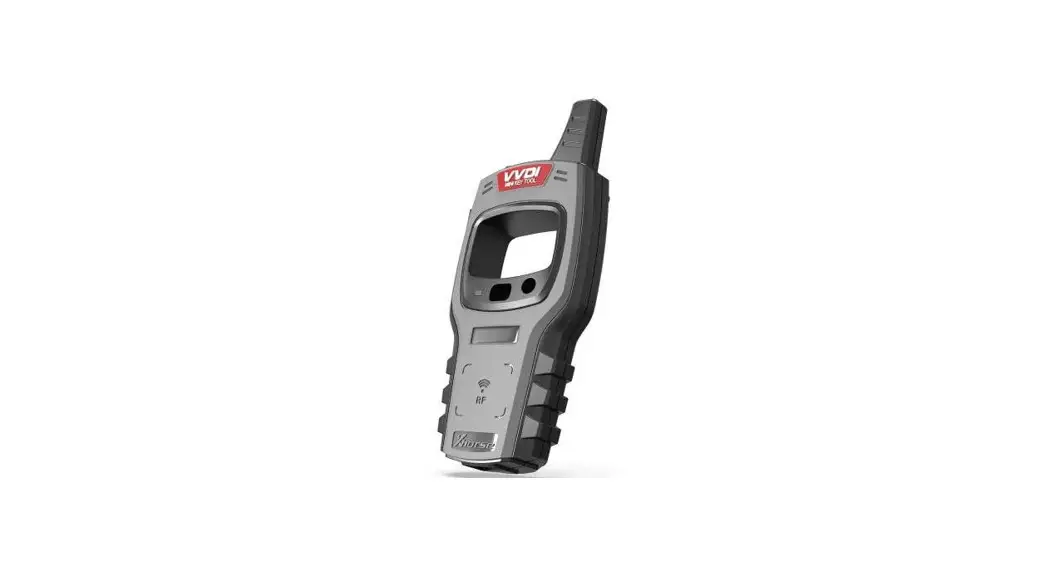
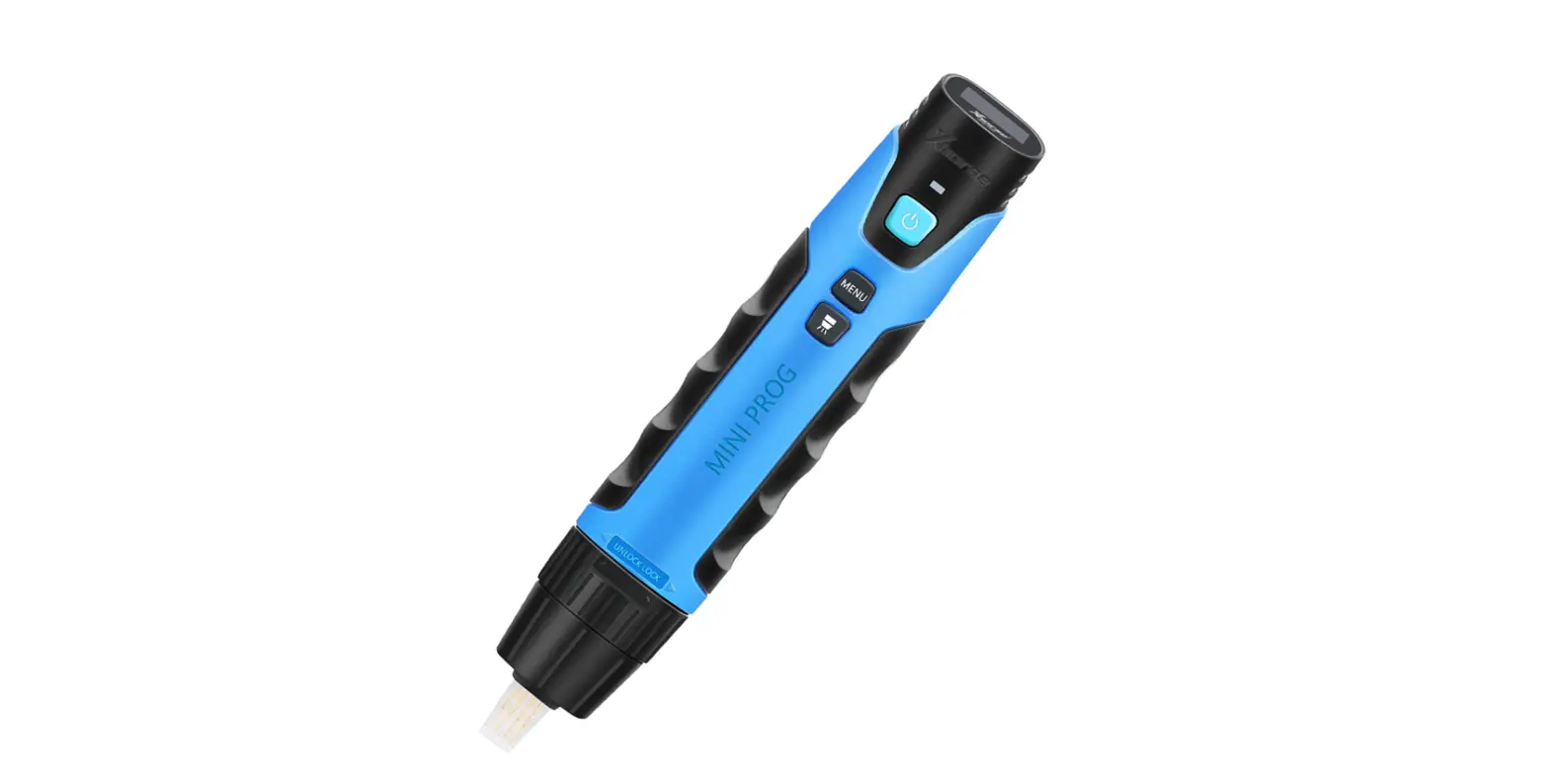
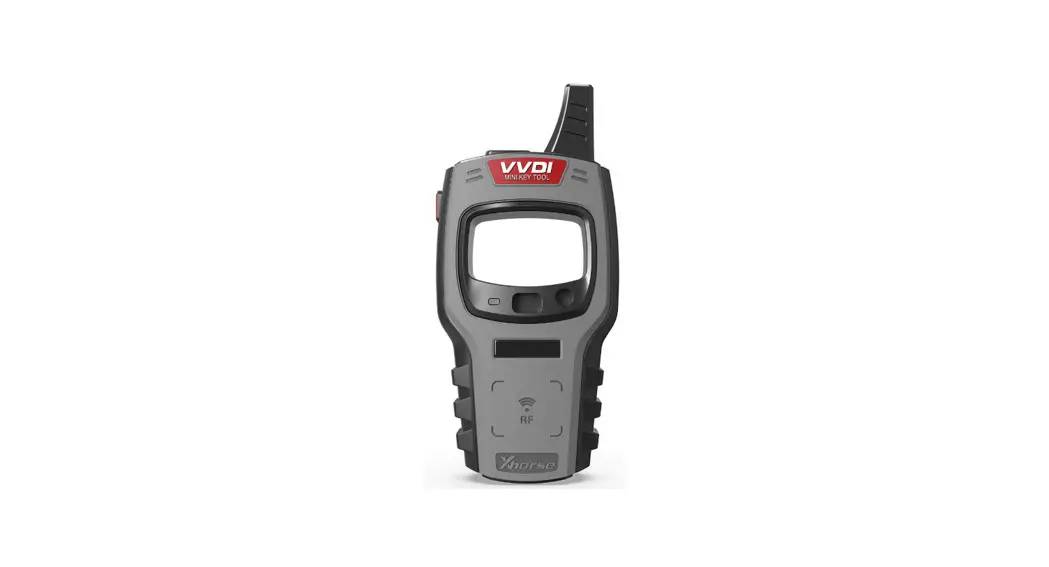
Device description

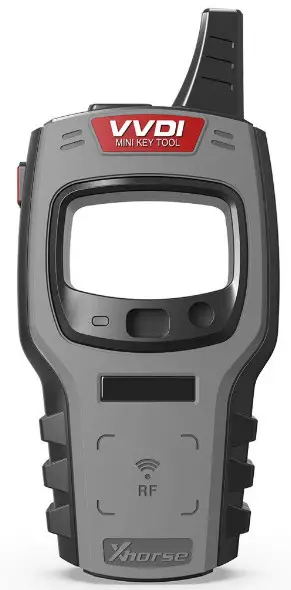
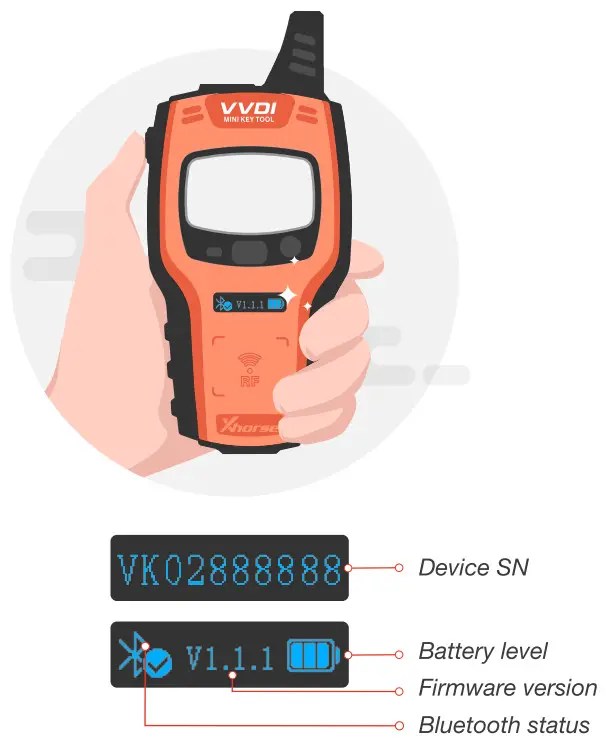
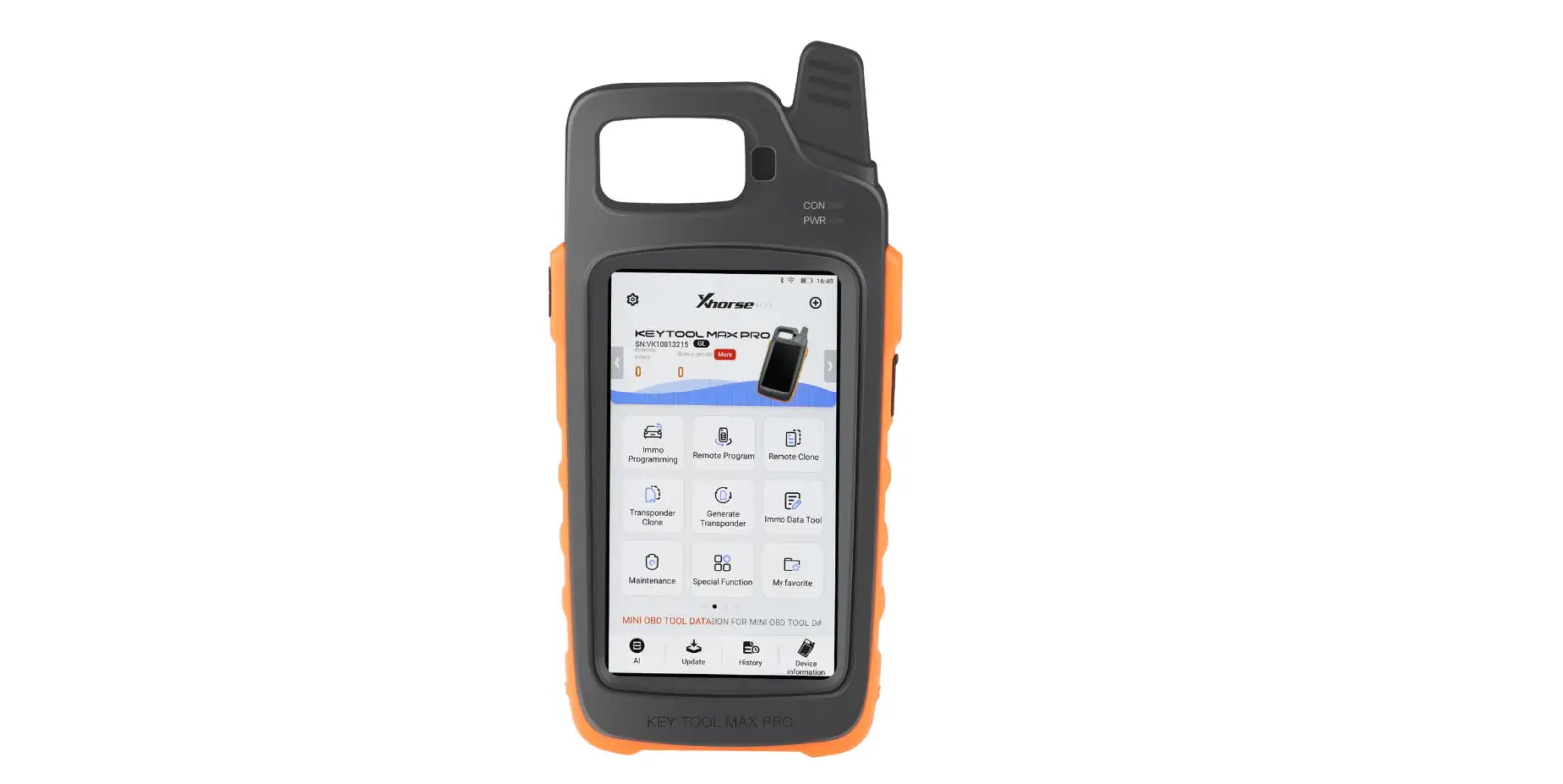
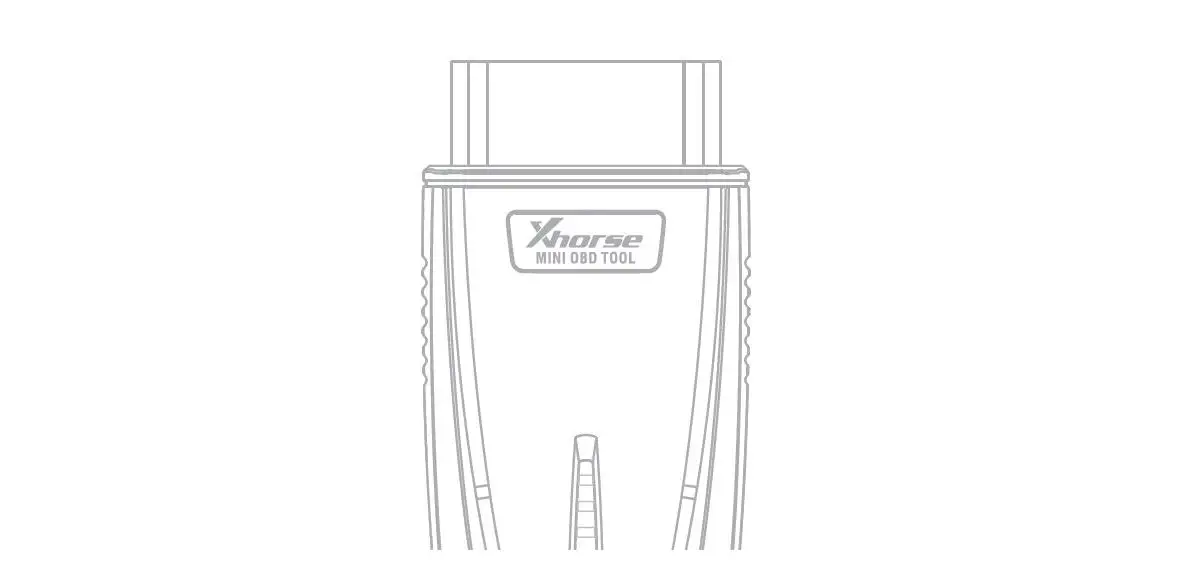
Xhorse CSS 00017 VVDI Mini Key Tool - figXhorse CSS 00017 VVDI Mini Key Tool - fig1

[Start]: press and hold the power button for 1 second
[Shut down]: press and hold the power button for 4 seconds Xhorse CSS 00017 VVDI Mini Key Tool - fig2
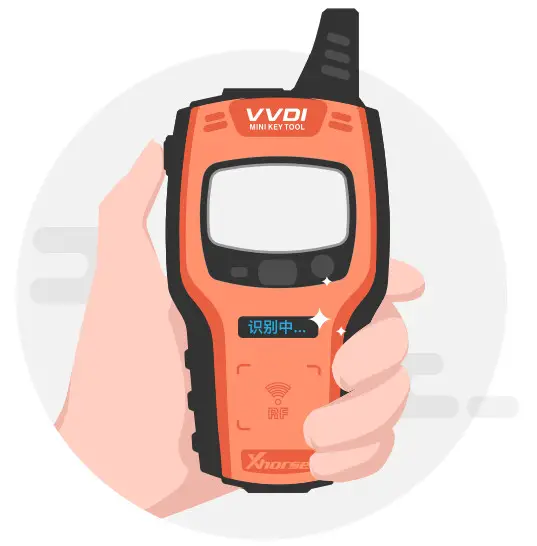
[Transponder detection]: press the power button for 1 second
[Frequency test]: press and hold the power button for 2 seconds Xhorse CSS 00017 VVDI Mini Key Tool - fig3
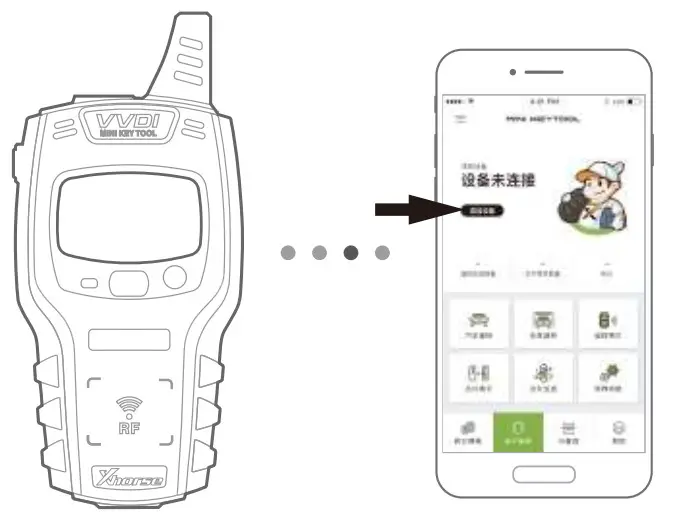
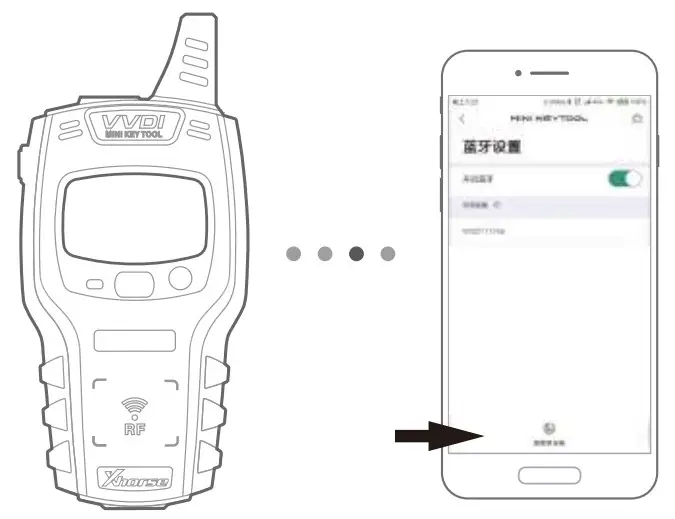
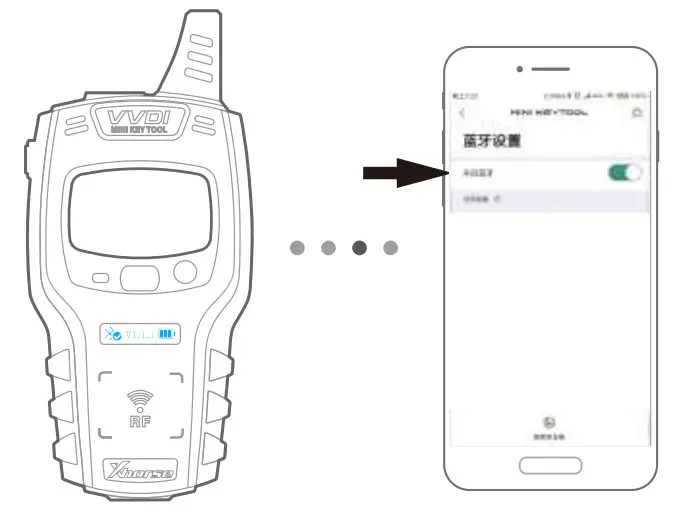
  1. Enter the main interface of APP and click “add device” to connectXhorse CSS 00017 VVDI Mini Key Tool - fig4
  2. The Bluetooth of the cellphone is required to be turned onXhorse CSS 00017 VVDI Mini Key Tool - fig5
  3. Click “search for new device” and pair the device according to SN
Xhorse CSS 00017 VVDI Mini Key Tool - appXhorse - logoAUTOMOTIVE KEY EXPERT

Documents / Resouces

Download manual
Here you can download full pdf version of manual, it may contain additional safety instructions, warranty information, FCC rules, etc.


Related Manuals