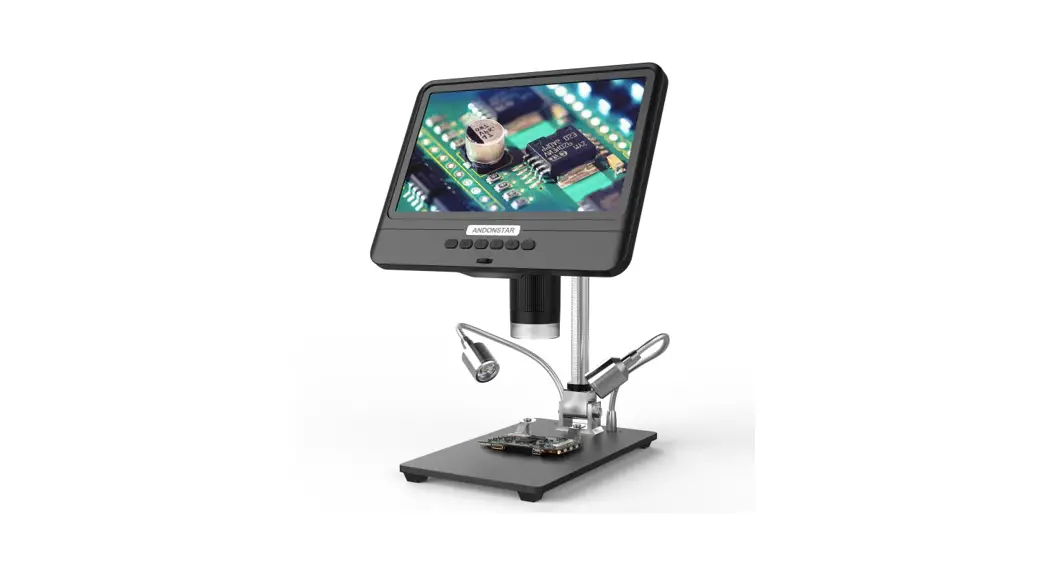
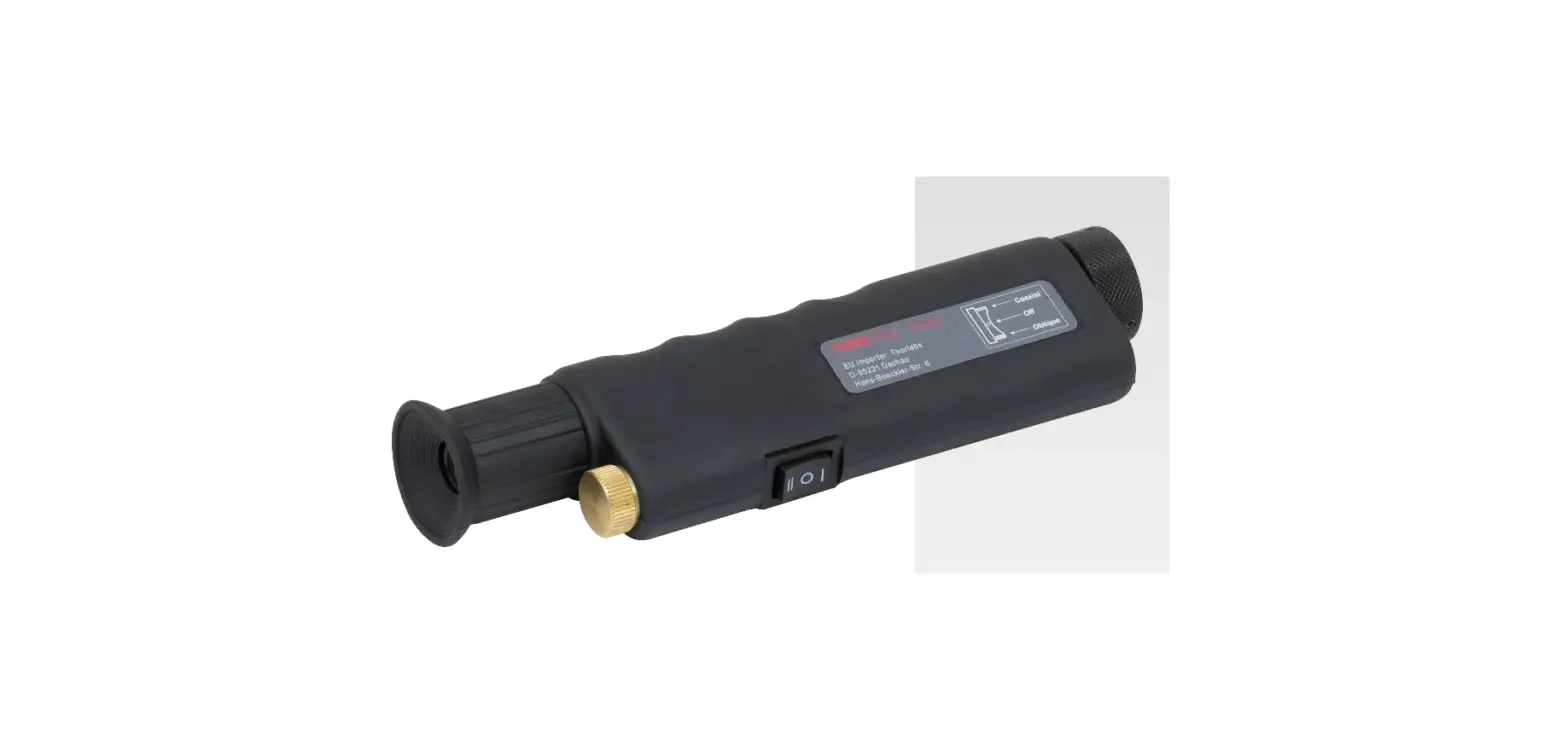
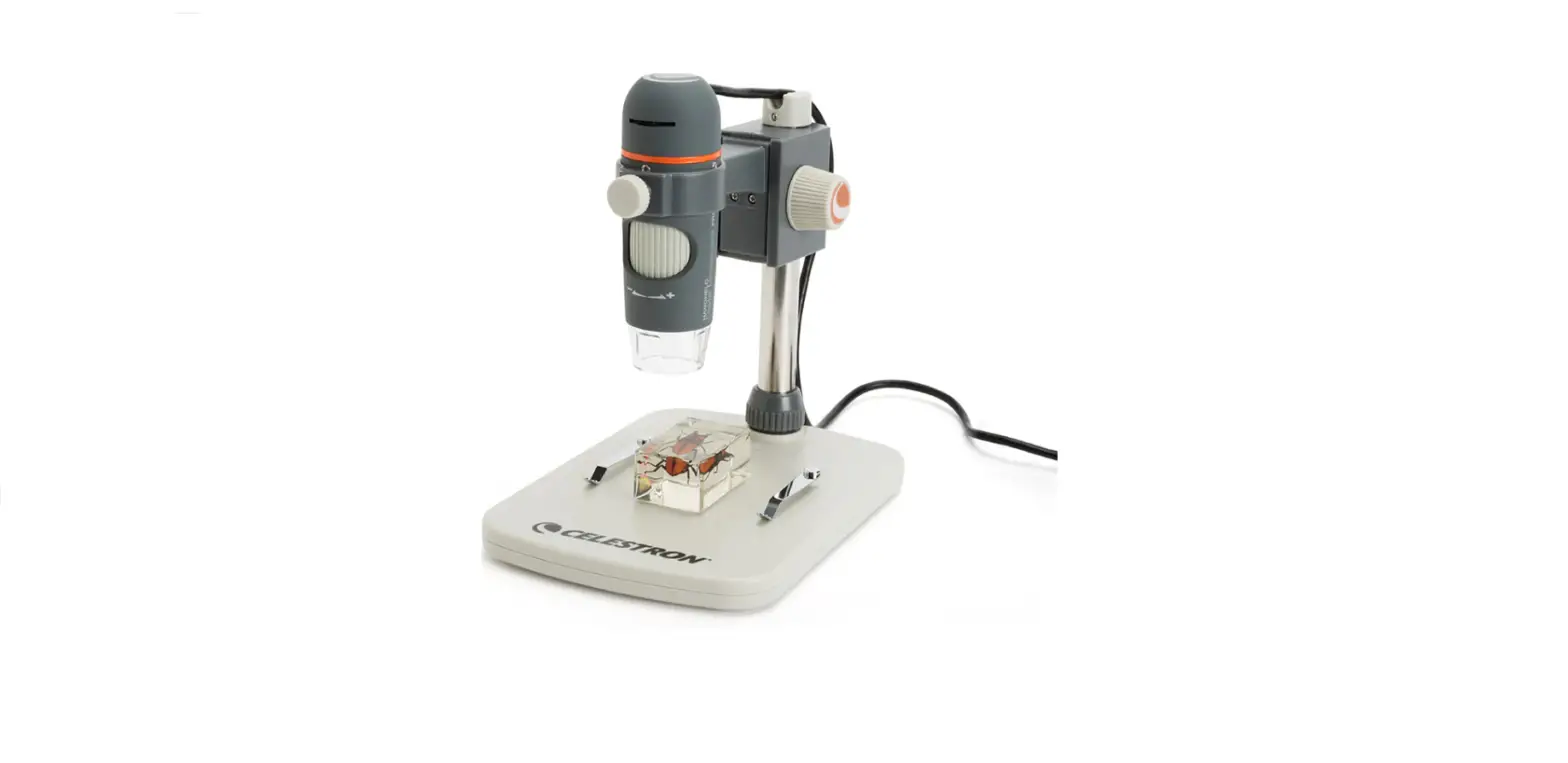
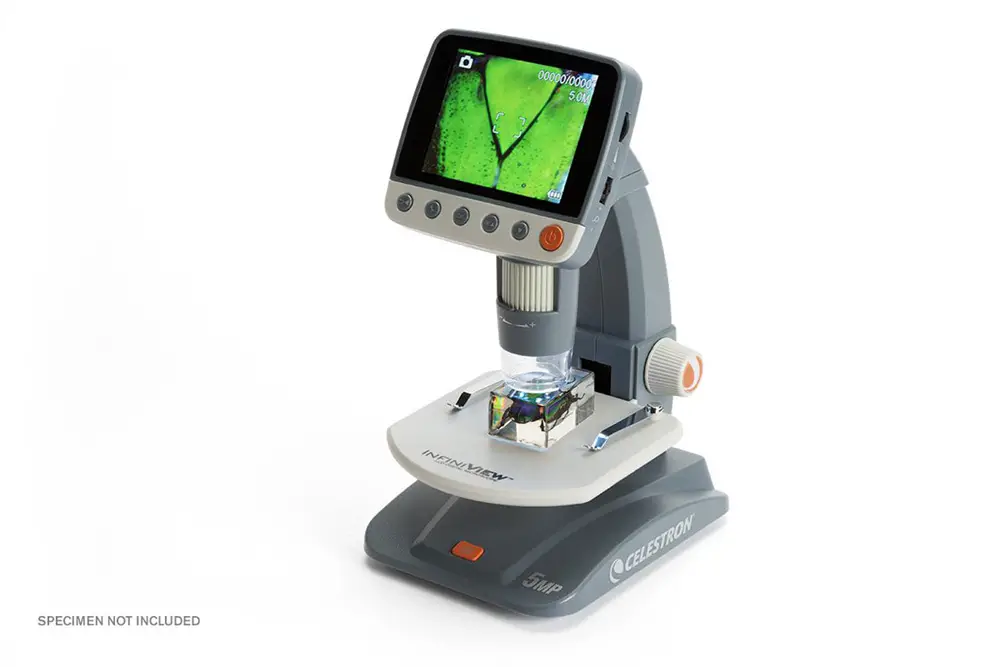
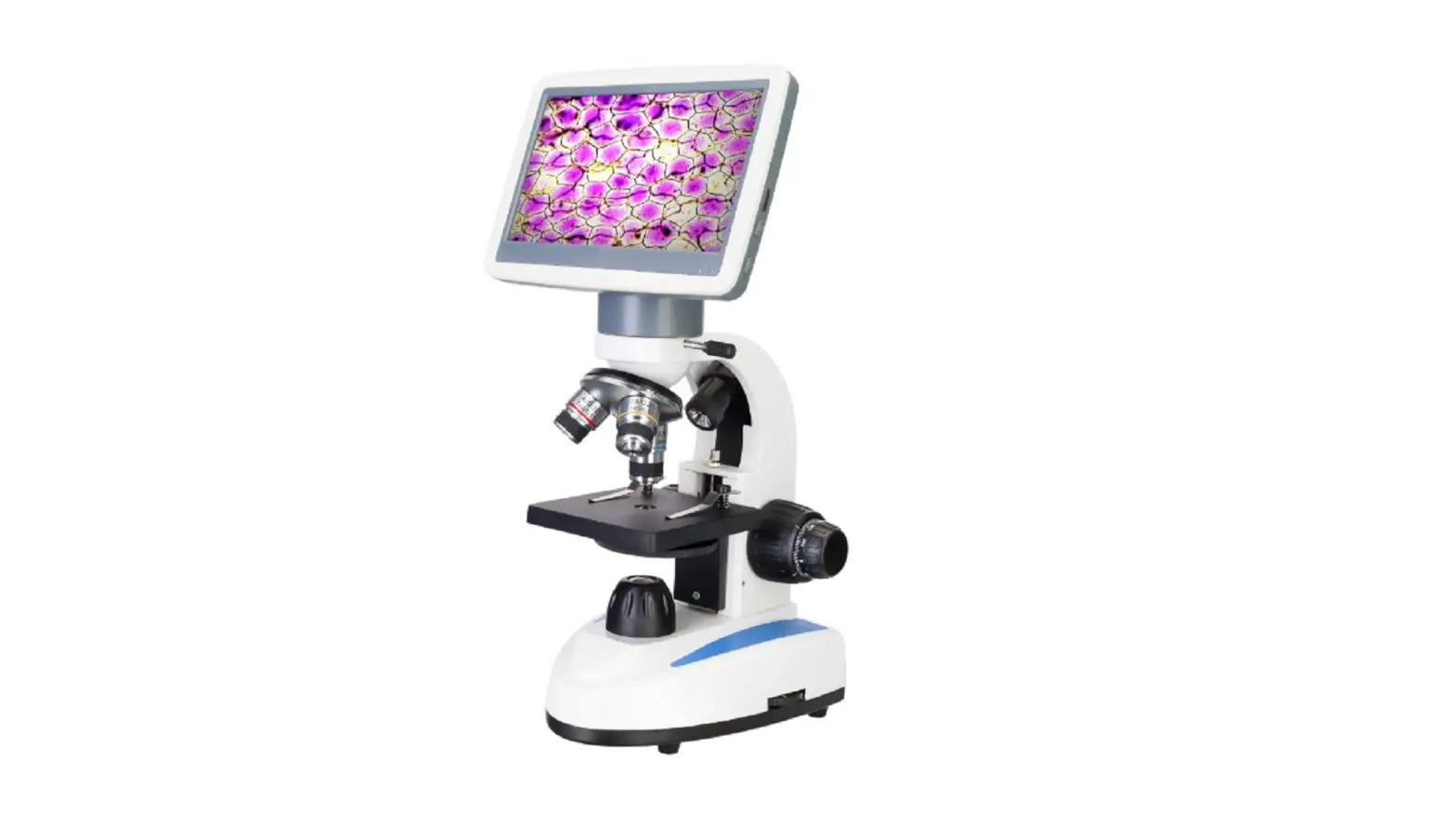
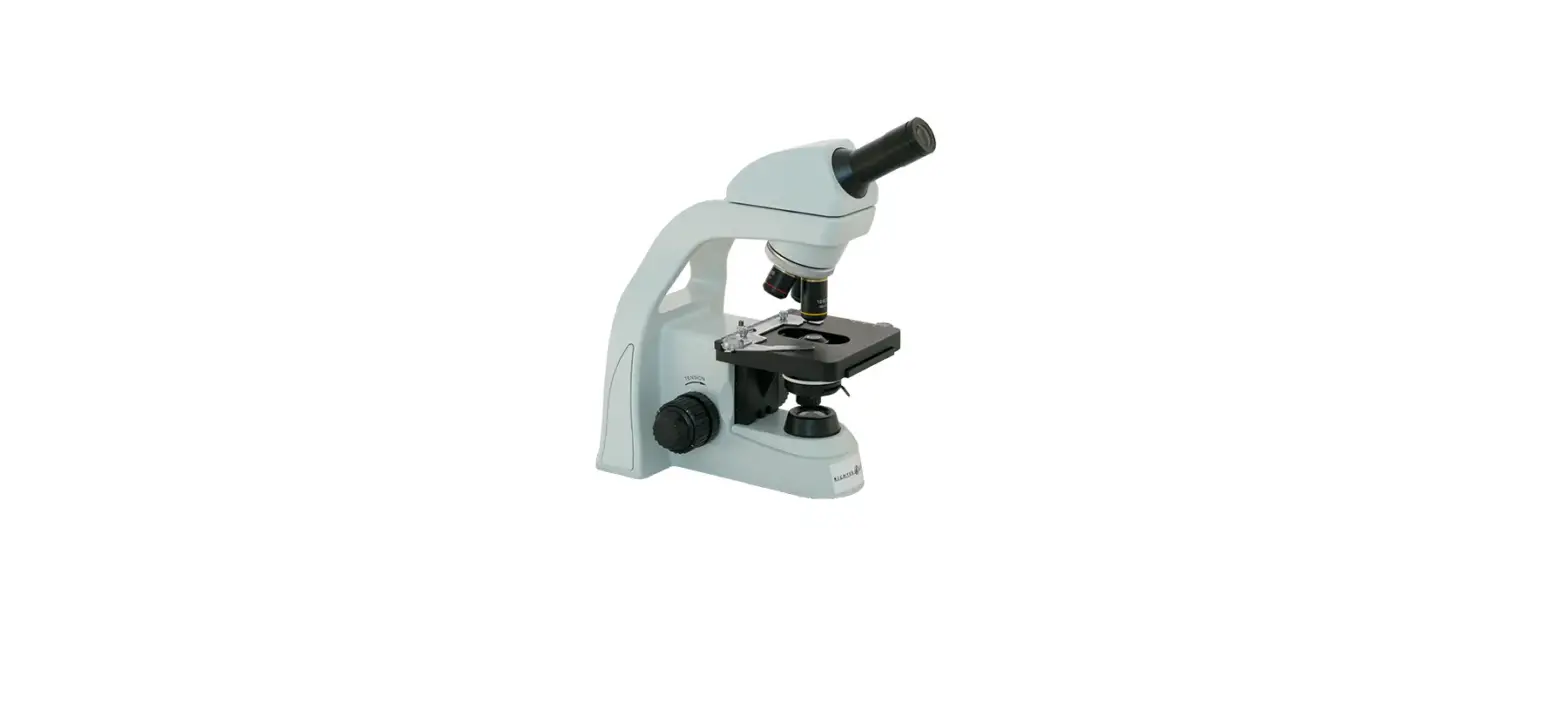
DE8850 Fiber Optic Inspection Scope Video Microscope
Product Information
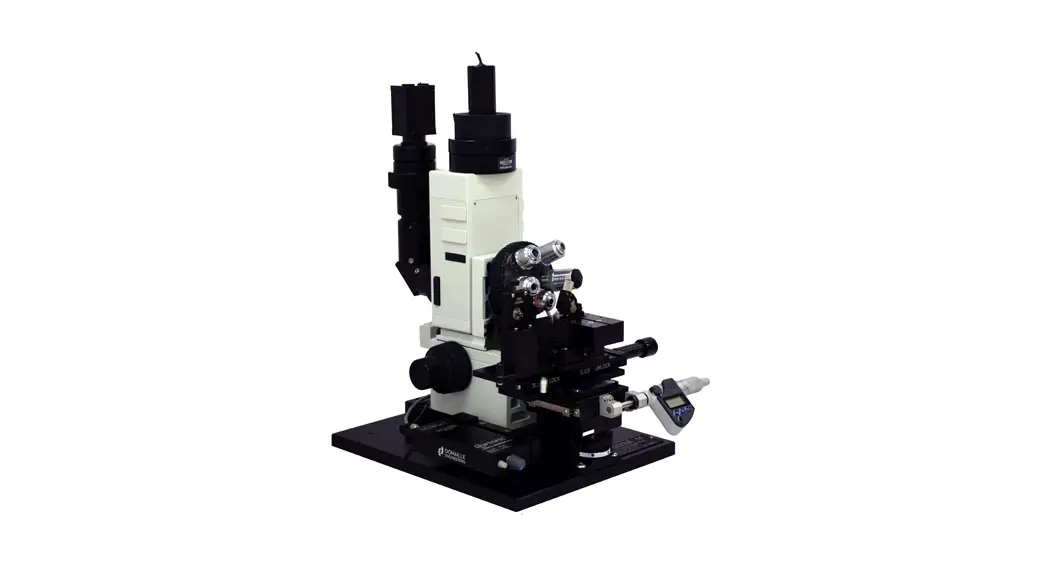
The DE8850 Series Video Microscopes, manufactured by Domaille
Engineering, LLC, are designed for high-quality visual end-face
inspection of fiber optic connectors in a research or production
environment. This microscope features a unique stage with inverted
optics, allowing operators to inspect connectors without removing
them from the polishing fixture, thus increasing throughput during
inspection.
The microscope has the following features:
- High-resolution video and CCD camera
- Four-position nosepiece
- Long working distance optics for UPC and APC inspection
- Precision illumination and focus controls
- X, Y, 0 stage for easily finding connectors in the fixture
Additionally, the microscope is equipped with three objective
lenses: 5x, 10x, and 20x. Optional objective lenses in 3.3x and 40x
are also available.
Product Usage Instructions
Initial Setup
Focusing and Focus Tension Adjustments
The DE8850 series microscope has a Focus Adjustment Knob
conveniently located on each side of the base. It provides both
coarse and fine adjustments. A tension adjustment is also located
on the right side of the scope. To focus the stage out, turn the
knob clockwise. To focus the stage in, turn the knob
counter-clockwise.
Lighting
The illumination can be controlled using the On/Off LED
Intensity control knob (Blue Knob) located on the ME-12300 LED
controller. This allows the operator to control the brightness of
the image when inspecting dark fiber cladding and highly reflective
metal or ceramic ferrules. A dimmer switch button is also provided
to switch between darker and lighter objects. To increase
illumination, turn the knob clockwise. To decrease illumination,
turn the knob counter-clockwise.
Changing Magnifications
The DE8850 model comes with three objective lenses: 5x, 10x, and
20x. These lenses are mounted on a microscope turret or nosepiece,
allowing operators to quickly change magnifications when inspecting
connectors. Optional objective lenses in 3.3x and 40x are also
available.
Linear Stage Adjustments
The stage on the DE8850 microscope has three adjustments:
- The polishing fixture insert rotates to view new connectors
mounted on the polishing fixture. Most inserts have detents that
allow precise rotation over the next connector. - Y-axis travel is provided to scan multiple fiber style
connectors. - An X-axis adjustment is provided to center the image on the
monitor.
Changing Inserts
All inserts, except DE8134, can be lifted up and out of the
stage assembly, enabling operators to quickly change inserts to
accommodate different types of connectors when inspecting jumpers
with different connector types. The DE8134 12-position insert for
Domaille and Seikoh Giken 510 polishers is fixed directly to the
stage assembly. To change this insert, use a hex wrench to loosen
the release screw on the side of the stage.
Preventive Maintenance
Caution: The following instructions should only be
performed by qualified service personnel.
Warning: If the equipment is used in a manner not
specified by the manufacturer, the protection provided by the
equipment may be impaired.
There is no serviceable equipment inside the ME-12300 LED
Controller. Any equipment requiring repair should be sent back to
the manufacturer or an authorized dealer.
DE8850 Series
Fiber Optic Inspection Scope Video Microscope User’s Guide
Overview Manufactured by Domaille Engineering, LLC, the DE8850 Series Video Microscopes are designed for high quality visual end-face inspection of fiber optic connectors in a research or production environment. This scope has a unique stage with inverted optics, allowing the operator to inspect connectors, without removing them from the polishing fixture thereby increasing throughput during inspection.
Printing History Edition 2, December 2019 © Copyright 2019 by Domaille Engineering LLC
1
Parts & Functions
Features: High Resolution video and CCD camera Four Position Nosepiece Long Working Distance Optics for UPC and APC inspection An extensive range of inserts, reference page 14 Precision Illumination and focus controls X,Y, 0 Stage for easily finding connectors in fixture
2
Initial Setup
After unpacking the DE8850 series microscope and accessories, setup can be quickly achieved through a few simple connections. First set the DE8850 microscope base on a solid tabletop and find the power adaptor (ME- 12305) shipped with the system These two items (including the LED controller integrated into the base) are connected together to power the microscope camera and illumination system. The power adaptor has an input voltage range of 90-240VAC, 50-60Hz (for worldwide use) and output of +12VDC. It should be accompanied by the correct input AC cord and also has a permanent wired output cord to plug into the LED controller (ME-12300.) After finding the items connect the output cord of the power adaptor to the input labeled +12-24VDC on the LED controller (if not already connected.) When done then connect the supplied AC cord to the power adaptor input receptacle. We provide two different monitor types, in several different sizes. These monitors are high resolution monitors specifically chosen to provide the best solution for inspecting connector end-faces. We do not recommend any of the lower priced security type monitors as the resolution and image quality are not sufficient. A computer may also be used to capture images, contact Domaille Engineering for more information on digital camera options or video frame grabbers.
Operation
Focusing and Focus Tension Adjustments The Focus Adjustment Knob on the DE8850 series is conveniently located on each side of the base. Both course and a fine adjustment are provided. A tension adjustment is also located on the right side of the scope. Clockwise = Focuses the Stage Out Counter-clockwise = Focuses the Stage In
3
Lighting The illumination can be controlled using the “On/Off LED Intensity” control knob (Blue Knob) located on the ME-12300 LED controller. This allows the operator to control the brightness of the image when inspecting the dark fiber cladding and highly reflective metal or ceramic ferrules. A dimmer switch button is also provided to switch between darker and lighter objects
Clockwise = Increases Illumination Counter-Clockwise = Decreases Illumination
Changing Magnifications Each DE8850 model is equipped with three objective lenses: 5x, 10x, and 20x. The objective lenses are mounted to a typical microscope turret or nosepiece allowing the operator to quickly change magnifications when inspecting connectors. Optional objective lenses are also available
4
in 3.3x and 40x.
Determining Actual Magnification The best method to calculate the exact “total” magnification used on the DE8850 series is to measure the diameter of the fiber, cladding on the video display. Take the measurement in millimeters and divide that amount by the actual size of the fiber cladding, typically 125 micron. The result is the “total” optical and video magnification being used. For example: taking a set of calipers, we measured the diameter of the ferrule viewed through DE8850 on a monitor to be approximately 53.49mm. Actual size on display/cladding diameter in mm = total magnification 53.49mm / .125mm = 427.92X
5
Linear Stage Adjustments
The stage on the DE8850 has three adjustments. The polishing fixture insert rotates to view new connectors mounted on the polishing fixture. Most inserts feature detents that allow the operator to stop rotating precisely over the next connector. Y-axis travel is provided to scan multiple fiber style connectors and an X-axis adjustment is provided to center the image on the monitor.
Changing Inserts All inserts, except DE8134, simply lift up and out of the stage assembly. This enables operators to quickly change inserts to accommodate different types of connectors when inspecting jumpers with different types of connectors. The DE8134 12 position insert for Domaille and Seikoh Giken 510 polishers is fixed directly to the stage assembly. Use a hex wrench to loosen the release screw in the side stage.
6
Preventive Maintenance
Caution:
The following instructions should only be performed by qualified service per sonnel.
Warning:
If equipment is used in a manner not specified by the manufacturer, the protection provided by the equipment may be impaired.
There is NO SERVICEABLE EQUIPMENT inside the ME-12300 LED Controller. All equipment requiring repair should be sent back to the manufacturer or an authorized dealer.
7
Note: The DE8850 series microscopes are relatively low maintenance. Basic care and precaution in using the instrument is required. Depending upon the cleanliness of the general working area as well as the age of the equipment, we would suggest at least semi-annual service and maintenance.
General Cleaning Harsh solvents are not recommended on a regular basis. Typical safe degreaser solvents can be used to clean old grease or grime from mechanical parts. The Kodak lens cleaner (offered at most photo/camera supply stores) is safe to use on the optics of our microscopes. Lens cleaner can be used with a soft lens tissue/ cloth to remove any soil, fingerprints, etc. from the front of the objectives. Centering the illumination Centering the illumination of the DE8850 is critical in order to maximize performance of the microscope. All scopes are set up from the factory, but periodic cleaning may require the operator to re-center the illumination.
1. Move image to center of screen. 2. Using a 3/32″ hex wrench, loosen the four screws on either side of the light source
mount.
8
3. While viewing a fiber on the monitor, slide the light block around until the greatest amount of light is over the cladding area of the fiber.
4. Re-tighten the two screws.
Note: adjust the light intensity up and down to confirm the light is centered
Incorrect Illumination: Notice how the light is towards the bottom of the screen.
Correct Illumination: Not ice how t he light surrounds t he cladding. Light scrat ches can now be easily det ect ed.
Cleaning the Dust Cover Depending the type of production environment, the dust cover will need periodic cleaning to remove dust, debris and polishing material from the optical system. Since the illumination and optical path travels though the dust cover it is essential to keep this surface clean in order to ensure maximum performance of the DE8850.
1. Try to blow large particles off of the dust cover using compressed air. 2. Using a lens cleaner and a soft lens cloth, in a circular motion, carefully wipe the surface
of the dust cover starting from the center and working towards the edges.
9
Cleaning objective lenses Oils, dirt, and finger prints may reduce the resolving power of the objective lenses. To ensure maximum levels of performance of the DE8850 series, wipe the lens of the objectives with a lint-free tissue and lens cleaner. Ordinary lens cleaner, available at most photography supply stores works the best. Perform this procedure weekly or as needed, depending on the type of environment inspection is being held.
Cleaning the CCD Camera Use extreme caution when attempting to clean the camera. Any scratches, solvent, streaks or dirt left on the IR filter of the CCD will show up in the field of view of the microscopes.
Before attempting to clean the IR filter on the CCD camera, first confirm that the visible dirt on the monitor is actually on the camera. While viewing the suspected dirt on the video monitor, slowly rotate the CCD camera on the Microscope.
Due to the orientation of the CCD, if the dirt remains in the same spot and does not rotate with the camera, then it most likely is on the camera itself.
1. Carefully unscrew the camera from the camera mount. 2. Using clean, compressed air, blow across the surface of the IR filter. 3. Recheck the camera for dirt.
10
4. If the dirt is still there, use plastic tweezers, soft lens cloth and lens cleaner to carefully wipe the surface of the IR filter. Use a wiping spiral pattern from center of filter out to edges, to remove debris.
5. Re-check the camera for dirt. 6. Repeat this process until the camera is clean.
Blow air across and not directly at the CCD sensor of the camera.
11
Troubleshooting Advice Image is not clear No Illumination No Video Image Image is not centered Spots and/or lines on the monitor Loss of resolution or image contrast
Image drifts in and out of focus
Try adjusting the focus mechanism to bring the image into focus. Increase or decrease the light intensity on the fiber optic light source. Adjust to 5x objective and verify fiber is in the field of view. Check the set-up, confirm that all connections are made and that everything is powered on. Increase the light intensity on the fiber optic light source. Check the fiber optic light source, replace it if necessary. Check the set-up, confirm that all connections are made and that everything is powered on. Re-set the light intensity to approximately 1/3 power, too much light will bleed out the image resulting in an all-white screen. Try adjusting the focus in and out. Use the Z-axis stage adjustment and the linear slide knob to bring the fiber to the center of the screen. Fine tune the adjustments on the Z-axis using the knobs on top of each bracket. Slightly decrease the contrast control on the monitor as this may enhance optical interference with the CCD Chip. Check the CCD Camera of dirt and debris. Isolate the scope from other electronic devices that may cause video interference. Check the objective lenses for dirt, scratches or film. Adjust the brightness and contrast controls on the monitor. Make sure the impedance switch on the back of the monitor is set to 75. Check the CCD camera for dirt and film Make sure the shutter on the CCD is set to the OFF position. Tighten the focus tension knob. Tighten the side adjustment screw on the
12
Image is not centered between objectives
connector bracket. Check that each objective is screwed on tight.
13
(Page needs to be landscape or was copied from a landscape page.)
Polishing Fixture Inserts
DE8121: 12 position Insert Domaille Seiko Giken 510
DE8134: 12 position Insert with indexing Domaille Seiko Giken 510
DE8153: 10 position MT PC and APC Insert Do maille
DE8153-N: 10 position MT PC and APC Insert Do maille
DE8166: 6 position MT-RJ insert with indexing
Domaille
Domaille Engineering specializes in engineering solutions for unique insert requirements
DE8180: PF–0.0625 2.0-DCL-12 Do maille
DE8182: 12 position MT EZ Do maille
14