
SR 600
Quick Guide
 Introduction:
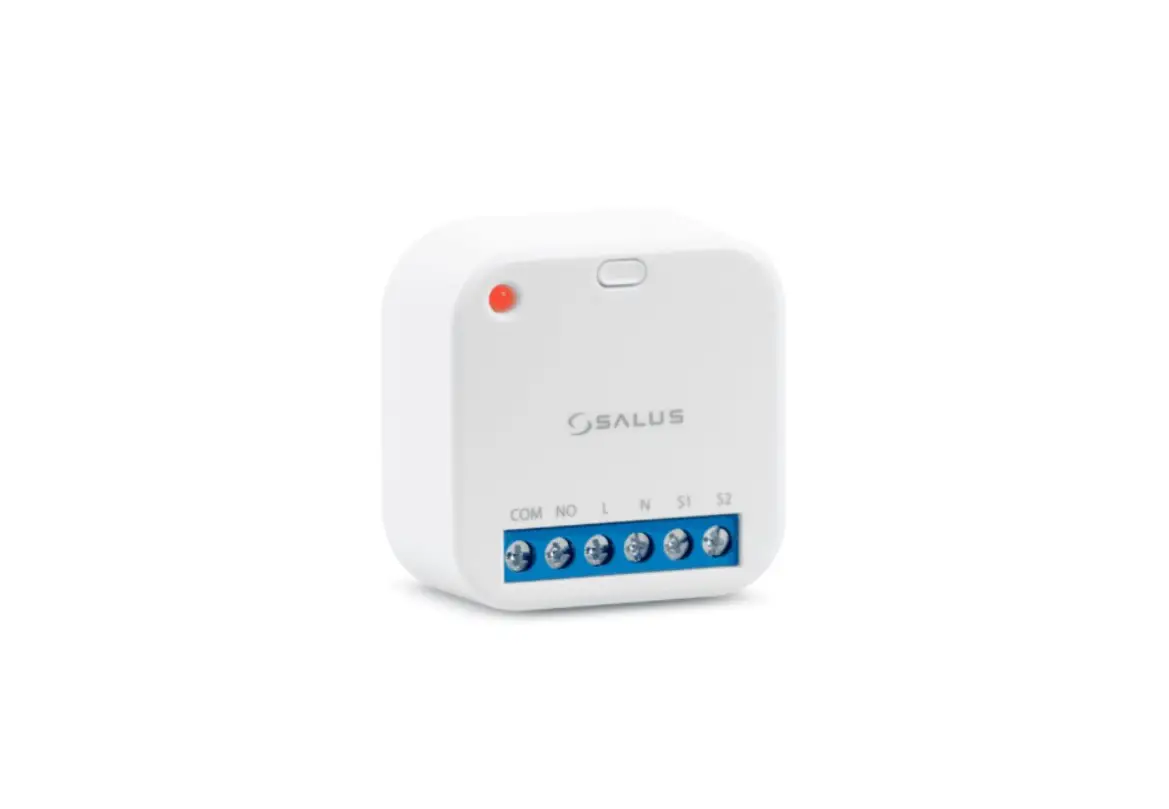
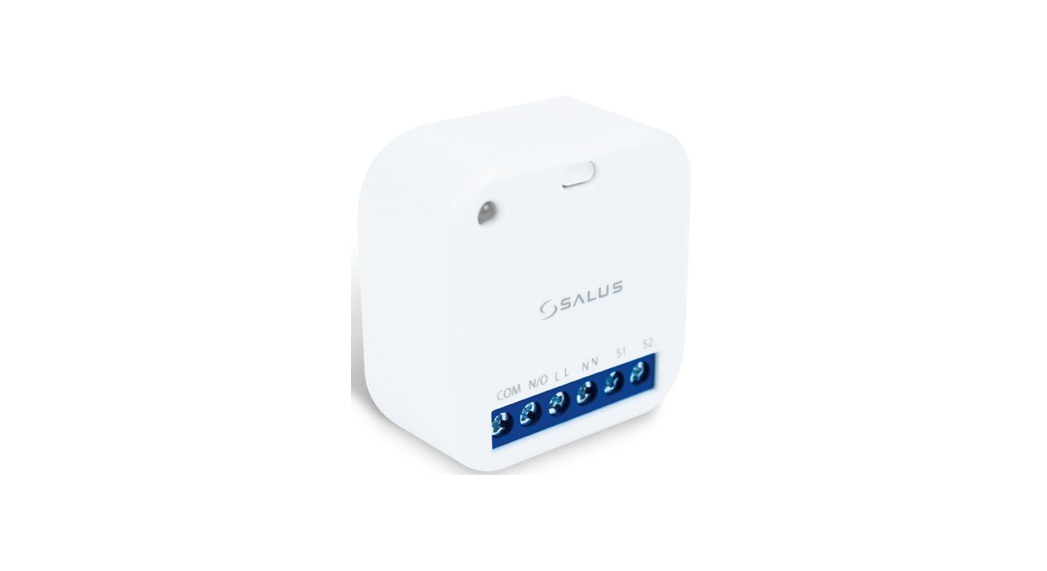
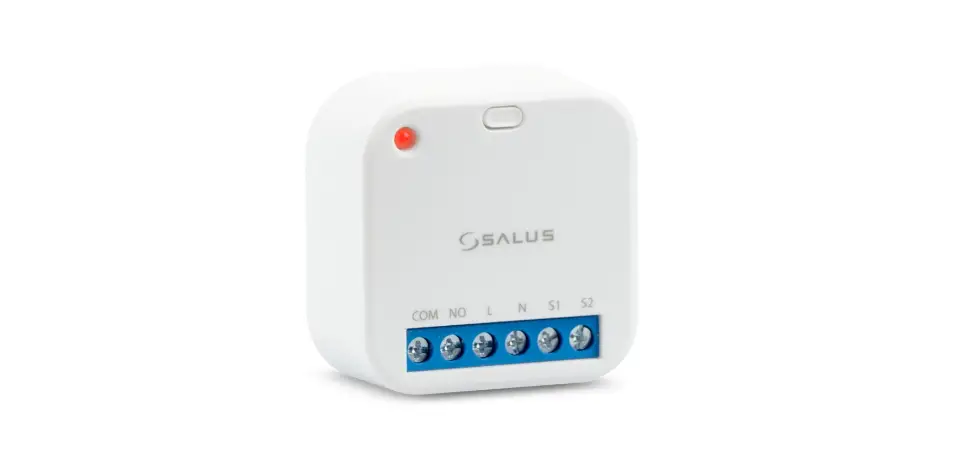
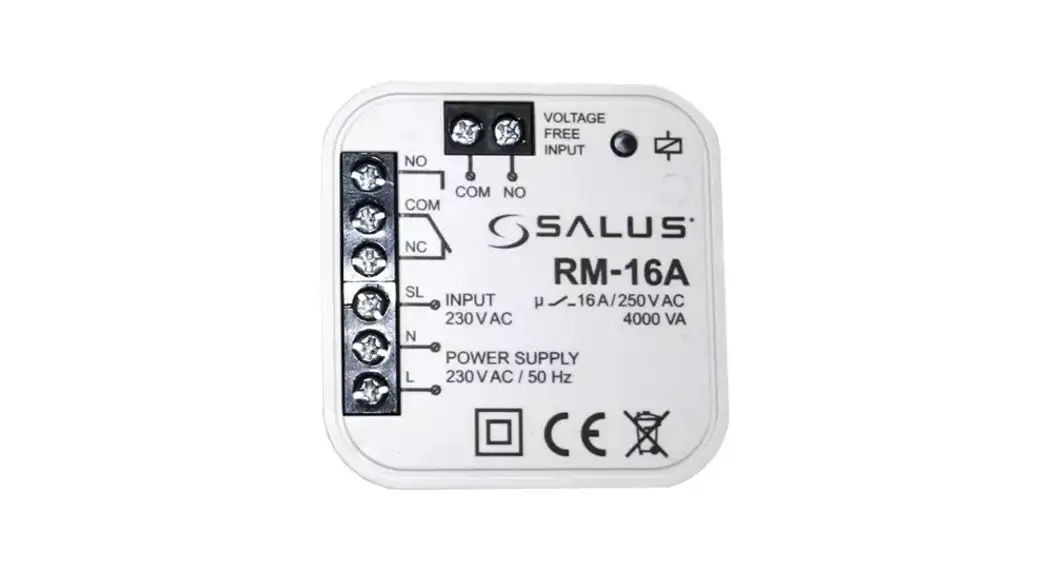
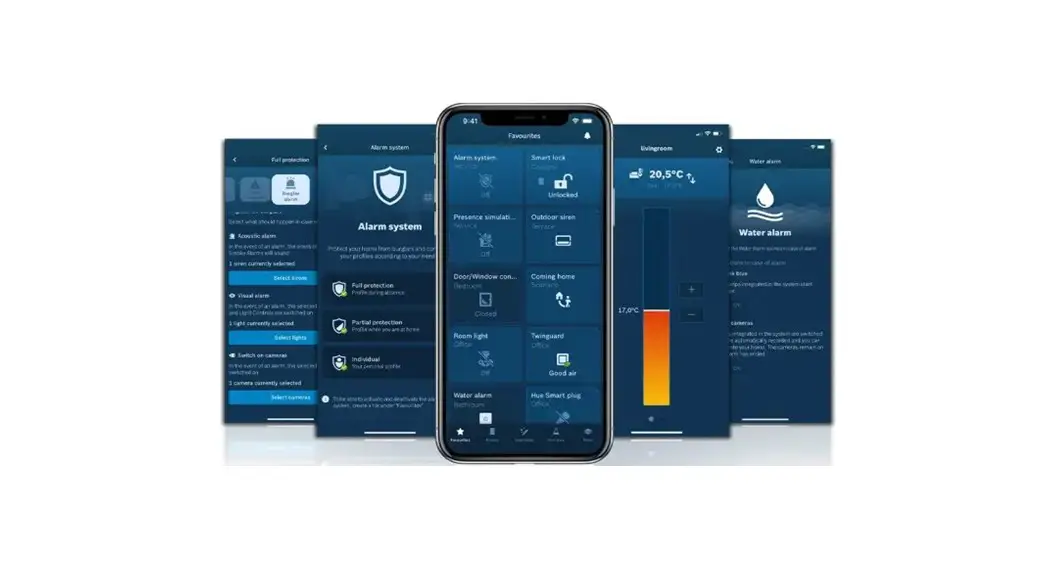
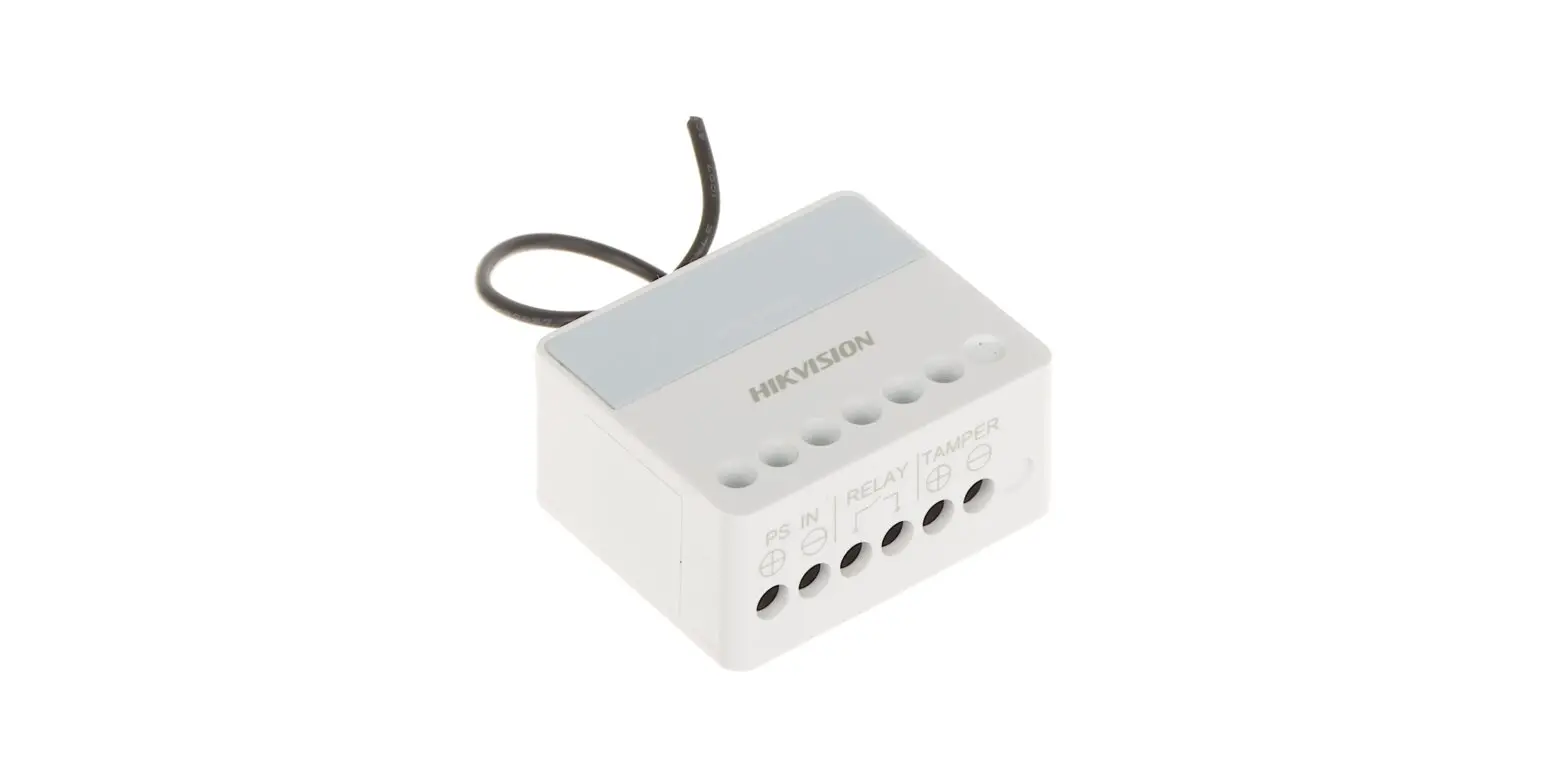
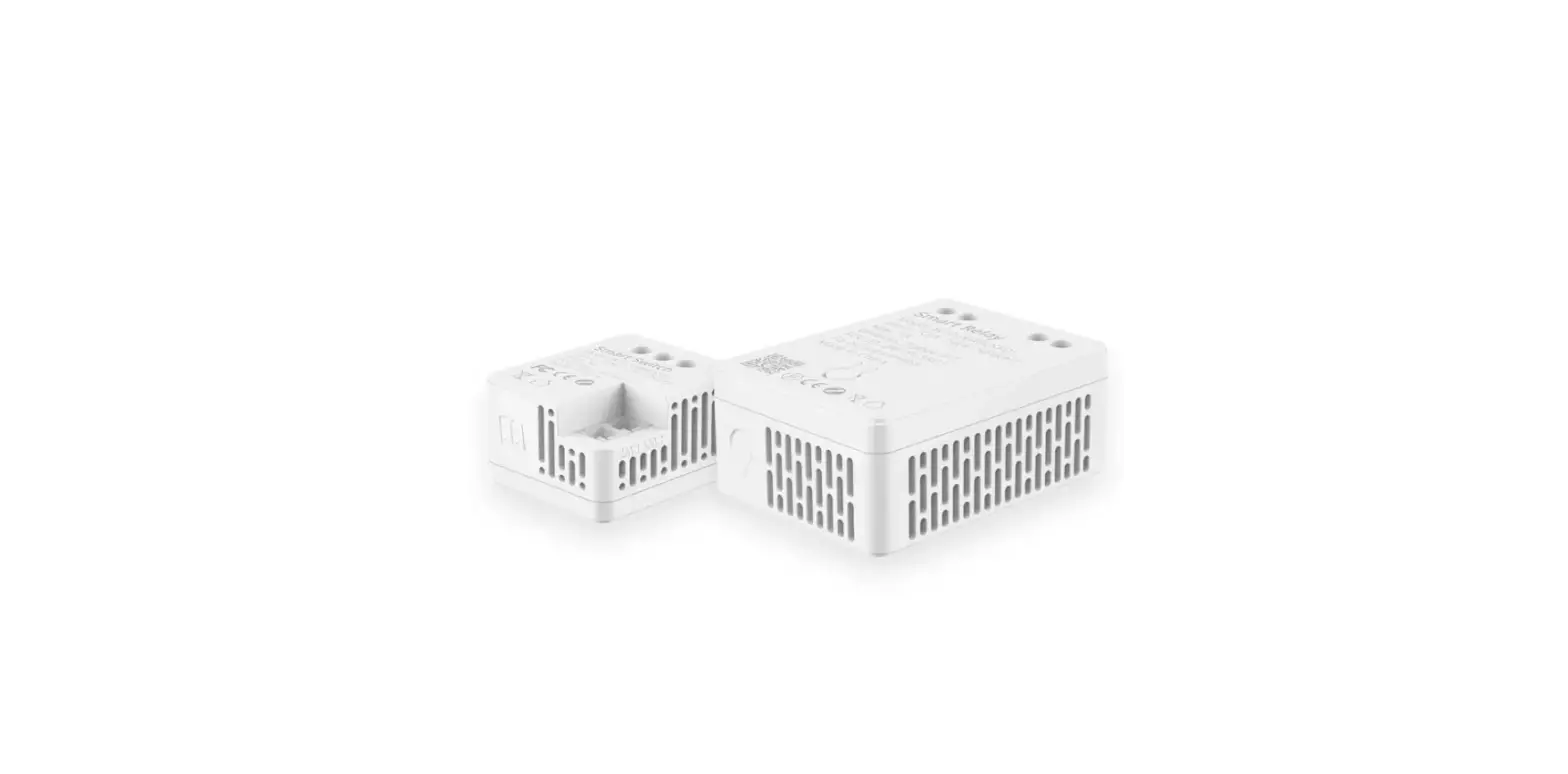
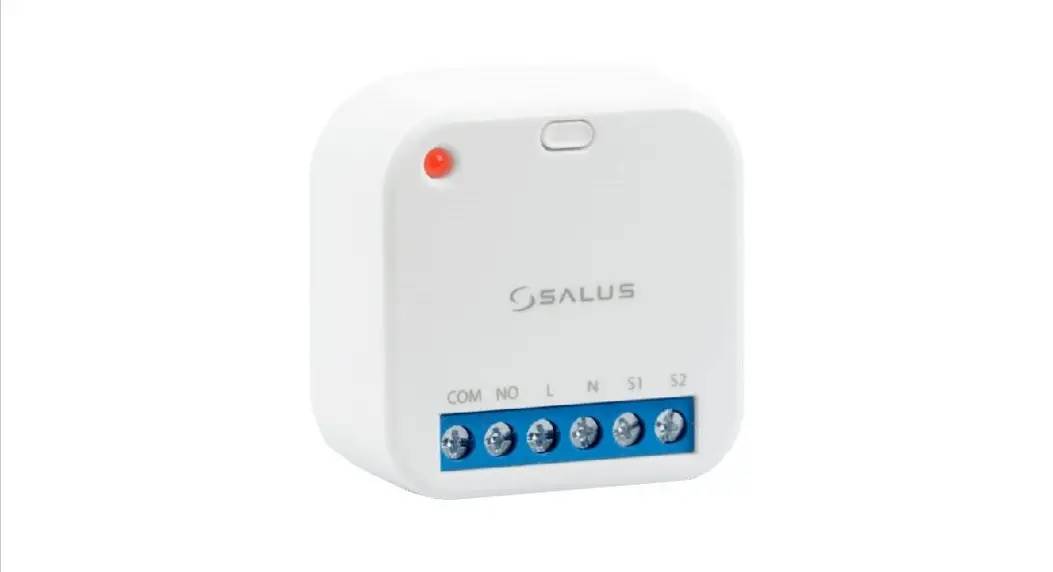
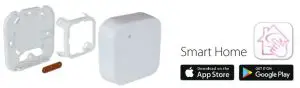
Smart Relay (SR600) is a switching relay product that can be used to power on or off a maximum 16A load. It can be installed directly within a wall box or surface mounted onto the wall (using the optional SRS600 wall mount bracket). This product must be used with the Universal Gateway (purchased separately). The Universal Gateway allows communication with other SALUS Smart Home products using the SALUS Smart Home App.
Product Compliance:
This product complies with the essential requirements and other relevant provisions of Directives 2014/53/EU (RED) and 2011/65/EU. The full text of the EU Declaration of Conformity is available at the following internet address: www.saluslegal.com.  2405-2480MHz; <14dBm
 Safety Information:
 Safety Information:
Use in accordance with the regulations. Indoor use only.
Keep your device completely dry. Disconnect your device before cleaning it with a dry cloth.
This accessory must be fitted by a competent person, and installation must comply with the guidance, standards, and regulations applicable to the city, country, or state where the product is installed. Failure to comply with the relevant standards could lead to prosecution.
Wiring diagram
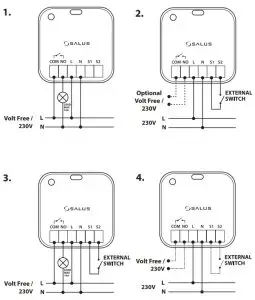
Terminals
| COM | Common terminal |
| NO | Switch terminal |
| L | supply 230V AC |
| N | Power supply 230V AC |
| 51/52 | Switch input terminals |
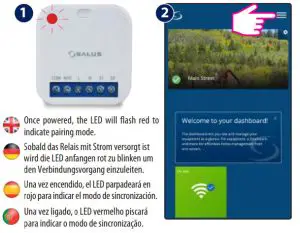
Pairing Process
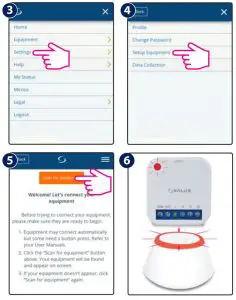 LED Indication
| Description | LED |
| Joining Network automatically | RED LED pulsing |
| Joining Network trigger by button press | RED+GREEN LED turn on for 1s, then RED LED pulsing |
| Device Relay ON with Network | GREEN LED ON |
| Device Relay OFF with Network | RED LED ON |
| Device Relay OFF without Network | RED LED pulsing |
| Device Relay ON without Network | RED + GREEN LED pulsing |
| Identify | GREEN LED flashing for up to 10 minutes |
S1&S2 terminals
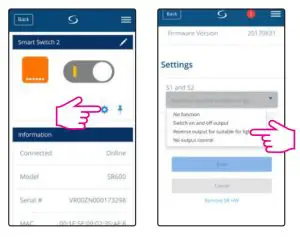
| Option | Description |
| 1. No Function | S1/52 non-active (Turning COM/NO on using the App) |
| 2. Switch on and off output | Switch COM/NO is on, while S1/52 contact is triggered |
| 3. Reverse output for suitable for lighting | Short circuits of terminals 51 /52 cause switching on or off (bi-stable contact) |
| 4. No output control | S1/S2 active and work independently of COM/NO output. Switch COM/NO is turned on via the App |
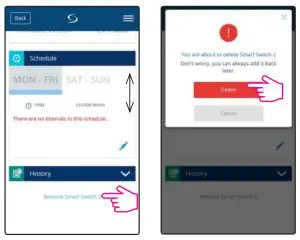
Remove device
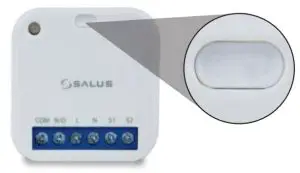
 To identify the device, short press the button.
To enter pair mode, press and hold the button for 3 seconds.
To do a factory reset, press and hold the button until LED flashes red (max 15 sec).
PRODUCER:
Salus Limited 6/F, Building 20E, Phase 3, Hong Kong Science
Park, 20 Science Park East Avenue, Shatin,
New Territories, Hong Kon
IMPORTER:
QL CONTROLS Sp. z o.o. Sp. k.
ul. Rona 4, 43-262 Kobielice
www.salus-controls.eu
SALUS Controls es miembro del Grupo Computime.
Este manual se ha realizado con la intenci6n de ofrecer a los clientes unas instrucciones claras y sencillas.
No obstante, queda sujeto a modificaciones por posibles erratas o futuros cambios tecnicos.
Este manual foi feito corn a intencao de oferecer aos clientes instrucoes claras e simples.
No entanto, esti sujeito a modificacoes para possiveis erros de impressao ou mudancas tecnicas futuras.