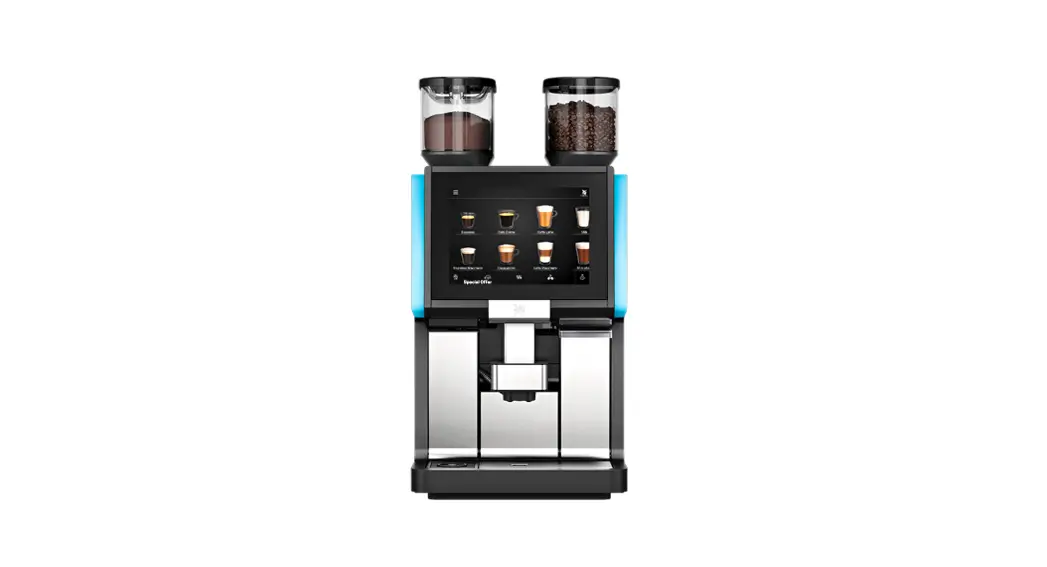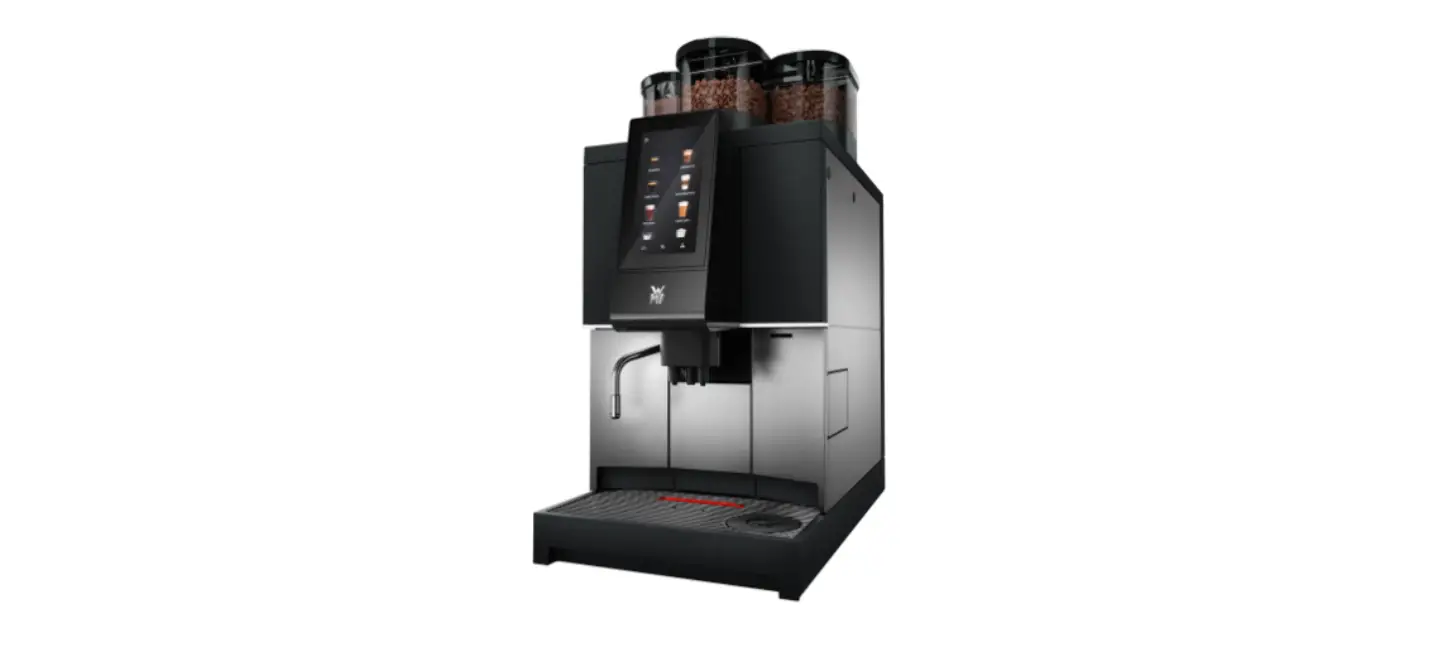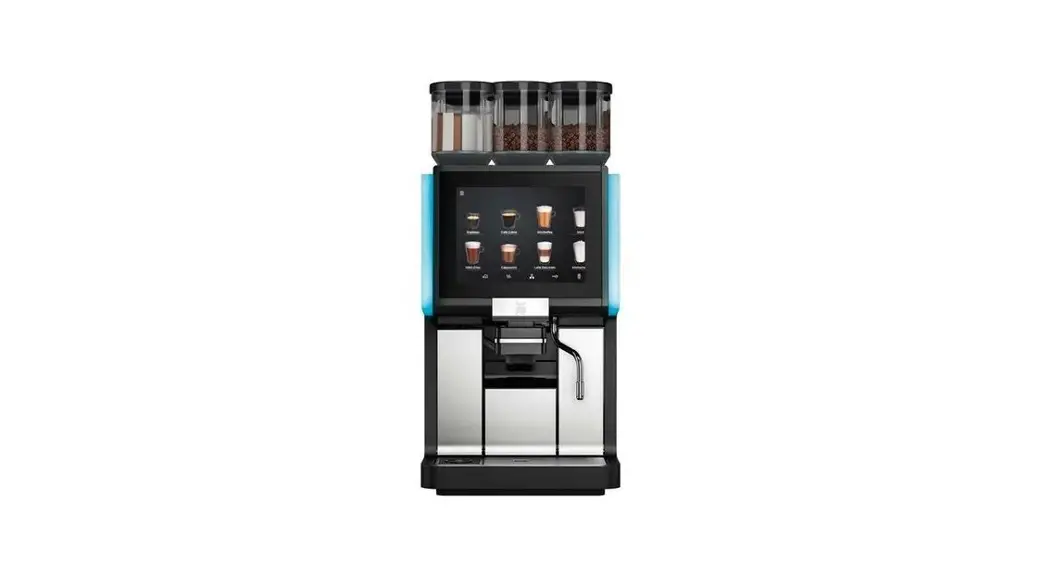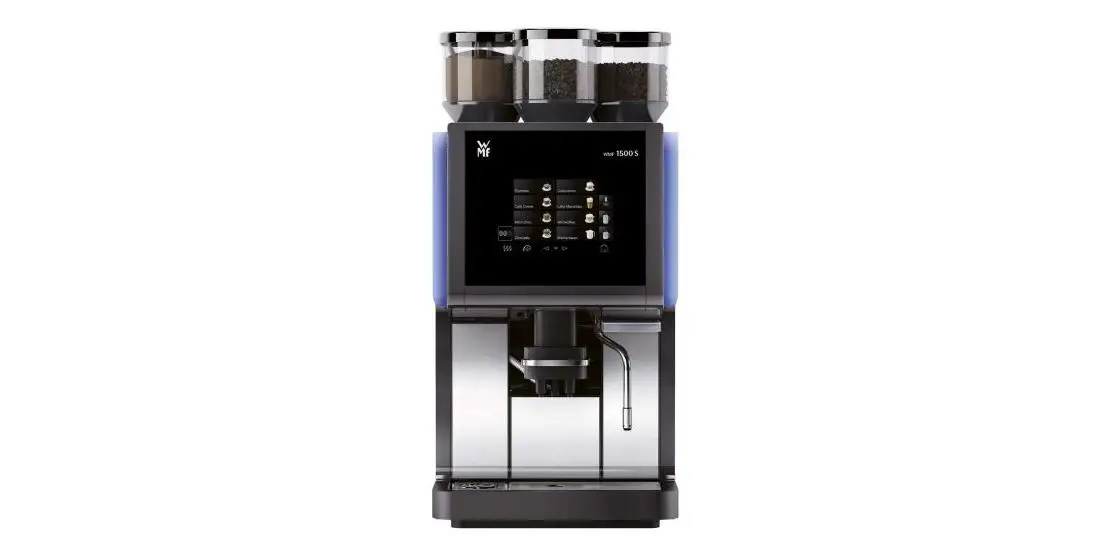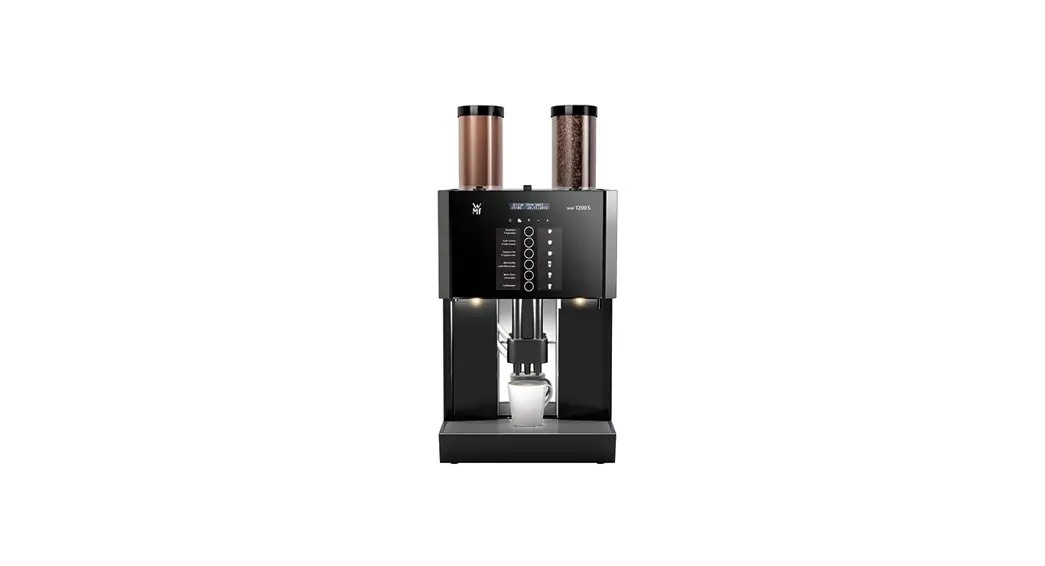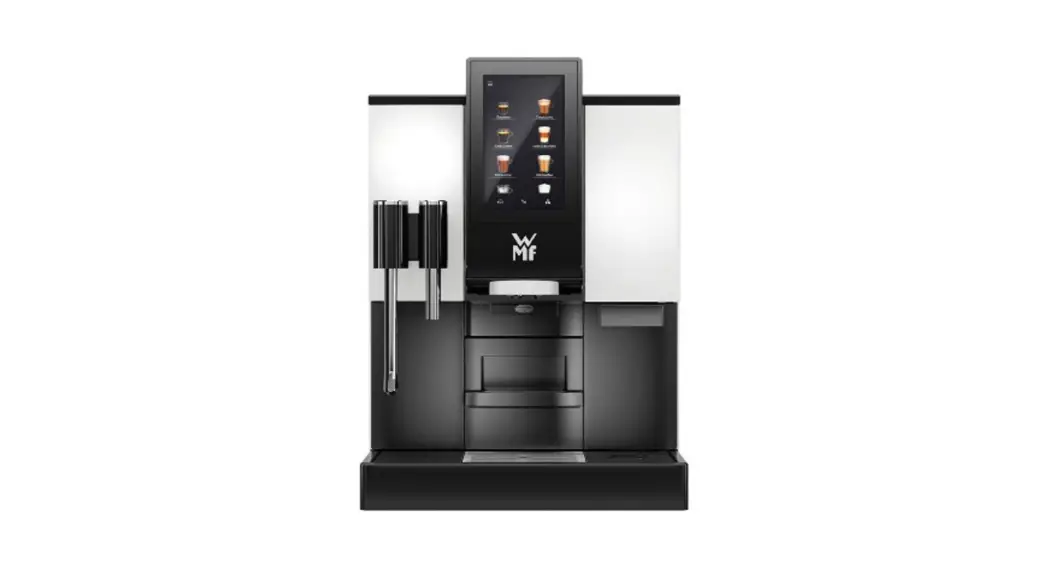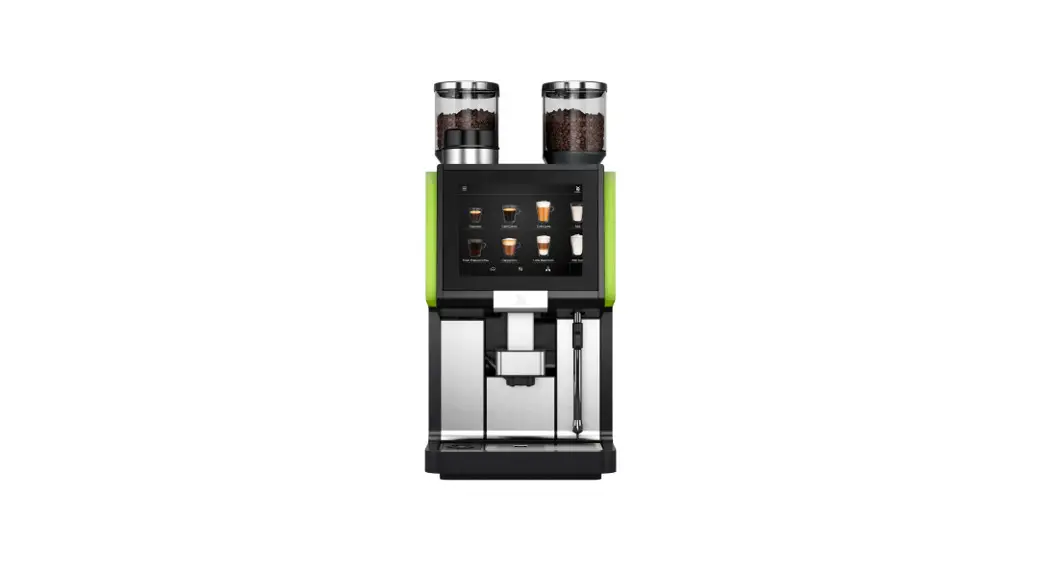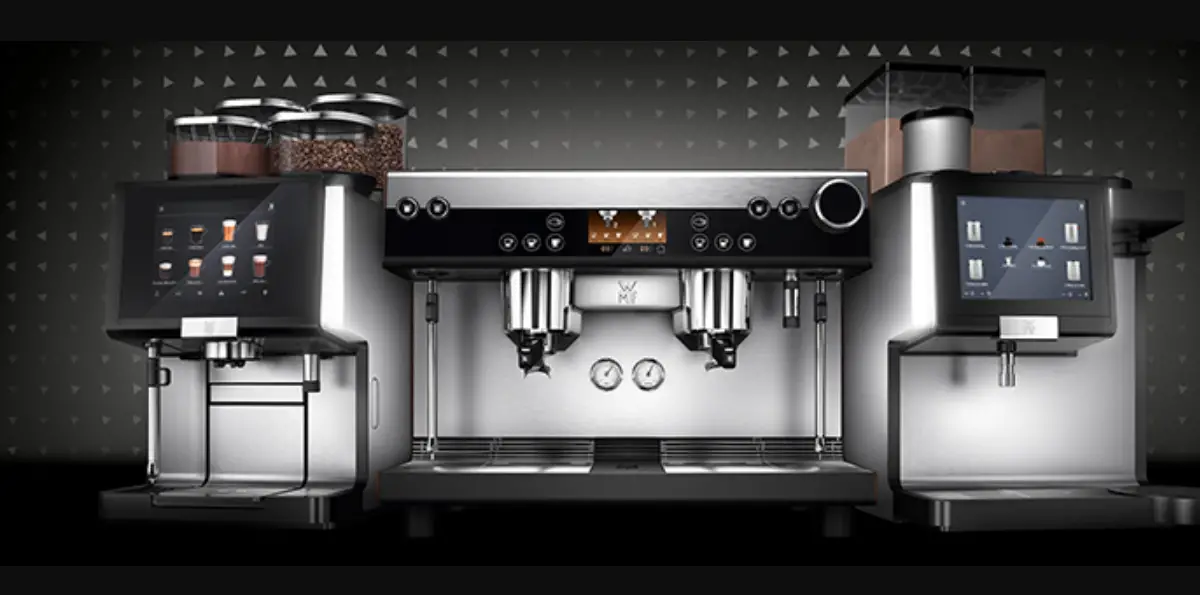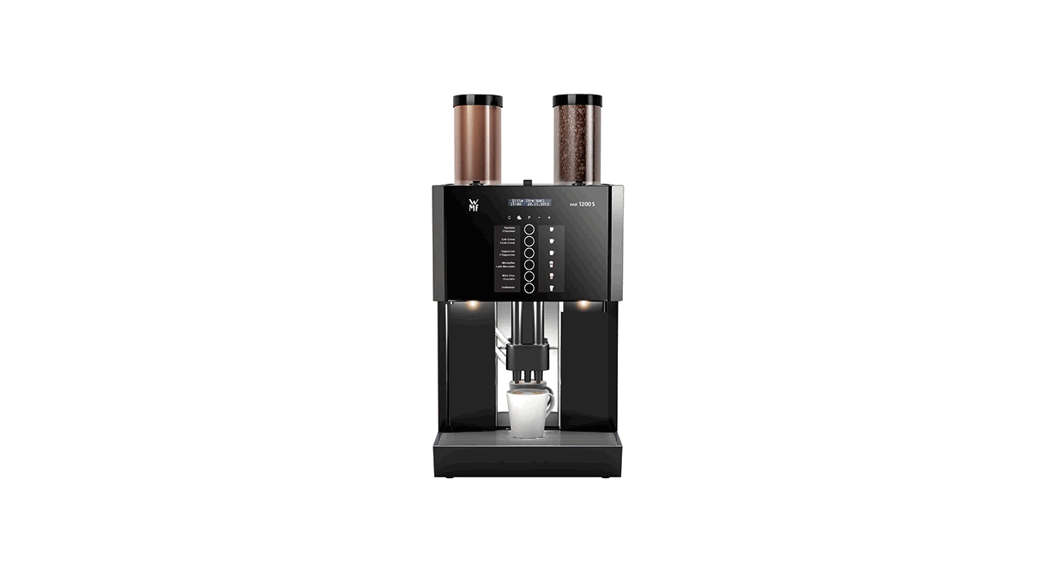
 WMF 1200S
Operating & cleaning instructions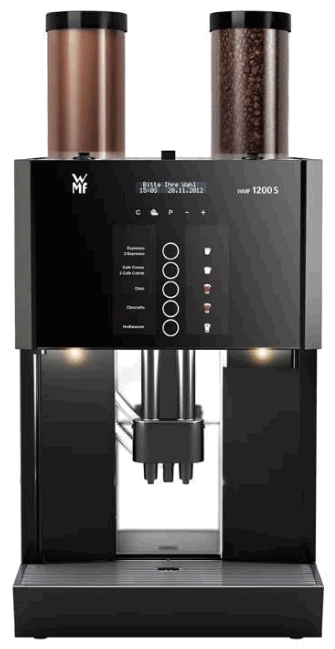
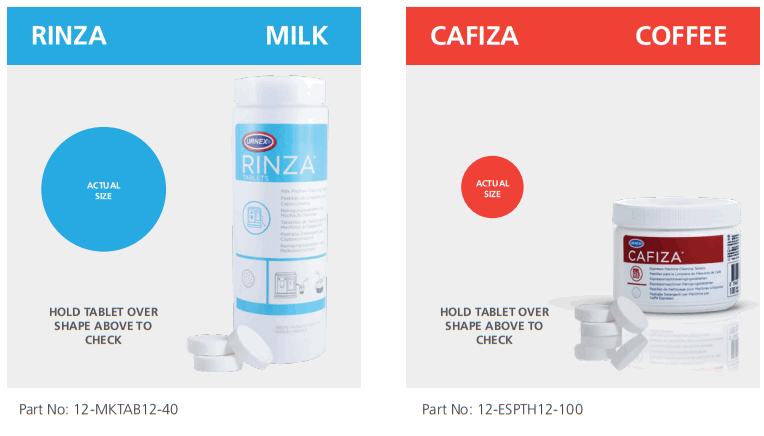
CLEANING TABLET CHECK SHEET
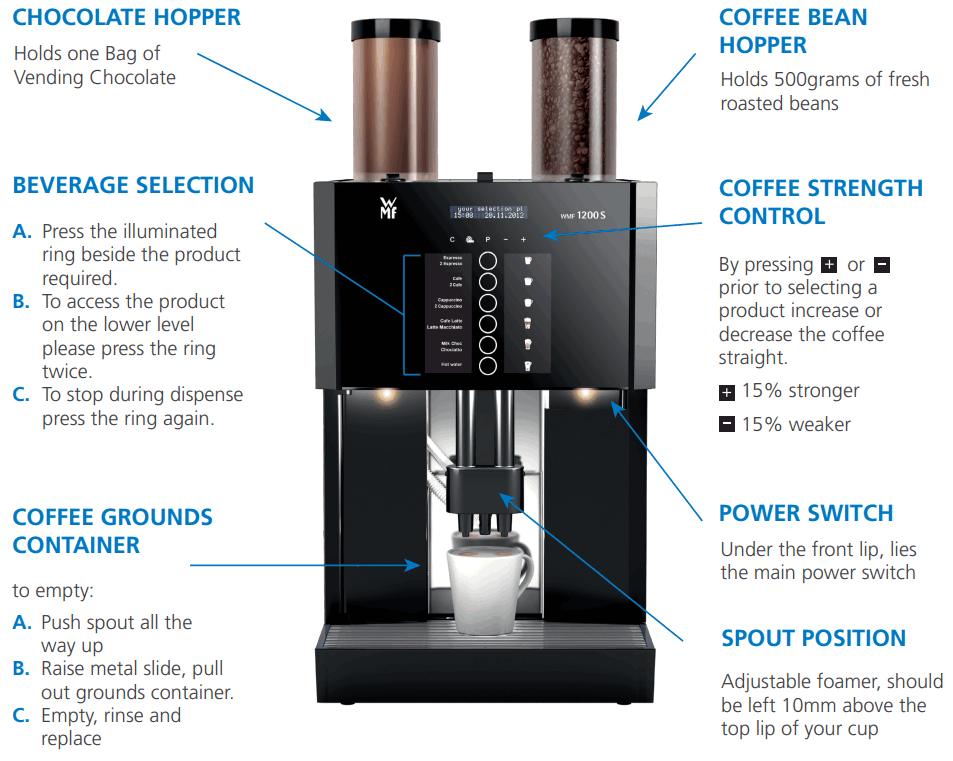
REMOVAL OF GROUTS
IMPORTANT PROCESS
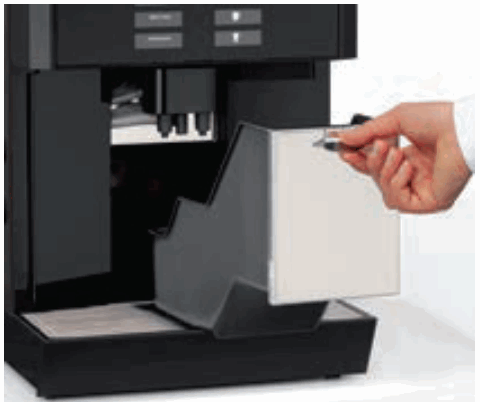
- Push combi spout all the way up
- Remove grounds container
- Empty and replace grounds container
- Confirm process on the display
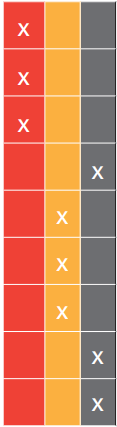
CLEANING INTERVALS OVERVIEW
DAILY WEEKLY MONTHLY
 | System cleaning |
| Clean Screen (CleanLock) | |
| Grouts container cleaning | |
| Clean the brewing unit | |
| Drip tray cleaning | |
| Milk System Manual Clean | |
| Clean the mixer | |
| Bean hopper cleaning | |
| Clean powder hopper |
For further information please refer to the care menu instructions or the user manual
MACHINE CLEAN – EASY MILK (PLUMBED)
 PERFORM THIS AT LEAST ONCE EVERY 24 HOURS
 THIS CLEANING PROCEDURE TAKES APPROX. 15 MINUTES
 CHECK CORRECT TABLET IS USED FOR EACH STAGE. USE ONLY URBEX TABLETS.
| STEP 1. | STEP 2. | STEP 3. |
Press  Touch  until the cleaning program is displayed and select clean. program until the cleaning program is displayed and select clean. programbrowse: -/+ cleaning OK: P browse: -/+ switching off OK: P browse: -/+ Press P | empty drip tray Confirm with P OK: P cancel: C That the drip tray has been emptied empty grounds cont. | 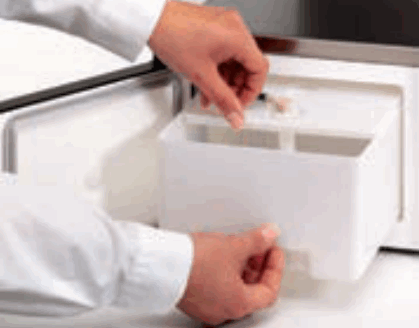 Disconnect milk hose from container Removes the milk container and clean. Disconnect milk hose from container Removes the milk container and clean. |
| STEP 4. | STEP 5. | STEP 6. |
insert cleaning tablet for milk system in cleaning container start: P | 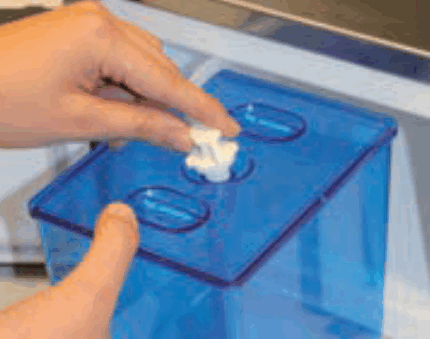 Place the cleaning container into the cooler and insert the milk hose. Place the cleaning container into the cooler and insert the milk hose.Do not close the cooler door | 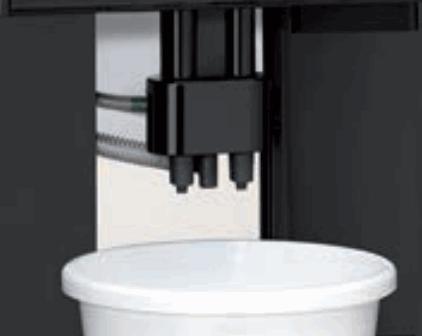 Machines with a water tank Place a 2L container under the combi spout Machines with a water tank Place a 2L container under the combi spout |
| STEP 7. | STEP 8. | STEP 9. |
cleaning container inserted start: P | 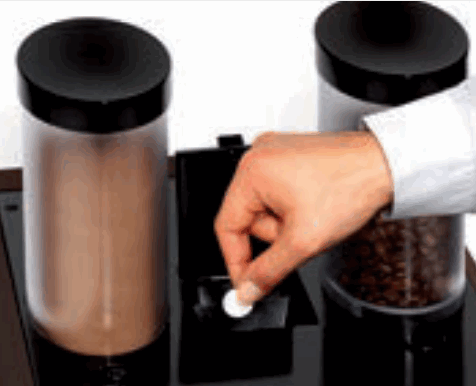 Add cleaning tablet and close the manual insert Add cleaning tablet and close the manual insertinsert the tablet into the manual insert | start: P Press P Machine cleaning will start. If choc beverages have been dispensed, cleaning will start with mixer rinsing. |
| STEP 10. | STEP 11. | STEP 12. |
Clean will take approx 11 Minutes | When cleaning with the “switching off” option, the message the next time the machine is switched on. remove and rinse cleaning remove and rinse cleaning container OK: P Remove cleaning container and rinse thoroughly, then Press P | milk container inserted OK: P Place a container under the combi spout. Place milk container into the cooler Press P |
| STEP 13. | ||
| rinse running The hoses are filled with milk. This results in some liquid running out of the combi spout. This is followed by a foamer rinse The machine is now ready for use. |
MILK SYSTEM EXCHANGE & CLEAN
PERFORM THIS AT LEAST ONCE EVERY 24 HOURS” THIS CLEANING PROCEDURE TAKES APPROX. 15 MINUTES USE ONLY WMF-CERTIFIED MILK CLEANING TABLETS.
| STEP 1. | STEP 2. | STEP 3. |
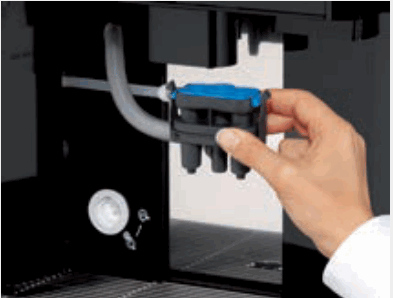 Pull forward the lever behind the combi spout Pull forward the lever behind the combi spout | 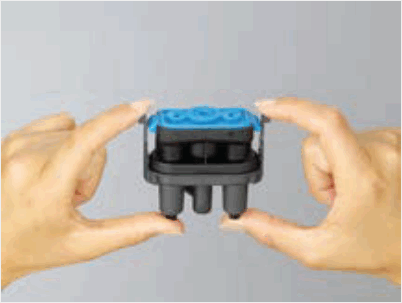 Remove combi spout & remove milk hose from the container Remove combi spout & remove milk hose from the container | 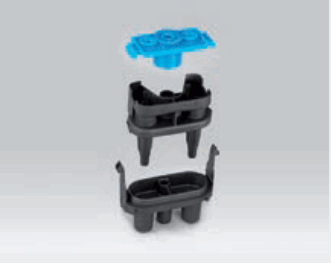 Dismantle combi spout into separate pieces ready for soaking & immerse the length of the remaining milk hose in the cleaning solution Dismantle combi spout into separate pieces ready for soaking & immerse the length of the remaining milk hose in the cleaning solution |
| STEP 4. | STEP 5. | STEP 6. |
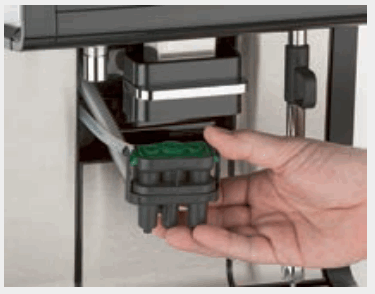 Re-mount the spare clean foamer, choc hose & milk line Re-mount the spare clean foamer, choc hose & milk line | 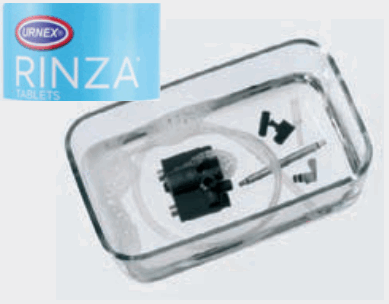 Fill the container with warm water and add one RINZA tablet. Place dirty foamer & milk line, soak for 5 hours Fill the container with warm water and add one RINZA tablet. Place dirty foamer & milk line, soak for 5 hours | 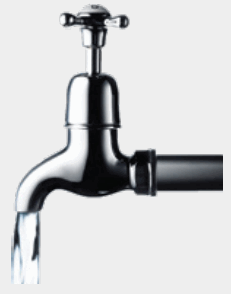 After soaking, rinse all pieces under the tap and dry After soaking, rinse all pieces under the tap and dry |
| STEP 7. | ||
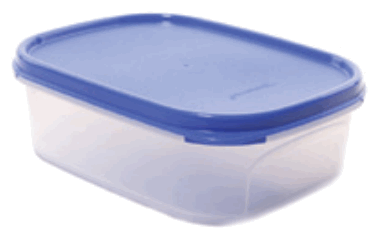 Store in the tub with a lid to avoid contamination and ready for the next weekly exchange Store in the tub with a lid to avoid contamination and ready for the next weekly exchange |
REFILL COFFEE HOPPERS
PERFORM THIS WHEN PROMPTED BY A MACHINE THIS PROCEDURE TAKES APPROX. 2-3 MINUTES DURING REFILL BE CAREFUL THAT NO FOREIGN DEBRIS FALLS INTO THE HOPPER
| NOTE. | STEP 1. |
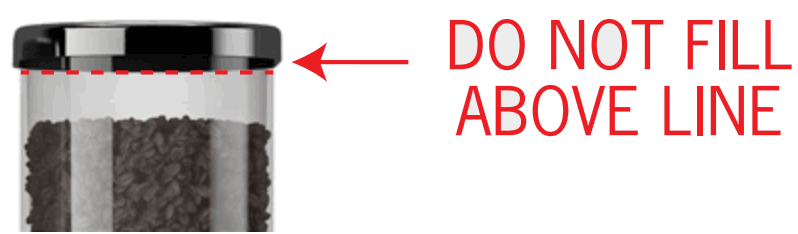 Fill hoppers with fresh coffee to just below the lid line. The hoppers will empty at the same rate so ensure all hoppers are filled to the same level. Fill hoppers with fresh coffee to just below the lid line. The hoppers will empty at the same rate so ensure all hoppers are filled to the same level. | 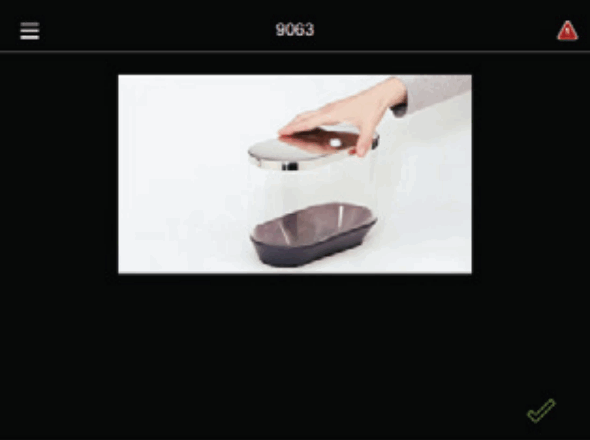 If the machine runs out of coffee, it will prompt the operator to refill the hopper. If the machine runs out of coffee, it will prompt the operator to refill the hopper. |
| STEP 2. | STEP 3. |
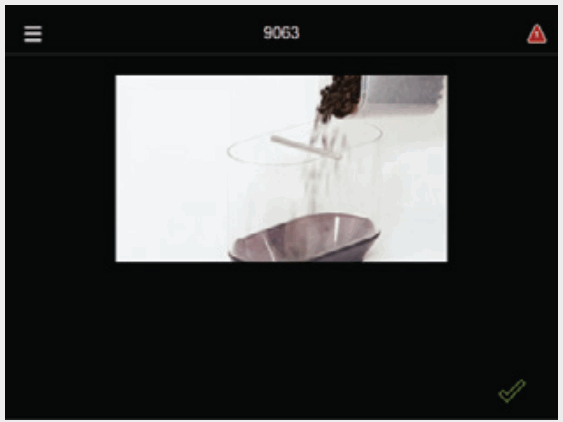 Remove the lid of the poured coffee into the empty hopper. Remove the lid of the poured coffee into the empty hopper. | 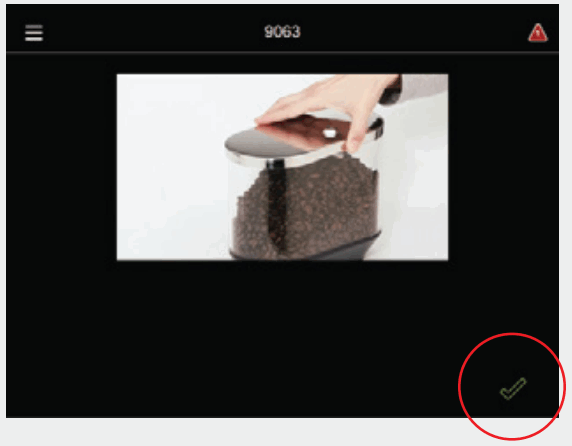 Once the hopper is topped up, tap on the green tick to continue. Once the hopper is topped up, tap on the green tick to continue. |
HOPPER CLEANING
 PERFORM THIS AT THE END OF THE MONTH. THIS CLEANING PROCEDURE TAKES APPROX. 15 MINUTES ENSURE HOPPERS ARE DRY BEFORE RE-FITTING
| STEP 1. | STEP 2. |
| Press the ON/OFF switch for longer than 2 seconds until the coffee machine switches off. Disconnect the mains plug. | 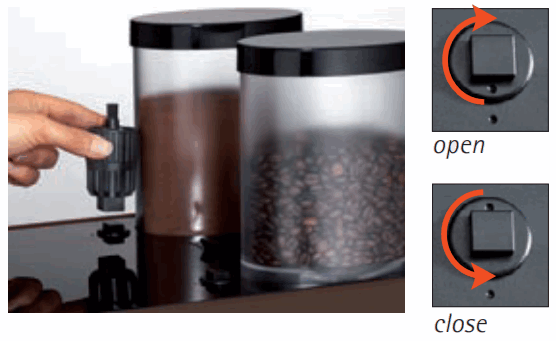 Unlock hoppers with multitool by turning in a clockwise direction Unlock hoppers with multitool by turning in a clockwise direction |
| STEP 3. | STEP 4. |
| Lift hopper out and empty. Unscrew the union nut at the front & rear and remove the dosing auger. Never clean hoppers in the dishwasher. | Thoroughly wipe out the hopper using a damp cloth. Thoroughly clean individual dosing auger components. |
| STEP 5. | 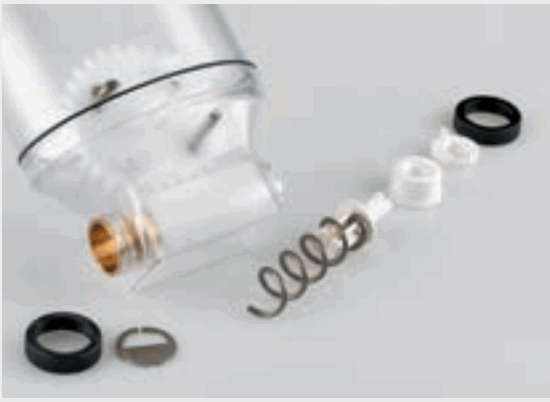 Allow hopper and individual components to dry completely before reassembling Allow hopper and individual components to dry completely before reassembling |
 IMPORTANT: HOPPER REASSEMBLY
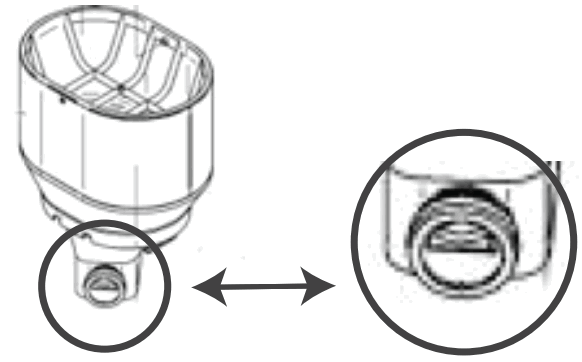
Please note, that once you have dried the hopper after washing, it is important that the hopper is reassembled correctly for proper functioning. Please use the exploded diagram as a guide for reassembly and make sure that the half moon opening is at the top before re-inserting the hopper.
Welcome to My Coffee Shop!
Our hours of operation are Monday – Friday 9 am to 5 pm. Visit us at your convenience at www.mycoffeeshop.com.au. Orders and service requests can be placed by:
Phone: 1300 365 487
E-mail: [email protected]
Online: www.mycoffeeshop.com.au
Remittances: [email protected]
Service inquiries: [email protected]
Next business day delivery via courier to Adelaide Canberra Melbourne Sydney for product orders placed by 1.30 pm
Please note you will be advised when ordering if delivery charges apply to your order.
Once again, welcome to My Coffee Shop, and remember we are here to help. If you have any questions please don’t hesitate to contact us.
We look forward to exceeding your expectations and making your day easier and more enjoyable.
Kind regards,
My Coffee Shop
Client Services
My Coffee Shop Pty Ltd
 My Coffee Shop Pty Ltd
ACN 102 850 037
390 Johnston St
Abbotsford VIC 3067
Ph: 03 9946 4160
97 / 1-5 Harwood St
Pyrmont NSW 2009 Ph: 02 9034 6580
[email protected]
1300 365 487
www.mycoffeeshop.com.au
 Coffee Machines and Coffee Beans for Office and Home | My Coffee Shop
 Coffee Machines and Coffee Beans for Office and Home | My Coffee Shop