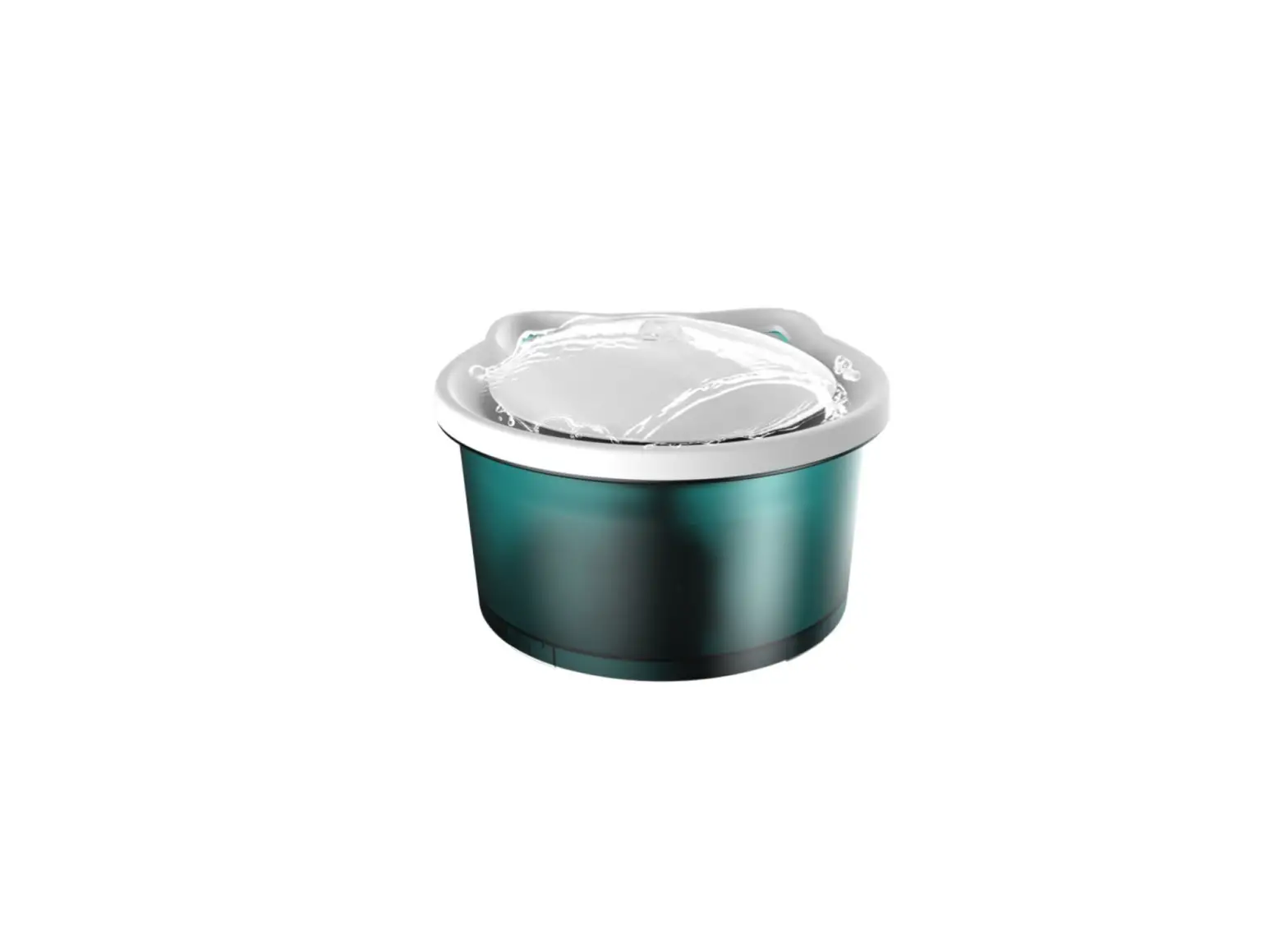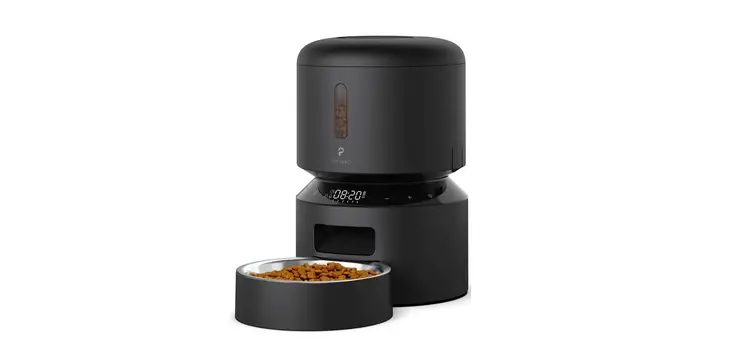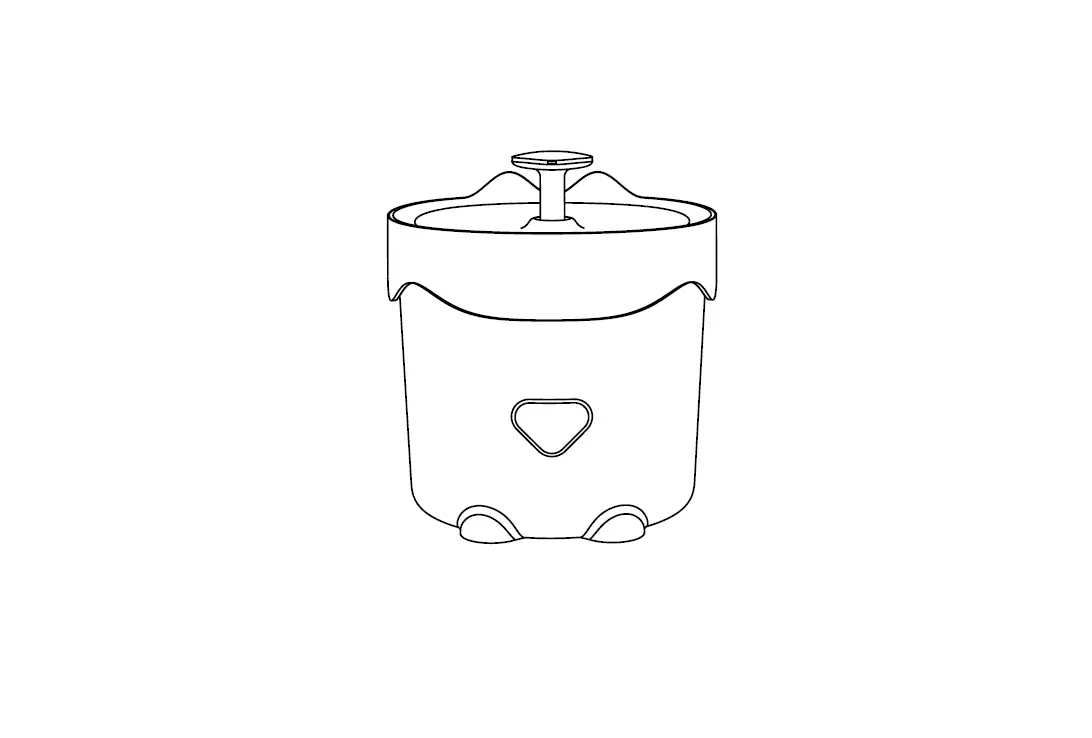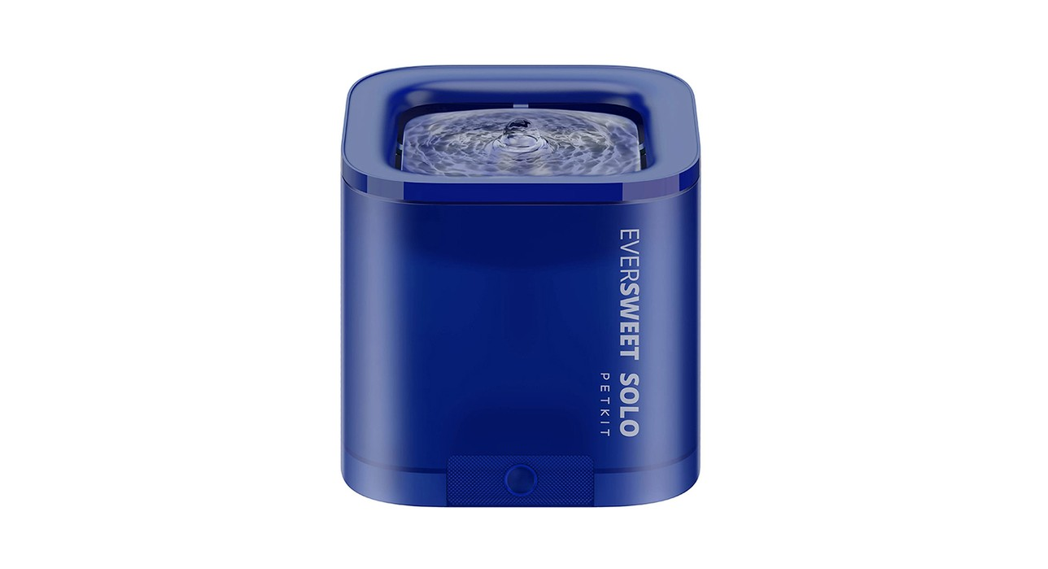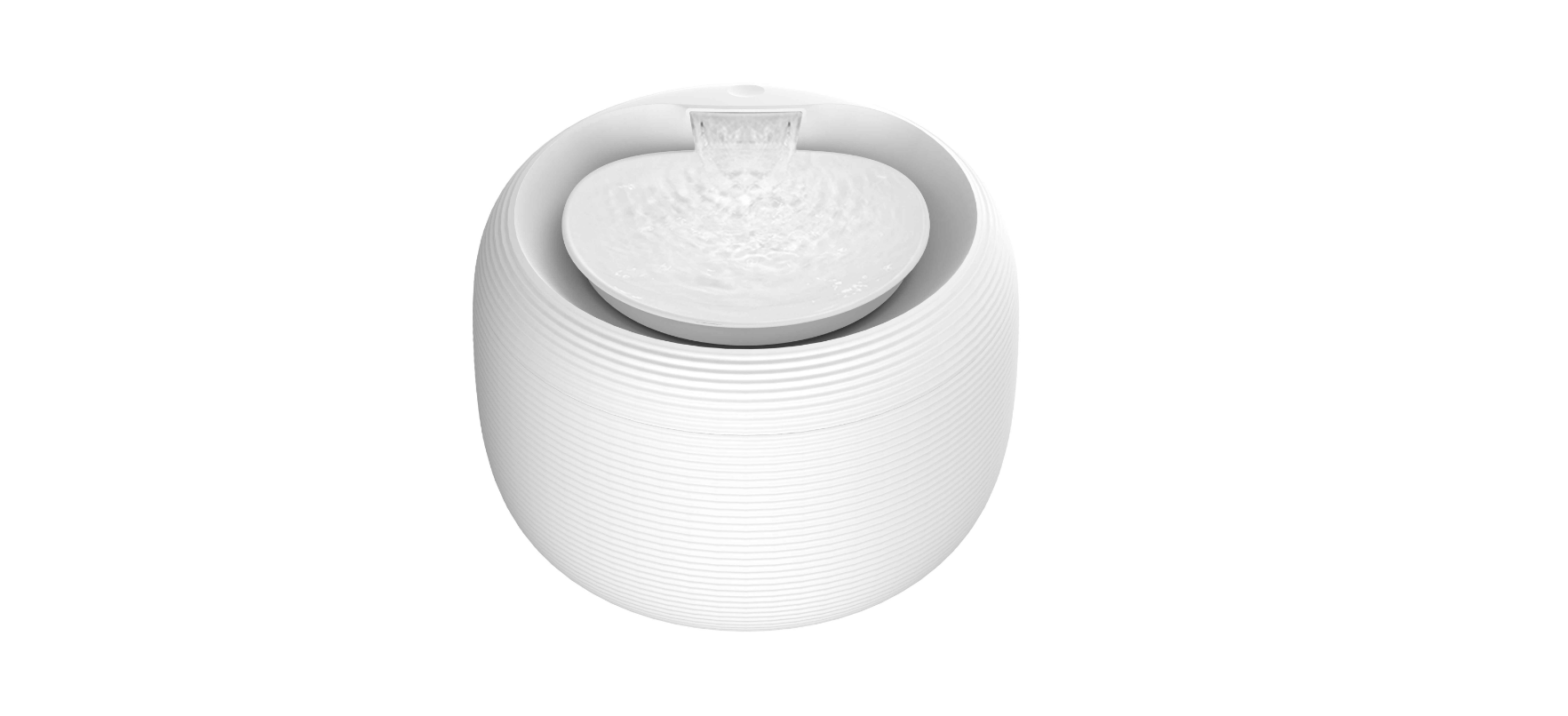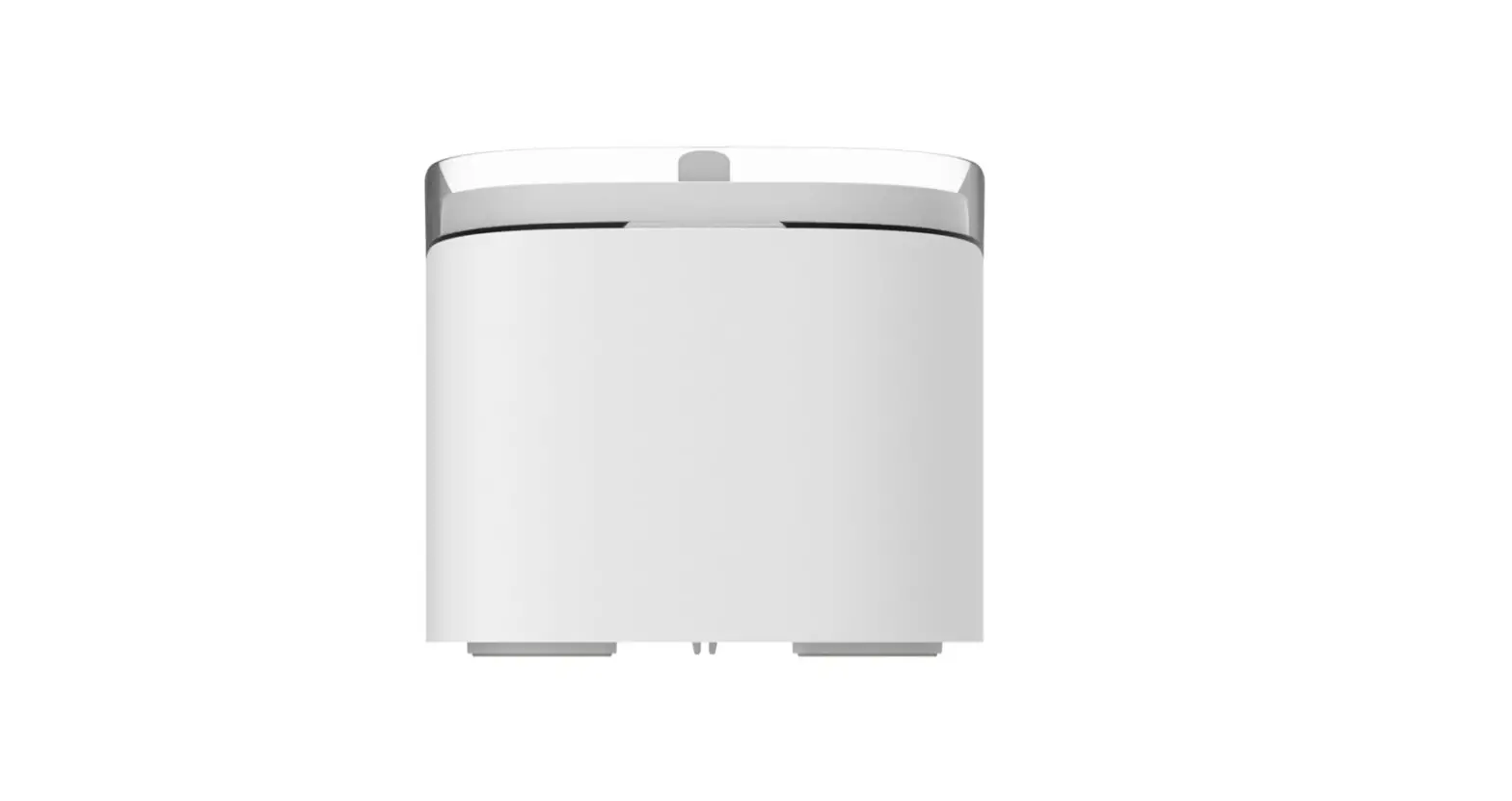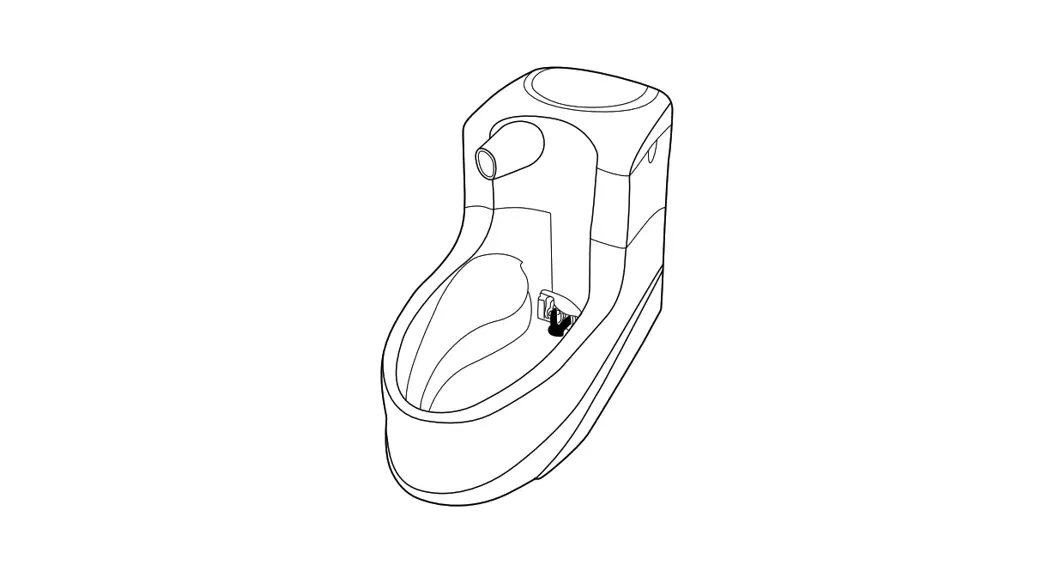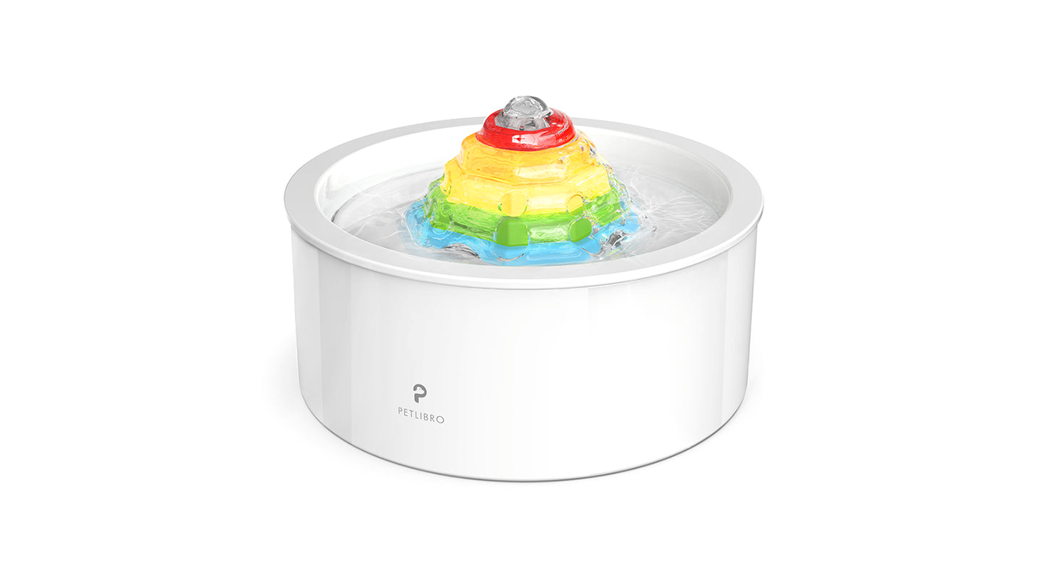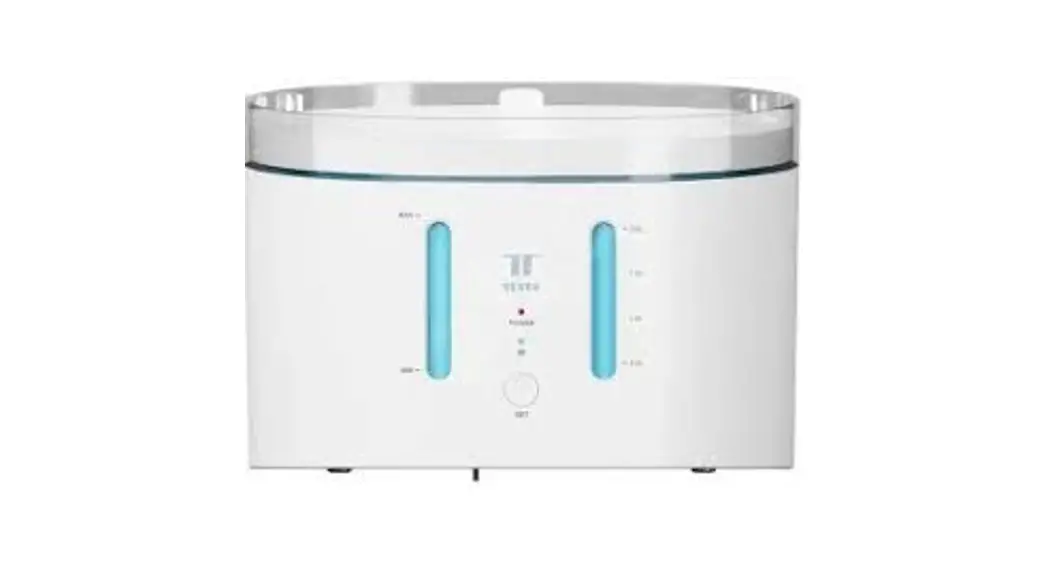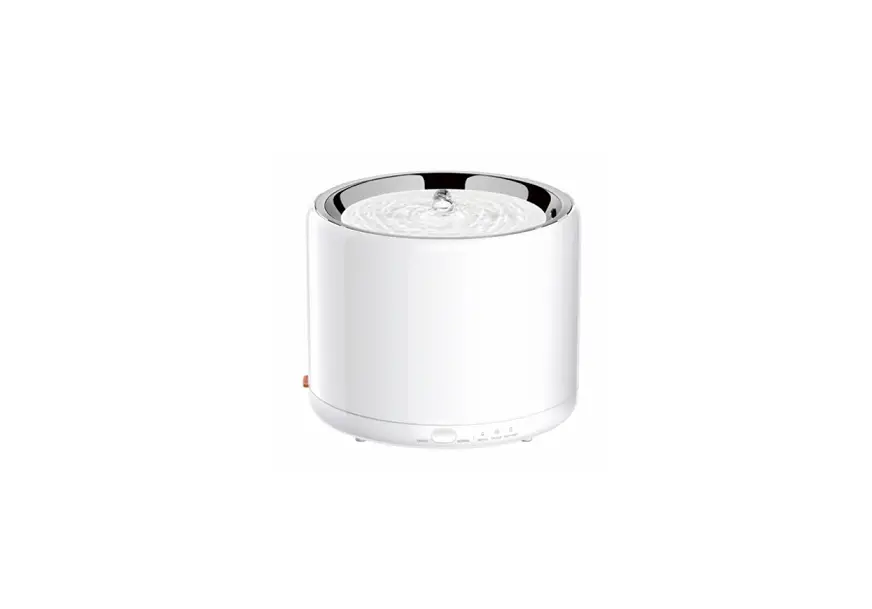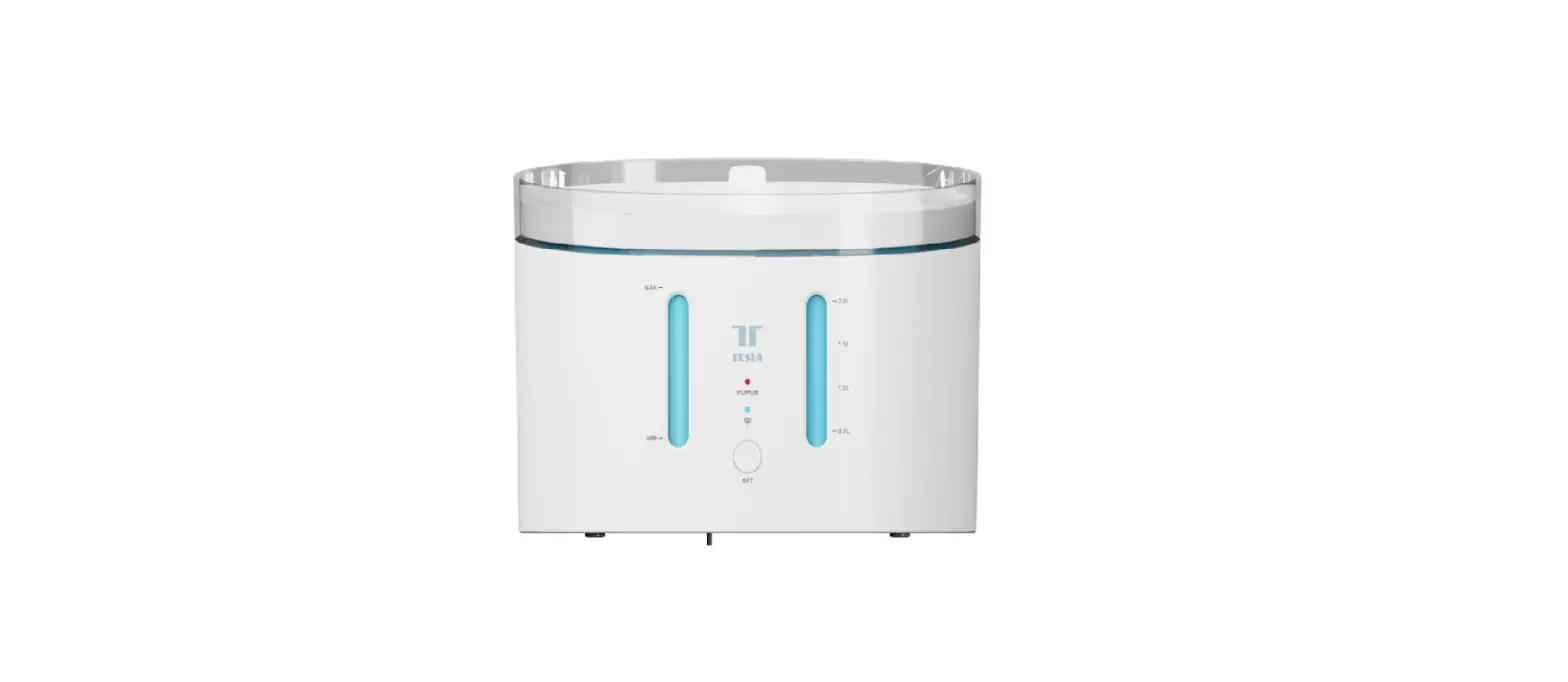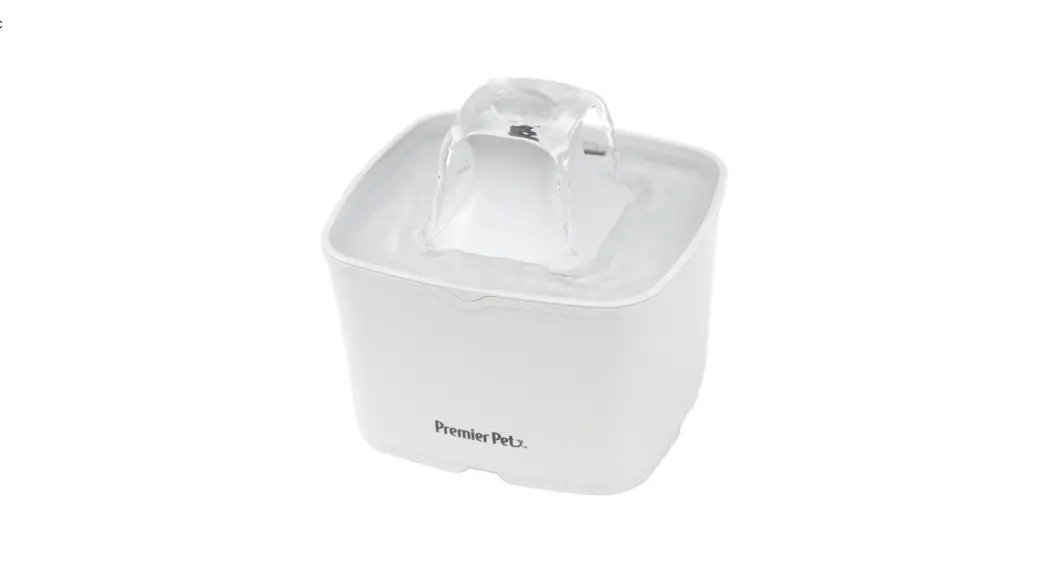
 Smart Pet Fountain[Light]
User Guide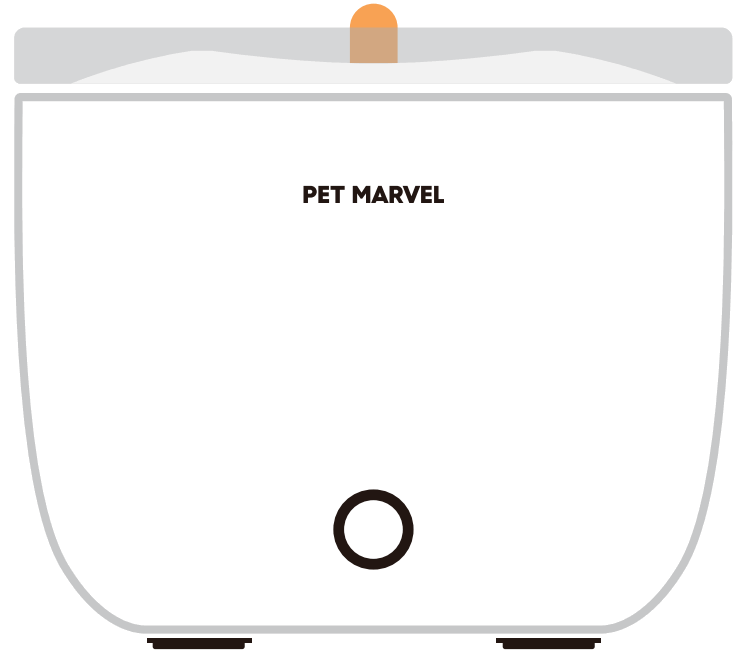
* Please read this manual thoroughly before use and keep it in a proper way.
Information For Users
Dear users, thank you for purchasing this product. Proudly, we are committed to creating a marvelous life for you with pets.
Before using this product, please read the instructions in this manual thoroughly.
Thank you for your understanding and cooperation, wish you a happy life!
Attention
- It is recommended to soak the filter in water and wash it well before use, please do not use hot water to scald it.
- For clean pet water, the filter should be replaced once in 30 days by default, the water reservoir should be cleaned once in 3 days, and the water pump and sponge should be checked and cleaned regularly.
- Please cover or store the data cable well to prevent pets from tearing the cable and causing dangerous situations such as electric shock.
- The amount of water is recommended not to exceed the MAX line.
- Please do not disassemble or modify the machine by yourself, otherwise, it will not be covered by the warranty policy.
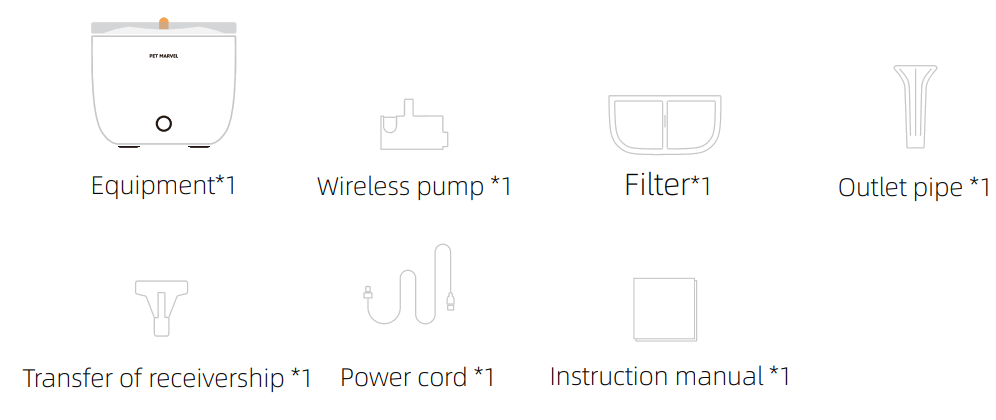
Packing List
After opening the packaging, please check that the product is in good condition and that the accessories are complete by checking the picture below.
Due to the iteration of the product, some accessories may be adjusted, please refer to the actual product.
Product Information
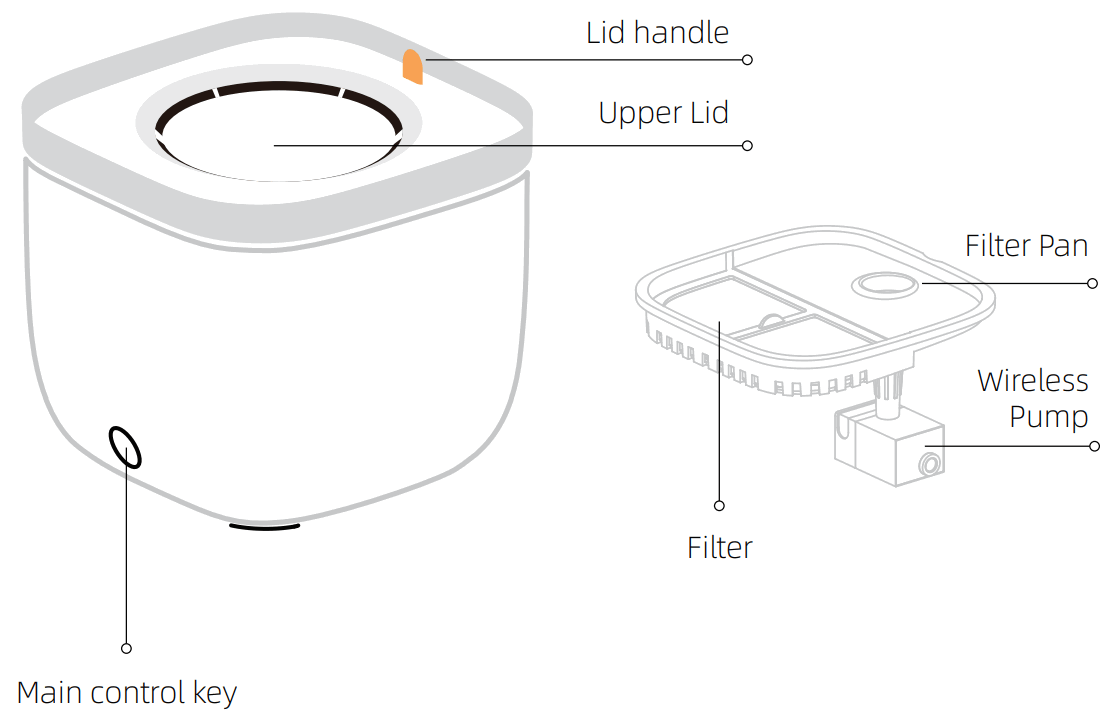
Manual Button:
Main Light On/Off: Click the Manual Button
Reset filter: Press and hold the button for 5 seconds until a “beep” sound Device Untethering: Press and hold the button for 10 seconds until two “beep” sounds
Indicator light:
- White flashing: network unpaired
- White on a device functioning
- Yellow on: filter expiration
- Red on: lack of water
Device Networking
Please download the App first, then scan the code to get the tutorial. The tutorial includes device networking and product usage.
Search “Dipet Life” in App Store or Google Play.
Download it and sign in.
Scan the code to get the device networking tutorial

Product Specifications
| Name: Pet Smart Fountain[Light] Model: NSSWA21A Color:white/green Main materials: ABS, PP, PC Size:185*185*160mm | N.W/G.W:0.9kg/1.1kg Capacity:2L Rated input: DC5V/1A Connect Method: Wi-Fi Link (2.4GHz) |
Product Warranty Card
Dear customers, thank you for purchasing this product, please read the following warranty terms carefully before using this product:
- The warranty period is one year, starting from the date of purchase (based on valid purchase records). We provide free maintenance for any quality problem within this duration.
- The following conditions are not covered by the warranty:
• Any malfunction or defect caused by improper conditions of use of the environment;
• Any fault or defect caused by Improper installation, misuse, unauthorized maintenance, force majeure events, or other external reasons;
• Any fault or defect caused by the use of non-original fittings or accessories;
• The product has exceeded the warranty period;
• Other failures or damages caused by none of the product design, technology, manufacturing process, or quality problems;
• Normal fading, wear and tear, or consumption during the use of the product;
• Not able to provide valid purchase certificate. - Please contact Customer Service within a proper time to confirm the warranty service situation.
- If the returned product does not meet the valid warranty terms, we will charge you for the corresponding maintenance costs.
- Please fill in the after-sale information feedback form and send it together with the returned product.
| After-Sales Feedback Form | |
| Customer Name | Product Model |
| Your Phone Number | Date Of Purchase |
| Your E-Mail | Where You Purchase (Channel & Shop) |
| Your Address | Fault Feedback (Code & Name) |