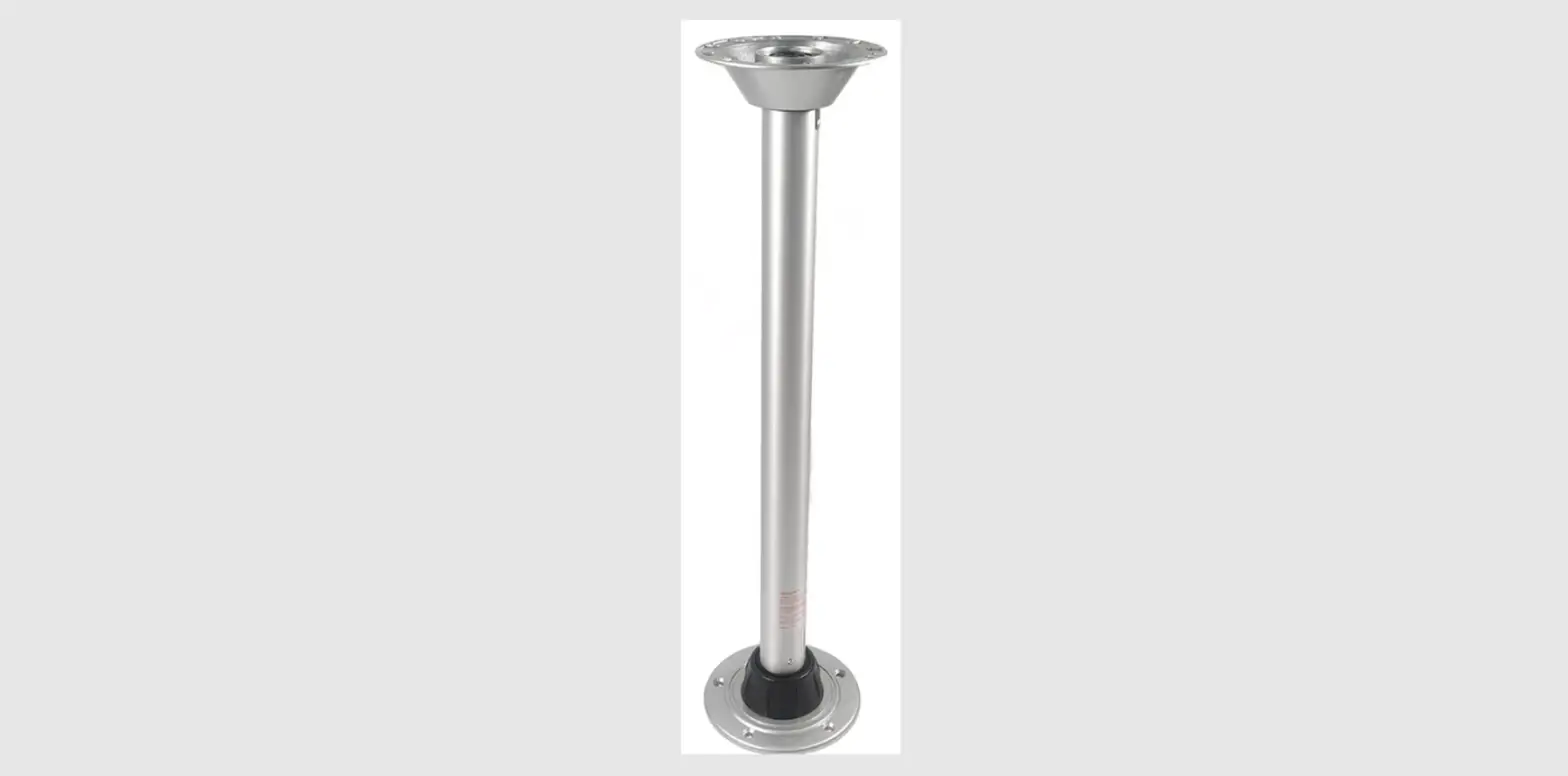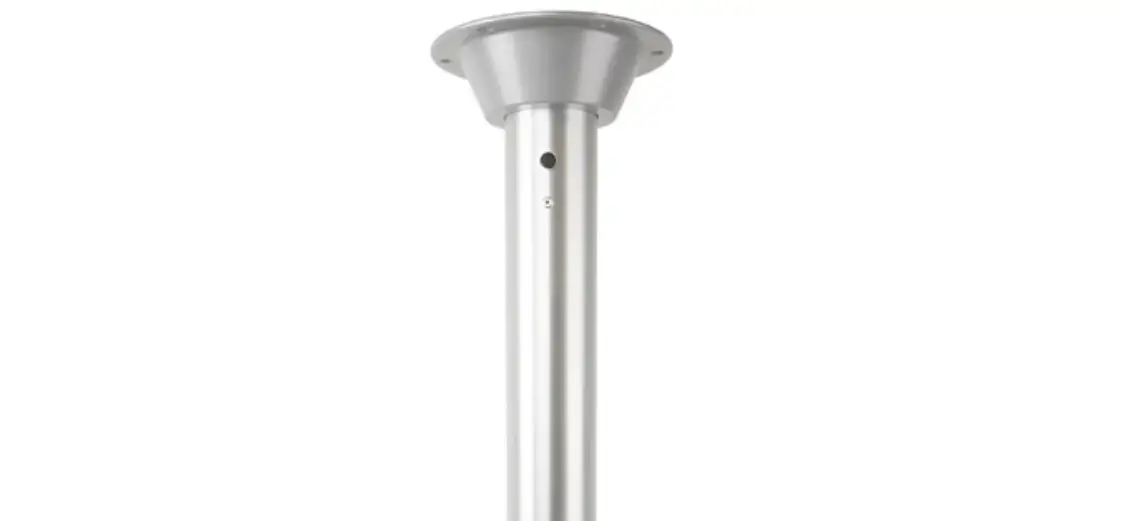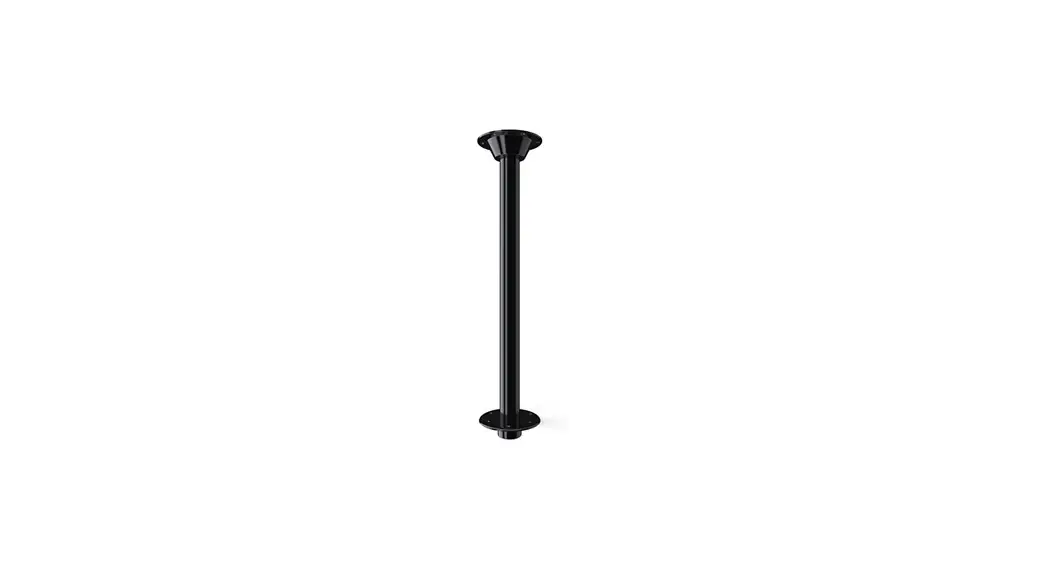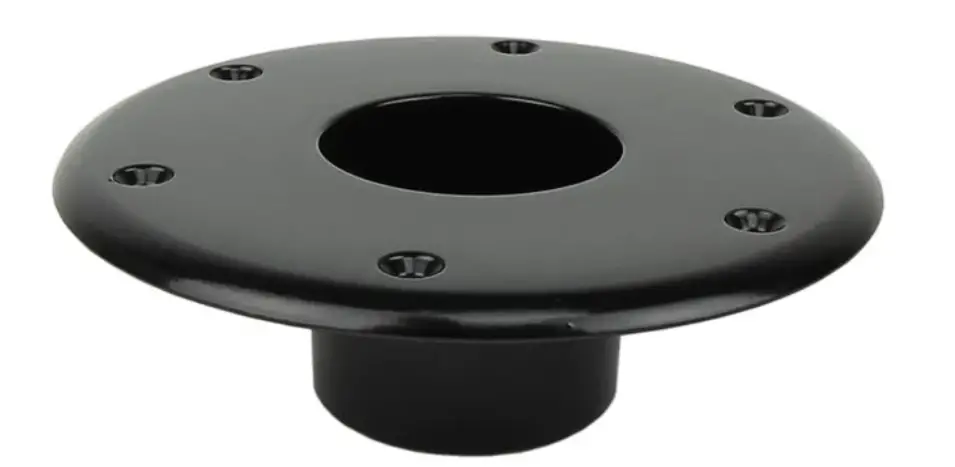

ITC 81TS1000, 81TR1000 Series Surfit Table
PARTS/TOOLS NEEDED:
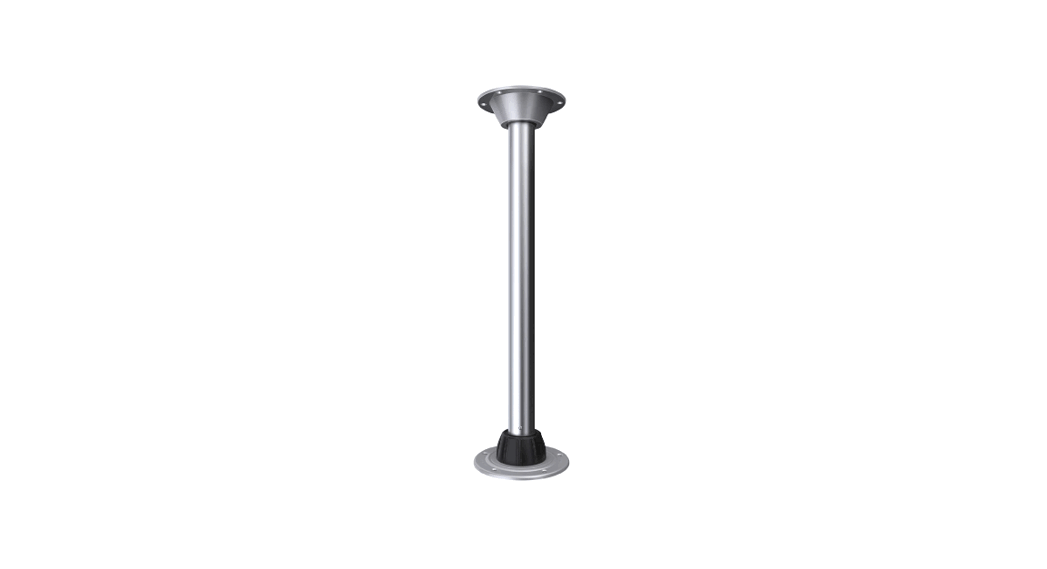
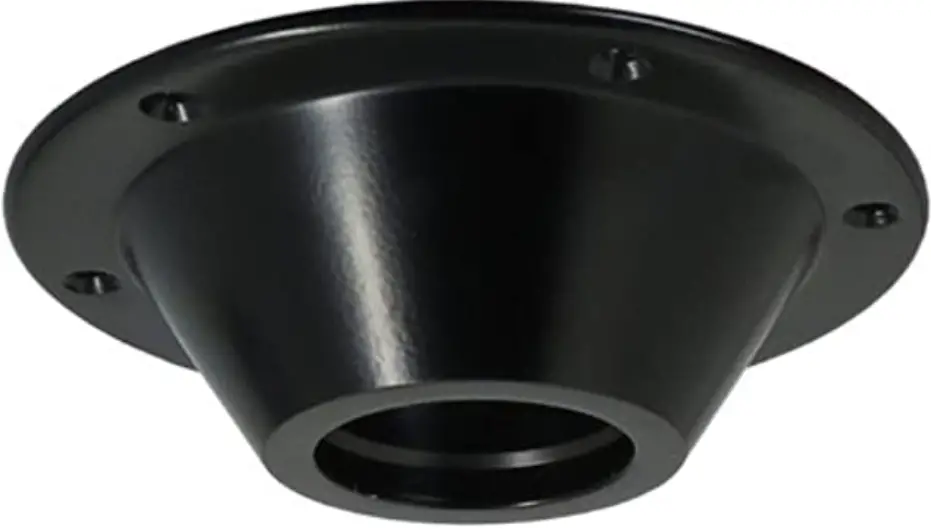
- Table Base

- Floor Base

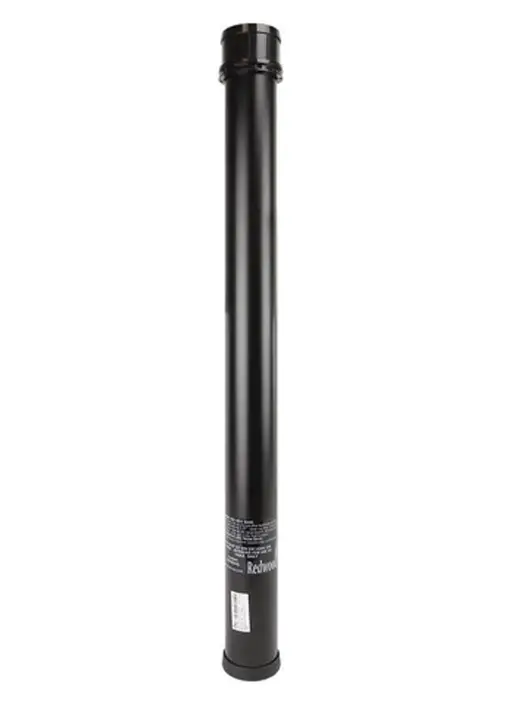
- Table Leg

- Power Drill (Not Provided)

- #10 Phillips Oval Head Screws (Not Provided)

- 2.5”/3.25” Hole Saw Bit
(Not Provided)
IMPORTANT SAFETY INSTRUCTIONS.
READ CAREFULLY FOR YOUR PROTECTION AND SAVE ALL INSTRUCTIONS.
- Disconnect power before installing, adding or changing any component.
- To avoid a hazard to children, account for all parts and destroy all packing materials.
- It is recommended that fuse protection be added to the positive (+) input.
Mounting
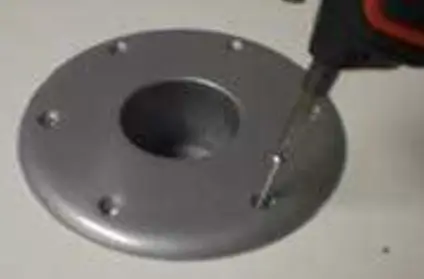
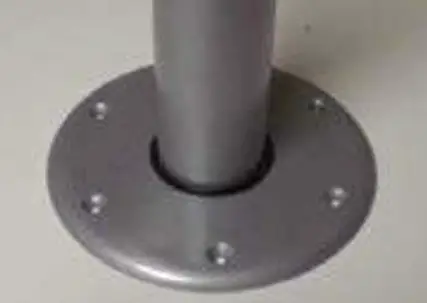
- Drill* hole in the floor making sure the base will be mount-ed into solid floor structure (wood, fiberglass, etc.) Using #10 Phillips oval head screws attach the base to the floor.
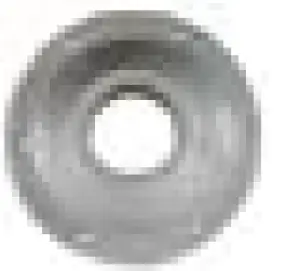
 * 2.50” Diameter Hole – aluminum base (81TR1000-X)
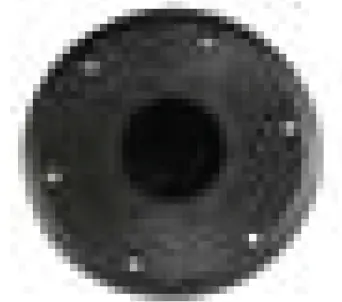
* 3.25” Diameter Hole – polymer base (TR1000HPPR-B) - Mount the table base into table top (customer provided) using #10 phillips oval head screws. Make sure the weight of the table top is evenly supported over the table leg.

- Insert the table leg into the hole in the base. To remove the leg, rotate and pull straight up to remove completely.

 * 2.50” Diameter Hole – aluminum base (81TR1000-X)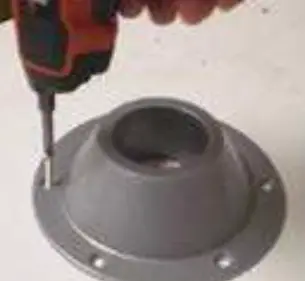
For warranty information please visit www.itc-us.com/warranty-return-policy Rev Level 3 • 11/15/2022
 ITC Warranty & Return Policy