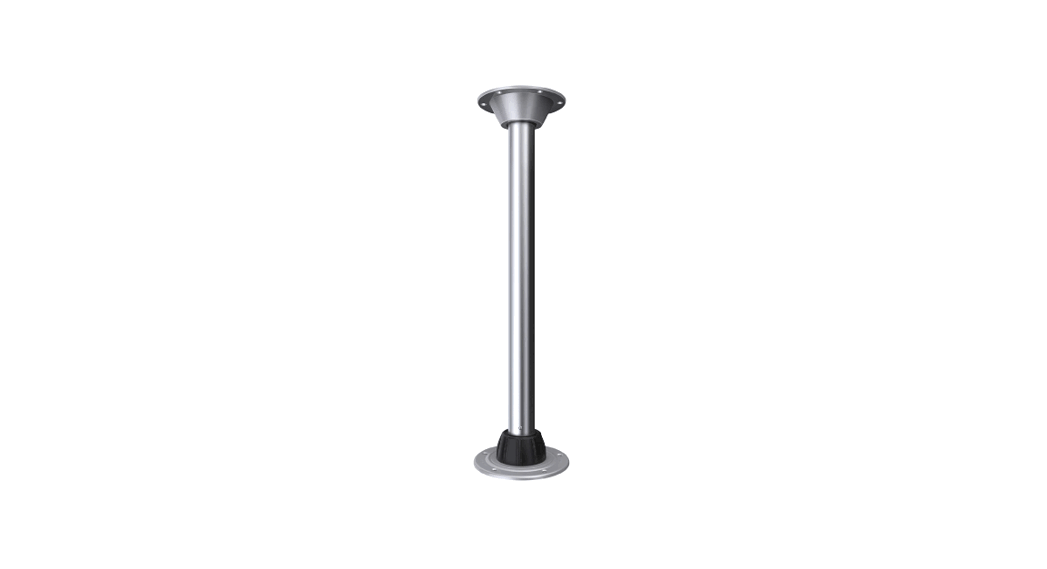
 Sequoia™ Table Leg
Part#: TS400X, TR400X & TL400X
INSTALLATION INSTRUCTIONS
PARTS/TOOLS NEEDED:
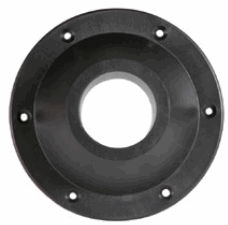 | 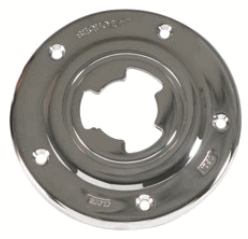 |  | 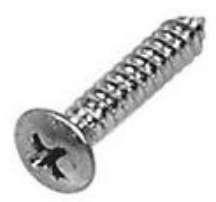 | 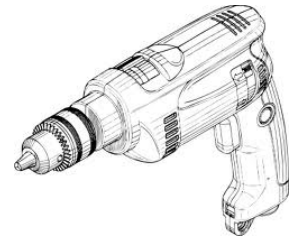 |
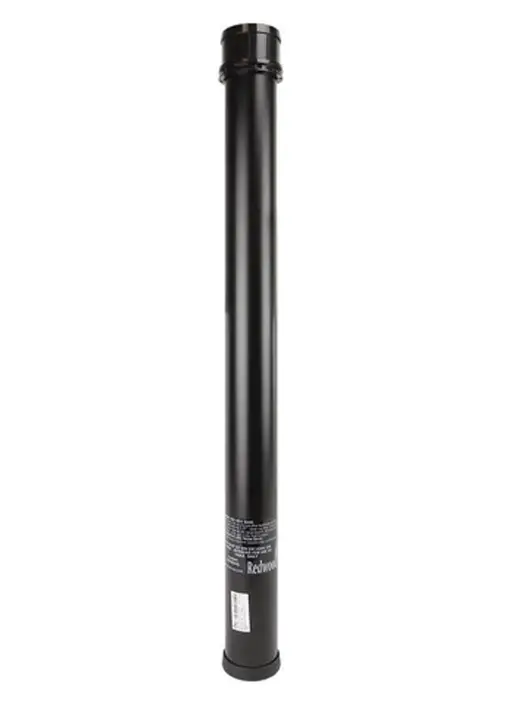
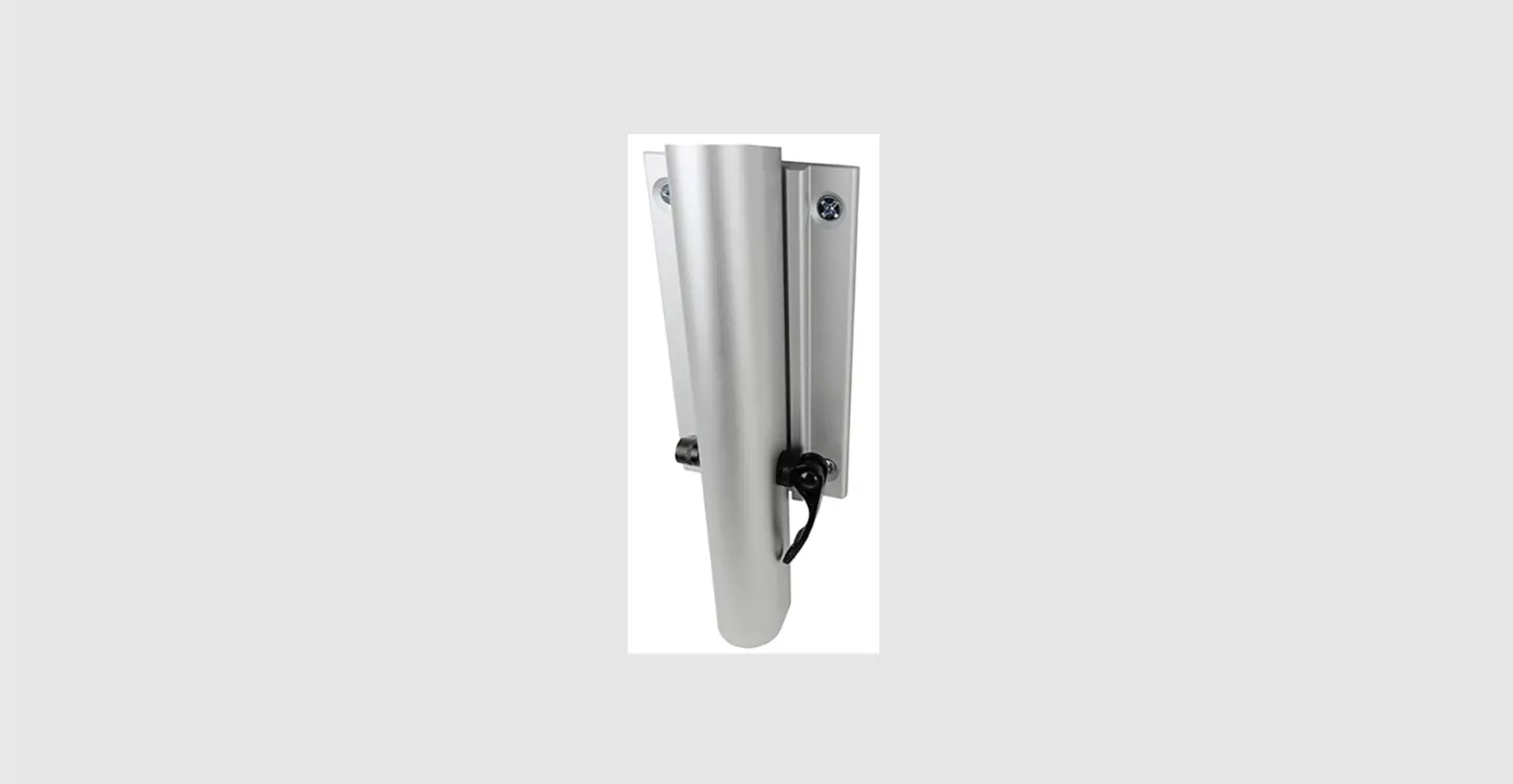
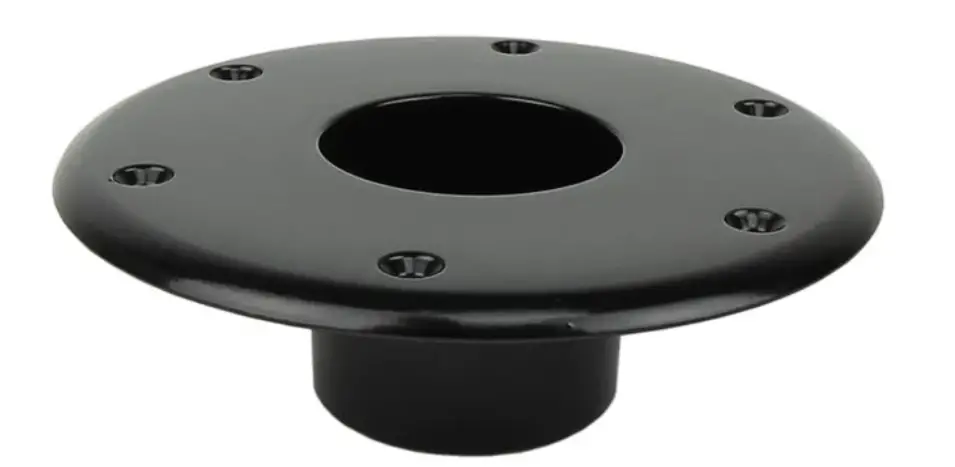
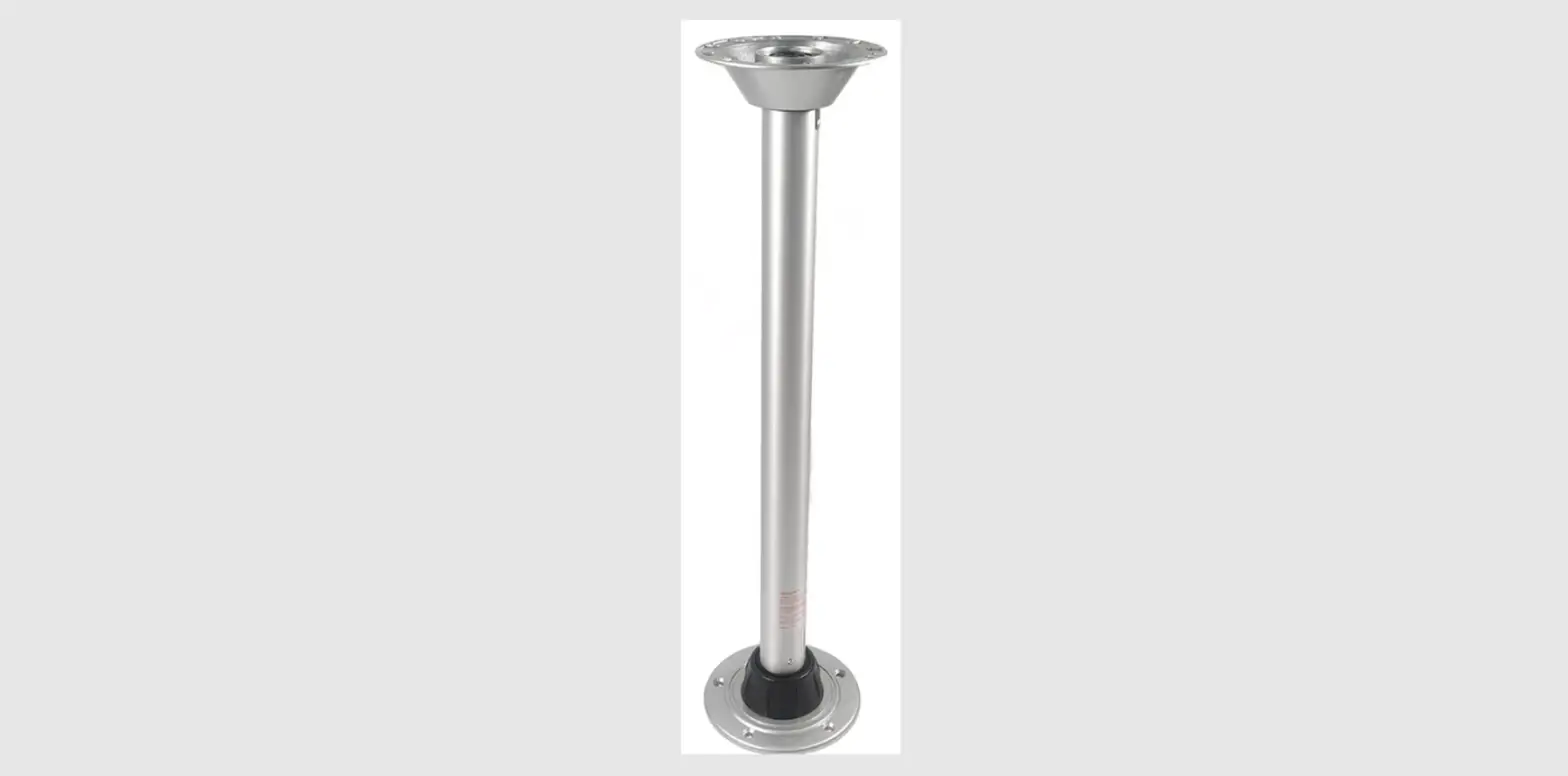
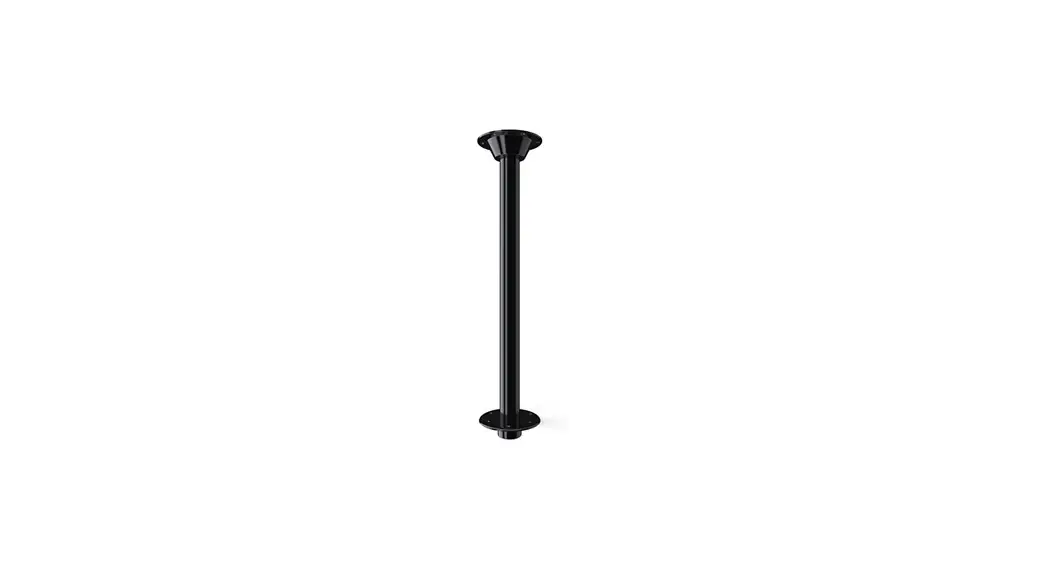
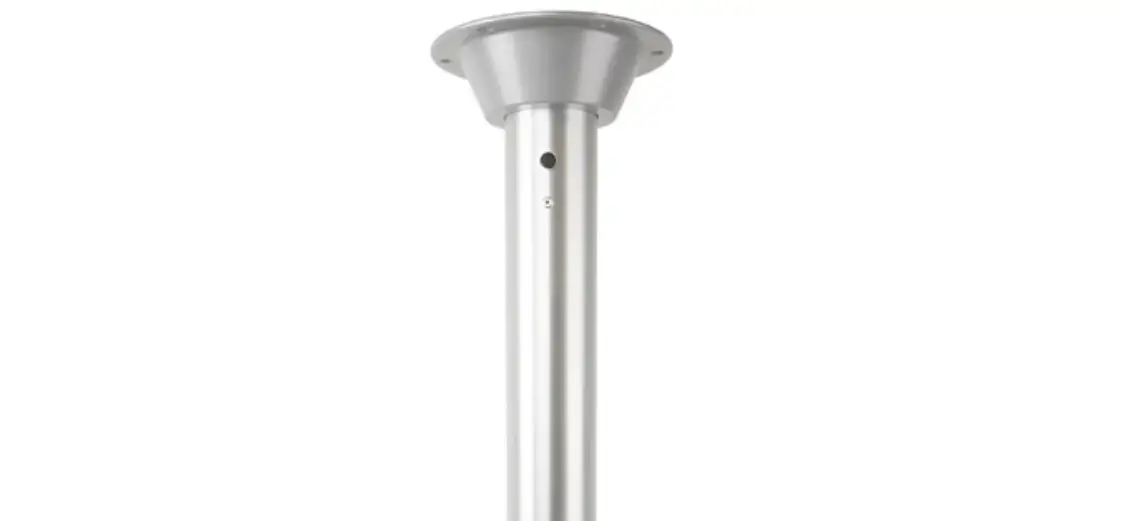
| Table Base | Floor Base | Table Leg | #10 Phillips Oval Head Screws (not provided) | Power Drill (Not Provided) |
INSTALLATION CONSIDERATIONS
- To avoid a hazard to children, account for all parts and destroy all packing materials.
- Do not sit on or lean on table, intended for use as a table only.
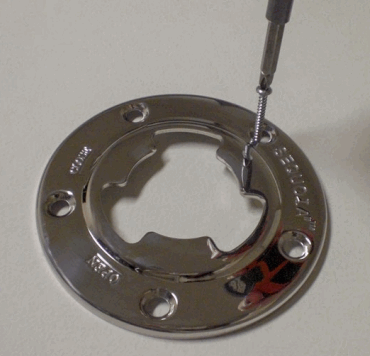
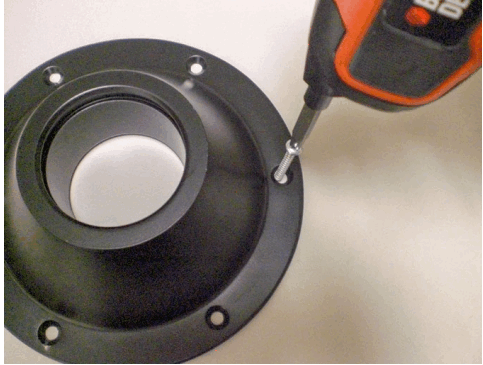
- Mount the floor base into solid floor structure (wood, fiberglass, etc.) using #10 phillips oval head screws.

- Mount the table base onto table top (customer provid-ed) using #10 phillips oval head screws. Make sure the weight of the table top is evenly supported over the table leg.

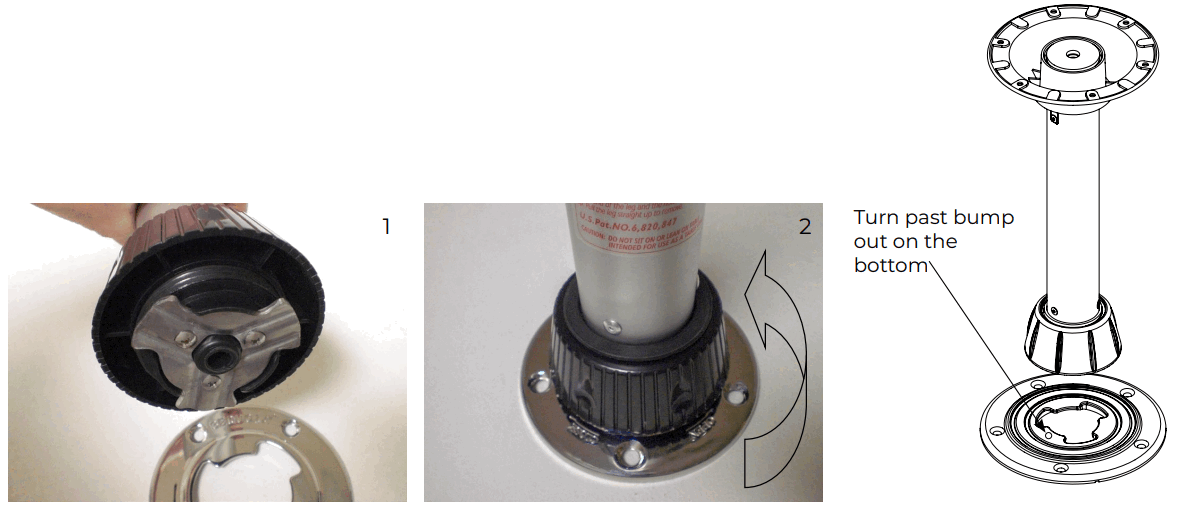
- Insert The Leg¹ :
Line up the hole in the base with the blades on the leg. Push the leg down and twist clockwise until you feel some resistance, continue to turn until the leg clicks into place. Twist collar clockwise to tighten.
Remove The Leg² : Twist collar counter-clockwise to loosen. Twist the leg counter-clockwise until you feel resistance, continue to turn until you feel a click and the blades match up with the hole. Pull up to remove.
For warranty information please visit www.itc-us.com/warranty-return-policy
Rev B • 02/16/183030 Corporate Grove Dr.
Hudsonville, MI 49426
Phone: 616.396.1355
itc-us.com
 ITC Warranty & Return Policy