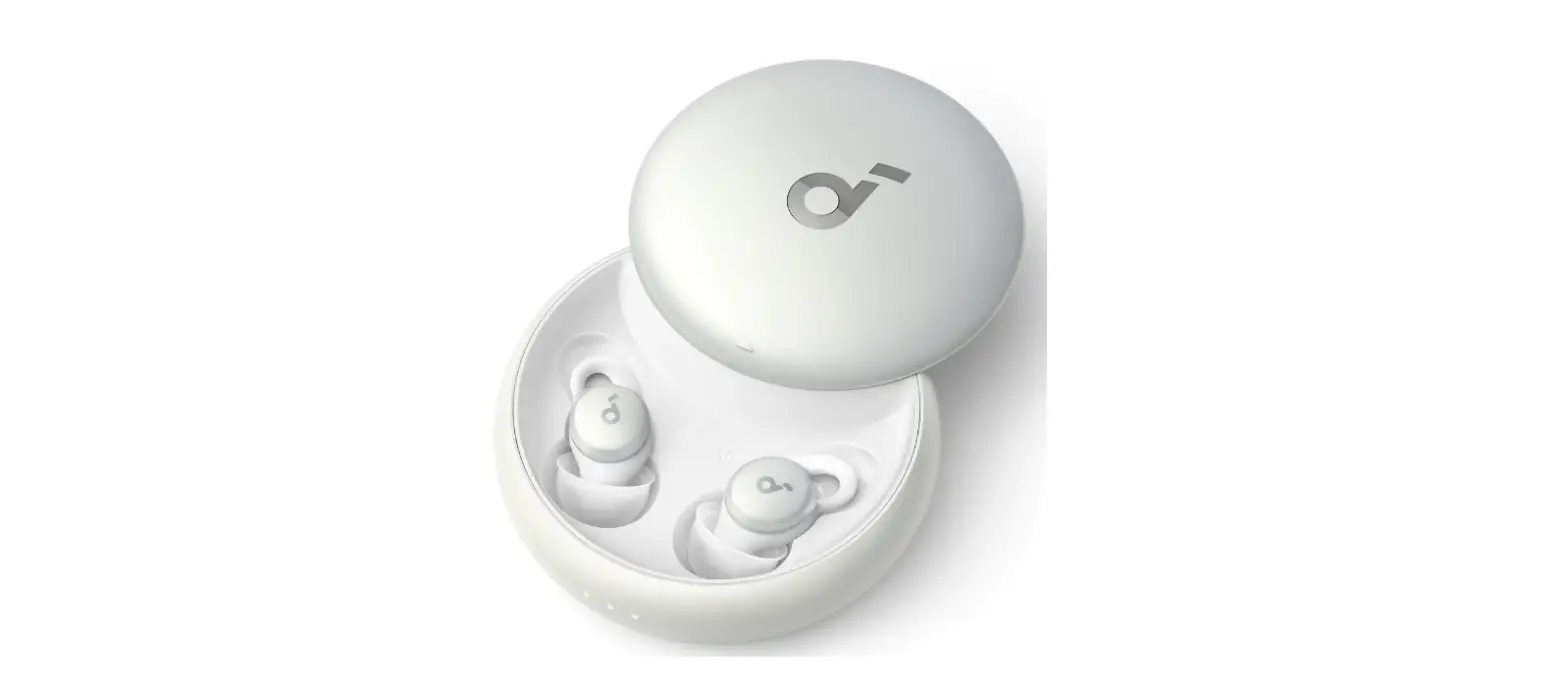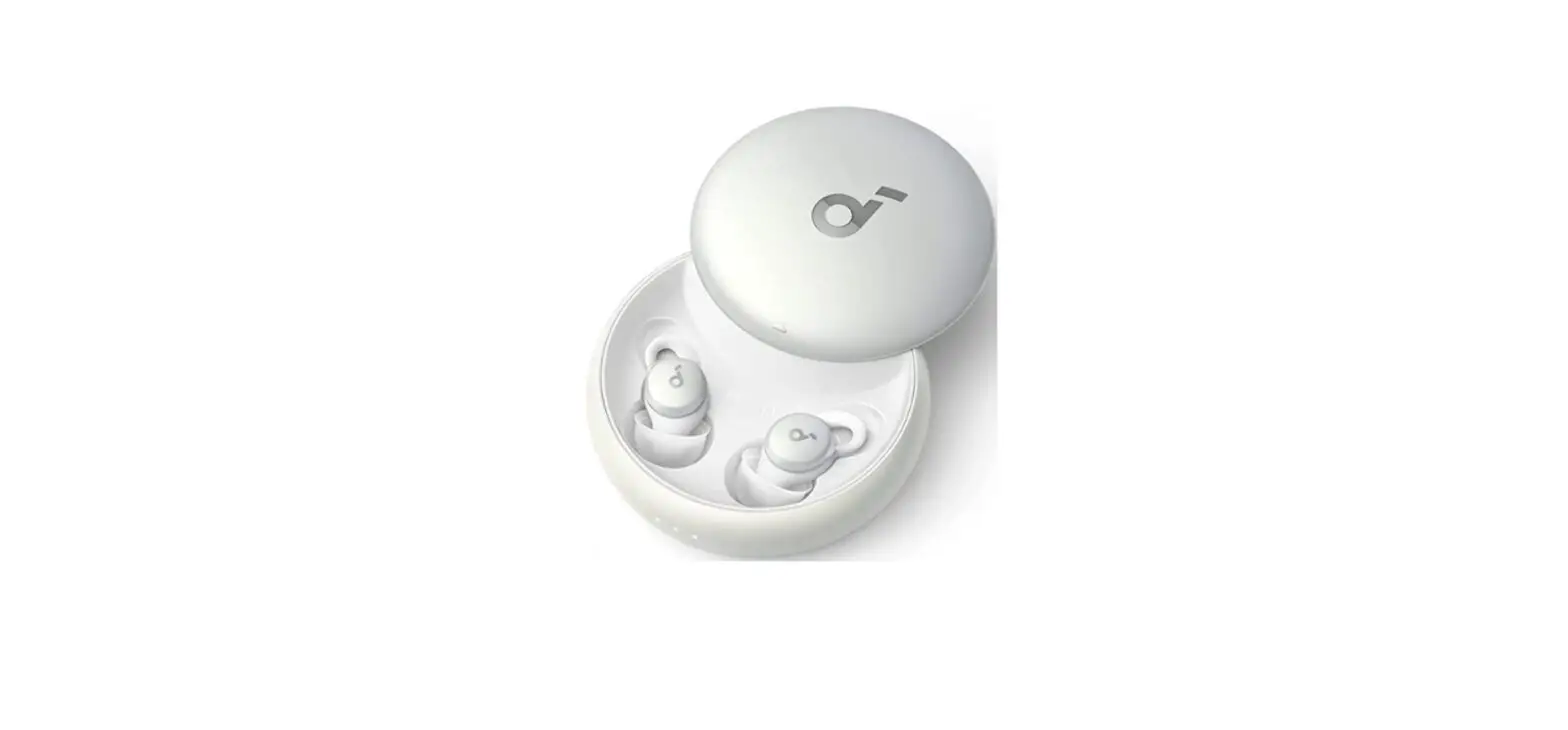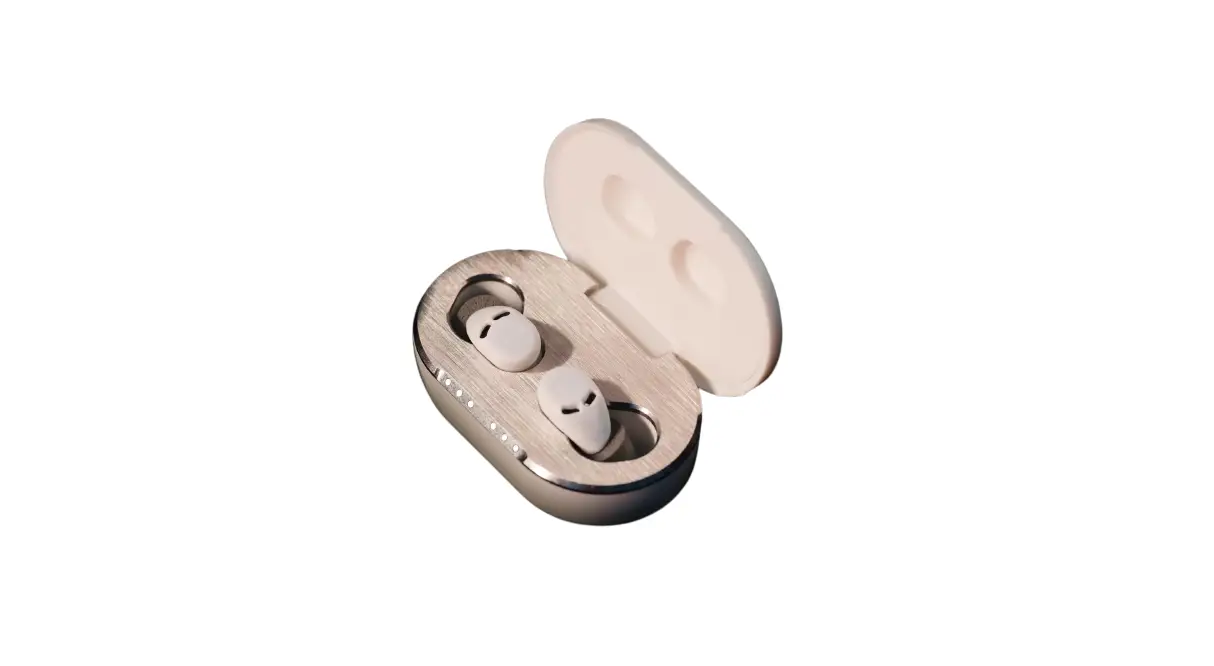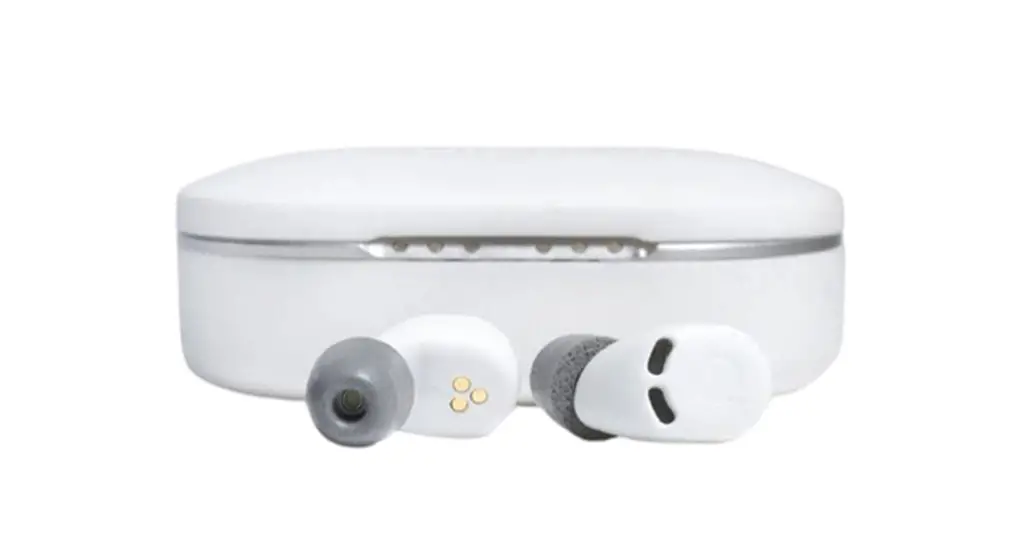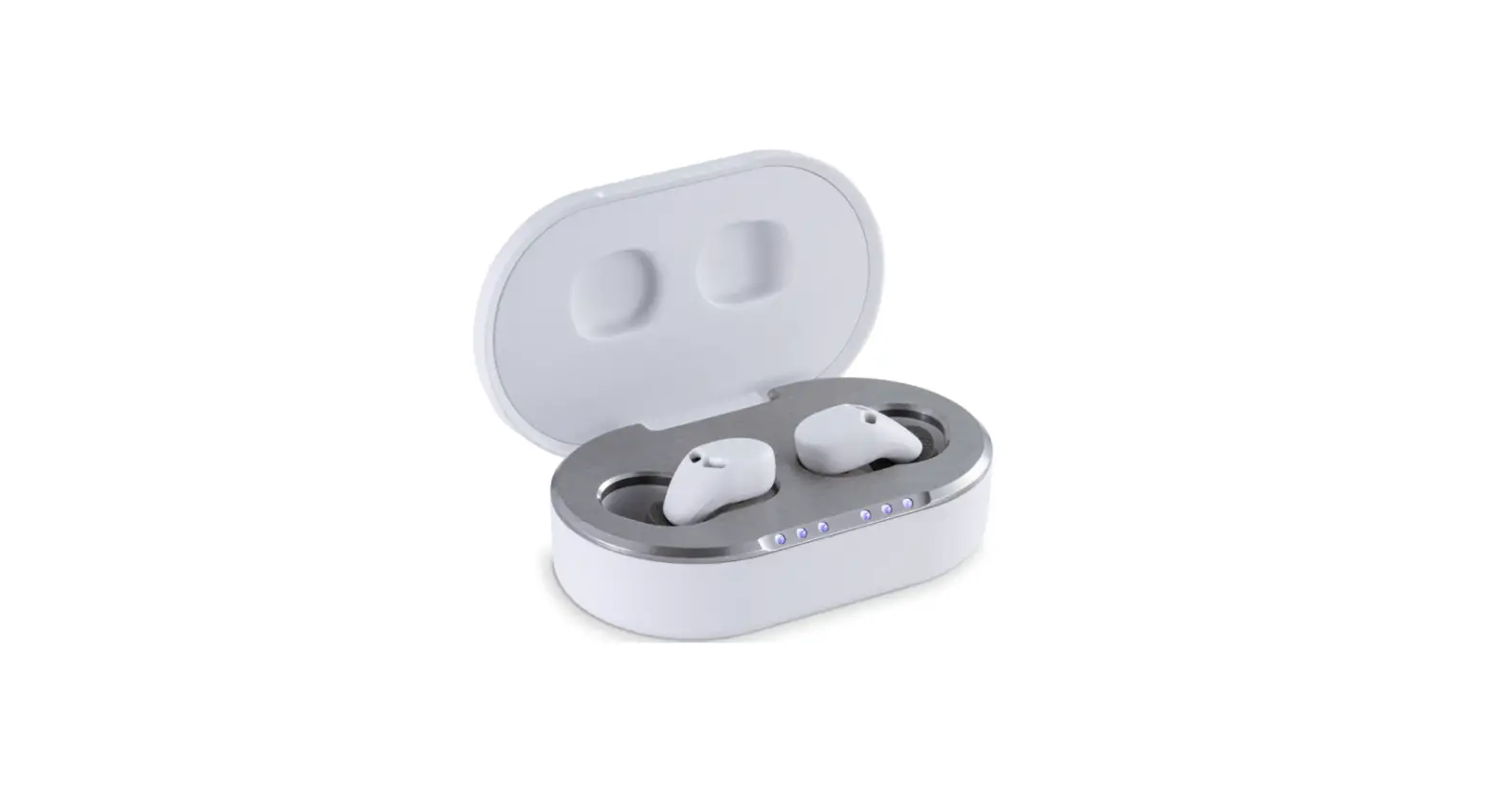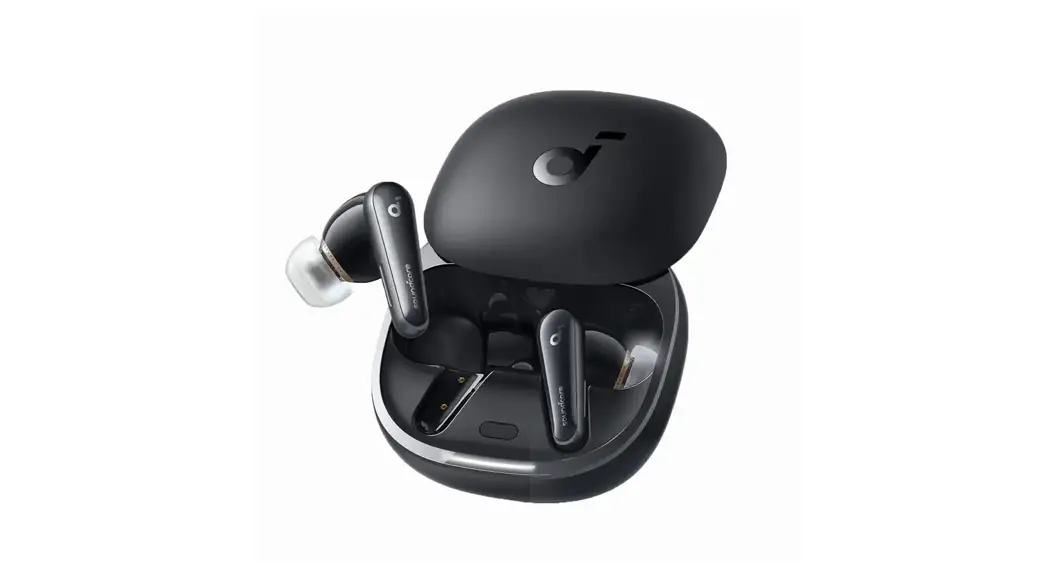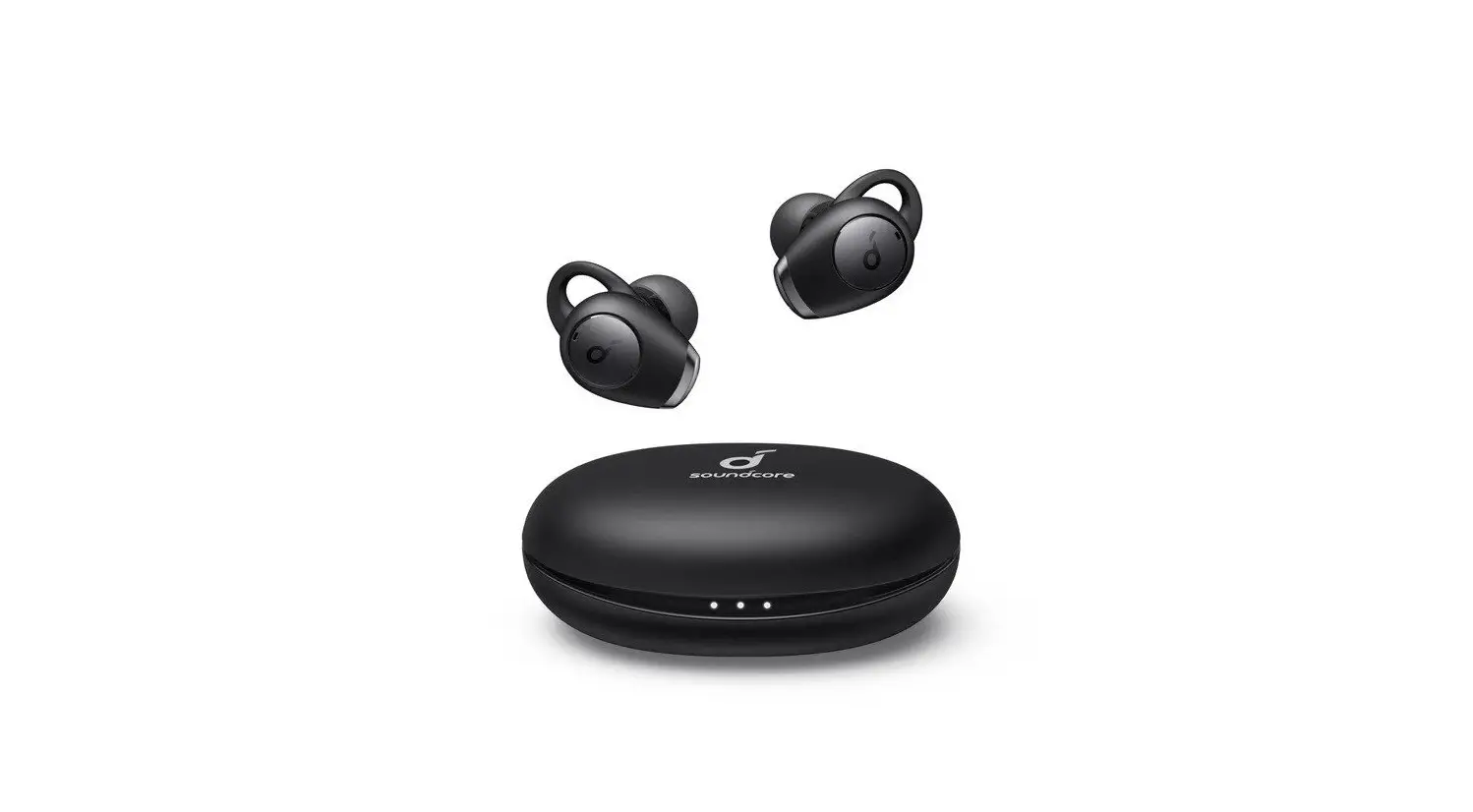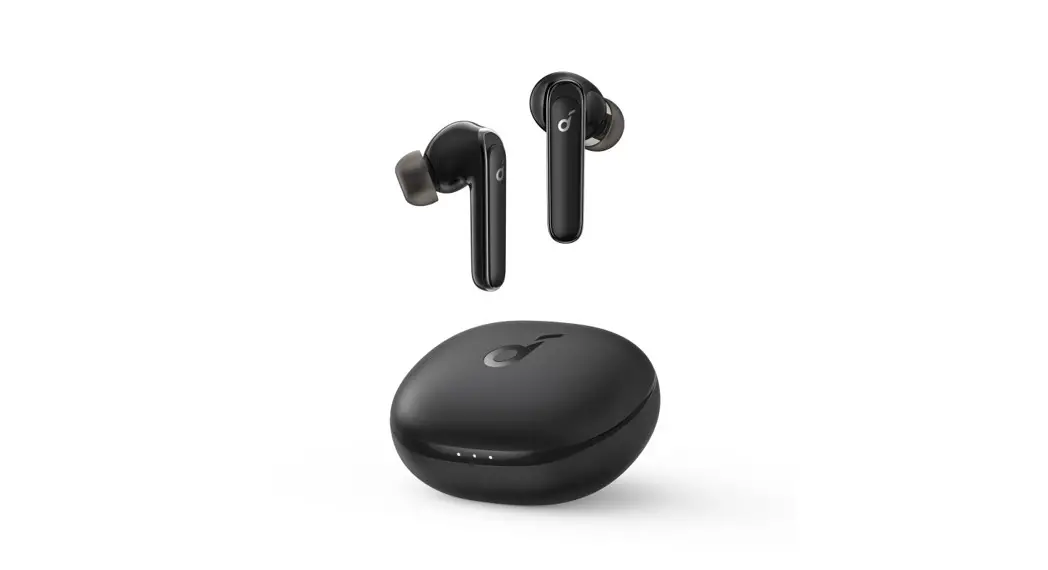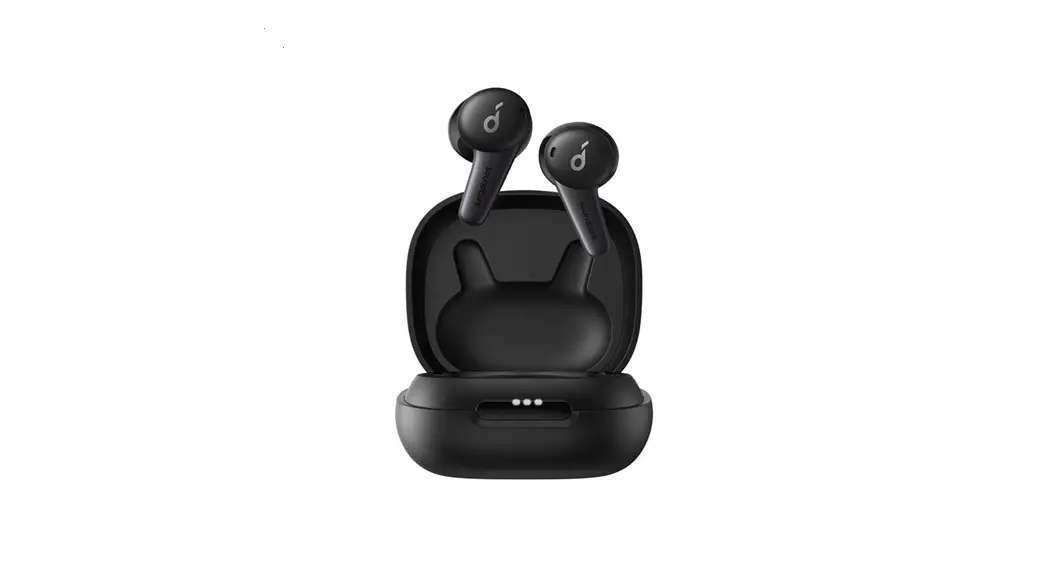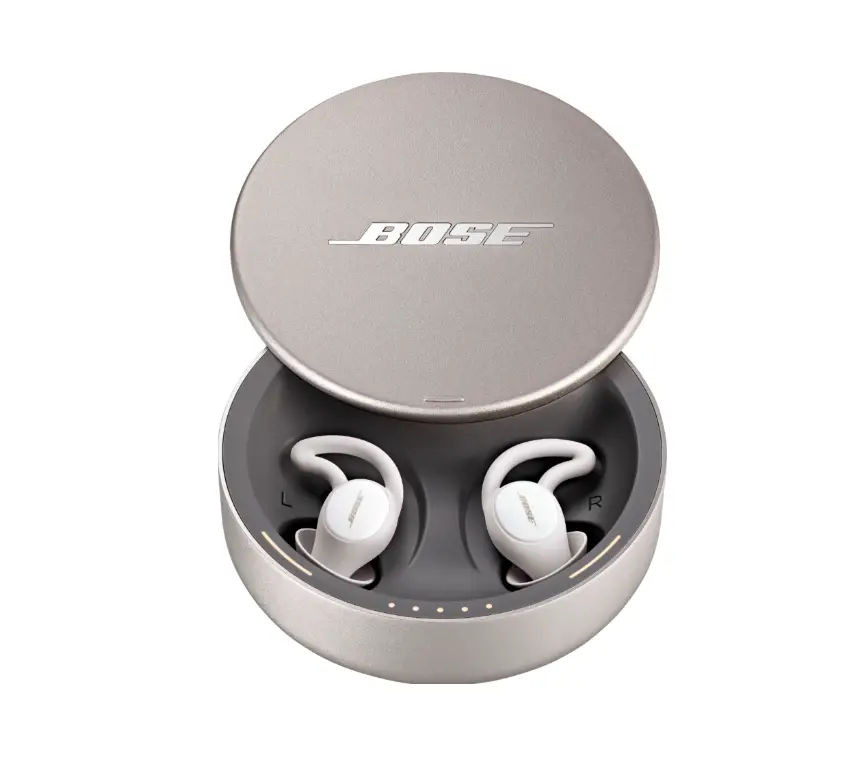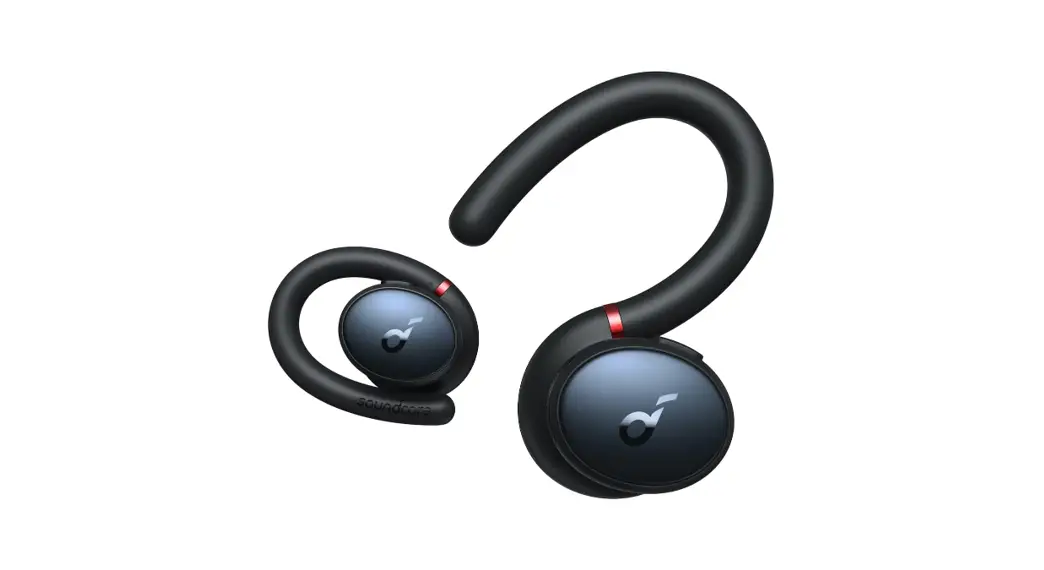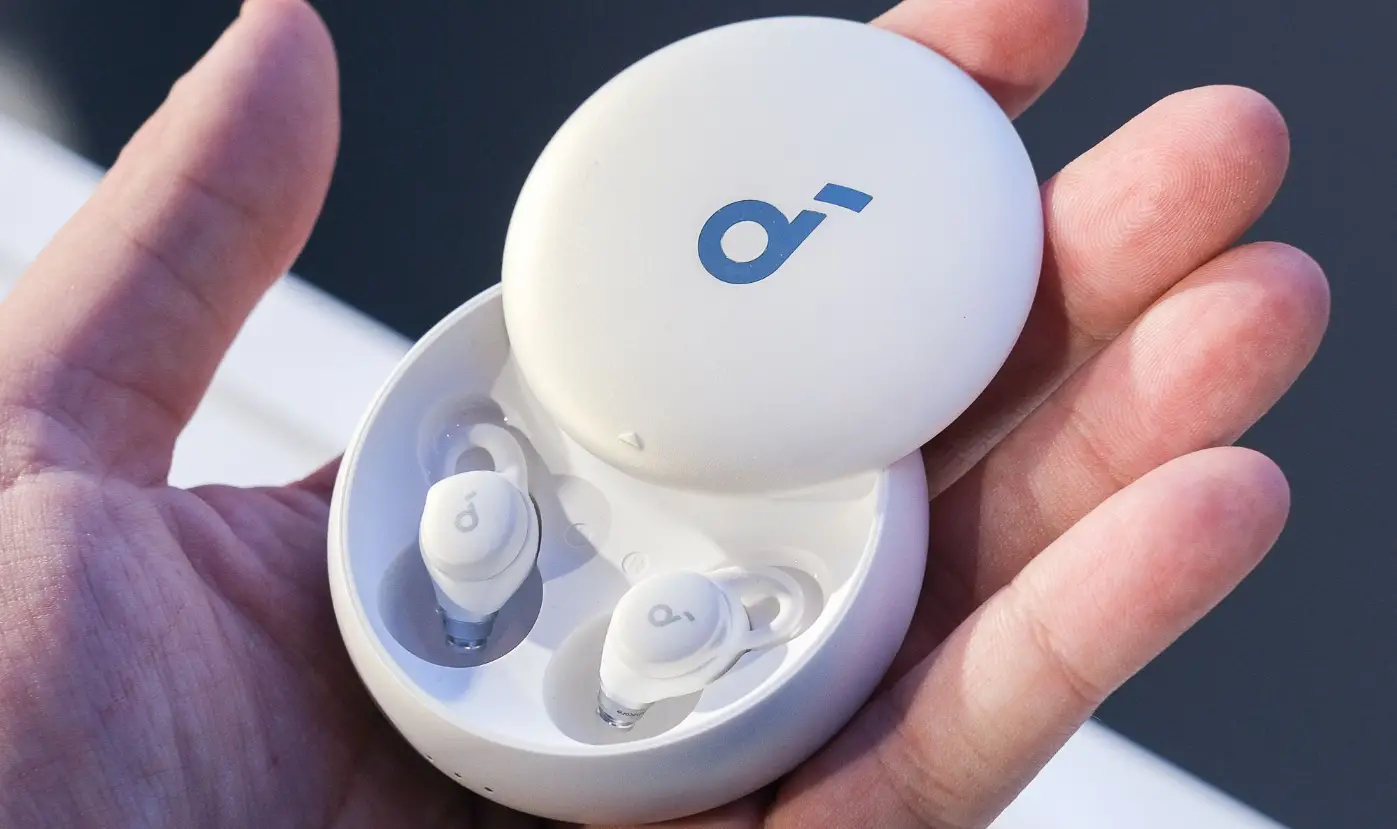

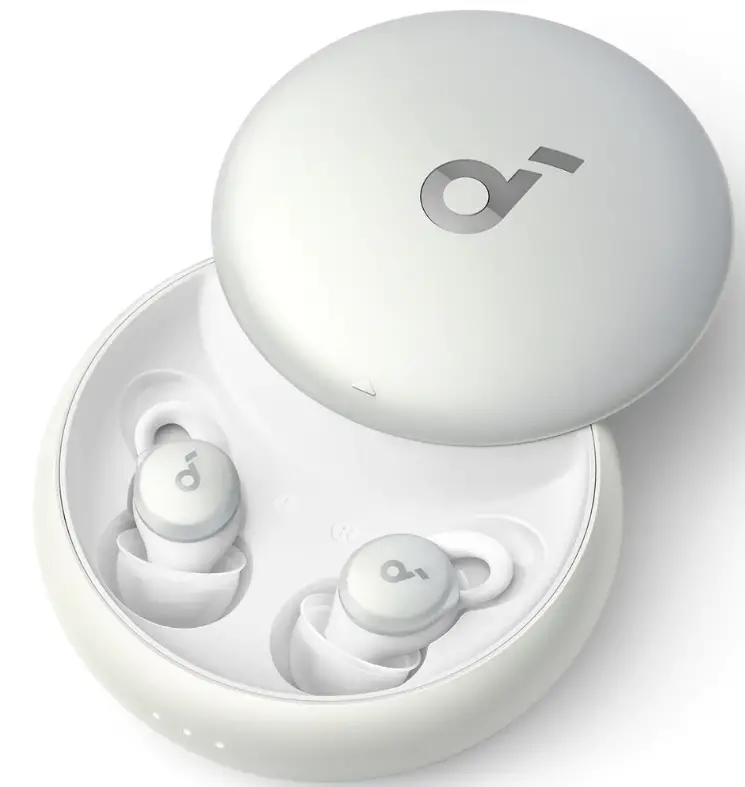
soundcore Sleep A10 Earbud 01
APP
Download the sound core app to customize controls, listen to soothing sounds, manage your sleep, update firmware, and explore more.
WEARING
Choose the ear tips and ear wings that fit your ears best.
Twist the earbuds until the ear wings are wedged against the ridge of your ears.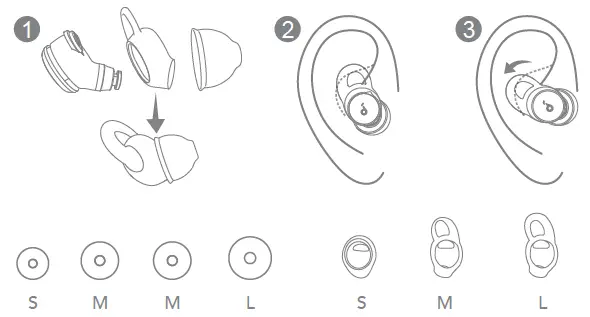
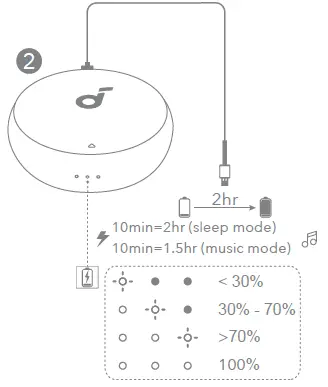
CHARGING
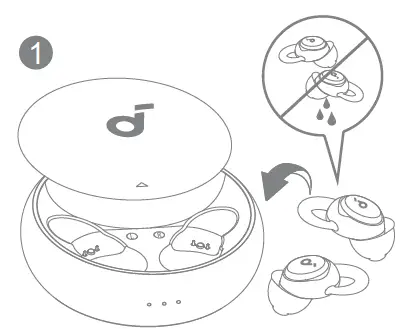
- Fully dry off the earbuds and the USB charging port before charging.

- Use an original or a certified USB-C charging cable to prevent any damage. It is recommended to charge the earbuds with a 5V charger (not included).

POWERING ON & PAIRING
Open the charging case, the earbuds will automatically power on and enter pairing mode. Select “sound core Sleep A10” on your device’s Bluetooth list to connect.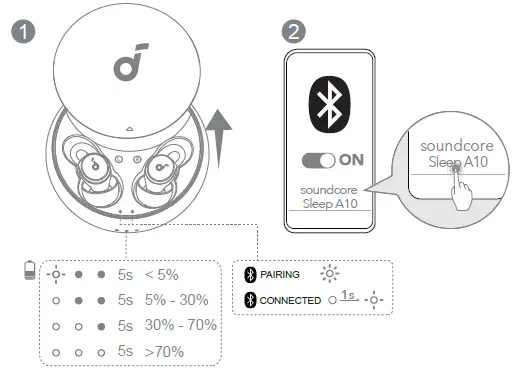
RE-PAIRING
Pairing with another device: Place the earbuds in the charging case and leave the case open. Press and hold the button on the case for 3 seconds to enter pairing mode.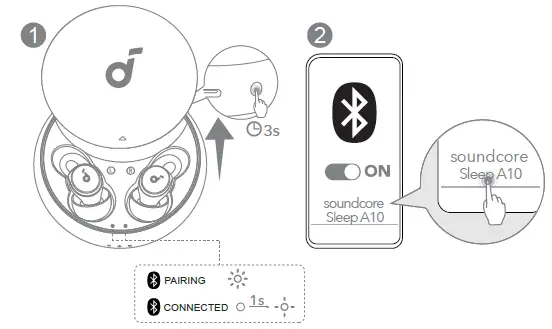
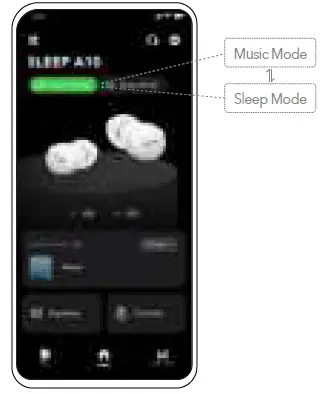
SELECTING LISTENING MODE
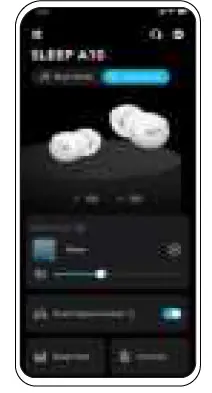
You can switch between Music Mode and Sleep Mode via the sound core app or by tapping the left earbud twice.
- Music Mode: Play soothing sounds from sound core app, or connect to your favorite apps for more audio content.

- Sleep Mode: Listen to the soothing sound downloaded onto your earbuds without having to interact with apps.

SMART VOLUME CONTROL
Enable Smart Volume Control* to adjust volume automatically depending on the noise levels.
*Only available in Sleep Mode.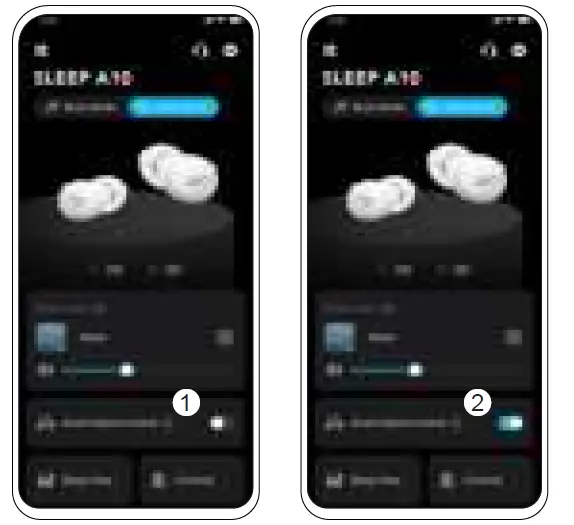
SLEEP DETECTION
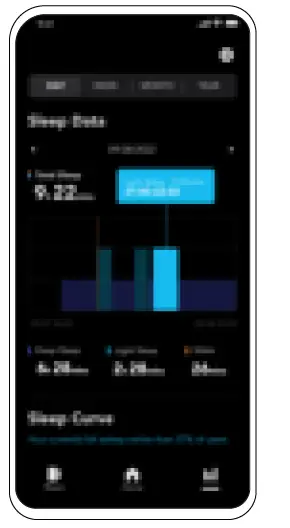
- Sleep Monitoring: The earbuds can monitor your sleep and provide a sleep quality report.

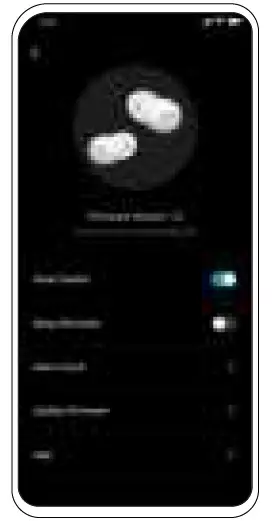
- Smart Switch: Enable this feature to automatically switch to Sleep Mode when you fall asleep.

CONTROLS
x2: Tap twice firmly
Please note that Sleep A10 does not have a touchpad so you need to double-tap with a bit of force for it to recognize the command. Customize more controls in the soundcore app.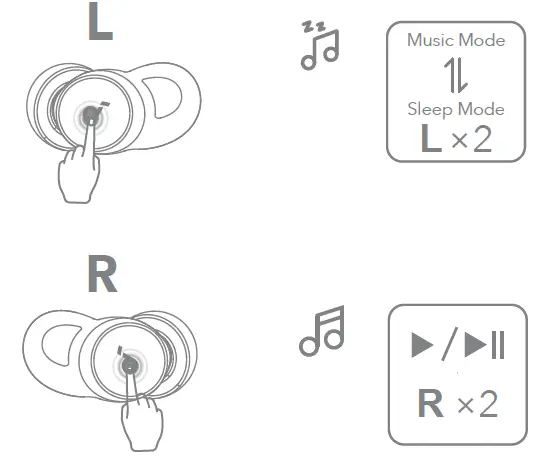
POWERING OFF
To power off, place the earbuds in the charging case and close it.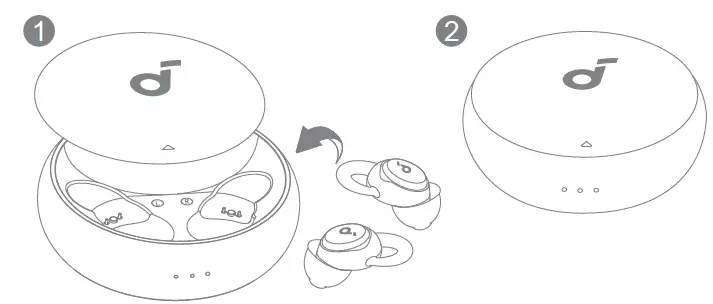
RESET
Place the earbuds in the charging case and leave the case open. Press and hold the button on the charging case for 10 seconds until the LED indicators rapidly flash white 3 times.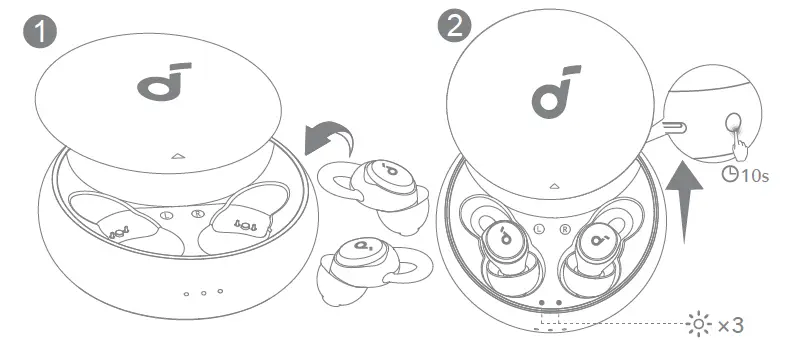
Phone call function is not supported on sound core Sleep A10. Please use your mobile phone to answer a call.
- sound core Sleep A10 adopts noise masking instead of noise cancelling.
Noise masking covers up noise with selected sounds, while noise cancelling offsets noise using sound waves.
SUPPORT
Please visit www.soundcore.com/support for more information.
 Soundcore EN
 Soundcore EN