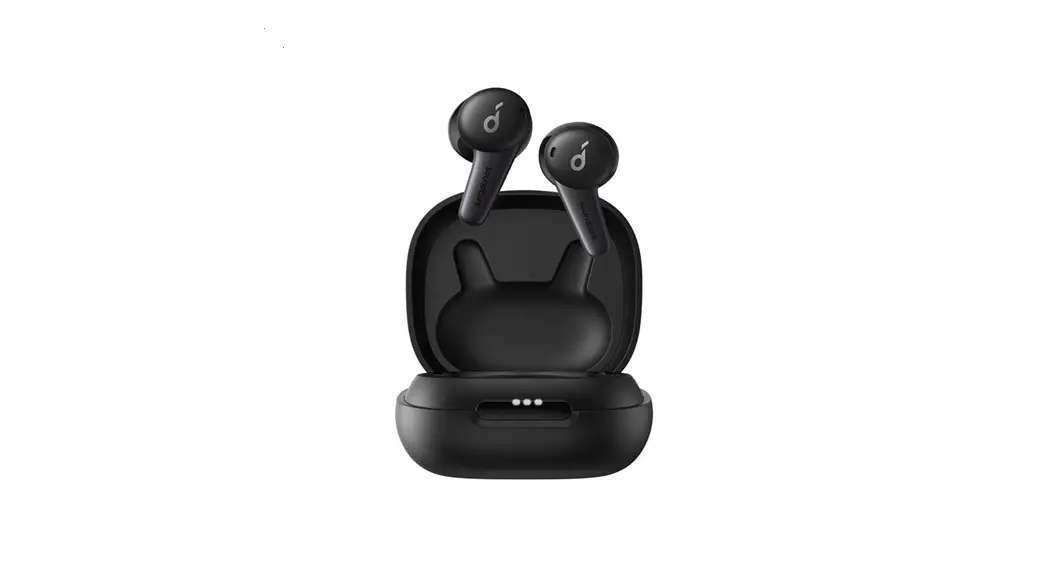
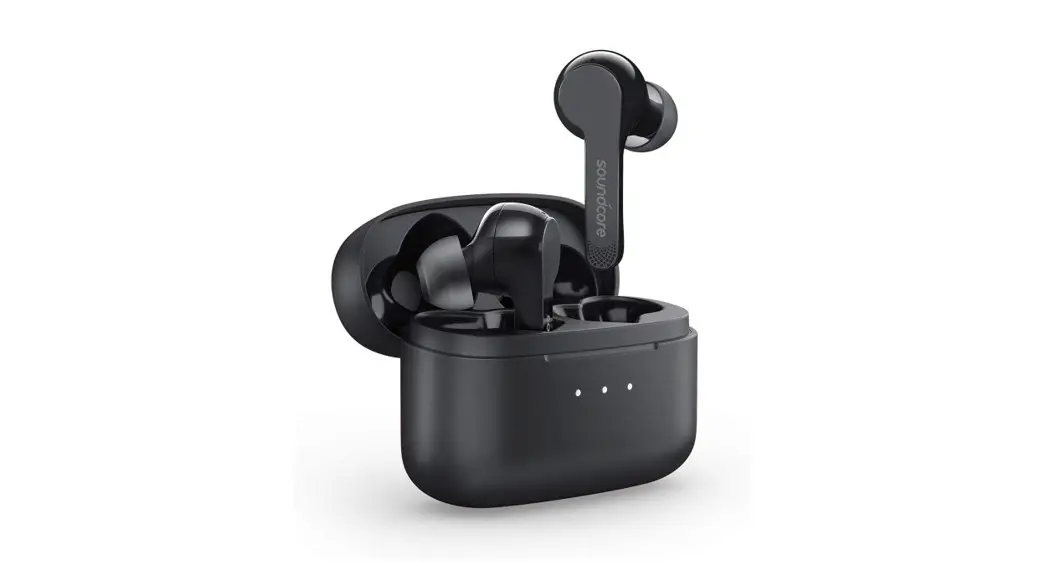
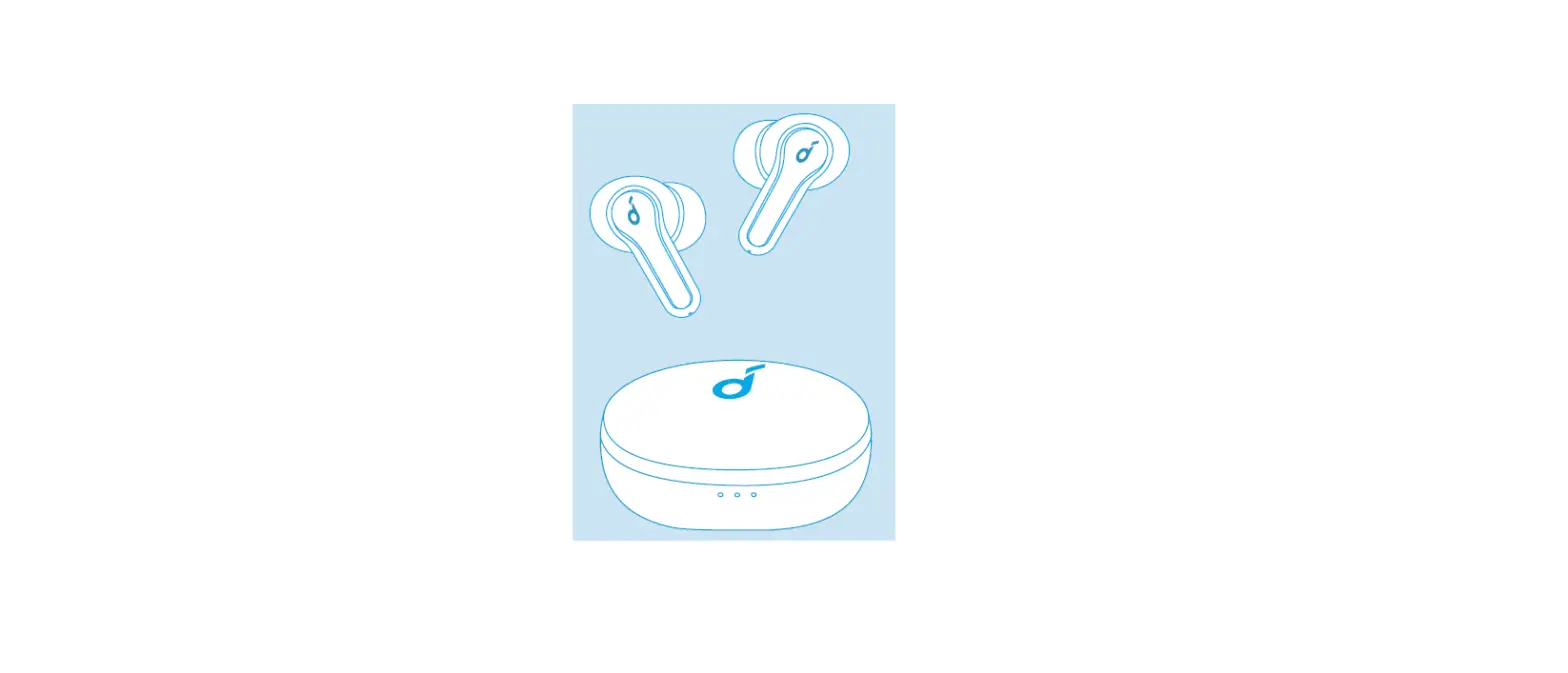
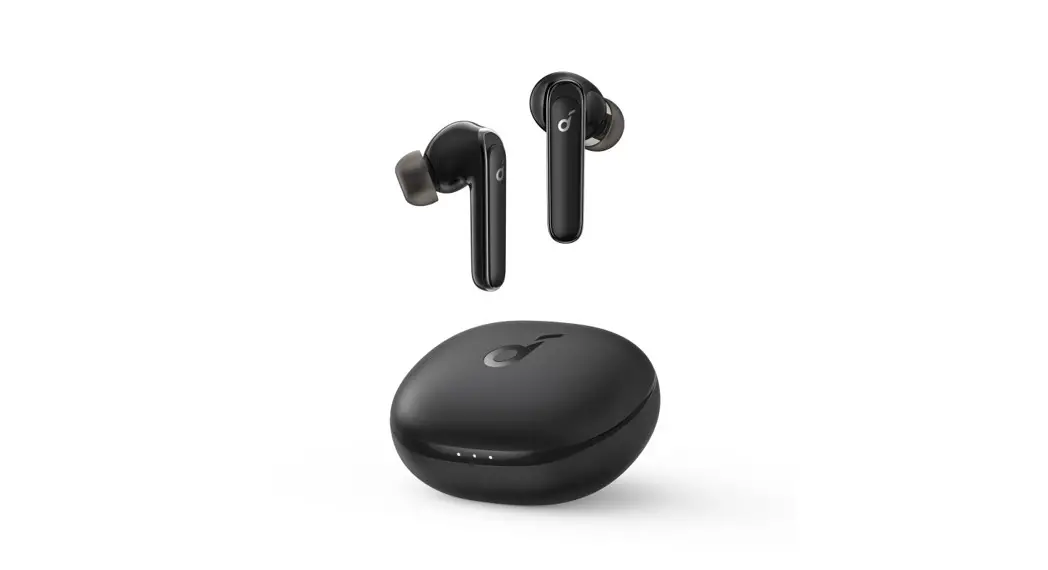
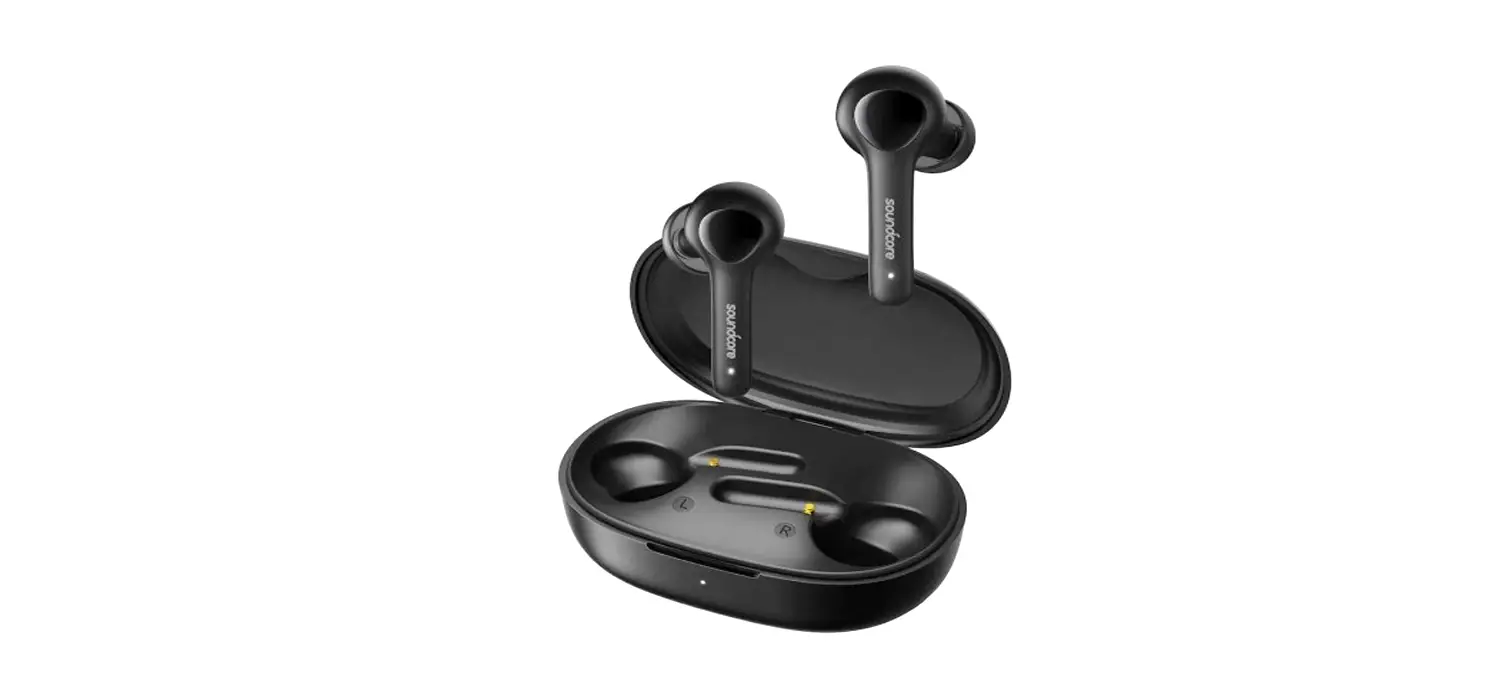
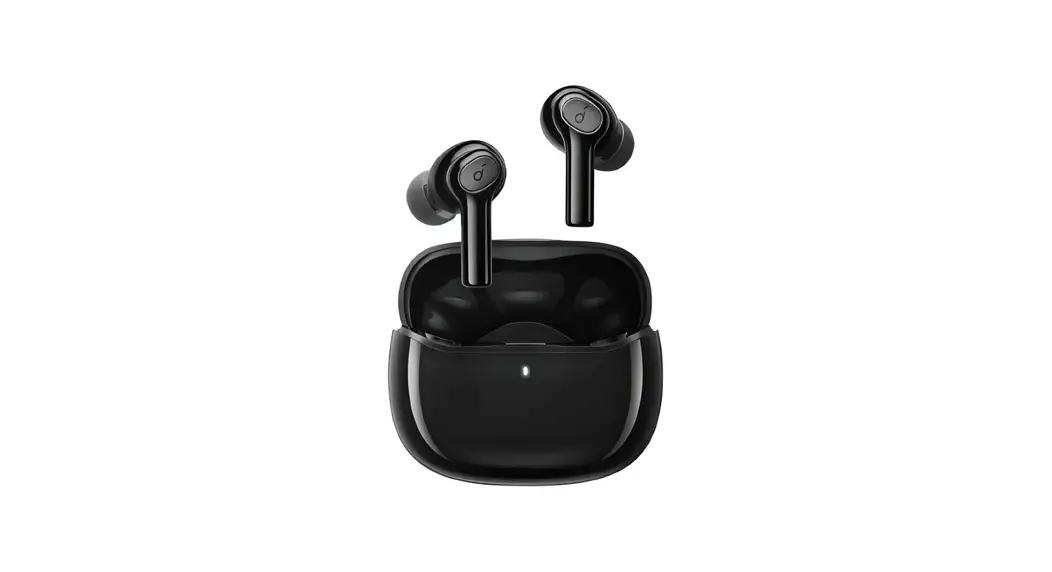
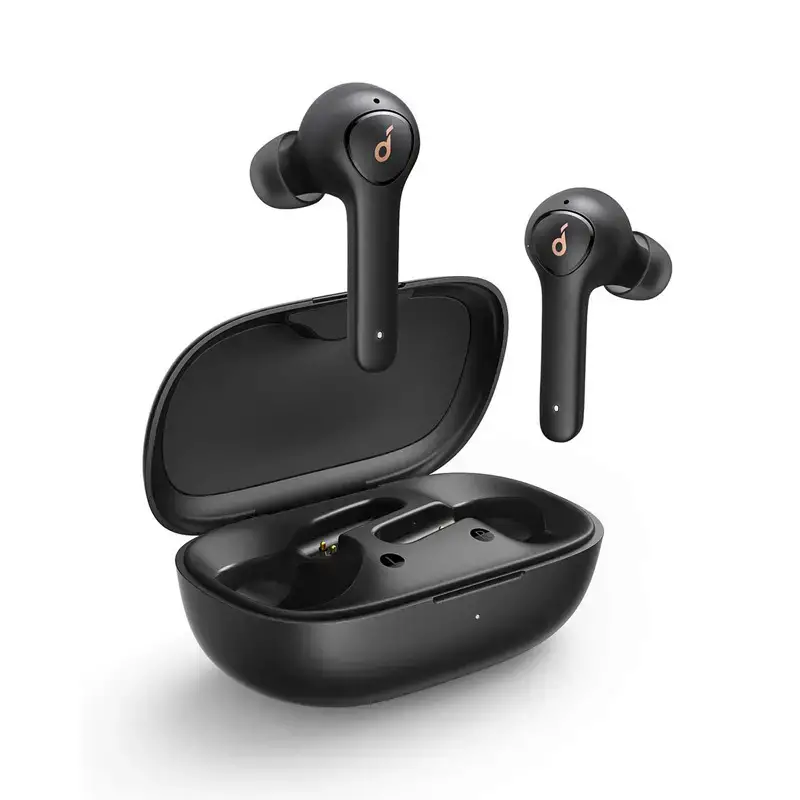
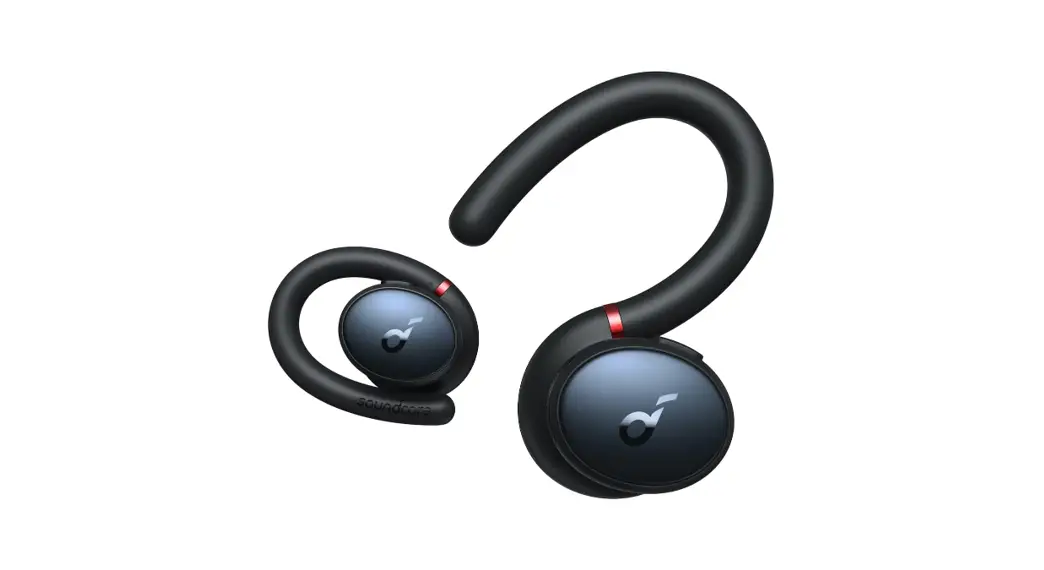
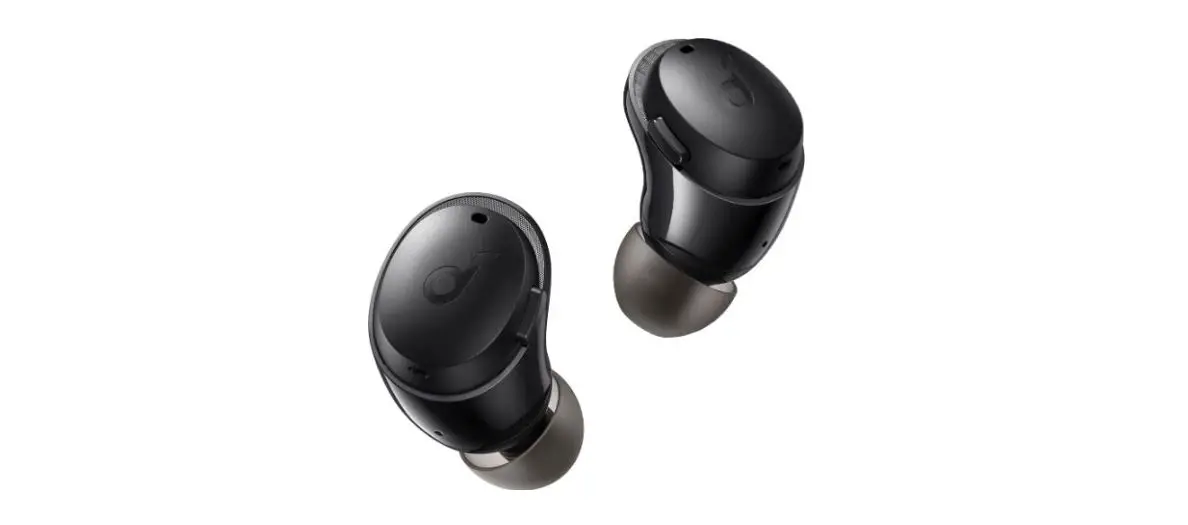
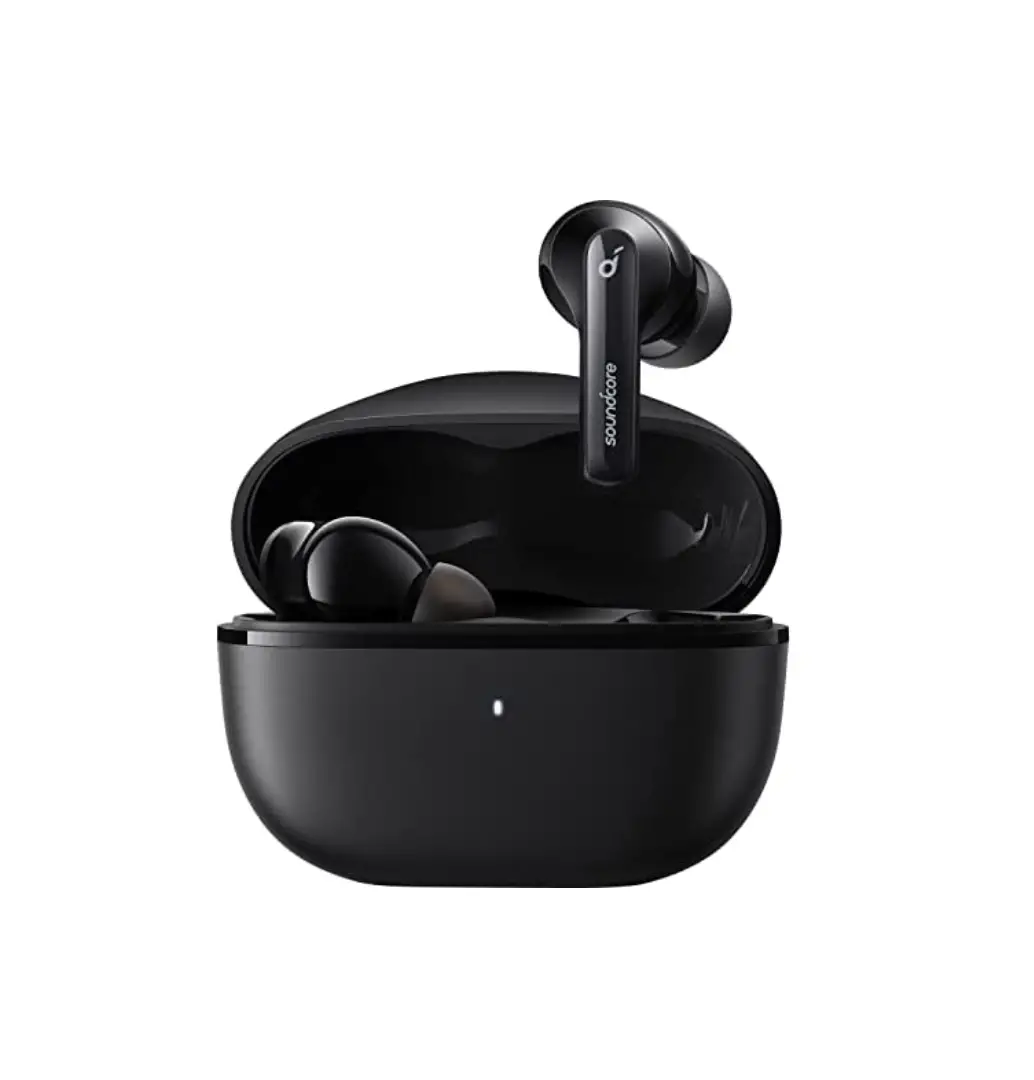
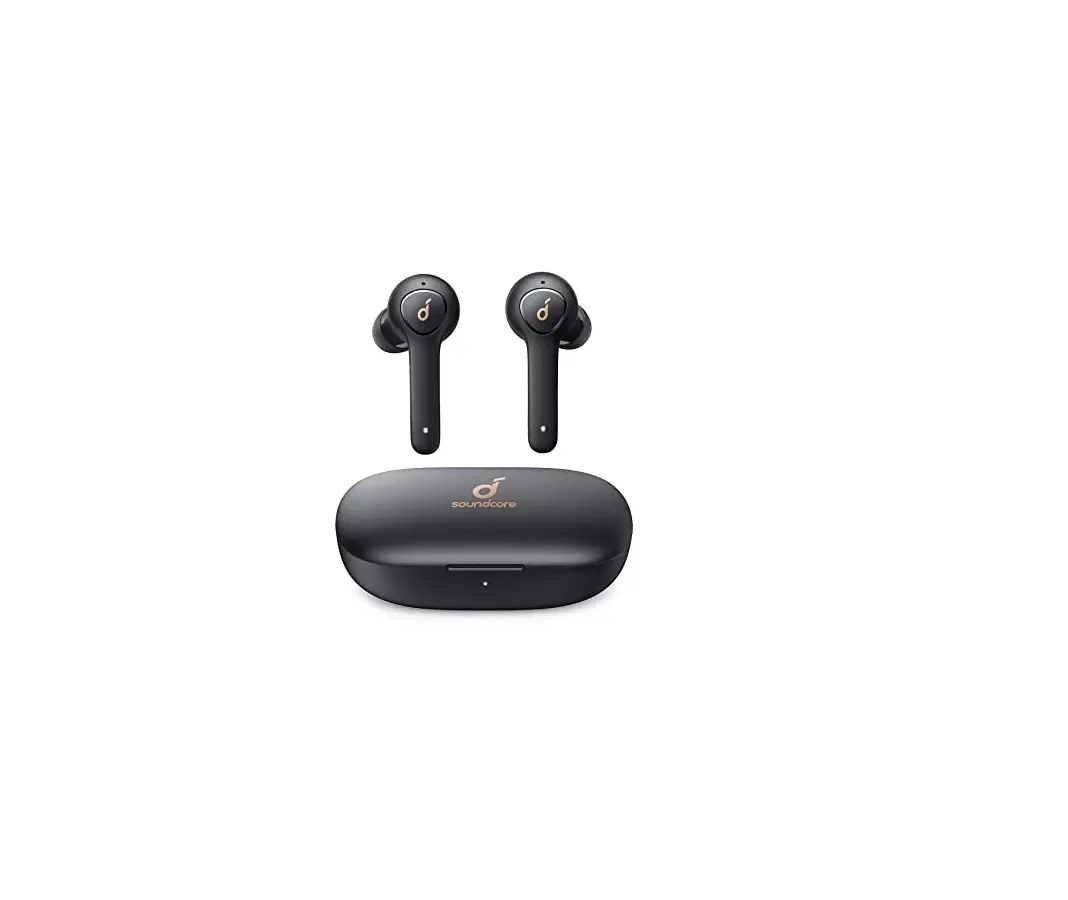
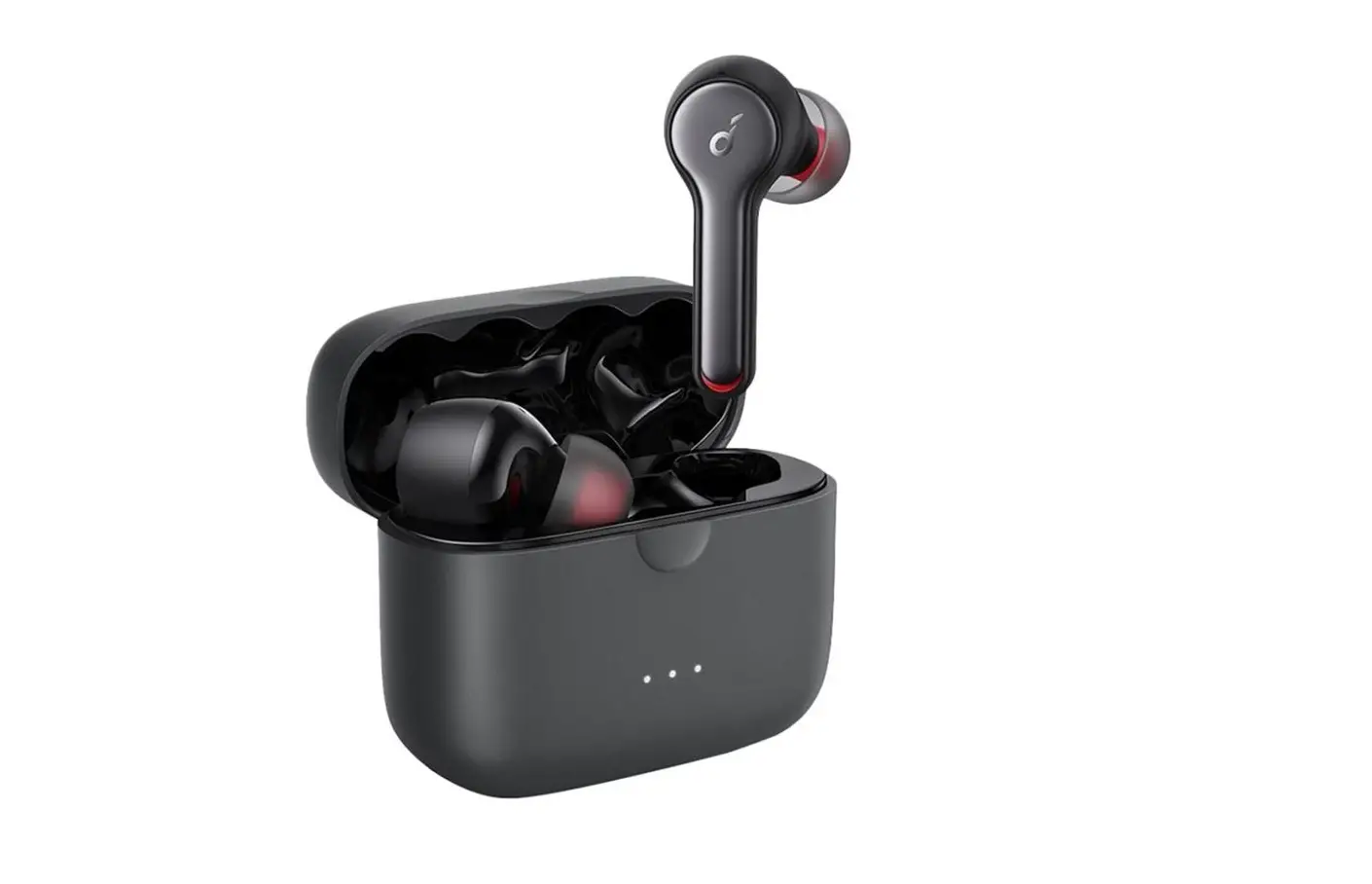
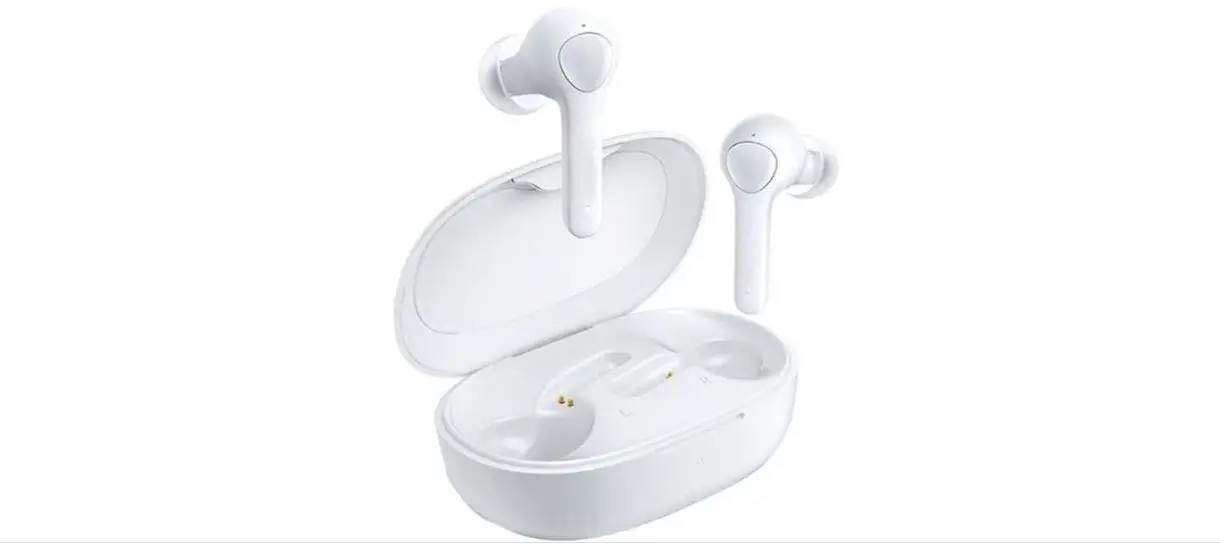
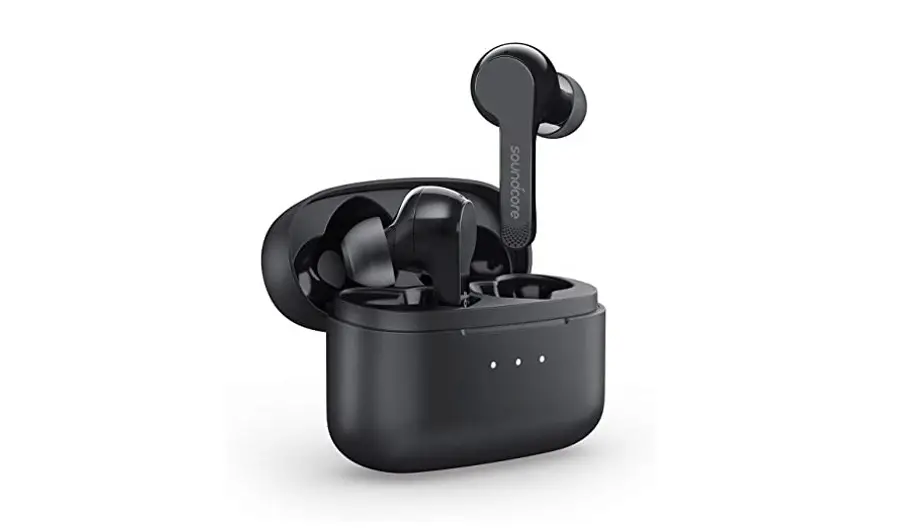
Life Note Earbuds
Soundcore Life Note
USER MANUAL
English
01
Cestina
06
Dansk
11
Deutsch
17
21
Español
26
Suomi
31
Français
36
Magyar
41
Italiano
10
Nederlands 51
Norsk
56
Jzyk polski 61
Português
66
P
71
Slovenský Jazyk
76
Slovenski Jezik
81
Svenska
86
Türkçe
91
96
101
106
111
Portugues do Brasil 116
121
126
Charging
· Remove the protective film from the earbuds when using for the first time. · Fully charge both the earbuds and the charging case before the first-time using. · To prevent damage, use the provided USB-C cable. · Fully dry off the earbuds and the USB port before charging.
1
2
R
R
· To manually power on, press the multi-function button on either one of the earbuds. · To manually power off, press and hold the multi-function button on either one of the
earbuds for 3 seconds.
Pairing
True Wireless Stereo Connection The right earbud will automatically connect with the left earbud when taken out of the charging case.
LED behavior (Earbuds & Charging case)
Steady white
Being Charging
Light off
· Fully charged · Remaining battery >10% (when in use)
Powering On/Off
The earbuds will automatically power on when taken out of the charging case and power off when placed back into the charging case.
ON
OFF
LED behavior (Earbuds)
ON
Steady white for 1 second
OFF
Steady red for 1 second
01 EN
LED behavior (Earbuds) Breathing white Steady white for 1 second
TWS connecting TWS connected
· When powered off, press and hold the multi-function button on both earbuds for 1 second, the earbuds will enter TWS connecting mode.
· When powered on and connected, place either one of the earbuds into the charging case, you can keep using the other one.
· When powered on and connected, if either one of the earbuds is out of battery and powered off, you can keep using the other one.
· When you are on a call, place either one of the earbuds into the charging case, 3 to 5 seconds later, the microphone in the other earbud will be activated.
Bluetooth Pairing with your Device
The earbuds will enter pairing mode when powered on. You are requested to confirm the connection when you see a pop-up.
EN 02
1
2
Soundcore
Life Note
Bluetooth Pairing Request “Headset” would like to pair with your iPhone Cancel Pair
Pair
LED behavior (Earbuds) Flashing white Steady white for 1 second
Bluetooth pairing Bluetooth connected
In the pairing process, some devices are incompatible with Qualcomm True Wireless PrimarySecondary dual pairing names, it may notice “connection unsuccessful” when you tap “Pair” or even no screen popped up. Don’t worry and it will not influence the using.
Once successfully paired, the primary earbud connects with your device and transfers signal to the secondary earbud, the latter one will not connect with your device. As a result, in the Bluetooth pairing list on your device, it may indicate that only one side is connected while the other side is not.
· To pair with another Bluetooth device, turn off Bluetooth on the currently connected device first.
· Each time you power on your Soundcore earphones, it will automatically connect to your last successfully connected device if available within the Bluetooth range.
Wearing
1. Choose the ear tips that fit your ears the best. 2. Insert the earbuds into the inner canal of your ears. 3. Turn and find the most comfortable position.
03 EN
Controls
Play / Pause Next track Previous track
Volume up / down
1 RL
Press (R/L) Press twice (R)
2 R
Press twice (L)
2 L
Control volume via the connected device
Answer / End a call Reject a call Enable mono mode
Press (R/L)
1 RL
Press and hold for 1 second (R/L)
1″ RL
Remove either one of the earbuds off your ear and press and hold the button on the other earbud for 1 second
Activate Siri or other voice assistant software
Voice Assistant
1″ RL
Press and hold for 1 second (R/L)
Reset
Reset the earbuds if the earbuds cannot connect with each other properly or cannot connect with your device properly.
1. Place the earbuds into the charging case and make sure they are being charged.
2. Press and hold the button on both earbuds for 3 seconds until the LED indicators flash red 3 times and then turn white.
All the memory data will be cleared.
EN 04
Obsah je uzamcen
Dokoncete, prosím, proces objednávky. Následn budete mít pístup k celému dokumentu.
Proc je dokument uzamcen? Nahnvat Vás rozhodn nechceme. Jsou k tomu dva hlavní dvody: 1) Vytvoit a udrzovat obsáhlou databázi návod stojí nejen spoustu úsilí a casu, ale i financní prostedky.
Dlali byste to Vy zadarmo? Ne*. Zakoupením této sluzby obdrzíte úplný návod a podpoíte provoz a rozvoj nasich stránek. Teba se Vám to bude jest nkdy hodit. *) Mozná zpocátku ano. Ale vzte, ze dotovat to dlouhodob nelze. A rozhodn na tom nezbohatneme. 2) Pak jsou tady ,,roboti”, kteí se pizivují na nasí práci a ,,vysávají” výsledky naseho úsilí pro svj prospch. Tímto krokem se jim to snazíme pekazit. A pokud nemáte zájem, respektujeme to. Urgujte svého prodejce. A kdyz neuspjete, rádi Vás uvidíme!