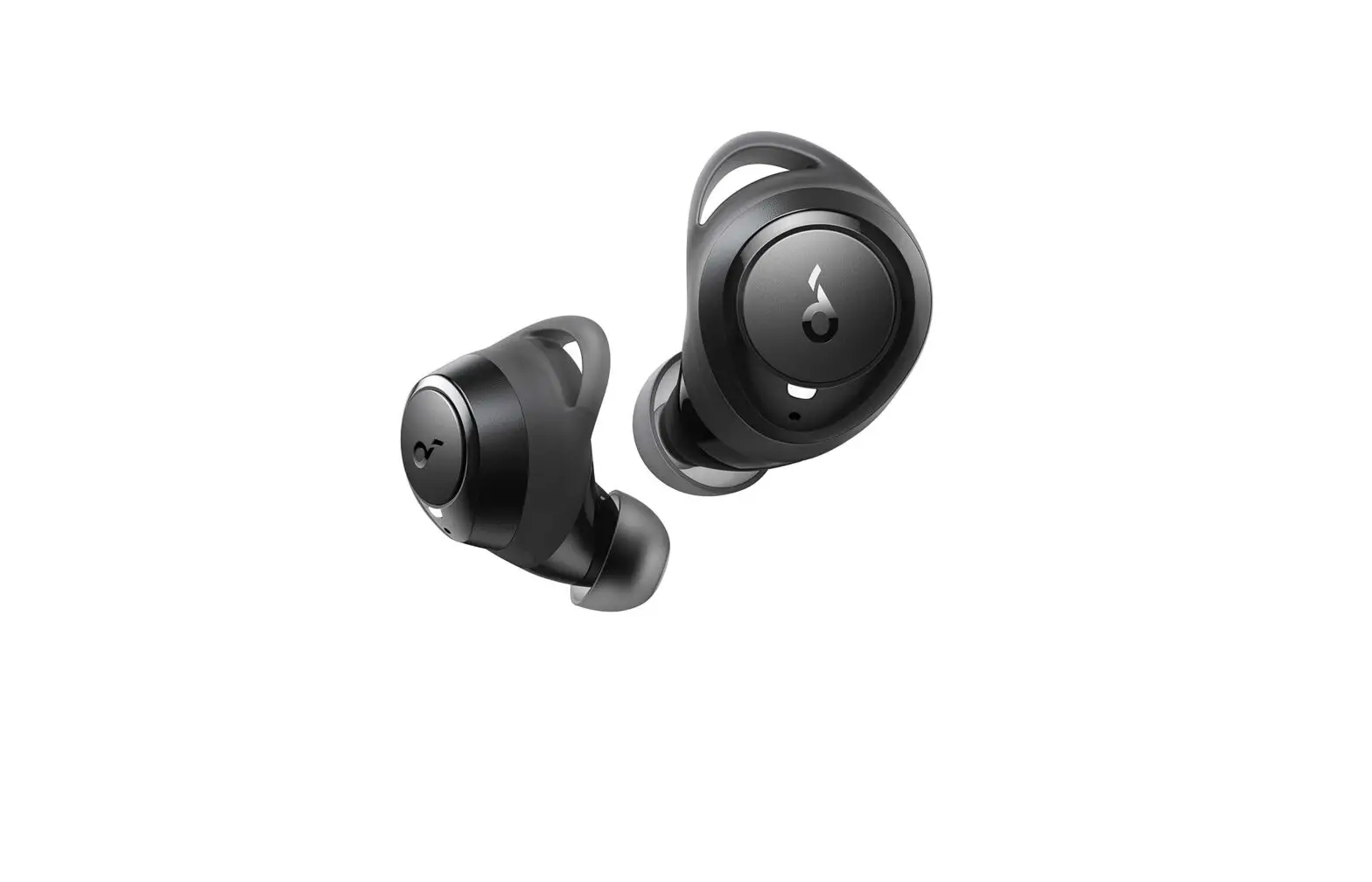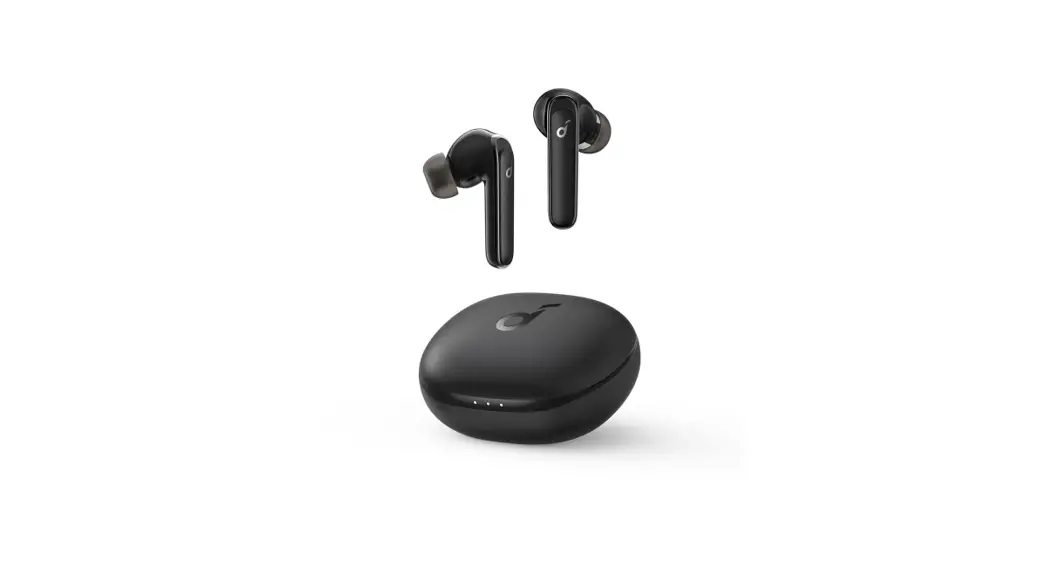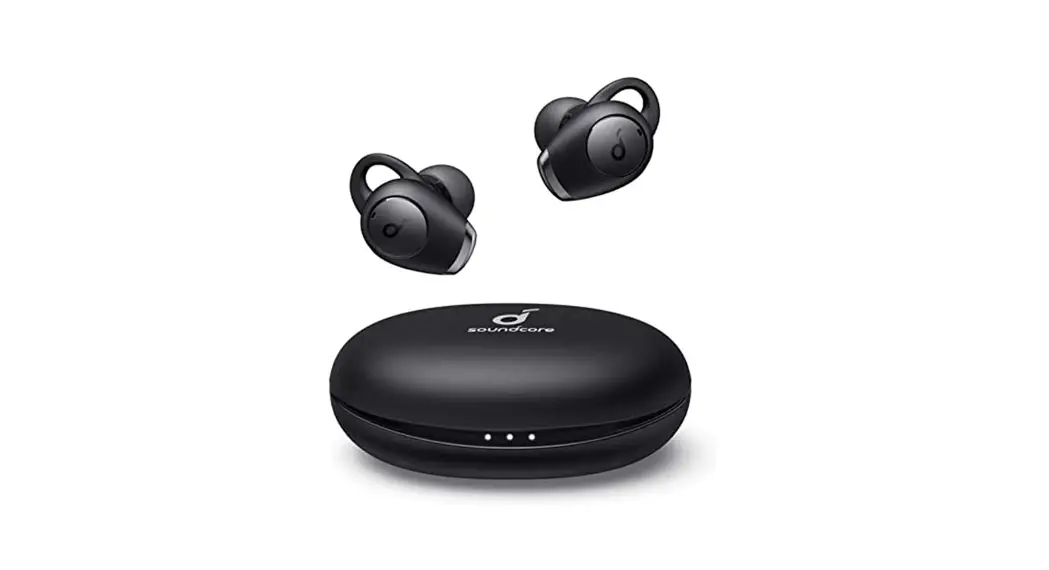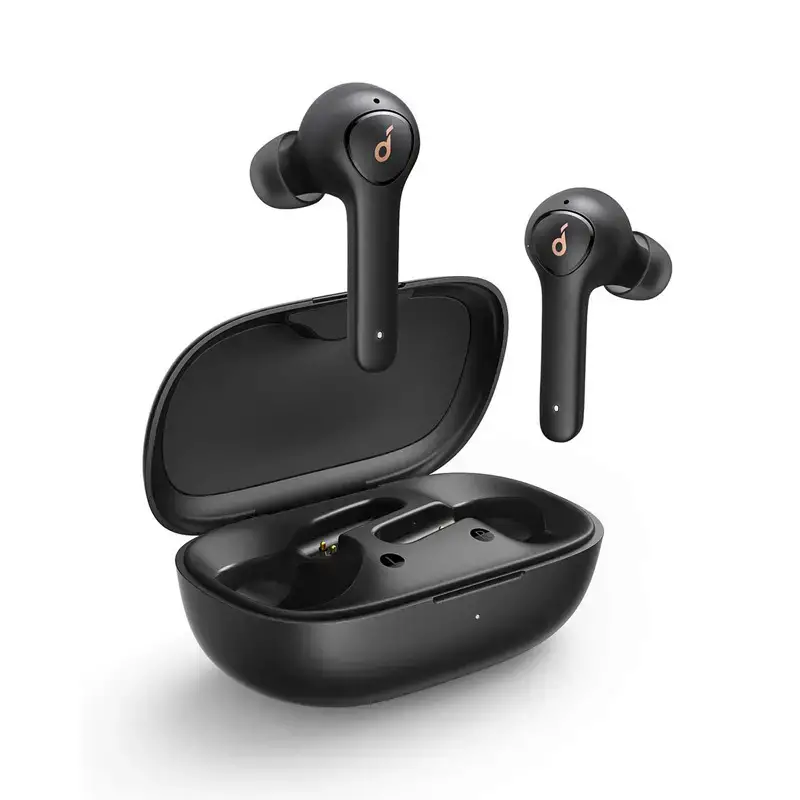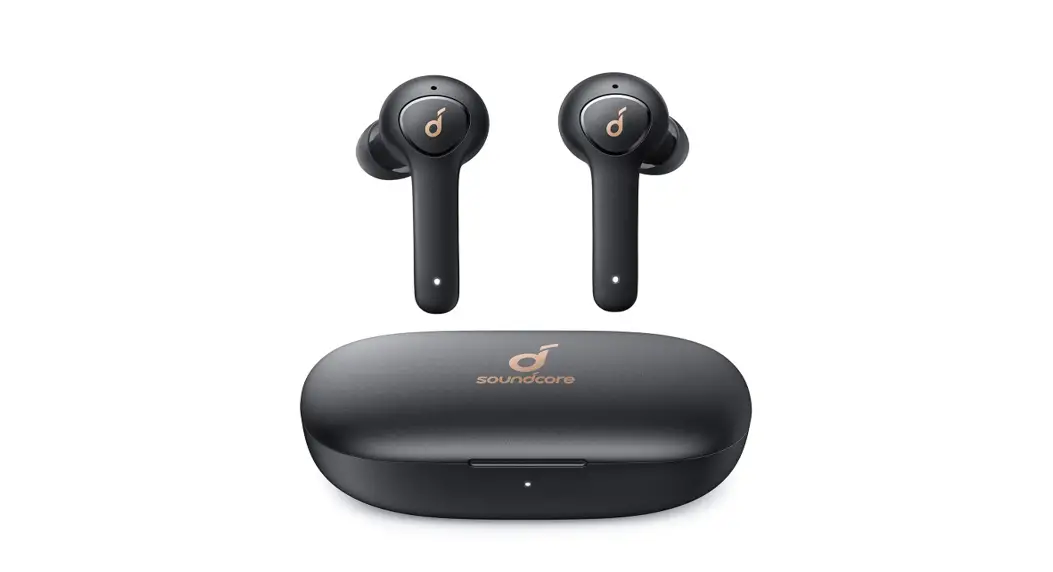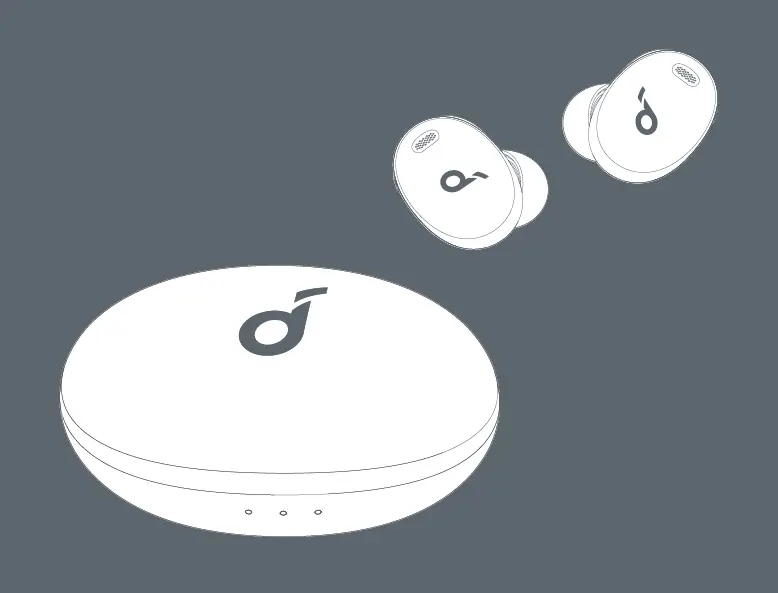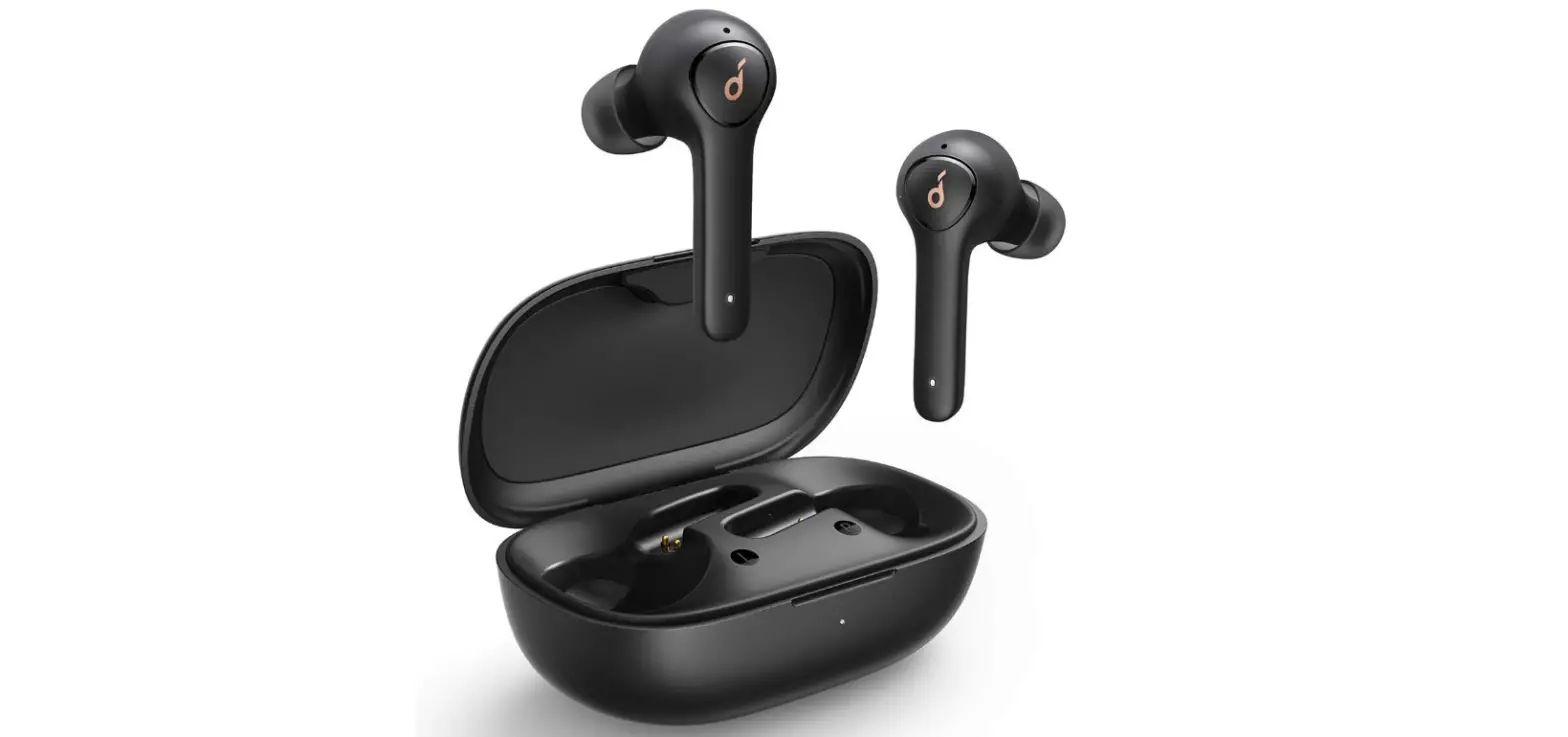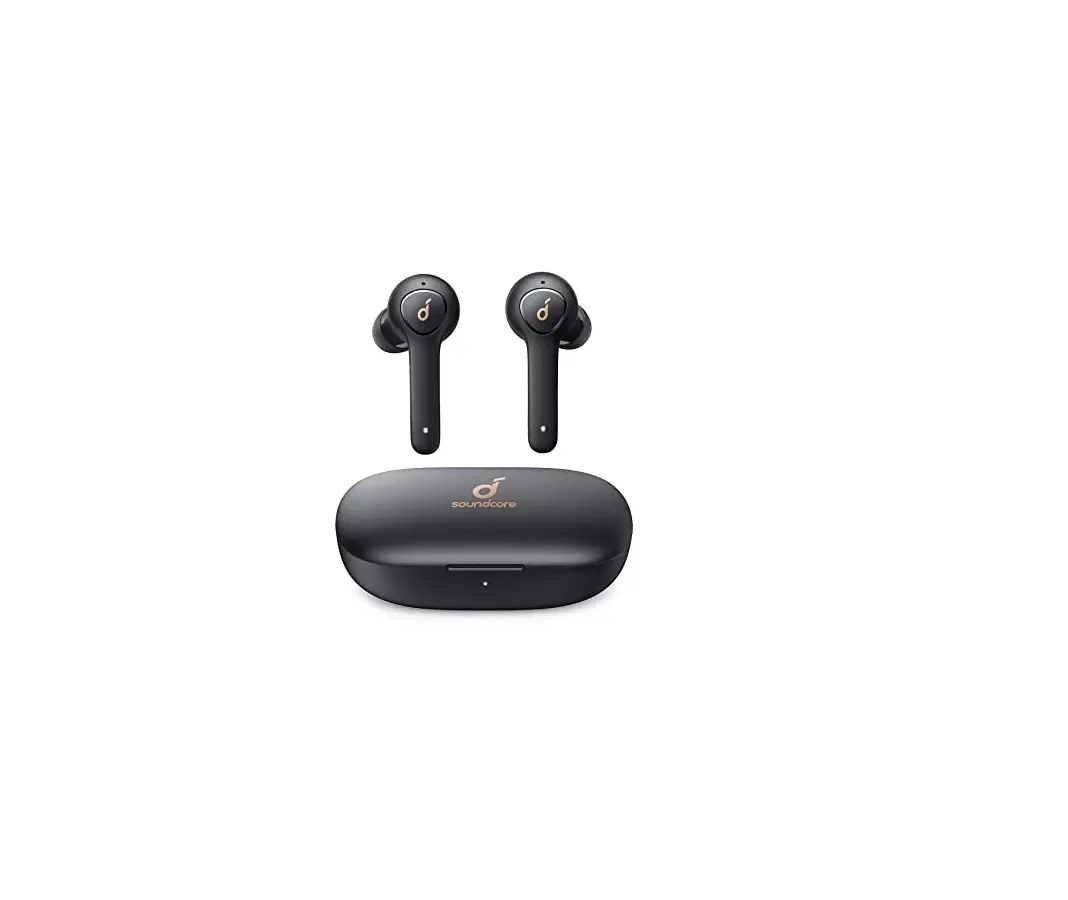

Soundcore Life Note E True Wireless Earbuds
Charging
- Fully dry off the earbuds and the USB port before charging.
- Use a certified USB-C charging cable and charger to prevent any damage.
- Fully charge both the earbuds and the charging case before the first use.
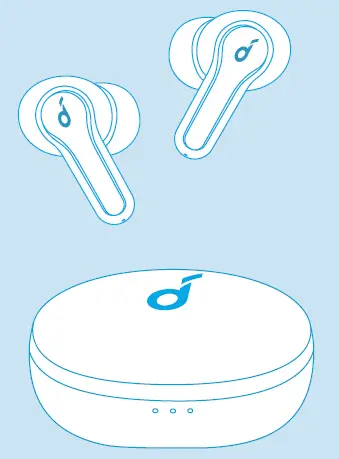
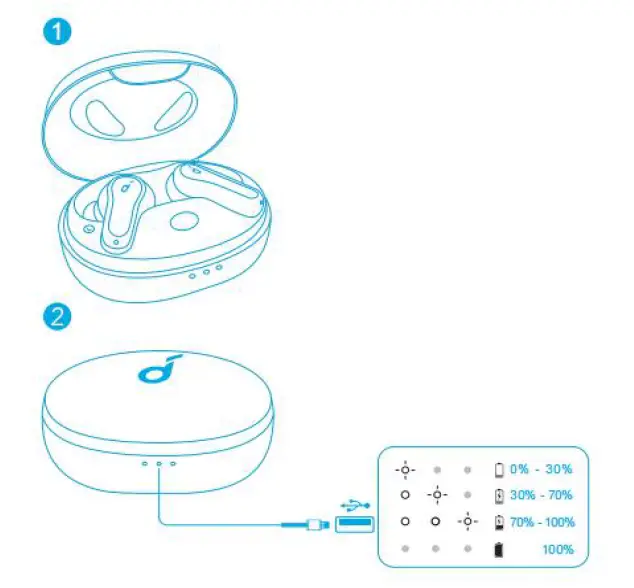
- Place the earbuds in the charging case and close it.
- Connect the charging case to the power supply by using a USB-C charging cable.
- The LED indicator on the charging case indicates the charging status.

Wearing
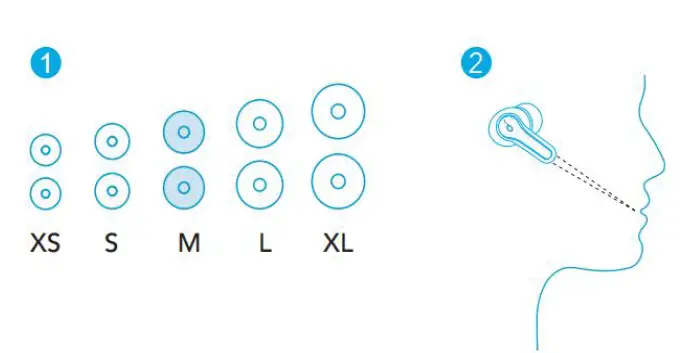
- Choose the EarTips that fit your ears best.
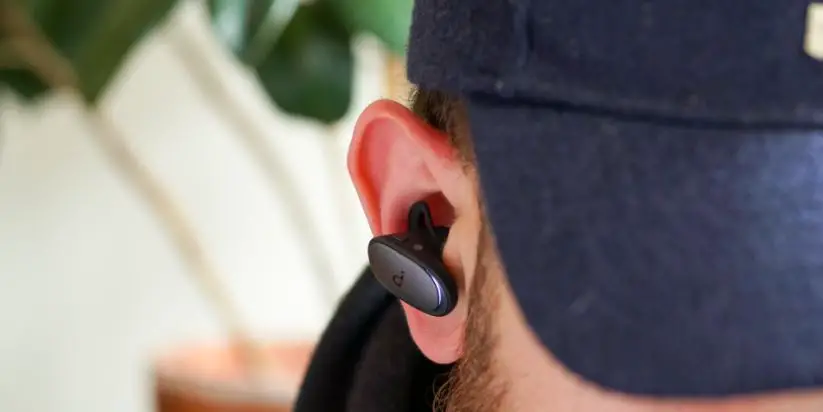
- Insert the earbuds into the inner canal of your ears and turn gently until you find the most comfortable and secure position.

- Your earbuds come with 5 pairs of EarTips, among which Medium-sized are pre-installed.
Powering On/Off
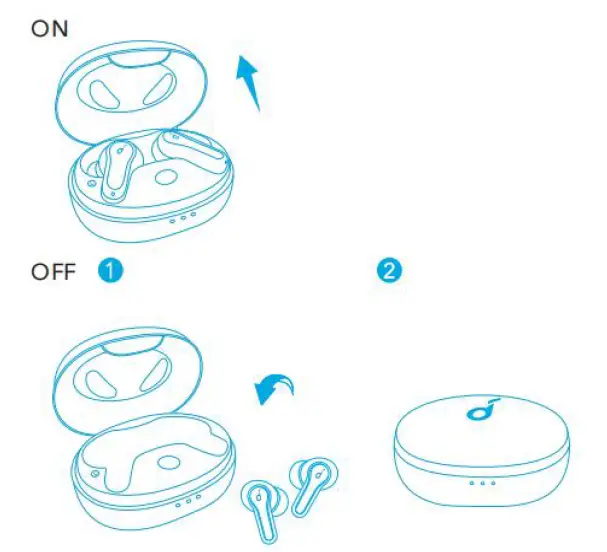
- Open the charging case, the earbuds will automatically power on.
- To power off, place the earbuds in the charging case and close it.

- The earbuds will automatically power off after 10 minutes if no device is connected.
- To manually power on, press and hold the touchpad on earbuds for 3 seconds.
- To manually power off, press and hold the touchpad on earbuds for 8 seconds.
Bluetooth Pairing
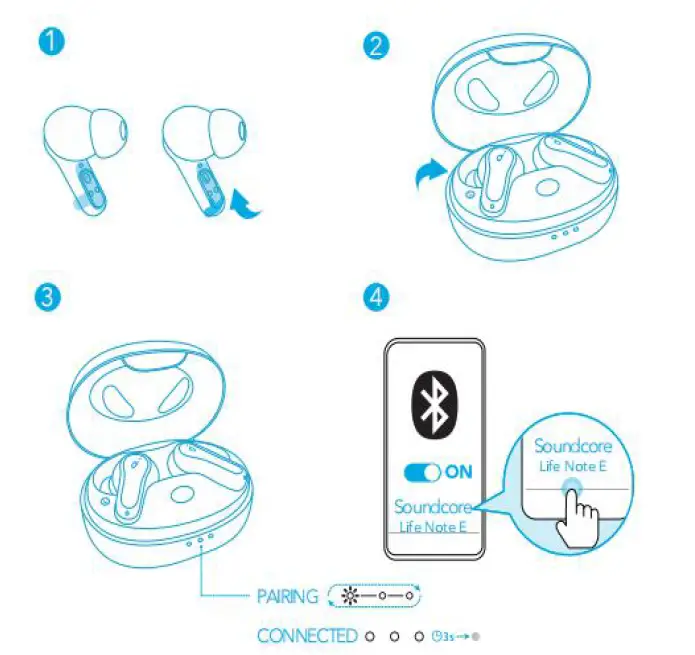
- Tear off the insulation sticker on the earbuds before first use.
- Place the earbuds in the charging case and close it.
- Open the charging case (no need to take out the earbuds), the earbuds will automatically enter Bluetooth pairing mode.
- The 3 LED indicators on the charging case will flash white in sequence continuously.
- Select “Soundcore Life Note E” on your device’s Bluetooth list to connect.
- When successfully connected, the 3 LED indicators will turn white for 3 seconds and then turn off.

- Pairing with another device: Place the earbuds in the charging case and leave the case open. To enter pairing mode, press and hold the button on the charging case for 3 seconds until the 3 LED indicators flash white in sequence continuously.
- Each time you power on your Soundcore earbuds, they will automatically connect to your last successfully connected device if available within the Bluetooth range.
- Mono mode: When Bluetooth is connected, you can use either one of the earbuds only by placing the other one into the charging case and closing it.
- When powered on and connected, if either one of the earbuds is out of battery and powered off, you can keep using the other one.
- When you are on a call, place either one of the earbuds into the charging case, and the microphone in the other earbud will be activated.
- When successfully connected, the 3 LED indicators will turn white for 3 seconds and then turn off.
Controls Stereo Mode
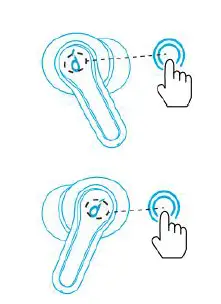
MUSIC:
| Play/Pause | Tap twice (R/L) |
| Next track | Press and hold for 2 seconds (R) |
| Previous track | Press and hold for 2 seconds (L) |
| Switch EQ in sequence: Soundcore Signature (Default) / Bass Booster / Podcast | Tap three times (R) |
Quickly tap the touchpad on the right earbud three times to cycle through Soundcore Signature (default), Bass Booster, and Podcast modes. You will hear a tone for each successful switch.
- Soundcore Signature: Default EQ mode with well-balanced sound.
- Bass Booster: Enhances low-frequency sound.
- Podcast: Focus on mid-frequency for clearer voices.
| Answer a call | Tap twice (R/L) |
| End/Reject a call | Press and hold for 2 seconds (R/L) |
| Activate Siri or other voice assistant software | Tap three times (L) |
Mono Mode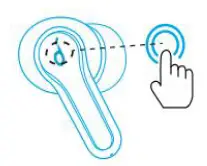
| Play/Pause | Tap twice |
| Next track | Press and hold for 2 seconds |
| Answer a call | Tap twice |
| End/Reject a call | Press and hold for 2 seconds |
| Activate Siri or other voice assistant software | Tap three times |
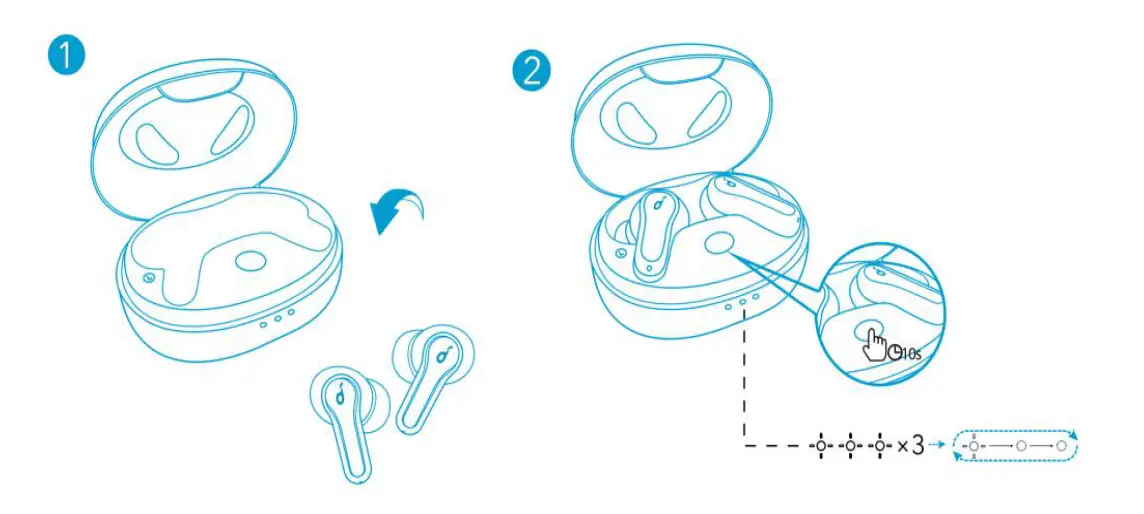
Reset
- You might need to reset the earbuds if you experience any connectivity problems or function issues.
- Place the earbuds in the charging case and make sure they are being charged.
- Press and hold the button on the case for 10 seconds until the 3 LED indicators flash white 3 times and then flash white in sequence continuously. This confirms that the reset was successful and your earbuds can be connected normally.

Specifications
- Specifications are subject to change without notice.
Input 5V ⎓ 0.6A Rated output power 5 mW Battery capacity 60 mAh x 2 (earbuds); 540 mAh (charging case) Charging time 2 hours Playtime (varies by volume level and content)
Up to 8 hours (Total 32 hours with the charging case)
Driver size 10 mm Frequency response 20 Hz – 20 kHz Impedance 16 Ω Waterproof level (Earbuds) IPX5 Bluetooth version 5.2 Bluetooth range 10 m / 33 ft