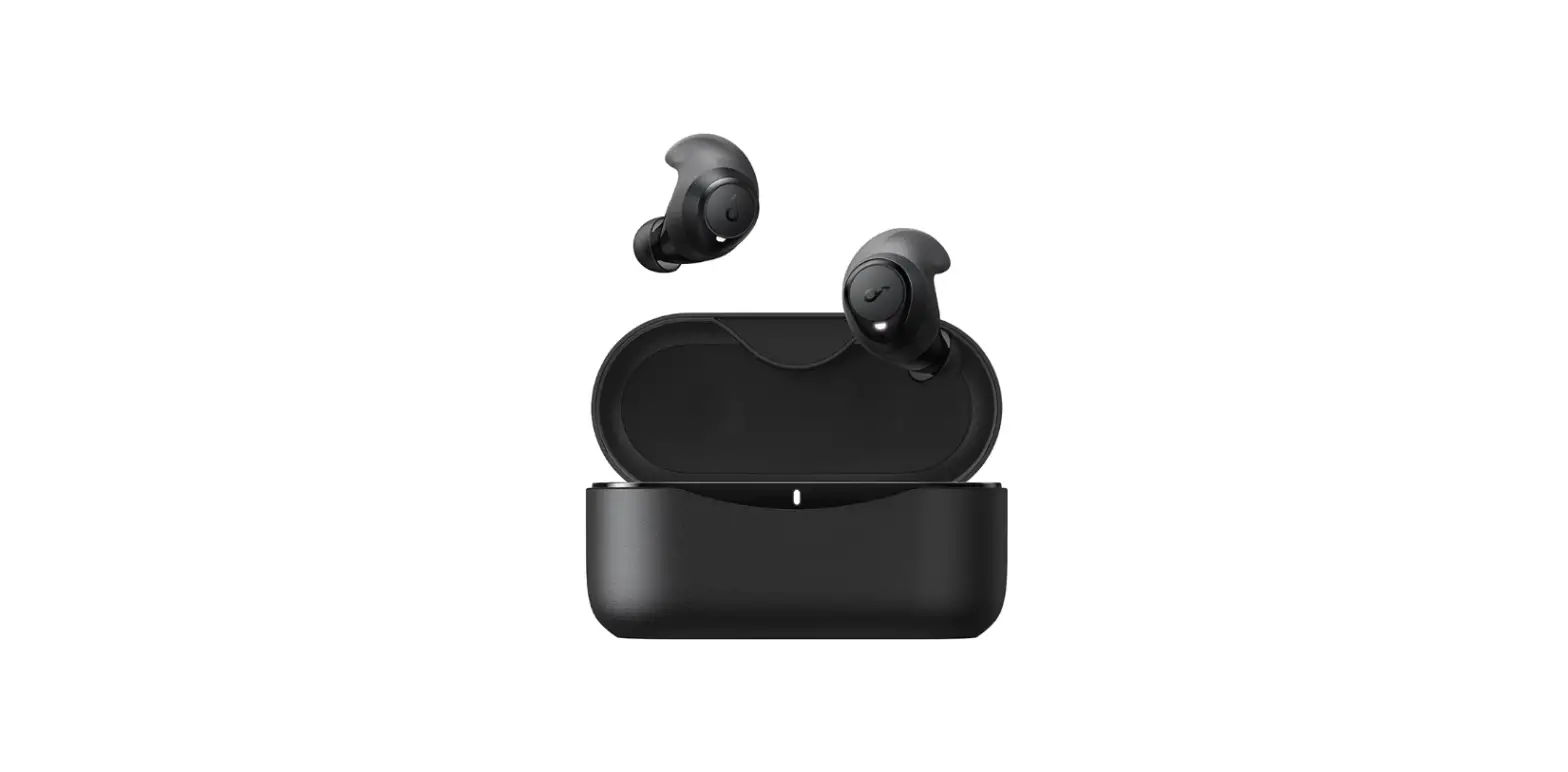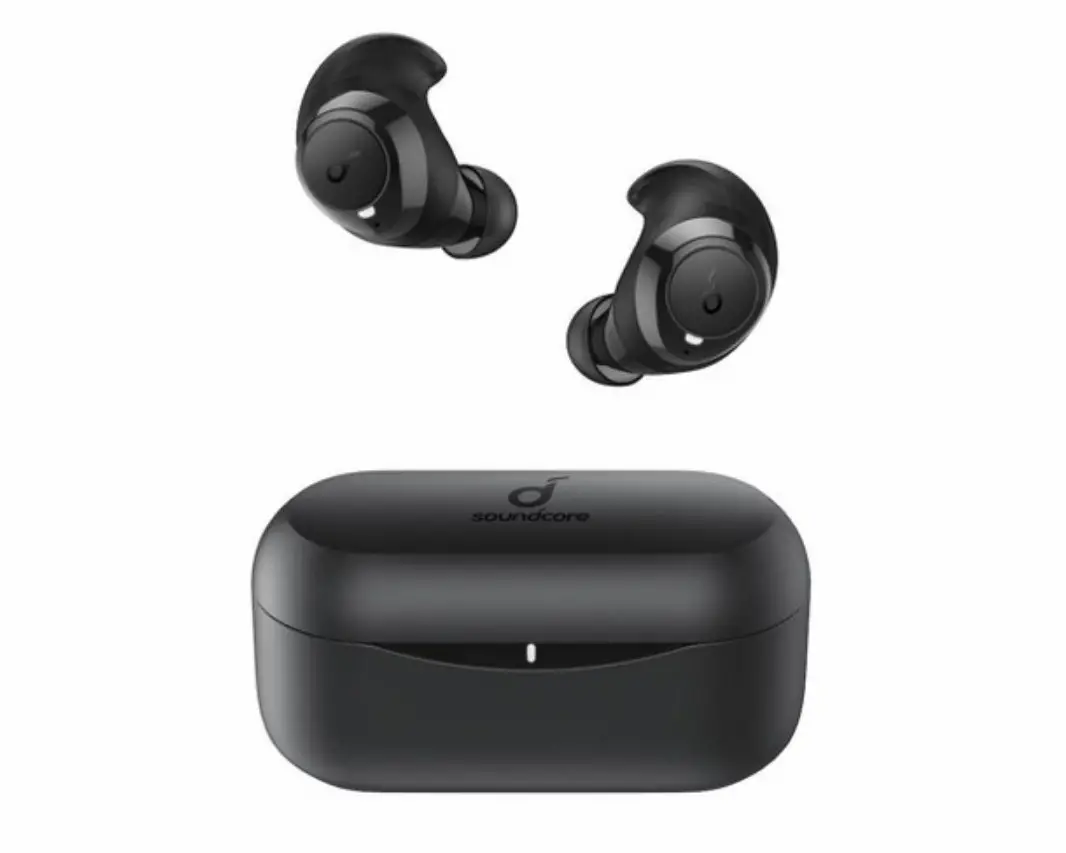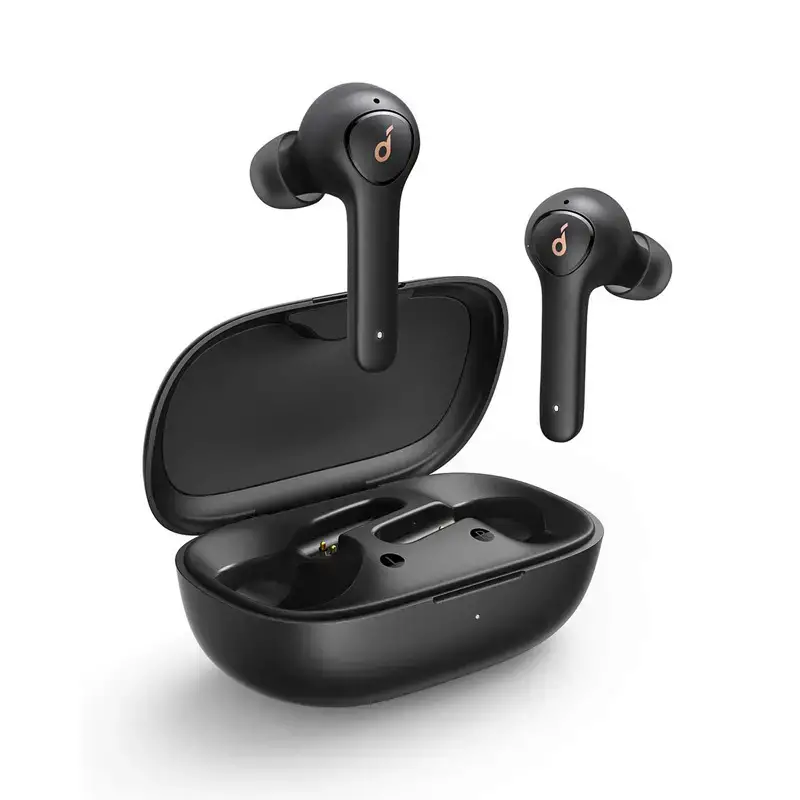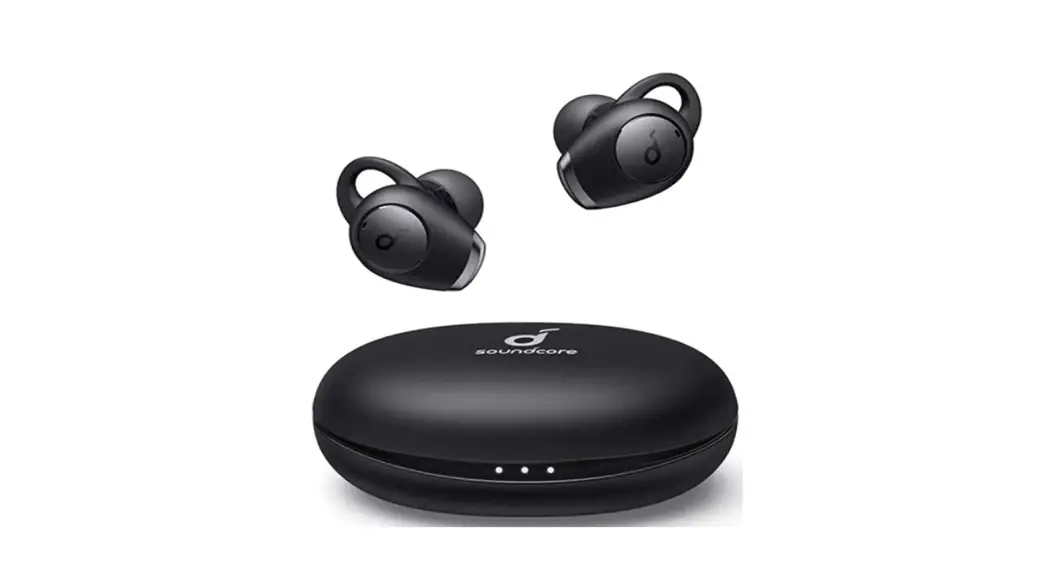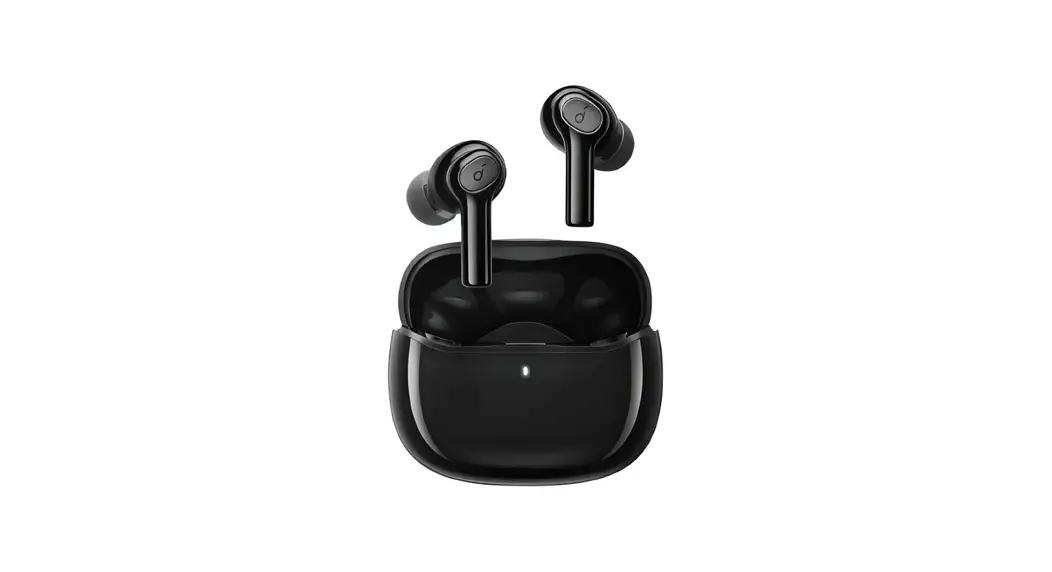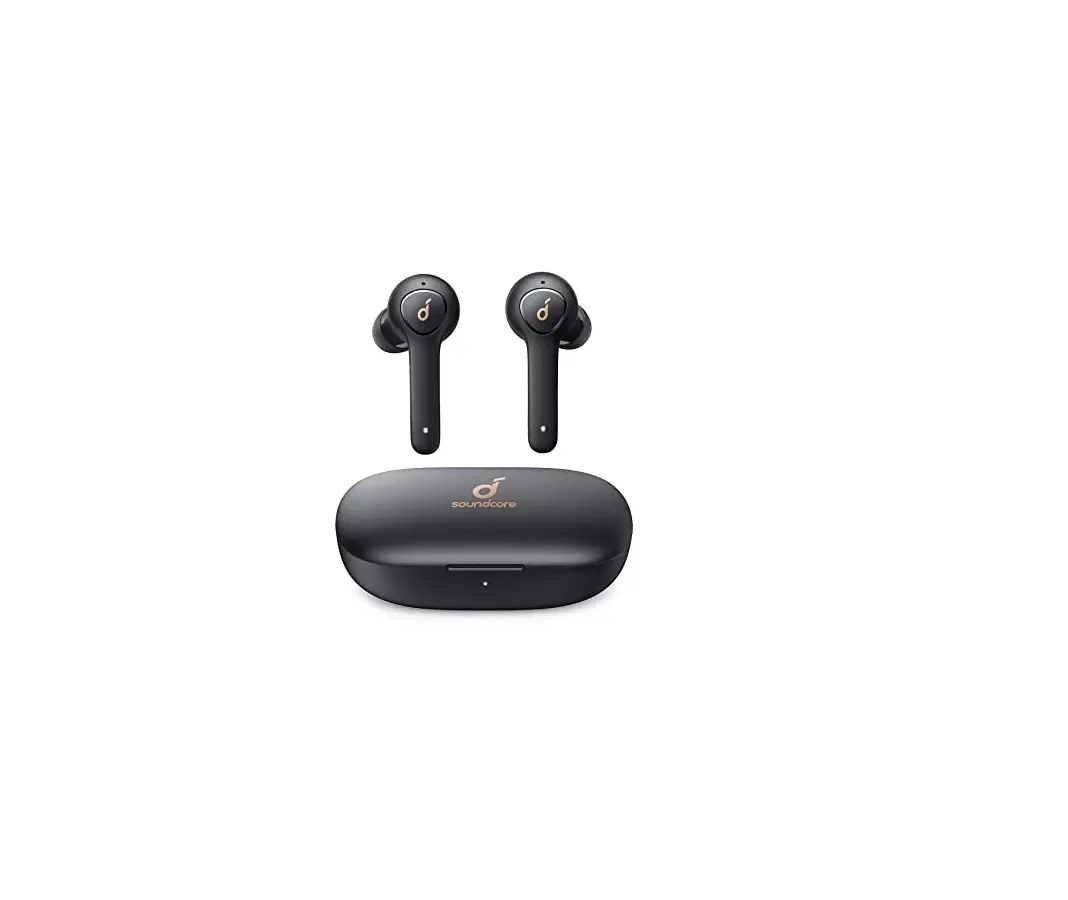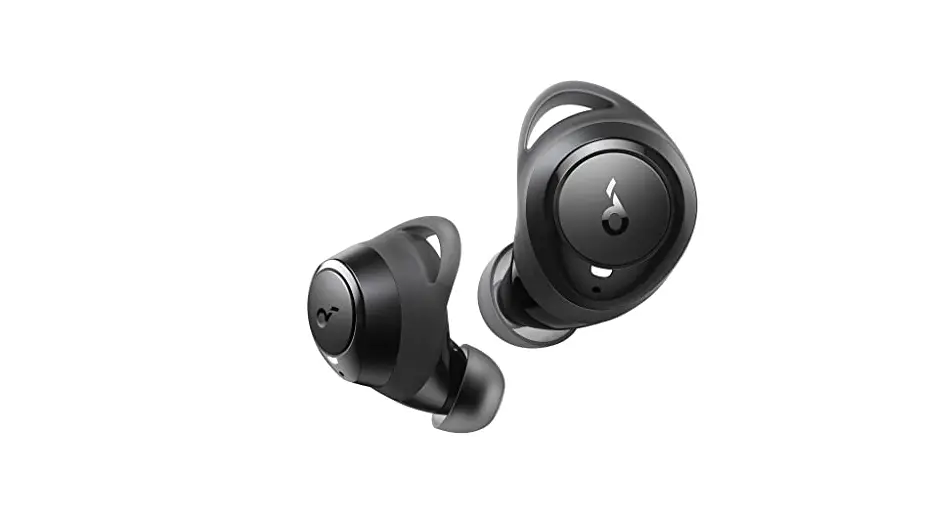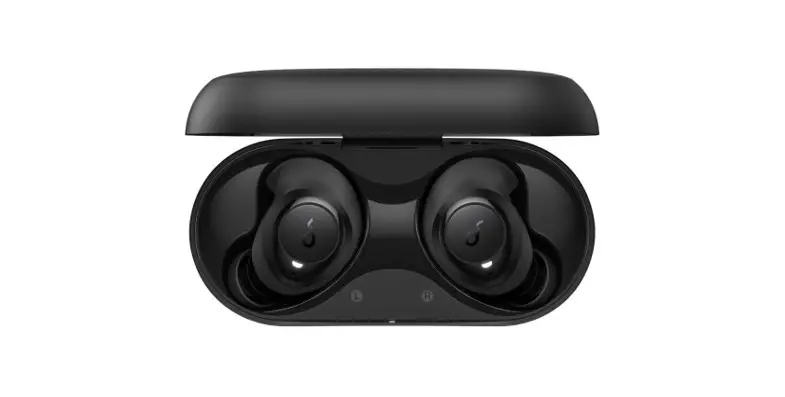

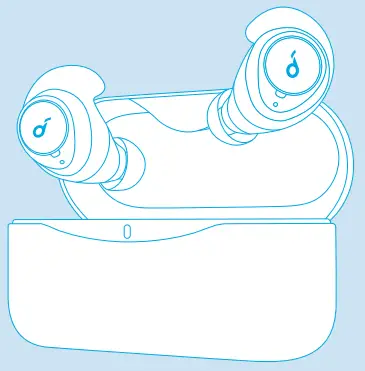
Soundcore Life Dot 2
USER MANUAL
Charging
- Open or close the charging case to activate the LED battery indicator.
- Fully charge both the earbuds and the charging case before the first use.
- To prevent damage, use the provided USB-C cable.
- Fully dry off the earbuds and the USB port before charging.
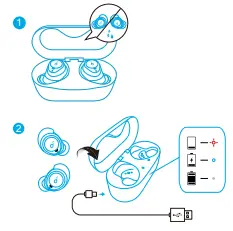
LED indicator
 | Flashing red | Low battery |
 | Steady white | Being charged |
 | Light off | Fully charged |
Powering On/Off
The earbuds will automatically power on when taken out of the charging case and power off when placed back into the charging case.
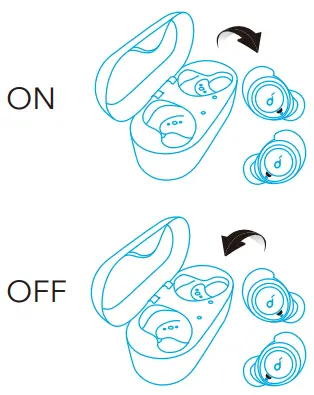
- To manually power on, press and hold the multi-function button on both earbuds for 1 second until the LED indicator turns white for 1 second.
- To manually power off, press and hold the multi-function button on either earbud for 8 seconds until the LED indicator turns red for 1 second.
Pairing
True Wireless Stereo Connection
The right earbud will automatically connect with the left earbud when taken out of the charging case.
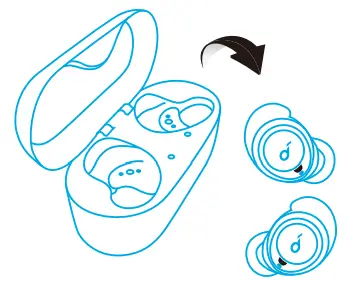
LED indicator (Earbuds)
 | Slowly flashing white | TWS connecting |
| Rapidly flashing white (Primary earbud) Slowly flashing white Secondary earbud) | TWS connected |
- The right earbud is the primary earbud by default. In TWS mode, place either one of the earbuds into the charging case, the other one will switch to be the primary earbud.
- When powered on and connected, if either one of the earbuds is out of battery and powered off, you can keep using the other one.
Bluetooth Pairing with your Device
- Take the earbuds out of the charging case or manually power on the earbuds, the earbuds enter the Bluetooth pairing mode successfully when the LED indicator on either earbud flashes white.
- Turn on Bluetooth on your device and click “Soundcore Life Dot 2”. The LED indicator on either earbud will turn white for 1 second when Bluetooth connected.
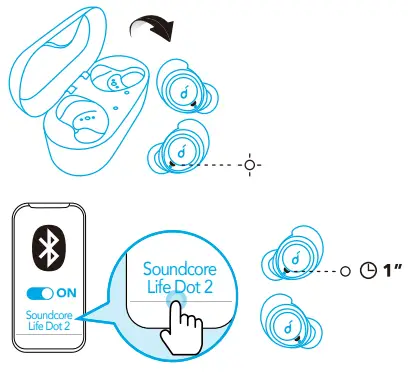
LED indicator (Earbuds)
| Rapidly flashing white | Bluetooth pairing |
| Steady white for 1 second | Bluetooth connected |

- When earbuds are out of the charging case and powered off, to manually enter Bluetooth pairing mode, press and hold the multi-function button on both earbuds for 3 seconds.
- Each time you power on your Soundcore earphones, it will automatically connect to your last successfully connected device if available within the Bluetooth range.
Wearing
- Choose the EarTips and EarWings that fit your ears best.
- Insert the earbuds into the inner canal of your ears.
- Turn and find the most comfortable position.
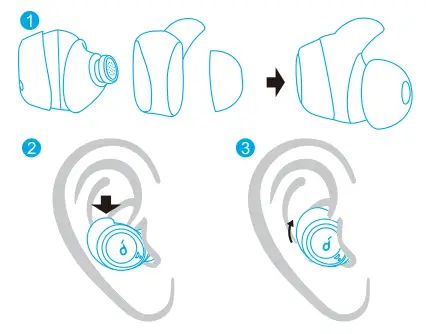
 | |
| Play / Pause | Press once (L or R) |
| Next track | Press and hold for 1 second (R) |
| Previous track | Press and hold for 1 second (L) |
| Volume up / down | Control volume via the connected device |
 | |
| Answer / End a call | Press once (L or R) |
| Put the current call on hold and answer an incoming call | |
| Reject a call | Press and hold for 1 second (L or R) |
| Transfer a call between earphones and mobile phone | |
| Switch between held call and active call | |
 | |
| Activate Siri or other voice assistant software | Press twice (L or R) |
Mono mode
| Play / Pause | Press once (L or R) |
| Answer / End a call | |
| Reject a call | Press and hold for 1 second (L or R) |
| Activate Siri or other voice assistant software |
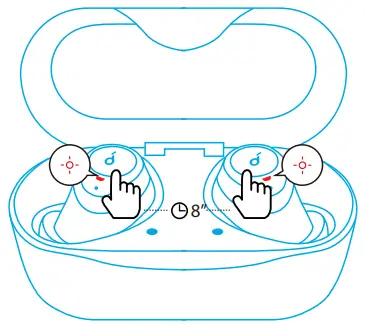
Reset
- Place the earbuds into the charging case and make sure they are being charged.
- Press and hold the button on both earbuds for 8 seconds until the LED indicators on earbuds flash red for 3 times.
→All the memory data will be cleared.
Specifications
Specifications are subject to change without notice.
| Input | 5V 2.5A |
| Rated output power | 5 mW (@1% THD) |
| Battery capacity | 85 mA x 2 (earbuds); 2600 mA (charging case) |
| Charging time | 1.5 hours |
| Playtime (varies by volume level and content) | 8 hours (Total 100 hours with the charging case) |
| Driver size | 8 mm x 2 |
| Frequency response | 20 Hz – 20 kHz |
| Impedance | 16 Ω |
| Waterproof level | IPX5 |
| Bluetooth version | V 5.0 |
| Bluetooth range | 10 m / 33 ft |