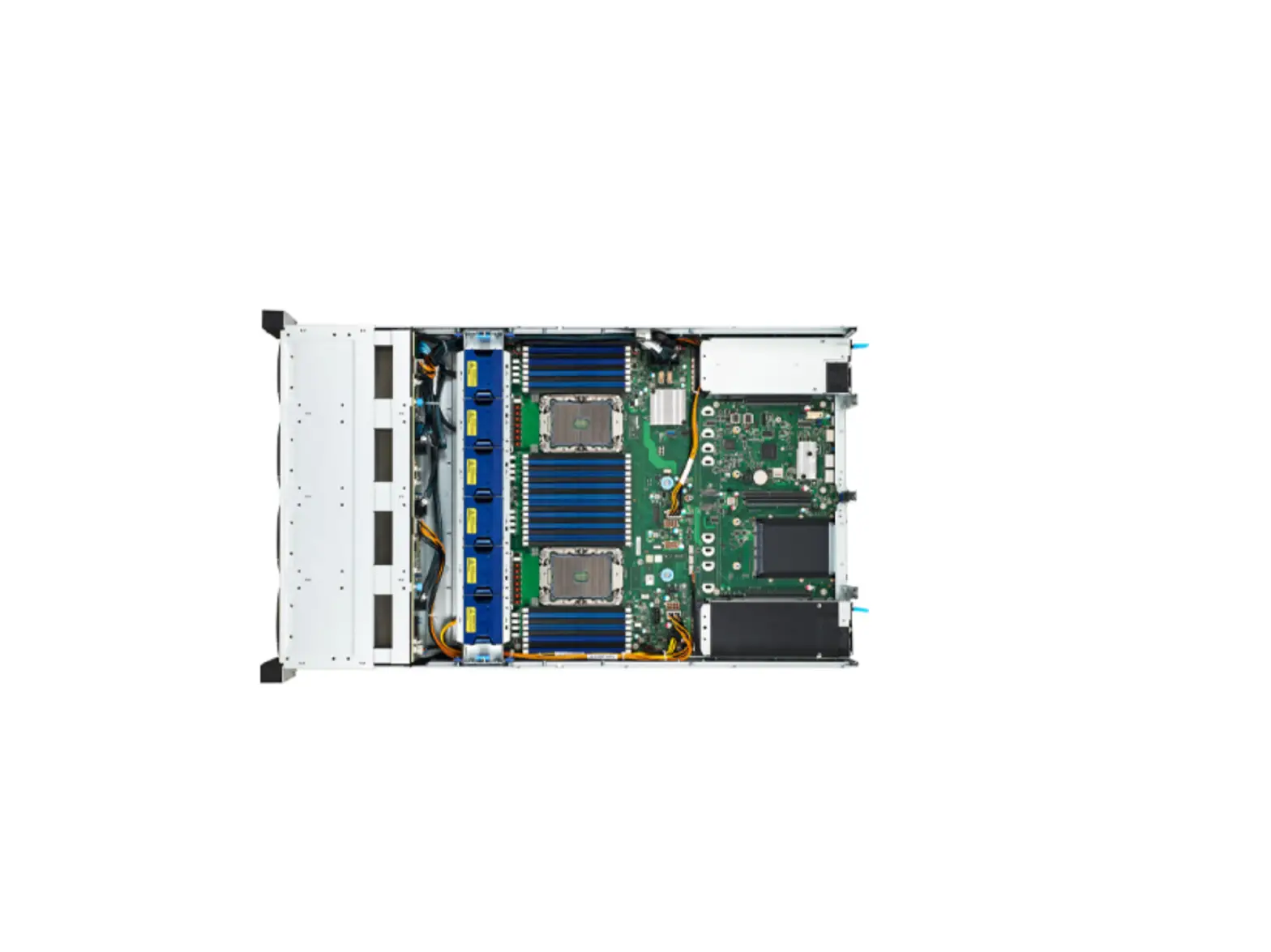
TYAN TS75-B7122 FR Parts Table
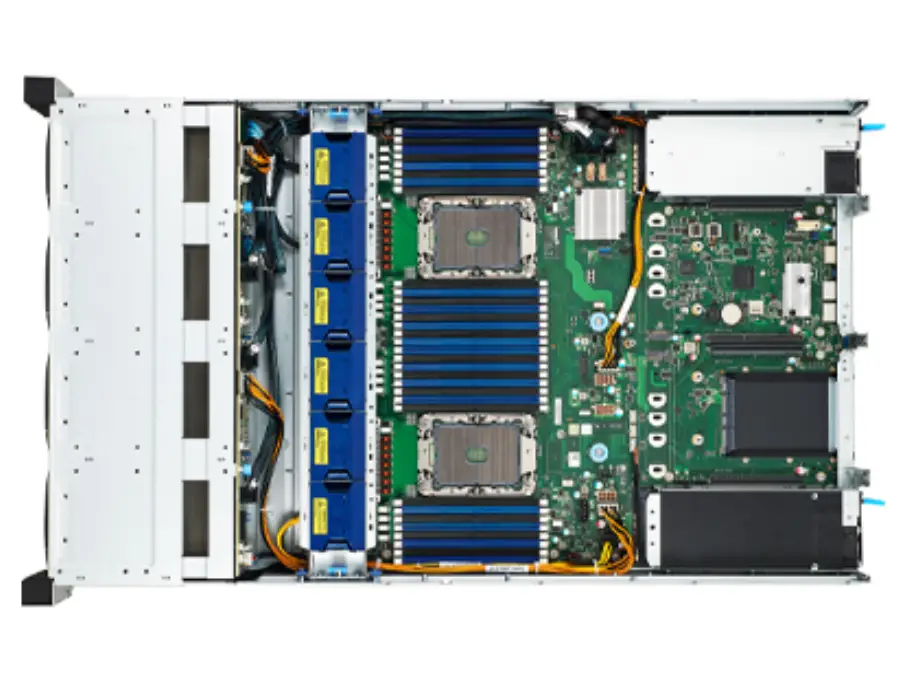
Product Information
The TS75-B7122 is a server with various replaceable parts. The FRU parts table provides a list of replaceable parts and their respective part numbers. The server features a 1600W PSU CHICONY power supply, a fan module, heatsink & cooler, air ducts, PCBA, riser boards, rack mounting parts, and various cables for internal connections.
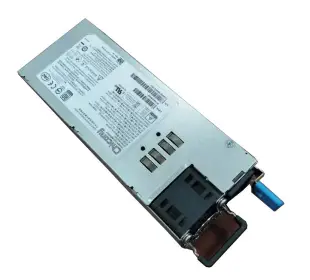
- Power Supply: FRU-PS-0310
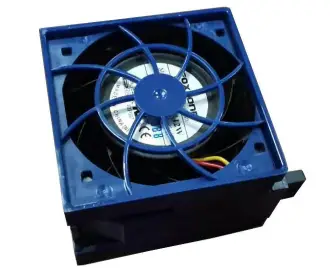
- FAN module: FRU-TS-9230
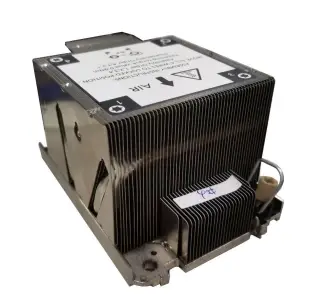
- Heatsink & Cooler: FRU-TS-0320
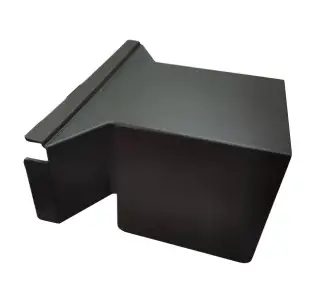
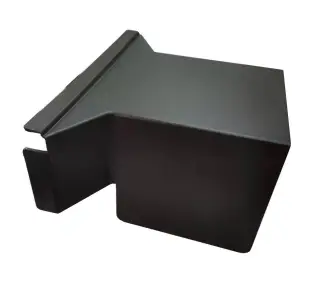
- Air ducts: FRU-TA-0280, FRU-TA-0290
- PCBA: FRU-RC-1350, FRU-RC-1340
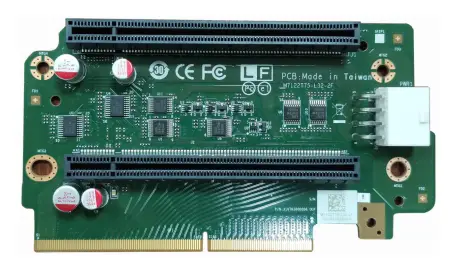
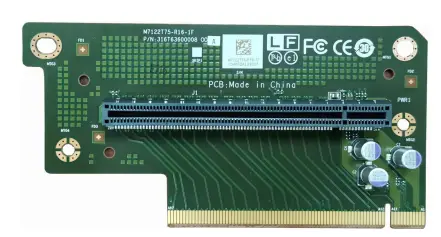
- Riser boards: FRU-RC-1071, FRU-RC-1091
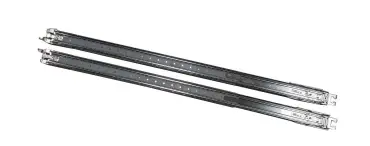
- Rack Mounting Parts: FRU-AS-0181, FRU-CS-0330, FRU-CS-1090, FRU-CS-2030, FRU-CS-1670
- Cables: FRU-CS-1040, FRU-CS-0510, FRU-CS-1050, FRU-CS-1280
Product Usage Instructions
When replacing any of the parts listed in the table, ensure that the server is powered off and unplugged from the electrical outlet. Refer to the following instructions for replacing some of the commonly replaced parts:
Replacing the Power Supply
- Locate the power supply FRU-PS-0310 on the server.
- Disconnect all cables connected to the power supply.
- Remove any screws securing the power supply to the server chassis.
- Gently pull the power supply out of its slot in the server chassis.
- Insert the new power supply into the empty slot.
- Secure the power supply in place with screws.
- Reconnect all cables to the new power supply.
Replacing the Fan Module
- Locate and remove the old fan module FRU-TS-9230 from the server chassis.
- Insert the new fan module into the empty slot.
- Secure the fan module in place with screws.
Replacing the Heatsink & Cooler
- Locate and remove the old heatsink & cooler FRU-TS-0320 from the server CPU.
- Insert the new heatsink & cooler onto the CPU surface.
- Secure the heatsink & cooler in place with screws.
Replacing Cables
- Locate and remove the old cable to be replaced.
- Insert the new cable into its respective slot.
Note: The above instructions are only general guidelines. Please refer to the user manual for more detailed instructions on replacing specific parts.
Appendix: FRUPartsTable
| Item | Model Number | Part Number | Picture | Description |
| Power Supply | FRU-PS-0310 | 471100000398 |
| 1600W PSU CHICONY,R18-1K6P1WA R1K6AS02P,(00),1U MODULE,REV:00 |
| FAN module | FRU-TS-9230 | 421T63600001 |
| TF-FAN ME ASSY;SBU,SYSTEM FAN ASSY,B7122T75V8E4HR-2T,TS75-B71 22 |
| Cooler | FRU-TS-0320 | 343T61500003 |
| HF-HEATSINK;SBU,AL/CU,SOLDERIN G+PIPE, SP3- CPU-2U-PASSIVE-HEATSINK, TSM-MT0845-HN2, 119.3 x 78.9 x 64.0MM, SCREW,TS75-B7122 |
| Air duct | FRU-TA-0280 | 344T63600001 |
| TF-AIR DUCT_L;SBU,PC+ABS,BLACK, TS75-B7122 |
| FRU-TA-0290 | 344T63600002 |
| TF-AIR DUCT_R;SBU,PC+ABS,BLACK, TS75-B7122 | |
| PCBA Riser boards | FRU-RC-1350 | 5411T6360007 |
| M7122T75-L32-2F,R02 |
| FRU-RC-1340 | 5411T6360011 |
| M7122T75-R16-1F,R02 | |
| FRU-RC-1071 | 5411T6150011 | 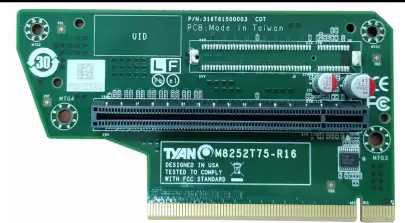 | M8252T75-R16-1L | |
| FRU-RC-1091 | 5411T6150010 | 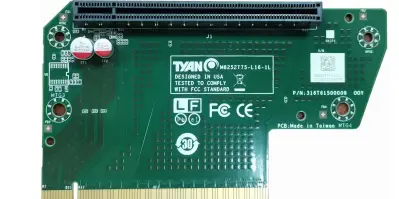 | M8252T75-L16-1L | |
| Rack Mounting Parts | FRU-AS-0181 | 452T61300002 |
| TF-SLIDE RAIL KIT;SBU,TOOLLESS, WITH LOCKIN,SGCC+STEEL+SCREW, Travel818,TN83-B8251 |
| Cables | FRU-CS-0330 | 332810000514 |
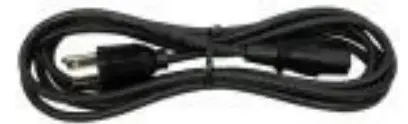
| A/C Power Cord, L=1800mm, US type |
| FRU-CS-1090 | 332810000281 | 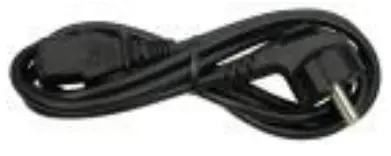 | A/C Power Cord, L=1830mm, EU type | |
| FRU-CS-2030 | 422T63600001 |  | TF-CABLE ASSY;SAS INTERNAL, SBU,32 AWG,350 mm,SlimSAS 8I TO MCIO 8I CABLE,SlimSAS 8I 74P/MCIO 8I 74P,TS75 B7122 | |
| FRU-CS-1670 | 422T53400017 | | TF-CABLE ASSY;SAS INTERNAL, SBU,30 AWG,500 mm,MINI-SAS HD CABLE, SHORT MINI-SAS HD 36P/SHORT MINI SAS HD 36P | |
| FRU-CS-1040 | 422T53400018 | | TF-CABLE ASSY;SAS INTERNAL, SBU,30 AWG,600 mm, MINI-SAS HD CABLE, SHORT MINI-SAS HD 36P/ SHORT MINI SAS HD 36P, TN71-BP012 | |
| FRU-CS-0510 | 422T53400005 |
| TF-CABLE ASSY;SAS INTERNAL, SBU,30 AWG,700 mm,MINI-SAS HD CABLE, SHORT MINI-SAS HD 36P/ SHORT MINI-SAS HD 36P,TN71-BP012 | |
| FRU-CS-1050 | 422T58100002 | 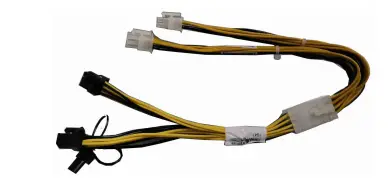 | 200mm,GPU PWR CABLE, 2*4P(M), P4.2/2*3P+2*1P(M)*2pcs,P4.2,GA88-B8 021 | |
| FRU-CS-1280 | 422T57200004 | TF-AC/DC POWER CABLE;SBU,18 AWG,450mm,2*4P(M), P4.2/2*4P(M),P4.2,UL1015,13A |