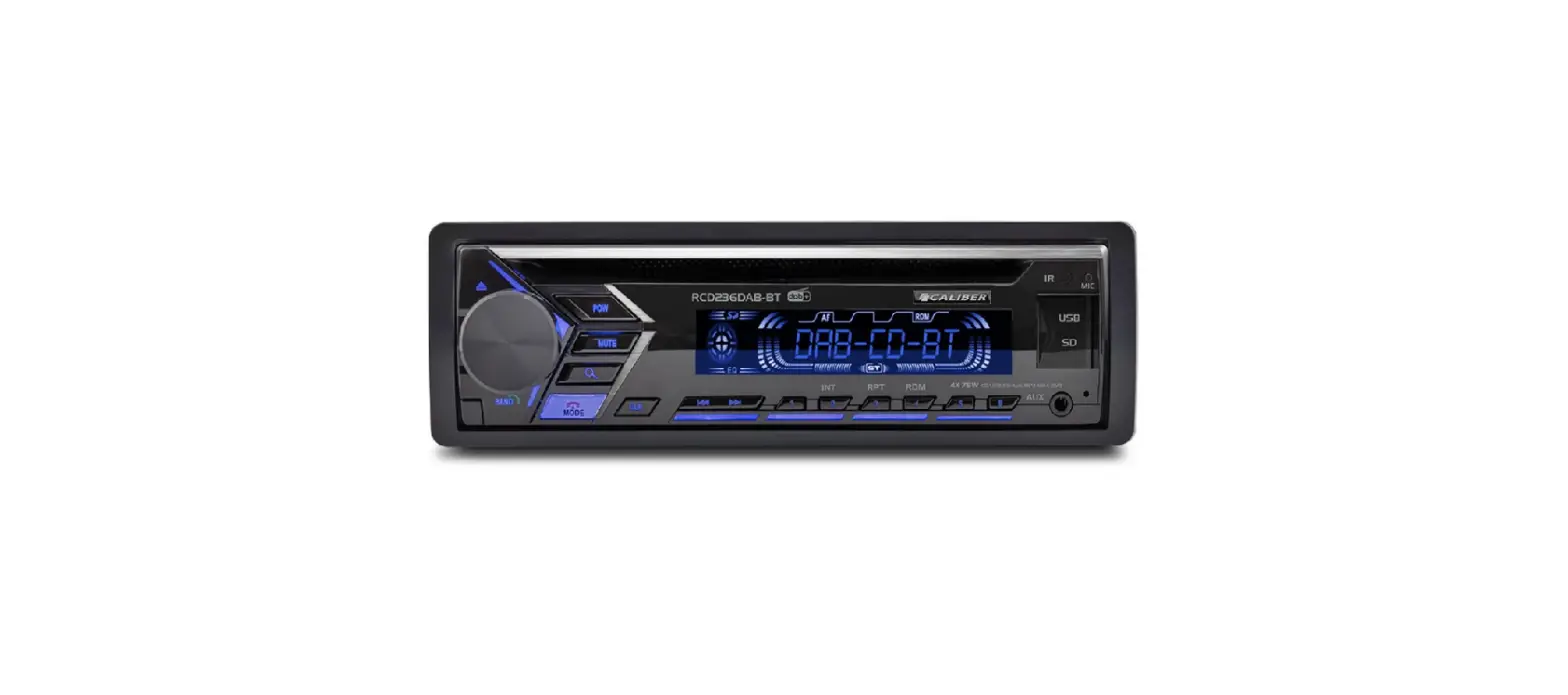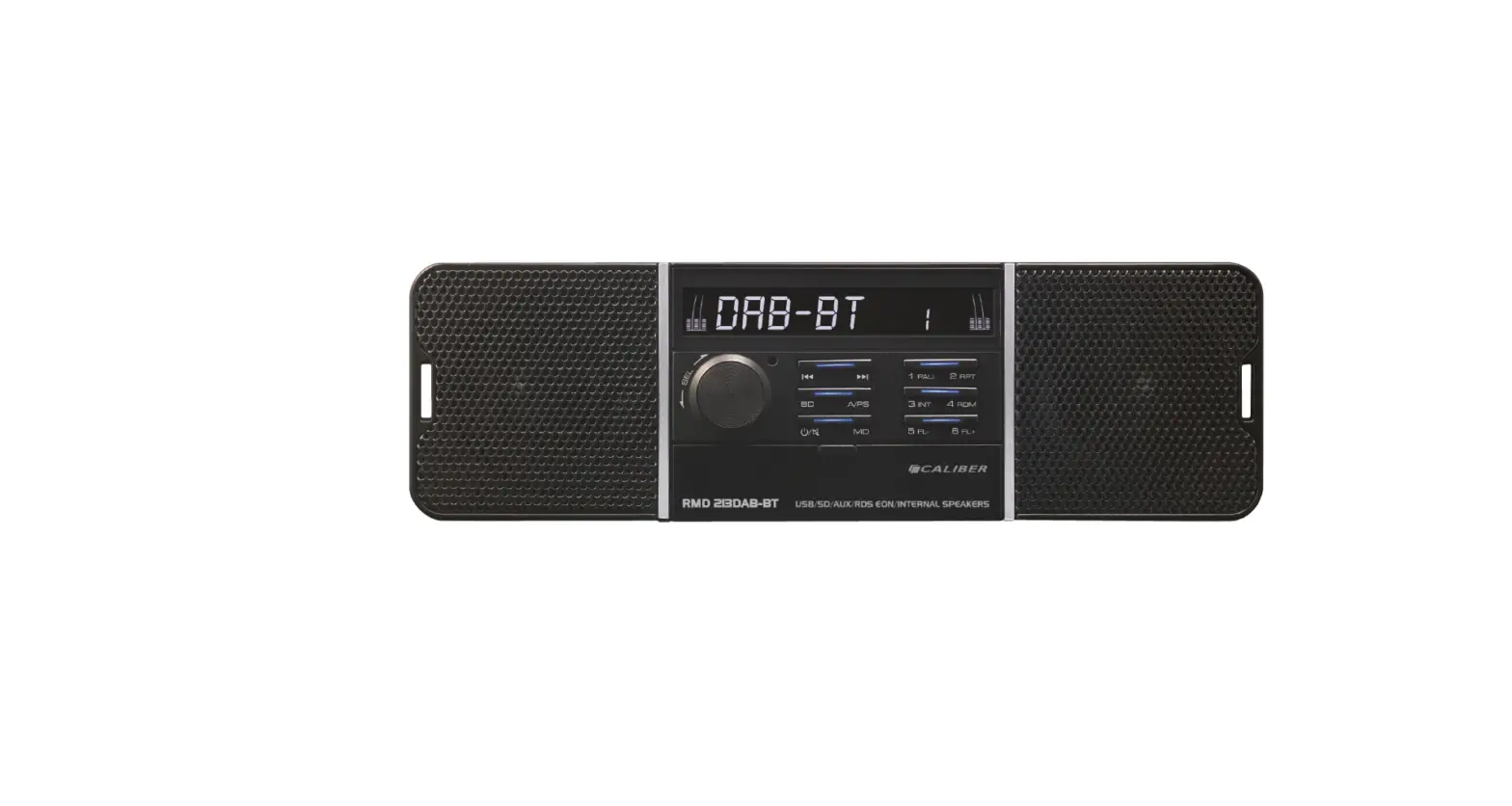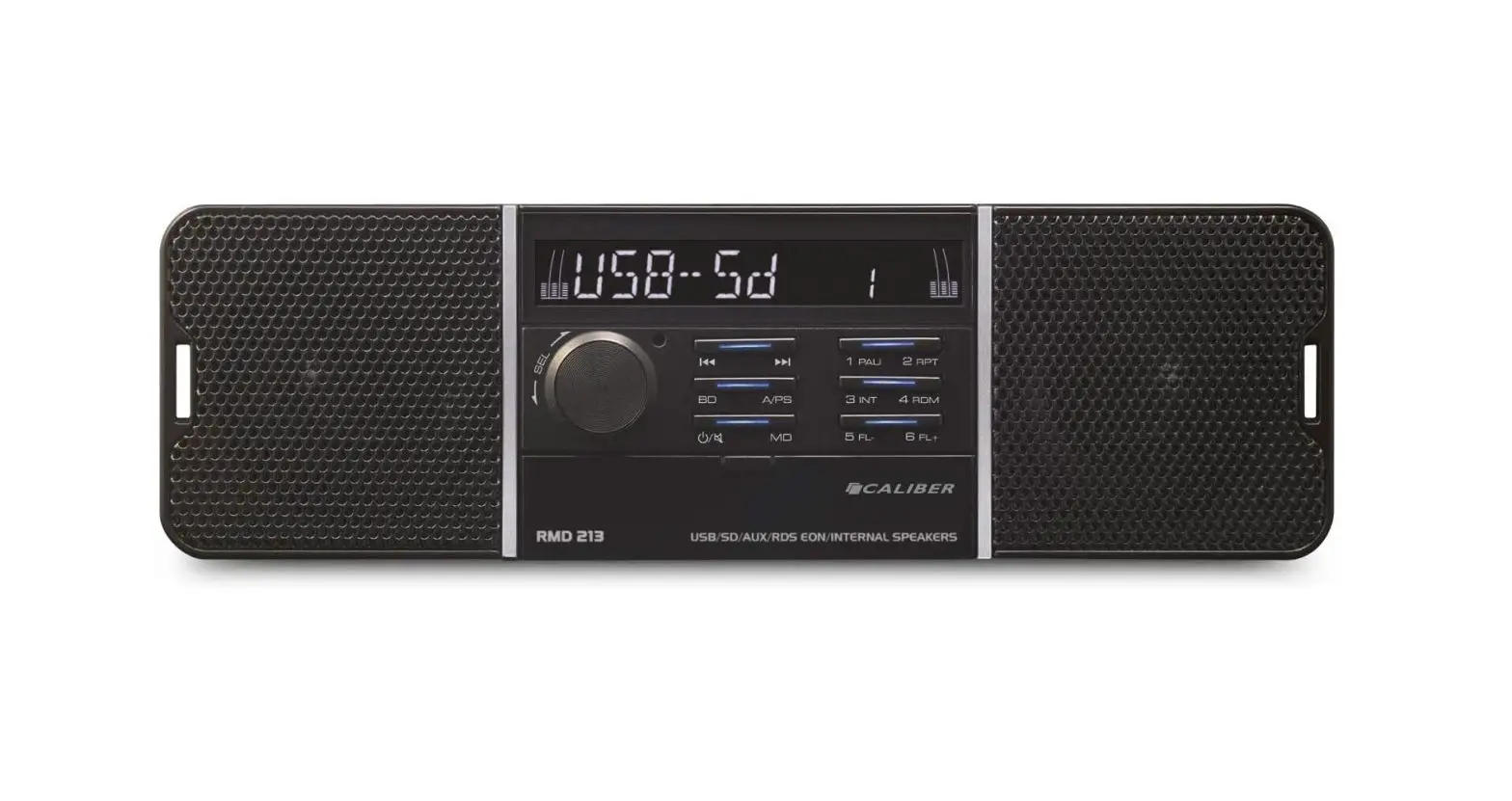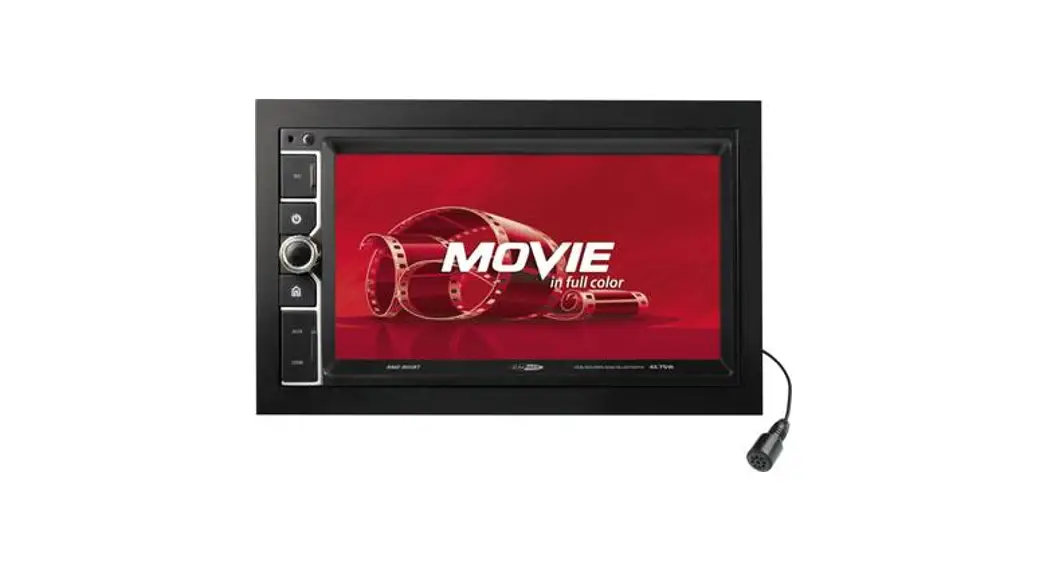

Bluetooth Car Radio User Guide
RMD 806BT QUICKSTARTGUIDE
CONNECTION DIAGRAM
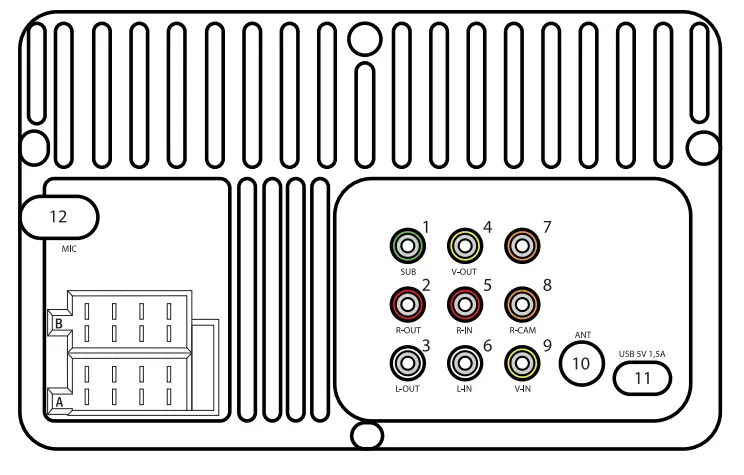
- SUB-OUT
- RIGHT-OUT
- LEFT-OUT
- VIDEO-OUT
- AUX-AUDIO-R-IN
- AUX-AUDIO-L-IN
- N/A
- REAR-CAM-IN
- AUX-VIDEO-IN
- RADIO-Antenna
- USB 5VDC 1,5A (Charge output only)
- MIC-IN
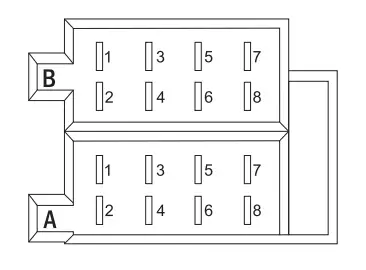
ISO SPEAKER CONNECTION
| CONNECTOR A | CONNECTOR B |
| A1. BRAKING | B1. REAR RIGHT SPEAKER (+) |
| A2. REAR CAMERA | B2. REAR RIGHT SPEAKER (-) |
| A3. N/A | B3. FRONT RIGHT SPEAKER (+) |
| A4. BATTERY + | B4. FRONT RIGHT SPEAKER (-) |
| A5. AUTO ANT | B5. FRONT LEFT SPEAKER (+) |
| A6. ILL | B6. FRONT LEFT SPEAKER (-) |
| A7. ACC+12V | B7. REAR LEFT SPEAKER (+) |
| A8. GND | B8. REAR LEFT SPEAKER (-) |
SPECIFICATIONS
General:
| Power supply | 12V DC neg. ground |
| Max power output | 75Wx4 channels |
| RMS power output | 25Wx4 channels (@ 10% T.H.D.) |
| Suitable speaker impedance | 4-8 ohm |
| Fuse | 10A |
| Dimensions(WxHxD) | 178 x 100 x 135mm |
TFT LCD
| Display resolution(dot) | 800(W) x 480(H) |
| Screen size(inch) | 6.2″ (Diagonal) |
Video output level
| Composite: | 1.0 • 0.2Vp-p |
| Load impedance: | 75 ohms |
USB/SD:
| Video | 16:9 and 4:3 |
| Type: | MPEG1/MPEG2/ |
| Compatible: | MPEG4/DivX/WMA |
| System: | PAL/NTSC |
Audio
| Compatible: | MP3/WAV |
| System: | 24bit/96KHz |
Photo
| Compatible: | JPEG/BMP/GIF/ PNG/TIFF |
Radio:
| FM Stereo Radio Frequency range | 87.5-108.0 MHz (Europe) |
| FM sensitivity | 12dBu |
| Stereo separation | 35dB (1 KHz) |
AM(MW) Radio
| Frequency range | 522-1620 KHz (Europe) |
bluetooth function
| Supports: | A2DP and AVRCP profile |
| Bluetooth range: | up to 10 meters (without barrier) |
| Transmission: | Freq range: 2402-2480 Mhz / Max e.r.p: <100mW/20dBm |
Note: Specifications and the design are subject to change without notice due to improvements in technology.
We are continuously improving/updating our products and product information.
It’s, therefore, possible that there is a slight difference between the description in this manual to the operation of the product.
If something is different or not clear; always check our website for the most current version.
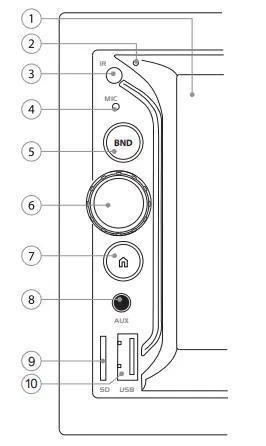
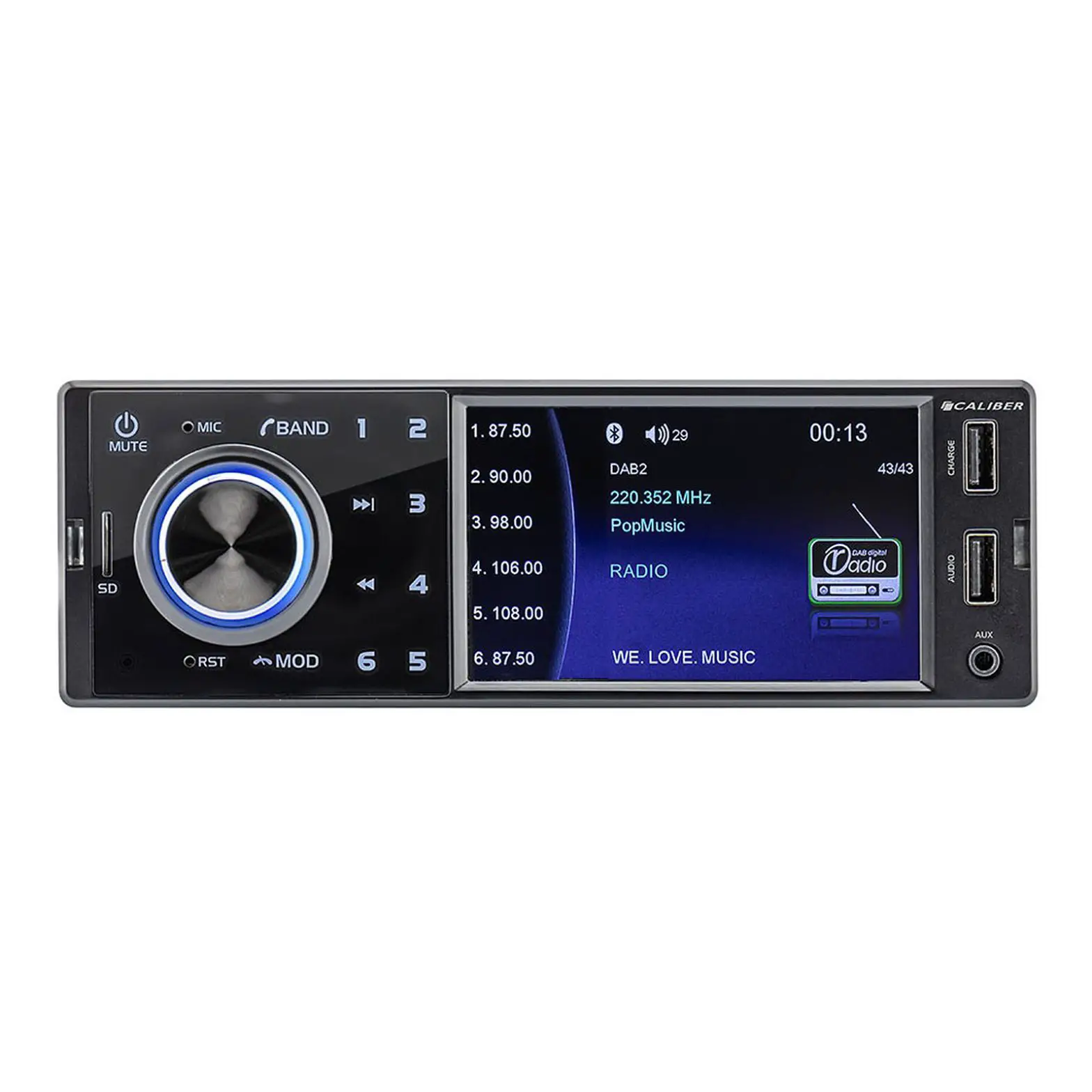
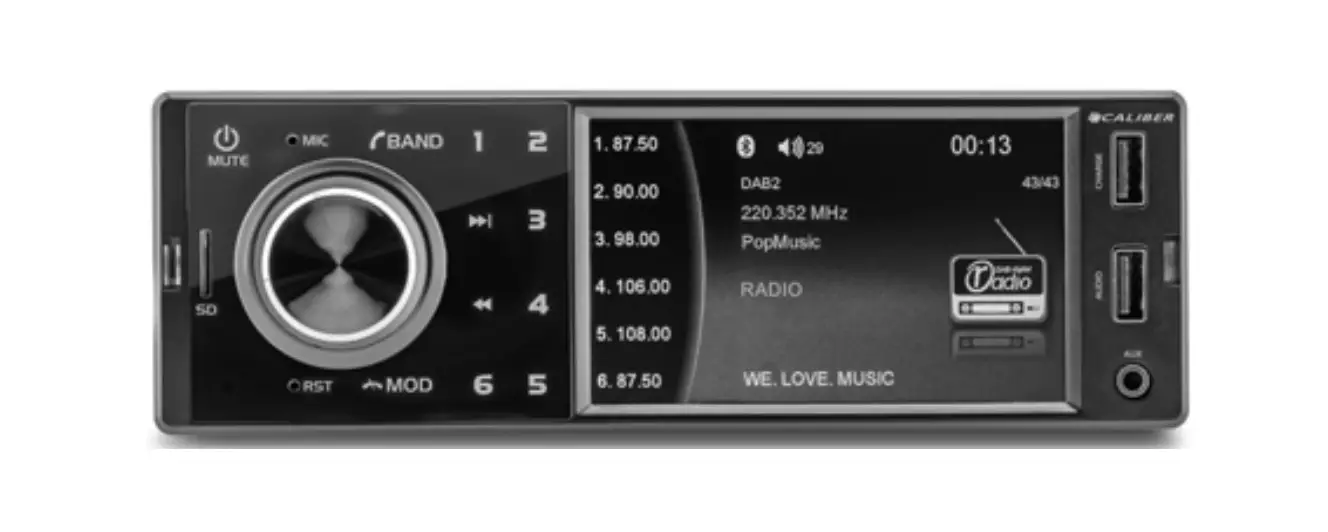
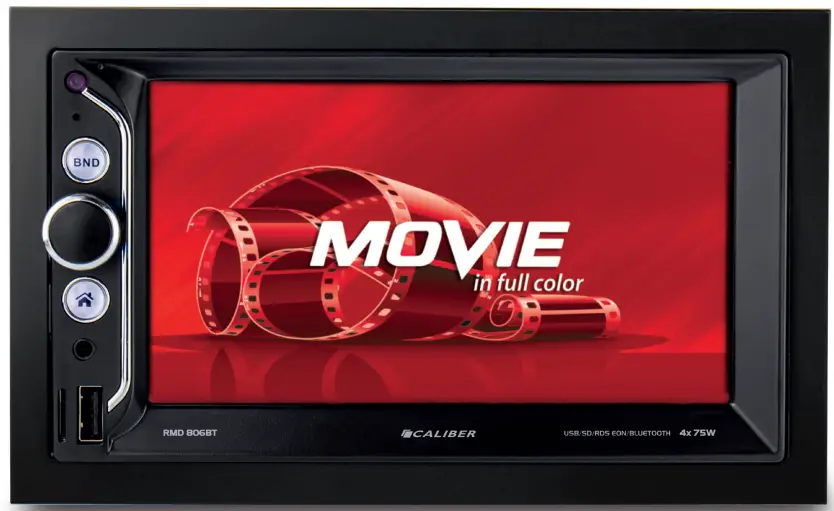
| 1 | Display: | 6.2” TFT-LCD touch screen |
| 2 | Reset | Reset to factory settings |
| 3 | IR sensor | Remote control IR sensor |
| 4 | Mic | Built-in microphone |
| 5 | BND: | Change the band AM/FM |
| 6 | VOL/SEL: | – Rotate for volume adjustment or adjust settings – Push to enter the audio menu When ON, press once to turn the display OFF (During TFT off, the video out signal will be available so that the the connected monitor will show the screen of the unit.) Press the button again to turn the display back ON Press and hold the button again to turn the unit OFF |
| 7 | HOME: | Go to the “HOME”-screen (main menu) |
| 8 | AUX: | 3.5mm Jack-in |
| 9 | SD: | Micro SD card reader (max. 32GB) |
| 10 | USB: | Standard USB port (max. 32GB) |
Basic functions
Home screen
Push the [HOME] button (7) to show the main menu. On the home screen, you can choose the available modes (RADIO / USB / SD / Bluetooth / AUX) or enter the SETUP / EQ menu.
Sound Control
- Volume
Turn the [VOL] button (6) to adjust the volume level. - Audio settings
Push the home button and choose EQ from the main menu to go to audio settings. Here you can find a preset equalizer, loudness etc.
 and choose EQ from the main menu to go to audio settings. Here you can find a preset equalizer, loudness etc.
Day/night display mode
Tap the on-screen Sun/moon button in the bottom left of the main menu to de/increase brightness.
Tap again to reduce brightness during night time.
Tap again to black out the screen.
Setup
Enter the setup menu by tapping the [SETUP] icon on the main menu.
Tap the items you would like to set. You can adjust audio, date and time, language, calibration, etc.
Radio opations
Band
Tap the [BND] button to choose FM1, FM2, FM3, AM1 or AM2. On each band, up to 6 presets can be stored.
Radio Seek Function
In Radio Mode, touch and hold the  or
or  button to adjust seek the frequency automatically. Tap the button to adjust the radio frequency manually step-by-step.
Save preset stations
There are six numbered preset buttons on the screen (e.g: 87.50, 98.00), which can store and recall stations for each band. Tune in to the station you want to store, touch, and hold any key from the ‘preset buttons’ until you hear a beep. The station will be saved in the designated number.
RDS
AF, TA, PTY are the RDS functions. Tap the on-screen buttons to make use of them.
Note: RDS might not be available in every country.
Bluetooth function operations
Pairing
Activate bluetooth on your mobile phone, and search for available devices. Select “RMD806BT_CAL”, password “0000”.
If successfully connected the name of the connected device will appear on the screen
Dial pad
Touch the dial pad to dial the number you would like to call. Touch the [CALL] (green) button to send the number.
Call list Displays your phonebook if you’ve given permission. Hit the
 ‘refresh’ button to load your phone’s phonebook.
A2DP
Press the [MUSIC  button to enter the page to control the playing of the music on your cell phone using the on-screen controls.
Incoming calls
| • Answer call: | push the greenhorn at an incoming call |
| • End call: | push the red horn |
| • Reject call: | push the red horn at an incoming call |
USB/SD operations
Plug the USB/SD card into the USB/SD port. The unit will start playing the contents automatically.
Audio playback
To control the audio playback, use the on-screen buttons.
Mirror Link
Connecting way
- Connect the phone with a USB data cable to the device.
- Your phone will automatically prompt you to download the correct app
Note: Some bigger format phones cannot be connected due to screen incompatibilities. More details can be found in our online full manual
Remote control:
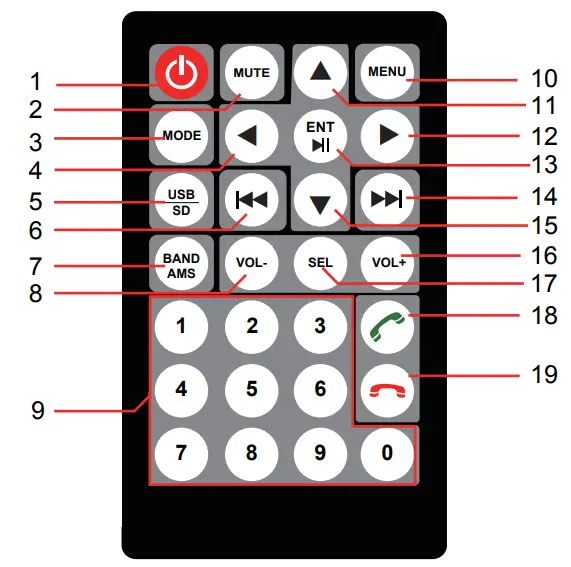
| 1 |  | Standby |
| 2 | MUTE: | Mute / Unmute Audio |
| 3 | MODE | Choose between Radio/USB/SD/AUX/Bluetooth |
| 4 |  | Move cursor left |
| 5 | USB / SD: | Switch to USB / SD (if available) |
| 6 |  | Auto search / Previous track |
| 7 | BAND AMS: | Switch to a different radio band Press and hold for auto search |
| 8 | Vol -: | Volume decrease |
| 9 | No. 0~9: | Numeric buttons |
| 10 | MENU | Go to main menu |
| 11 |  | Move cursor up |
| 12 |  | Move cursor right |
| 13 |  ENTER: ENTER: | Play / Pause / Select or enter |
| 14 |  | Auto search / Next track |
| 15 |  | Move cursor down |
| 16 | VOL +: | Volume increase |
| 17 | 17. SEL: | Sound select key |
| 18 |  | Answer the phone |
| 19 |  | Hang up |
WARNING
Points to observe for safe usage
- Read this manual carefully before using this disc and the system components. They contain instructions on how to use this product in a safe and effective manner. Caliber cannot be responsible for problems resulting from failure to observe the instructions in this manual.
 WARNING
This symbol means important instructions. Failure to heed them can result in injury or material property damage.
Do not operate any function that takes your attention away from safely driving your vehicle.
Any function that requires your prolonged attention should only be performed after coming to a complete stop. Always stop the vehicle in a safe location before performing these functions. Failure to do so may result in an accident. Keep the volume at a level where you can still hear outside noises while driving.
Excessive volume levels that obscure sounds such as emergency vehicle sirens or road warning signals (train crossings, etc.) can be dangerous and may result in an accident. LISTENING AT LOUD VOLUME LEVELS IN A CAR MAY ALSO CAUSE HEARING DAMAGE. Do not disassemble or alter.
Doing so may result in an accident, fire or electric shock. Use only in cars with a 12V volt negative ground.
(Check with your dealer if you are not sure.) Failure to do so may result in fire, etc. Keep small objects such as screws out of the reach of children.
Swallowing them may result in serious injury. If swallowed, consult a physician immediately. Use the correct ampere rating when replacing fuses.
Failure to do so may result in fire or electric shock. Do not block vents or radiator panels.
Doing so may cause heat to build up inside and may result in fire. Use this product for mobile 12V applications.
Use for other than its designed application may result in fire, electric shock or another injury. Halt use immediately if a problem appears.
Failure to do so may cause personal injury or damage to the product. Return it to your authorized Caliber dealer or the nearest Caliber Service Centre for repair.
Product cleaning.
Use a soft dry cloth for periodic cleaning of the product. For more severe stains, please dampen the cloth with water only. Anything else has the chance of dissolving the paint or damaging the plastic.
Temperature.
Be sure the temperature inside the vehicle is between +45°C (+113°F) and 0°C (+32°F) before turning your unit on.
Maintenance.
If you have problems, do not attempt to repair the unit yourself. Return it to your Caliber dealer or the nearest Caliber Service Station for servicing.
Caliber hereby declares that the item RMD806BT is in compliance with the essential requirements and other relevant provisions of Directive 2014/53/EU (RED) and 2011/65/EU (RoHS).
 The declaration form can be found at: https://calibereurope.com/nlmedia/forms/DeclarationRMD806BT.pdf
 Old appliances and/or batteries must not be disposed of with garbage! If the device/battery can not be used anymore, every user is legally obliged to dispose of old appliances and/or batteries separated from the garbage, e.g. at a collection point of his municipality/district.
WWW.CALIBEREUROPE.COM
CALIBER EUROPE BV
• Kortakker 10
• 4264 AE Veen
• The Netherlands