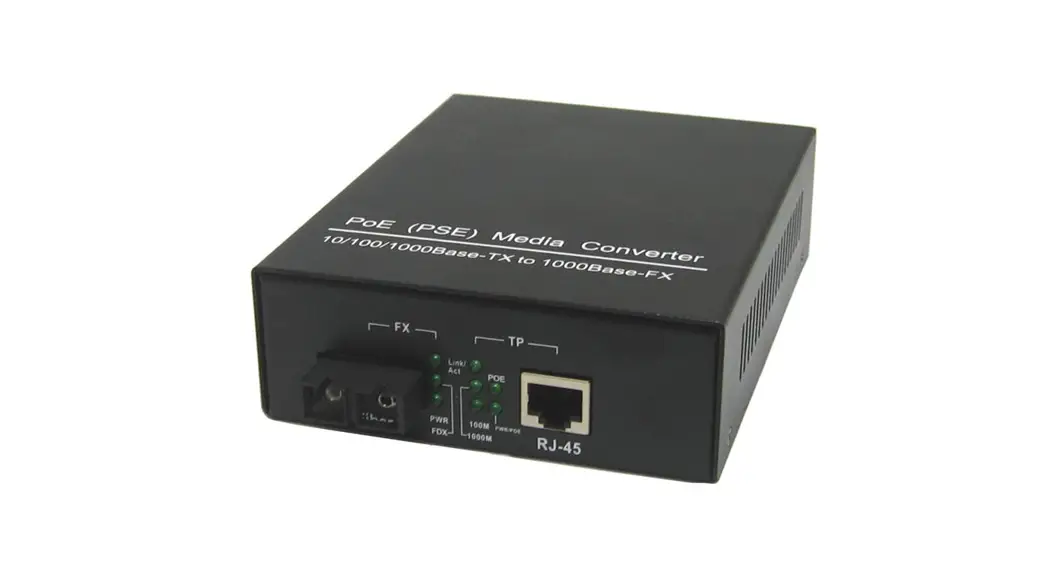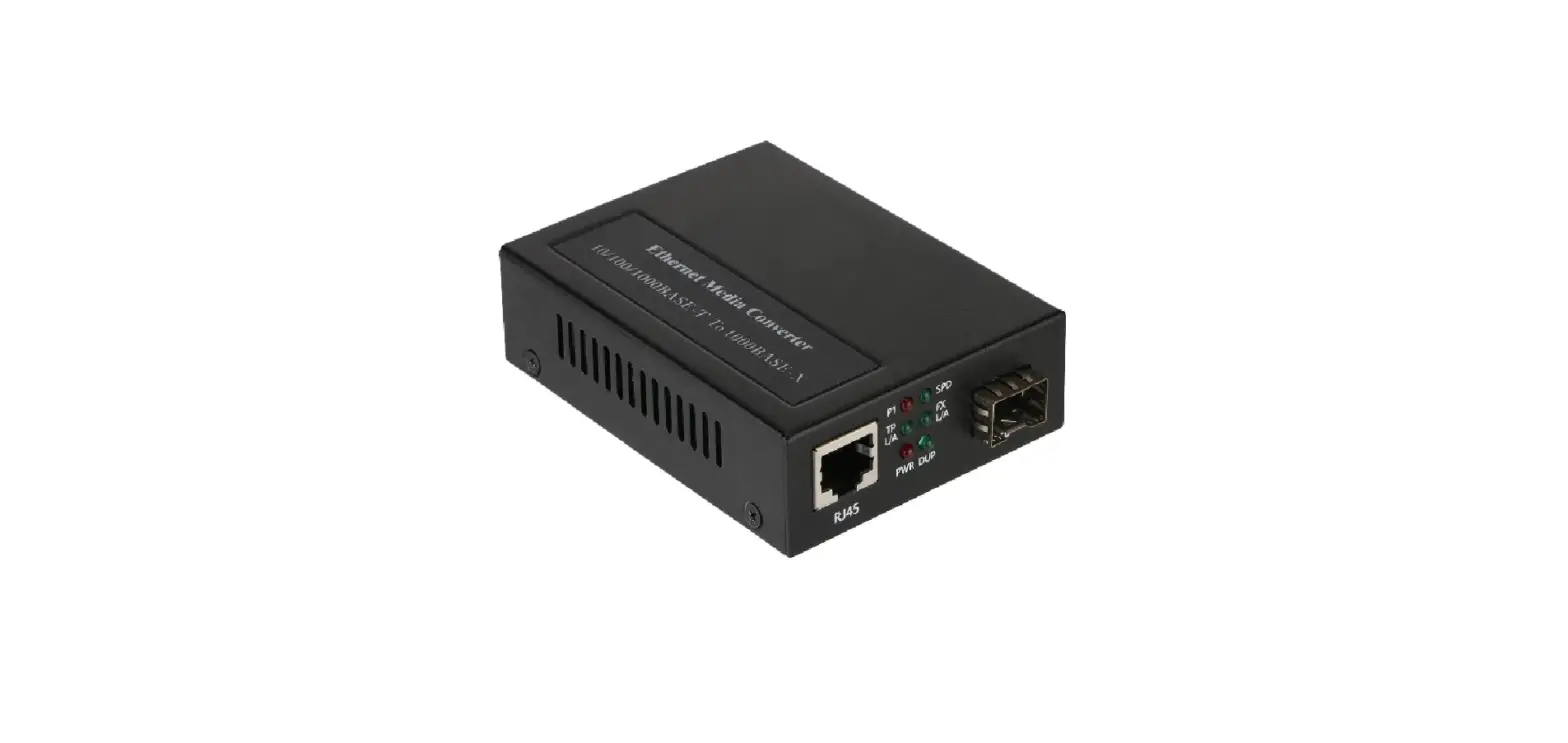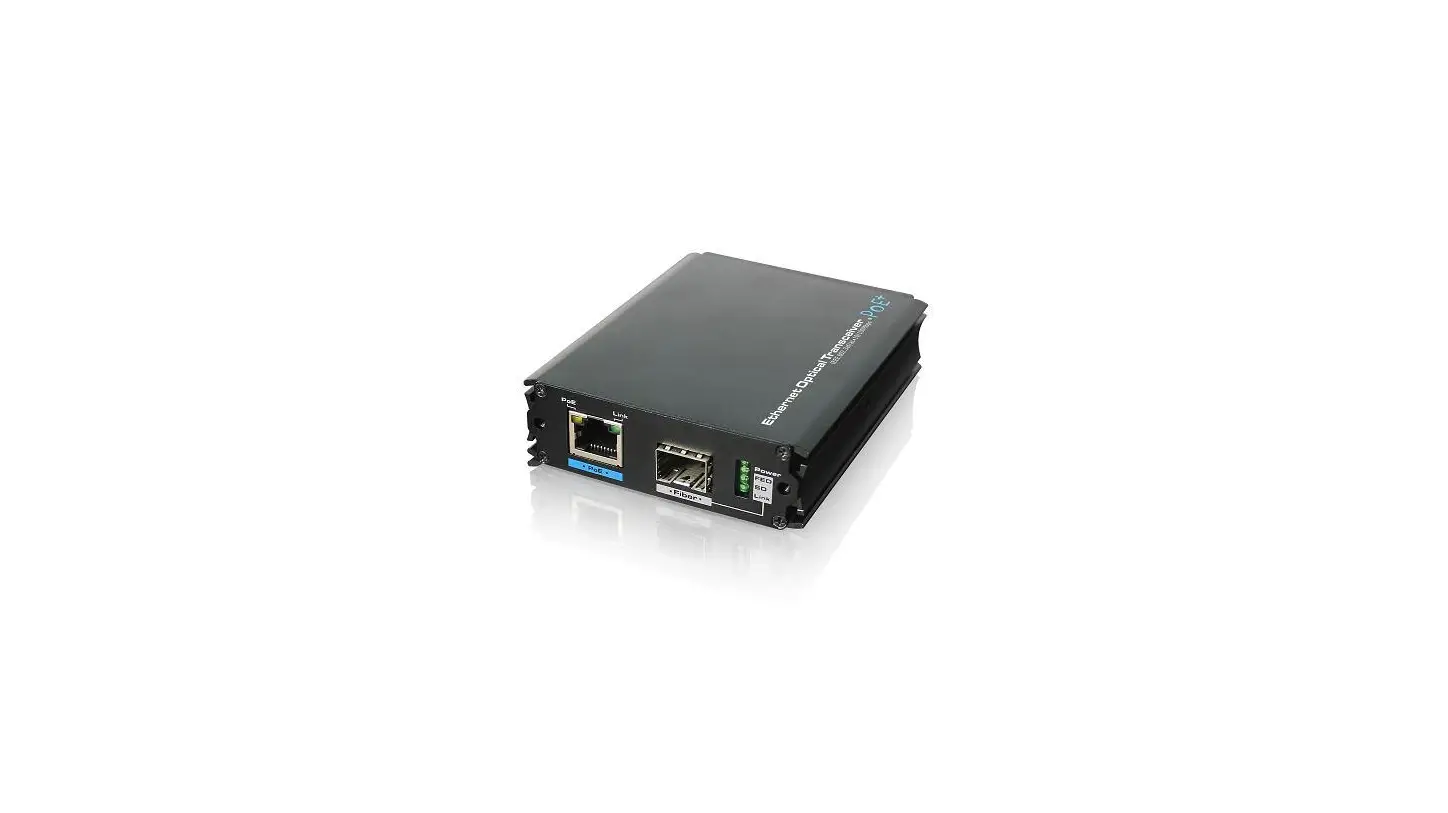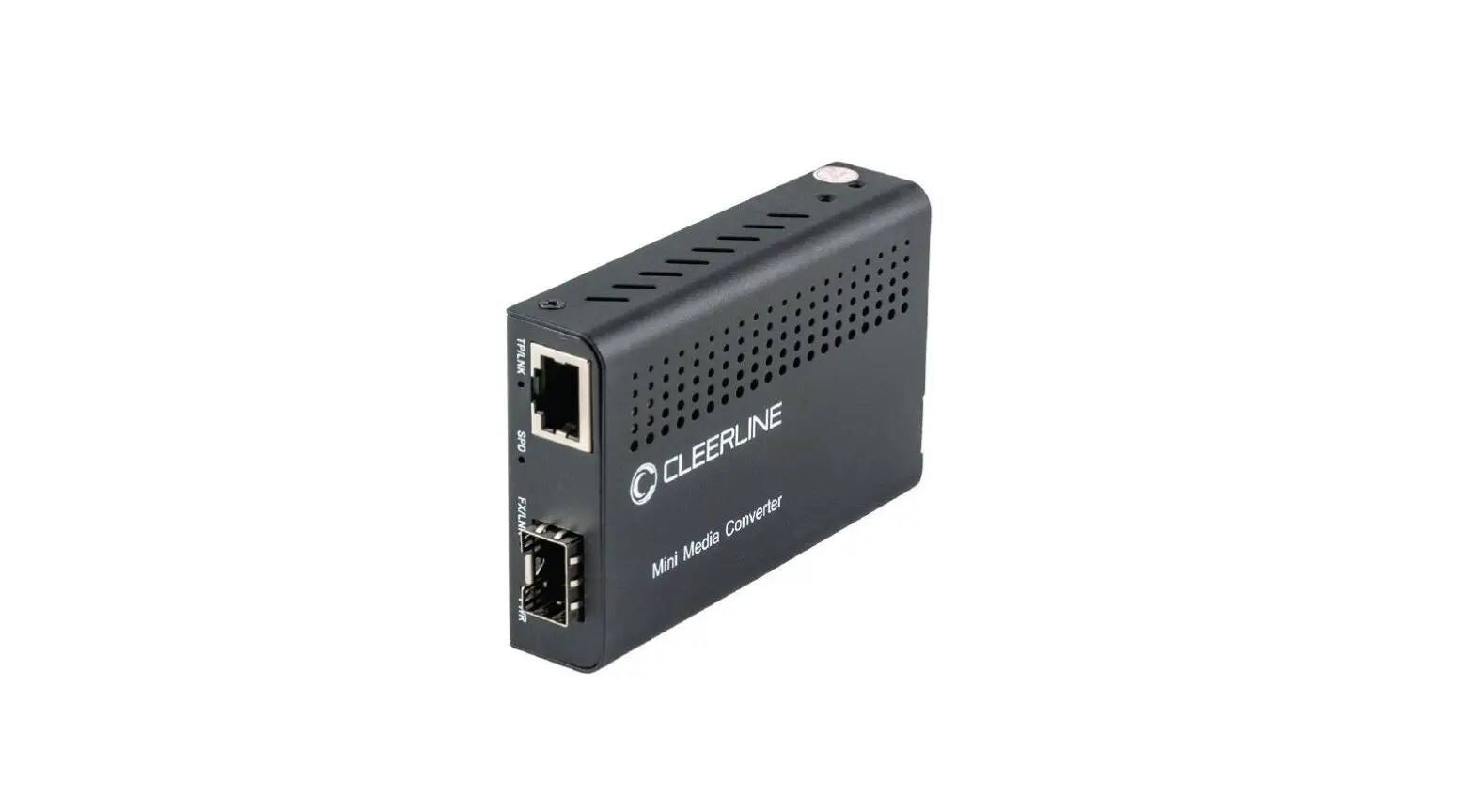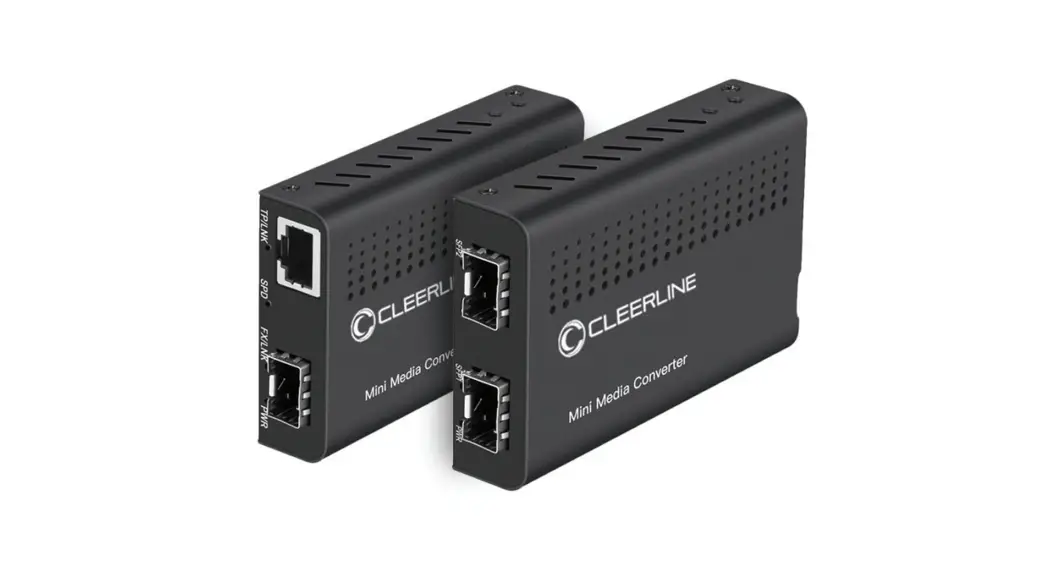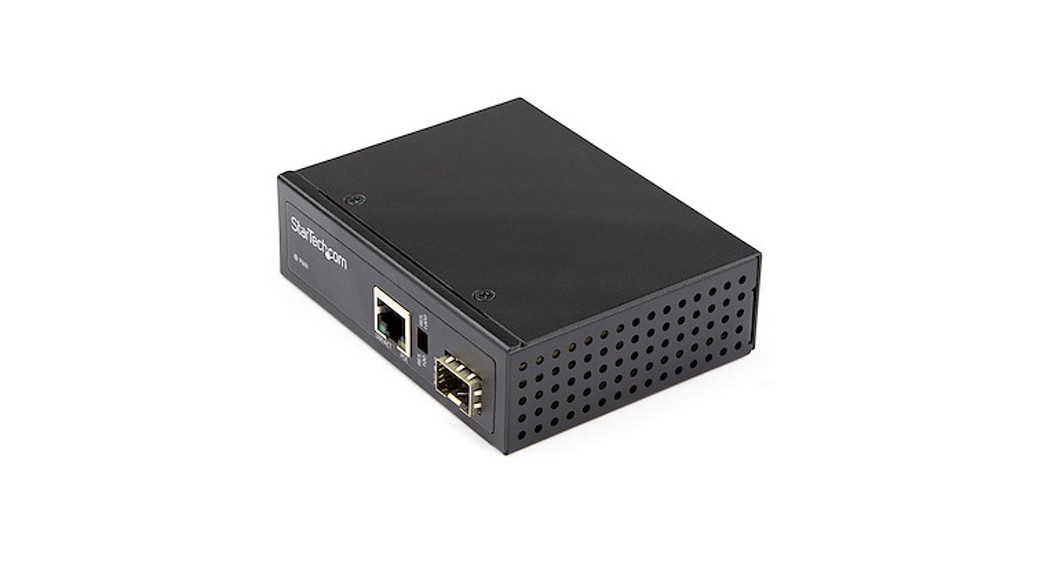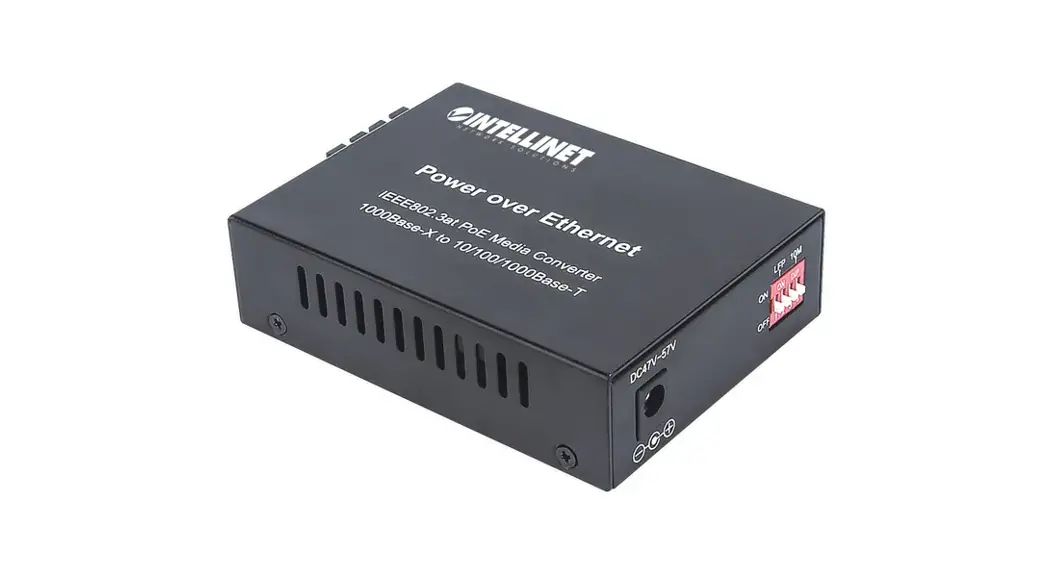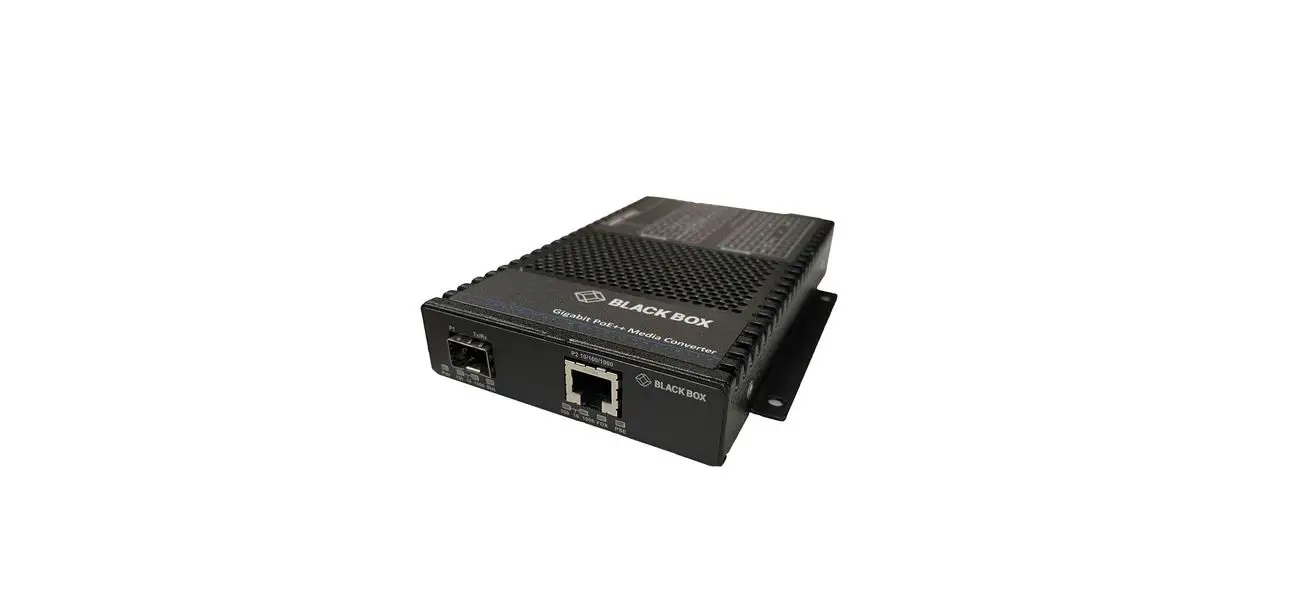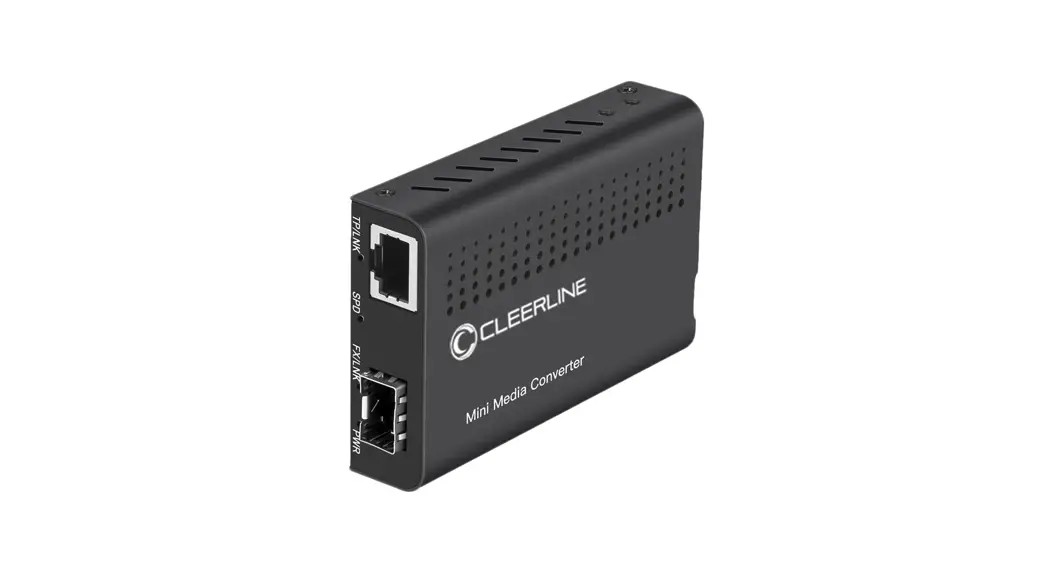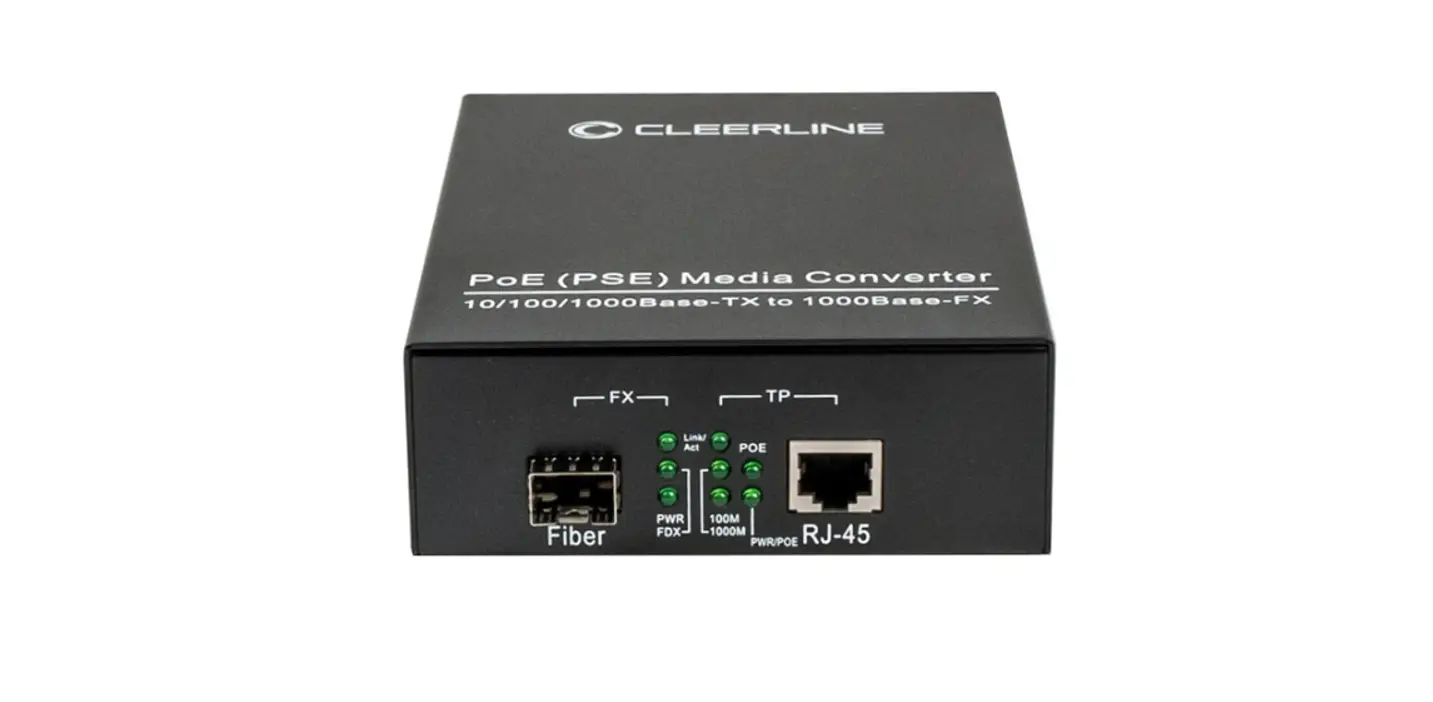

CLEERLINE SSF-SFP-RJ45POE-1G PoE+ (PSE) Media Converter
Introduction
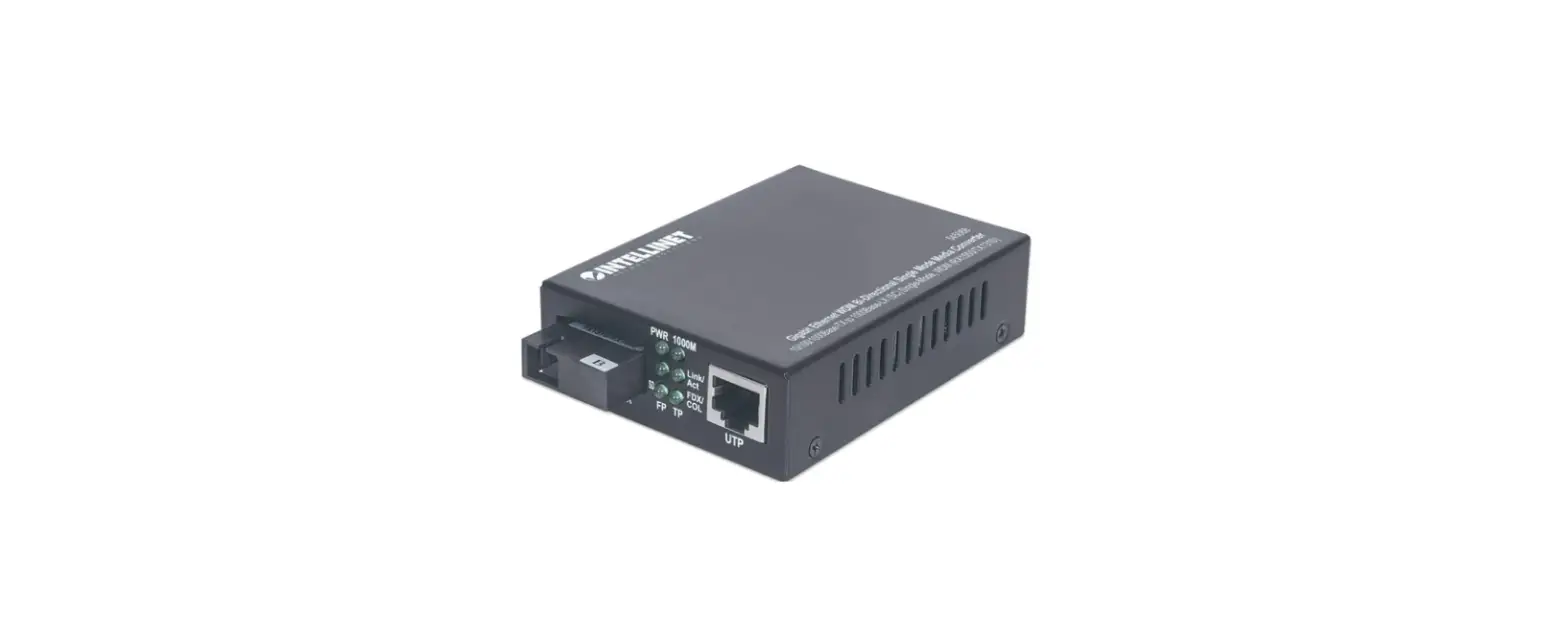
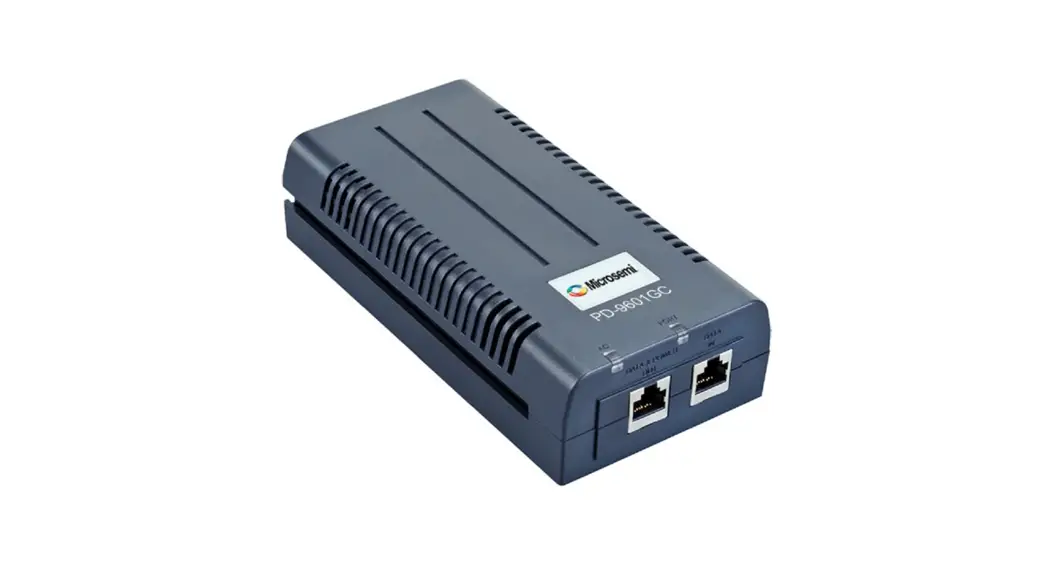
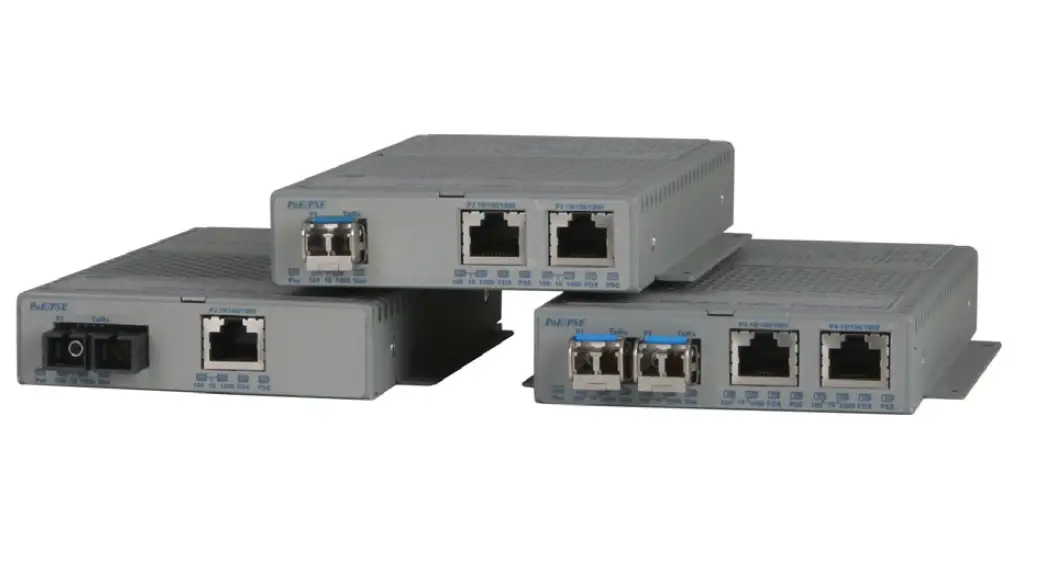
This product supports IEEE802.3U IEEE802.3z 1000Base-Tx/Fx protocol and IEEE802.3at/af PoE+ PSE applications. The internal AC/DC power supply and PSE controller can output up to 30Watts (DC52V/600mA) or 25Watts (DC48V/540mA) or 15.4Watts (DC48V/350mA) power into a CAT5 twisted-pair cable.
The following guide is for the user’s reference.
Package Contents
The following items are included:
- PoE+ (PSE) media converter
- Power cable
- User manual
Please contact the seller immediately if any of the above are missing or damaged
Installation
Interface
RJ-45 Interface
The transmission media uses CAT5 twisted-pair with a maximum length of up to 100 meters (330 feet).
Fiber Interface
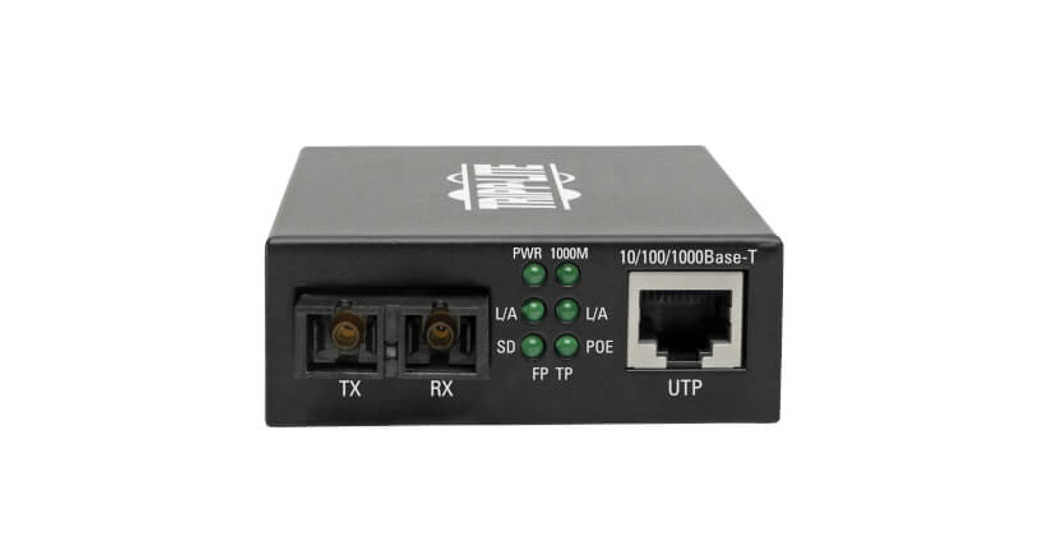
Fiber interface accepts duplex mode type, including two interfaces, send (TX) and receive (RX). When the two sets of optical transceiver are interfaced or connected to switch with fiber interface, the fiber is in cross connection, i.e. “TX-RX”, “RX-TX” (direct connection for single optical fiber transceiver module).
Power Supply Interface
The AC power supply is connected to AC-input jack of the media converter through the attached AC power cable.
Connection
Connect a network device (network card, hub or switch, etc.) with an RJ-45 interface to the RJ-45 jack of media converter via twisted-pair.
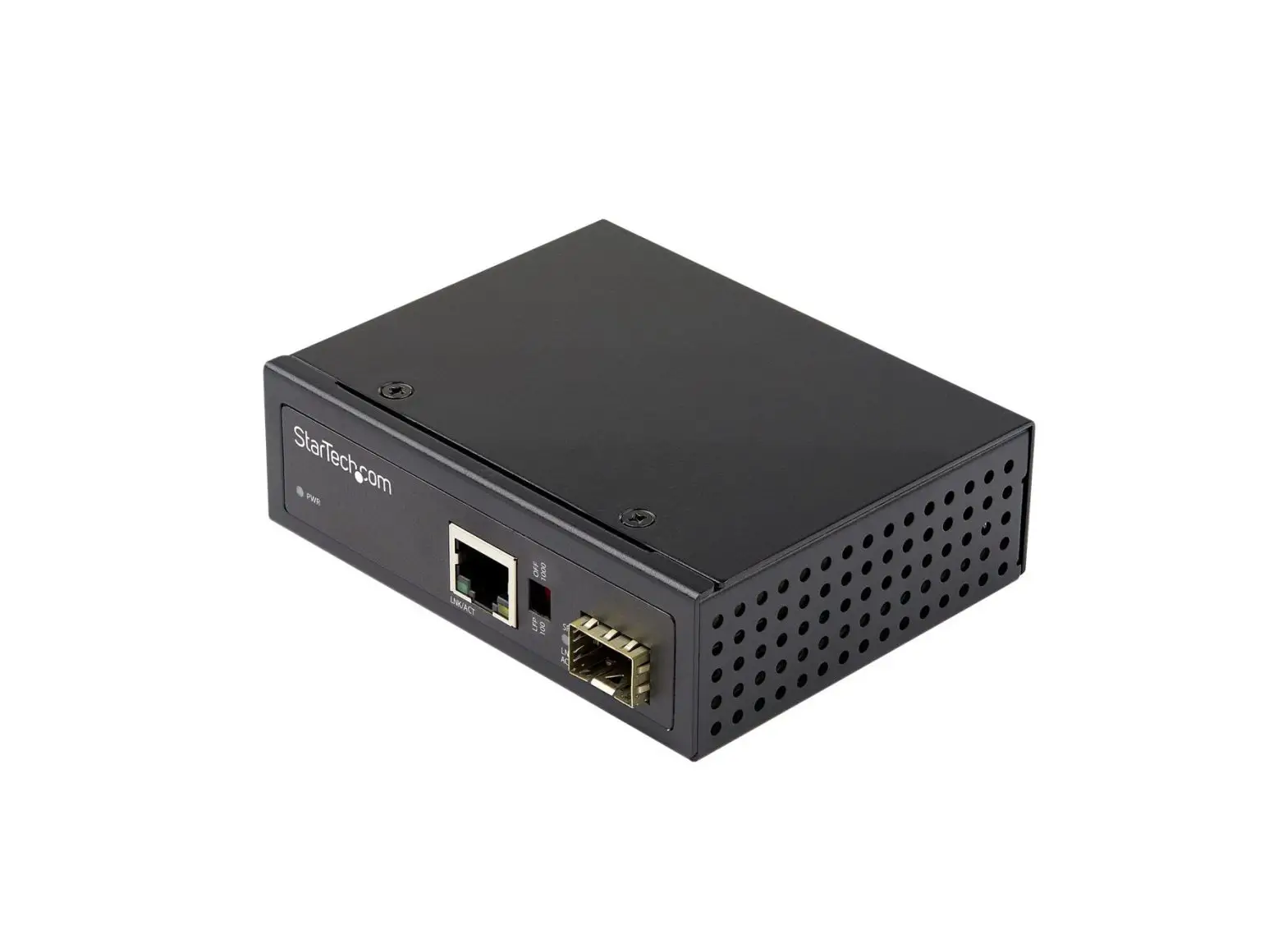
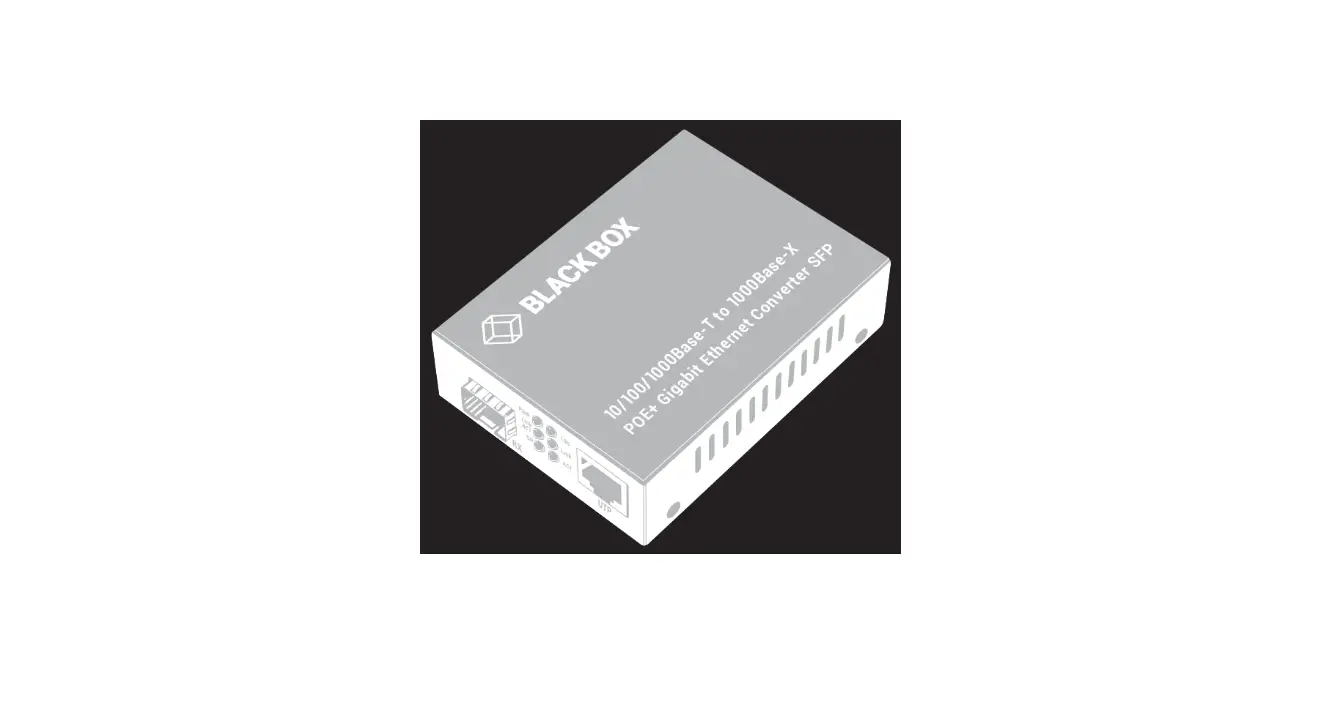
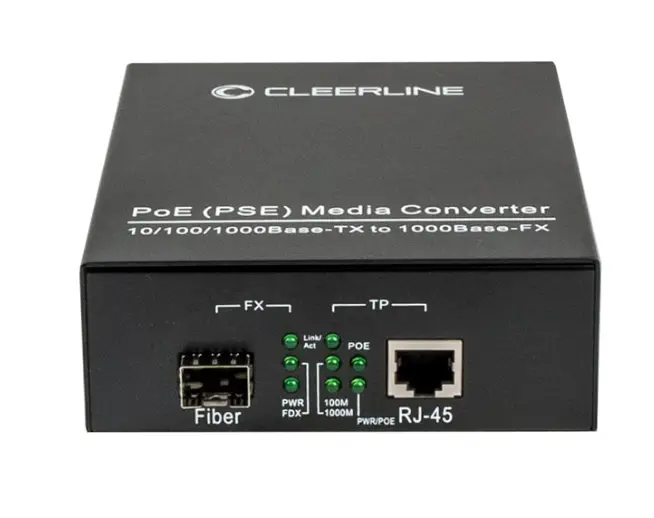
This switch accepts standard SFP modules, which should be selected to match the fiber type in use (single mode or multimode). Insert SFP module into pictured “Fiber” port (below). Connect a matching single mode or multimode optical fiber to the fiber interface of the optical transceiver module.
Connect AC power cable. LED indicators will indicate connection success. (See the table below for LED indicator light identification.)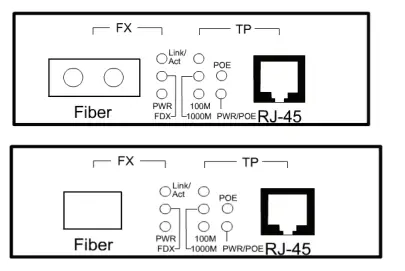
LED Indicator Lights
| PWR | ON when the power supply is turned on |
| Link/Act (FX) | Bright when optic fiber cable is connected correctly but data is not transmitting |
| Blinking when receiving data | |
| Link/Act (TP) | Bright when twisted pair is connected correctly but data is not transmitting |
| Blinking when receiving data | |
| FDX(TP) | ON when TP link is in full duplex mode |
| OFF when TP link is in half duplex mode | |
| 1000M | ON 1000M |
| OFF 100M or 10M | |
| 100M | ON 100M |
| OFF 1000M (1000M ON) or 10M (1000M OFF) |
| POE | ON when connected and PD load correct |
| OFF when no load or load problem | |
| Blinking when load is abnormal | |
| PWR/POE | ON when POE 48V power is stable |
| OFF when POE 48V power is decreasing or too low |
DIP Switch Functions
| NO. | Function | Status | Specification |
| SW1-1 | ENROM * | OFF | FX_reset disable |
| ON | FX_reset enable | ||
| SW1-2 | FX100M | OFF | FX 1000M (default) |
| ON | FX 100M | ||
| SW1-3 | POE shutdown | OFF | POE shutdown disable |
| ON | POE shutdown enable | ||
| SW1-4 | LFP | OFF | LFP Disable |
| ON | LFP Enable | ||
| SW1-5 | MODE1 | OFF | ALS disable |
| ON | ALS enable | ||
| SW1-6 | MODE0* | OFF | AI_POE disable |
| ON | AI_POE enable |
Note:
FX Reset: if enabled, when FX link is down, power will shut down for a few seconds and restart.
AI_POE: if enabled, If there is no data input for two minutes, Poe will restart.
Main Features
- In conformity to IEEE802.3U IEEE802.3z 1000Base-Tx/Fx standard.
- IEEE802.3 at/af PoE+ PSE compatible
- Half duplex: back pressure flow control Full duplex: IEEE802.3x flow control.
- Automatic identification of MDI/MDI-X cross line.
- Supports link fault pass through function.
Technical Parameters
- Standard Protocol: IEEE 802.3u 100 Base-TX, IEEE802.3z, IEEE802.3ab standard, IEEE802.3at/af
- Ports: one UTP RJ-45, one SFP, one AC-inlet port
- Operation mode: full duplex mode or half duplex mode
- Power supply parameter: 100-240V AC
- Environmental temperature: 0-50°C
- Relative humidity: 5%-90%
- TP cable: Cat5 UTP cable
- Optical fiber:
Multimode: 50/125, 62.5/125 or 100/140μm
Single Mode: 8.3/125, 8.7/125, 9/125 - Dimensions: 140mm(L) x 110mm(W)x40mm(H)
Warnings:
- This product is suitable for indoor applications only.
- Install dust cover on SFP port when not in use.
- Do not look into TX fiber-transfer side when active. Eye damage may occur.
- Single optical fiber transceivers must be used in a pair.
Troubleshooting
- Device is not matched: Select the corresponding network device according to the transfer rate of the product (10Mbps, 100Mbps or 1000Mbps) when connected to other network devices (network card, hub, switch, etc).
- Line loss is excessive during fiber connection: Excessive loss in connector installation and fiber termination, or excessive intermediate nodes may cause excessive loss rate or abnormal operation.
 Home - Cleerline SSF Fiber