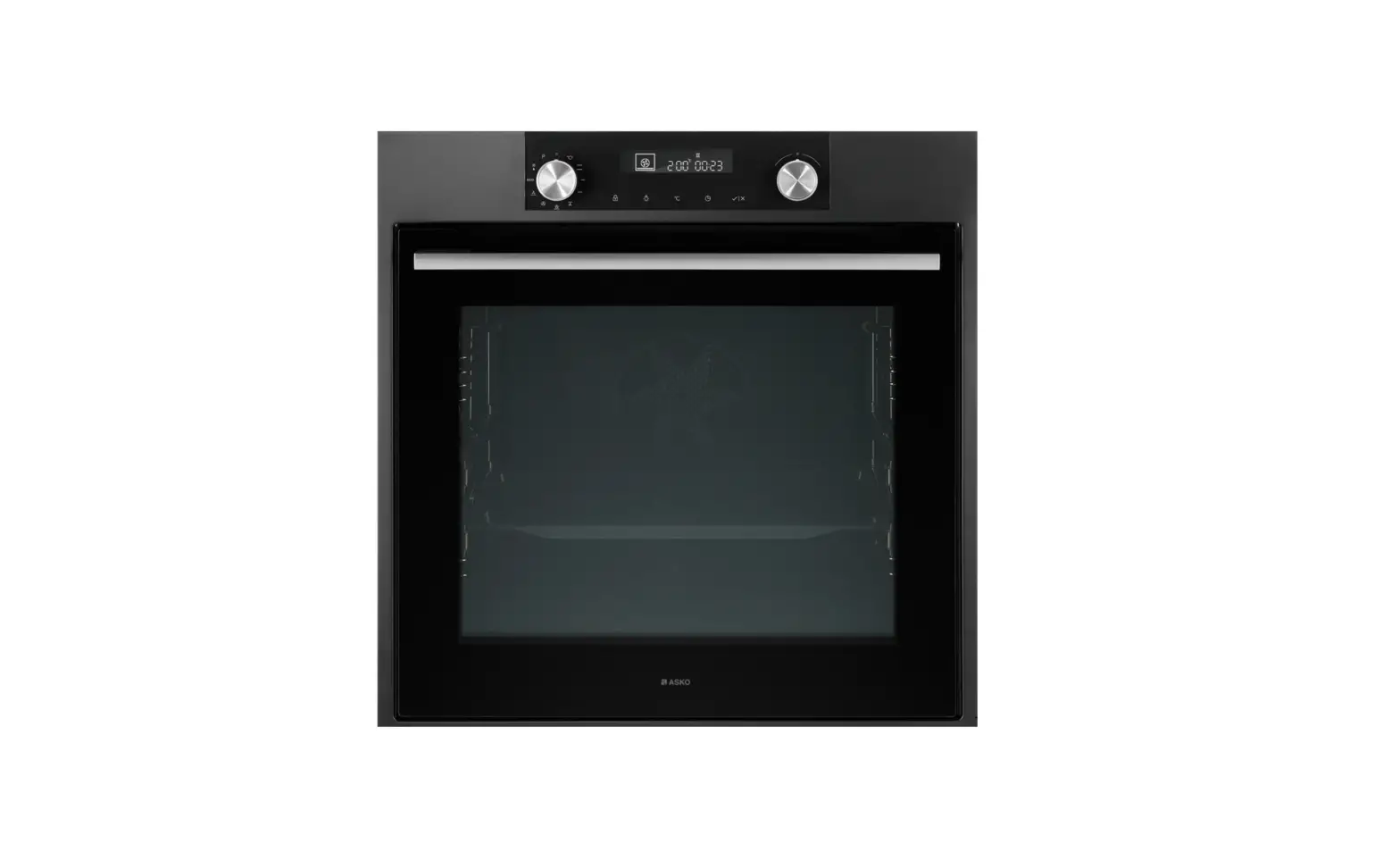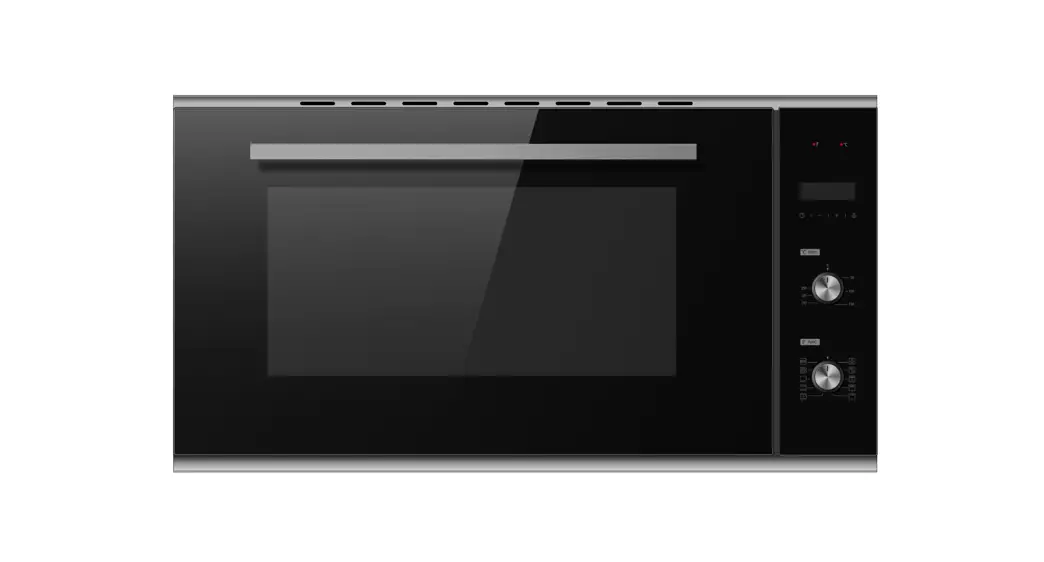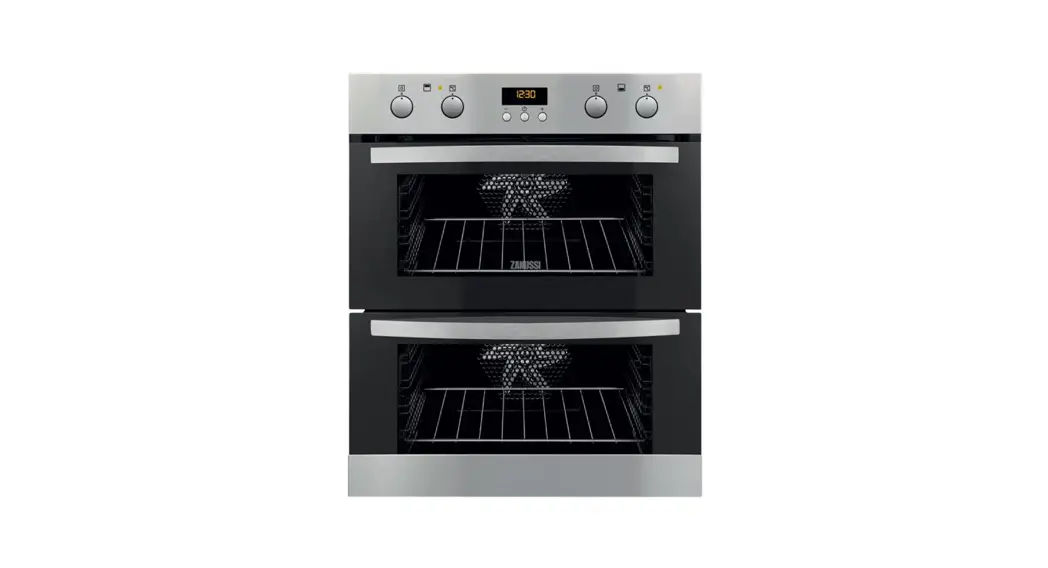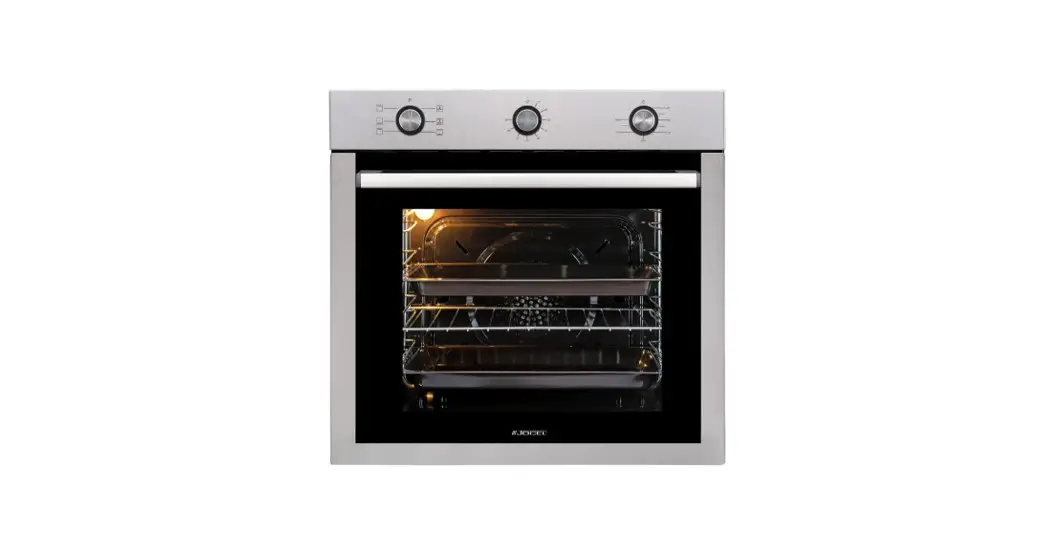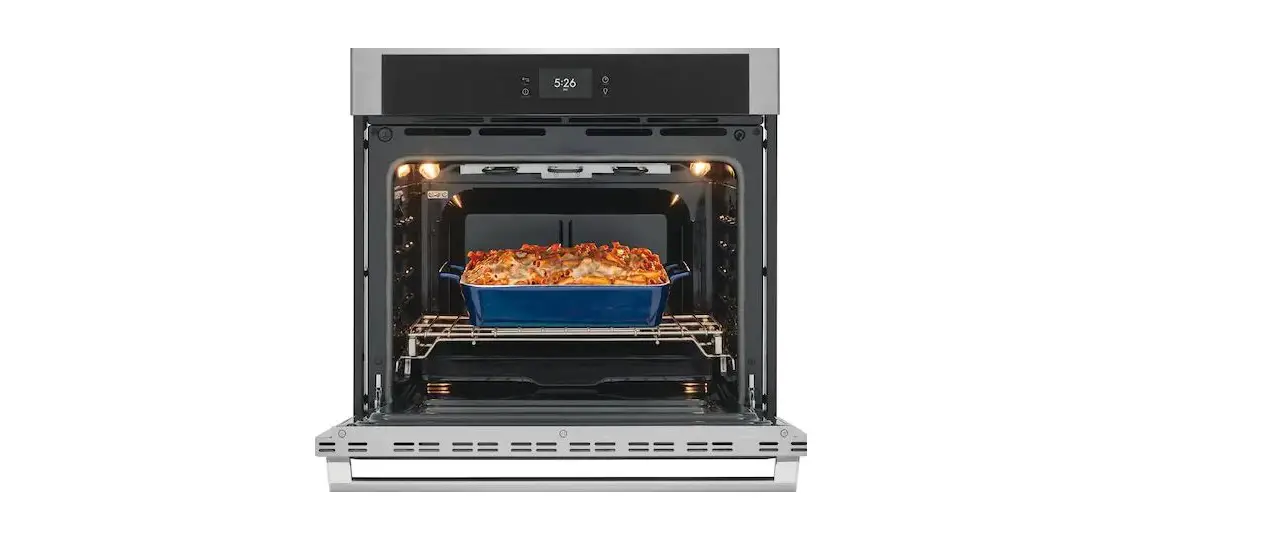

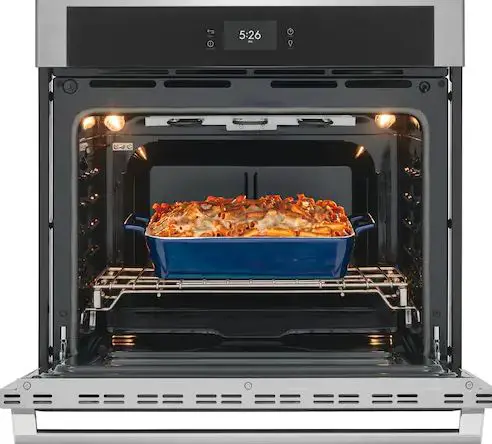
saco EOB5630X Built in Oven
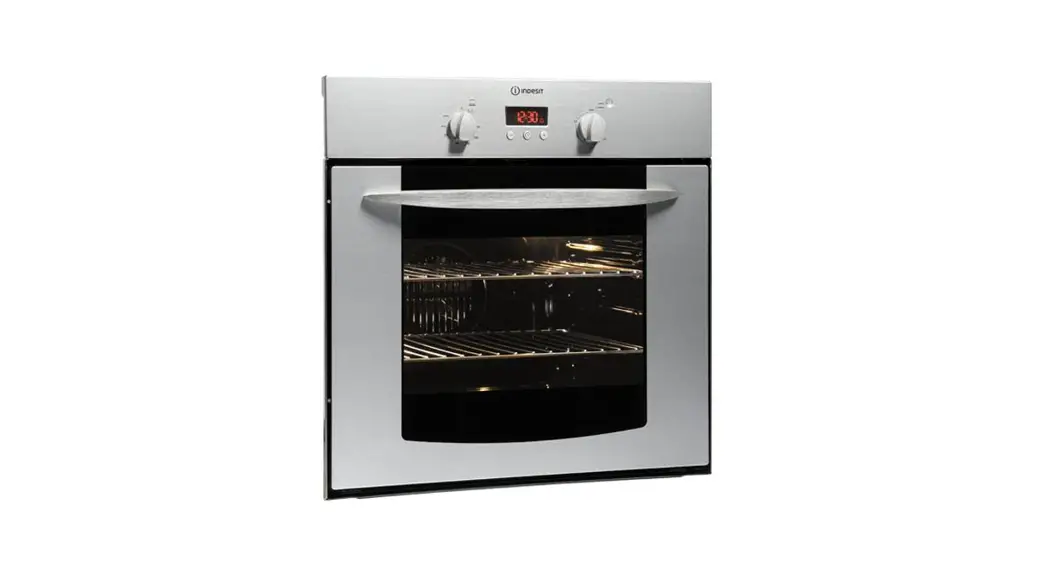
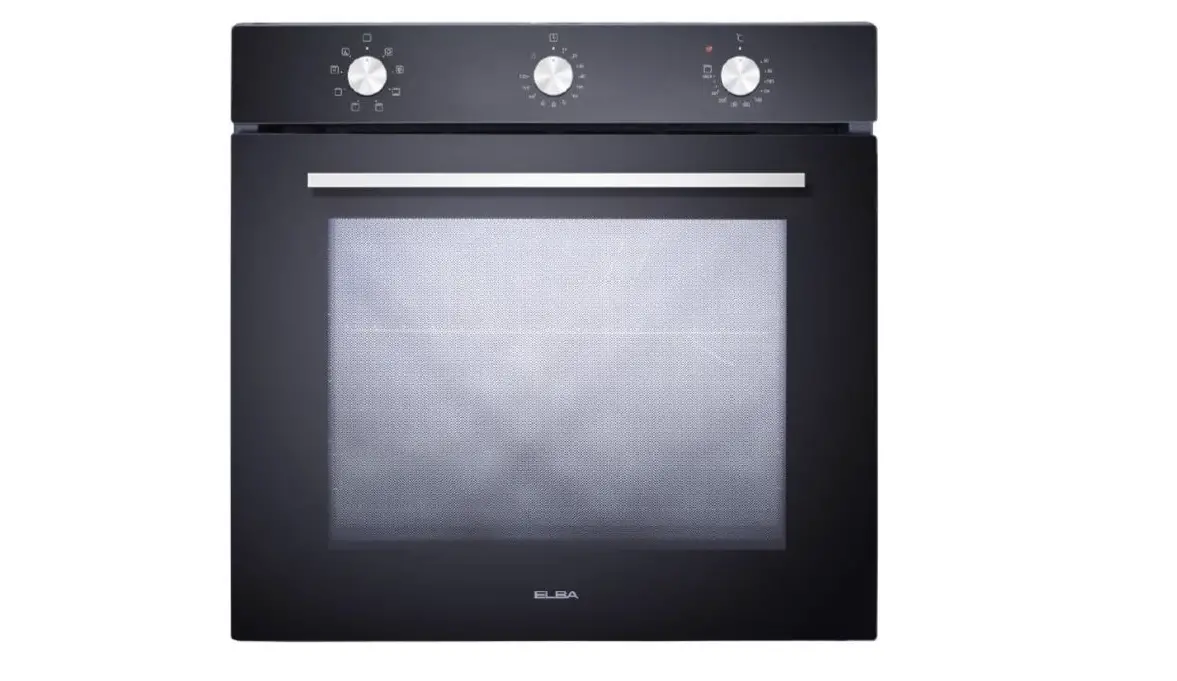
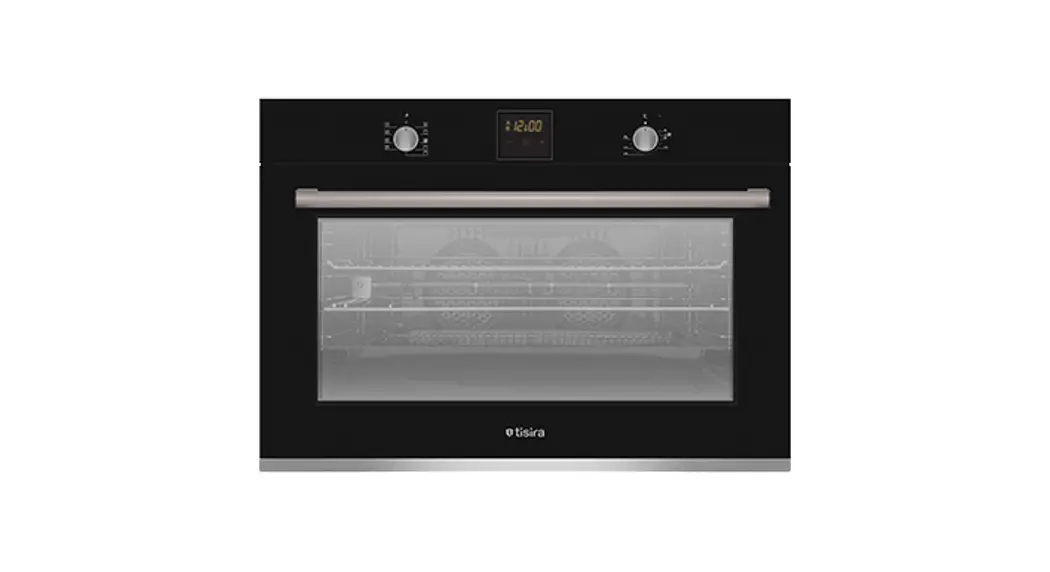
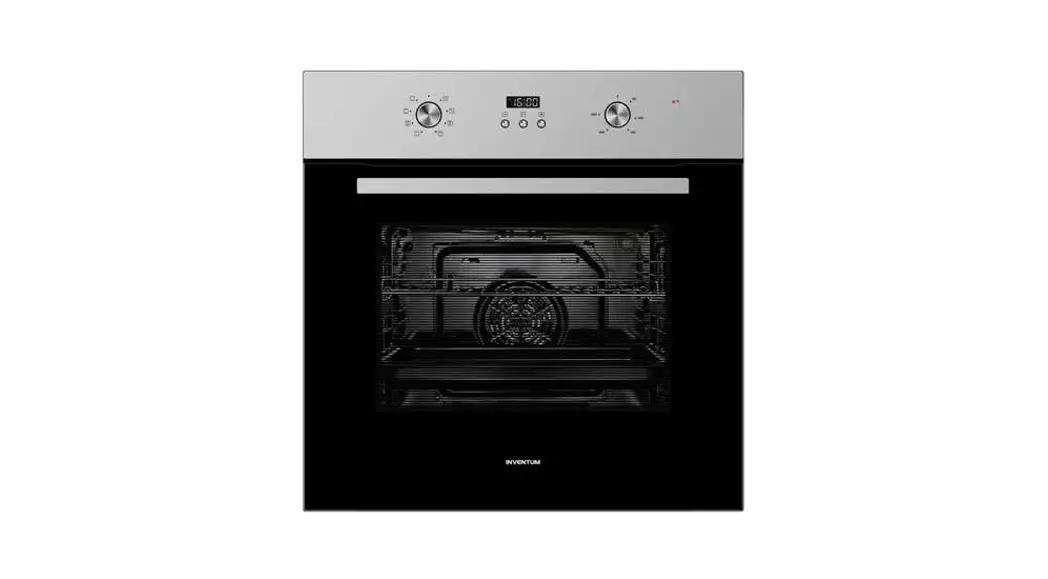
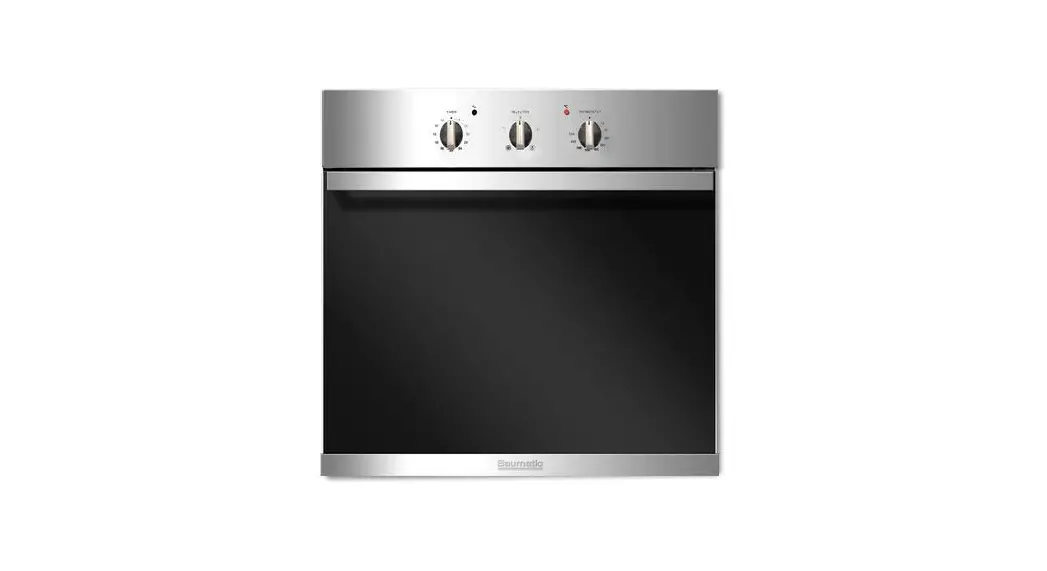
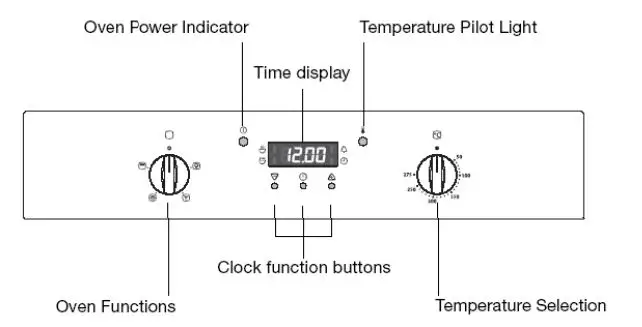
Control Panel
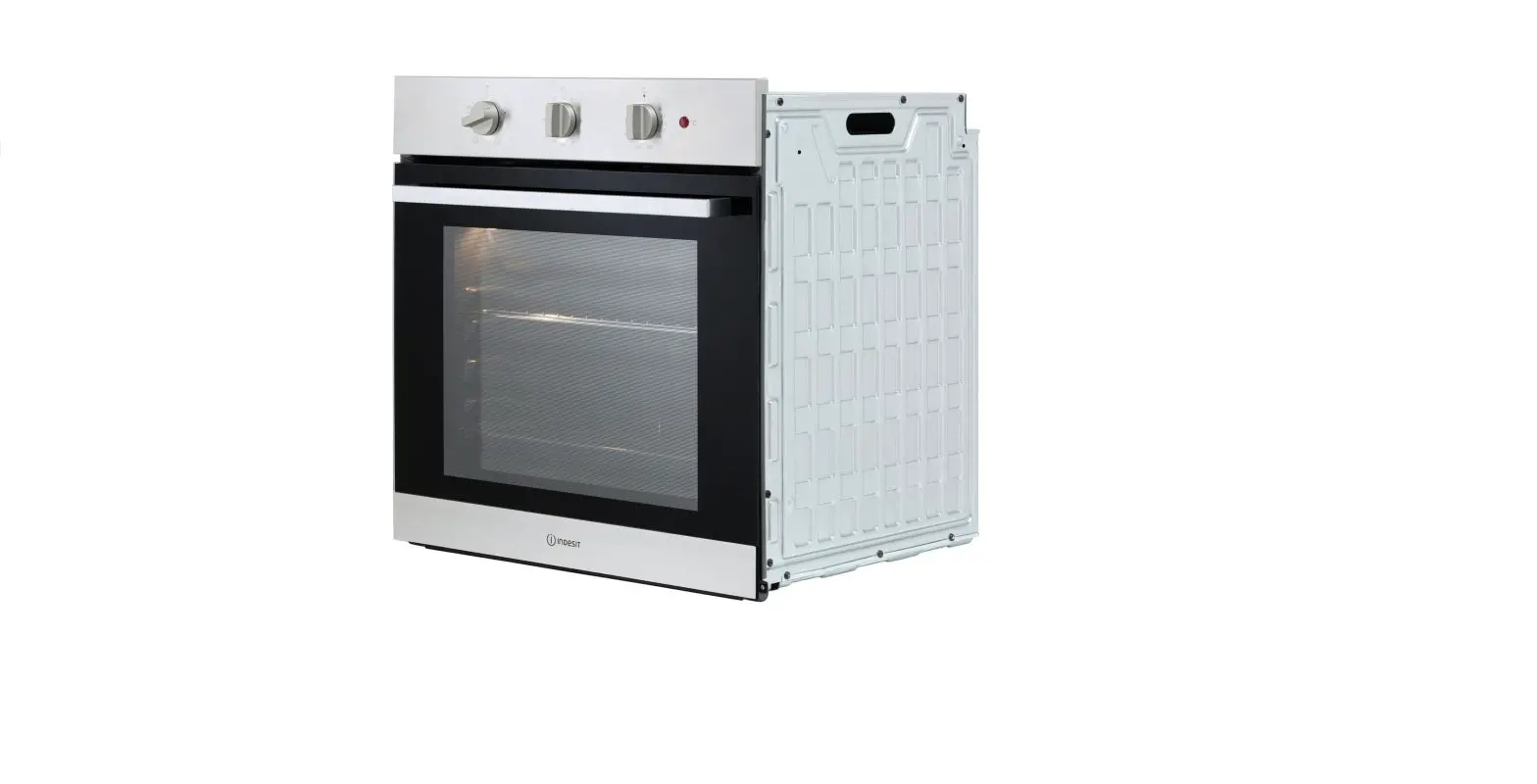
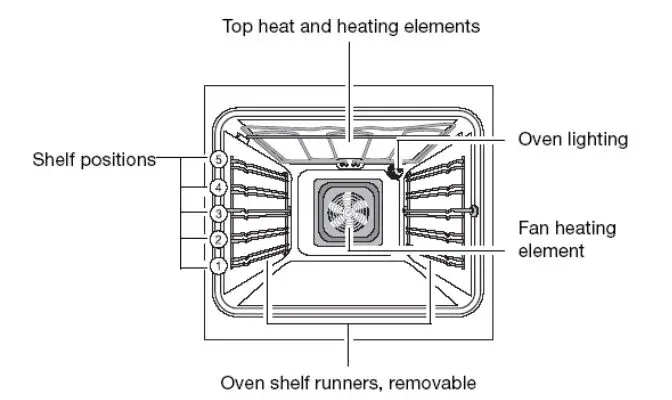
Oven Features
Oven Accessories
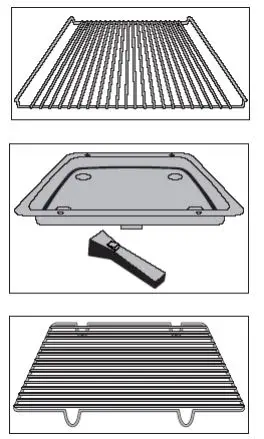
- Combination shelf – for dishes, cake tins and items for roasting and grilling.
- Grill pan with handle – support for the grill tray as a collecting vessel for fat.
- Grill tray – insert the grill pan for grilling smaller amounts of food.
Switching the Oven On and Off
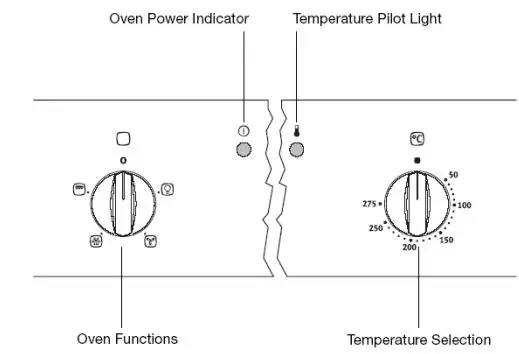
- Turn the oven functions switch to the required function.
- Turn the temperature selection switch to the required temperature. The red oven power indicator is illuminated whilst the oven is in use. The red temperature pilot light is only illuminated whilst the oven is heating up.
- To switch off the oven, turn the oven functions switch and the temperature selection switch to the zero position.
Cooling fan
When the oven is switched on, the fan comes on automatically to keep the surfaces of the appliance cool. When the oven is switched off, the fan continues to operate to cool the appliance down, and then switches itself off.
Oven Functions
The oven has the following functions:
Oven lighting
With this function you can illuminate the oven interior e.g. for cleaning. The heating element is not in use.
Fan oven
For roasting and baking on up to three levels simultaneously.
Set oven temperatures 20-40oC lower than when using conventional. The fan heating element is used and in addition the fan is switched on.
Defrost
To begin to thaw and to defrost such items as flan, butter, bread, fruit or other frozen foods. For this function the fan operates without heating.
Grill
For grilling flat foods in larger quantities, such as steaks, escalopes, fish or for toasting. Top heat and the grill element are used.
Countdown
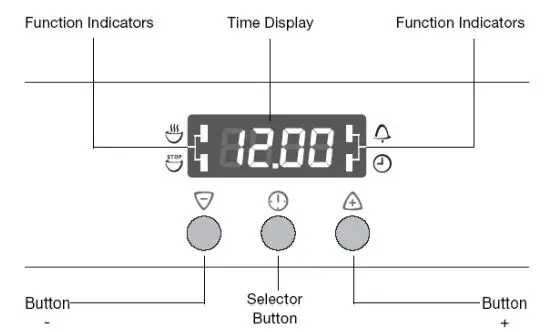
Is used to set a countdown. A signal sounds after the time has elapsed. This function does not affect the operation of the oven.
Cook time
Sets how long the oven is to be in use.
End time
Is used to set when the oven is to switch off again.
Time
To set, change or check the time.
Countdown
- Press the selection button repeatedly until the countdown function indicator flashes.
- Using the plus or minus button set the required countdown (the maximum is 2 hours and 30 minutes).
- After approximately 5 seconds the display will show the remaining time. The countdown function indicator is illuminated.
When the time has expired the function indicator will flash and an acoustic signal will sound for 2 minutes. Press any button to switch off the acoustic signal.
Cook time
- Press selection button repeatedly until cook time function indicator flashes.
- Using the plus or minus buttons set the required cooking time.
- After approximately 5 seconds the display will revert to the time.
- The cook time function indicator is illuminated.
- When the time has expired the function indicator will flash, an acoustic signal will sound for 2 minutes and the oven will switch off. Switch off the acoustic signal and the programme by pressing any button.
End time
- Press selection button repeatedly until the end time function indicator flashes.
- Using the plus or minus buttons set the time at which you want the oven to switch off.
- After approximately 5 seconds the display will revert to the time. The end time function indicator is illuminated.
- When the time has elapsed the function indicator will flash, an acoustic signal will sound for 2 minutes and the oven will switch off. Switch off the acoustic signal and the programme by pressing any button.
Cook time and End time combined
- Cook time and end time can be used together if the oven is to switch on and off automatically at a later time.
- Using the cook time function set the time required for the dish to cook.
- Using the end time function set the time at which the dish is to be ready.
- The cook time and end time function indicators are illuminated and the time will appear in the display.
- The oven will switch on automatically at the calculated time and will switch off again when the set time has ended.
Baking
- For baking use the fan oven function.
- When using the fan oven function you can bake dry, flat items on up to 3 baking trays simultaneously.
Roasting
For roasting use the fan oven function.
Grilling
For grilling, use the grill oven function together with the appropriate temperature setting. Important: always close the oven door when grilling.
Always preheat the empty oven for 5 minutes using the grill functions.
Defrosting
For defrosting use the oven’s defrosting function without setting a temperature.
Oven Hood
Controls
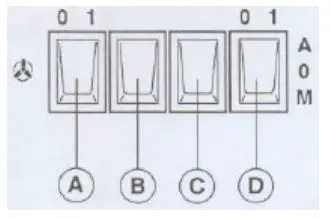
A = ON/OFF first speed switch
B = II speed switch
C = III speed switch
The motor is automatically switched ON or OFF by opening/closing the visor (unless switch A is in position 0). Upon opening the visor the previously selected speed is used.
D = Light switch. Position A (automatic), the light is automatically switched ON or OFF by the opening/closing of the visor. Position M (manual), the light is on. Position 0, the light is off.