 The serviced apartment company
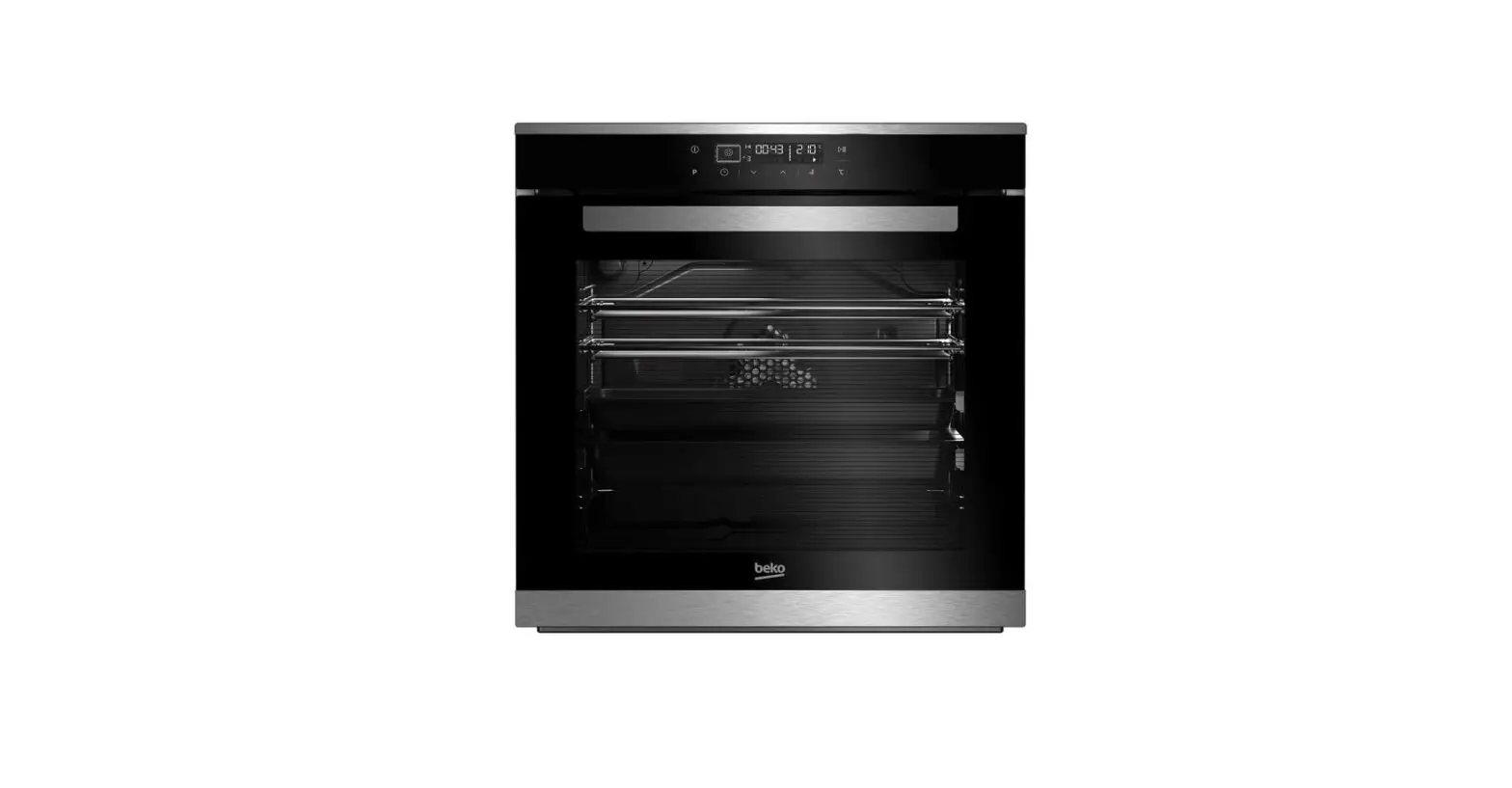
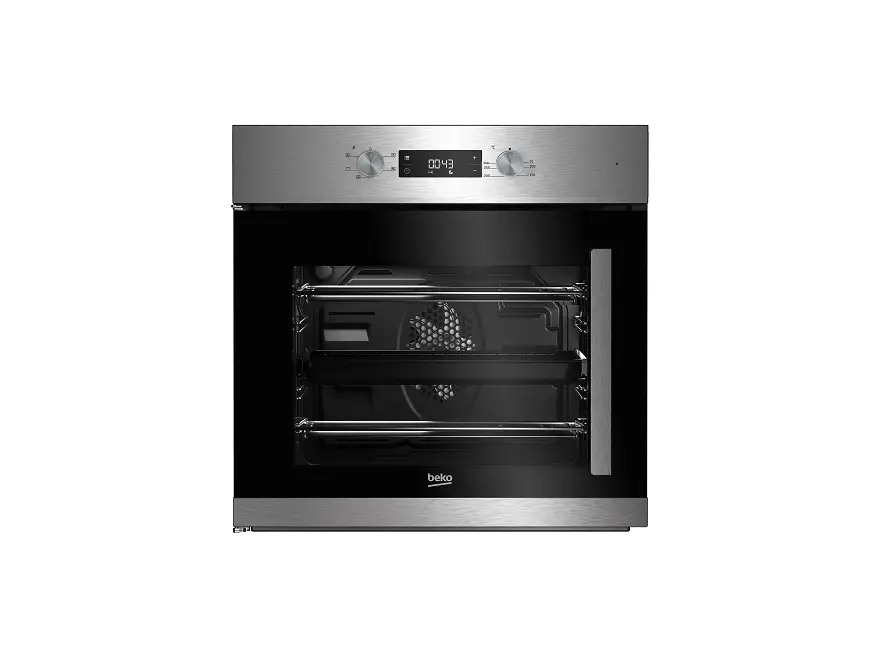
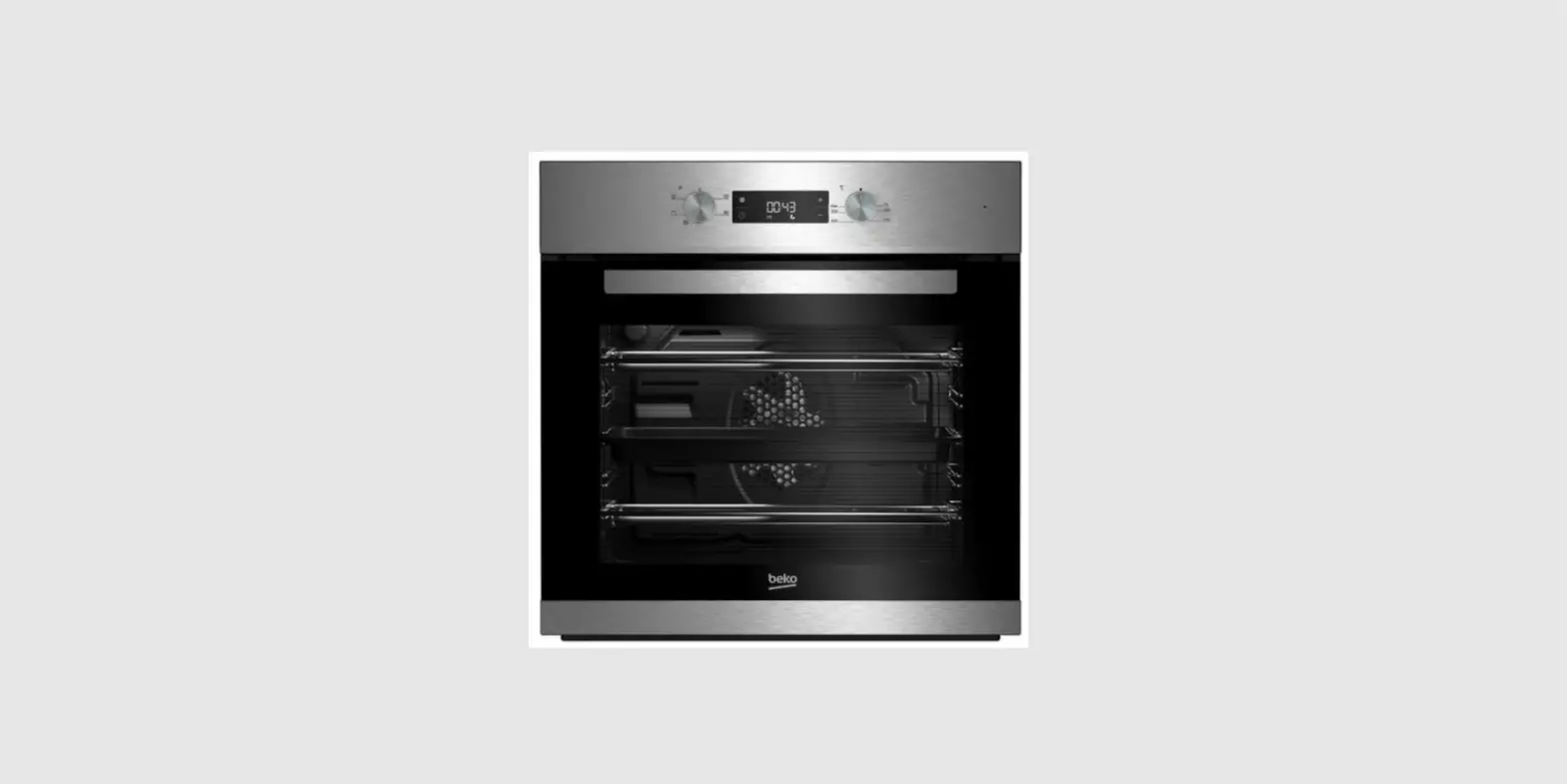
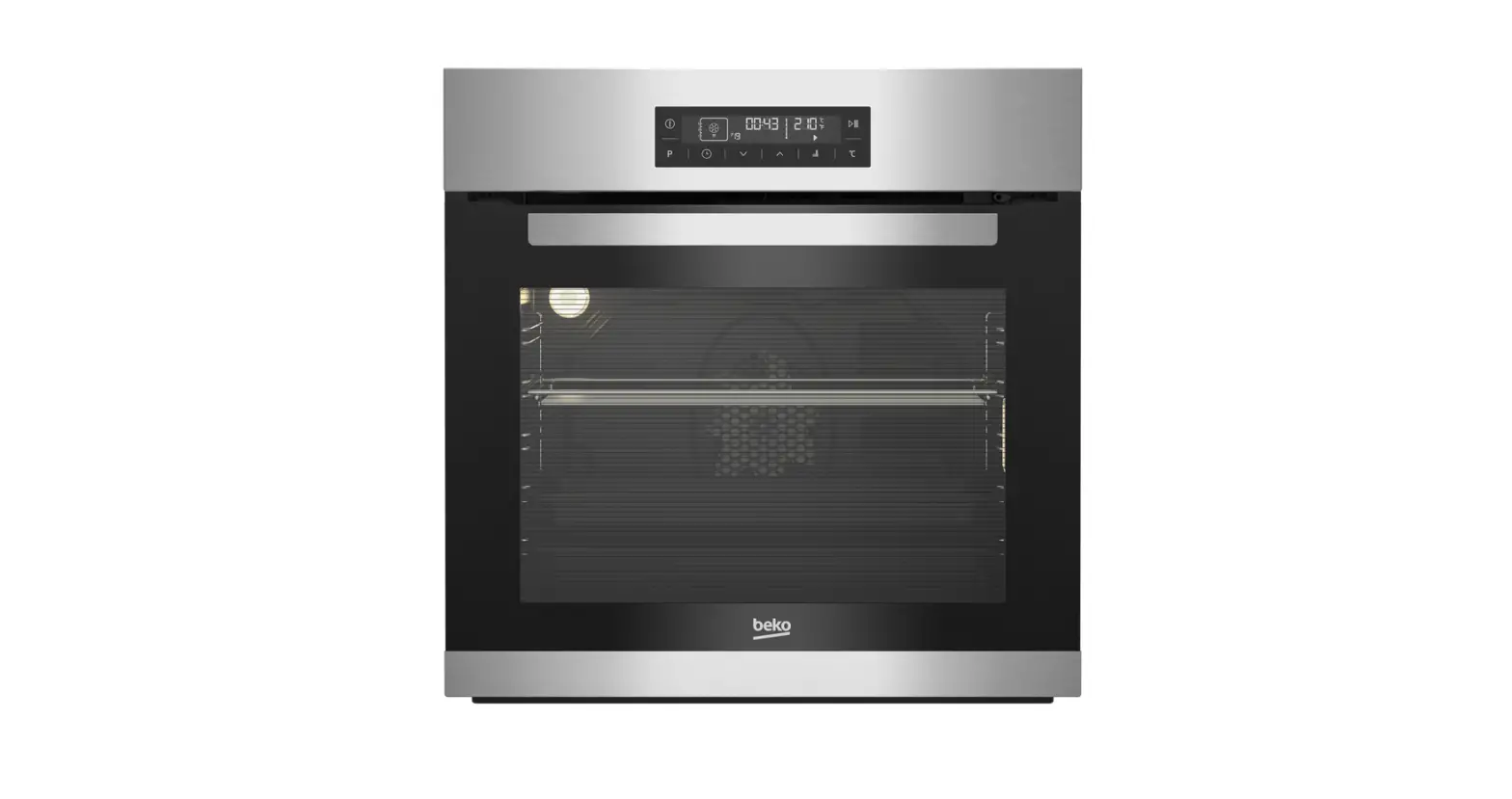
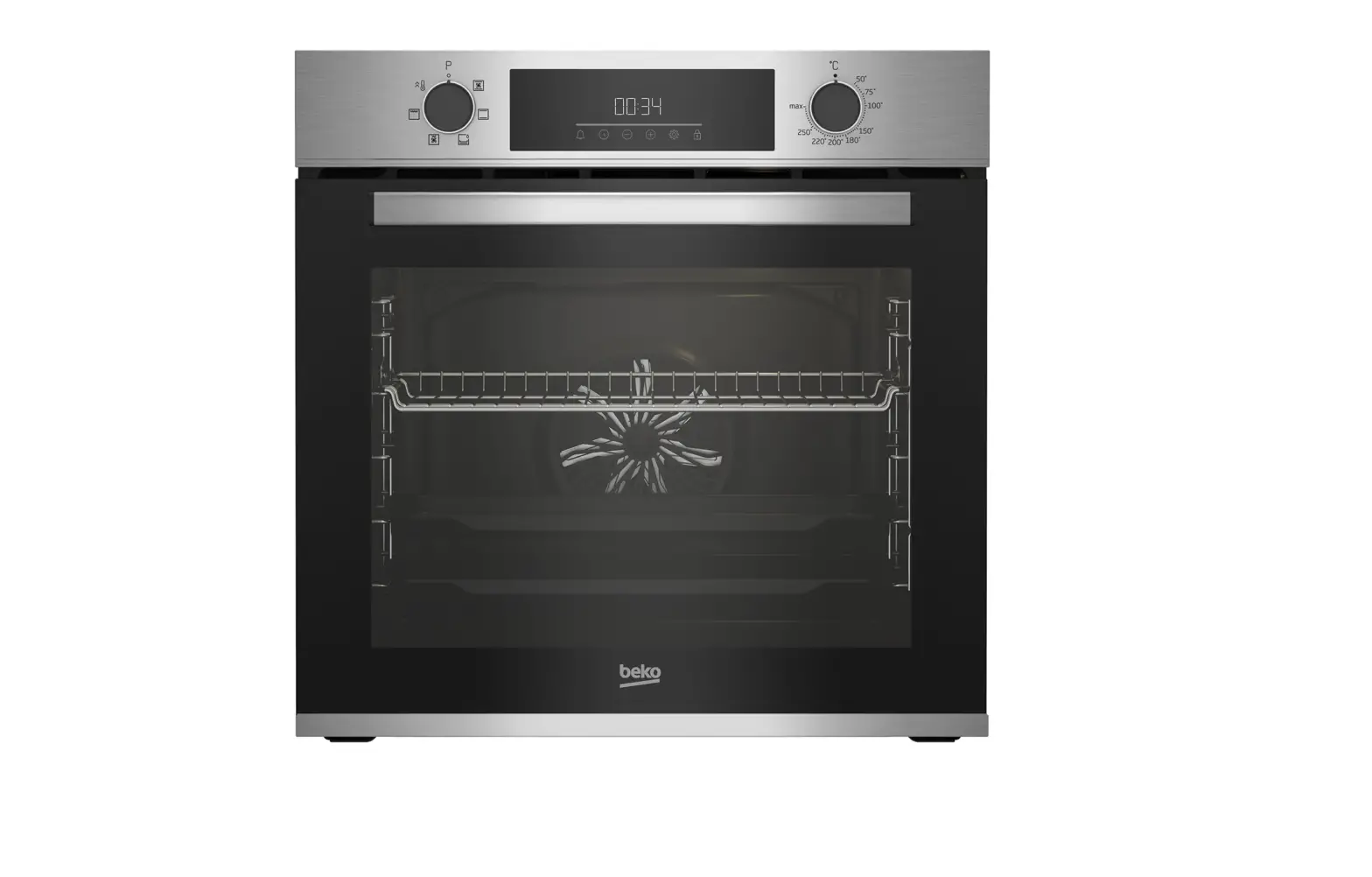
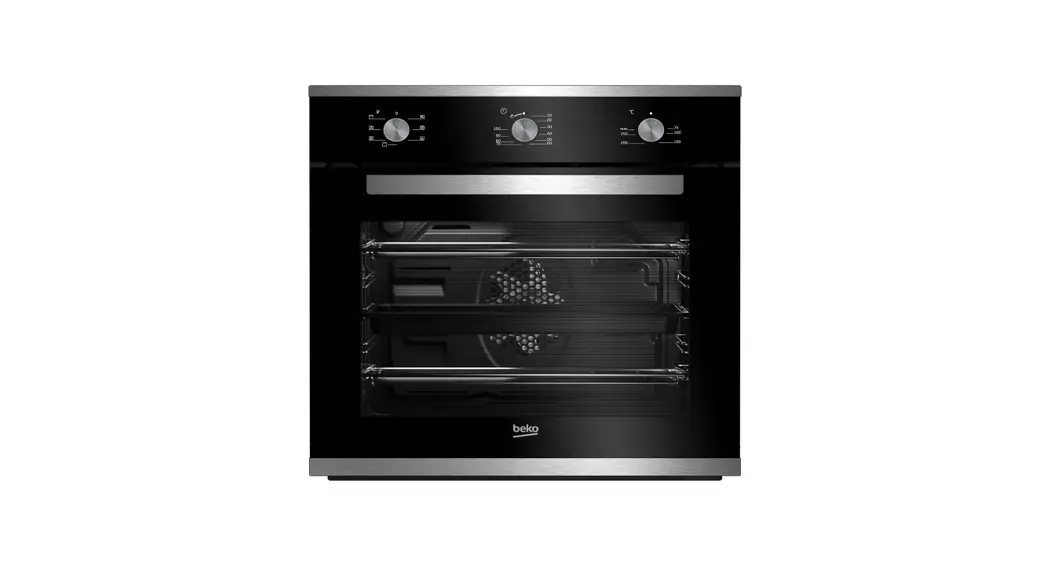
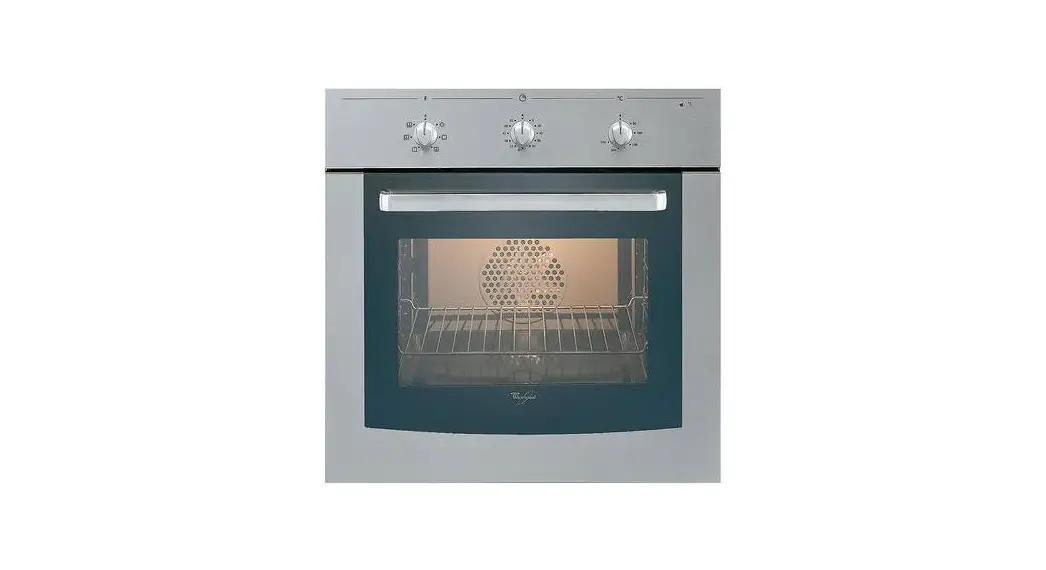
Operating Instructions – Oven BEKO OIF 22301 XL
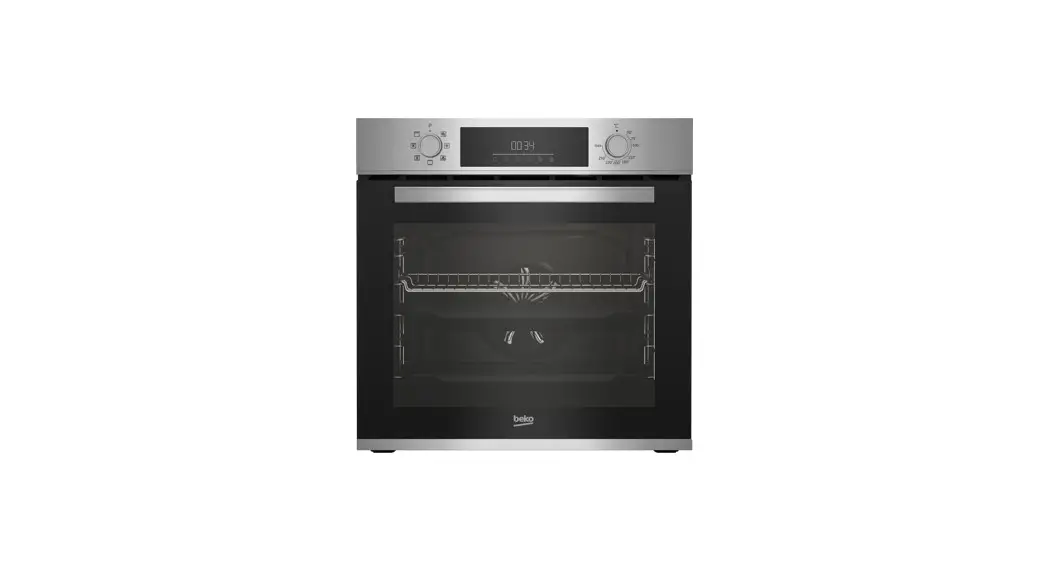
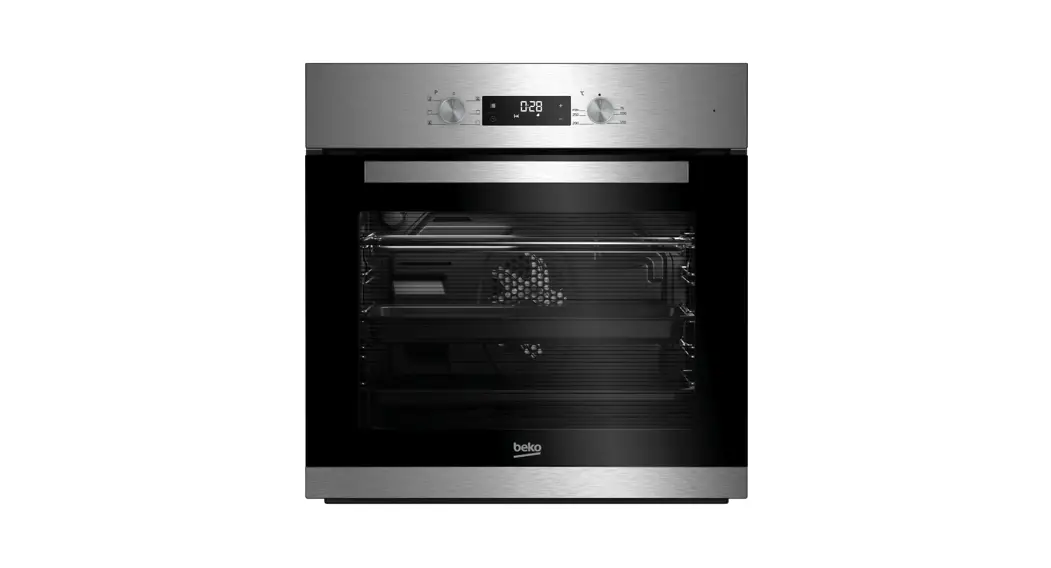
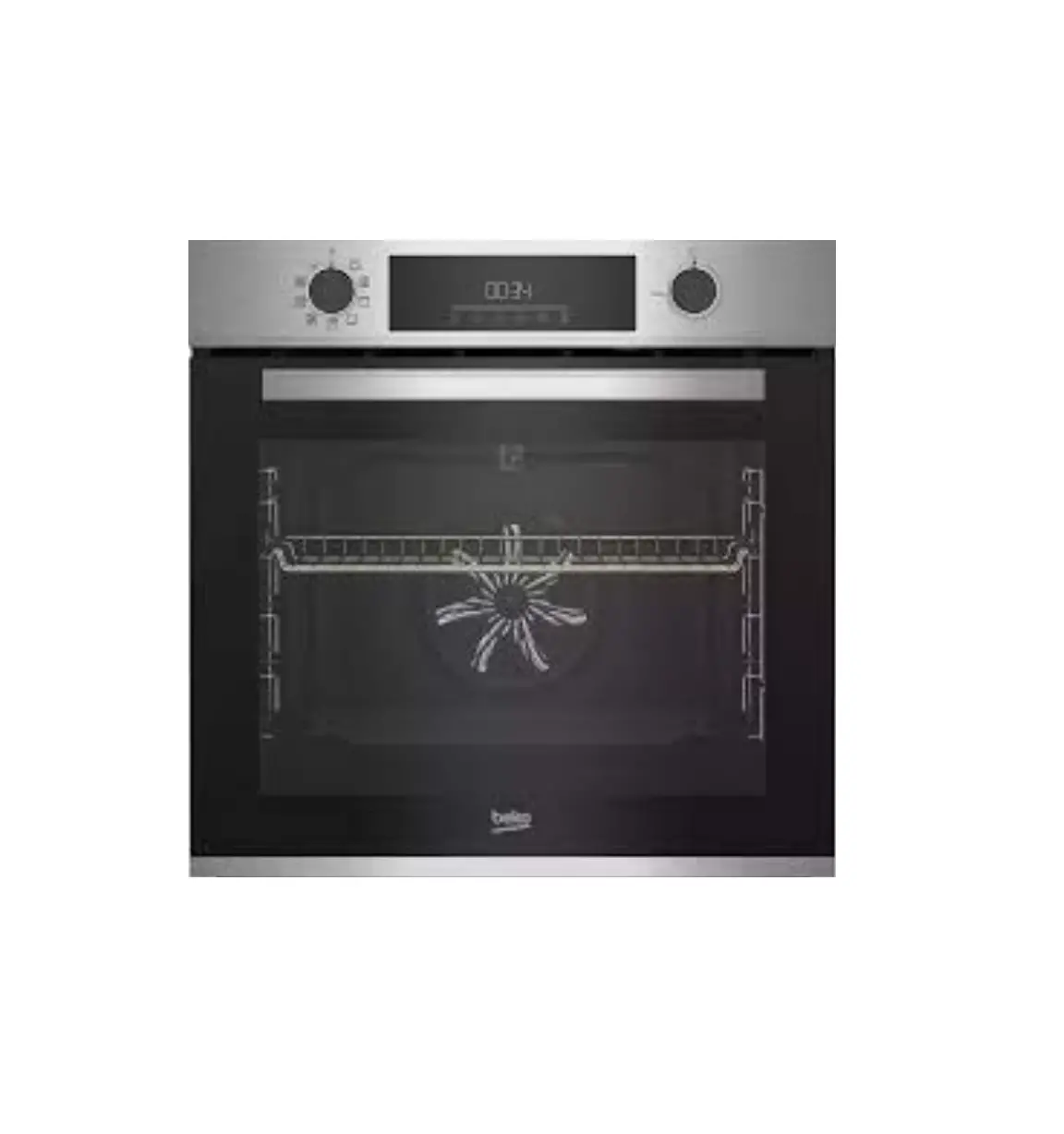
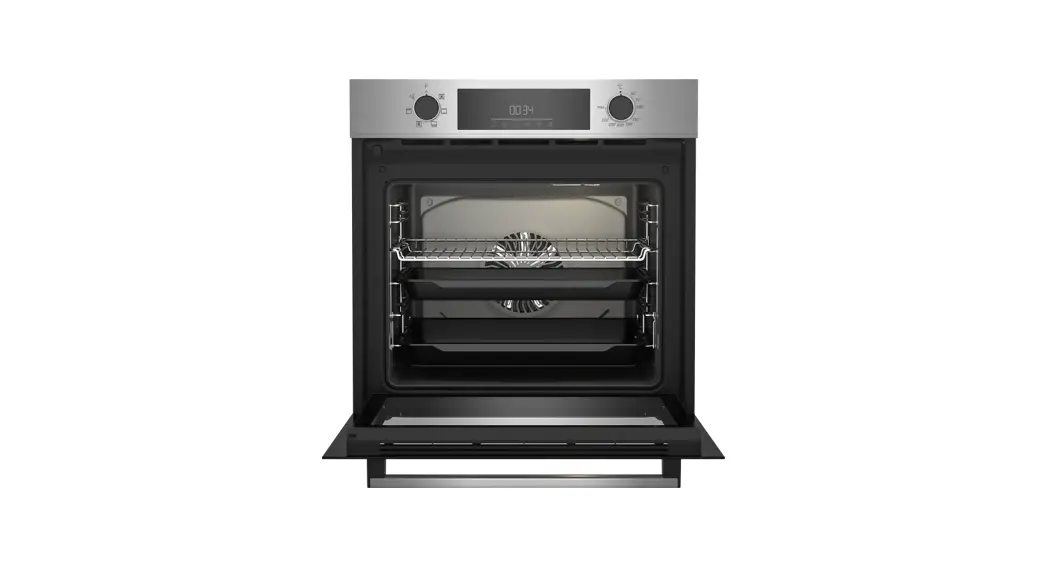
Control Panel
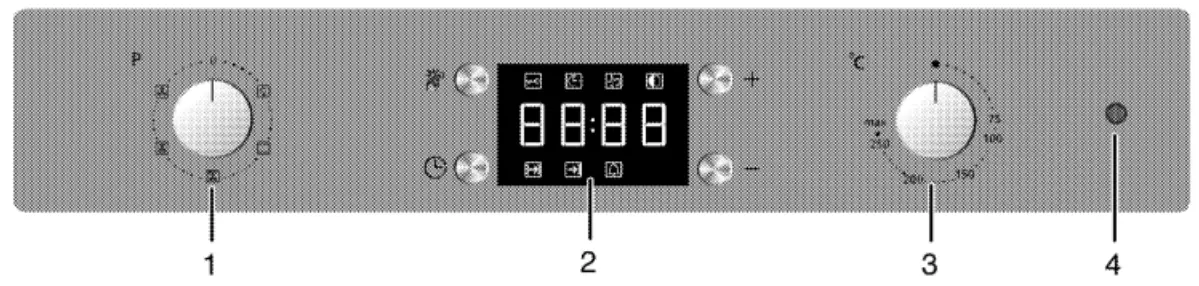
- Function knob
- Digital timer
- Thermostat knob
- Thermostat lamp
Operating Modes
 | Oven Lamp – The oven is not heated, only the oven lamp is turned on. |
 | Operating with fan – The oven is not heated, only the fan is in operation. |
 | Hot Air – Hot air is evenly distributed throughout the oven. |
 | Surface grill – Grill is in operation. |
 | Full grill & Fan – Grill and fan are in operation |
Using the oven
- Select the operating mode using the function knob.
- Select the temperature using the thermostat knob.
- The oven heats up to the required temperature and maintains it. During heating, the temperature lamp stays on.
- To switch off the oven turn the function knob and temperature knob to the off position.