
THE SERVICED APARTMENT COMPANY
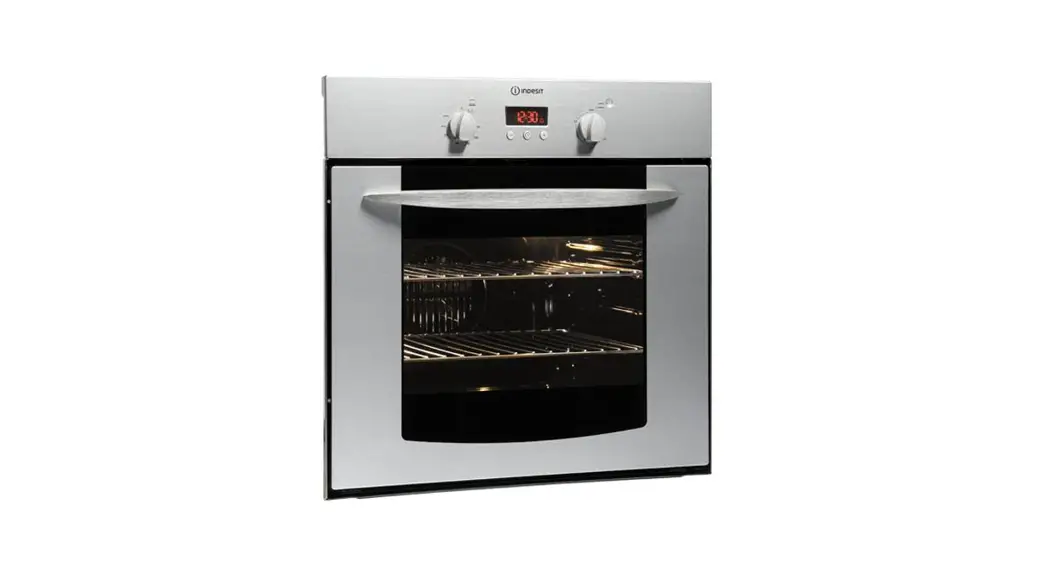
Operating Instructions – Oven LAM3400
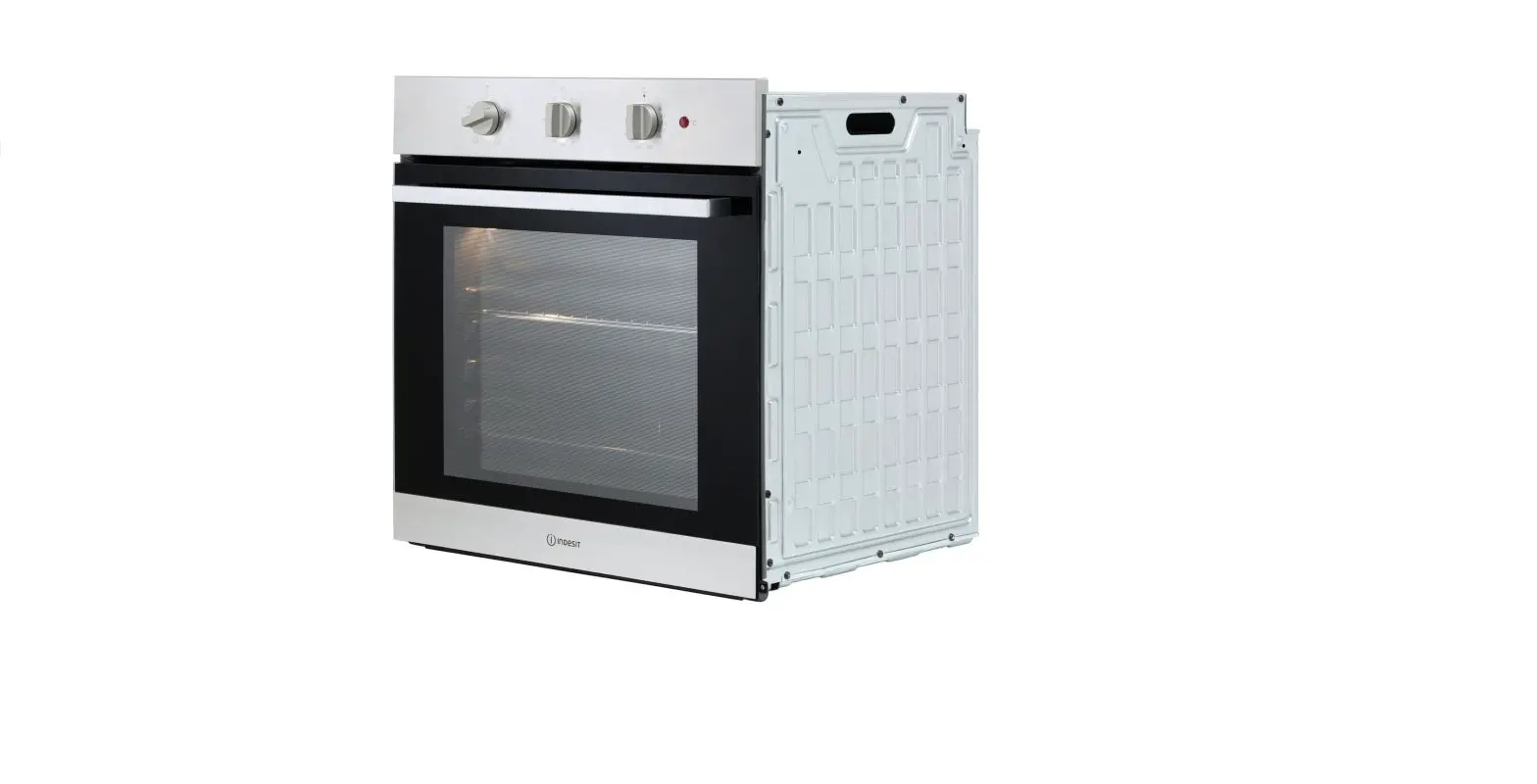
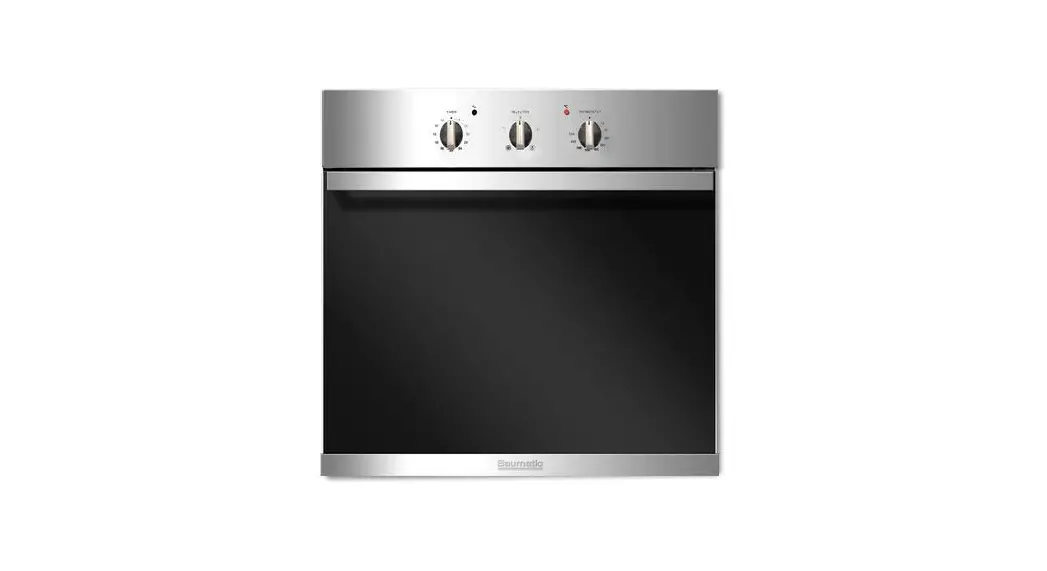
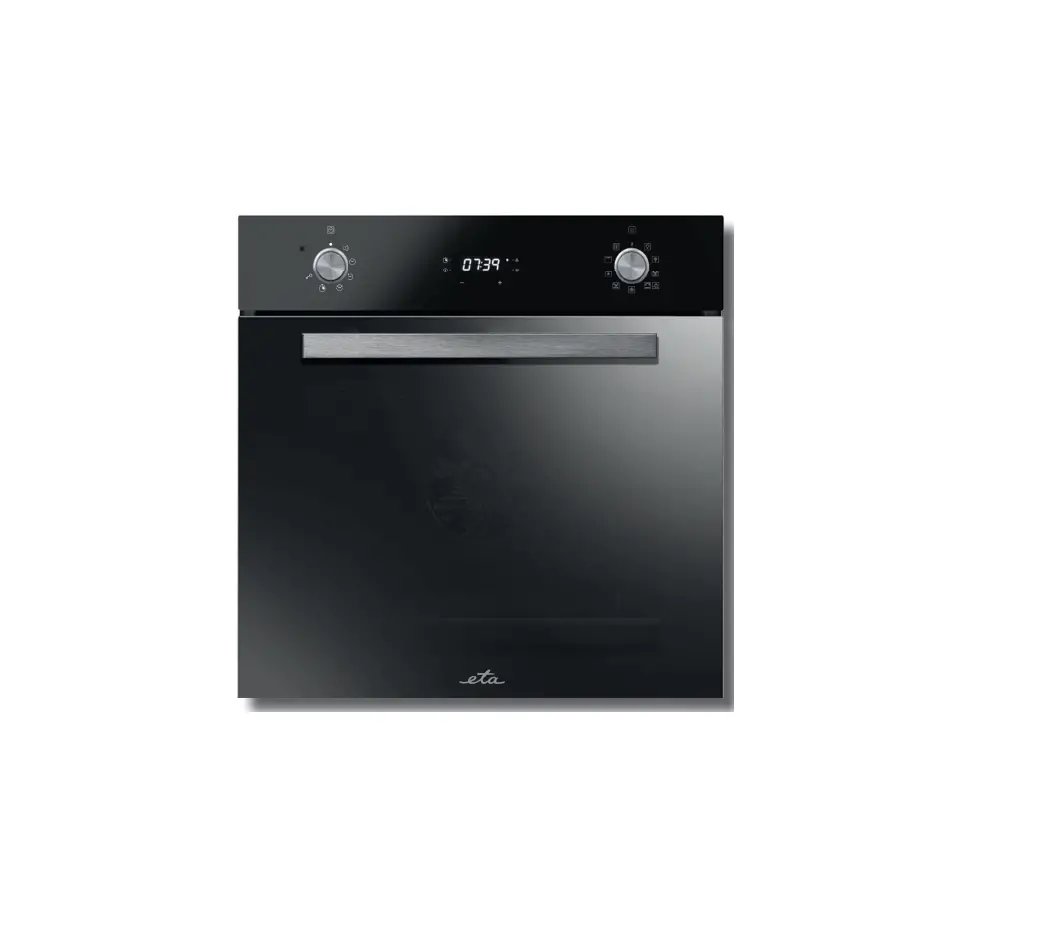
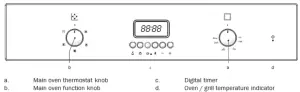
Control panel layout
Operating modes
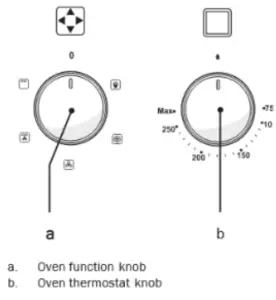
 Oven light: This operates the internal oven light. No heat will be generated.
 Defrost: The oven is not heated, only the fan on the rear wall is operating. Frozen food be thawed slowly using this option.
 Fan Cooking: Hot air is distributed evenly and quickly throughout the oven providing an even temperature.
 Fan-Grill: Heat is distributed more evenly when compared to the ‘full grill’ option.
 The grill is in full operation. Suitable for grilling larger dishes.
Select temperature and operating mode
Select the operating mode with the function knob.
Adjust the temperature with the thermostat knob
Switch off the electric oven/grill
Turn function knob and thermostat knob to off position (top).
How to operate the oven timer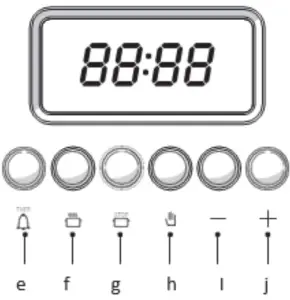
Buttons for
e. Alarm clock/minute minder
f. Cooking time
g. End of cooking time
h. Switch on/off automatic mode
Buttons for tine adjustment
i. Minus Button
j. Plus Button
The maximum time that can be set is 23hrs and 59 mins.
Switch on automatic operation
In this mode of operation, you can determine when the oven is to switch on/off automatically.
To define the end time:
1) Keep the button pressed
2) Set the desired end of cooking time with button ‘+’ or ‘—’. The clock will increase or decrease in one-minute increments.
3) Once desired end time is reached, release the button.
Define the length of cooking time:
4) Keep the  button pressed
5) Set up the desired length of cooking time using ‘+’, ‘—‘.
Once the cooking time is the program’s release button.
6) Put the dish in the oven
7) Select the required operating mode and temperature.
8) The oven will switch on for the defined length of cooking time prior to the specified end time.
9) When the cooking is completed an alarm will sound and the heating of the oven will stop.
10) Switch the oven off by rotating the function knob to ‘Off’.
Switch on the semi-automatic operation
This operation defines when the oven is to switch off automatically
11) Keep the button pressed to define the finish time or to define the length of cooking.
12) Set the desired time using ‘+’ and ‘—‘ buttons
13) Once desired time is reached, release their button
14) Put the dish in the oven
15) Select operating mode and temperature
16) On completion, an alarm will sound and the oven will stop.
17) Switch off the oven
18) Press the  button to switch off automatic mode.
Interrupting the cooking process
19) Keep the  button pressed
20) Keep button ‘—‘ pressed until”0.00” is shown
21) Release both buttons
22) Press the button to switch off automatic mode
How to activate the program lock
1. Keep buttons and press simultaneously for 8 seconds until “On” appears on the display.
2. Press button ‘+’ The display will show “.oF” for 3 seconds and a key symbol will appear. (The oven timer is now locked)
Deactivate the program lock
3. Keep buttons  and pressed simultaneously until “Of” appears on the display
4. Press the ‘+’ button
The display will now show “.oN” for 3 seconds. (Now the oven timer can be used again.)
How to use the minute minder
In addition to using the timer for cooking, it can be also used as a minute minder/alarm. As soon as the defined period of time has expired, the alarm will signal. The minute minder has no influence on the functions of the oven.
Setting the minute minder
1. Keep the pressed
2. Set the desired time
The alarm clock symbol display lights up
3. Release the button
Switching off the alarm
4. Press the button to silence the alarm sound.
Canceling the minute minder
5. Keep the button pressed
6. Simultaneously press the ‘—‘ until “0.00” is shown
7. Release all buttons
The timer symbol on the display will disappear