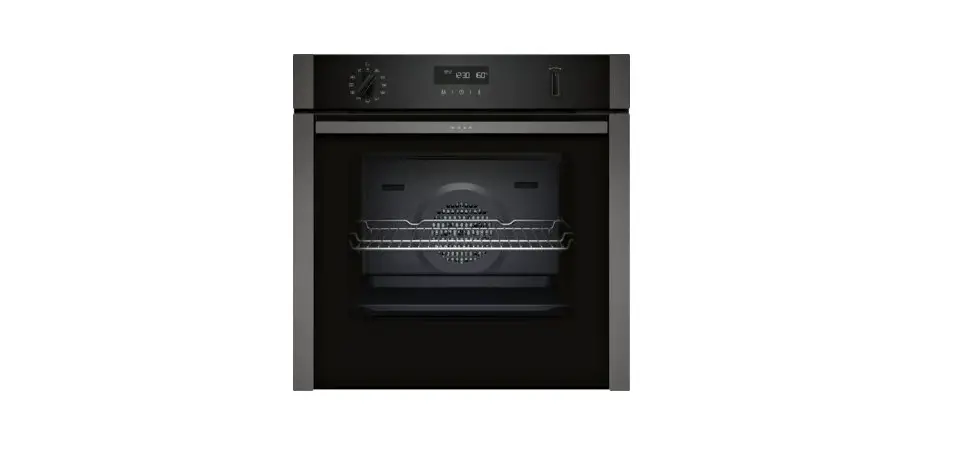
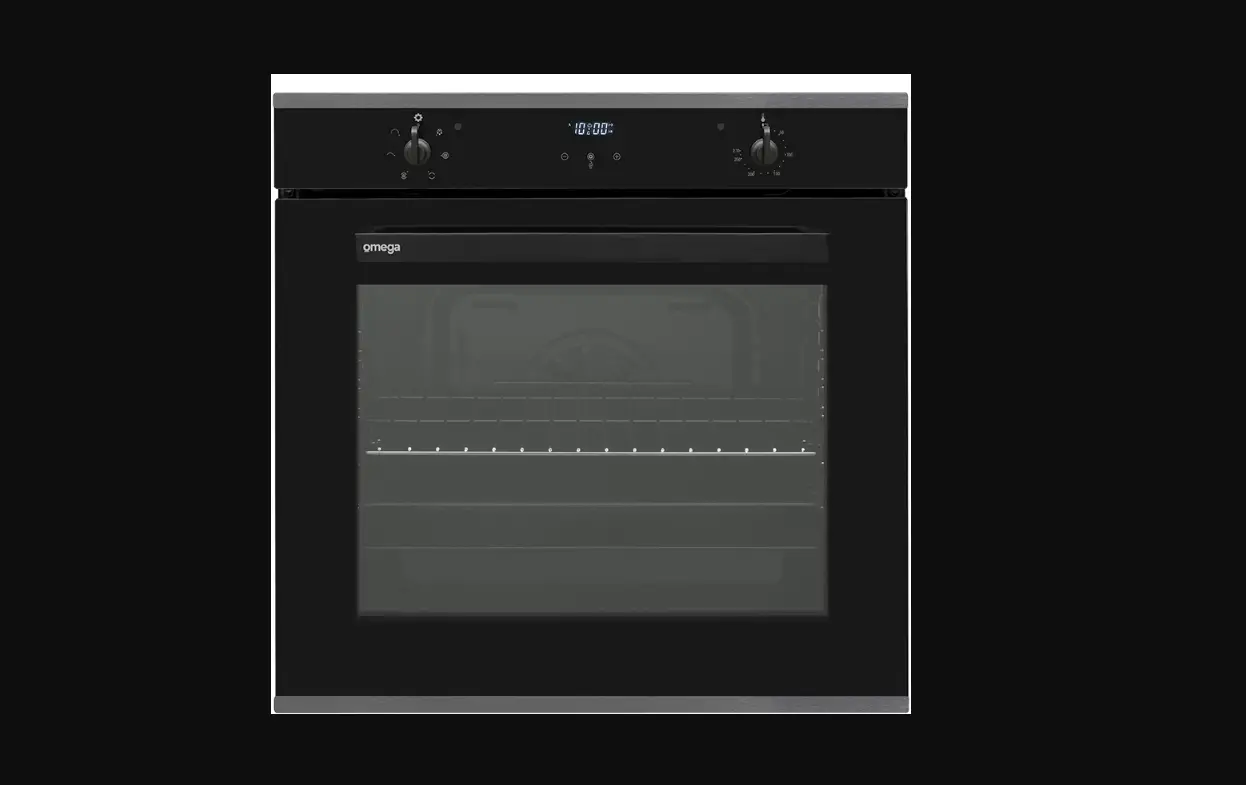
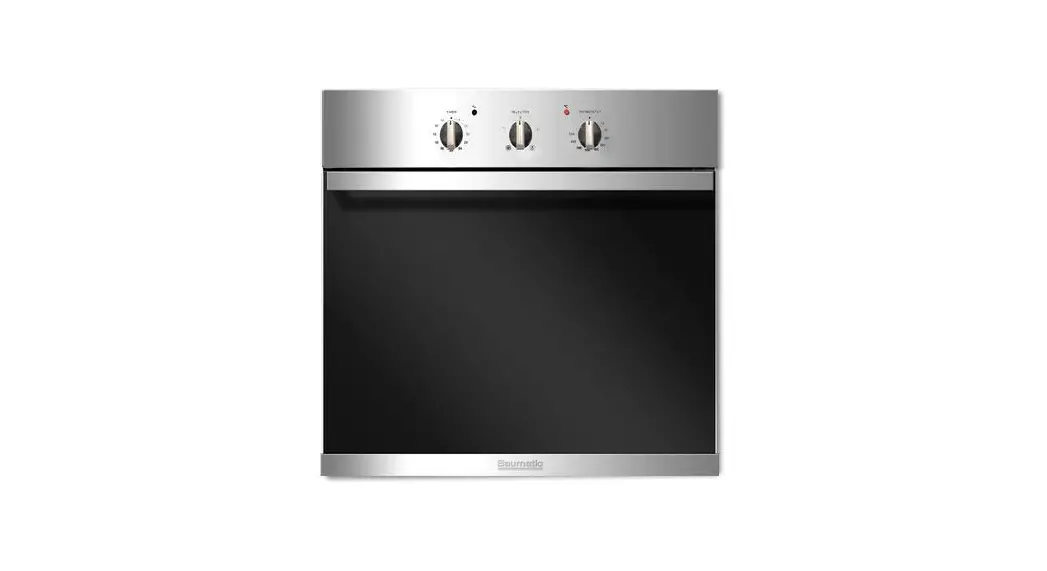
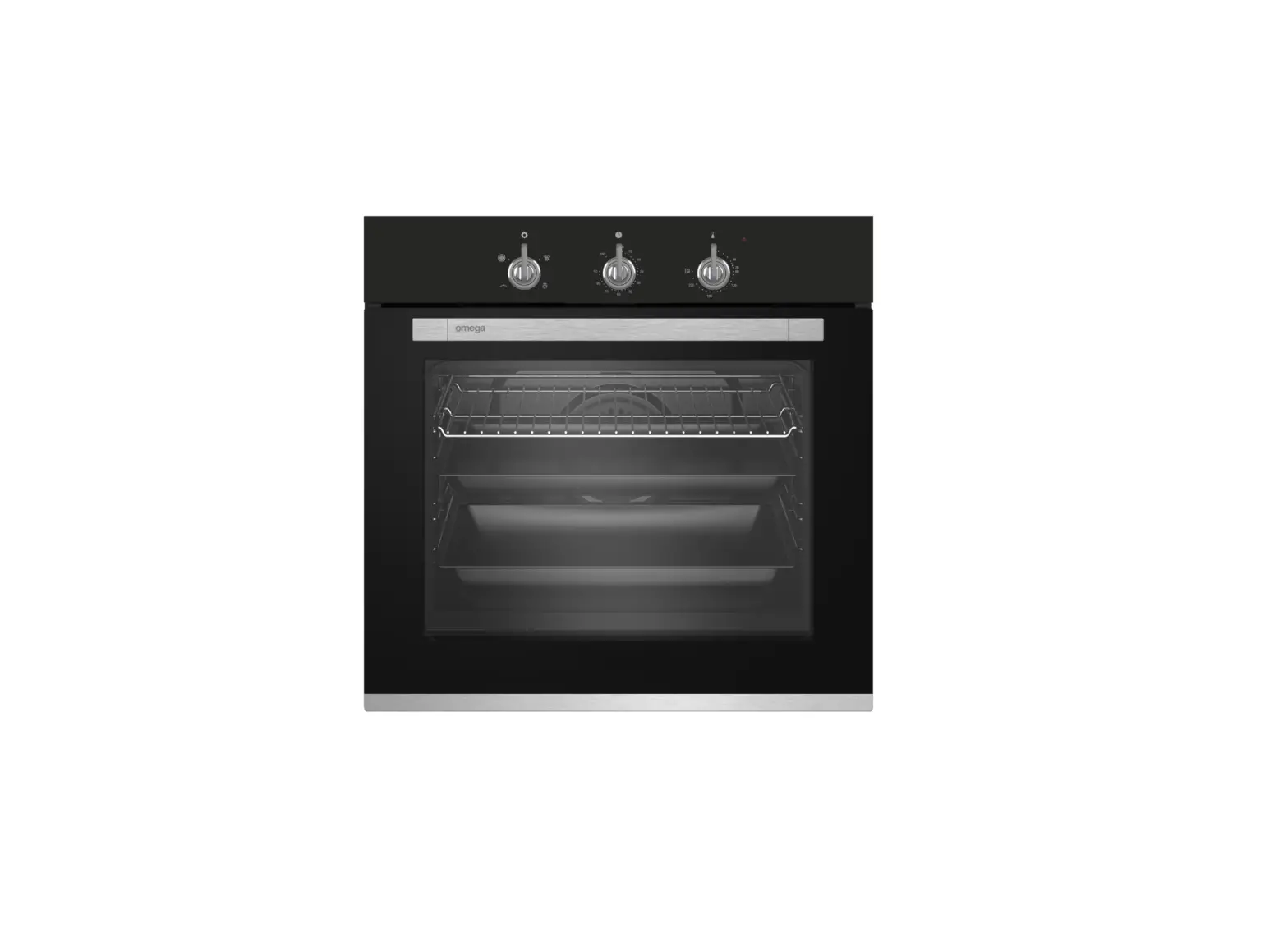
ABO6850FB Oven
Product Information: The product is a versatile electronic device
that is designed to provide various functionalities to users. It is
equipped with advanced technology and features that enhance user
experience and convenience. The device is compact and lightweight,
making it easy to carry and use in various settings. It is powered
by a rechargeable battery that ensures long-lasting performance.
Key Features: – Versatile functionality – Advanced technology –
Compact and lightweight design – Rechargeable battery Product Usage
Instructions: 1. Charging the device: – Connect the provided
charging cable to the device’s charging port. – Plug the other end
of the cable into a power source. – The device’s indicator light
will turn on, indicating that it is charging. – Leave the device
connected to the power source until it is fully charged. 2.
Powering on/off the device: – To power on the device, press and
hold the power button for a few seconds until the indicator light
turns on. – To power off the device, press and hold the power
button again until the indicator light turns off. 3. Function
selection: – Use the function selector switch to choose the desired
functionality. – The available options will be indicated by labels
or icons next to the switch. 4. Using specific functions: – Refer
to the user manual for detailed instructions on how to use each
specific function of the device. – Follow the provided guidelines
and steps to ensure proper usage and optimal performance. 5.
Maintenance and care: – Keep the device clean and free from dust or
debris. – Avoid exposing the device to extreme temperatures or
moisture. – Store the device in a safe and dry place when not in
use. Note: For any technical issues or further assistance, refer to
the user manual or contact our customer support team.
· Ensure liquid or moisture is not accessible to the electrical connection point.
Placing and fixing the product (Figure 5-6) · Place the appliance on the furniture,
centered with two or more people. · If y our product is equipped with a
telescopic rail, a slope of at least 0,3 degrees towards the back of the oven must be given for the telescopic rails to work properly. For this, after placing the product on the furniture, place the spirit level on the telescopic rail as shown in figure 5 and make sure that the angle of inclination towards the back of the oven is at least 0,3 degrees. · Fix the product to the furniture using the screws provided. (Figure 6) · At the end of the installation, check that the screws are properly tightened and that the product is firmly fixed. If the product is not installed in accordance with the instructions and the screws are not properly tightened, there is a risk of tipping during use. Final check · After installation, turn on the mains supply. · Read the user manual for the first use of the product. · Check product functions. Removing the product · Disconnect the product from the mains supply. · Unscrew the fastening screws. Lift the product lightly with two or more people and take it out completely.
7