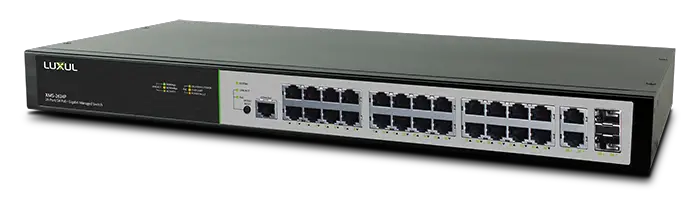

LUXUL switch configuration
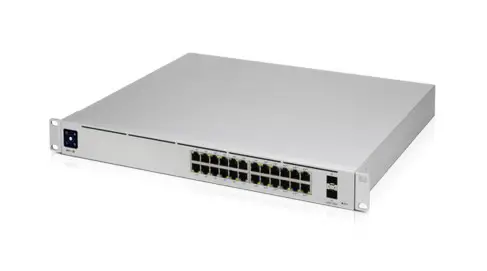
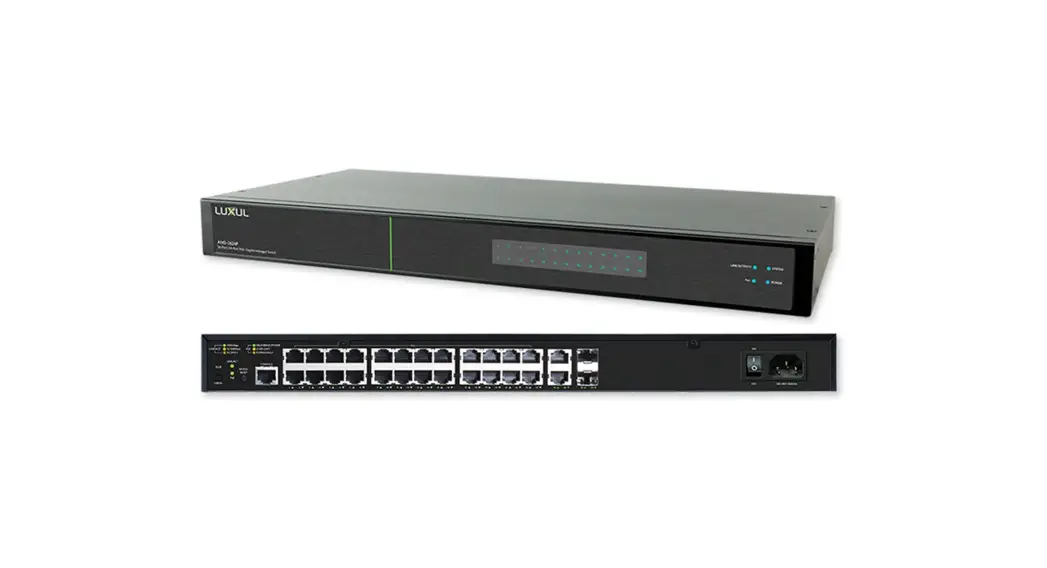
Model number:LUXUL AMS-4424P
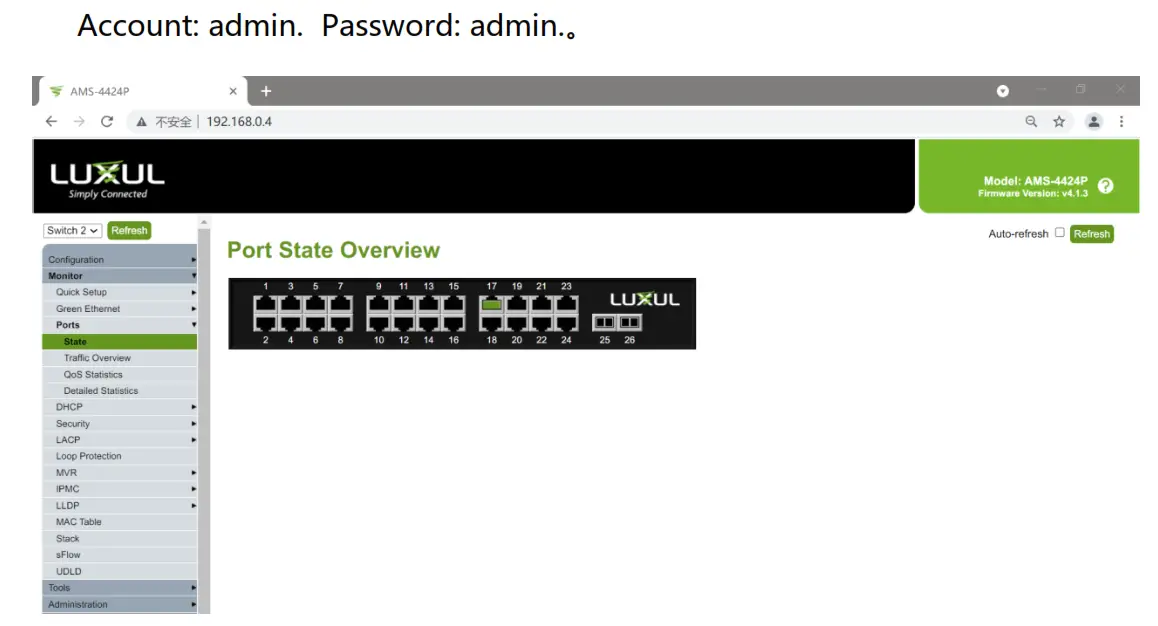
Configuration method:Web(http://192.168.0.4 Account: admin Password: admin)
- 1. Set the IP of the wired network card of the computer: 192.168.0.20, subnet mask: 255.255.255.0, and Connect all the wired network ports to any port of the switch with a network cable.
- Open the switch setting page on the browser, http://192.168.0.4 Account: admin. Password: admin.。

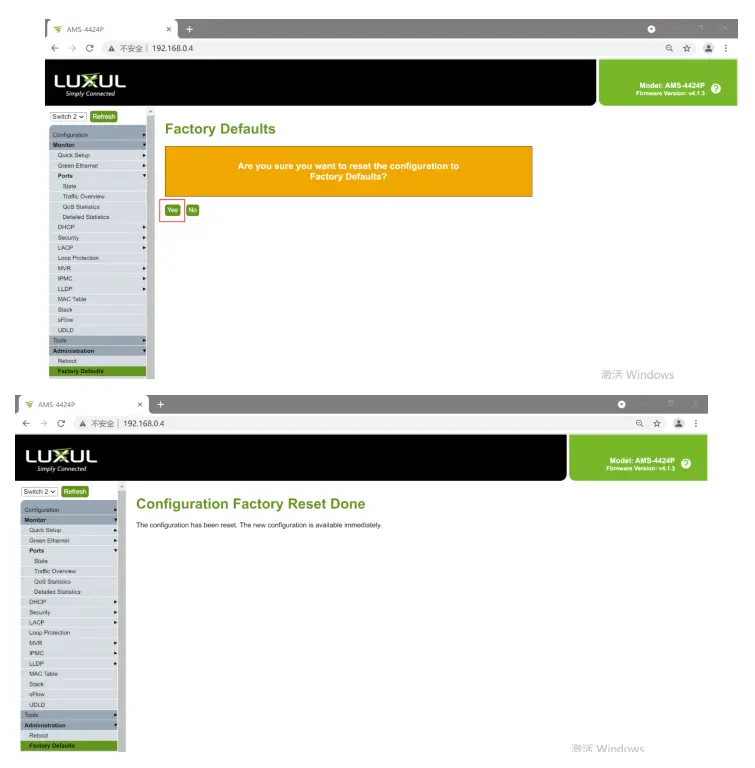
- Restore the switch to factory settings, click the menu Administration->Factory Defaults, click Yes, and wait for a few seconds for the operation to complete.

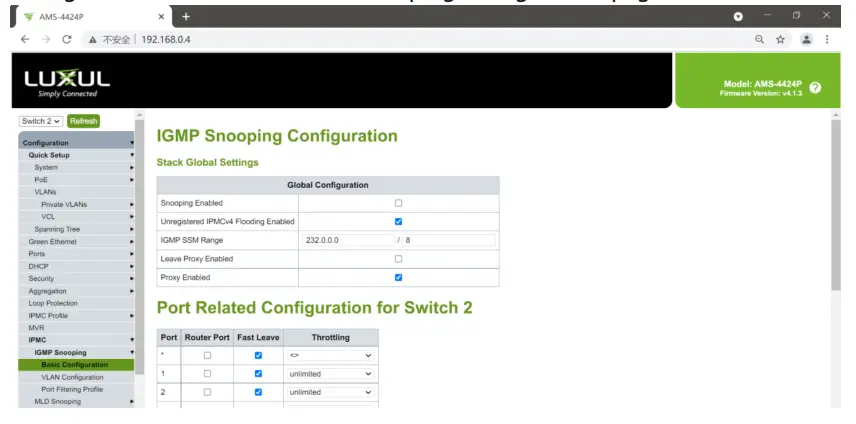
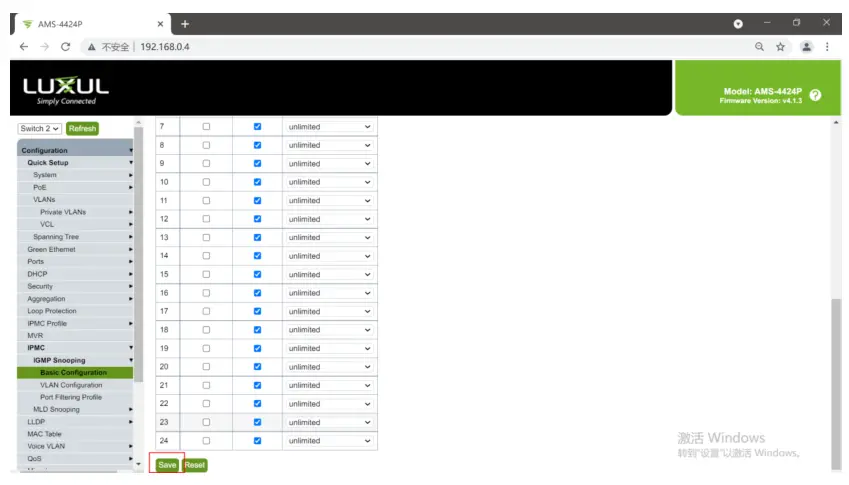
- Click the menu Configuration->IPMC->IGMP Snooping->Basic Configuration to enter the IGMP Snooping configuration page.

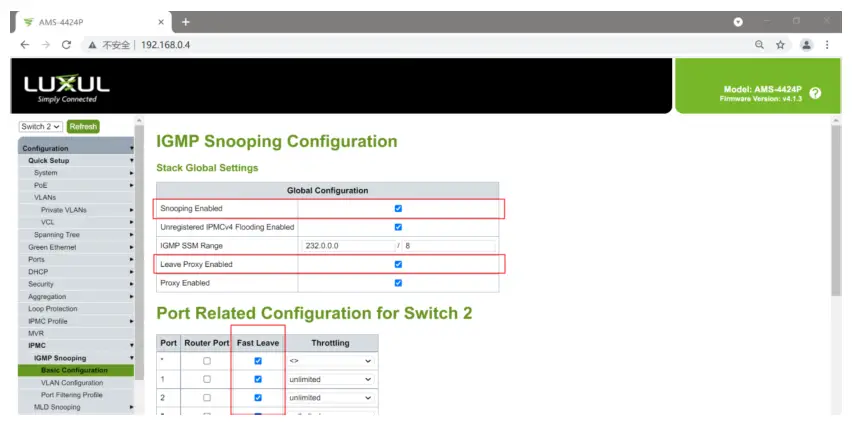
- Select
1. Snooping Enabled
2. Leave Proxy Enabled
3. All Ports Fast Leave
- Scroll to the bottom and click Save.。

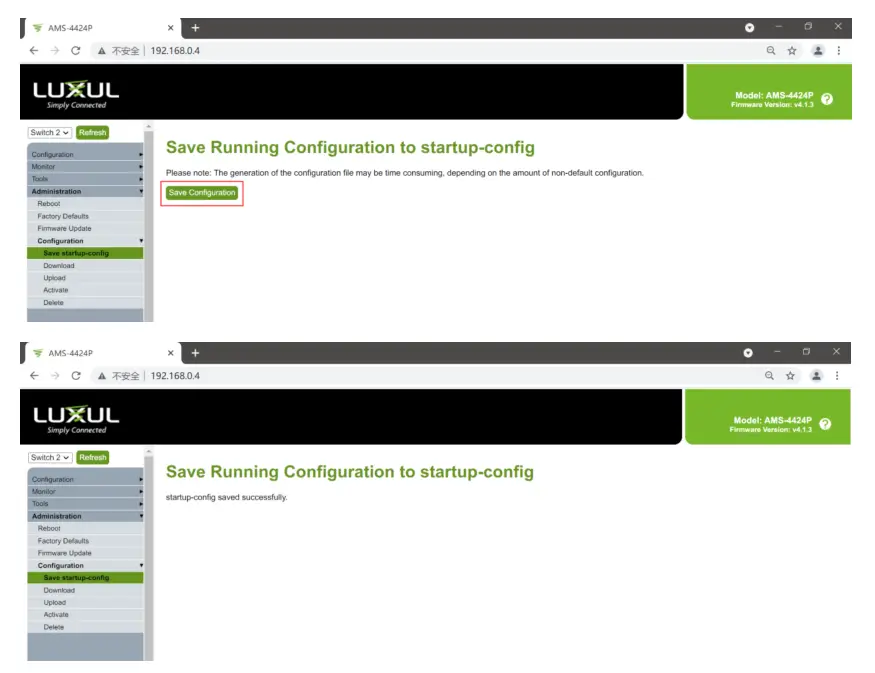
- Click Administration->Configuration->Save startup-config,click Save Configuration

- Reboot the switch.