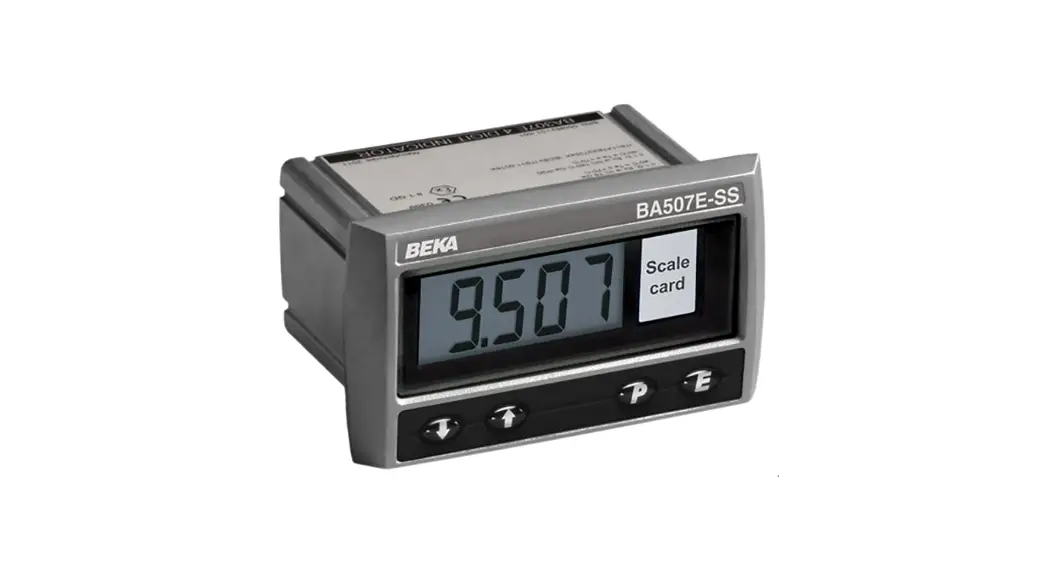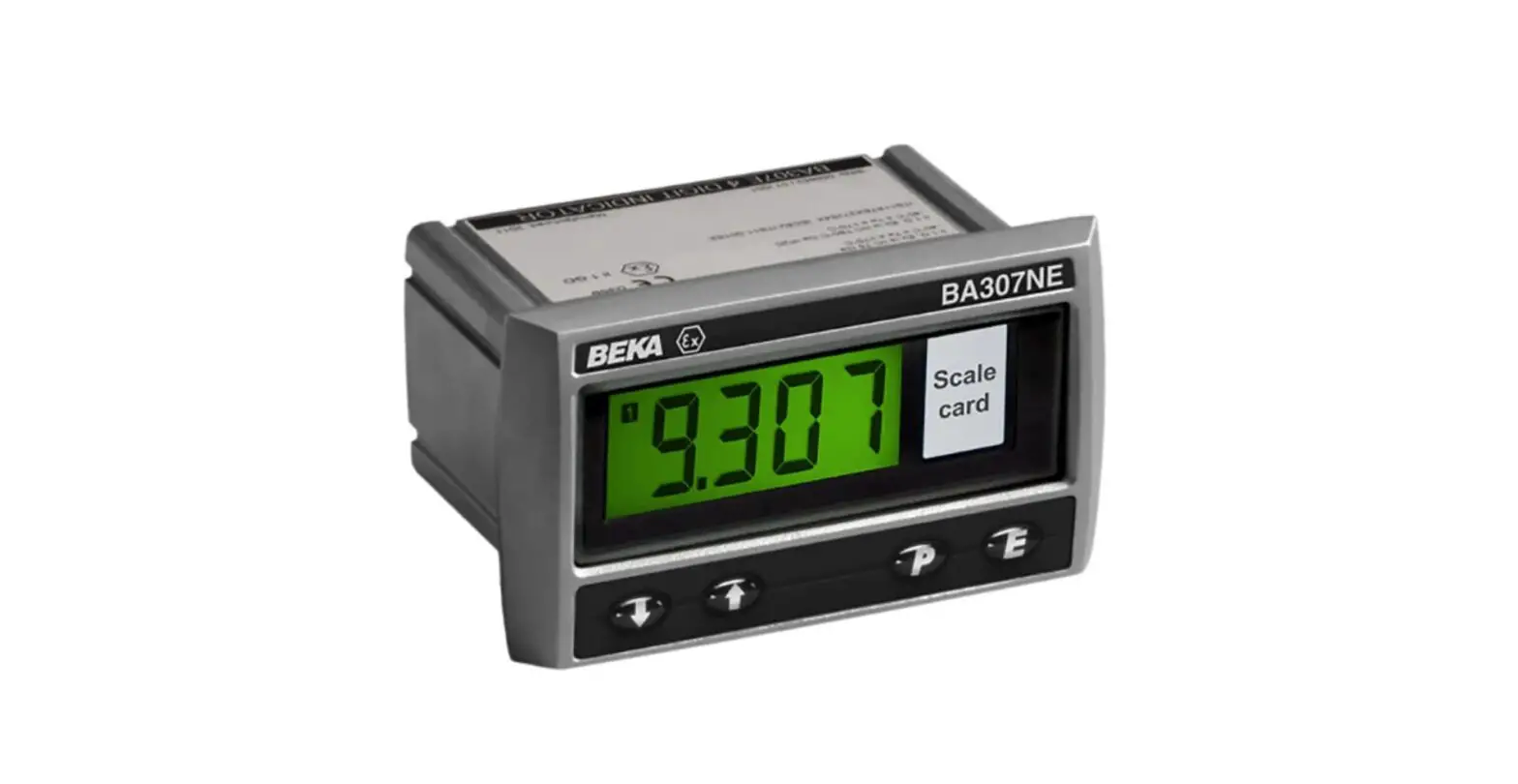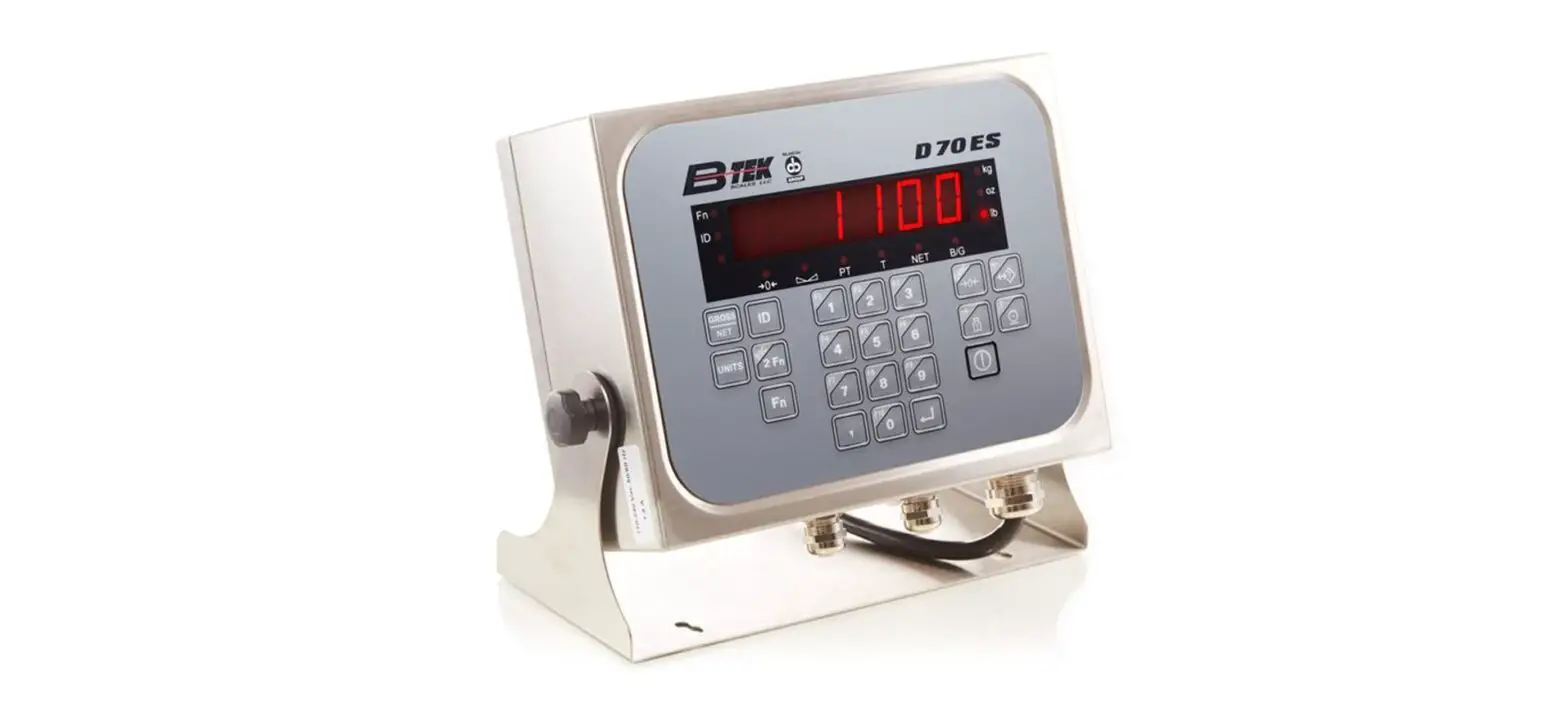

B-TEK D70ES Multi-Functional Analog Indicator
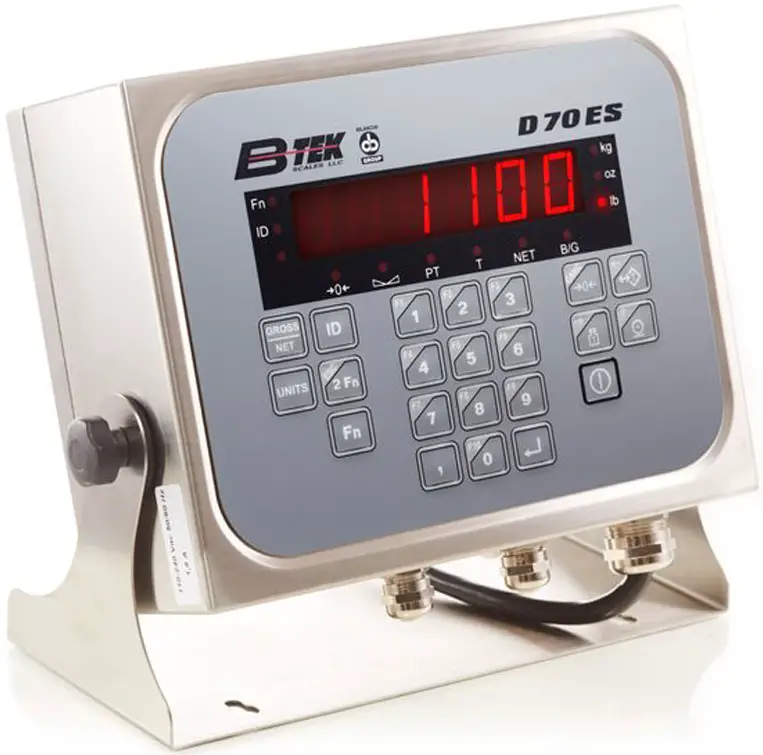
Unpacking and install
Take the D70ES terminal, quick start guide, sealing screws, and sense shorting plug out of the packaging.
Wiring of analog load cells and serial ports
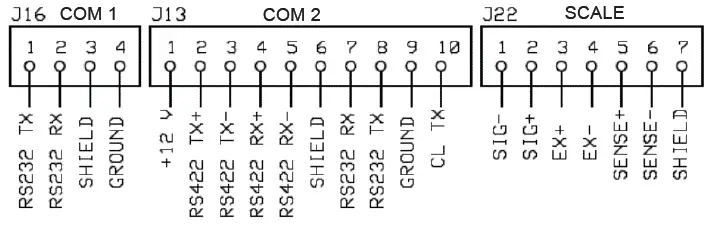
Diagram shows terminal strip wiring to connect the scale, 4 wires (local sense) install the jumper plug wires oriented over the Ex & SEN (the plug will have the two open positions on the left) 6 wires (Remote Sense) remove the jumper, as well as com ports wiring.
If D70ES asks for a time and date you can key this in and press enter to accept.
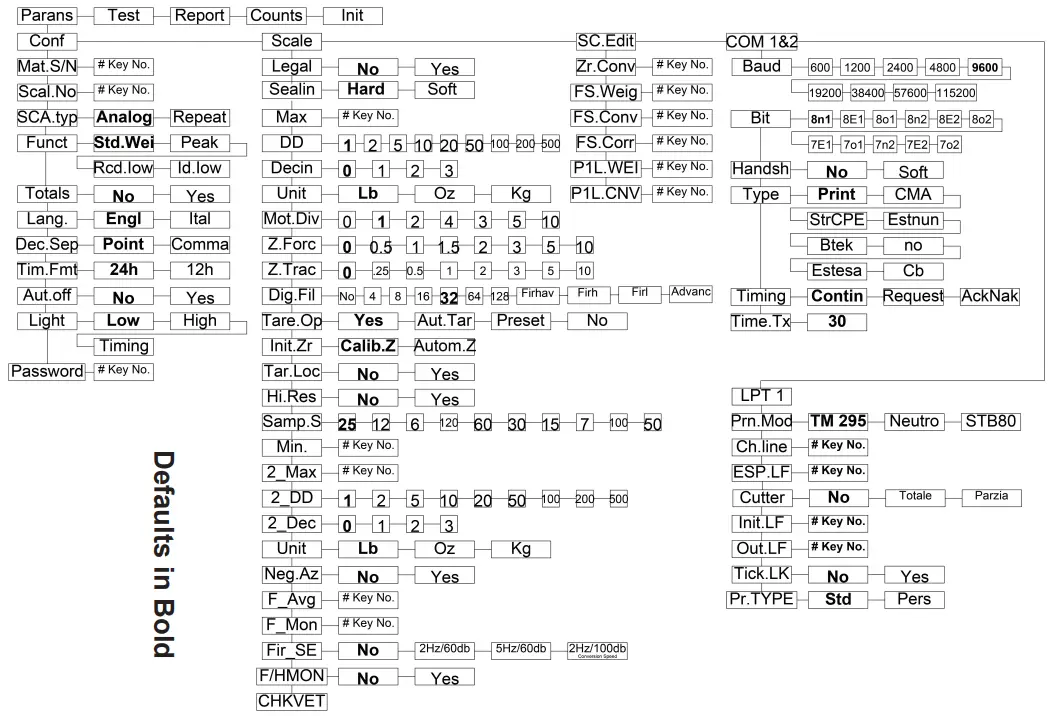
To enter parameters
Press the calibration button in the upper right corner of the main board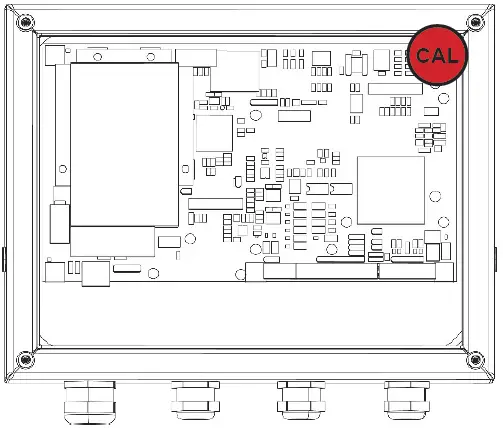
or hold Enter Key while turning on the indicator until “SETUP” appears. (This will not let you modify scale configuration)
Key functions while in parameters
| Function | Key | Operation |
| 2 FN / ESC | 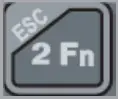 | Parameter down for header and sub-parameter selections |
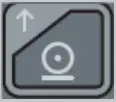 | Up for header and sub-parameter selections | |
| Enter | 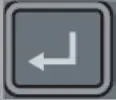 | Enter and advance to the next sub parameter |
| Keyed Tare | 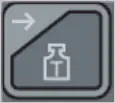 | Display values while in sub-parameters |
| Auto Tare |  | Exit or back out of sub-parameters |
Span Calibration
| Step | Display | Press key | Description |
| 0 |  | Press “Cal” Button to enter setup mode | |
| 1 |  |  | Start calibration procedure |
| 2 |  |  | Select zero sampling |
| 3 |  | For a second, then-current weight on display the 0 | |
 | | Sample dead load; wait for stability before pressing key | |
| 4 |  |  | Press Tare to enter span weight sampling |
| 5 | 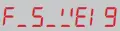 | For a second, then sampling weight on display | |
| | Enter a new SPAN weight value using the numeric keypad. | |
| 6 |  | | Load the scale and press enter to except the value |
| 7 | | | Press FN key or “Cal” button to save the calibration |
B-TEK Scales, LLC
800.266.8900 Fax: 330.471.8909 Monday – Friday 7:00 AM – 5:00 PM www.B-TEK.com [email protected].
 Test and Measurement Equipment | Tektronix
 B-TEK Scales & Industrial Weighing Solutions - B-TEK Scales, LLC