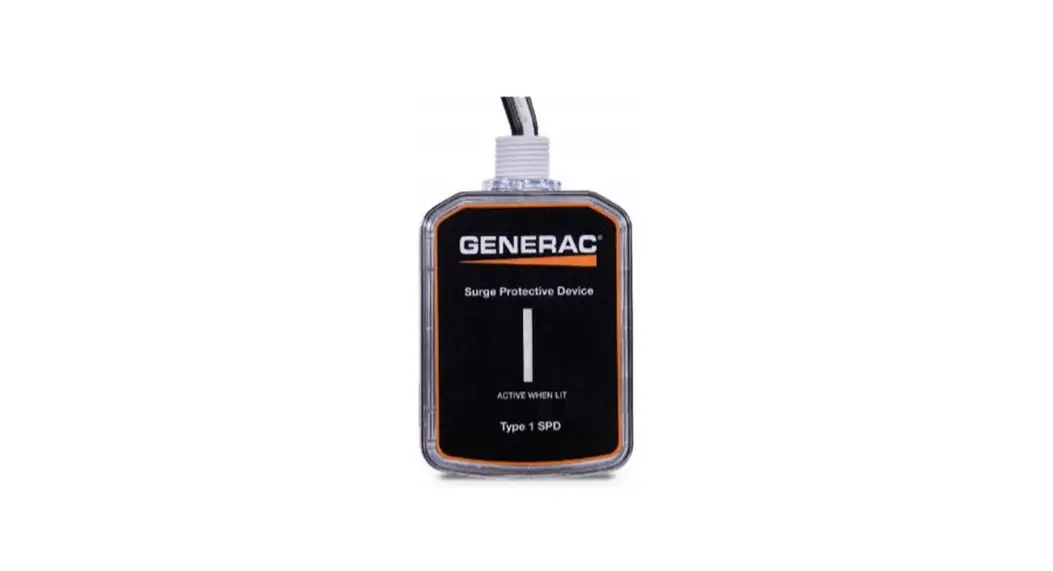
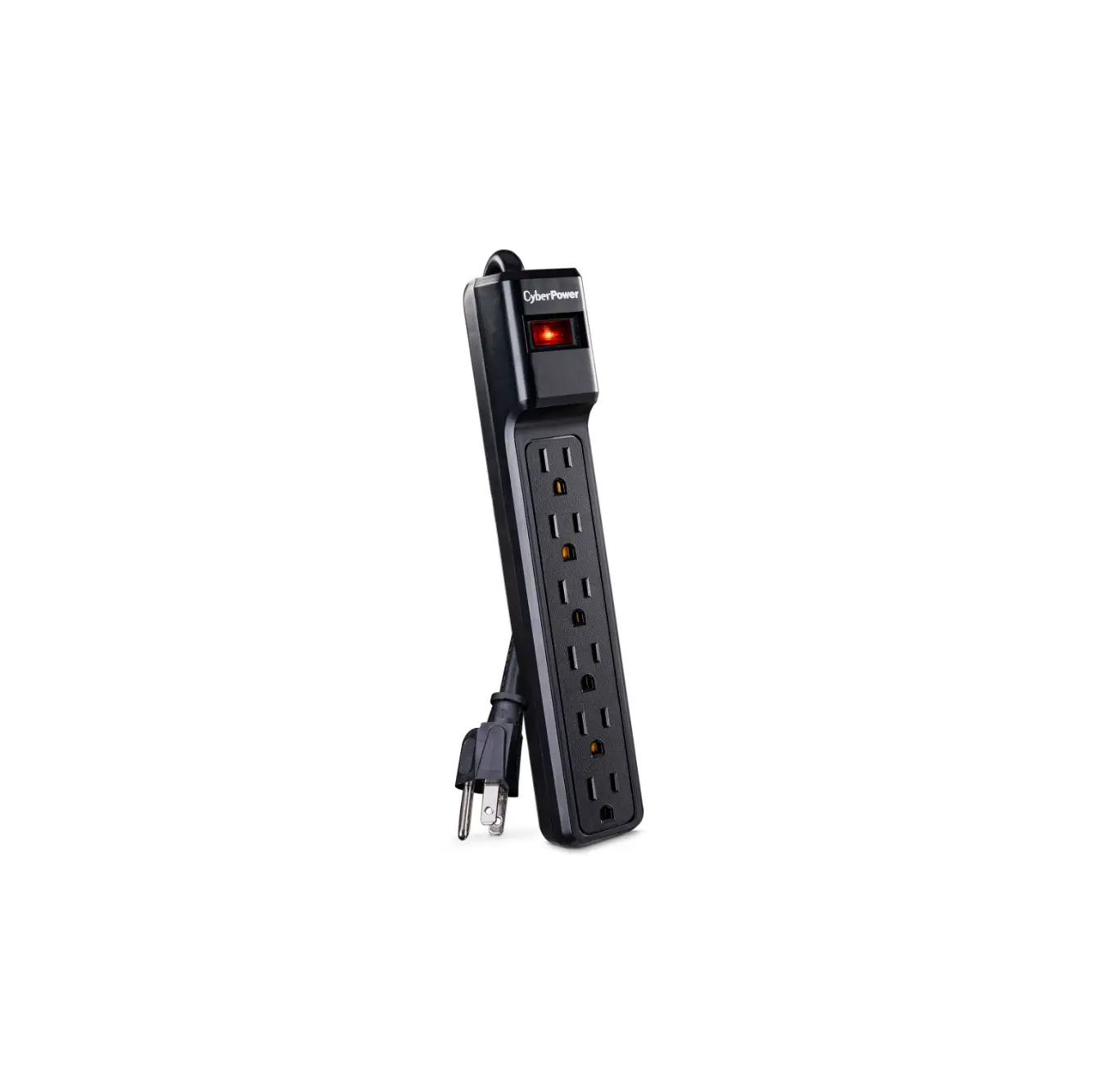
96419 Non Fused Disconnect Box with Surge Protector
Product Information
The RSH-50 Surge Protection Device with Fused Disconnect Box is
designed to protect electrical equipment from power surges. It
operates on 120/240 VAC and has a maximum current rating of 30A.
The product code for this device is 96417.
The surge protection device features a pull-out handle for
disconnecting power, a plastic cover to shield live wires, and
mounting holes for easy installation. It also has line lugs, load
fuse holders, and ground lugs for wiring connections.
It is important to note that all surge protection devices
require a good ground connection for effective operation.
Product Usage Instructions
- Open Lid: Lift the lid and slide it back into
the slot to keep it open. - Pull-Out Mechanism: Pull up on the handle to
remove the pull-out mechanism and then remove the plastic shielding
cover. - Wiring the Disconnect:
- Use a screwdriver and hammer to remove the necessary number of
knockouts provided on the back, side, and bottom of the box for
attaching wiring connectors. - Secure the wiring to the box and protect it from sharp
edges. - If using a pre-made whip attached to the bottom of the box, use
the knock-out to the left of the surge protector, which has larger
spacing for the connector.
- Use a screwdriver and hammer to remove the necessary number of
- Installing the Disconnect: Use proper size
fasteners to mount the unit to the wall using the pre-drilled holes
on the back of the box. - Installing Wires into Lugs:
- The pre-installed surge protector wires are attached to flat
tabs below the LINE lugs. - Wire from the circuit breaker panel attaches to the LINE
lugs. - Wiring to the equipment attaches to the LOAD lugs next to the
lower fuse holder. - Attach the ground wires to the supplied ground bar.
- Ensure wire gauge meets NEC Code standards for the equipment’s
amperage.
- The pre-installed surge protector wires are attached to flat
- Fuses: Install a properly sized fuse in the
fuse holder to match the amperage of the equipment according to NEC
Code standards. - Finish Installation:
- Check all connections to ensure they are torqued properly.
- Replace the front plastic shielding cover.
- Install the pull-out handle in the ON position, pushing it in
as far as possible for proper installation.
Warranty Information & Safety Notice
The RSH-50 Surge Protective Device (SPD) comes with a lifetime
product warranty. The manufacturer, PSP Products, Inc., will repair
or replace any defective or surge-damaged RSH-50 SPD at no cost to
the original owner or owner of record of the premises.
In addition, the manufacturer provides a connected equipment
warranty for a period of 5 years from the date of installation.
This warranty covers the repair or replacement of heating,
ventilation, and air conditioning equipment damaged as a result of
SPD failure during a surge event. Certain conditions apply for
coverage under this warranty.
For technical support, customers can contact 1-800-648-6802.
INSTALLATION INSTRUCTIONS
RSH-50 Surge Protection Device with Fused Disconnect Box 120/240 VAC, 30A
PRODUCT CODE 96417
Front View (Cover)
Back View
Mounting Holes
Knock-Outs
Pull-Out Handle to disconnect power
Plastic cover shielding live wires
Inside View
Line Lug
Load Fuse Holder Ground Lug Load Lug
Load Fuse Holder Knock-Out
Inside View
Line Lug Load Fuse Holder
Load Lug Load Fuse Holder
Knock-Out Surge Protector
Para instrucciones en español visite www.rectorseal.com
Technical Support Call 1-800-648-6802
All surge protection devices require a good ground connection for effective operation
Side View
1. OPEN LID
Lift lid and slide back into slot to keep open.
2. PULL-OUT MECHANISM
Pull up on the handle to remove pull-out mechanism and then remove the plastic shielding cover.
3. WIRING THE DISCONNECT
1/2″, 3/4″ and 1″ knock-outs are provided on back, side and bottom of can to attach the proper size wiring connectors. Use a screwdriver and hammer to remove the exact number of knockouts needed for the installation. Secure the wiring to the box and protect it from sharp edges. If you are using a pre-made whip attached to the bottom of the can, use the knock-out to the left of the surge protector. This knock-out has a larger spacing to allow for the connector.
4. INSTALLING THE DISCONNECT
Pre-drilled holes on the back of the box allows mounting the unit to the wall. Provide proper size fasteners to ensure secure mounting to the wall.
5. INSTALLING WIRES INTO LUGS
The pre-installed surge protector wires are attached to flat tabs below the LINE lugs. Wire from the circuit breaker panel attaches to the LINE lugs. Wiring to the equipment attaches to the LOAD lugs next to lower fuse holder. Ground bar supplied for attaching the GROUND wires. Make sure the wire gauge meets any NEC Code standard for the amperage of the equipment.
6. FUSES
Install proper sized fuse in the fuse holder to match the amperage of the equipment per NEC Code standards.
7. FINISH INSTALLATION
Check all connections to make sure they are torqued properly before replacing front plastic shielding cover and then install the pull-out handle in the ON position. This handle MUST be pushed in as far as possible for proper installation.
NOTICE: Failure to properly secure the cables may cause equipment damage due to overheating.
This table provides required torque values for ALL wiring inside the disconnect box
LUG SPECIFICATIONS (60/75°C AL-CU WIRE)
WIRE SIZE (AWG)
Line/Load
Equipment Ground
CU
AL
CU
AL
14-10
–
14
–
8-6
8-6
8
8
4-2
4-2
8
8
CONNECTOR TORQUE (LB-IN)
Line/Load
35 45 50
Equipment Ground
25
40
40
RSH-50 Surge Protection Device with Fused Disconnect Box 120/240 VAC, 30A
WARRANTY INFORMATION & SAFETY NOTICE
Coverage for the RSH-50 Surge Protective Device (SPD) for Single-Phase System
Lifetime Product Warranty
PSP Products, Inc. (“Manufacturer”) will, at its sole discretion, repair or replace any RSH-50 Surge Protection Device (SPD) that is defective or is damaged by an electrical surge (including those caused by lightning) for the lifetime of the product from the date of installation by the original owner or owner of record of the premises (User) at no cost to the User.
Connected Equipment Warranty
Manufacturer will, at its sole discretion, for a period of 5 years from the date of installation, repair or replace heating, ventilation and air conditioning equipment that is damaged as a result of SPD failure during a surge event. Coverage is applicable only if the SPD (1) was fully functional immediately prior to the claim event; (2) was properly installed per the installation instructions; and (3) sustained surge damage as a result of the claim event.
Damage claims must be made within 14 days of the occurrence and the SPD returned to Manufacturer within 30 days of the occurrence with the original purchase receipts of the SPD. Returned SPDs require an RMA number and a completed Warranty Claim Form (contact Warranty Assistance for details), and the SPD must be determined to have failed based on Manufacturer’s test procedures.
This coverage is secondary to any applicable warranties, service contracts and all other insurance. If the claim is found to be valid, Manufacturer will pay up to the deductible amount of the home owners insurance or the cost of the damage, whichever is less, subject to a $5000.00 limit per occurrence. All of the above items must be met in order to have a valid claim.
The above coverage applies to the User only and is the exclusive remedy under this warranty, whether based on contract, tort, including negligence, or otherwise. Manufacturer reserves the right to audit the damages, site and/or cost of repairs and may require a notarized proof of loss. This warranty does not cover damage associated with sustained over voltages, vandalism, theft, normal wear and tear, obsolescence, abuse, unauthorized modification or alteration, misuse, improper installation or catastrophic events including direct lightning hit.
Except as expressly provided by this warranty, Manufacturer disclaims liability for any incidental, indirect, special or consequential damages arising out of the sale or use of SPDs (including without limitation: lost business profits, loss of data and all freight, mileage, travel time and insurance charges associated with warranty coverage claims). Some states do not allow the exclusion or limitation of incidental or consequential damages, so the above limitation or exclusion may not apply to you. This warranty gives you specific legal rights and you may have other rights which vary from state to state. This warranty is valid in the United States and Canada only.
Caution: Effective surge suppression requires correct wiring and all SPDs must be properly grounded for this warranty to be honored. For Warranty Assistance call 800-648-6802 or (703) 368-8376 · PO Box 4108, Manassas, VA 20110
Voltage or current hazard, follow these instructions or it could result in serious bodily injury or death.
Most electric product-related incidents are caused by failure to observe basic safely rules or precautions. Rectorseal cannot anticipate every possible circumstance that might involve a potential hazard.
Electric Shock Hazard!
Requirement
Installation MUST be completed by a qualified licensed tradesman in the field of electrical installation. This would include a thorough understanding of the requirements of NFPA 70: National Electrical Code® and all local codes.
Installation Process
The Installation must conform to these instructions and the local code authority having jurisdiction and the requirements of the power company. In the absence of code requirements follow NFPA 70 (latest edition) National Electric Code.
The Code which may be ordered from: National Fire Protection Association, 1 Batterymarch Park, Quincy, MA 02269.
RectorSeal, LLC · 2601 Spenwick Drive, Houston, TX 77055, USA · 800-231-3345 · Fax 800-441-0051 · rectorseal.com
A CSW Industrials Company. RectorSeal, the logos and other trademarks are property of RectorSeal, LLC, its affiliates or its licensors and are protected by copyright, trademark and other intellectual property laws, and may not be used without permission. RectorSeal reserves the right to change specifications without prior notice. ©2022 RectorSeal. All rights reserved. R50366-0922
 RectorSeal: Innovations for the Trades
 RectorSeal: Innovations for the Trades