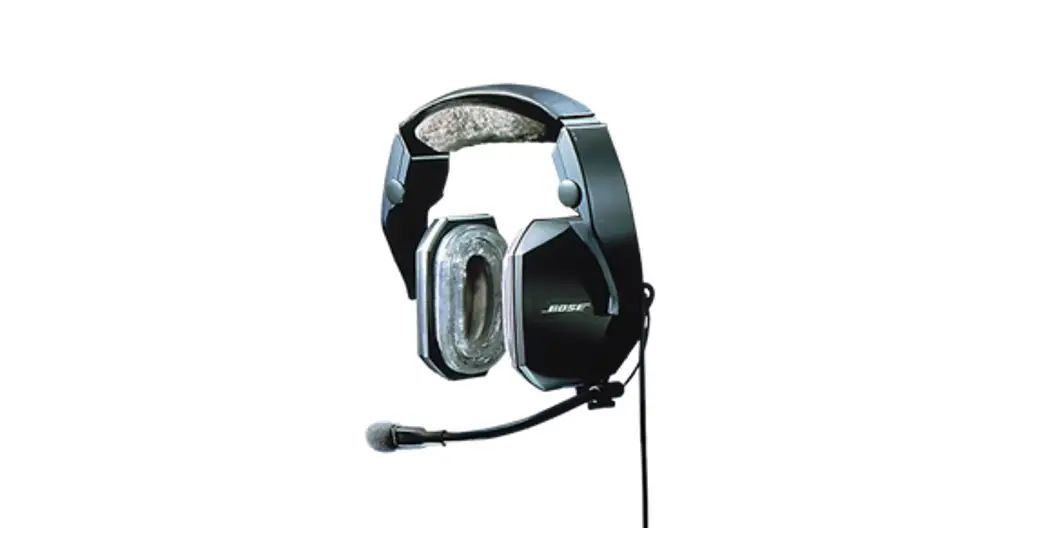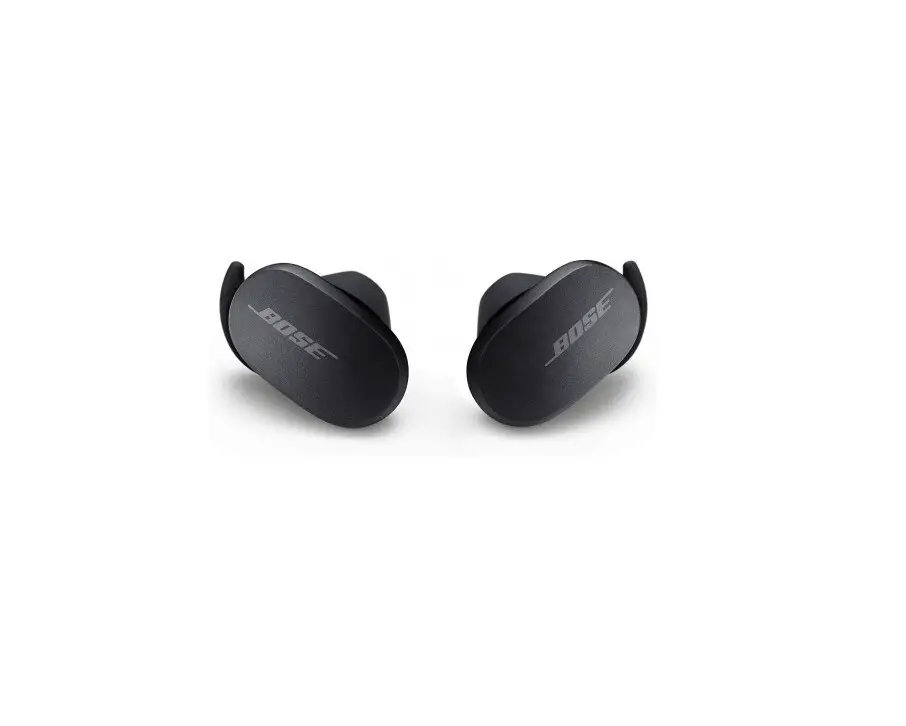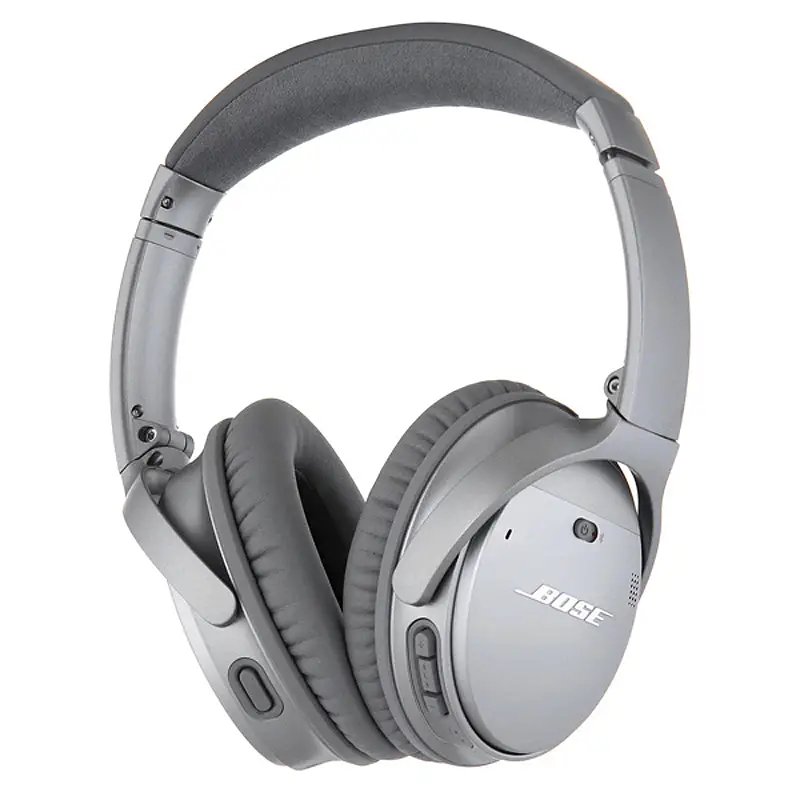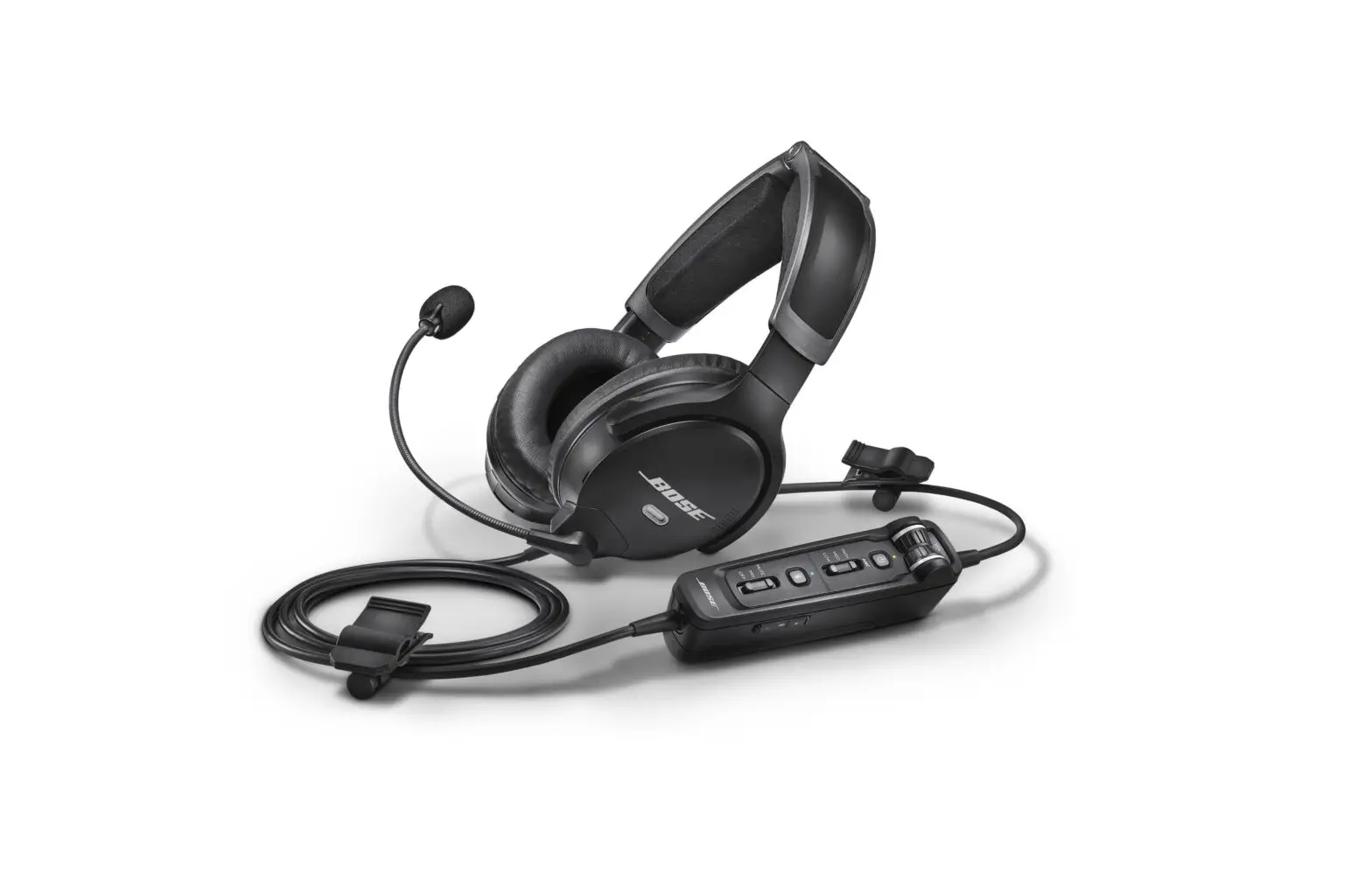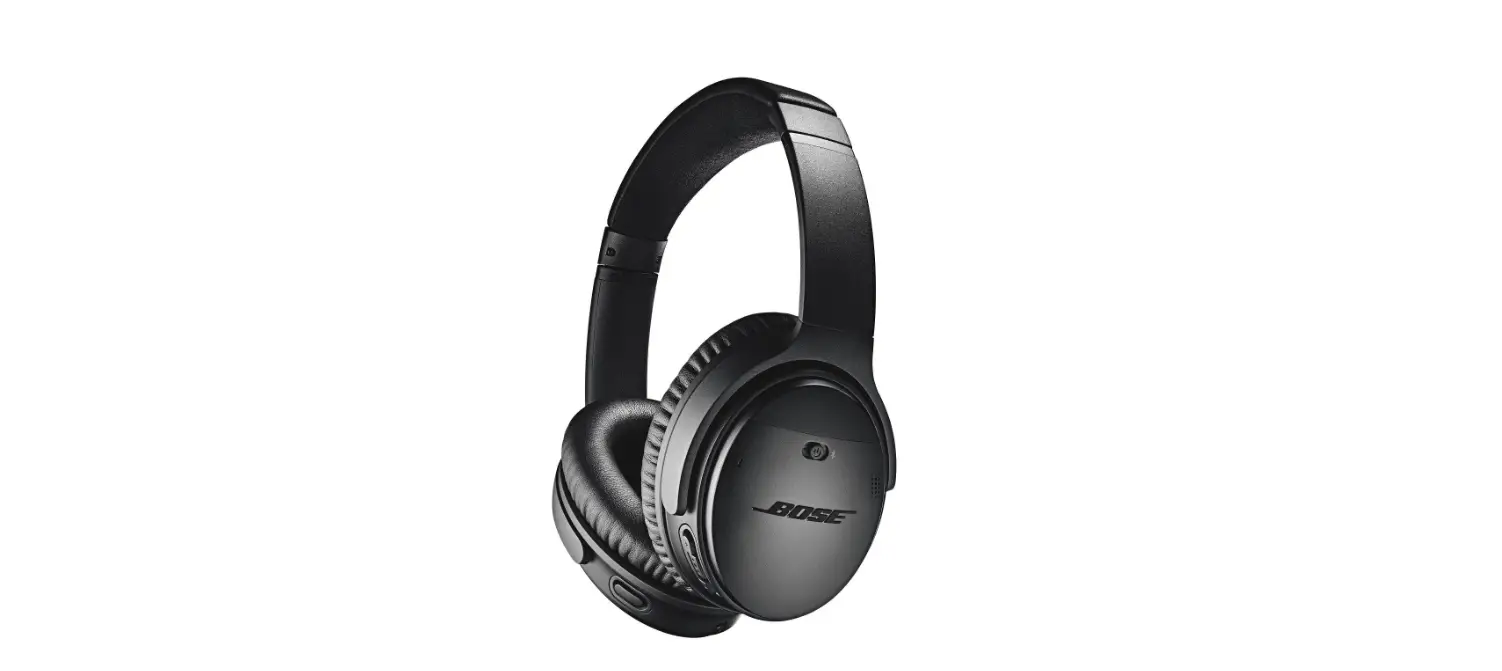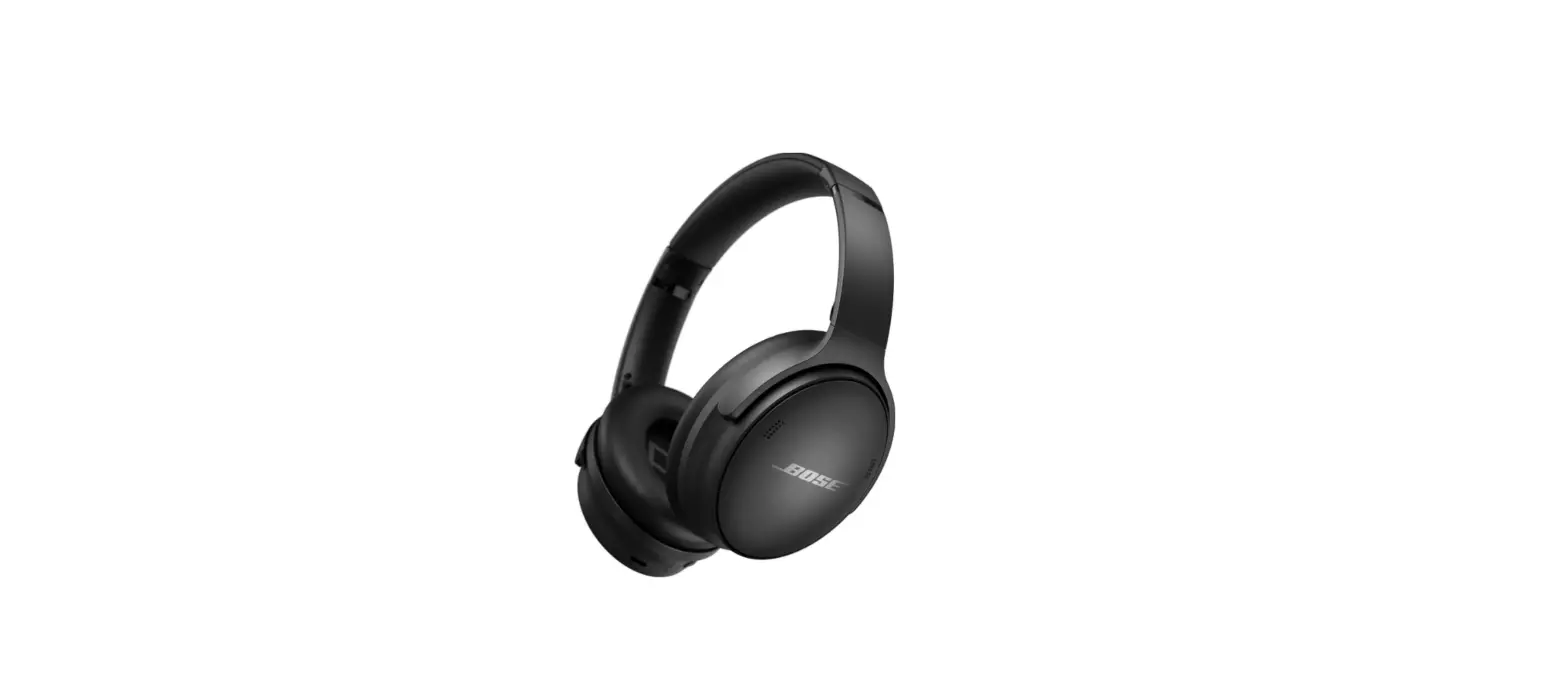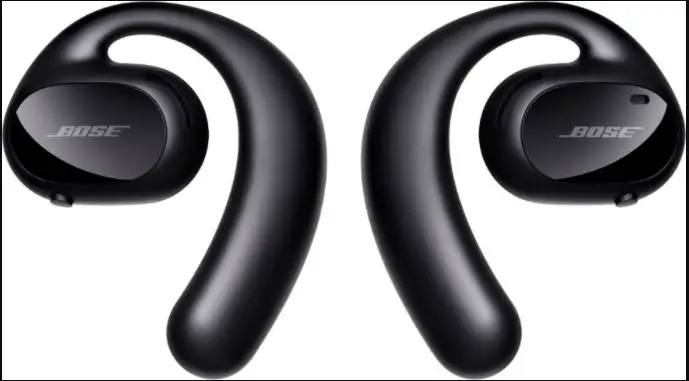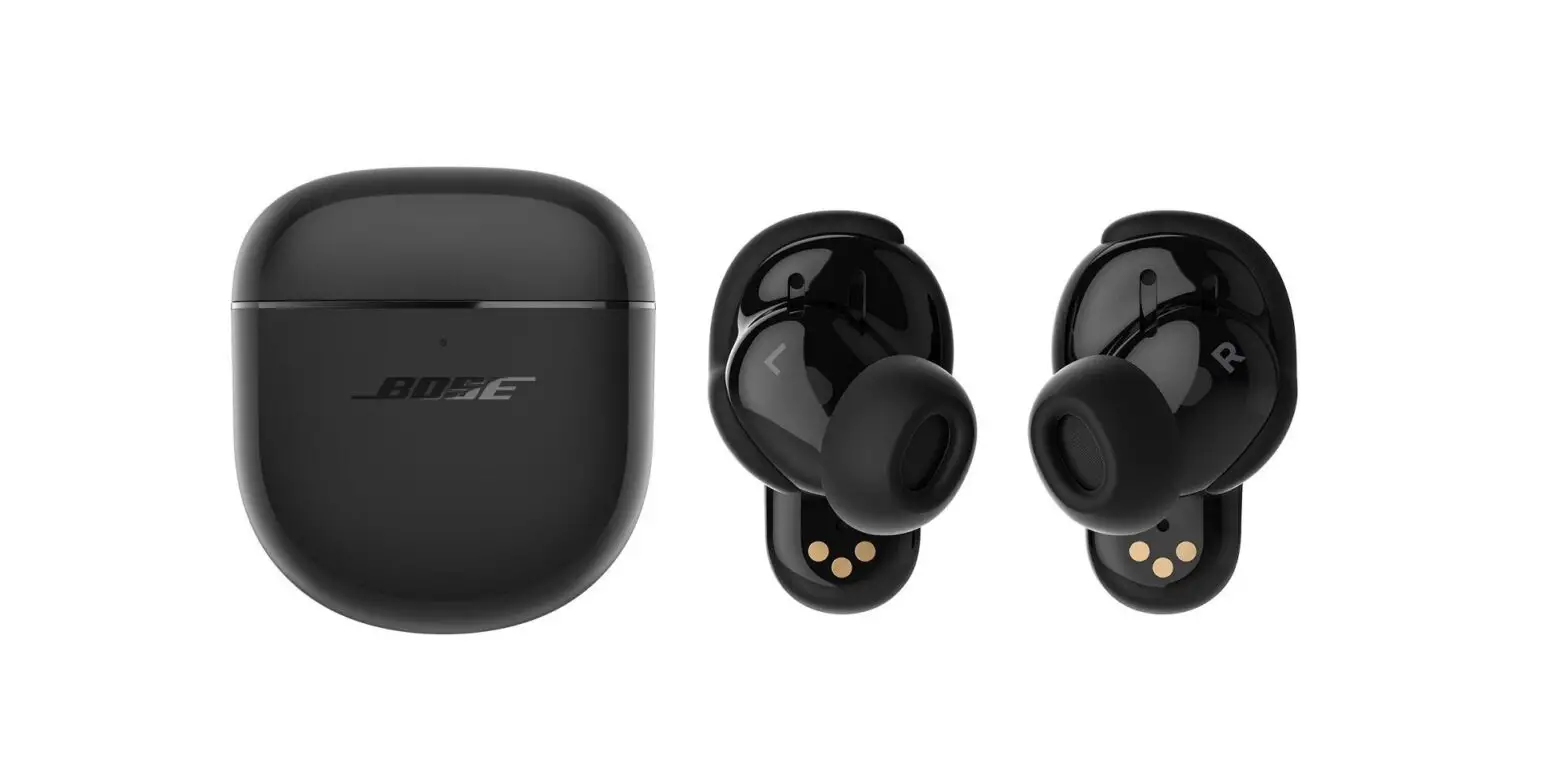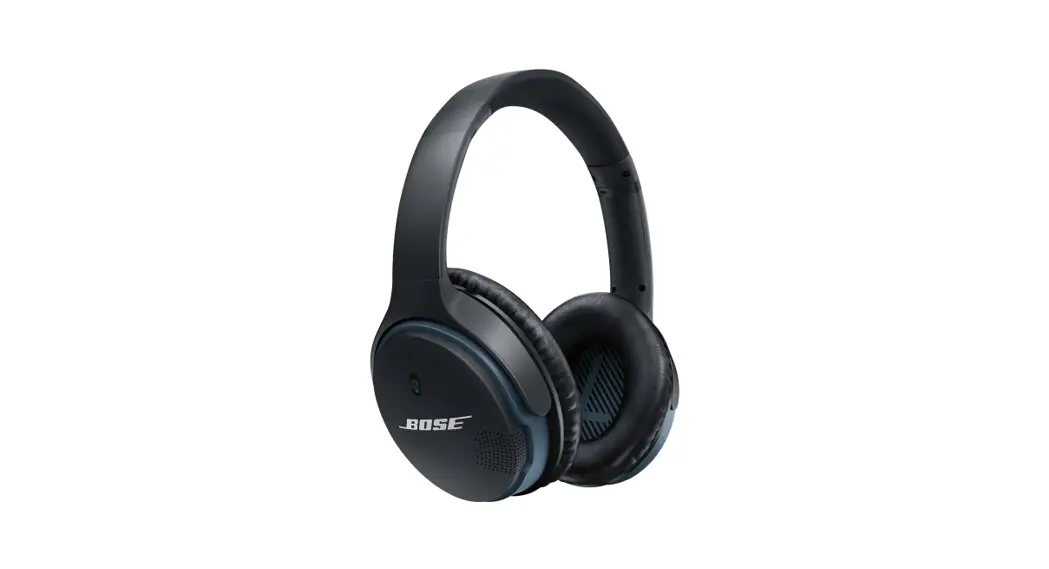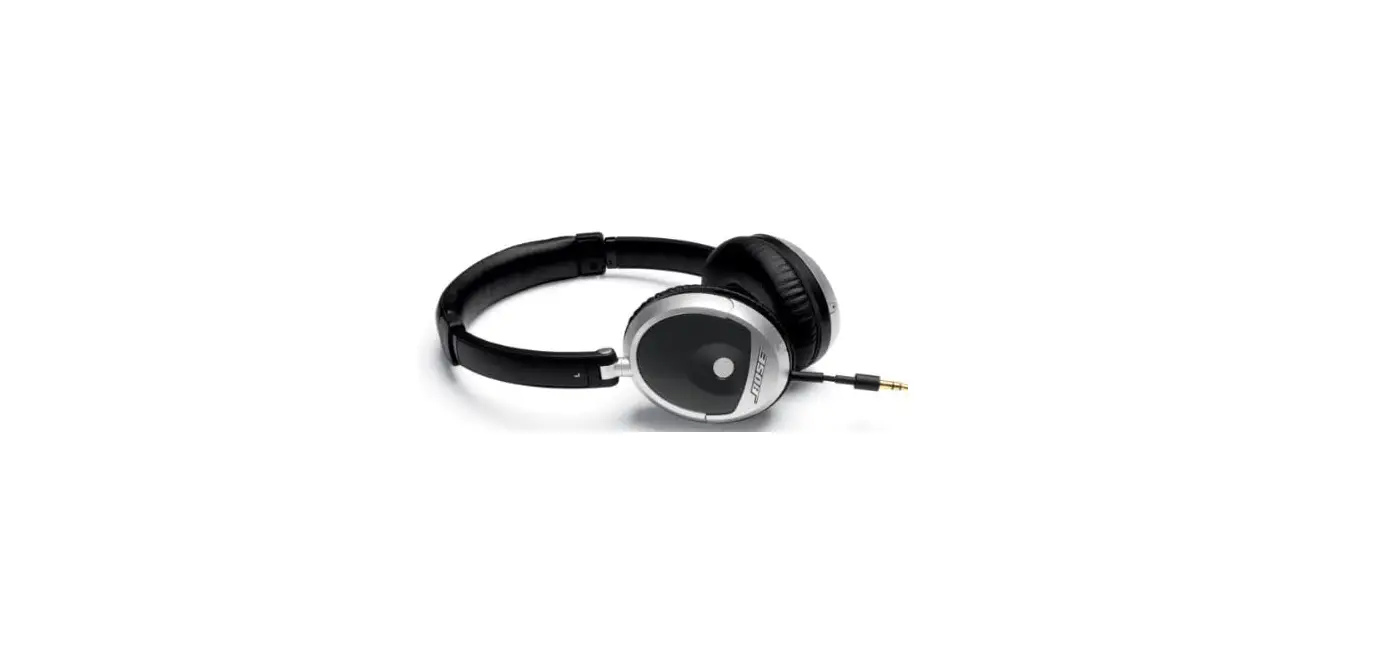

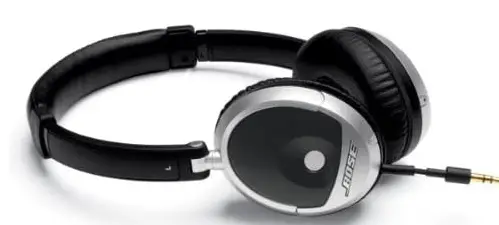
Bose 315351-0010 On-Ear Headphones
SPECIFICATION
- BRAND Bose
- MODEL NAME 315351-0010
- COLOR Black
- FORM FACTOR On Ear
- CONNECTIVITY TECHNOLOGY Wired
- PRODUCT DIMENSIONS 4 x 7 x 2.5 inches
- ITEM WEIGHT 1 ounces
- BATTERIES 1 Lithium Ion batteries required
BOSE ON-EAR AUDIO HEADPHONES
- Bose audio performance in a comfortable, new, on-ear headphone design
- Proprietary Bose headphone technologies deliver clean, rich sound
- Lifelike clarity and range remarkable for headphones this size
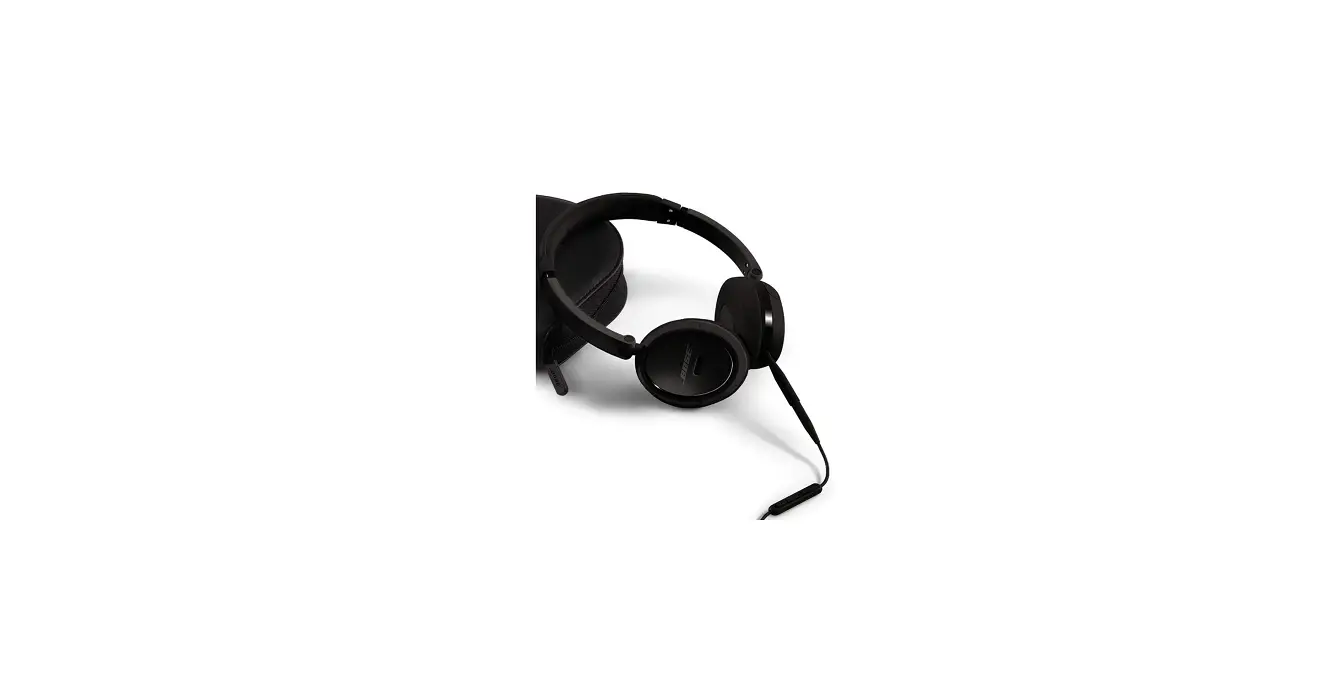
- Fold-flat earcups and collapsible headband for on-the-go convenience
- Lightweight fit; single-earcup cable; slim, protective case included
New Bose on-ear headphones deliver clean, rich sound in a small, light, on-ear design. Just slip them on and enjoy high-performance audio–engineered exclusively by Bose.
You’ll hear deep lows. Clear mids. Sweet highs. Distinct separation of instruments. Try them with your favorite tracks and you just may discover subtleties you never heard before.
You may also find yourself forgetting you have them on. Bose on-ear headphones weigh less than five ounces. Their earcups are softly padded with memory foam that gently conforms to the shape of your ears. And they’re designed to rotate from front-to-back and top-to-bottom–for an enhanced fit that reduces pressure points. You can wear them comfortably for hours on end.
Bose on-ear headphones feature proprietary Bose technologies that produce high-quality audio in this compact on-ear design. The unique TriPort® acoustic headphone structure provides excellent low-frequency output and helps create a wide range of audio from such small, lightweight earcups. There’s no need to push buttons or adjust knobs, and no batteries are required. You just plug in and experience full-bodied, well-balanced audio that brings out the details in your music.
These headphones make great commuting partners. They include two detachable audio cables of different lengths. Use the shorter 16-inch cable with armband or shirt-pocket connections, or link it to the standard 43-inch cable when you need added reach. Both cables attach to just one earcup, so there’s less tangling than with conventional Y-cables. Bose on-ear headphones also feature a collapsible headband and fold-flat earcups. A protective carrying case is included with purchase. One year limited warranty on parts an labor.
Fold flat earcups rotate into headband for increased portability and easy storage.
KEY FEATURES
- Comfortable on-ear designdelivers quality Bose sound with small pivoting earcups that rest gently on your ears. Proprietary cushions enhance audio performance and stay comfortable for hours.
- TriPort® acoustic headphone structure, available only from Bose, produces tonally balanced audio with deep low notes from lightweight, on-ear headphones.
- Detachable audio cables(43″ and 16″) on a single earcup provide added convenience. Cables attach to just one earcup for less tangling than with Y-cables. Use the shorter cable with portable players on armbands or in shirt pockets. Link the cables together for added reach.
- Fold flat earcupsrotate into headband for increased portability and easy storage.
- Slim carrying case for travel; headphones and accessories can be conveniently protected and stored.
- Adjustable headbandwith up to three inches of adjustment in headband length
- Hologram labelprovides a visual identifier and unique product code signifying the headphones are a genuine article from Bose. The hologram also has various security features that enable Bose to confirm the authenticity of the label. On Bose headphones, the label is located on the inside of the headband.
PRODUCT DIMENSIONS
Overall headset, unfolded 7.3″H x 5.3″W x 2.4″D
( 18.5 cm x 13.5 cm x 6 cm )
Weight 5.05 oz(143.2 g) Cable length; 43″ (110 cm) Adapter length; 4.25″ (10.5 cm)
WHAT’S IN THE BOX
- Bose® on-ear headphones
- Detachable audio cable – 45 inches
- Detachable audio cable – 16 inches
- Carrying case
SIMILAR BOSE PRODUCTS TO CONSIDER
Bose® mobile on-ear headset –Experience quality audio for your music, one-touch switching between music and calls, and a comfortable on-ear fit. Includes a hands-free inline microphone on the back of the answer/end button Compatible with iPhone and a variety of popular mobile phones
Frequently Asked Questions
There could be dirt and debris blocking the audio jack on your phone. Use a can of compressed air or blow into the jack to clean it. You can also try to remove the material by using a cotton swab with a few drops of alcohol put to the end of it. No matter the problem, our professionals can fix your damaged equipment.
Connect your headset to the USB 3.0 connection on your computer. The USB cord needs to be connected to your computer’s USB 3.0 port. Connect your headset to the HDMI out connection on your computer. After identifying the HDMI out port on your computer, attach the HDMI cable that was included with the headset. You must connect your headphones to your headset. typical problems
This indicates that the product has a microphone integrated into the headphone cable, enabling voice controls or smartphone calls without taking off your headphones.
Make the earphone cord straight. Use a different set of earbuds if you can. Make the headphone jack seem nice. Restart the apparatus. Check the audio settings on the gadget. Examine the earphone cables for wear.
A pair of headphones may only output sound to one ear for a variety of reasons. The wires surrounding the audio jack have most frequently been bent back and forth so many times that they have resulted in a wiring problem, which is the most common cause of sound coming from only one side.
Your headphones are susceptible to water damage, just like any other electrical gadget. And it might occur anywhere, at any time.
Up to 5000 plug-and-unplug cycles can be supported by a normal 3.5mm headphone socket. Type-C and Micro USB connectors can endure 10,000 cycles.
Your headphones are susceptible to water damage, just like any other electrical gadget. And it might occur anywhere, at any time.
Up to 5000 plug-and-unplug cycles can be supported by a normal 3.5mm headphone socket. Type-C and Micro USB connectors can endure 10,000 cycles.
Whether wired or wireless, headsets have a tendency to continually disconnect from a device. This recurring problem may destroy your overall device experience. The headset, the device you’re trying to connect it to, or outside interference could be the cause of the frequent disconnections.
Simply placing them into another device will prove this without a doubt. It’s not necessary for this to be a smartphone. Any computer, television, or other device having a 3.5 mm jack will work with it. When using your headphones with a separate device and hearing nothing, you know there is an issue.
The headphone jack is one of the most important and delicate parts of every pair of headphones. A small misalignment could also completely ruin a beloved pair of headphones. Headphone jacks are twisted a startling amount of the time.
Clean up after each usage. Never let someone else use your headphones. Gently wipe out any dirt or earwax from the driving unit. Remember to bring the jack, please. You shouldn’t immediately put them in your pocket. Do not let the wires hang. Keep your wiring organised and clean. Do not coil your cables tightly.
One of the most crucial and delicate components of every pair of headphones is the headphone jack. A minor misalignment could even damage a cherished set of headphones entirely. Unbelievably frequently, headphones jacks are bent.
After each use, clean up. Never permit a third party to use your headphones. Remove any debris or earwax from the driving unit by gently wiping it. Please don’t forget to bring the jack. You shouldn’t put them in your pocket right away. Keep the cables from dangling. Keep your wiring neat and organised. Your cables shouldn’t be tightly wound.
An army knife, a lighter, and heat-shrinking tubing are required to patch and repair headphone wires and cables. Before using heat-shrinking tape or electric tape to finish the repair, you must first strip the cable, remove the wire wrapping, and reattach the wires.
Use your thumb and index finger to grip the wire. Maintaining a slightly tight grip, move the wire between your fingers from the bottom of your headphones to the end where the jack is. After doing this two or three times, you should notice your headphone cables starting to untwist.