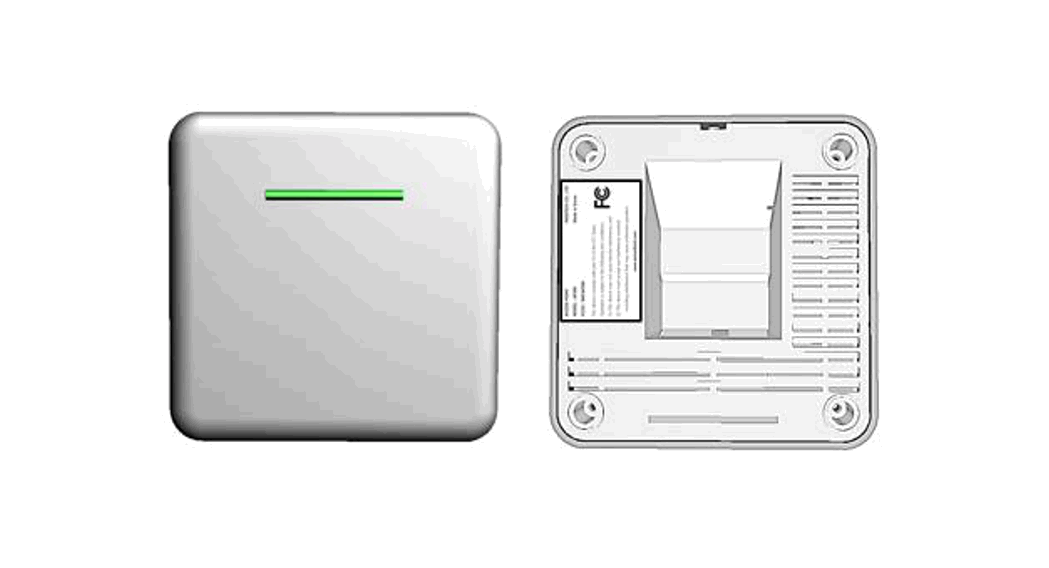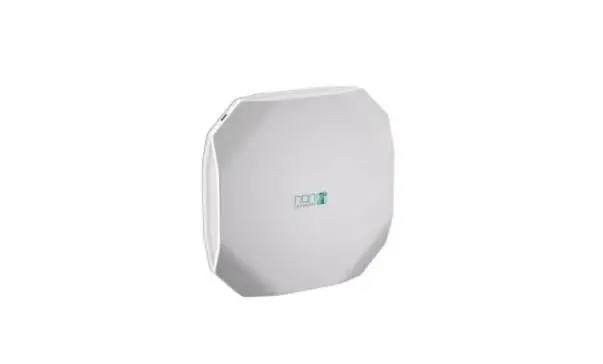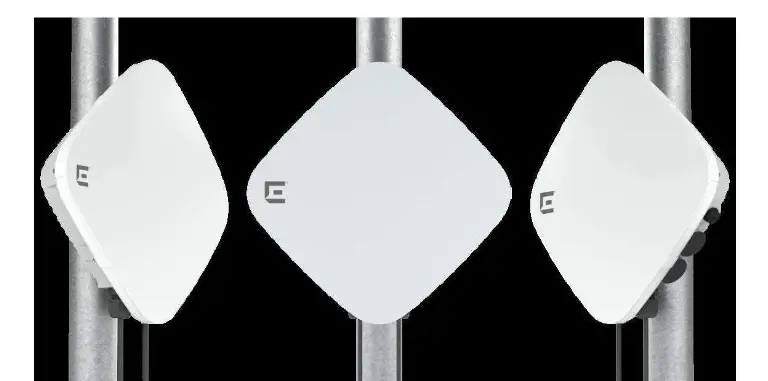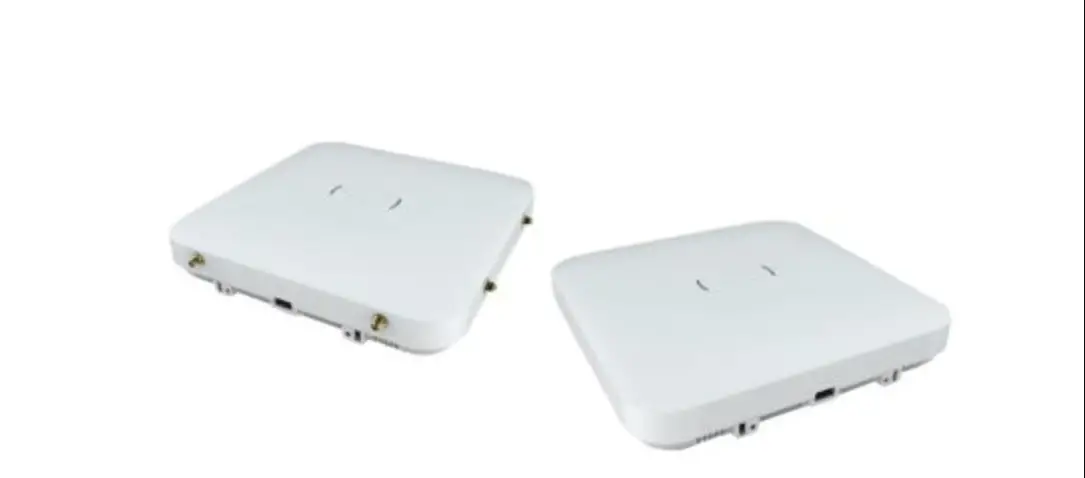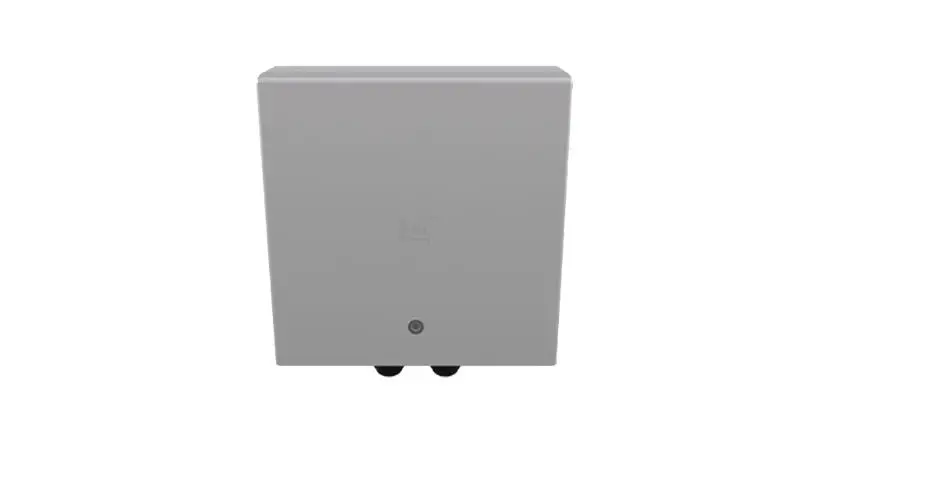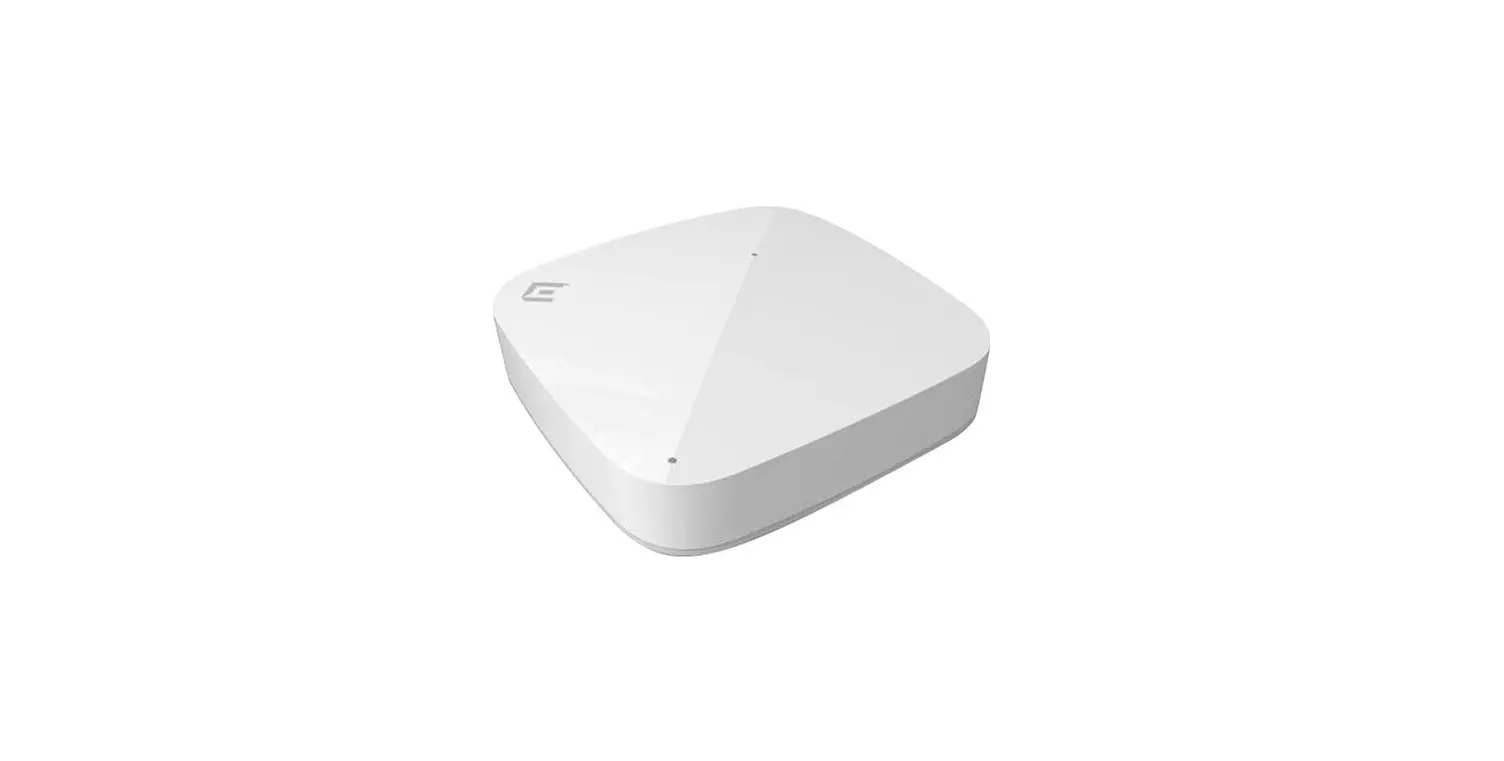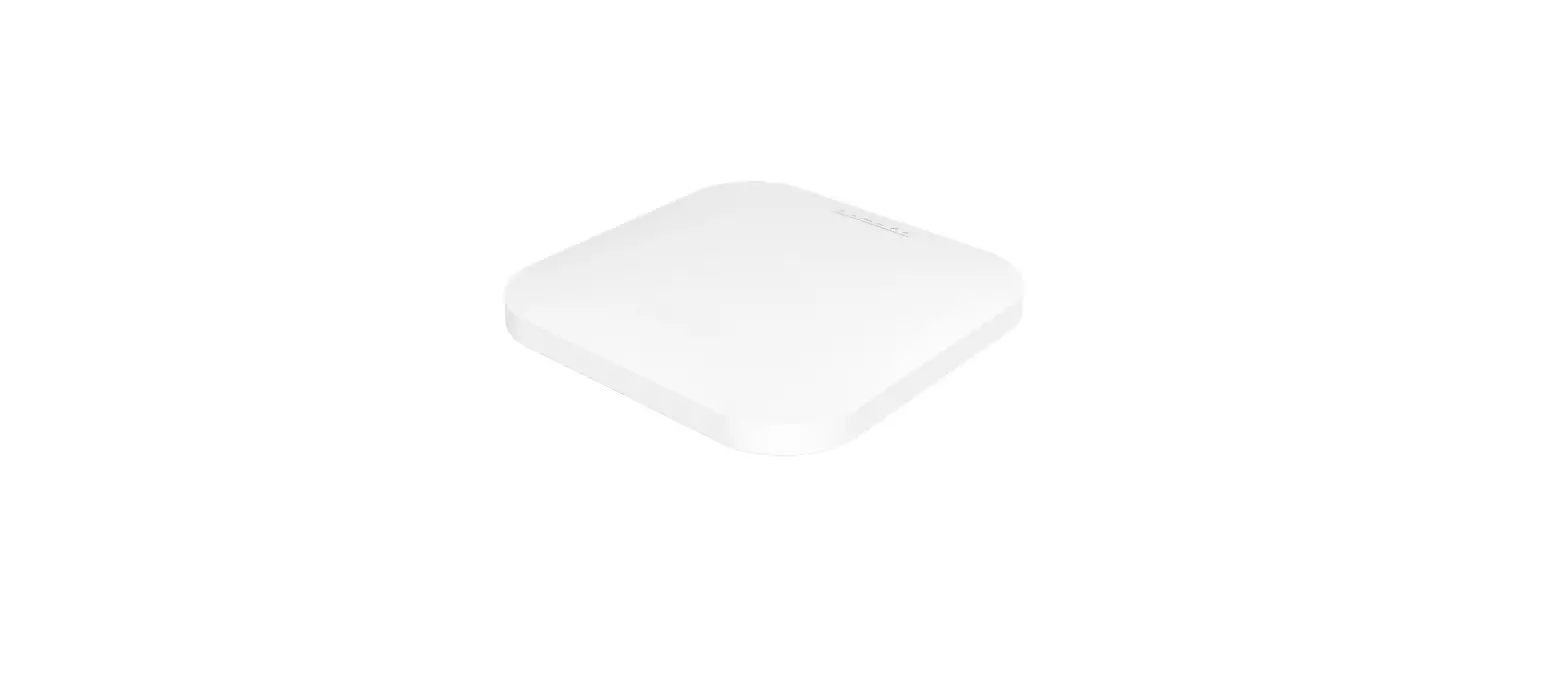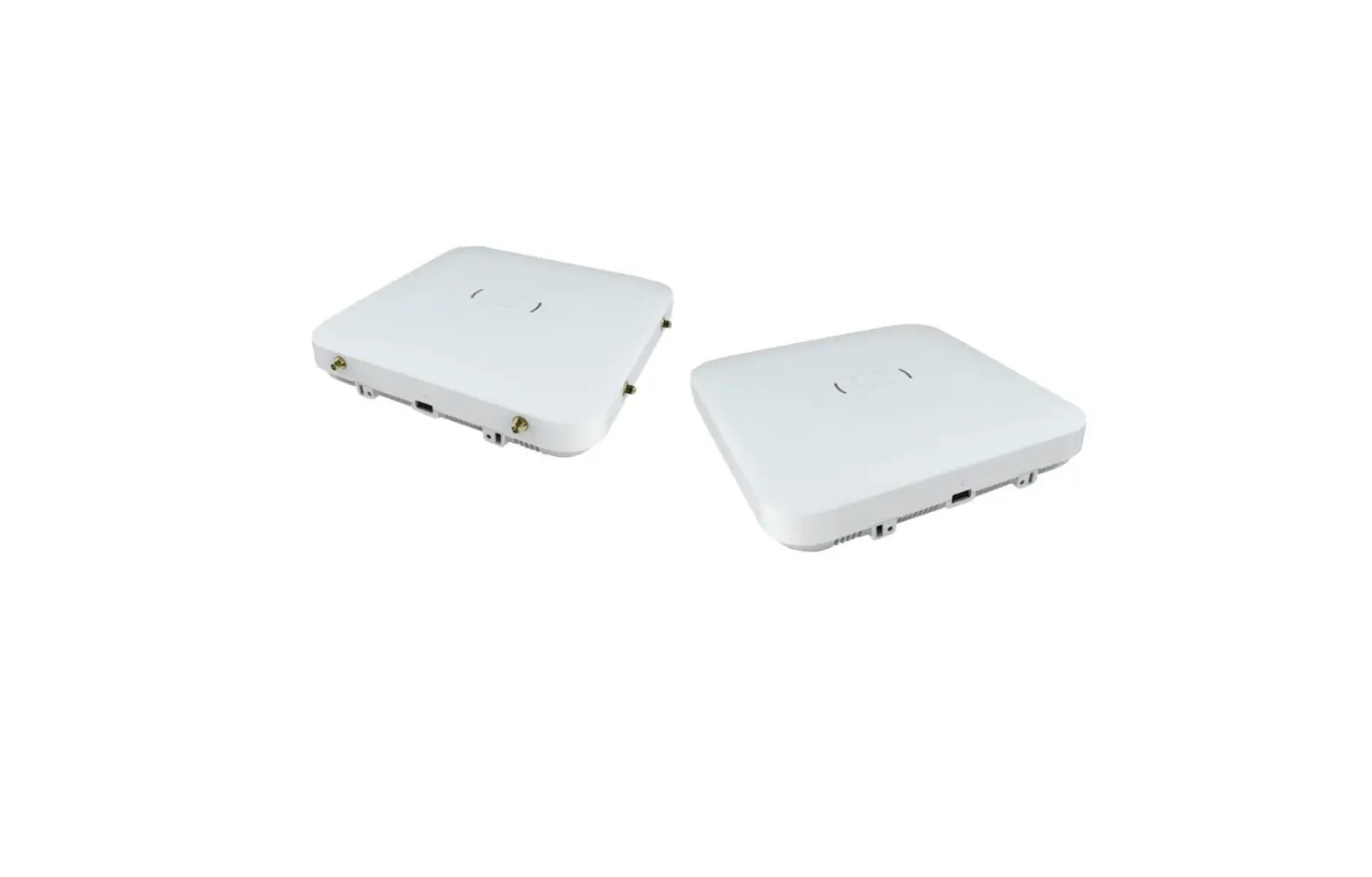
 AP3220L Wireless Access Point
User Guide
AP3220L Wireless Access Point
Package Contents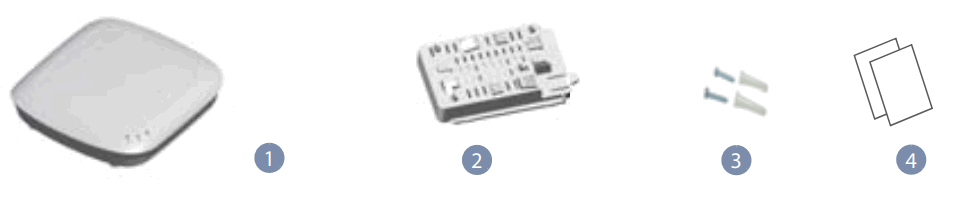
- AP3220L access point
- One mounting bracket
- One pack of screws
- Documentation— Quick Start Guide (this document), Certificate and Warranty card
 Warning: For indoor use only. The access point and all connected cables are not suitable for outdoor use.
Mode 1: The hole on the back of the access point is threaded into the cable tie, and secured to the water pipe at the top.
Mode 2: First insert the mounting bracket into the AP then insert the cable tie at the show position of the bracket and fix the ap at the top position.
Install the AP
a. Install it on the Wall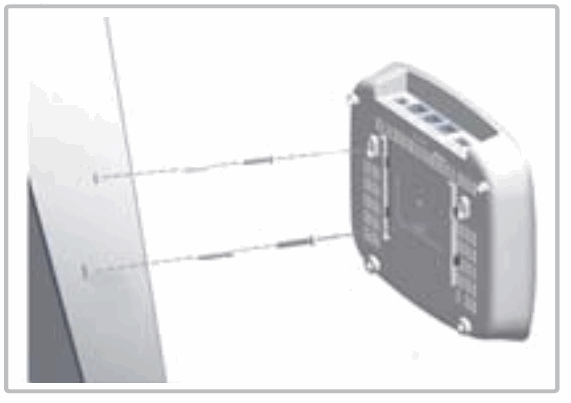
- Fix two screws on the wall and 110 mm apart.
- Slide the AP’S wall mounting slots down onto the screws so that the unit is secure.
b. Install it on the Ceiling T-Bar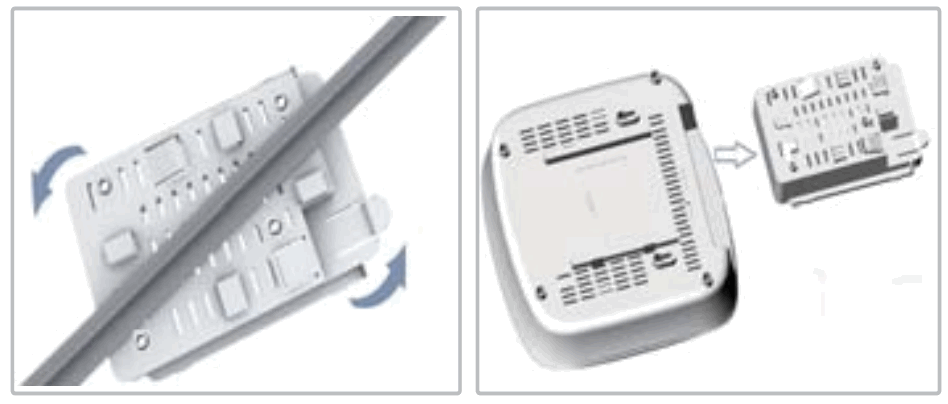
- Rotate the bracket onto the T-bar of the ceiling.
- Push the AP toward the bracket until it snaps into place.
c. Install it with Cable Ties (with or without bracket)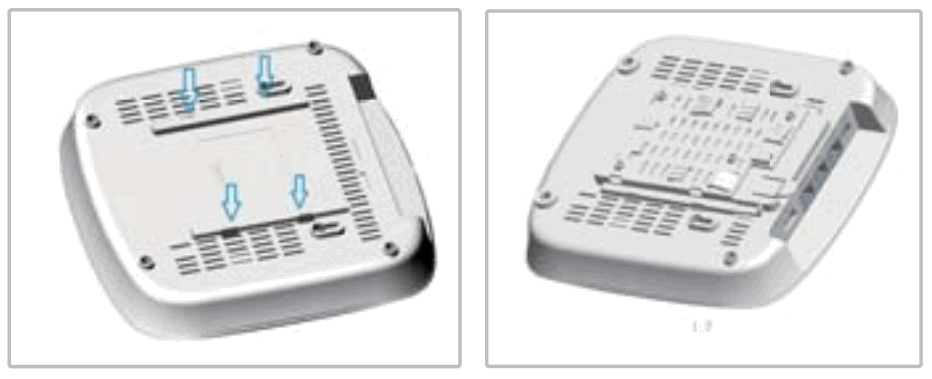 d. Install it on the Ceiling Bracket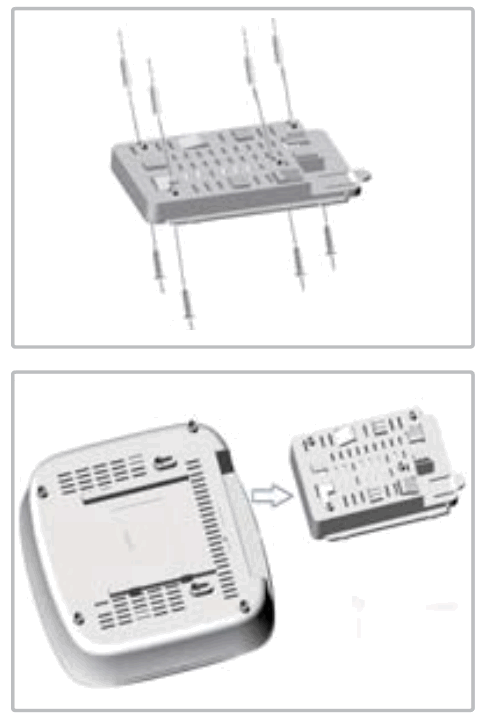
- Use the included screws to attach the mounting bracket to the wall.
- Push the AP toward the bracket until it snaps into place.
Connect Cables
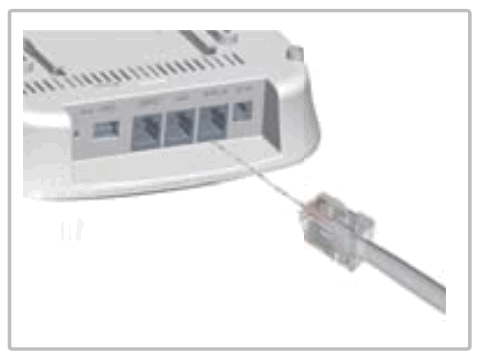
- Connect the external cable to the GE/PoE_IN port.
- Connect the local LAN switch or computer cable to the LAN1 port.
Check AP LED
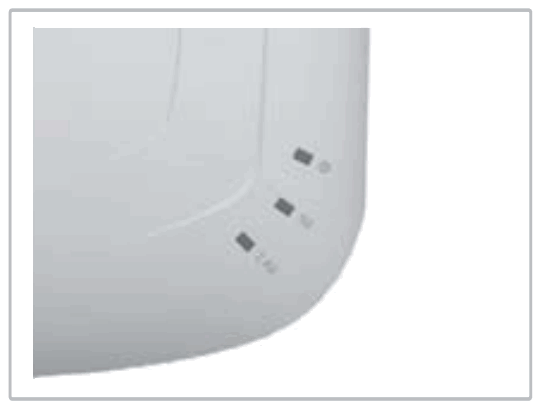
- Power LED— green means normal operation.
- 2.4G-WiFi and 5G-WiFi LEDs — green means radio enabled.
Port Description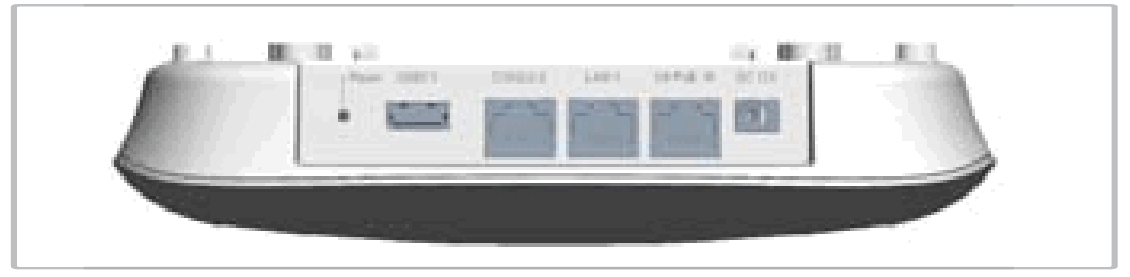
| 1 GE/PoE IN port | Support 10/100/1000Mbps |
| 1 DC 12V port | 12V DC |
| 1 LAN1 port | Support 10/100/1000Mbps |
| 1 Console RJ45 port | |
| 1 USB2.0 port | 5V/500mA |
| 1 Reset button |
HARDWARE SPECIFICATIONS
| Size(WxDxH) | 191.0×195.0x44mm |
| Weight | 360g |
| Temperature | Working 0° C to 45° C Storage: -20° C to 60° C |
| Humidity | 5 % to 95% (No-condensation) |
| PoE | GE port support s PoE, 802.3af/at power supply |
| 2.4 GHz Radio IE | IEEE 802.11b/g/n |
| 5 GHz Radio Operating frequency | IEEE 802.11a/ac/n |
| 2.4G | 2400~2483.5MHz |
| BLE | 2402~2480MHz |
| 5G | 5150~5350MHz/5~5 MHz |
| Maximum output power | |
| 2.4G | 20dBm (single chain power) |
| BLE | 10dBm |
| 5G | 30dBm (single chain power) |
This device complies with Part 15 of the FCC Rules.Operation is subject to the following two conditions: (1) this device may not cause harmful interference. (2) this device must accept any interference received, including interference that may cause undesired operation.
FCC Statement This equipment has been tested and found to comply with the limits for a Class B digital device, pursuant to part 15 of the FCC Rules. These limits are designed to provide reasonable protection against harmful interference in a residential installation. This equipment generates, uses and can radiate radio frequency energy and, if not installed and used in accordance with the instructions, may cause harmful interference to radio communications. However, there is no guarantee that interference will not occur in a particular installation. If this equipment does cause harmful interference to radio or television reception, which can be determined by turning the equipment off and on, the user is encouraged to try to correct the interference by one or more of thefollowing measures:
- Reorient or relocate the receiving antenna.
- Increase the separation between the equipment and receiver.
- Connect the equipment into an outlet on a circuit different from that to which the receiver is connected.
- Consult the dealer or an experienced radio/TV technician for help.
FCC Radiation Exposure Statement
This device complies with FCC radiation exposure limits set forth for an uncontrolled environment and it also complies with Part 15 of the FCC RF Rules. This equipment must be installed and operated in accordance with provided instructions and the antenna(s) used for this transmitter must be installed to provide a separation distance of at least 20 cm from all persons and must not be co-located or operating in conjunction with any other antenna or transmitter. End-users and installers must be provided with antenna installation instructions and consider removing the no-collocation statement.
Caution!
Any changes or modifications not expressly approved by the party responsible for compliance could void the user’s authority to ri:eqrua:cythebnICII:IP5T5e0″!.5250 MHz: Indoor use: Inside buildings only. Installations and use inside road vehicles and train carriages are not permitted. Limited outdoor use: If used outdoors, equipment shall not be attached to a fixed installation or to the external body of road vehicles, a fixed infrastructure or a fixed outdoor antenna. Use by unmanned aircraft systems (UAS) is limited to within the 5170- 5250 MHz band. Frequency band: 5250 – 5350 MHz: Indoor use: Inside buildings only. Installations and use in road vehicles, trains and aircraft are not permitted. Outdoor use is not permitted. Frequency band: 5470 – 5725 MHz: Installations and use in road vehicles, trains and aircraft and use for unmanned aircraft systems (UAS) are not permitted. Hereby, MUXI declares that the radio equipment type AP3220L is in compliance with Directive 2014/53/EU. The full text of the EU declaration of conformity is available at the following internet address: muxi-connect.com.
Complies with IMDA Standards DA107248
 NOMOR:63194/SDPPI/2019
 木犀技术(南京)有限公司