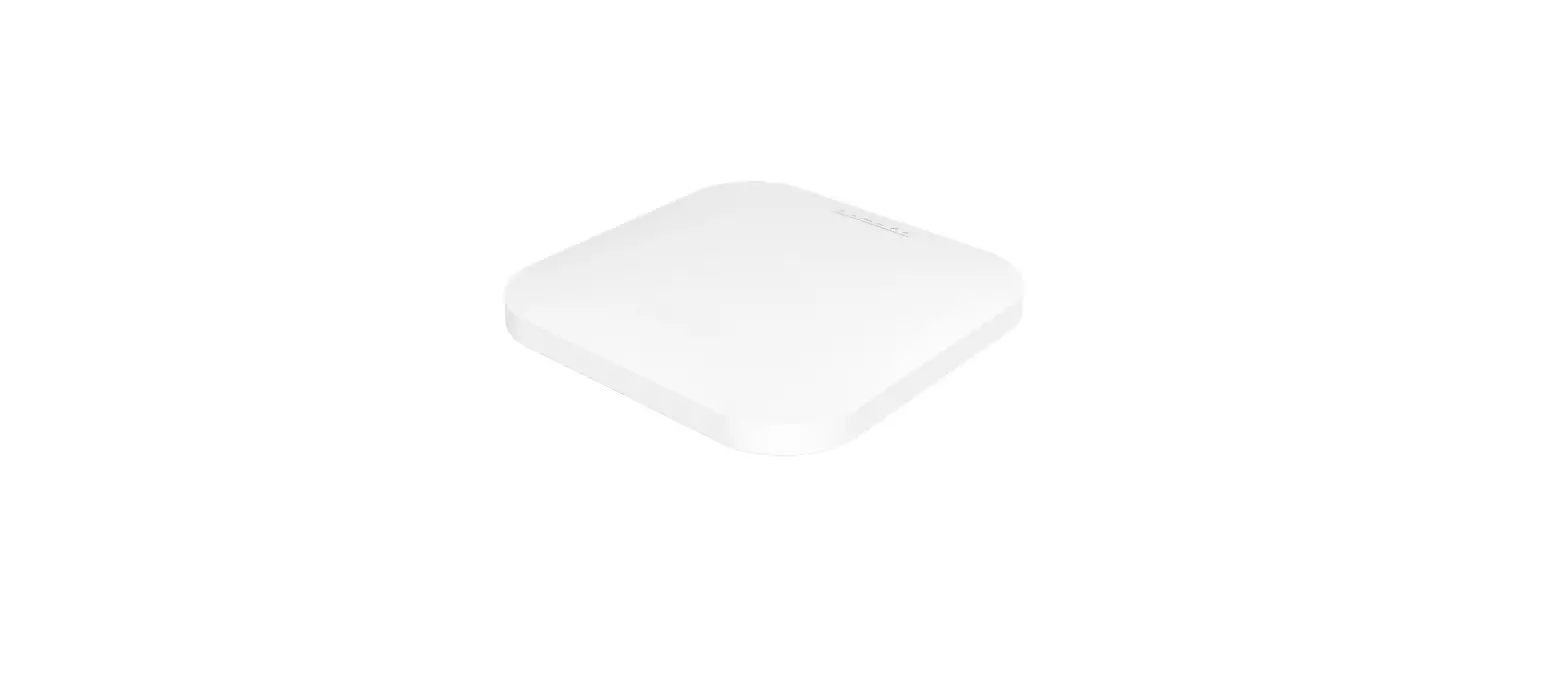
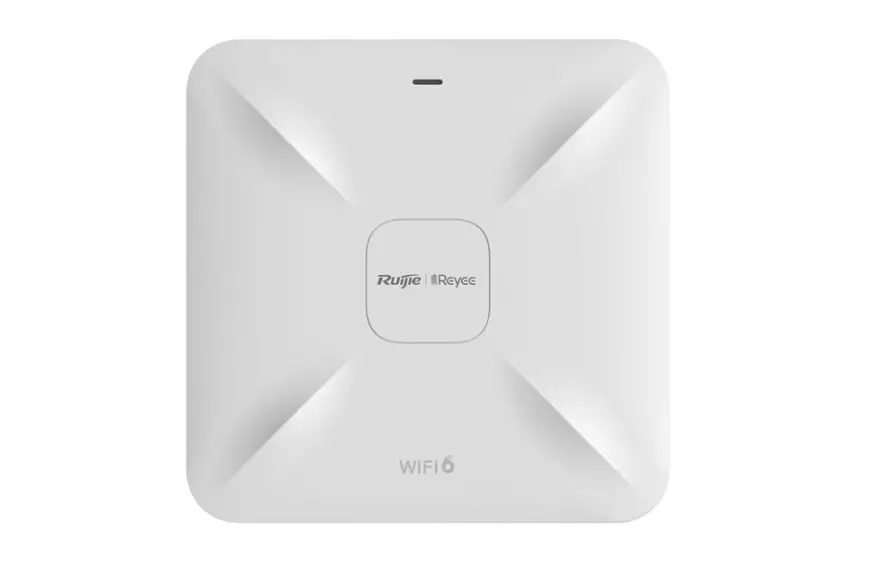
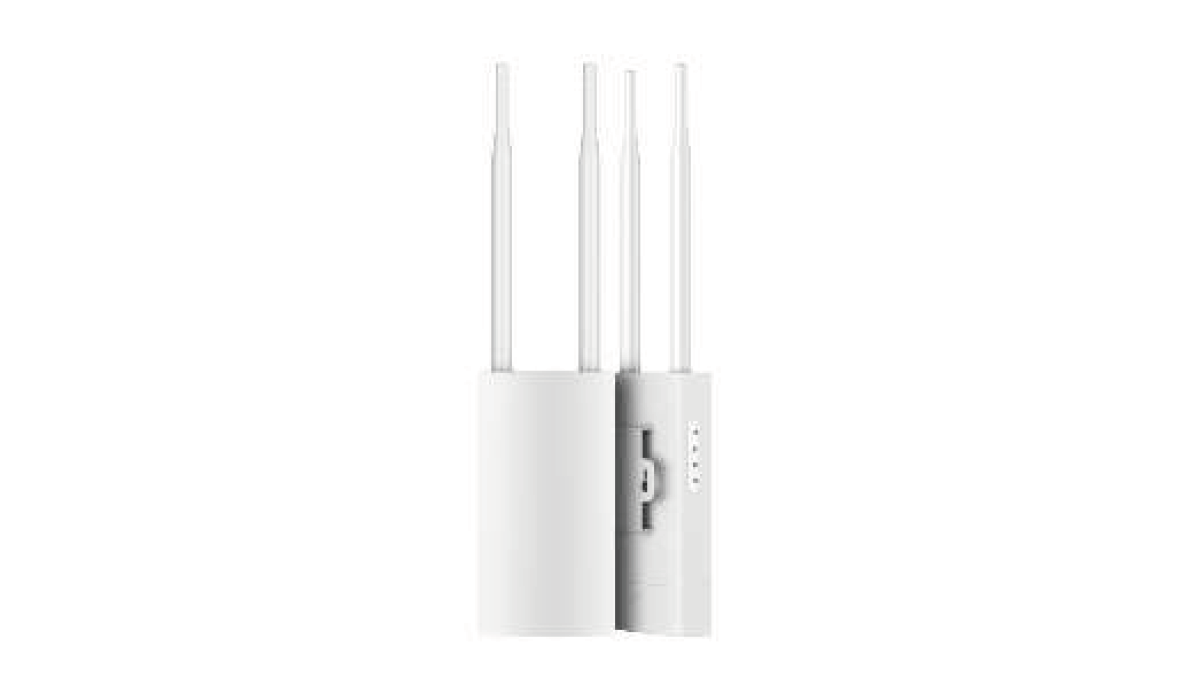
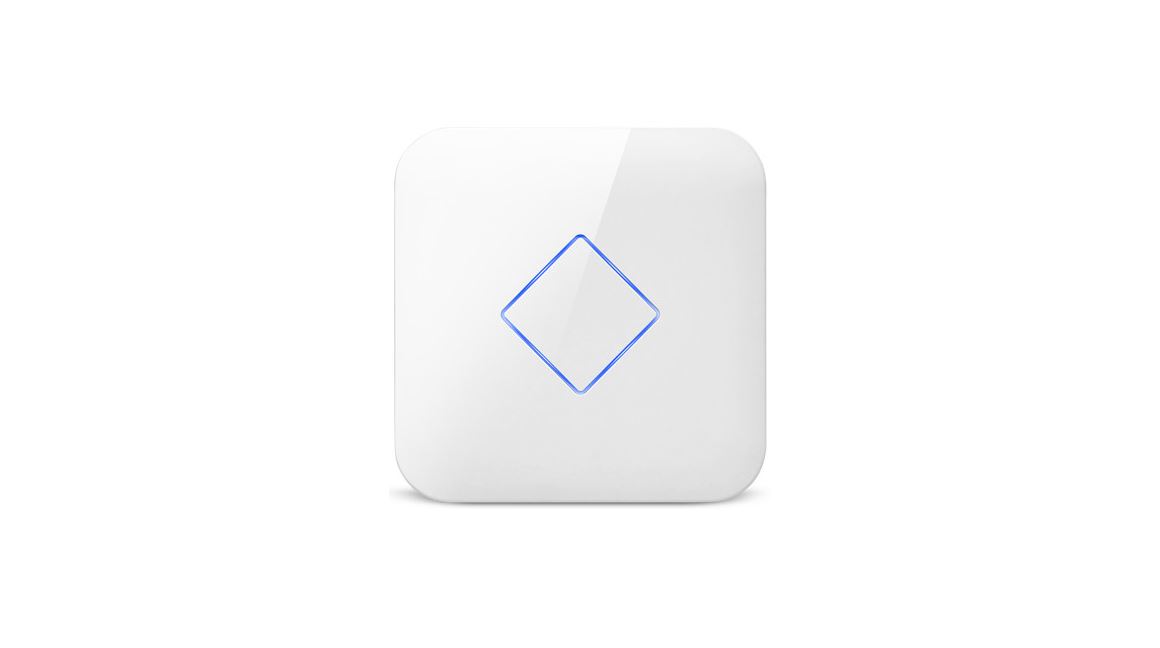
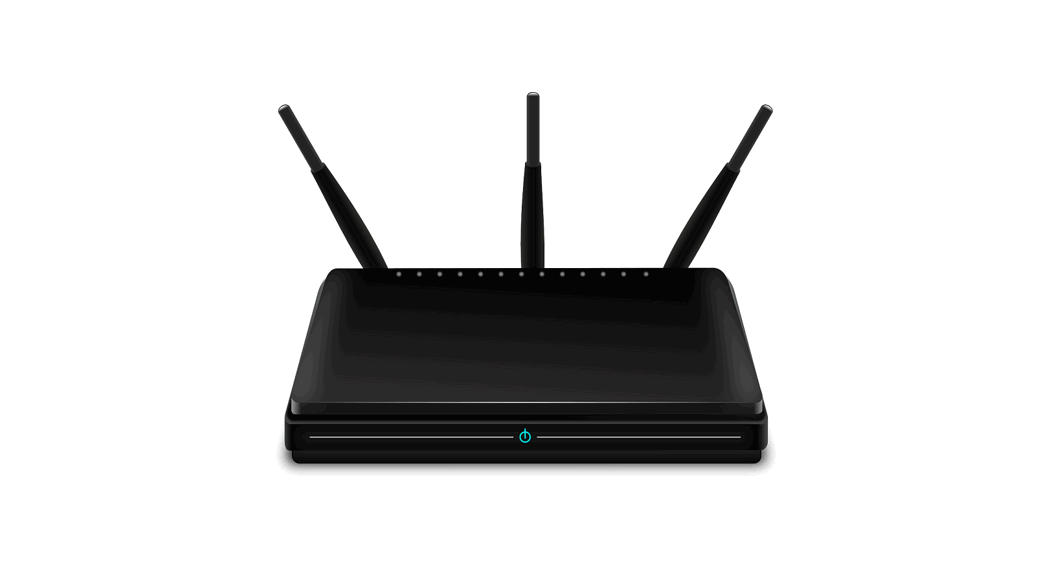
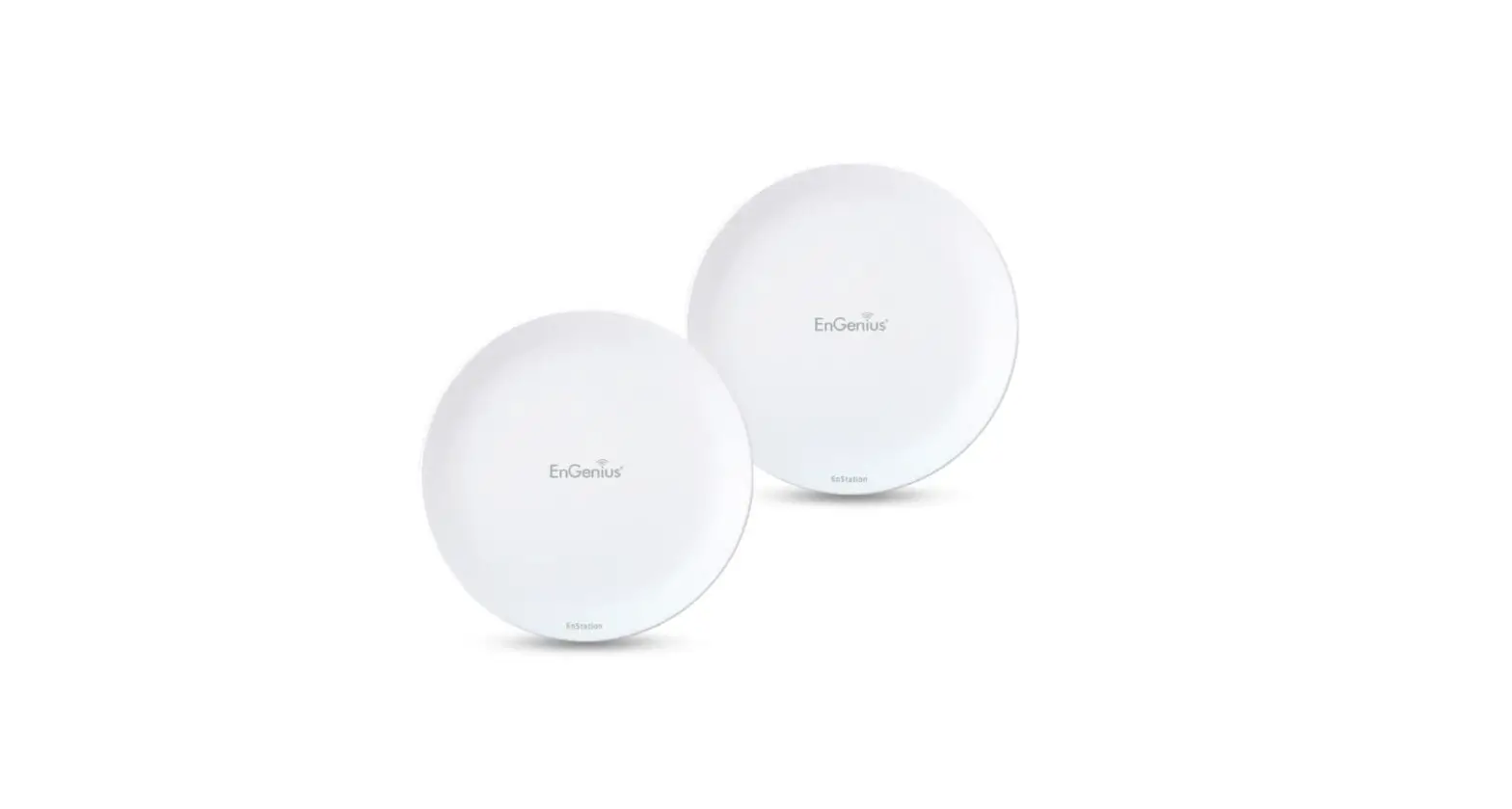
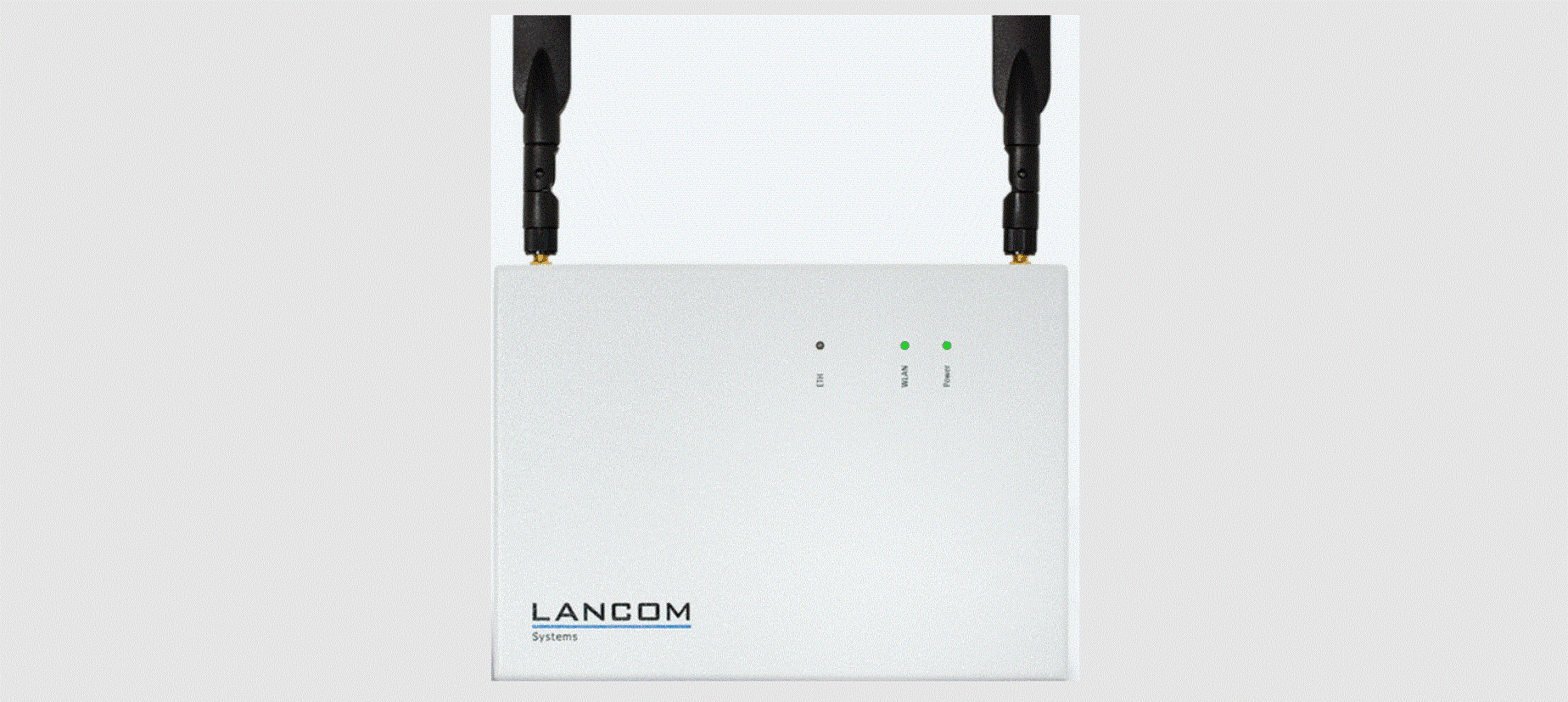
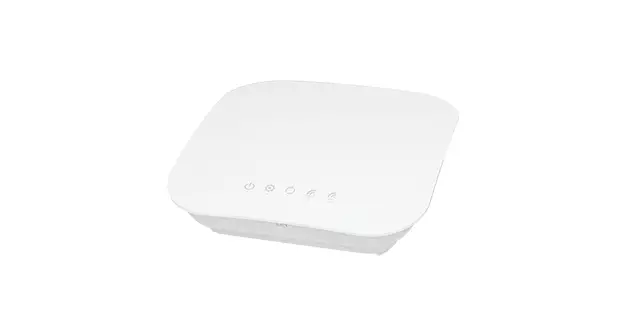
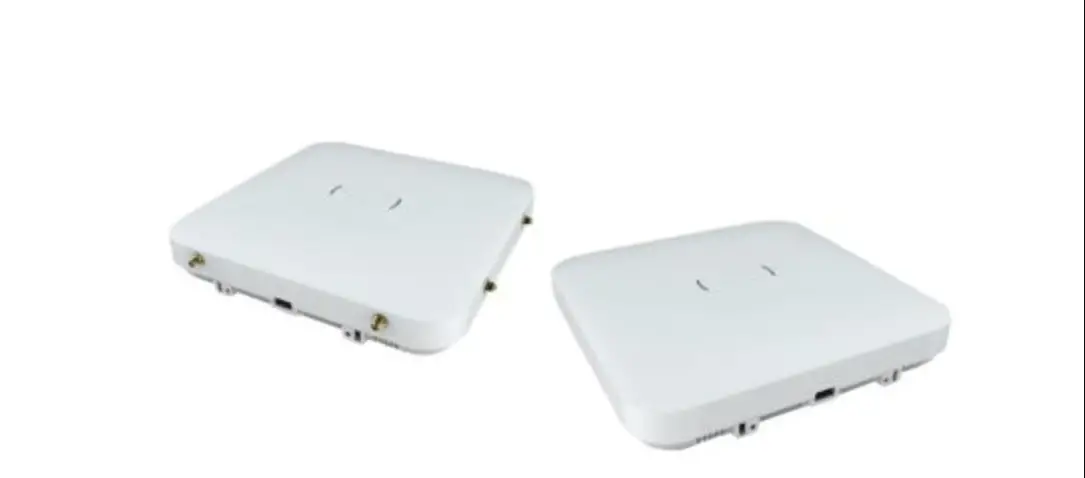
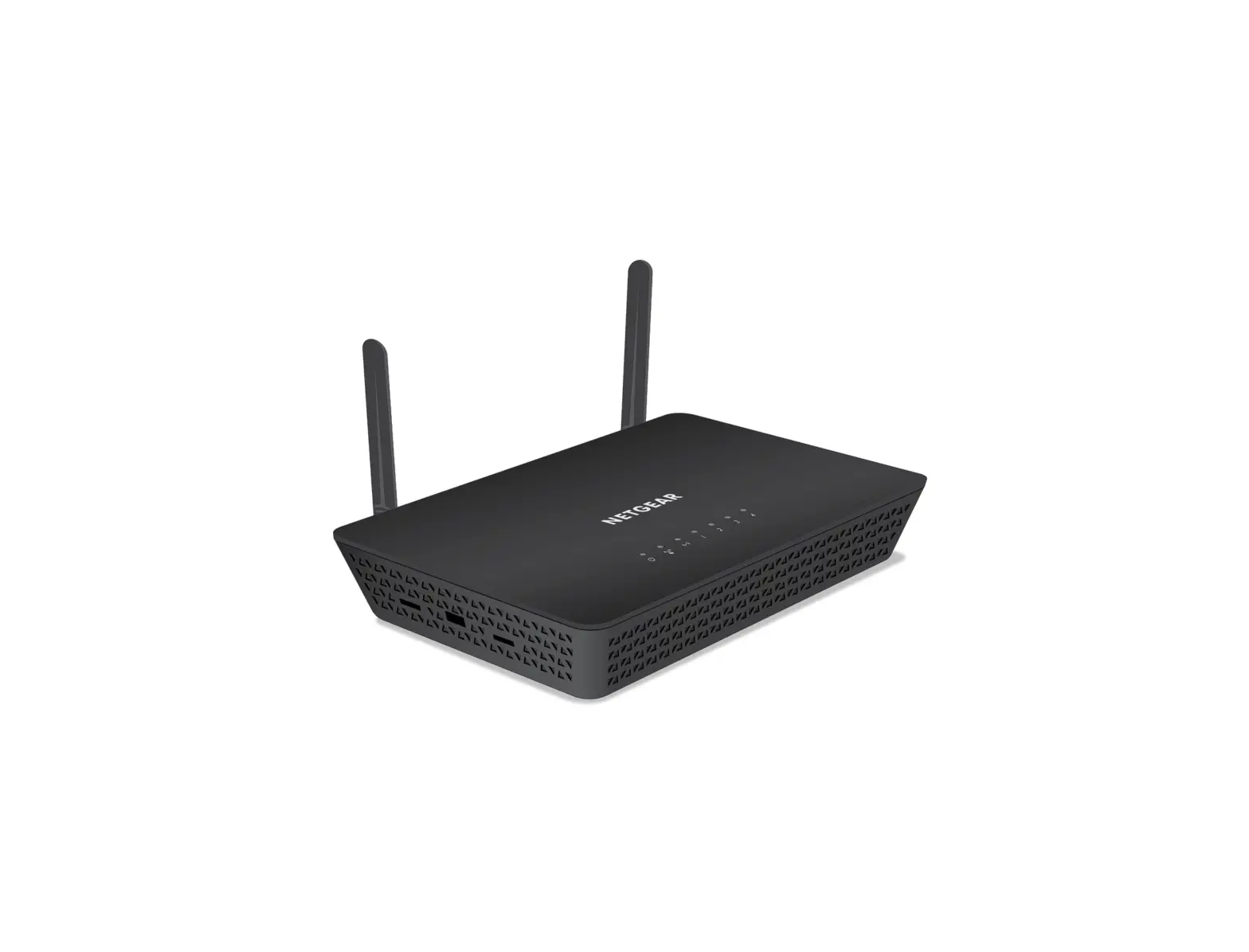
WAP388 Wireless Access Point
Product Information
- Product Name: WAP388/WAP388-C
- Version: 1.0
- Power Source: DC Input: 12 VDC/2A PoE: compatible with 802.3at
or Passive PoE - Physical Interface (WAP388/WAP388-C):
- WAP388: 2.5G LANx1 + 1G LANx1 + NOR Flash
- WAP388-C: 2.5G LANx1 (remove 1G LAN + NOR Flash)
- Physical & Environment:
- Internal High Gain Antenna ~7dBi 2.4GHz antennas (Peak
Gain) - ~7dBi 5GHz antennas
- 1 x 10/100/1000/2500Mbps Ethernet Port with 802.3at PoE
Interface - 1 x 10/100/1000Mbps Ethernet Port(Not available for WAP388-C
model) - 1 x reset button
- 1x DC IN
- Dimensions (W x D x H): 160x160x30 mm
- Mounting: Ceiling Mount/Wall mount
- Environment: This equipment is only to be connected to PoE
networks without routing to outside plants.
- Internal High Gain Antenna ~7dBi 2.4GHz antennas (Peak
Product Usage Instructions
Chapter 2: Before You Begin
To use the Access Point, you must first configure the TCP/IPv4
connection of your computer system. Follow the instructions
below:
For Windows XP/Windows 7/Windows 8/Windows 10:
- Click the Start button and open the Control Panel.
- In Windows 8, move your mouse to the lower right hot corner to
display the Charms Bar and select the Control Panel. - In Windows 10, click Start to select All APP enter the folder
of Windows system for selecting Control Panel. - In Windows XP, click Network Connections. In Windows 7/Windows
8/Windows 10, click View Network Status and Tasks in the Network
and Internet section, then select Change adapter settings. - Right click on Local Area Connection and select
Properties. - Select Internet Protocol Version 4 (TCP/IPv4) and then select
Properties. - Select Use the following IP address and enter an IP address
that is different from the Access Point and Subnet mask, then click
OK.
For Apple Mac OSX:
- Go to System Preferences (Which can be opened in the
Applications folder or selecting it in the Apple Menu). - Select Network in the Internet & Network section.
- Highlight Ethernet.
- In Configure IPv4, select Manually.
- Enter an IP address that is different from the Access Point and
Subnet mask then press OK.
Chapter 3: Configuring Your Access Point
This section will show you how to configure the device using the
web-based configuration interface.
Default Settings:
- IP Address: 192.168.1.1
- Username / Password: none
Connect your computer to the Access Point using an Ethernet port
or wireless network adapter. Enter the default username (admin) and
password to access the web-based configuration page.
User Manual
WAP388 WAP388-C Version 1.0
0
Installation
1
2
Chapter1
Product Overview
3
Introduction
Key Features
The 802.11ax high performance Access Point with MU-MIMO and OFDMA technology for high-density use on multiple applications Emplus Wireless Access Point solution is designed for versatile outdoor applications. To meet various requirements for different networking environment, Emplus provides the most flexible and effective solutions as your expectations. The state-of-the-art 802.11ax and MU-MIMO technology brings high performance on connecting speed and bandwidth. WAP388 equips with two powerful RF interfaces which support up to 4804Mbps in 5GHz frequency band and 573Mbps in 2.4GHz frequency band.
4
Physical Interface (WAP388/WAP388-C)
NOTE: 1. WAP388: 2.5G LANx1 + 1G LANx1 + NOR Flash 2. WAP388-C: 2.5G LANx1 (remove 1G LAN + NOR Flash)
1GbE RJ45 is not available for WAP388-C model
5
Physical & Environment
Power Source
DC Input: 12 VDC/2A PoE: compatible with 802.3at or Passive PoE
Internal High Gain Antenna ~7dBi 2.4GHz antennas
(Peak Gain)
~7dBi 5GHz antennas
1 x 10/100/1000/2500Mbps Ethernet Port with 802.3at PoE
Interface
1 x 10/100/1000Mbps Ethernet Port(Not available for WAP388-C model) 1 x reset button
1x DC IN
Dimensions (W x D x H)
160x160x30 mm
Mounting
Ceiling Mount/Wall mount
Environment
Operating temperature: -0°C~40°C Operating humidity: 0%~90% typical
Technical Specifications
Storage temperature: -20°C~70°C
*This equipment is only to be connected to PoE networks without routing to outside plants.
6
Applications Wireless LAN (WLAN) products are easy to install and highly efficient. The following list describes some of the many applications made possible through the power and flexibility of WLANs: Difficult-to-Wire Environments: There are many situations where wires cannot be installed, deployed easily, or
cannot be hidden from view. Older buildings, sites with multiple buildings, and/or areas that make the installation of a Ethernet-based LAN impossible, impractical or expensive are sites where WLAN can be a network solution. Temporary Workgroups: Create temporary workgroups/networks in more open areas within a building; auditoriums, amphitheaters classrooms, ballrooms, arenas, exhibition centers, or temporary offices where one wants either a permanent or temporary Wireless LAN established. The Ability to Access Real-Time Information: Doctors/Nurses, Point-of-Sale Employees, and/or Warehouse Workers can access real-time information while dealing with patients, serving customers, and/or processing information. Frequently Changing Environments: Set up networks in environments that change frequently (i.e.: Show Rooms, Exhibits, etc.). Small Office and Home Office (SOHO) Networks: SOHO users require a cost-effective, easy, and quick installation of a small network. Training/Educational Facilities: Training sites at corporations or students at universities use wireless connectivity to exchange information between peers and easily access information for learning purposes.
7
Chapter2
Before You Begin
8
Computer Settings
Windows XP/Windows 7/Windows 8/Windows 10
In order to use the Access Point, you must first configure the TCP/IPv4connectionofyourWindowsOScomputersystem. 1a. Click the Start button and open the Control Panel
1b. Move your mouse to the lower right hot corner to display the Charms Bar and select the Control Panel in Windows 8OS.
WindowsXP
Windows7
Windows 8
1c. In Windows10, click Start to select All APP enter the folder of Windows system for selecting Control Panel.
Windows 10 9
2a. In Windows XP, click Network Connections.
4. Select Internet Protocol Version 4 (TCP/IPv4) and then select Properties.
2b.In Windows7/Windows8/Windows10, click View Network Status and Tasks in the Network and Internet section, then select Change adapter settings.
3. Right click on Local Area Connection and select Properties.
5. Select Use the following IP address and enter an IP address that is different from the Access Point and Subnet mask, then click OK.
10
Note: Ensure that the IPaddress and Subnet mask are on the same subnet as the device. For example: WAP388 IP address: 192.168.1.1
PC IP address: 192.168.1.2192.168.1.255 PC Subnet mask: 255.255.255.0
11
Apple Mac OSX
1. Go to System Preferences (Which can be opened in the Applications folder or selecting it in the Apple Menu).
2. Select Network in the Internet & Network section.
4. In Configure IPv4, select Manually. 5. Enter an IP address that is different from the Access Point and
Subnet mask then press OK. Note: Ensure that the IP address and Subnet mask are on the same subnet as the device. For example: A device IP address: 192.168.1.1 PC IP address:
192.168.1.2192.168.1.255 PC Subnet mask:255.255.255.0 6. Click Apply when done.
3. Highlight Ethernet.
12
Chapter 3
Configuring Your Access Point
13
ConfiguringYourAccessPoint
This section will show you how to configure the device using the web-based configuration interface.
Default Settings
Please use your Ethernet port or wireless network adapter to connect the Access Point.
IP Address 192.168.1.1 Username / Password none
2. The default username and password are admin. Once you have entered the correct user name and password, click the Login button to open the web-base configuration page.
Web Configuration
1. Open a web browser (Internet Explorer/Firefox/Safari/ Chrome) and enter the IP Address http://192.168.1.1
Note: If you have changed the default LAN IP Address of The Access Point, ensure you enter the correct IP Address.
* The model name will be varied by different models.
3. If successful, you will be logged in and see the User Menu of this Access Point.
14
Appendix A – FCC Interference Statement
Federal Communication Commission Interference Statement This equipment has been tested and found to comply with the limits for a Class B digital device, pursuant to Part 15 of the FCC Rules. These limits are designed to provide reasonable protection against harmful interference in a residential installation. This equipment generates, uses and can radiate radio frequency energy and, if not installed and used in accordance with the instructions, may cause harmful interference to radio communications. However, there is no guarantee that interference will not occur in a particular installation. If this equipment does cause harmful interference to radio or television reception, which can be determined by turning the equipment off and on, the user is encouraged to try to correct the interference by one of the following measures:
– Reorient or relocate the receiving antenna. – Increase the separation between the equipment and receiver. – Connect the equipment into an outlet on a circuit different from that to which the receiver is connected. – Consult the dealer or an experienced radio/TV technician for help.
FCC Caution: Any changes or modifications not expressly approved by the party responsible for compliance could void the user’s authority to operate this equipment. This device complies with Part 15 of the FCC Rules. Operation is subject to the following two conditions: (1) This device may not cause harmful interference, and (2) this device must accept any interference received, including interference that may cause undesired operation.
IMPORTANT NOTE: Radiation Exposure Statement: This equipment complies with FCC radiation exposure limits set forth for an uncontrolled environment. This equipment should be installed and operated with minimum distance 20cm between the radiator & your body. This transmitter must not be co-located or operating in conjunction with any other antenna or transmitter. Country Code selection feature to be disabled for products marketed to the US/CANADA Operation of this device is restricted to indoor use only
15
Appendix B – IC Interference Statement
Industry Canada Statement
This device complies with Canada license-exempt RSSs of the Industry Canada Rules. Operation is subject to the following two conditions: (1) This device may not cause harmful interference, and (2) this device must accept any interference received, including interference that may cause undesired operation. Ce dispositif est conforme à la norme RSS Canada sans licence d’Industrie Canada applicable aux appareils radio exempts de licence. Son fonctionnement est sujet aux deux conditions suivantes: (1) le dispositif ne doit pas produire de brouillage préjudiciable, et (2) ce dispositif doit accepter tout brouillage reçu, y compris un brouillage susceptible de provoquer un fonctionnement indésirable.
Caution: (i) the device for operation in the band 5150-5250 MHz is only for indoor use to reduce the potential for harmful interference to co-channel mobile satellite systems; (ii) high-power radars are allocated as primary users (i.e. priority users) of the bands 5250-5350 MHz and 5650-5850 MHz and that these radars could cause interference and/or damage to LE-LAN devices. Avertissement:
(i) les dispositifs fonctionnant dans la bande 5150-5250 MHz sont réservés uniquement pour une utilisation à l’intérieur afin de réduire les risques de brouillage préjudiciable aux systèmes de satellites mobiles utilisant les mêmes canaux; (ii) De plus, les utilisateurs devraient aussi être avisés que les utilisateurs de radars de haute puissance sont désignés utilisateurs principaux (c.-à-d., qu’ils ont la priorité) pour les bandes 5250-5350 MHz et 5650-5850 MHz et que ces radars pourraient causer du brouillage et/ou des dommages aux dispositifs LAN-EL.
16
Radiation Exposure Statement
This equipment complies with IC radiation exposure limits set forth for an uncontrolled environment. This equipment should be installed and operated with minimum distance 21cm between the radiator & your body.
Déclaration d’exposition aux radiations:
Cet équipement est conforme aux limites d’exposition aux rayonnements IC établies pour un environnement non contrôlé. Cet équipement doit être installé et utilisé avec un minimum de 21cm de distance entre la source de rayonnement et votre corps.
Industry Canada Warning
This product meets the applicable Innovation, Science and Economic Development Canada technical specifications. Ce produit repond aux specifications techniques applicables a l’innovation, Science et Developpement economique Canada.
17
Appendix C – CE Interference Statement
Europe EU Declaration of Conformity · EN60950-1
Safety of Information Technology Equipment · EN50385
Generic standard to demonstrate the compliance of electronic and electrical apparatus with the basic restrictions related to human exposure to electromagnetic fields (0 Hz – 300 GHz) · EN 300 328
Electromagnetic compatibility and Radio spectrum Matters (ERM); Wideband Transmission systems; Data transmission equipment operating in the 2,4 GHz ISM band and using spread spectrum modulation techniques; Harmonized EN covering essential requirements under article 3.2 of the R&TTE Directive · EN 301 893
Broadband Radio Access Networks (BRAN); 5 GHz high performance RLAN; Harmonized EN covering essential requirements of article 3.2 of the R&TTE Directive · EN 301 489-1
Electromagnetic compatibility and Radio Spectrum Matters (ERM); ElectroMagnetic Compatibility (EMC) standard for radio equipment and services; Part 1: Common technical requirements · EN 301 489-17
Electromagnetic compatibility and Radio spectrum Matters (ERM); ElectroMagnetic Compatibility (EMC) standard for radio equipment and services; Part 17: Specific conditions for 2,4 GHz wideband transmission systems and 5 GHz high performance RLAN equipment
This device is a 5GHz wideband transmission system (transceiver), intended for use in all EU member states and EFTA countries, except in France and Italy where restrictive use applies.
18
In Italy the end-user should apply for a license at the national spectrum authorities in order to obtain authorization to use the device for setting up outdoor radio links and/or for supplying public access to telecommunications and/or network services. This device may not be used for setting up outdoor radio links in France and in some areas the RF output power may be limited to 10 mW EIRP in the frequency range of 2454 2483.5 MHz. For detailed information the end-user should contact the national spectrum authority in France.
The frequency and the maximum transmitted power in EU are listed below: 2412-2472MHz: 17dBm 5150-5250 & 5725-5850MHz: 18dBm
0560
Cesky [Czech] Dansk [Danish] Deutsch [German]
Eesti [Estonian]
English Español [Spanish]
[Greek] Français [French] Italiano [Italian] Latviski [Latvian]
[Jméno výrobce] tímto prohlasuje, ze tento [typ zaízení] je ve shod se základními pozadavky a dalsími píslusnými ustanoveními smrnice 1999/5/ES. Undertegnede [fabrikantens navn] erklærer herved, at følgende udstyr [udstyrets typebetegnelse] overholder de væsentlige krav og øvrige relevante krav i direktiv 1999/5/EF. Hiermit erklärt [Name des Herstellers], dass sich das Gerät [Gerätetyp] in Übereinstimmung mit den grundlegenden Anforderungen und den übrigen einschlägigen Bestimmungen der Richtlinie 1999/5/EG befindet. Käesolevaga kinnitab [tootja nimi = name of manufacturer] seadme [seadme tüüp = type of equipment] vastavust direktiivi 1999/5/EÜ põhinõuetele ja nimetatud direktiivist tulenevatele teistele asjakohastele sätetele. Hereby, [name of manufacturer], declares that this [type of equipment] is in compliance with the essential requirements and other relevant provisions of Directive 1999/5/EC. Por medio de la presente [nombre del fabricante] declara que el [clase de equipo] cumple con los requisitos esenciales y cualesquiera otras disposiciones aplicables o exigibles de la Directiva 1999/5/CE. [name of manufacturer] [type of equipment] 1999/5/. Par la présente [nom du fabricant] déclare que l’appareil [type d’appareil] est conforme aux exigences essentielles et aux autres dispositions pertinentes de la directive 1999/5/CE. Con la presente [nome del costruttore] dichiara che questo [tipo di apparecchio] è conforme ai requisiti essenziali ed alle altre disposizioni pertinenti stabilite dalla direttiva 1999/5/CE. Ar so [name of manufacturer / izgatavotja nosaukums] deklar, ka [type o
19
Lietuvi [Lithuanian] Nederlands [Dutch] Malti [Maltese] Magyar [Hungarian] Polski [Polish] Português [Portuguese] Slovensko [Slovenian] Slovensky [Slovak] Suomi [Finnish] Svenska [Swedish]
f equipment / iekrtas tips] atbilst Direktvas 1999/5/EK btiskajm prasbm un citiem ar to saisttajiem noteikumiem. Siuo [manufacturer name] deklaruoja, kad sis [equipment type] atitinka esminius reikalavimus ir kitas 1999/5/EB Direktyvos nuostatas.
Hierbij verklaart [naam van de fabrikant] dat het toestel [type van toestel] in overeenstemming is met de essentiële eisen en de andere relevante bepalingen van richtlijn 1999/5/EG.
Hawnhekk, [isem tal-manifattur], jiddikjara li dan [il-mudel tal-prodott] jikkonforma mal-tiijiet essenzjali u ma provvedimenti orajn relevanti li hemm fid-Dirrettiva 1999/5/EC. Alulírott, [gyártó neve] nyilatkozom, hogy a [… típus]megfelel a vonatkozó alapvetõ követelményeknek és az 1999/5/EC irányelv egyéb elõírásainak.
Niniejszym [nazwa producenta] owiadcza, e [nazwa wyrobu] jest zgodny z zasadniczymi wymogami oraz pozostalymi stosownymi postanowieniami Dyrektywy 1999/5/EC. [Nome do fabricante] declara que este [tipo de equipamento] está conforme com os requisitos essenciais e outras disposições da Directiva 1999/5/CE.
[Ime proizvajalca] izjavlja, da je ta [tip opreme] v skladu z bistvenimi zahtevami in ostalimi relevantnimi dolocili direktive 1999/5/ES. [Meno výrobcu] týmto vyhlasuje, ze [typ zariadenia]spa základné poziadavky a vsetky príslusné ustanovenia Smernice 1999/5/ES.
[Valmistaja = manufacturer] vakuuttaa täten että [type of equipment = laitteen tyyppimerkintä] tyyppinen laite on direktiivin 1999/5/EY oleellisten vaatimusten ja sitä koskevien direktiivin muiden ehtojen mukainen.
Härmed intygar [företag] att denna [utrustningstyp] står I överensstämmelse med de väsentliga egenskapskrav och övriga relevanta bestämmelser som framgår av direktiv 1999/5/EG.
20