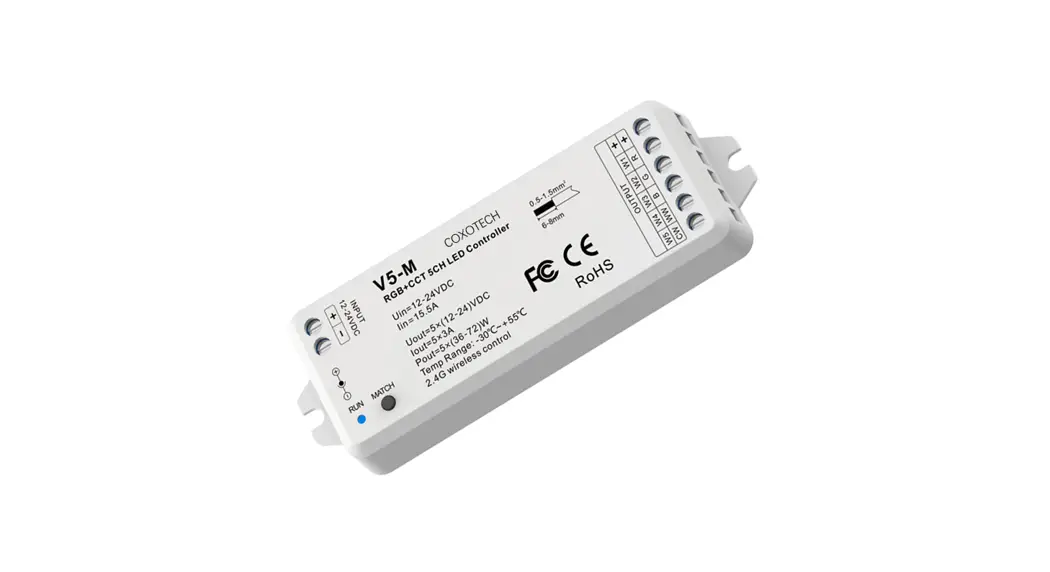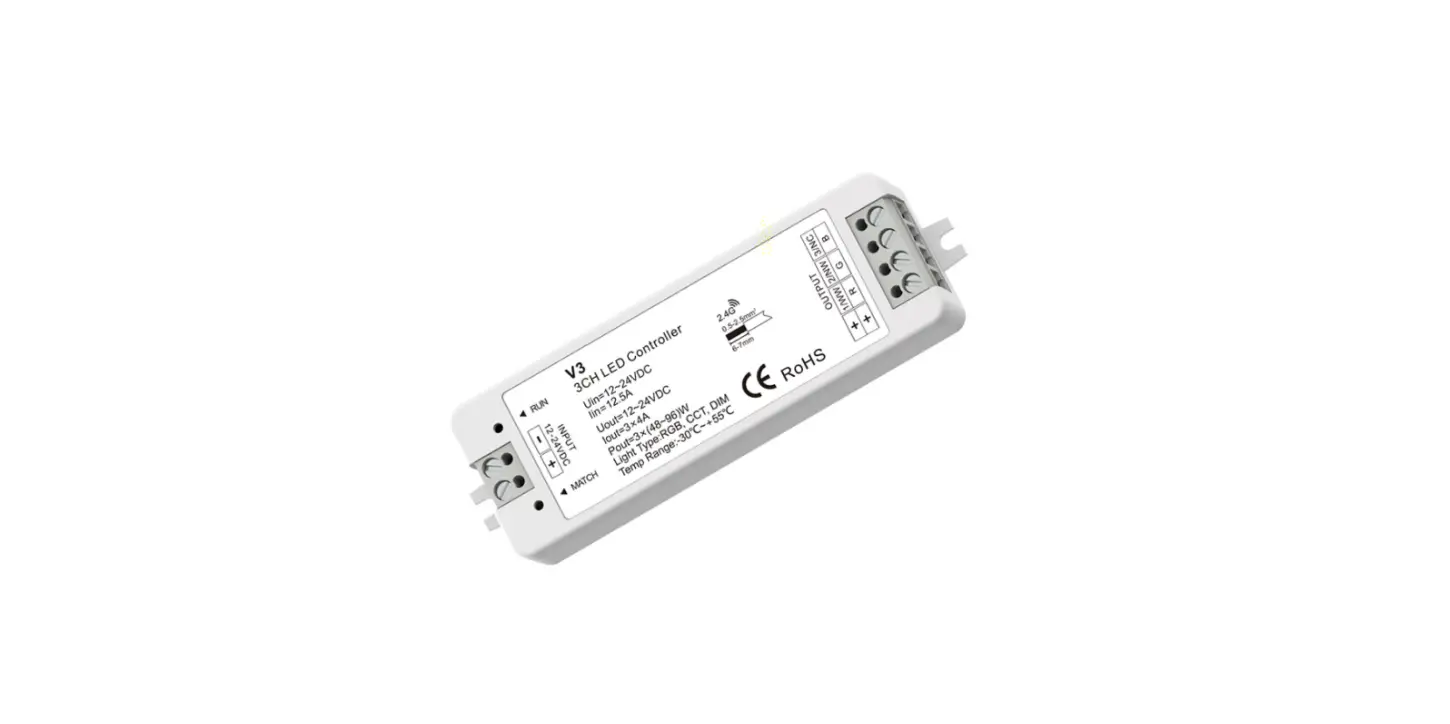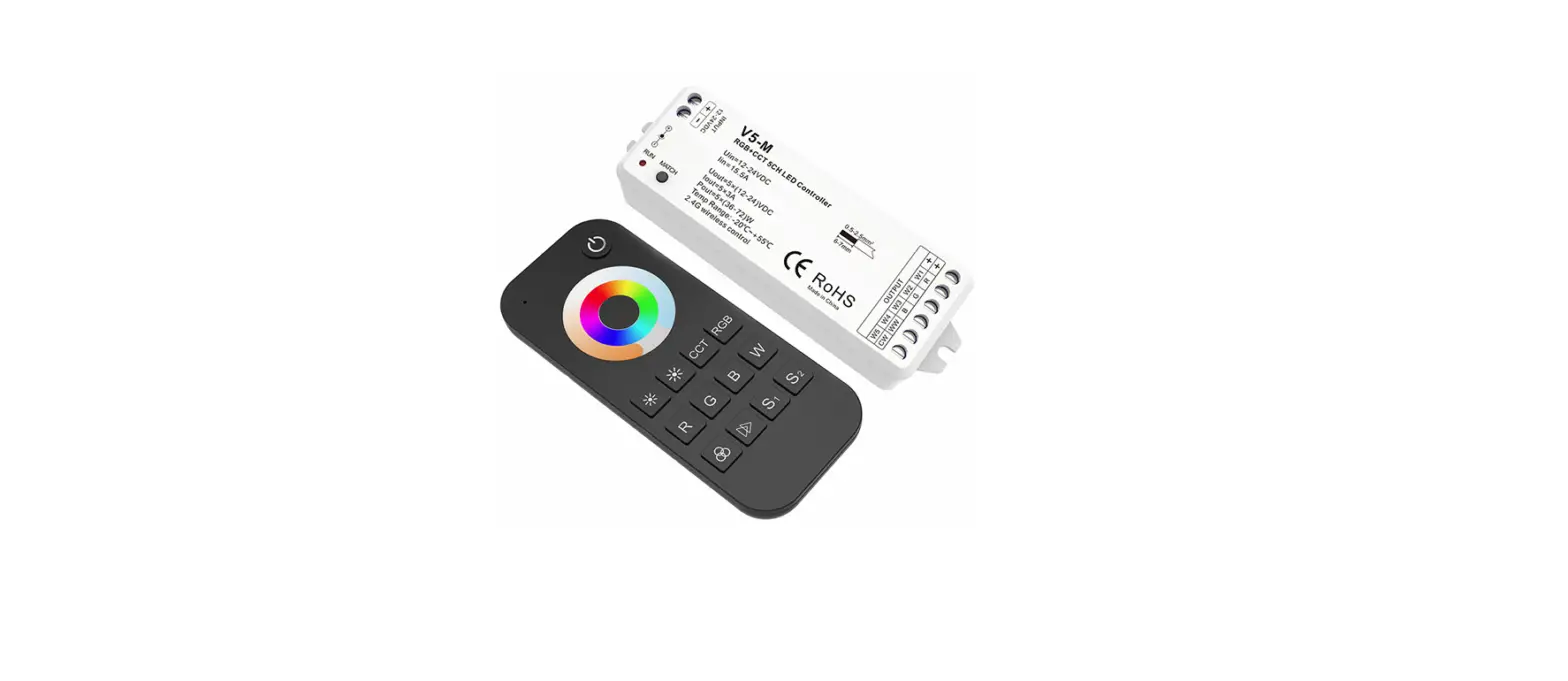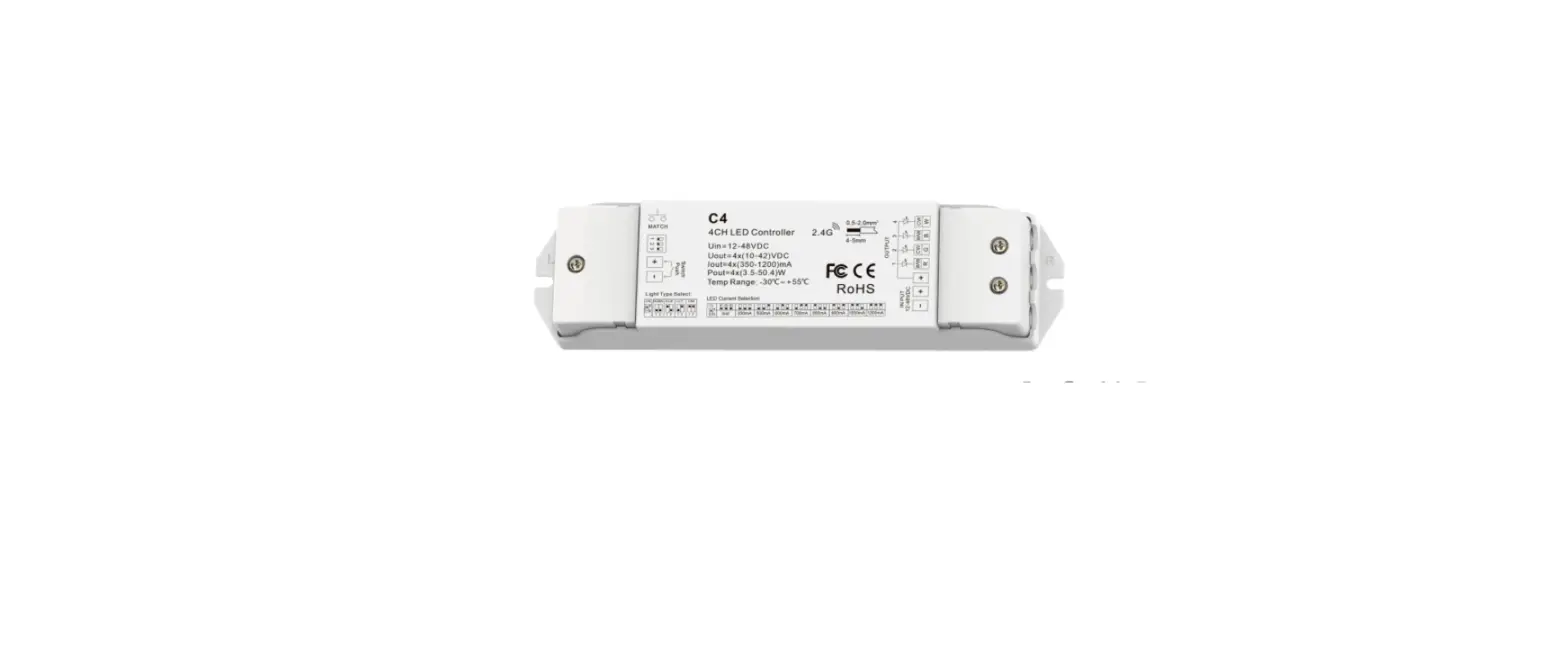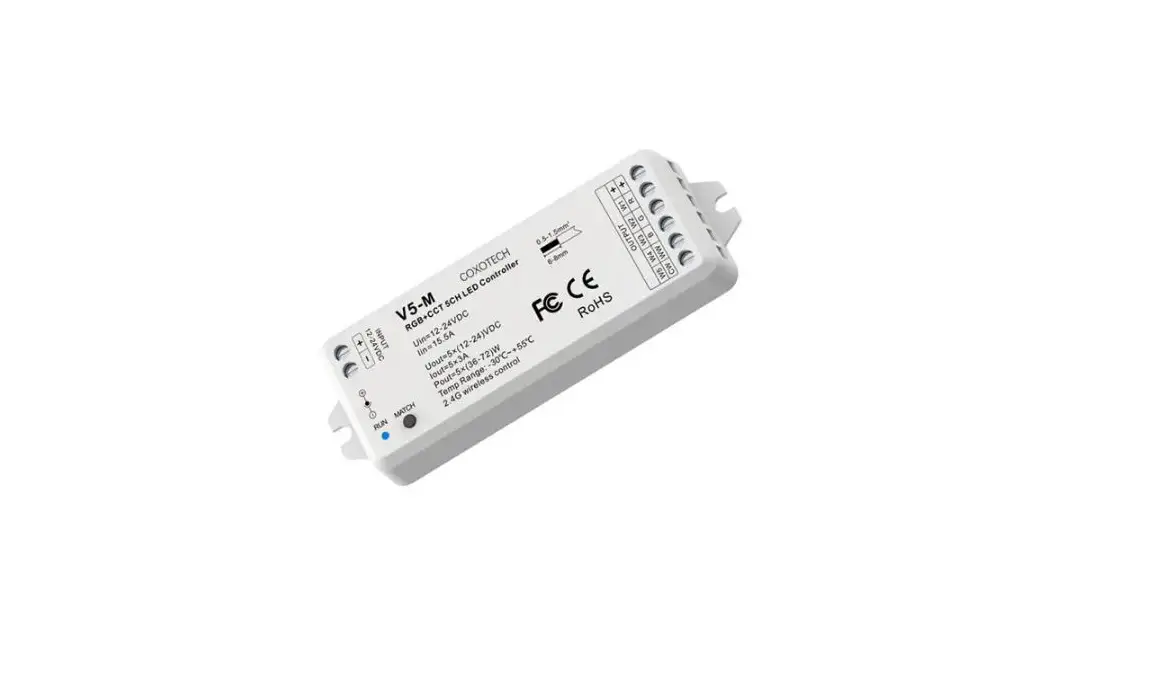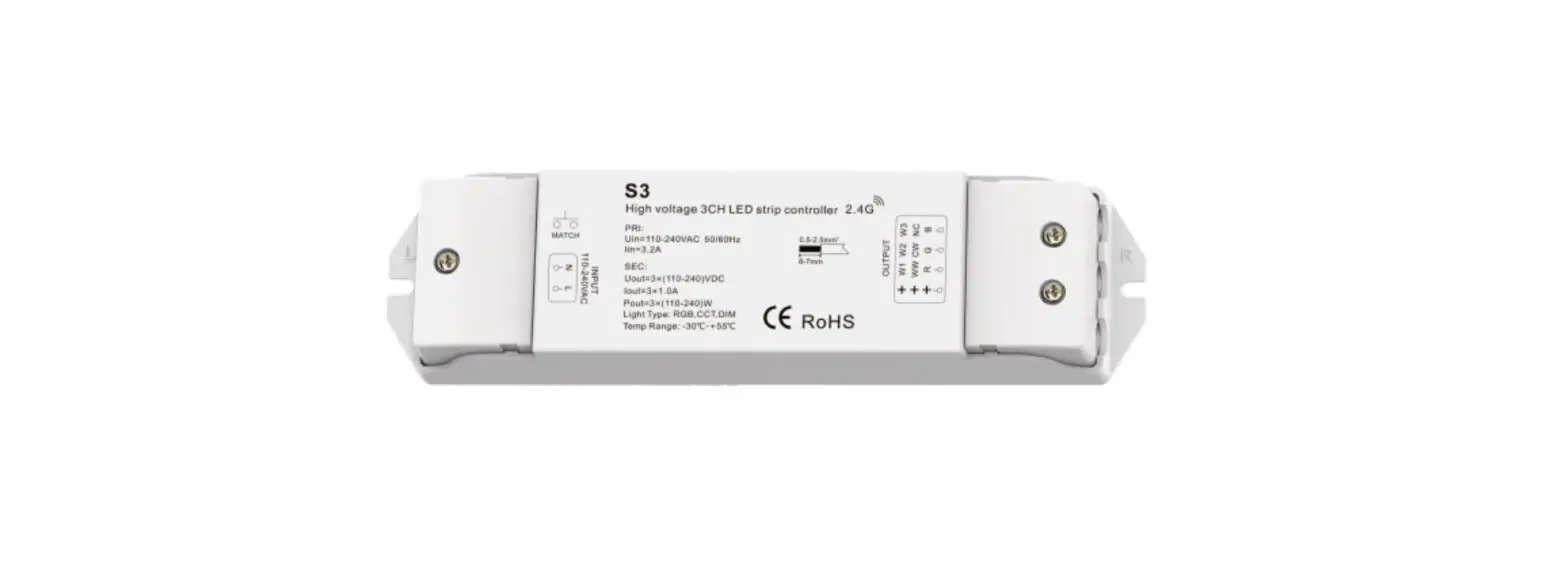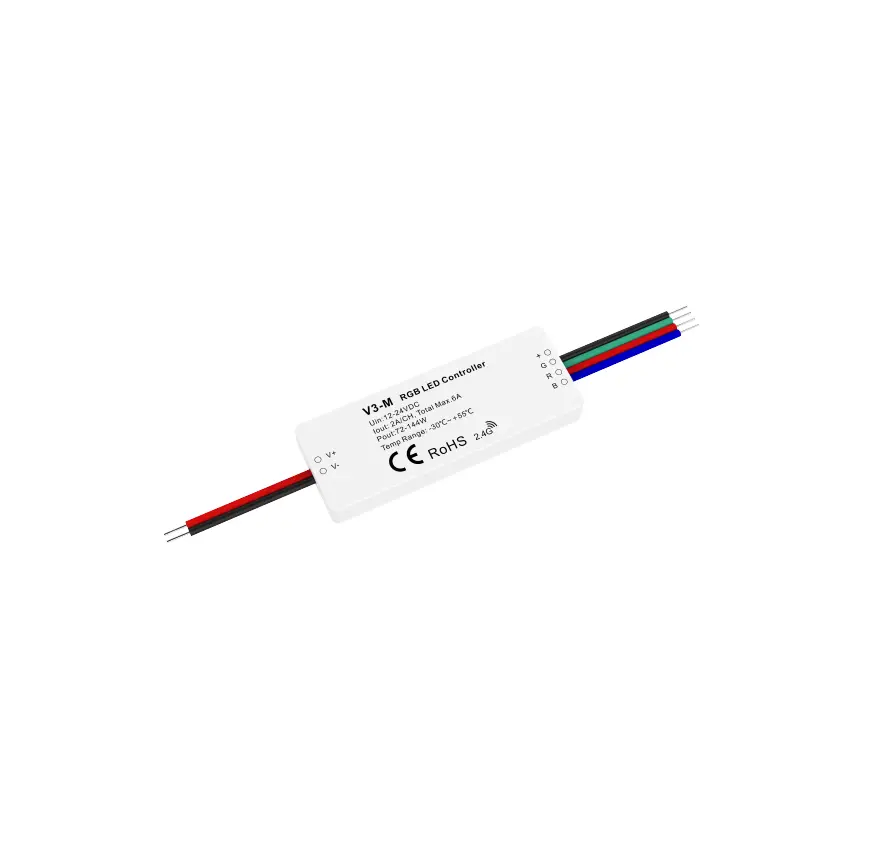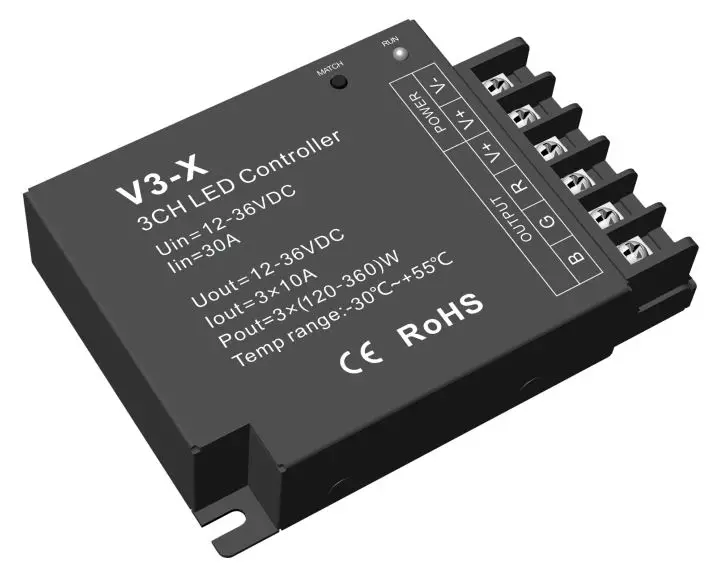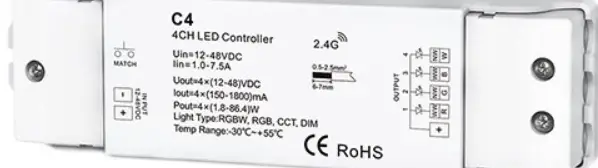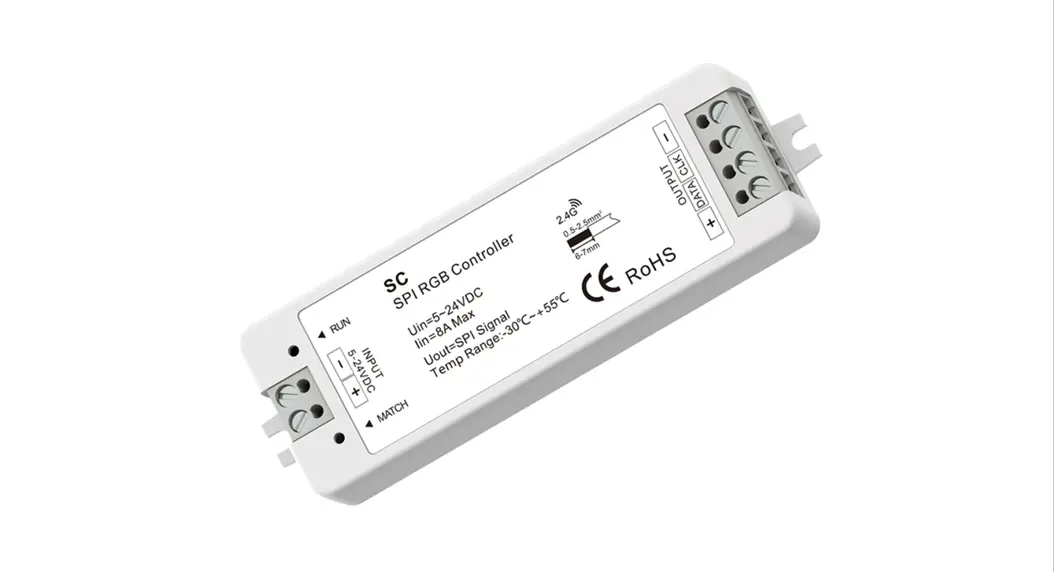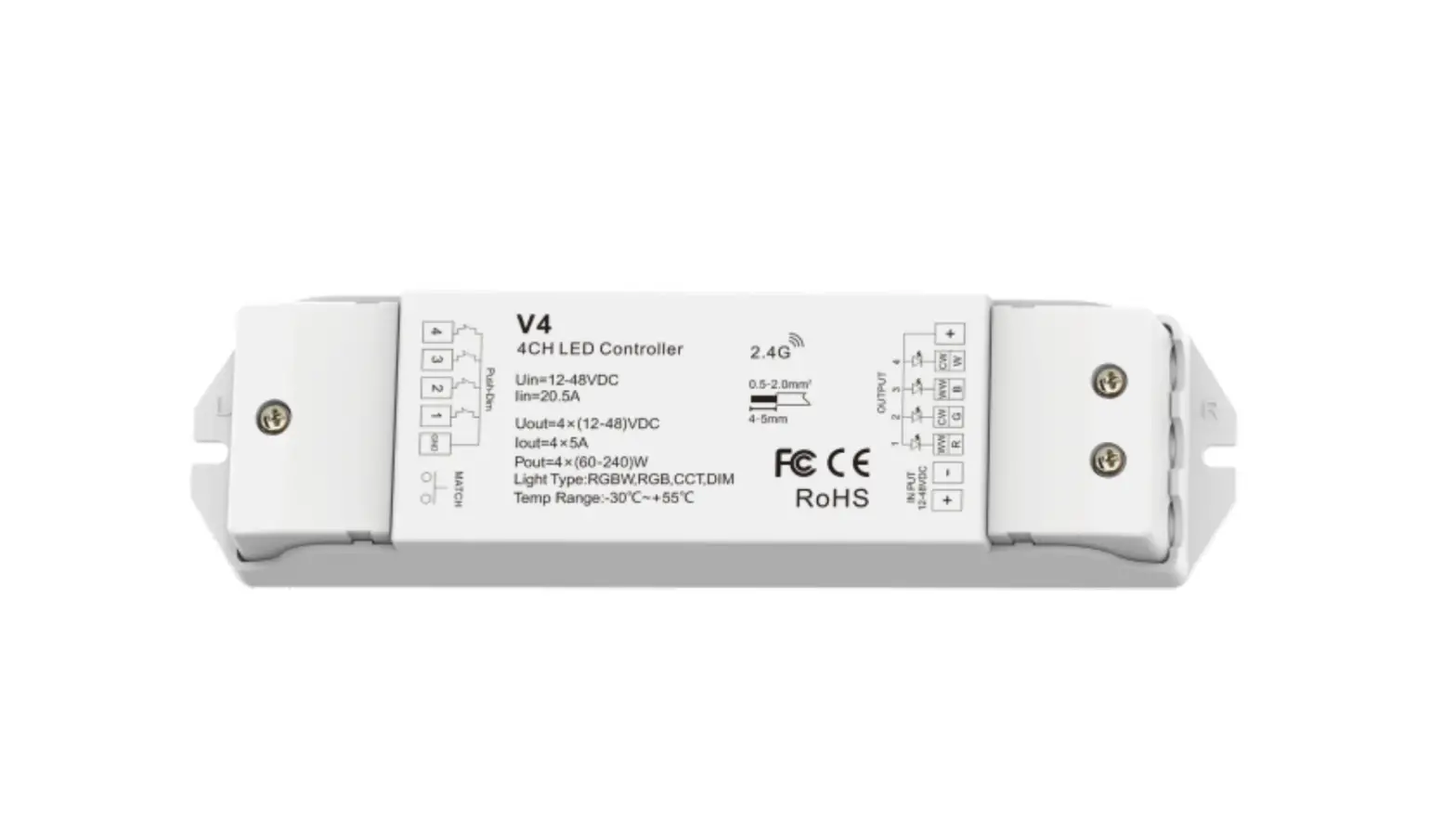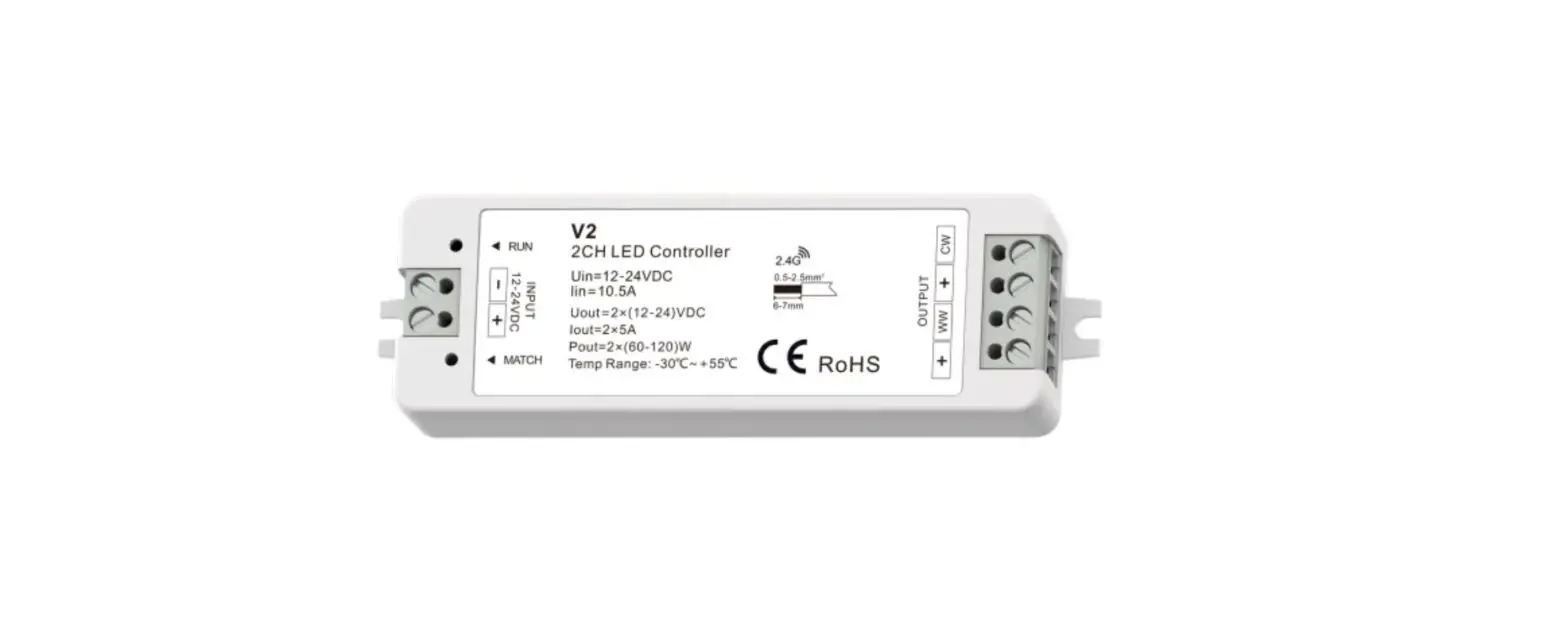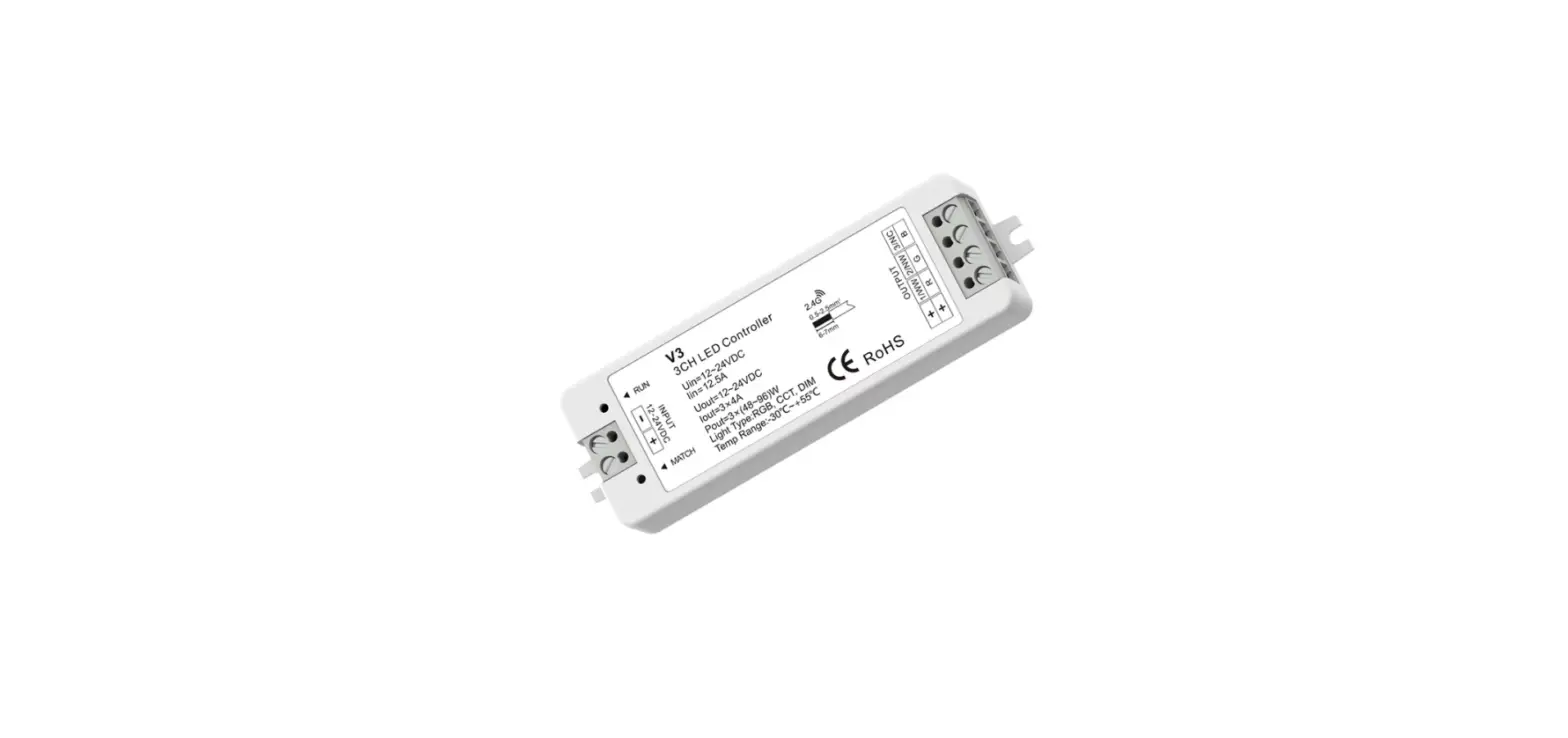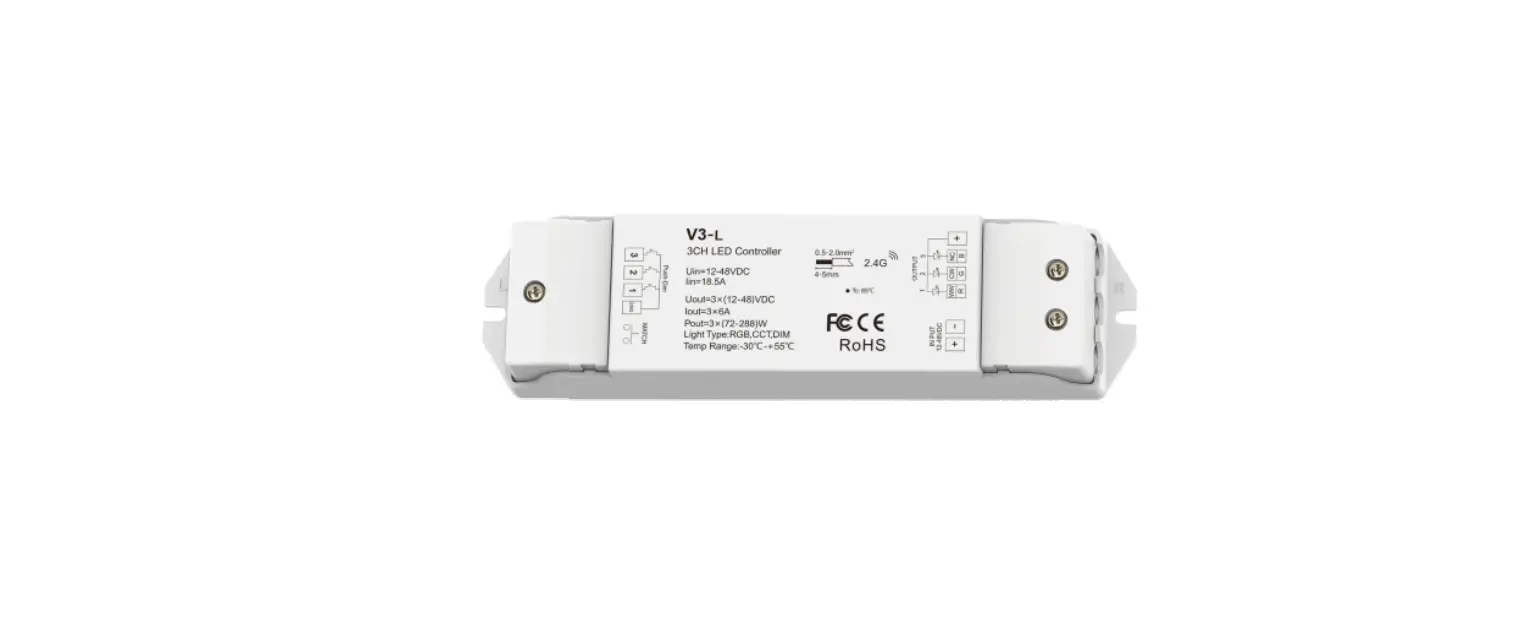

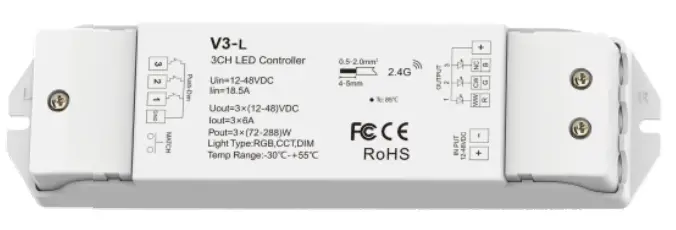
SKYDANCE V3-L RGB CCT Dimming 3 Channel LED RF Controller
Features
- Match with RF 2.4G single zone or multiple zone single color, dual color and RGB/RGBW remote control.
- One RF controller accepts up to 10 remote control.
- 4096 levels 0-100% dimming smoothly without any flash.
- When using with RGB light, built-in 10 dynamic modes, include jump or gradual change style.
- Auto-transmitting function: Controller automatically transmits signal to another controller with 30m control distance.
- Synchronize on multiple controllers.
- Light on/off fade time 3s selectable.
- Connect with external push key to achieve on/off and 0-100% dimming function.
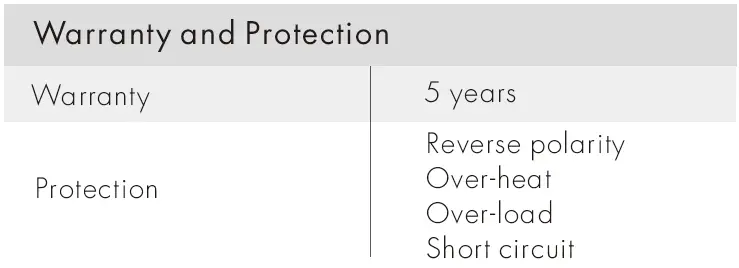
- Over-heat / Over-load / Short circuit protection, recover automatically.
Technical Parameters
| Input and Output | |
| Input voltage | 12-48VDC |
| Input current | 18.5A |
| Output voltage | 3 x (12-48)VDC |
| Output current | 3CH,6A/CH |
| Output power | 3 x (72-288)W |
| Output type | Constant voltage |
| Safety and EMC | |
| EMC standard (EMC) | ETSI EN 301 489-1 V2.2.3 ETSI EN 301 489-17 V3.2.4 |
| Safety standard(LVD) | EN 62368-1:2020+A11:2020 |
| Radio Equipment(RED) | ETSI EN 300 328 V2.2.2 |
| Certification | CE,EMC,LVD,RED |
| Dimming data | |
| Input signal | RF 2.4GHz + Push Dim |
| Control distance | 30m(Barrier-free space) |
| Dimming grayscale | 4096 (2^12) levels |
| Dimming range | 0 -100% |
| Dimming curve | Logarithmic |
| PWM Frequency | 1000Hz (default) |
| Weight | |
| Net weight | 0.108kg |
| Gross weight | 0.130kg |
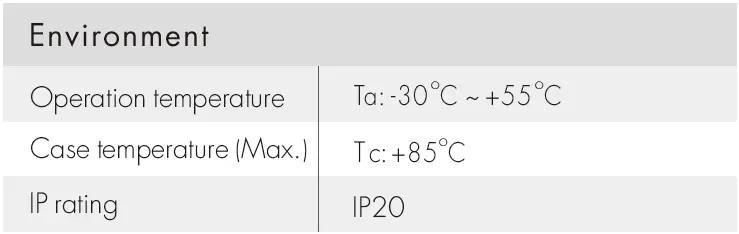
Mechanical Structures and Installations
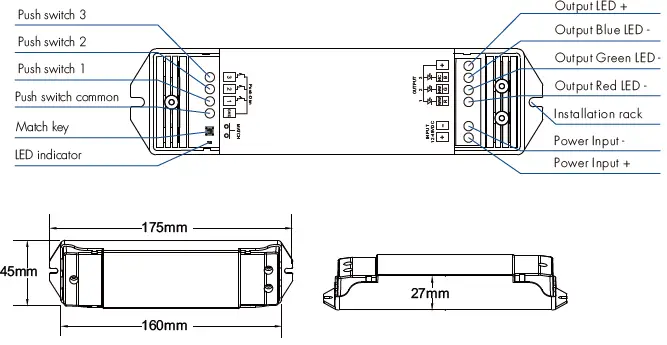
Wiring Diagram
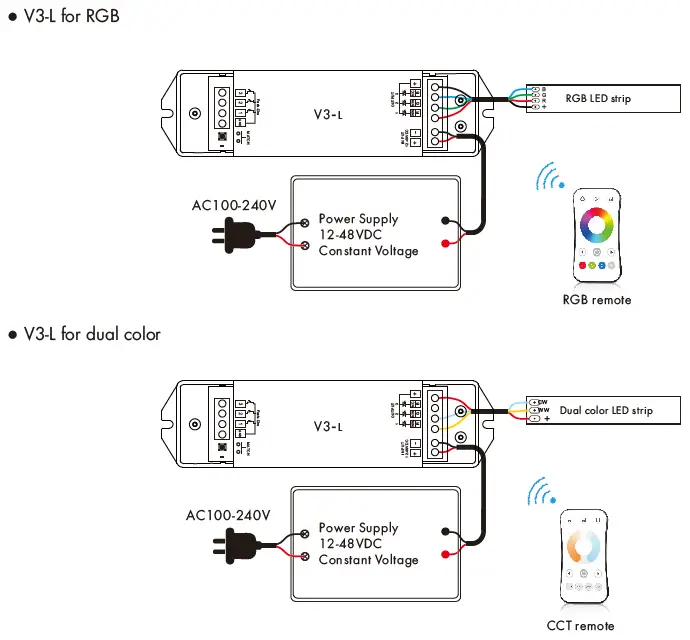
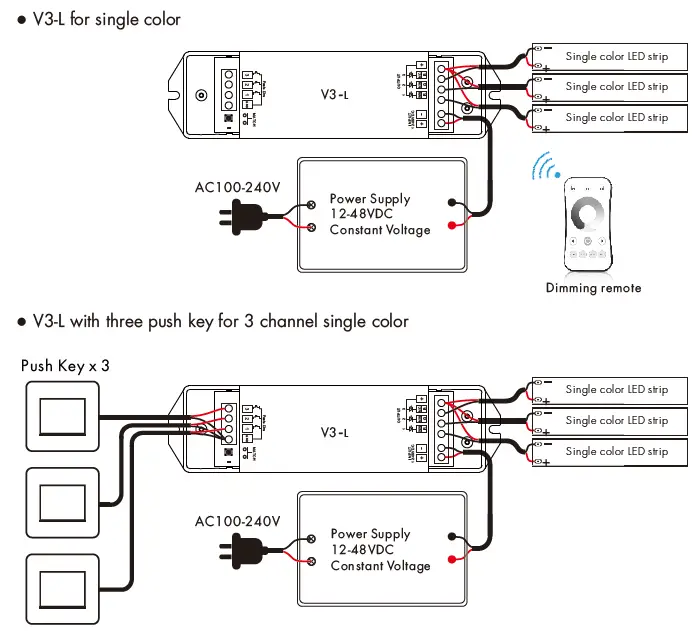
Match Remote Control
End user can choose the suitable match/delete ways. Two options are offered for selection:
- Use the controller’s Match key
- Match:
Short press match key, immediately press on/off key (single zone remote) or zone key (multiple zone remote) of the remote. The LED indicator fast flash a few times means match is successful. - Delete:
Press and hold match key for 5s to delete all match, The LED indicator fast flash a few times means all matched remotes were deleted.
- Match:
- Use Power Restart
- Match:
Switch off the power of the receiver, then switch on power. Repeat again. Immediately short press on/off key (single zone remote) or zone key (multiple zone remote) 3 times on the remote. The light blinks 3 times means match is successful. - Delete:
.Switch off the power of the receiver, then switch on power. Repeat again. Immediately short press on/off key (single zone remote) or zone key (multiple zone remote) 5 times on the remote. The light blinks 5 times means all matched remotes were deleted.
- Match:
Light on/off fade time
- Long press match key 5s, then short press match key 3 times, the light on/off time will be set to 3s, the indicator light blink 3 times.
- Long press match key 10s, restore factory default parameter, the light on/off time also restore to 0.5s.
Push-Dim control
The 3 push key have 3 channel dimming functions default.
- Short press: Turn on or off each channel.
- Long press (1-6s): Press and hold to step-less dimming of each channel, With every other long press, the light level goes to the opposite direction.
- Dimming memory: Light returns to the previous dimming level when switched off and on again.
You also can long press push key and Match key at the same time to select 3 kinds light type, and each light type will have different push key function.
- Long press 1 key and Match key 2 seconds, set as 3 channel single color type (default).
- Long press 2 key and Match key 2 seconds, set as dual color type.
- Long press 3 key and Match key 2 seconds, set as RGB type.
at this time, if the light type has set as dual color or RGB, match remote will not change light type. If you want to cancel light type set, please long press Match key 10 seconds to restore factory setting.
| Single color (3 CH) | 1 key | Short press turn on/off 1 channel, long press 1-6s dim up/down |
| 2 key | Short press turn on/off 2 channel, long press 1-6s dim up/down | |
| 3 key | Short press turn on/off 3 channel, long press 1-6s dim up/down | |
| Dual color | 1 key | Short press turn on/off light, long press 1-6s dim up/down |
| 2 key | Short press 3 levels color temperature (WW, NW, CW), long press 1-6s color temperature up/down | |
| 3 key | Invalid | |
| RGB | 1 key | Short press turn on/off light, long press 1-6s dim up/down |
| 2 key | Short press change dynamic mode, long press 2s to set speed (1-10 levels) | |
| 3 key | Short press change static RGB color (24 levels), long press 1-6s adjust saturation |
RGB dynamic mode list
| No. | Name | No. | Name |
| 1 | RGB jump | 6 | RGB fade in and out |
| 2 | RGB smooth | 7 | Red fade in and out |
| 3 | 6 color jump | 8 | Green fade in and out |
| 4 | 6 color smooth | 9 | Blue fade in and out |
| 5 | Yellow cyan purple smooth | 10 | White fade in and out |
Malfunctions analysis & troubleshooting
| Malfunctions | Causes | Troubleshooting |
| No light | 1. No power. 2. Wrong connection or insecure. | 1. Check the power. 2. Check the connection. |
| Wrong color | 1. Wrong connection of R/G/B wires. | 1. Reconnect R/G/B wires. |
| Uneven intensity between front and rear, with voltage drop | 1. Output cable is too long. 2. Wire diameter is too small. 3. Overload beyond power supply capability. 4. Overload beyond controller capability. | 1. Reduce cable or loop supply. 2. Change wider wire. 3. Replace higher power supply. 4. Add power repeater. |
| No response from the remote | 1. The battery has no power. 2. Beyond controllable distance. 3. The controller did not match the remote. | 1. Replace battery. 2. Reduce remote distance. 3. Re-match the remote. |