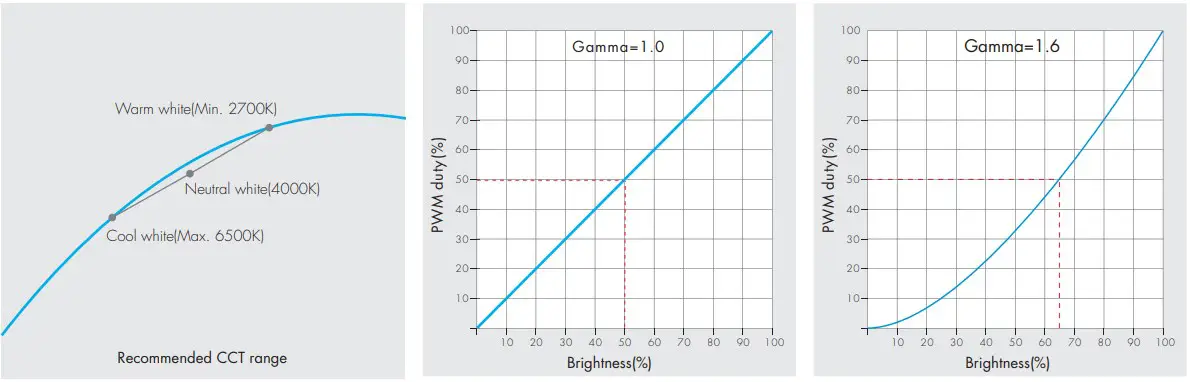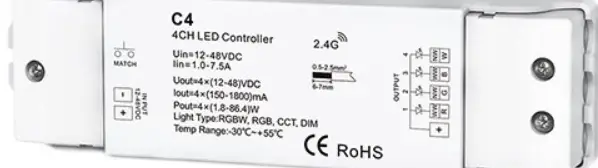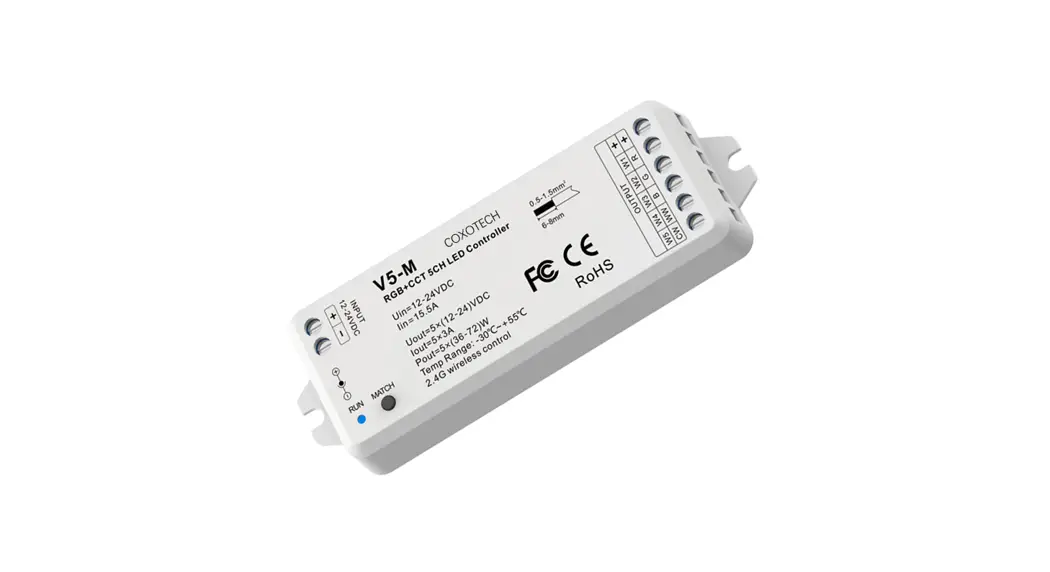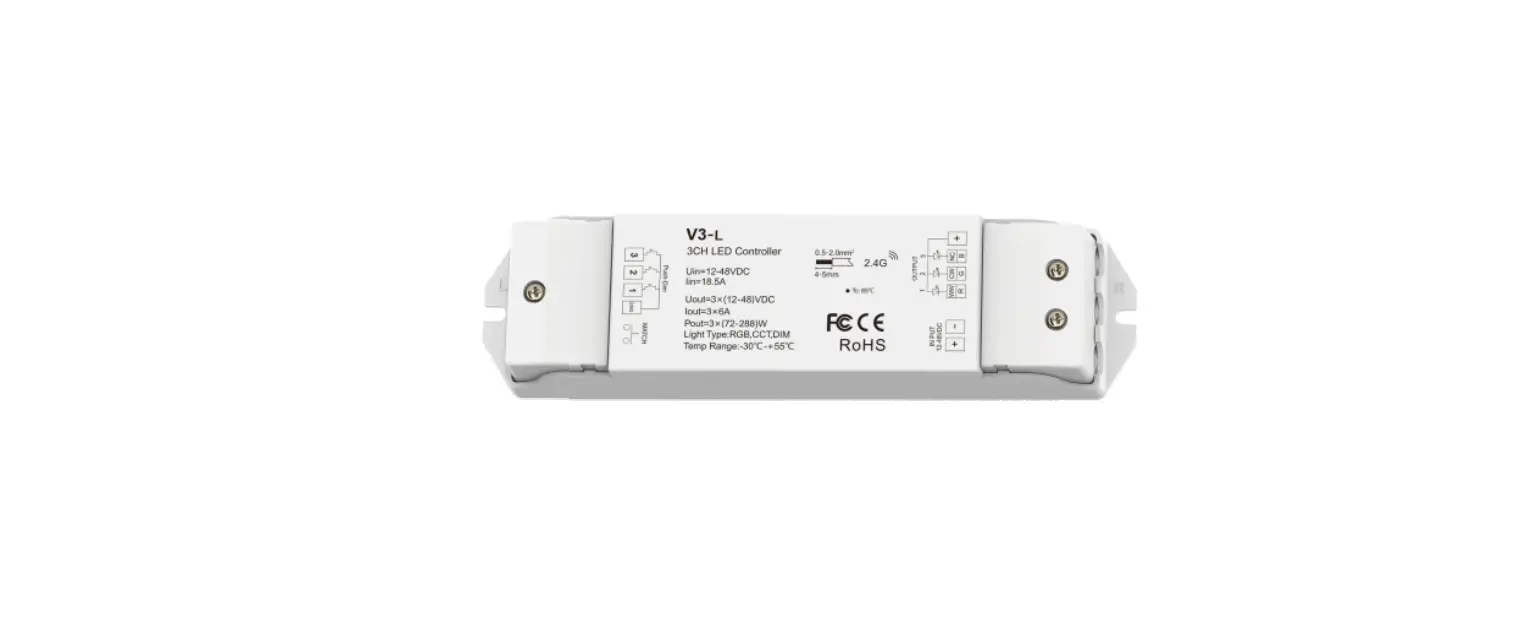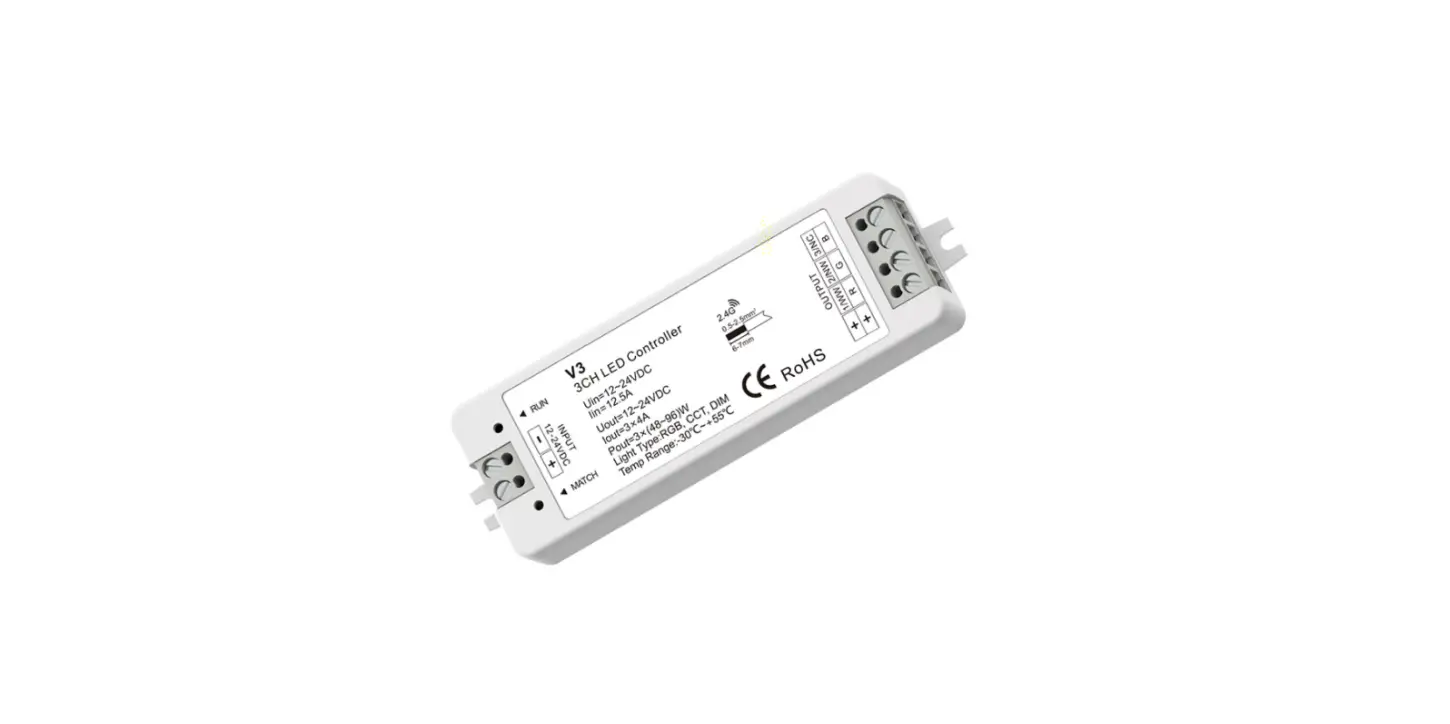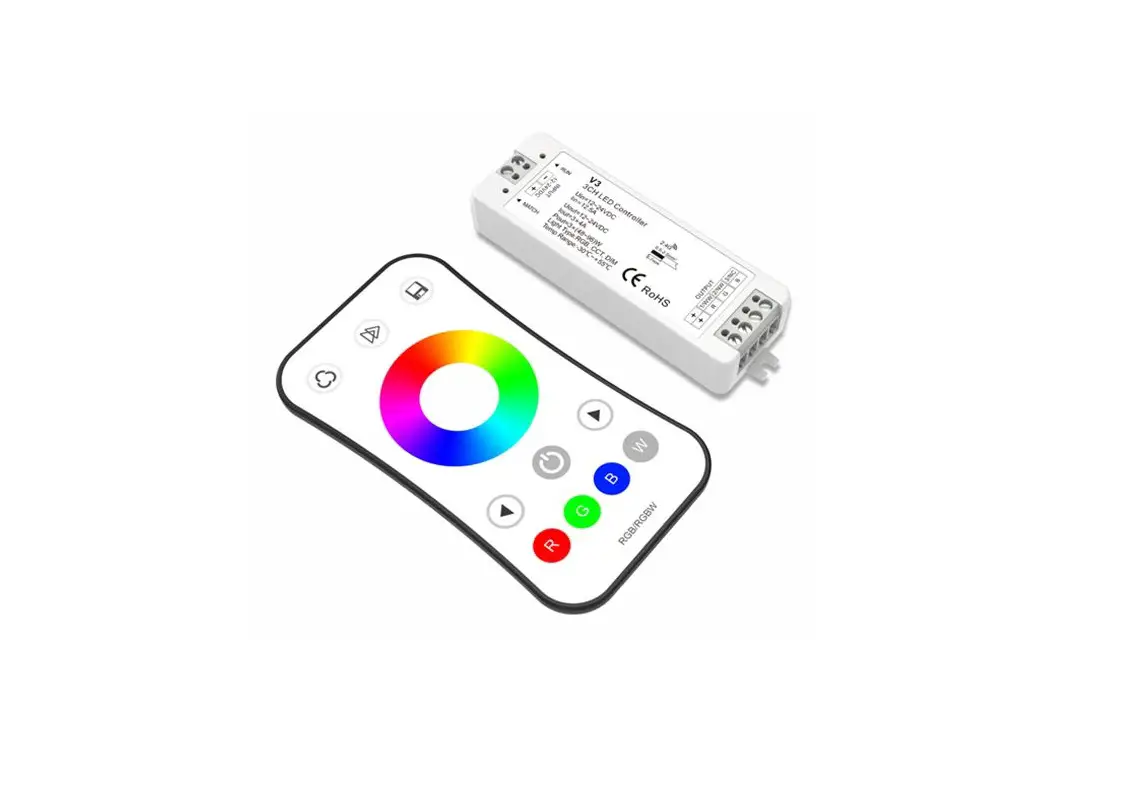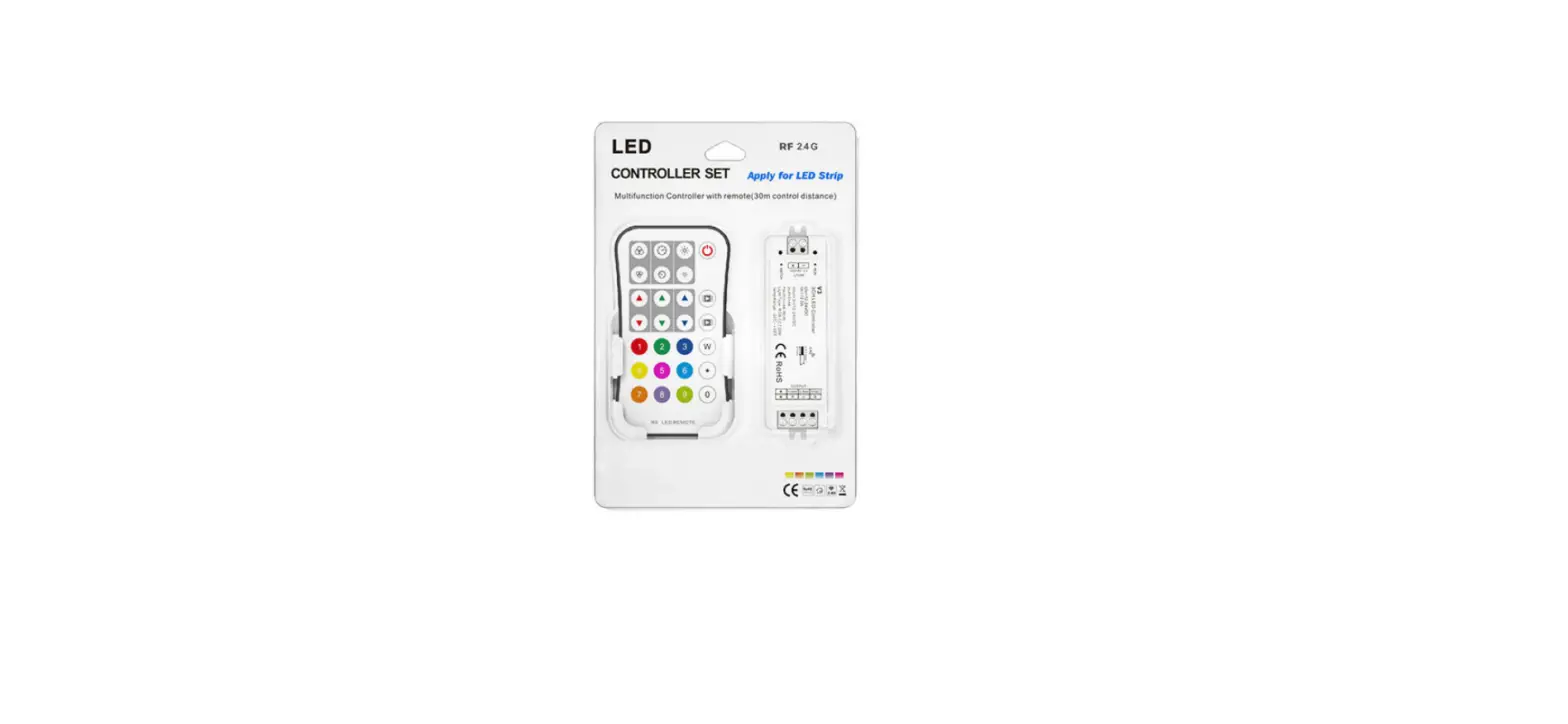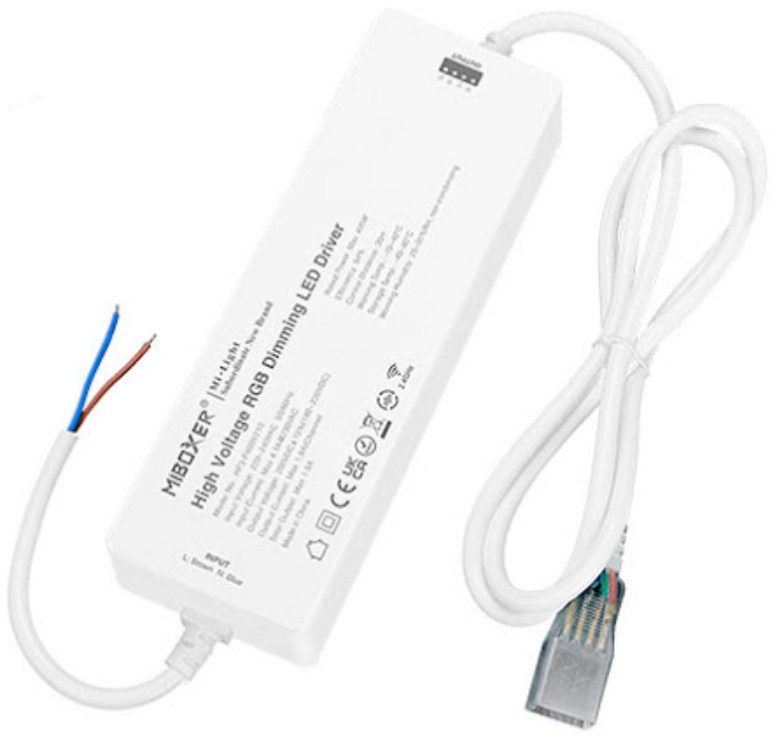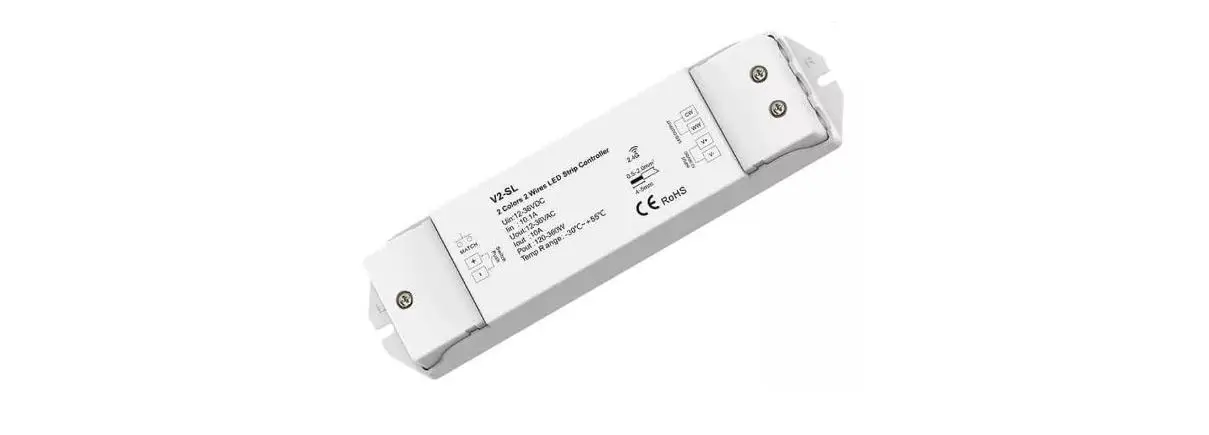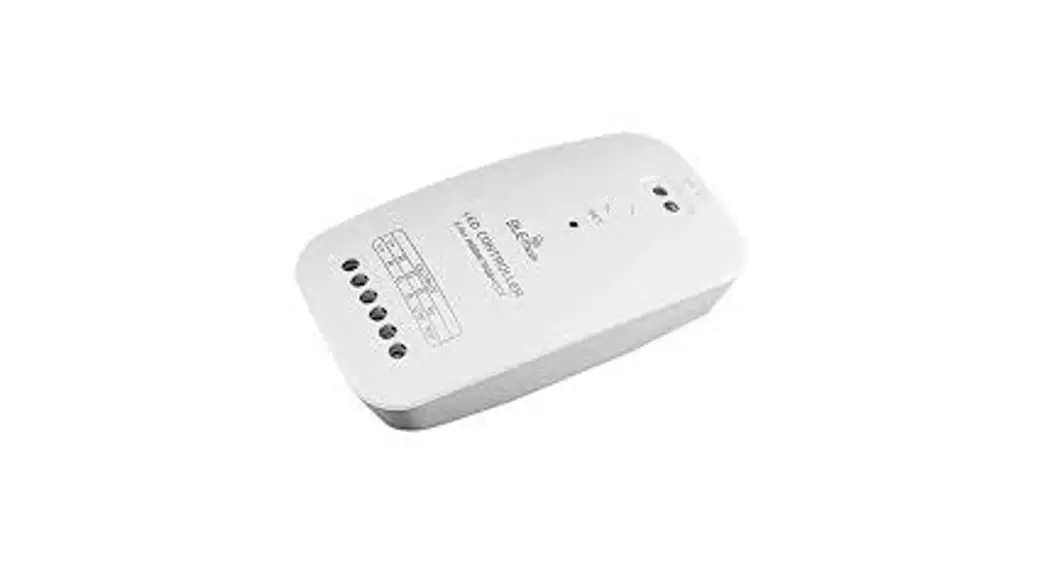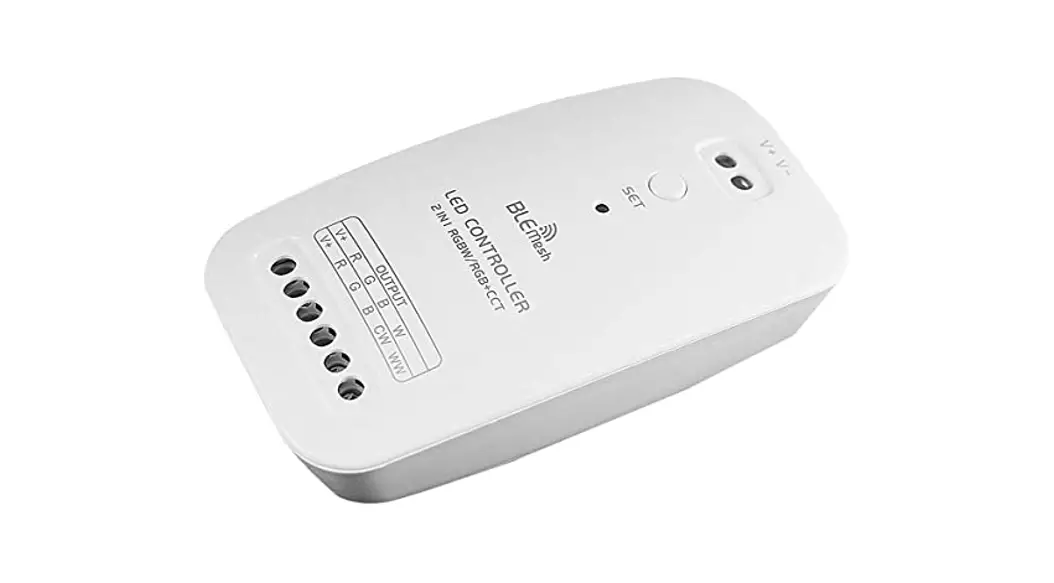
iskydance S3 RGB-CCT-Dimming 3 Channel High Voltage LED Strip Controller Instruction Manual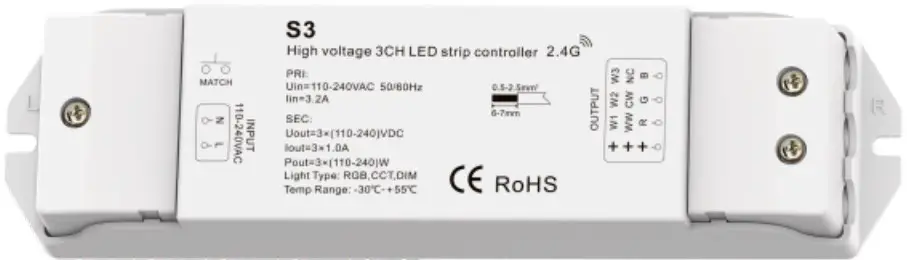
Features
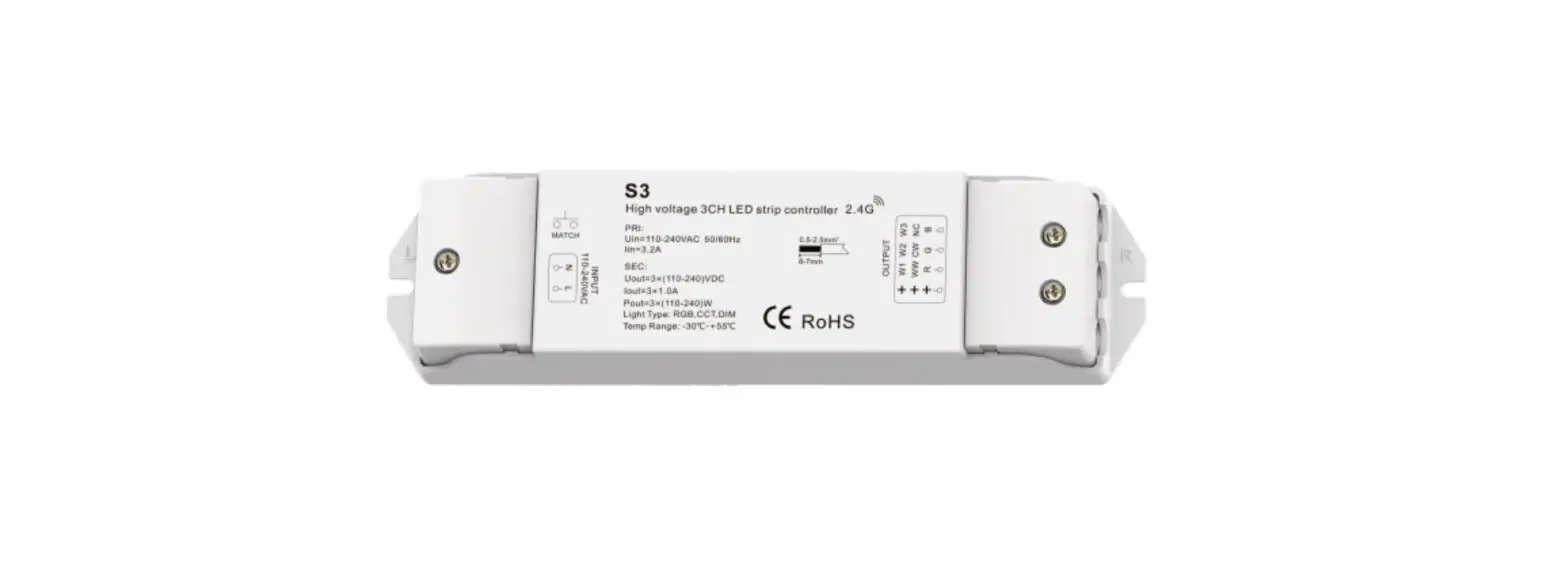
- 3 channel high voltage LED strip RF 2.4G controller, can control maximum about 50 meters of high voltage LED strip, different LED strip may have difference.
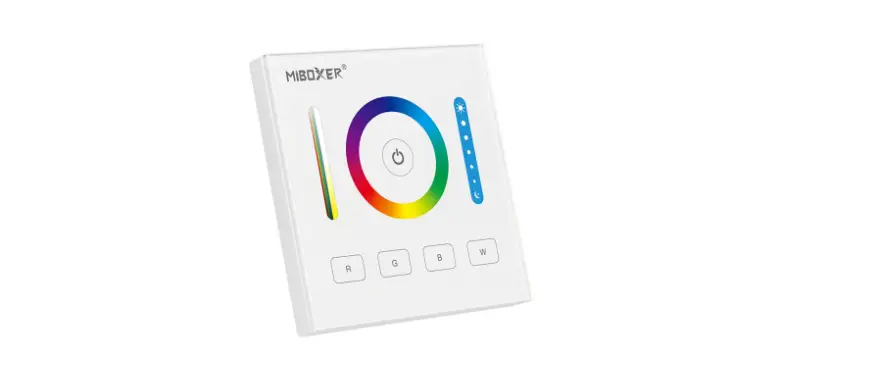
- Match with RF 2.4G single zone or multiple zone single color, dual color and RGB/RGBW remote control.
- One RF controller accept up to 10 remote control.
- 4096 levels 0-100% dimming smoothly without any flash.
- When using with RGB light, built in 10 dynamic mode, include jump or gradual change style.
- Auto-transmitting function: Controller automatically transmit signal to another controller with 30m control distance.
- Synchronize on multiple number of controllers.
- Fade in and out effect selectable.
Technical Parameters
| Input and Output | |
| Input voltage | 110-240VAC |
| Input current | 3.2A |
| Output voltage | 3 x (110-240)VDC |
| Output current | 3CH,1A/CH |
| Output power | 3 x (110-240)W |
| Dimming data | |
| Input signal | RF 2.4GHz |
| Control distance | 30m(Barrier-free space) |
| Dimming level | 4096 levels |
| Dimming range | 0 -100% |
| Dimming curve | Logarithmic |
| PWM Frequency | 2KHz |
| Safety and EMC | |
| EMC standard (EMC) | ETSI EN 301 489-1 V2.2.3ETSI EN 301 489-17 V3.2.4 |
| Safety standard(LVD) | EN 62368-1:2020+A11:2020 |
| Radio Equipment(RED) | ETSI EN 300 328 V2.2.2 |
| Certification | CE,EMC,LVD,RED |
| Weight | |
| Net weight | 0.117kg |
| Gross weight | 0.136kg |
Mechanical Structures and Installations
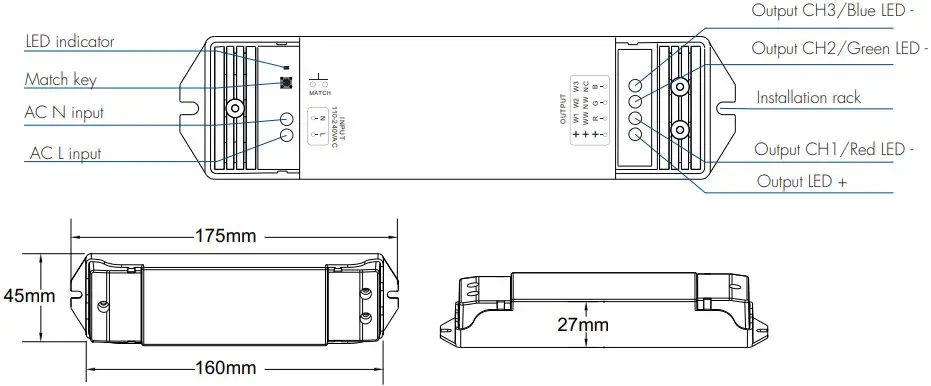
Wiring Diagram
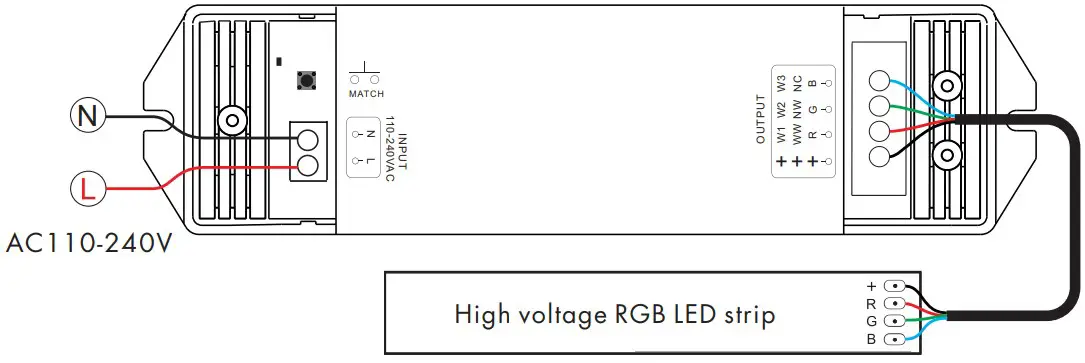
 Caution:
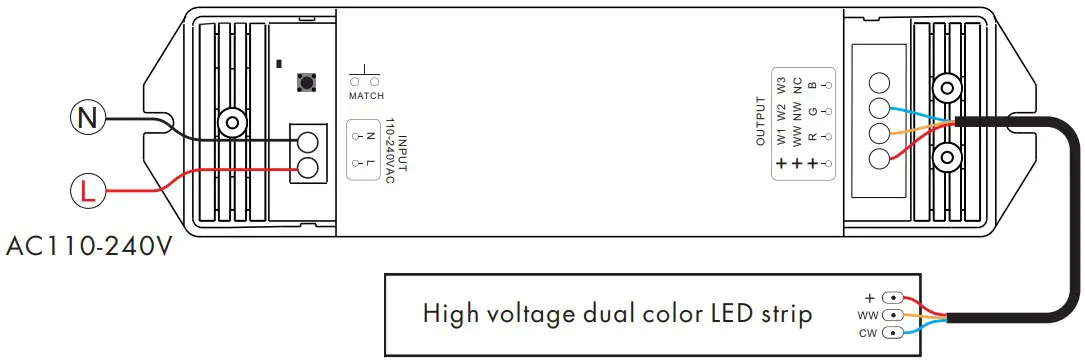
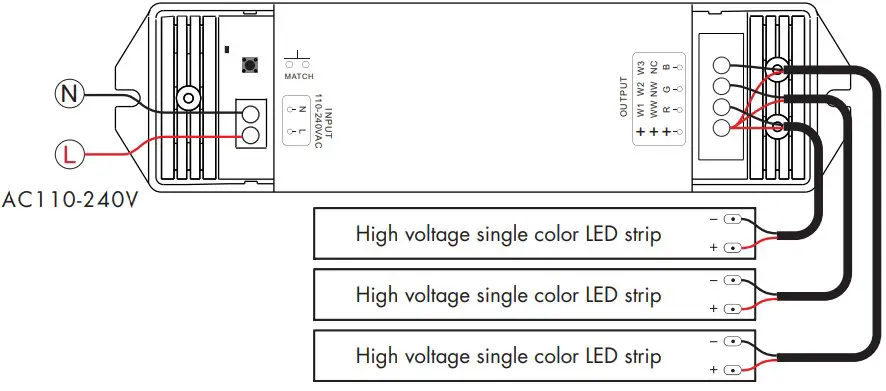
This controller apply for high voltage LED strip, please carefully ensure all wire connections and polarities are correct and secure before applying power, otherwise this controller or high voltage LED strip will be damaged.
S3 connect with dual color LED strip
S3 connect with single color LED strip
Match Remote Control (two match ways)
End user can choose the suitable match/delete ways. Two options are offered for selection:
Use the controller’s Match keyMatch:
Short press match key, immediately press on/off key (single zone remote) or zone key (multiple zone remote) of the remote.
Delete:
Press and hold match key for 5s to delete all match, The light blinks 5 times means all matched remotes were deleted.
Use Power Restart
Match:
Switch off the power, then switch on power, repeat again. Immediately short press on/off key (single zone remote) or zone key (multiple zone remote) 3 times on the remote. The light blinks 3 times means match is successful.
.Delete:
Switch off the power, then switch on power, repeat again. Immediately short press on/off key (single zone remote) or zone key (multiple zone remote) 5 times on the remote. The light blinks 5 times means all matched remotes were deleted.
Fade in and Fade out Setting
Long press match key 5s, then short press match key 3 times, The lighting effect will be set to the fade in and fade out in 3s, the indicator light of LED controller blinks 3 times. Long press match key 10s, restore factory default parameter, the light on/off time restores to 0.5s.
RGB dynamic mode list
| No. | Name | No. | Name |
| 1 | RGB jump | 6 | RGB fade in and out |
| 2 | RGB smooth | 7 | Red fade in and out |
| 3 | 6 color jump | 8 | Green fade in and out |
| 4 | 6 color smooth | 9 | Blue fade in and out |
| 5 | Yellow cyan purple smooth | 10 | White fade in and out |
Application notes
All the receivers in the same zone.

Auto-transmitting: One receiver can transmit the signals from the remote to another receiver within 30m, as long as there is a receiver within 30m, the remote control distance can be extended. Auto-synchronization: Multiple receivers within 30m distance can work synchronously when they are controlledby the same remote, under same dynamic mode and with same speed. Receiver placement may offer up to 30m communication distance. Metals and other metal materials will reduce the range. Strong signal sources such as WiFi routers and microwave ovens will affect the range. We recommend for indoor applications that receiver placements should be no further apart than15m.
Each receiver(one or more) in a different zone, like zone 1, 2, 3 or 4.

Dual color control
WW=Warm white LED
CW=Cool white LED
Each channel can supply up to 240W@240VAC and white balance can be controlled as such:
| Color temperature | Cool white | Neutral white | Warm white |
| Power distribution | WW=0W,CW=240W | WW=120W,CW=120W | WW=240W,CW=0W |