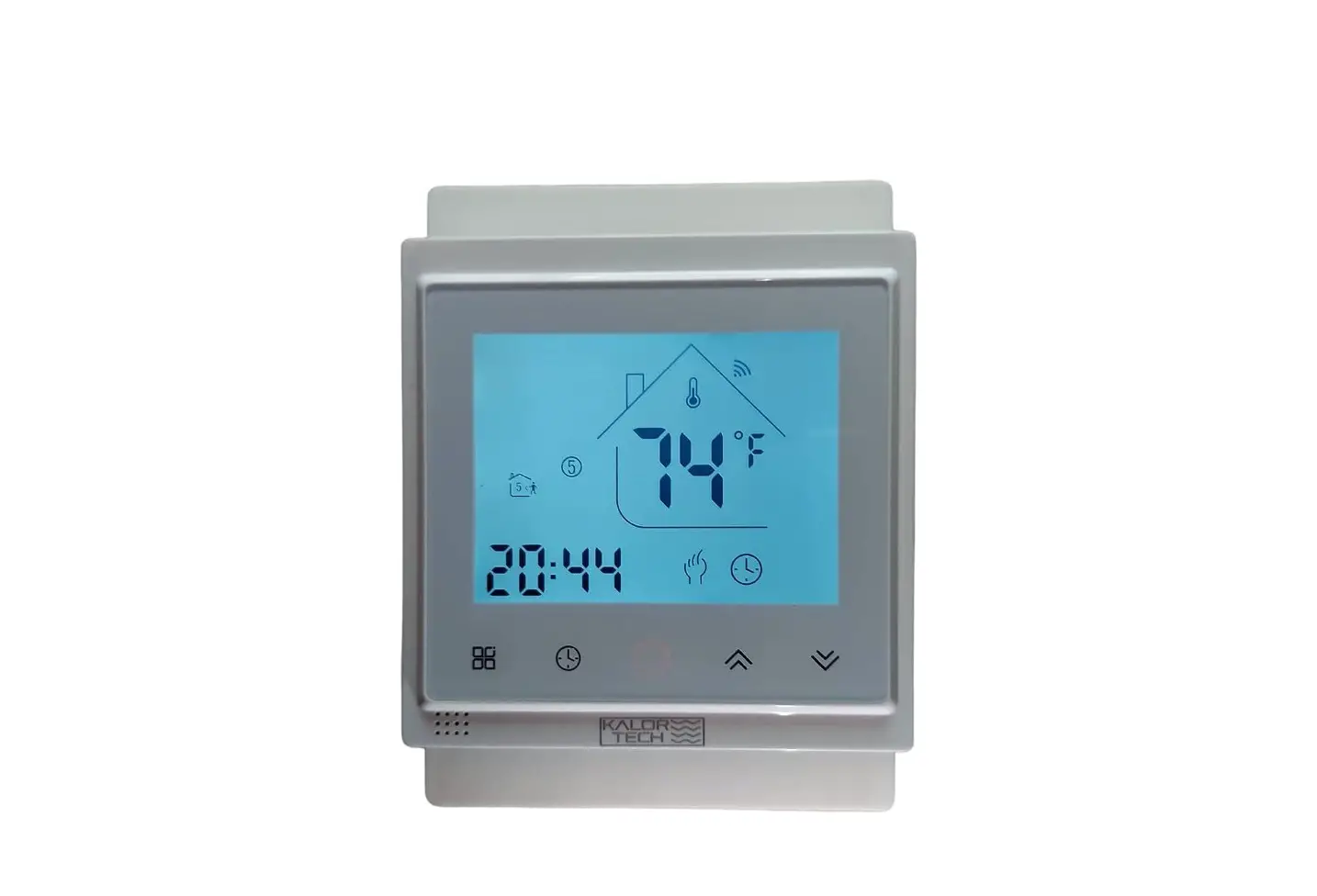
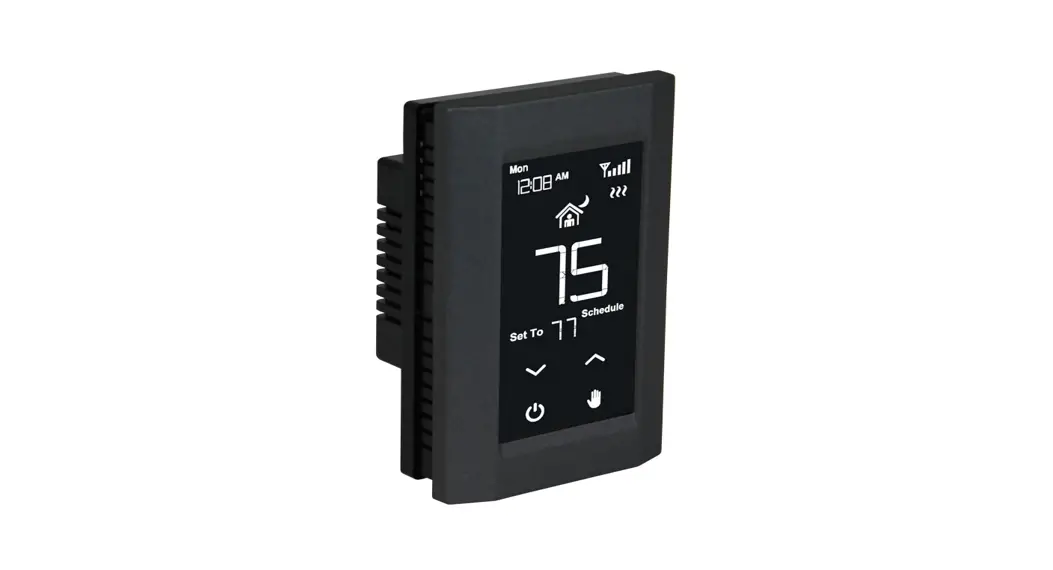
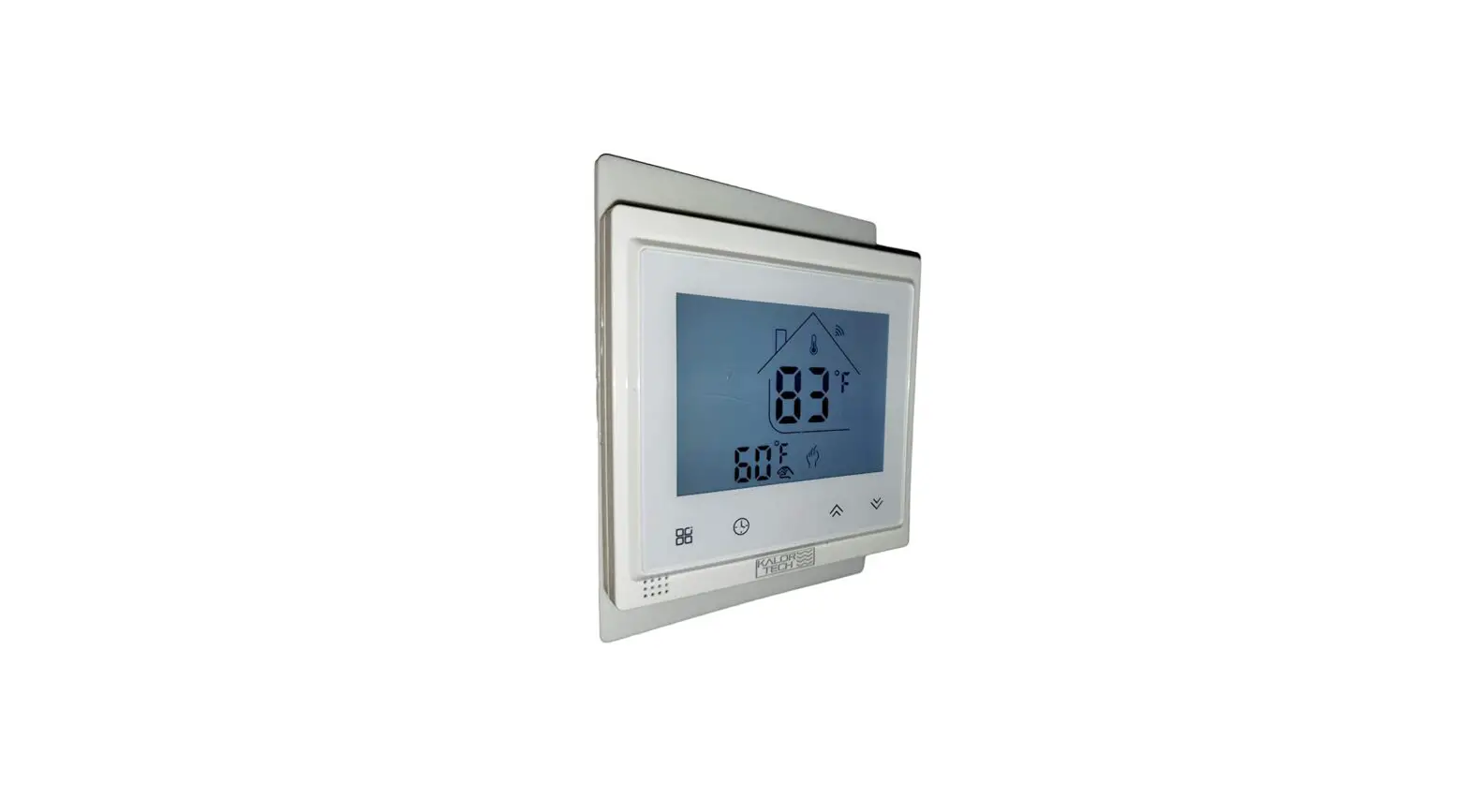
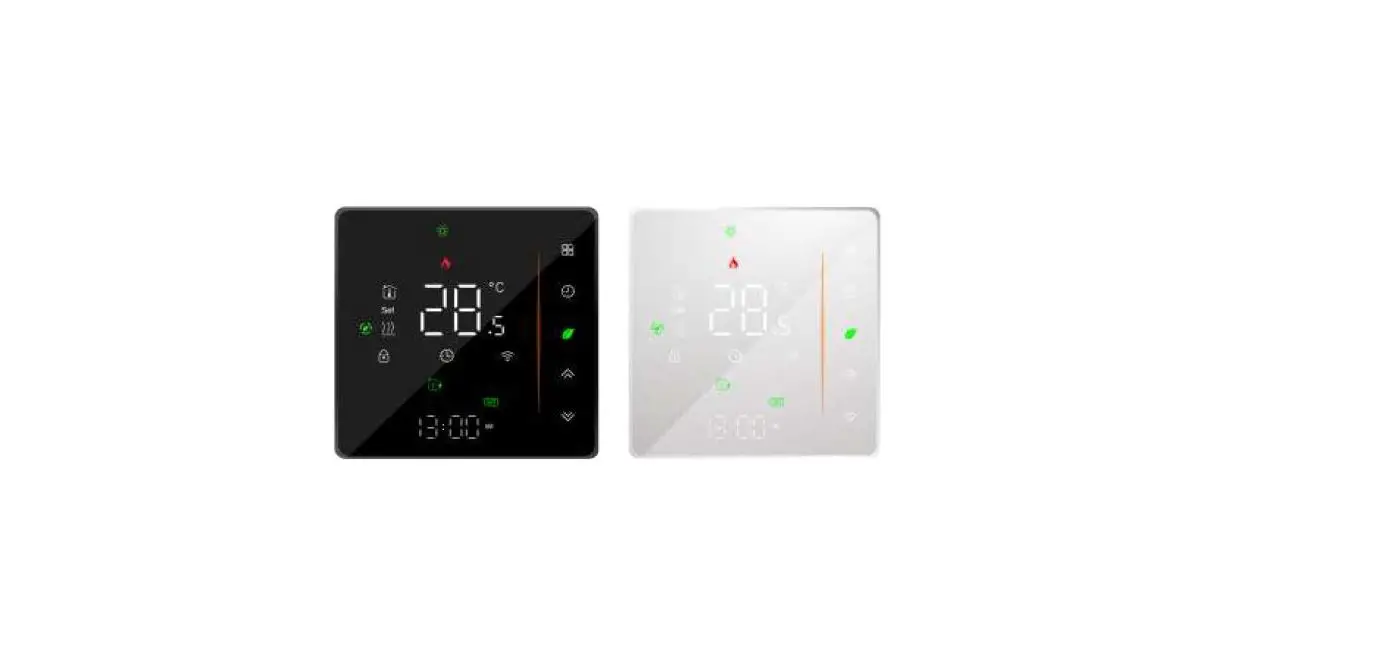
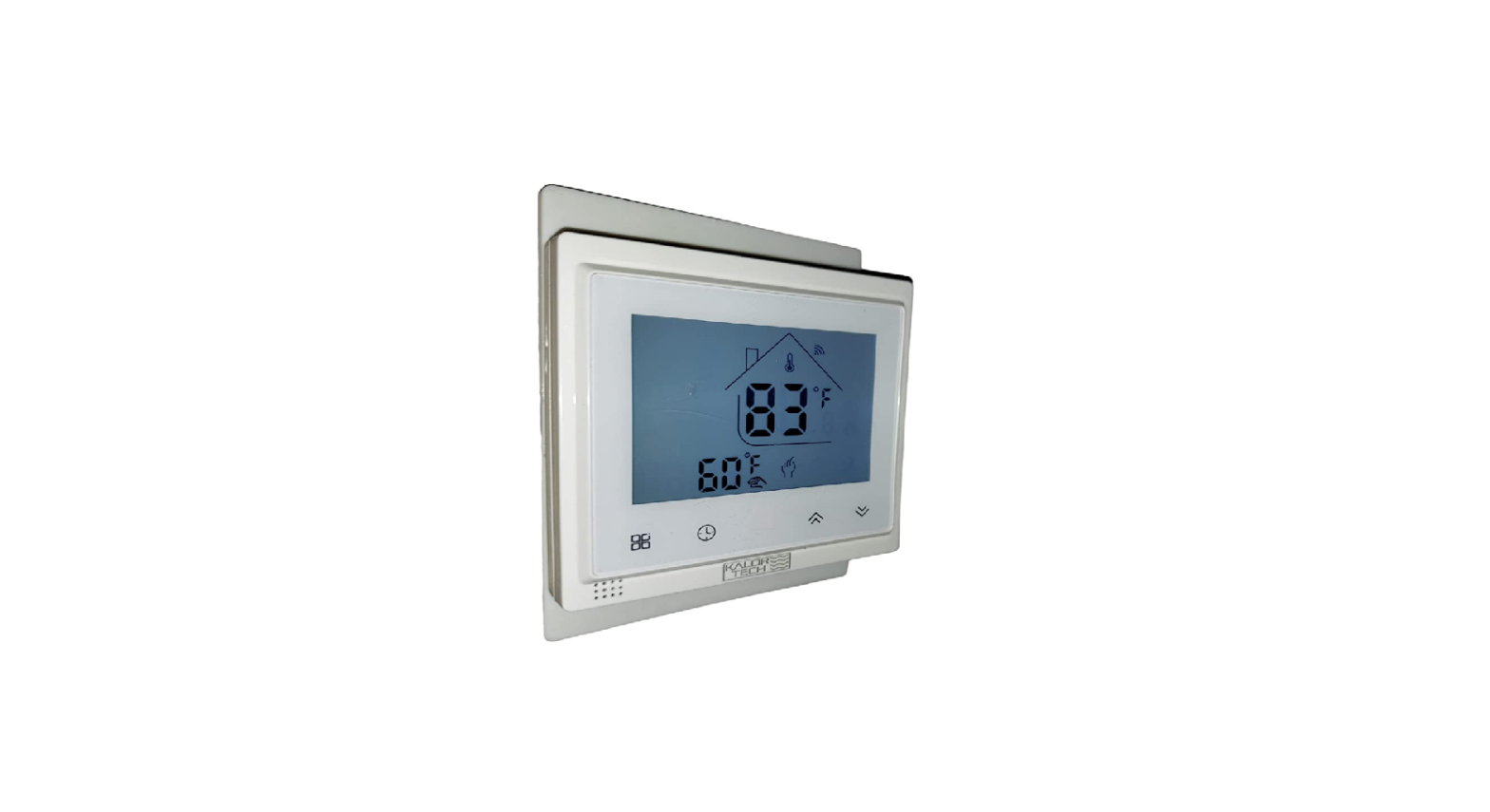
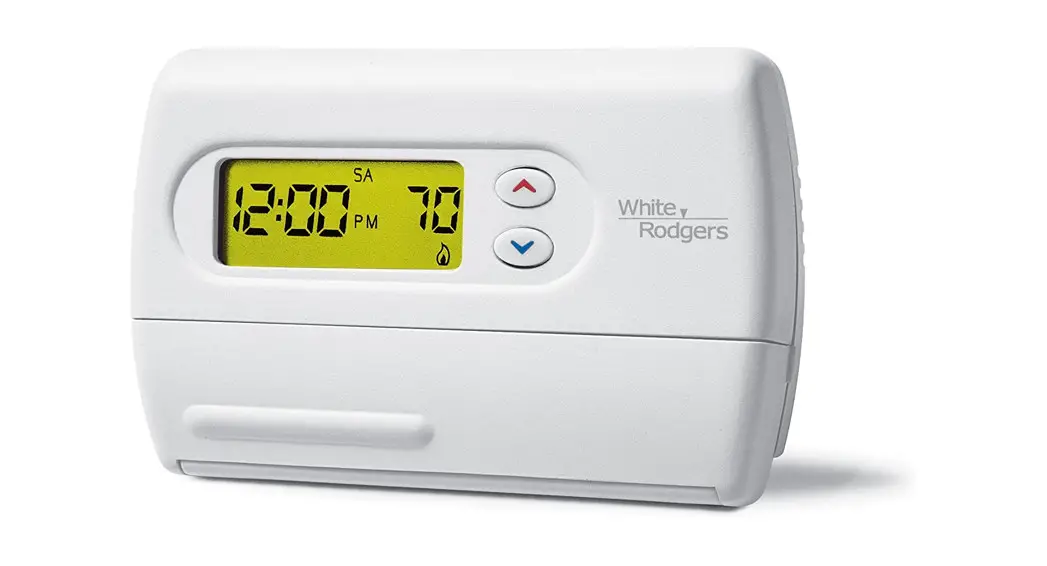
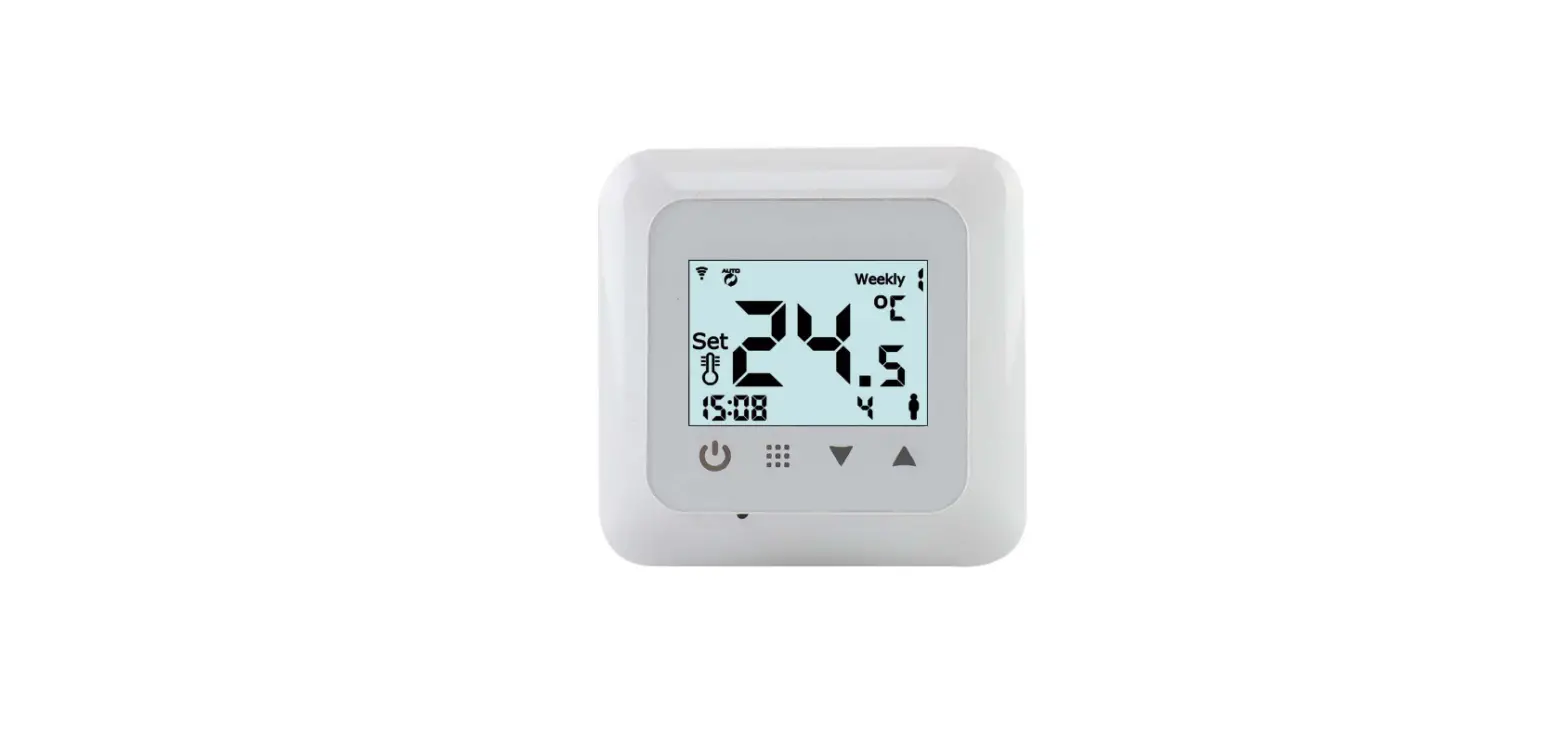
KJR-29B-BK-E Wireless Thermostat
Product Information
The product is a R410A DC Inverter V4 Plus 50Hz air conditioner
with a touch-style key wired controller model KJR-29B/BK-E. The
wired controller has various functions including air filter
cleaning reminder, ON/OFF control, indoor unit address setting,
remote control receiver function, operation shortcut setting and
lock, auto-restart function, time ON and time OFF setting, clock
setting, temperature and operating mode setting, follow me
function, fan speed and swing functions.
Wired Controller Specifications
- Model: KJR-29B/BK-E
- Power Supply Voltage: 5.0V DC
- Ambient Temperature Range: Not specified
- Ambient Humidity Range: Not specified
Wired Controller Appearance
The wired controller has the following features:
- Remote signal receiving function: It can receive signals from a
wireless remote controller to control the air-conditioner. - ON/OFF Button: Press this button to turn the indoor unit on or
off. - Mode Button: Press this button to set the operating mode (AUTO,
COOL, DRY, HEAT, FAN). - Fan Speed Setting: Under COOL, HEAT, and FAN modes, press the
fan speed button to adjust the fan speed (AUTO, LOW, MID,
HIGH). - Temperature Setting: Under AUTO, COOL, DRY, and HEAT modes, use
the Temp adjust Up/Down buttons to set the temperature within the
range of 17~30 (or 62~88). - Timer On and Timer Off Setting: Press the timer/clock setting
button to enter the timer on setting status. Use the Temperature
setting buttons to adjust the time. The maximum timer setting is 24
hours.
Product Usage Instructions
- To turn the air-conditioner on or off, press the ON/OFF
button. - To set the operating mode, press the Mode button to cycle
through AUTO, COOL, DRY, HEAT, and FAN modes. - To adjust the fan speed, press the fan speed button under COOL,
HEAT, or FAN modes. The available options are AUTO, LOW, MID, and
HIGH. Under AUTO and DRY modes, the fan speed is automatically set
and cannot be adjusted. - To set the desired temperature, use the Temp adjust Up/Down
buttons under AUTO, COOL, DRY, or HEAT modes. The temperature range
is 17~30 (or 62~88). Temperature adjustment is not available under
FAN mode. - To set the timer on and timer off, press the timer/clock
setting button. Use the Temperature setting buttons to adjust the
time. Each press of the Temp setting buttons will increase or
decrease the time by 0.5 hour if the time is less than 10 hours. If
the time is more than 10 hours, each press will increase or
decrease the time by 1 hour. The maximum timer setting is 24 hours.
Press the 26/OK button or wait for 5 seconds to confirm and exit
the time on setting.
R410A DC Inverter V4 Plus 50Hz
2.3 Touch- style key wired controller: KJR-29B/BK-E
MCAC-VTSM-2013-03
Wired controller specifications
KJR-29B/BK-E
Model
Power Supply Voltage Ambient Temperature Range Ambient Humidity Range
Performance Features 1. Operating mode: Cool, heat, dry, fan and auto. 2. Set the mode through buttons. 3. Indoor setting temperature range: 17°C ~30°C. 4. LCD (Liquid Crystal Display). 5. Touch-style key
KJR-10B/DB(T)-E 5.0V DC
-5°C43°C RH40%~RH90%
2.3.1 Function summarize KJR-29B is the touch-style key wired controller.
New function
Air filter cleaning reminding function
Basic function ON and OFF the air-conditioner
Indoor unit address setting function Remote control receiver function Lock the wired controller
26 operation shortcut setting and 26 operation lock
Auto-restart function Time ON and Time OFF setting
Clock setting Setting the Operating mode, Temperature
Follow me
Fan speed and Swing functions
Control system
185
MCAC-VTSM-2013-03
2.3.2 Wired controller appearance
R410A DC Inverter V4 Plus 50Hz
(1) Remote signal receiving function
There is the signal receiver for wireless remote controller on the KJR-29B.You can use the wireless remote
controller to control the air-conditioner through the wired remote controller when the system has been powered
on.
Notes: The wired controller will not receive the swing controlling instruction. For the indoor unit with swinging function, you can
directly use the remote controller to control swinging through the display panel of the indoor unit, or use the swing button on the
wired remote controller to control the indoor unit for swinging.
(2) ON/OFF Button
Press the ON/OFF button to control the indoor unit on and off status. When the unit is turned off, press the
ON/OFF button, the unit will be turned on and the operating icon lights up. When the unit is turned on, press
the ON/OFF button, the unit will be turned off and the operating icon lights off.
(3) Mode Button
Press the mode button to set the operating mode, after each button press the operation mode will circle as
follow:
AUTO
CO O L
DRY
HEAT
FAN
When the controller has been set to cool-only, then there is no HEAT mode. (4) Fan speed setting Under COOL, HEAT and FAN modes, press the fan speed button can adjust the fan speed setting. After each fan speed button press will circle as follow:
AUTOLOWMIDHIGHAUTO Under AUTO and DRY modes, the fan speed is not adjustable and the default fan speed is auto.
186
Control System
R410A DC Inverter V4 Plus 50Hz
(5)Temperature setting
MCAC-VTSM-2013-03
Under AUTO, COOL, DRY, HEAT modes, press the Temp adjust Up/Down buttons to set the temperature, the
adjusting range is 17~30 (or 62~88). The setting temperature cannot be adjusted under FAN mode.
(6)Timer on and Timer off setting
Press the timer/clock setting button, then enter into the timer on setting status, and the screen will display timer
icon
and
.
You can press Temperature setting buttons to adjust the time. When the time setting is less than 10 hours,
each press the Temp setting buttons will increase or decrease 0.5 hour. When the timer setting is more than
10 hours, each press Temp setting buttons will increase or decrease 1 hour, the maximum timer setting is 24
hours. After finish adjusting the time on setting, press the 26/OK button or wait for 5 seconds to confirm and
exit the time on setting.
Notes: If the wired remote controller has been set timer on/ off, press the ON/OFF button to turn on/ turn off the unit then the
timer will be canceled simultaneously.
(7) Clock setting
Long press the timer/clock setting button for 3 seconds, and then enter into the clock setting status. The hour
position of the clock will flash, and can press Temp setting buttons to adjust the hour value.
After finish the hour setting, press left button or right button to switch to minute position setting, then the minute
position will flash, press Temp setting buttons to adjust the minute value. After finish the clock setting, press
the button or wait for 5seconds to confirm and exit the setting state.
(8)26/OK button
Under AUTO, COOL, DRY, HEAT modes, press the 26/OK button can set the operating temperature to 26.
Long press this button for 3 seconds, the wired controller will lock the setting temperature to 26, and the
locking icon will be lighted up. Under the 26 operation locking state, the wired controller cannot adjust the
setting temperature through the temperature setting buttons, and also will not respond to the temperature
adjusting instruction from the wireless remote controller.
Long press 26/OK button for 3seconds, can unlock the 26operation locking state.
(9) Wired controller locking
Press the temperature adjusting UP and DOWN buttons simultaneously, the wired controller enters into
locking state, and the locking icon will be lighted up. Under the locking state, the wired controller will not
respond to buttons by pressing and the control instruction from the wireless remote controller. Simultaneously
press temperature adjusting buttons again can cancel the locking state.
(10) Air filter cleaning reminding function
The wired controller records the total running time of the indoor unit, when the accumulated running time
reaches the pre-set value, air filter cleaning reminding icon will be lighted up, to remind that the air filter of the
indoor unit needs to be cleaned. Long press left button for 3 seconds, and clear the reminding icon and the
wired controller will re-accumulate the total running time of the indoor unit.
Notes: The default setting value of reminding function is 2500 hours, and it can change to be 1250 hours, 5000 hours or 10000
hours. The setting methods please refer to the installation manual.
(11)Swing Function
If the indoor unit supports swing function, press the right button to adjust the air outlet direction of the indoor
unit. Long press this button for 3 seconds can turn on or turn off the auto-swing function. When the auto-swing
Control system
187
MCAC-VTSM-2013-03
function is turned on, the swing icon will be lighted up.
R410A DC Inverter V4 Plus 50Hz
(12)Follow me function
When the system is running and the operating mode is AUTO. COOL or HEAT, press the left button will
activate the Follow Me function. Press left button again will cancel follow me function. When the operating
mode is changed, and then will cancel this function as well. When the Follow Me function is activated, the icon
will be light up, and the wired controller will display room temperature read from the local sensor, and transmit
the temperature value to the indoor unit every 3 minutes.
(13) Setting addresses
Press the Temp. UP and DOWN button simultaneously for more than 8 seconds, then the controller gets
into address setting mode.
In the address setting mode, there are 2 main functions:
Querying address: Press MODE button, the corresponding indoor unit will display its address.
Setting address: Use the UP and DOWN buttons to choose an address you want. Then press the FAN
button to set the indoor unit’s address. The corresponding indoor unit will display the new address and
record it. After about 4 seconds, this displaying will fade out and indoor units turn to normal display mode.
After setting addresses, users can press the 26/OK button can exit the address setting mode.
After each setting address and enter the query / set mode again, it will display the last set of address, but if
re-power, this address will be cleared.
In the address setting mode, wired controller does not respond to any command from remote controller.
2.3.3 Installations
Preparation before Installation:
Make sure the following pasts has been prepared.
NO.
Name
QTY.
Remarks
1
Wired Controller
1
/
Cross round heat wood
2
3
Mounting Screw
M4×20(For mounting on the wall)
Cross round heat 3
mounting Screw
2
M4×25(For Mounting on the electrical switch box)
4
Installation Manual
1
/
5
Owner’s Manual
1
/
6 Plastic expansion pipe
3
For Mounting on the Wall
7
Plastic screw bar
1
For fixing on the 86 electrician box
Switching wires for 8
signal receiving board
1
For connecting the signal receiving board and 4-core shielding wire
Switching wires for wired 9
controller signal
1
(If needed) For connecting the main control panel and 4-core shielding wire
188
Control System
R410A DC Inverter V4 Plus 50Hz
Prepare for the following at installation site.
NO.
Name
Qty.(embedded into wall)
1 4-core Shield Cable
1
2
86 electrician box
1
Wiring Tube (Insulating
3 Sleeve and Tightening
1
Screw)
Specification remarks (only for reference)
RVVP-0.5 mm2×4 /
/
MCAC-VTSM-2013-03
Remarks 0.05 mm2×5 cable no more than 12M
/
/
Dimensions: 120*120*20mm
Figure A
Wiring principle sketch:
Wired Controller
C
+5V
C
D
GND
D
A
IR+
A
B
B
IR-
4-Core Shield Cable, the length is decided by installation
+5V
GND
Infraed Pipe Indoor Unit Switch Board
Indoor Unit
Control system
189
MCAC-VTSM-2013-03
Wiring figure:
R410A DC Inverter V4 Plus 50Hz
1) Connect two terminals of embedded 4-core shielding wire with the switching wires of wired remote controller
and signal receiving board. Make sure the sequence of 4 terminals (A/B/C/D) should correspond to the wire
sequence of signal switching wires (A/B/C/D).
Front cover Control panel
C
+5V
D
GND
A
IR+
B
IR-
Screw
Signal switching wire
C
Attached connecting wires for the signal receiving panel
D
CD
A
AB
B
4-core shielding wire embedded in the wall
Signal receiving panel
2) If embedded 4-core shielding wire cannot go through the wired controller, it can use signal switching for connection and make sure the wires are reliable and firm. The tightening torque range of the screw is0.8~1.2N .m (8~12 kgf . cm).
Attached connecting wires for the signal receiving panel
4-core shielding wire embedded in the wall
Back cover installation
1) Use straight head screwdriver to insert into the buckling position in the bottom of a wired controller, and spin
the screwdriver to take down the back cover. (Pay attention to spinning direction, if not you maybe damage the
back cover.)
Buckling position
Back cover
Straight head screwdriver
Front cover
190
Control System
R410A DC Inverter V4 Plus 50Hz
2) Use three GB950-86 M4X20 screws to directly install the back cover on the wall.
MCAC-VTSM-2013-03
Screw hole installed on the wall,use three
GB950-86 M4X20
3) Use two M4X25 GB823-88screws to install the back cover on the 86 electrician box, and use one GB950-86 M4X20 screw for fixing the wall.
Screw hole fixed on the wall,use one
GB950-86 M4X20
Screw hole installed
on 86 Electrician box, use two M4X25 GB823-88
4) Adjust the length of two plastic screw bars in the accessory to be the standard length from the electrical box
screw bar to the wall. Make sure when install the screw bar to the electrical box screw bar, make it as flat as
the wall.
86 Electrician box
Back cover
Signal switching wires
Notes: 1.Use cross head screws to fix the wired controller bottom cover in the electric control box through the screw bar. Make sure the wired controller bottom cover is on the same level after installation, and then install the wired controller back to the bottom cover. 2. Over fasten the screw will lead to deformation of the back cover.
Control system
191
MCAC-VTSM-2013-03
Wiring
1) Wiring, three outlet positions
Upper left wire outlet
Top side wire outlet
R410A DC Inverter V4 Plus 50Hz
Left middle side wire outlet
2) Shielded wiring
Cutting place of top side wire outlet
Cutting place of upper Cutting place of left
left wire outlet
middle side
wire outlet
Putty Trap
Putty Putty
Trap Trap
3) Avoid water enters into the wired controller, use trap and putty to seal the connectors of wires during wiring installation. When under installation, reserve a certain length of the connecting wire for convenient to take down the wired controller while during maintenance.
Front cover installation 1) After adjusting the front cover and then buckle the front cover; avoid clamping the communication switching wire during installation. 2) Correct install the back cover and firmly buckle the front cover and back cover, if not you maybe make the front cover drop off.
192
Control System
R410A DC Inverter V4 Plus 50Hz
MCAC-VTSM-2013-03
Wired controller initial parameters setting:
1. Change the related functions of the controller through adjusting the initial parameters, details refer to table 1
2. The wired controller initial parameter includes two codes “XY”, the first code “X” means function class, and the second code “Y” means the detailed configuration of this function.
3. Setting method: 1Simultaneously press “Mode” and “Fan” button of the wired controller for 5 seconds to enter the parameter
setting state; 2) The value of this first code “X” is “0”; press the temperature setting button UP and DOWN to adjust the second code value; 3) After setting the second code value, press 26/OK button to switch the first code to the next value; 4) When the first code value is “6”, press 26/OK button again to exit the parameters setting. 4. The parameters setting function only under the situation which needs to adjust the default functions’ setting states; otherwise there is no need to do the setting.
Table 1
Second code
First code
Functions
0
1
2
3
4
Cool-only/ Cool-Heat
Cool-Heat
0
Cool-only
/
/
selection
(Default)
Indoor unit
Yes
1
communication
None
/
(Default)
address setting
/
/
Yes
2
Auto-restart
None
/
(Default)
/
/
Air filter cleaning
Cancel the
2500 hours
10000
3
1250 hours
5000hours
reminding function reminding function
(Default)
hours
Remote receiving 5
function
Yes (Default)
None
Centigrade/
6
Centigrade
Fahrenheit
/
Fahrenheit display
/
/
Control system
193