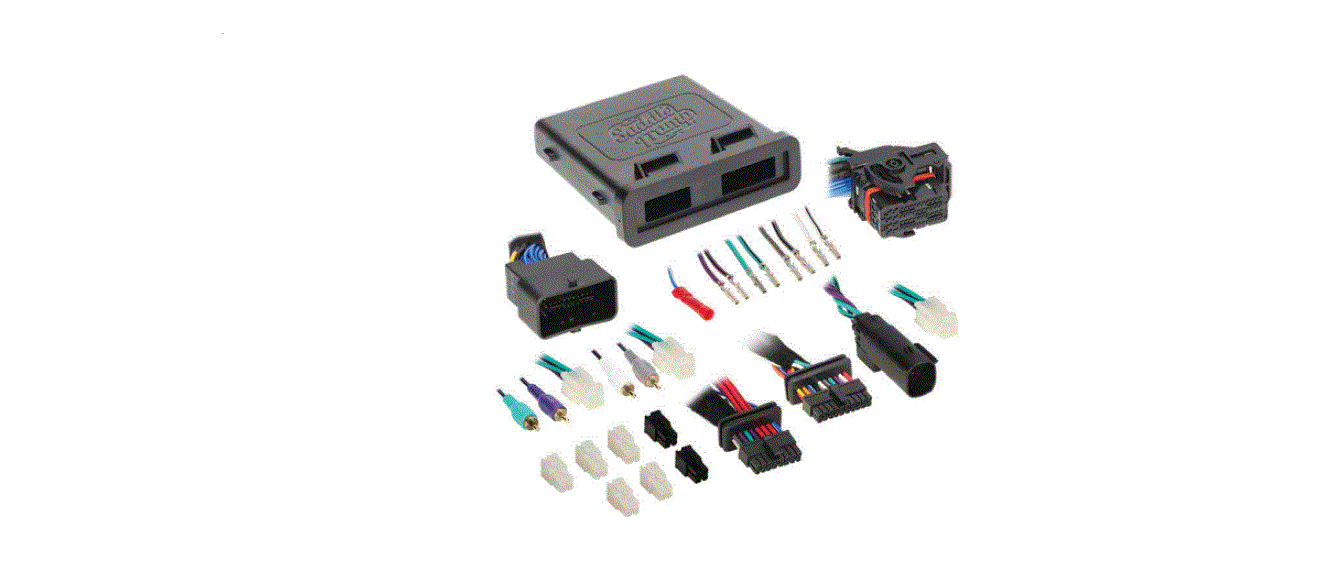
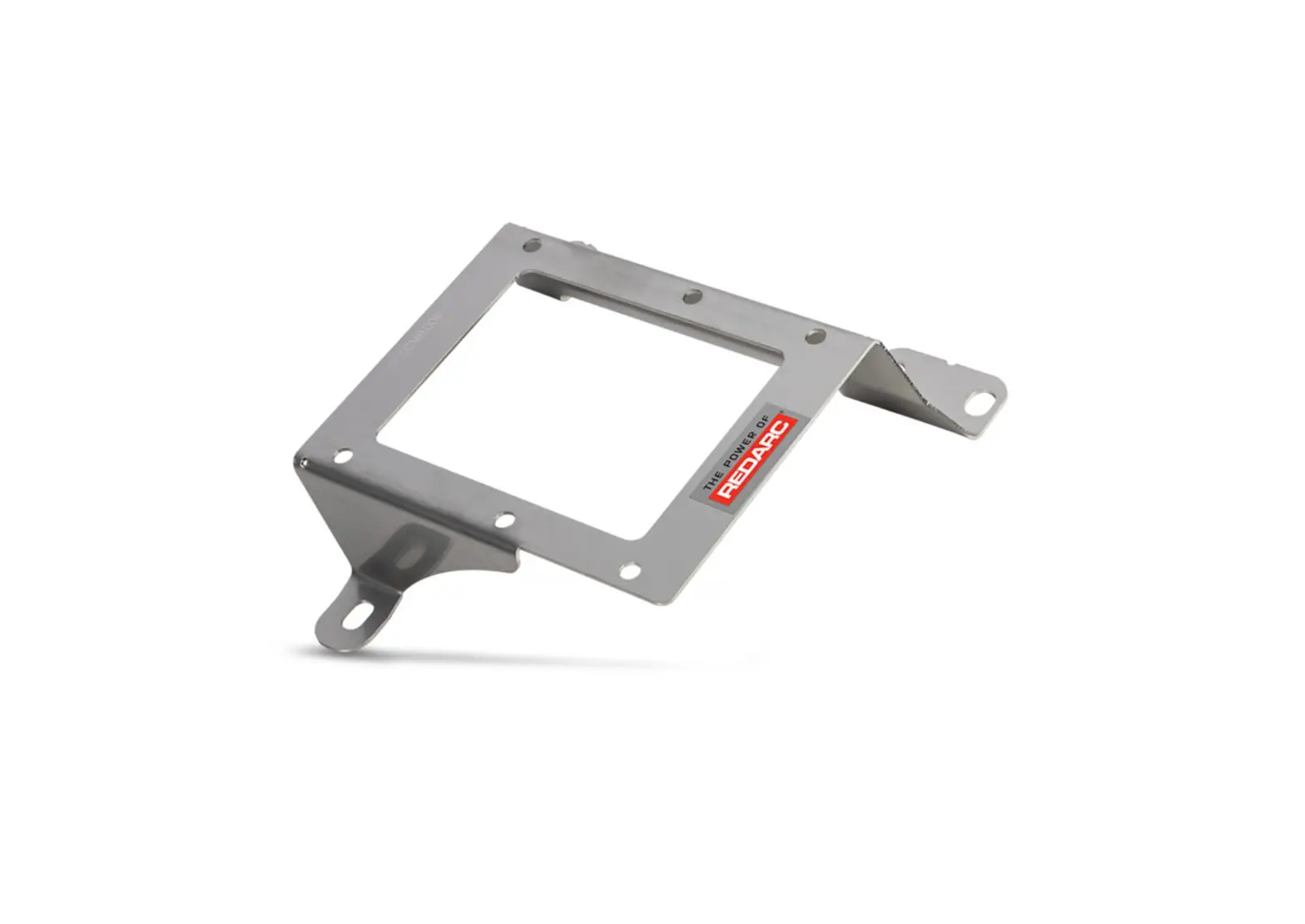
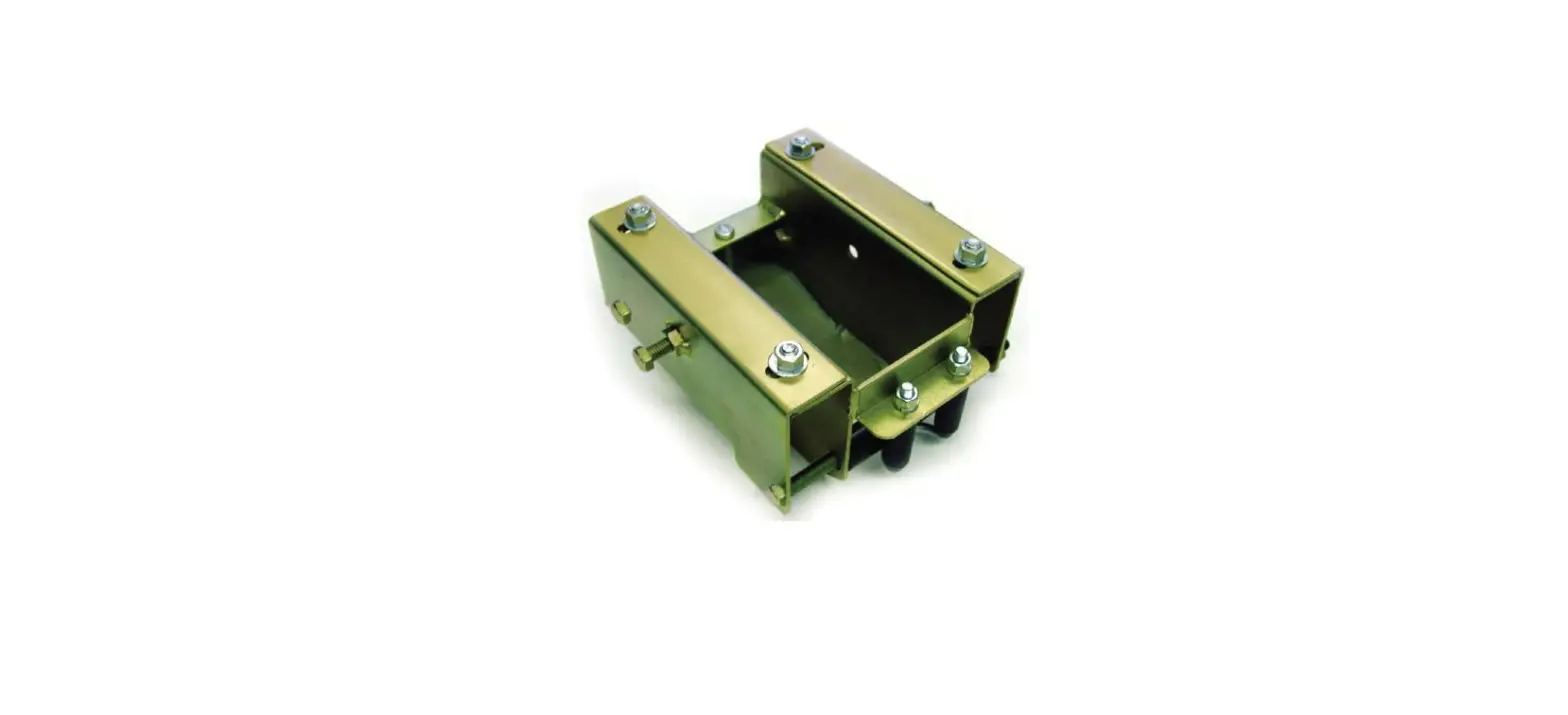
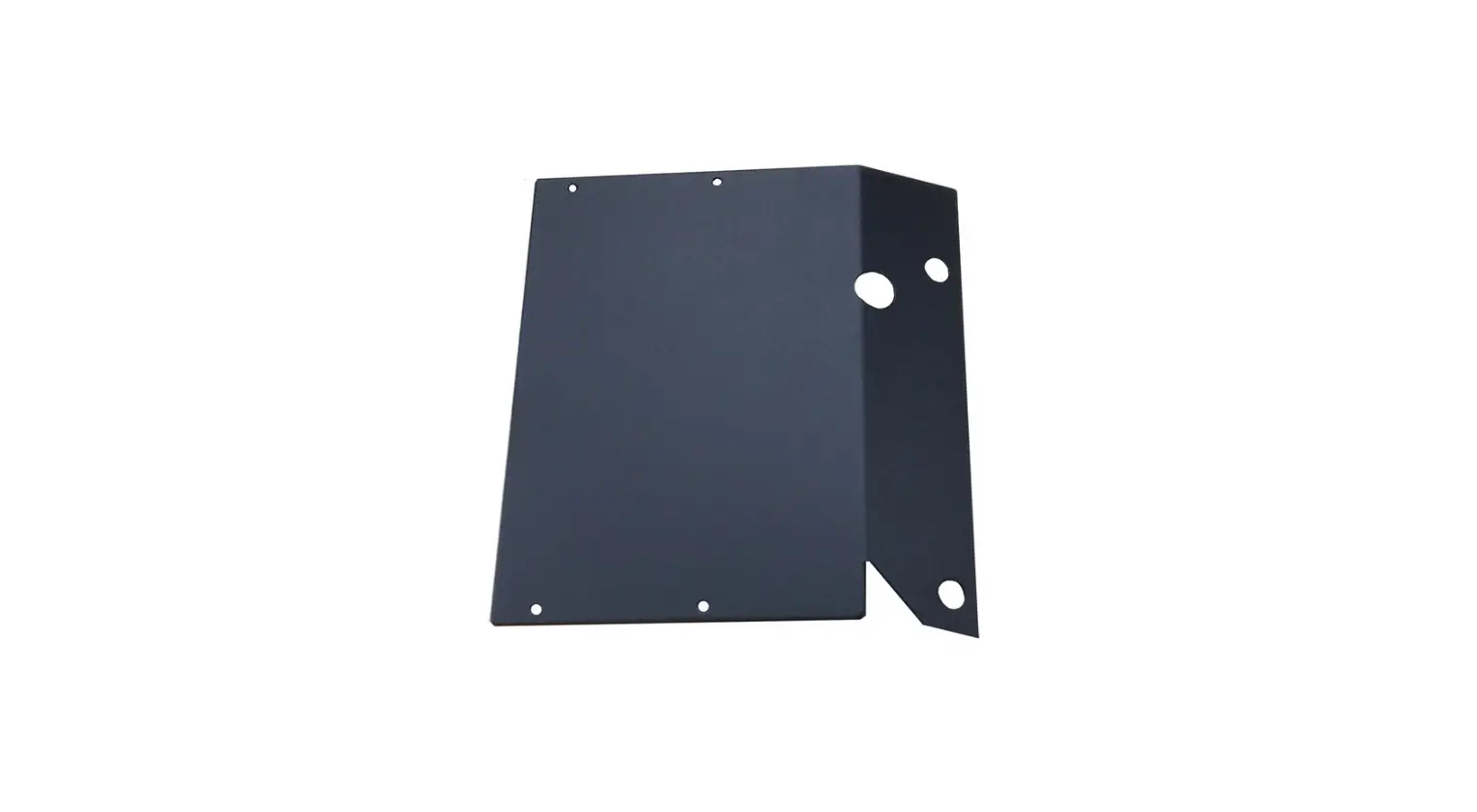
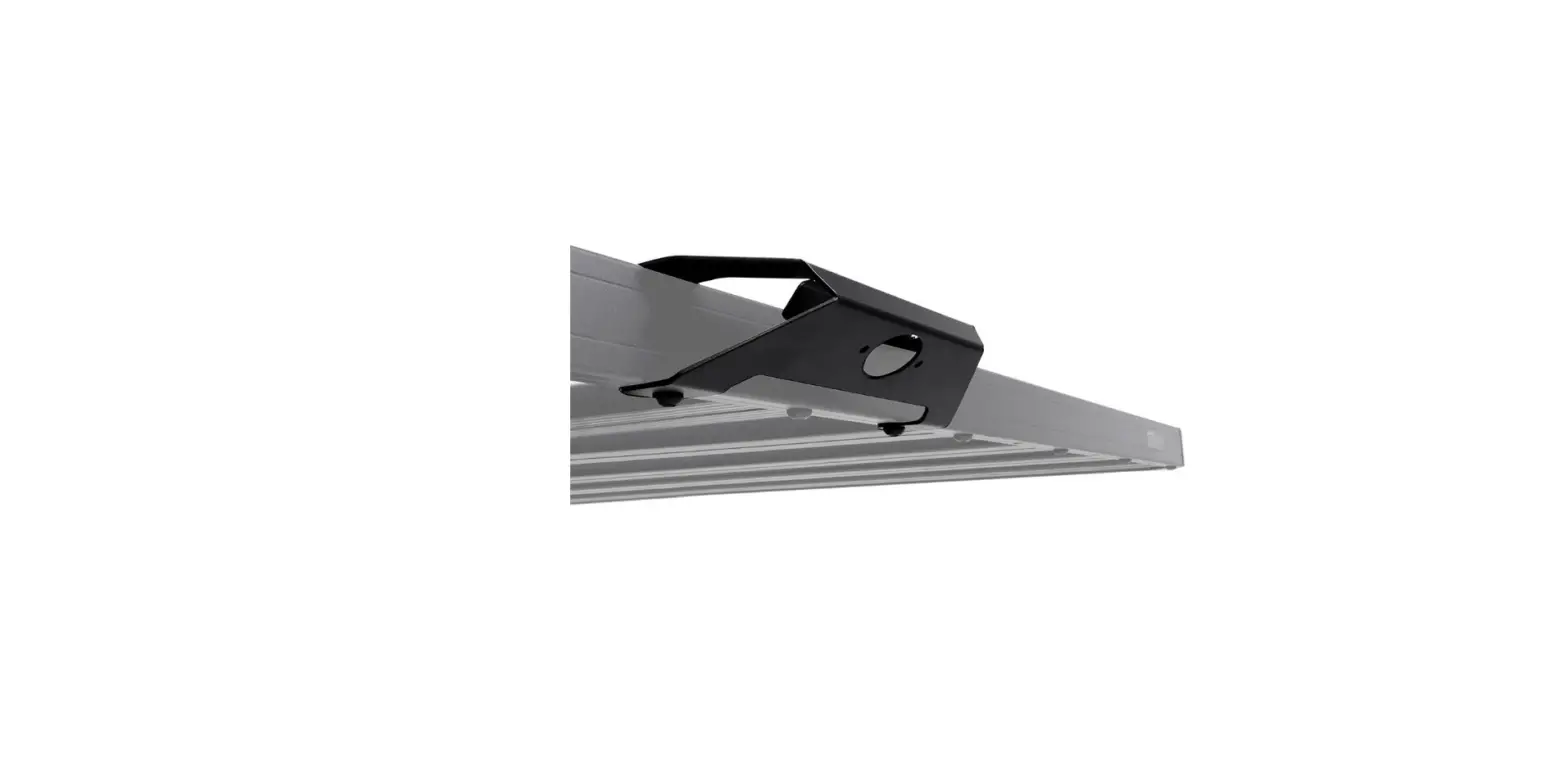
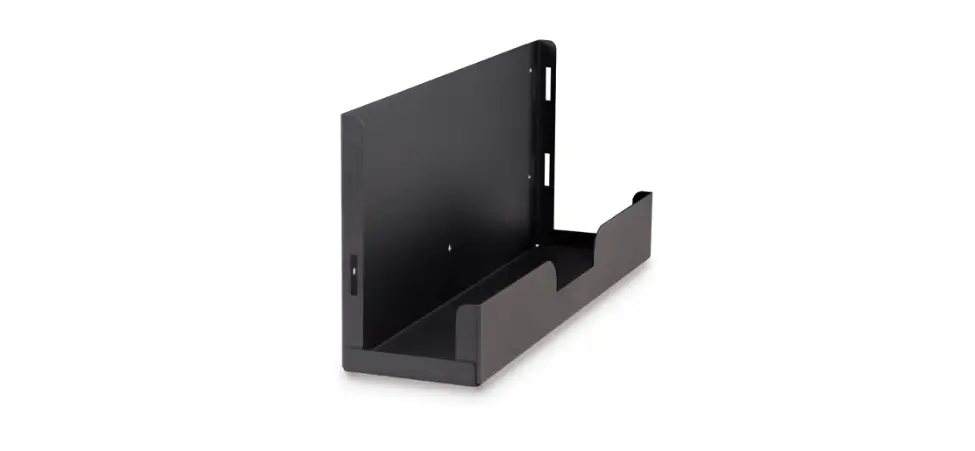
Saddle Tramp BC-AMP05 Amp Mounting Bracket Instruction Manual
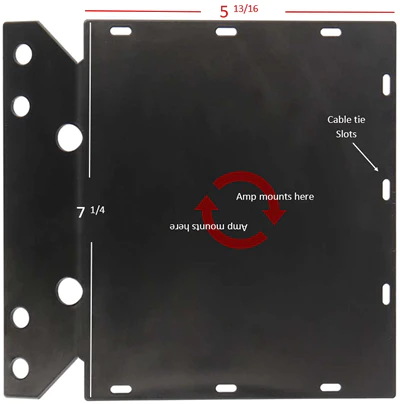
Attention! During this installation it is highly recommended to take pictures throughout the disassembly process. Take notice also how the factory wiring is routed throughout the fairing. This will have to be duplicated in reassembly
Fairing Disassembly
- The removal of the fairing doesn’t require the removal of the windshield or headlight assembly.
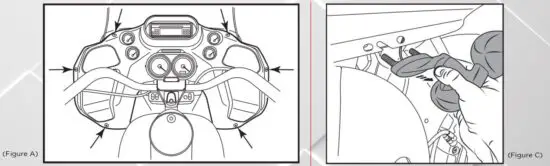
- Remove (6) T 25 Torx screws from the inner fairing. (Figure A)
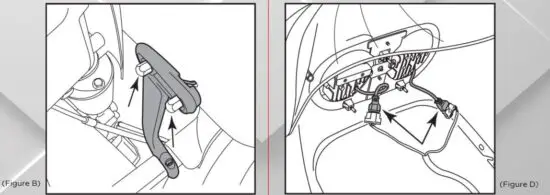
- Remove (4) 1/2″ nuts holding the turn signal and running light assemblies to the lower fairing mount. (Figure B)
- Unplug the turn signal assembly, then remove the outer fairing. From the front of the fairing lift up, releasing the headlight bracket from the headlight assembly. (Figure C)
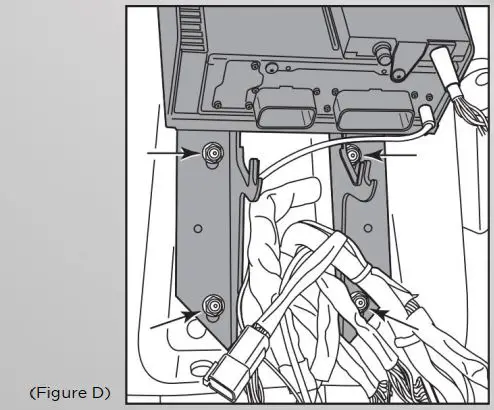
- Unplug the headlight assembly and set outer fairing aside. (Figure D)
Amp bracket Installation:
- Remove (2) 1/2″ nuts securing the radio and inner fairing to the bikes frame. Tilt radio bracket toward the back of bike and remove the bracket and radio assembly. (Figure D)
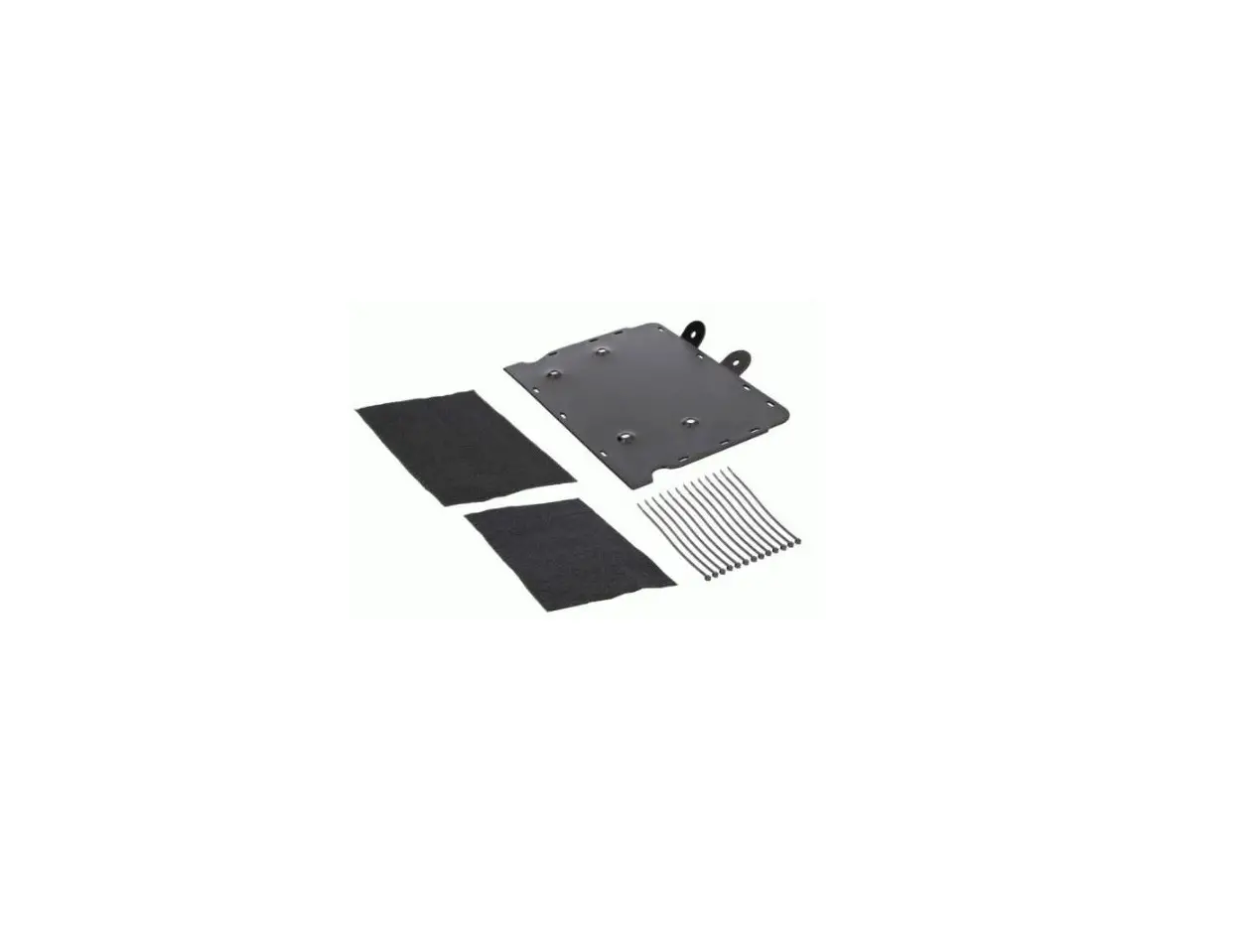
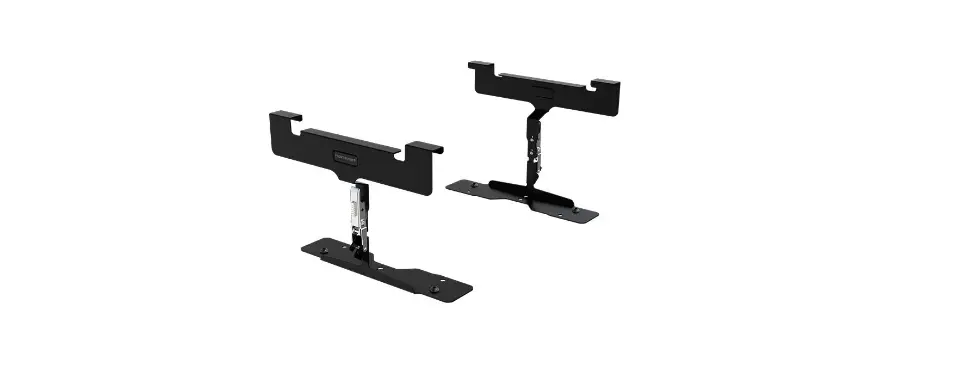
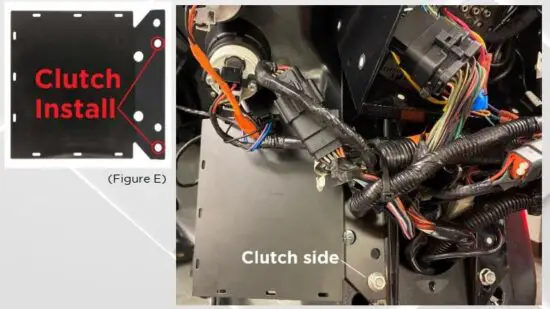
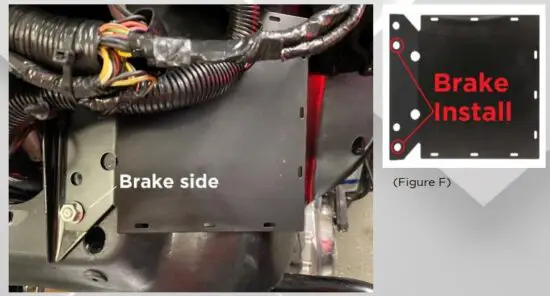
- Place BC-AMP05 bracket on Brake or Clutch side of the Motorcycle.
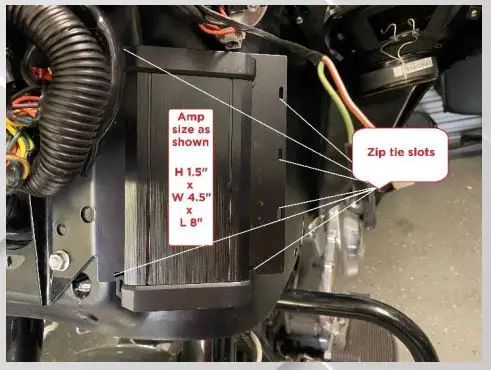
For proper clearance, ensure that the bracket is mounted as shown in (Figure E) and (Figure F). - Tighten down bracket with factory 1/2″ nut.
- Reinstall fairing in reverse order of removal on page 1.
Kit features:
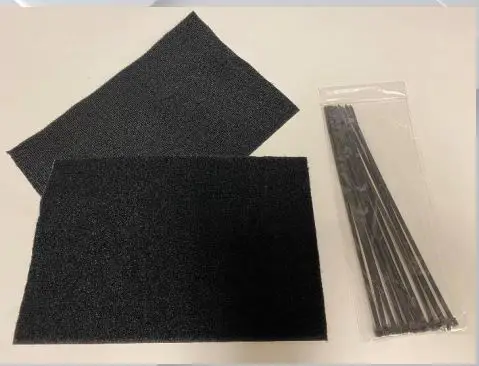
- 12 Black zip ties
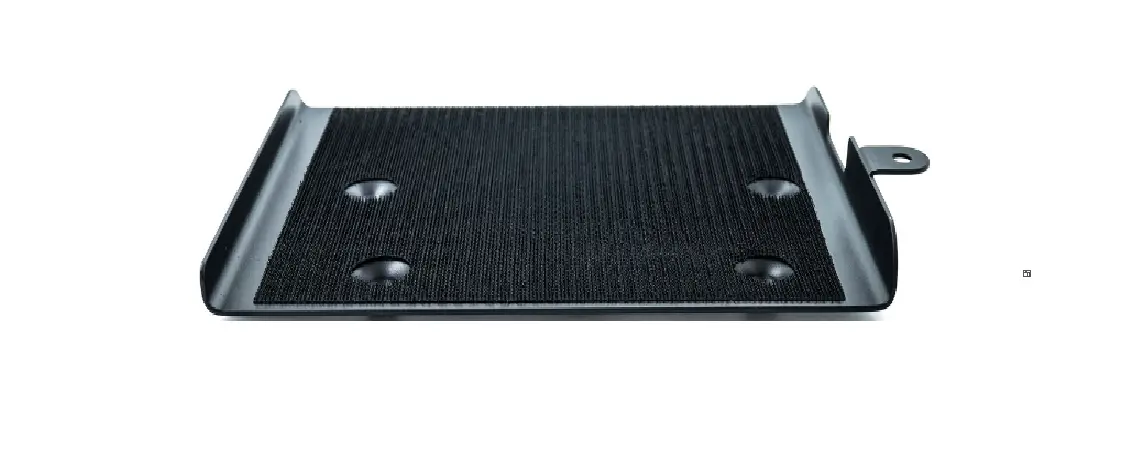
- Hook and loop mounting pad
Read More About This Manual & Download PDF: