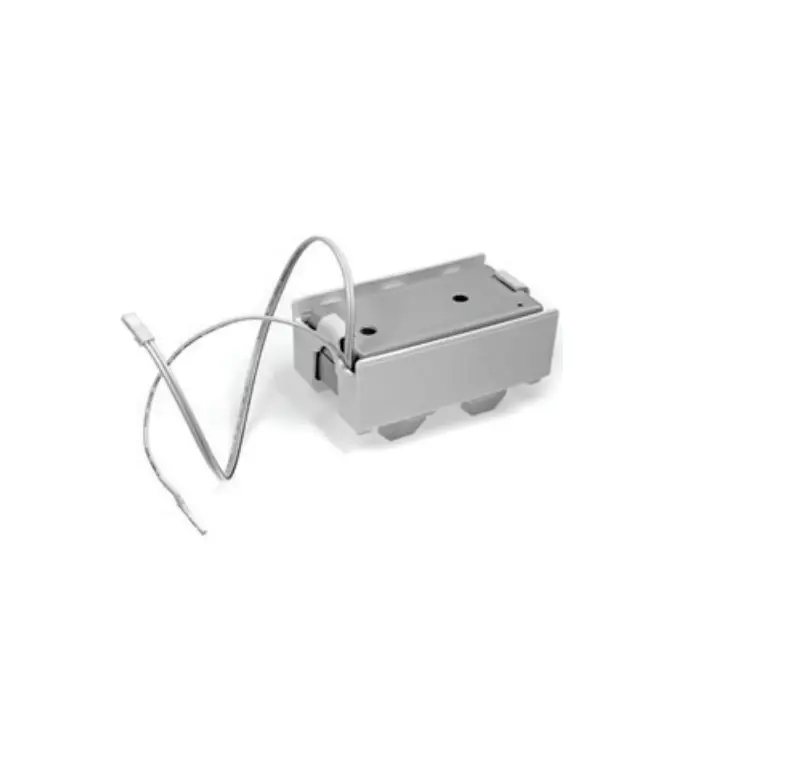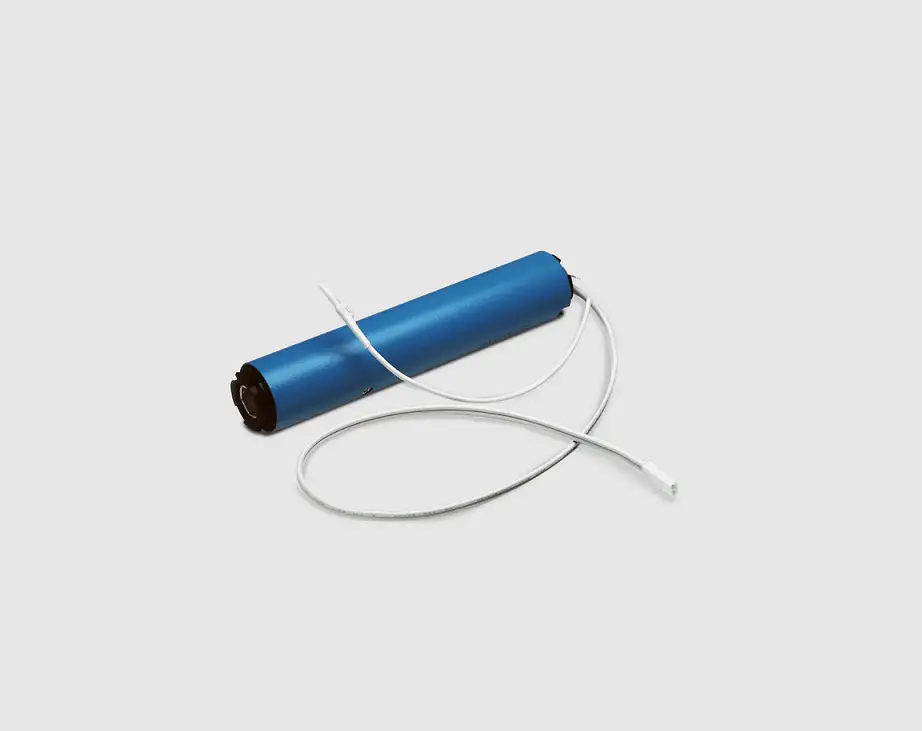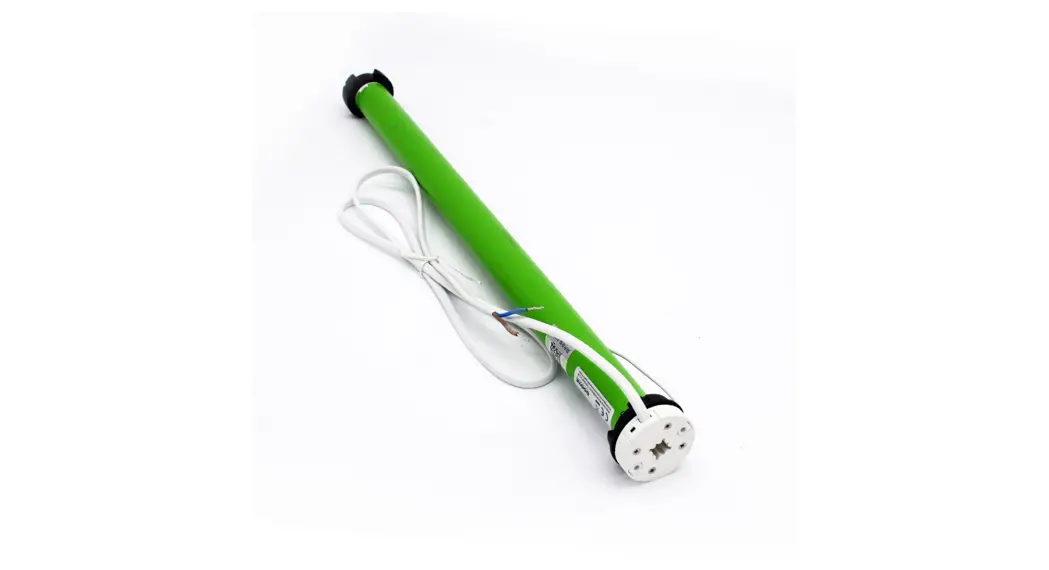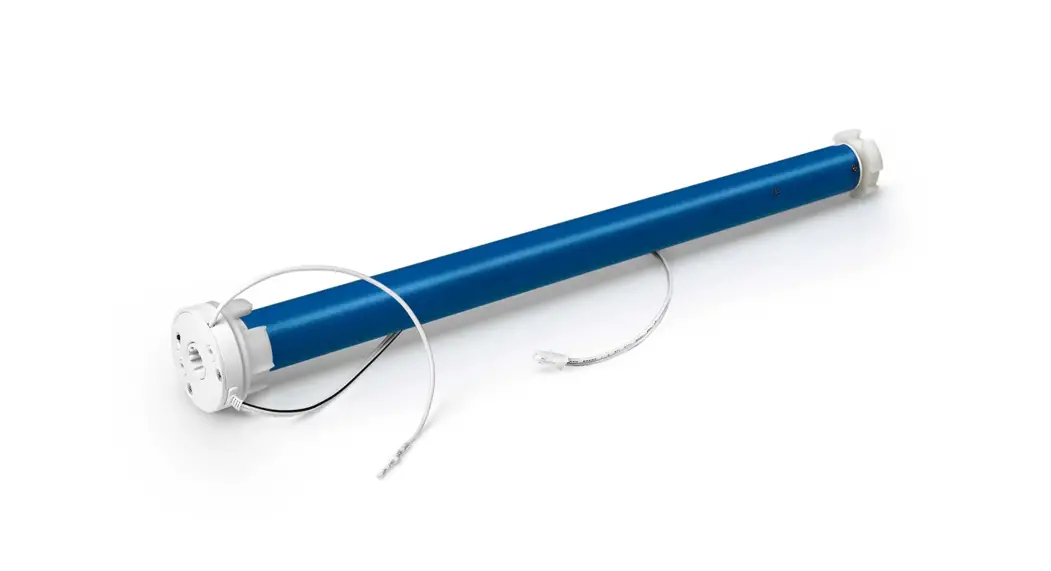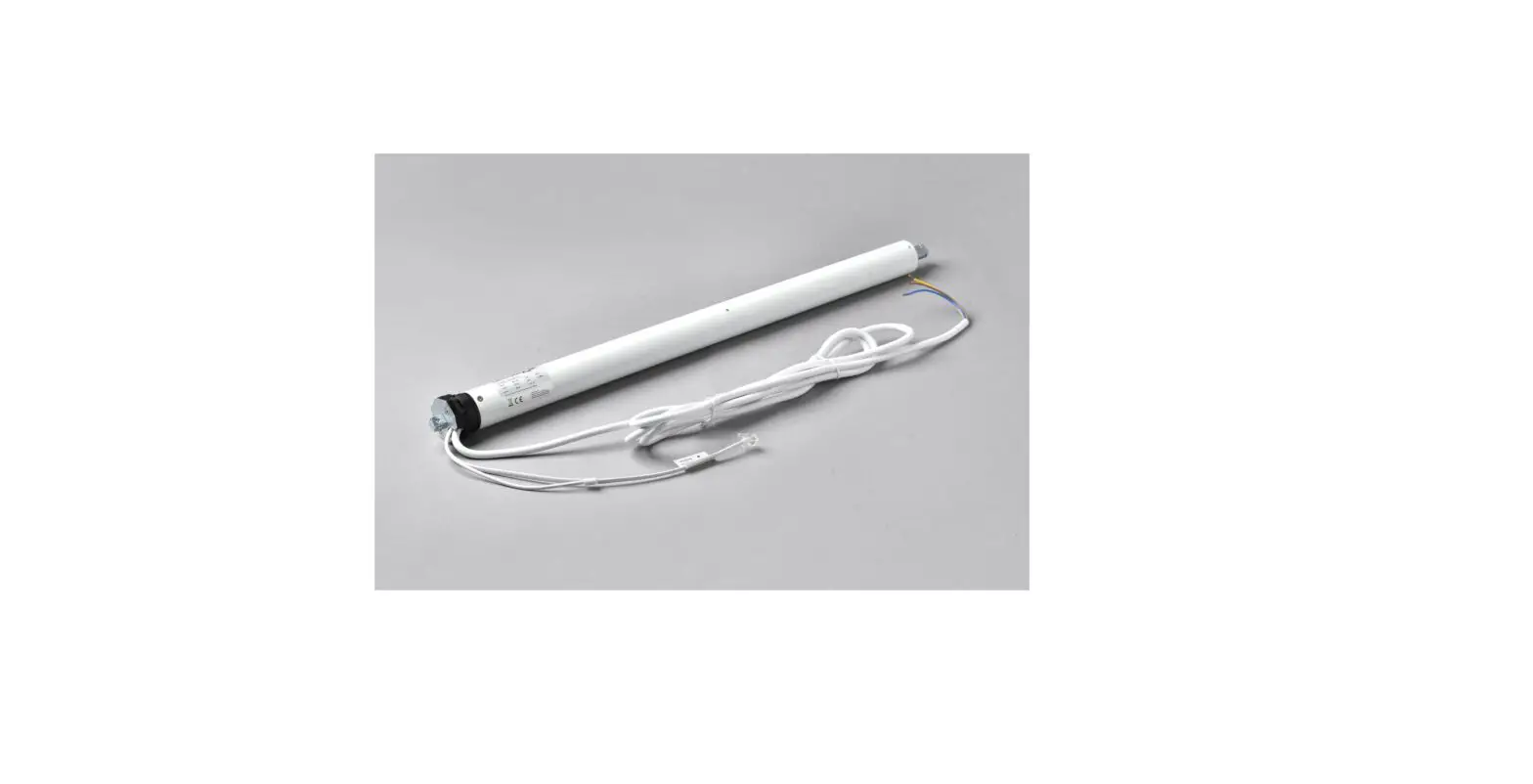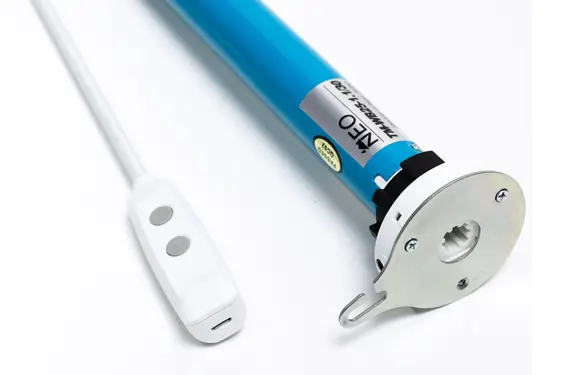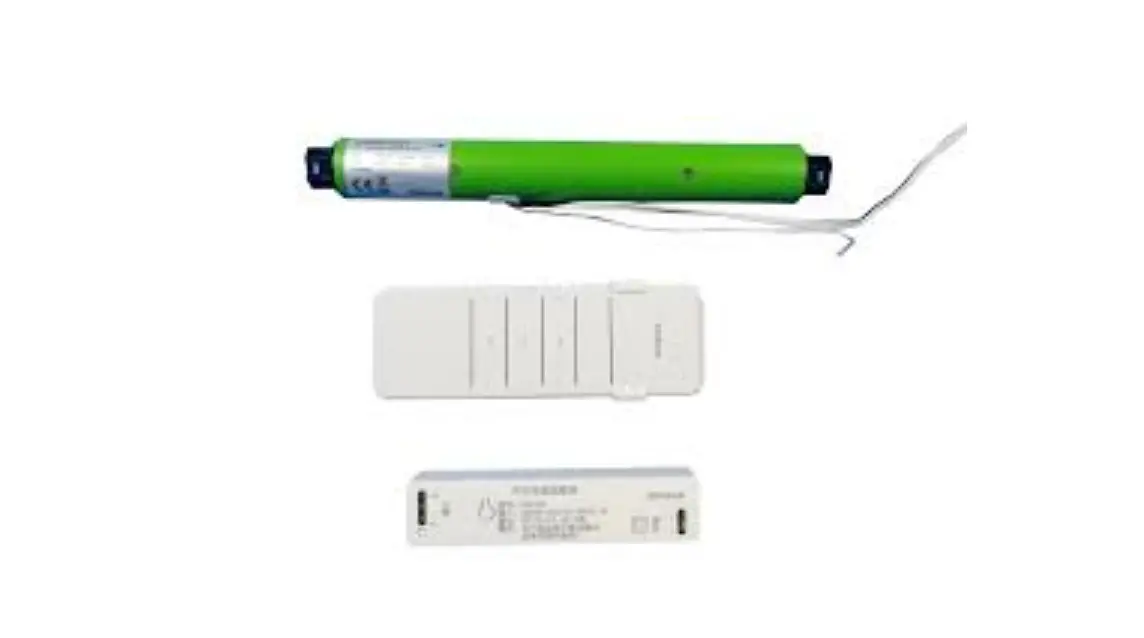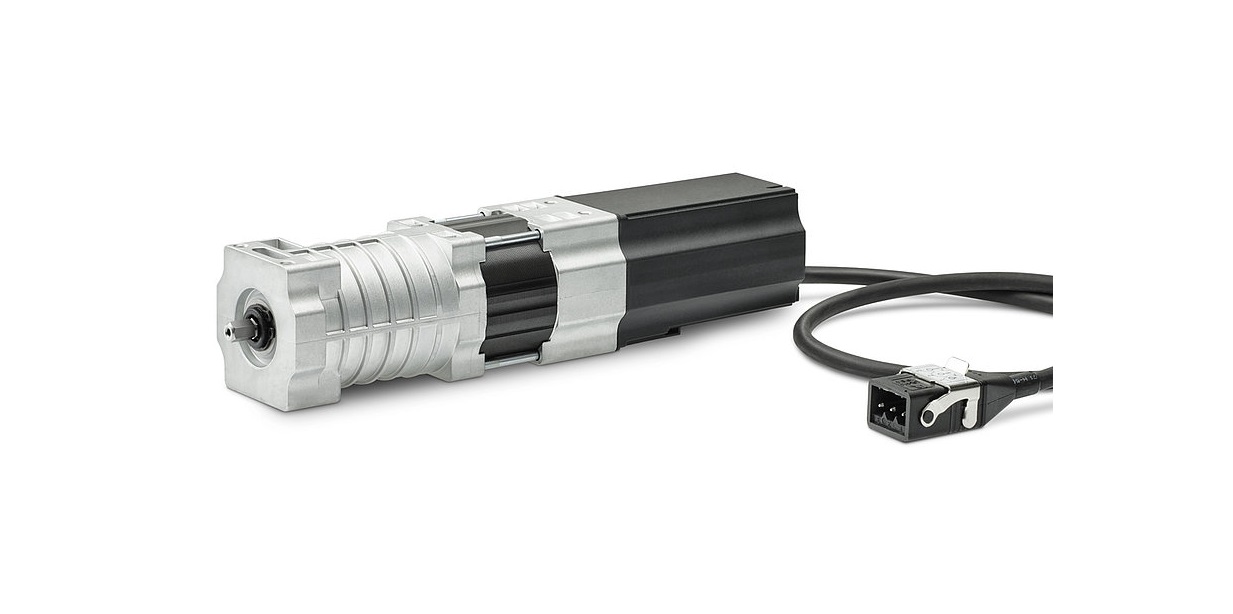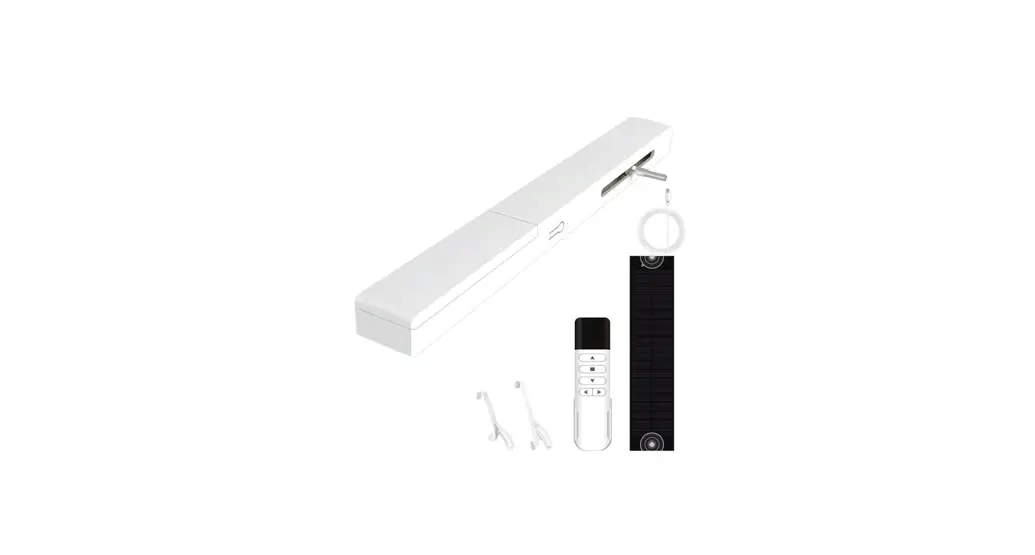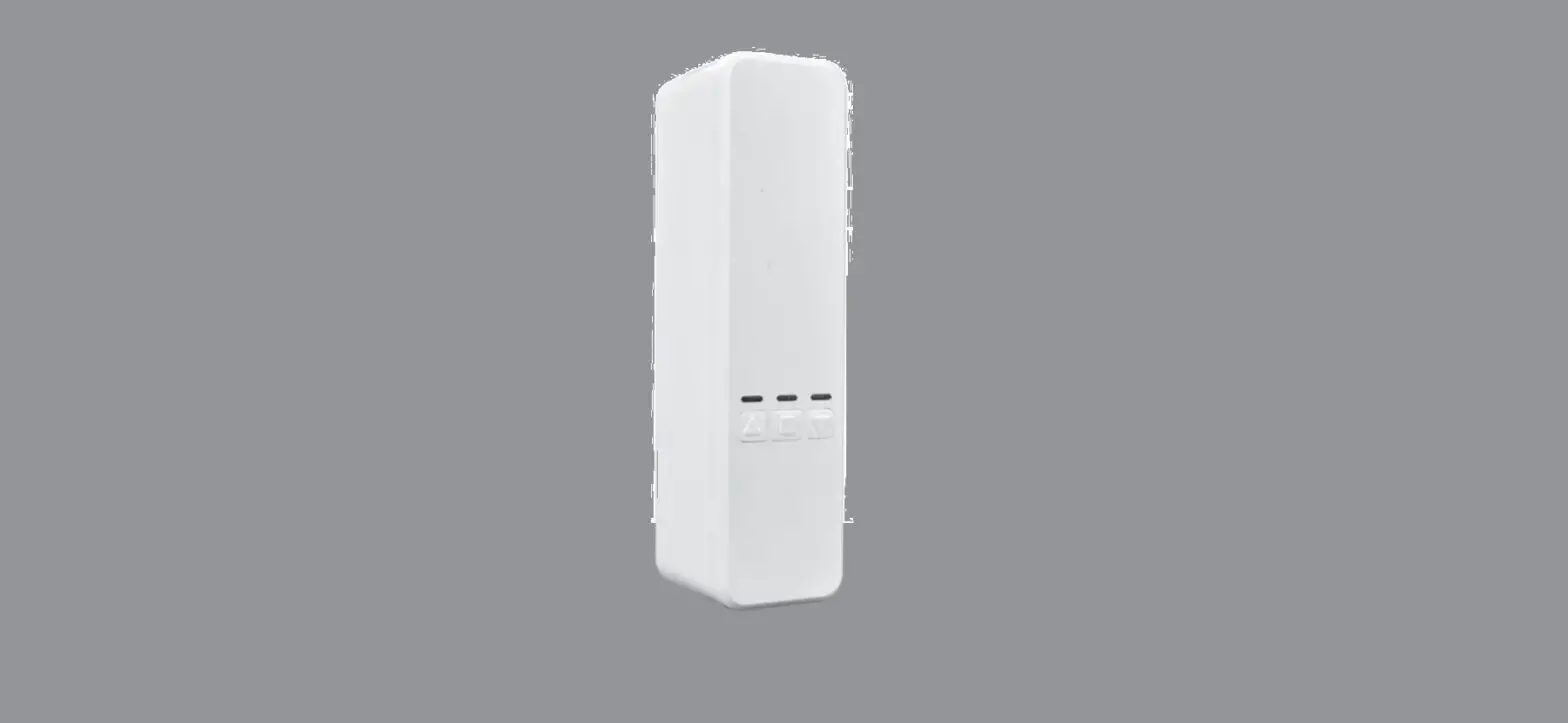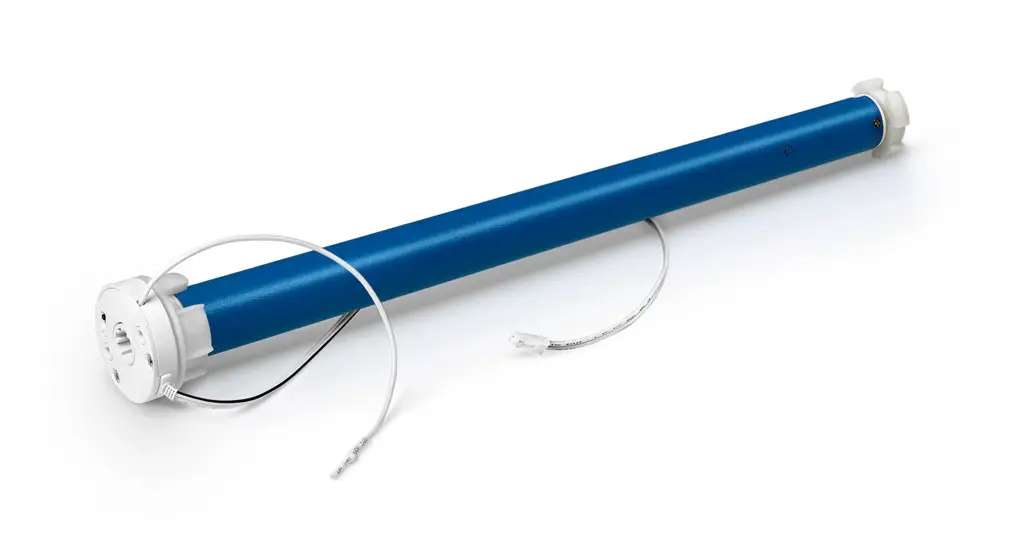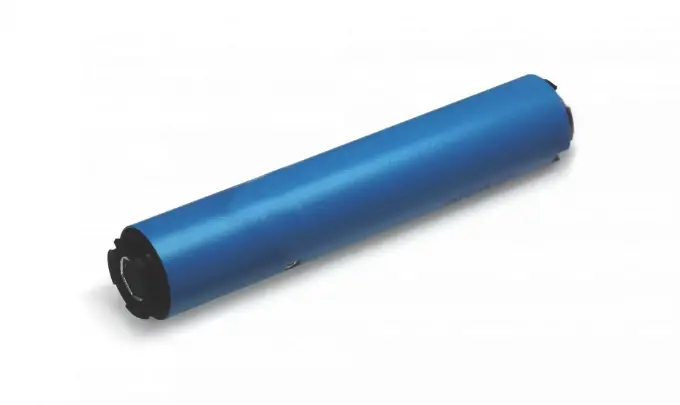

AMP Motors AMPCEL Shade Blind Motor
Declarations
U.S. Radio Frequency FCC Compliance
This device complies with Part 15 of the FCC Rules. Operation is subject to the following two conditions:
(1) This device may not cause harmful interference, and
(2) This device must accept any interference received, including interference that may cause undesired operation.
This equipment has been tested and found to comply with the limits for a Class B digital device, pursuant to Part 15 of the FCC Rules. These limits are designed to provide reasonable protection against harmful interference in a residential installation. This equipment generates, uses, and can radiate radio frequency energy and, if not installed and used in accordance with the instructions, may cause harmful interference to radio communications. However, there is no guarantee that interference will not occur in a particular installation. If this equipment does cause harmful interference to radio or television reception, which can be determined by turning the equipment off and on, the user is encouraged to try to correct the interference by one or more of the following measures:
• Reorient or relocate the receiving antenna.
• Increase the separation between the equipment and receiver.
• Connect the equipment into an outlet on a circuit different from that to which the receiver is connected.
• Consult the dealer or an experienced radio/TV technician for help.
Any Changes or modifications not expressly approved by the party responsible for compliance could void the user’s authority to operate the equipment.
ISED RSS Warning:
This device complies with Innovation, Science and Economic Development Canada licence-exempt RSS standard(s). Operation is subject to the following two conditions: (1) this device may not cause interference, and (2) this device must accept any interference, including interference that may cause undesired operation of the device.
Fields of Application
Specifications
- Working temperature: -10º C ~ +50º C
- Radio Frequency: 433.92 MHz
- Input Voltage: USB 5V 1A / USB 5V 2A
- Maximum Running Time: 6 minutes
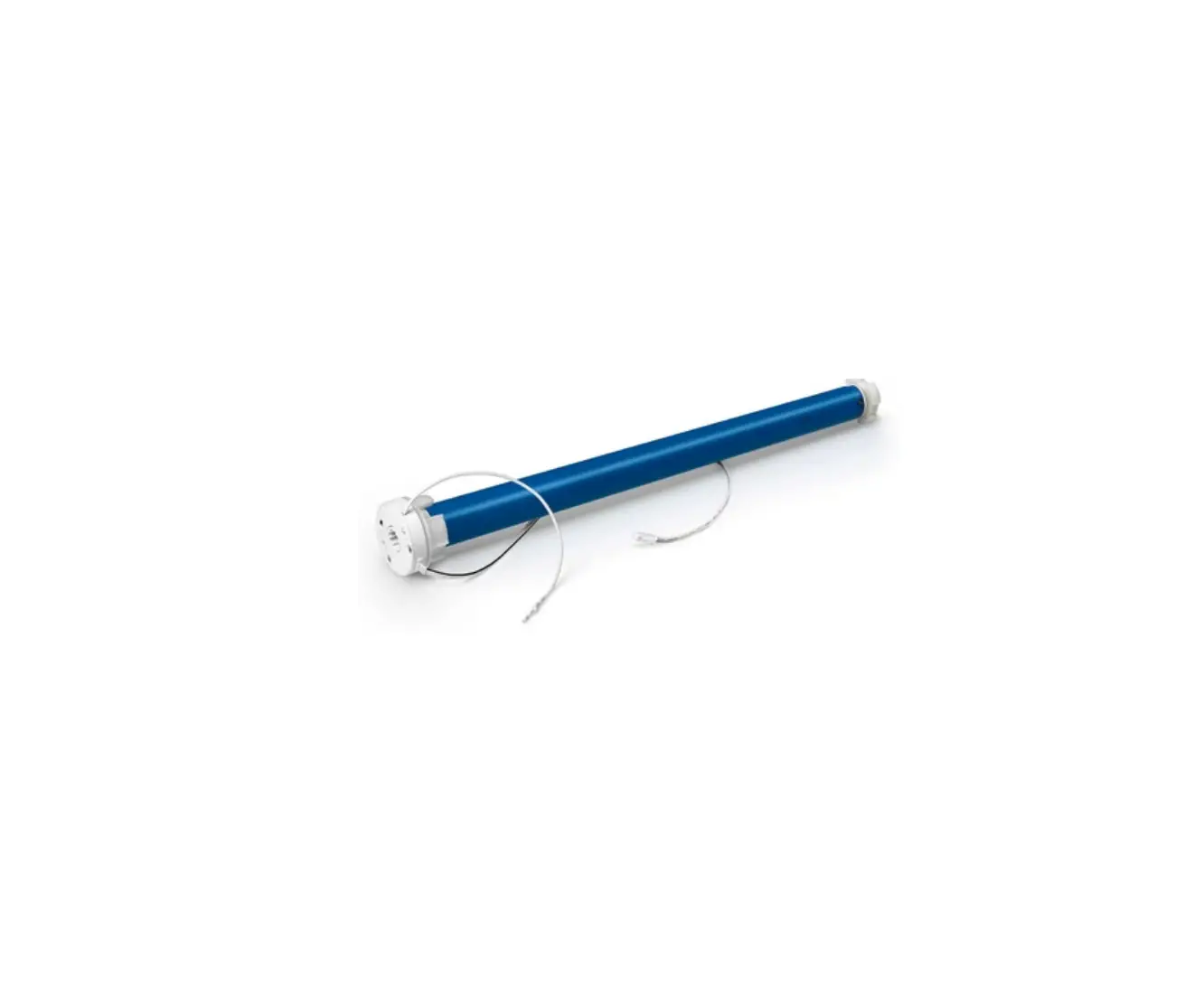
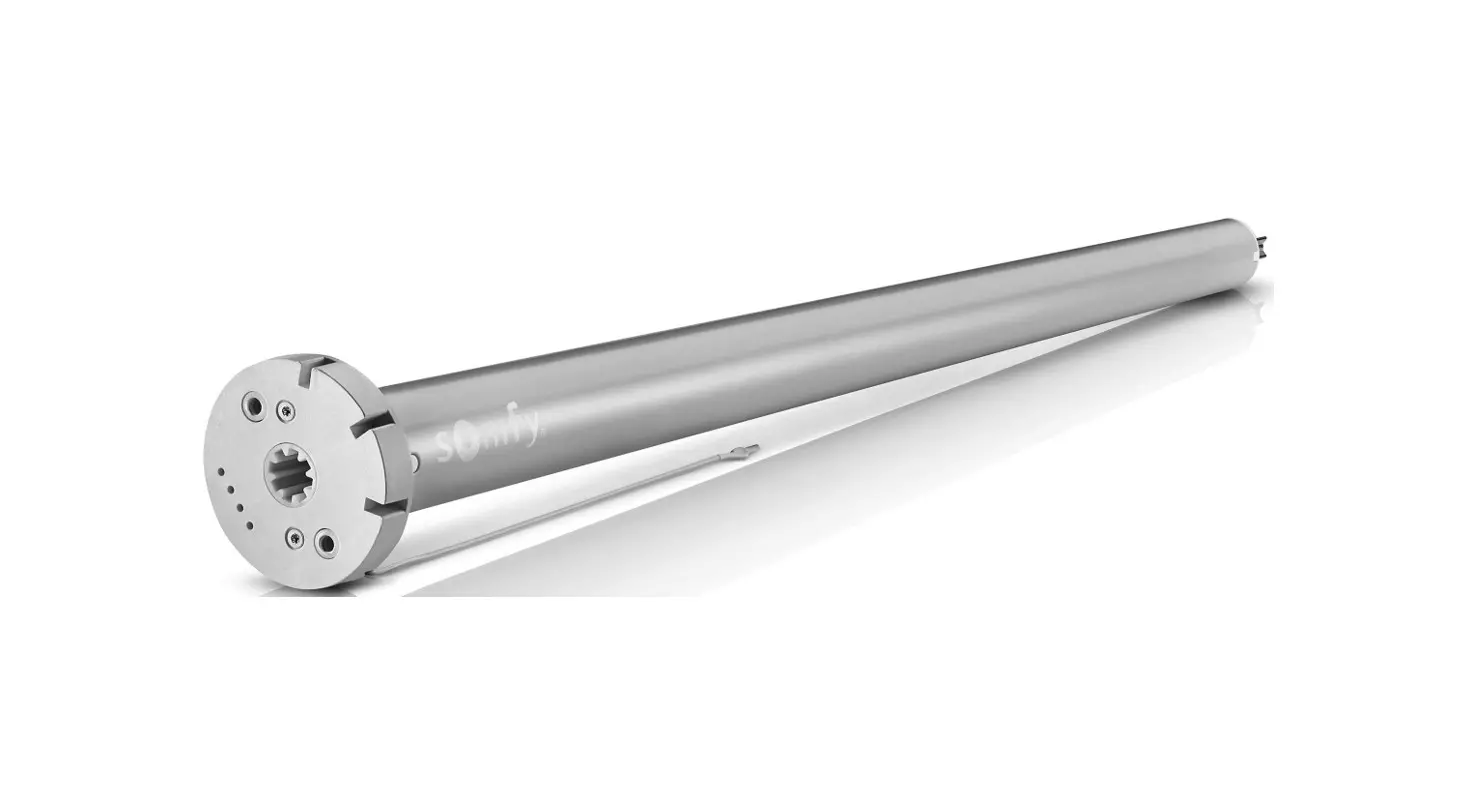
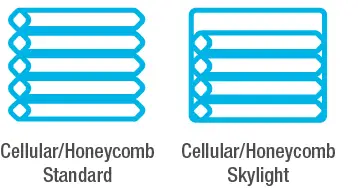
The motor is suitable for motorization of cellular shades and cellular skylight.
Attention:
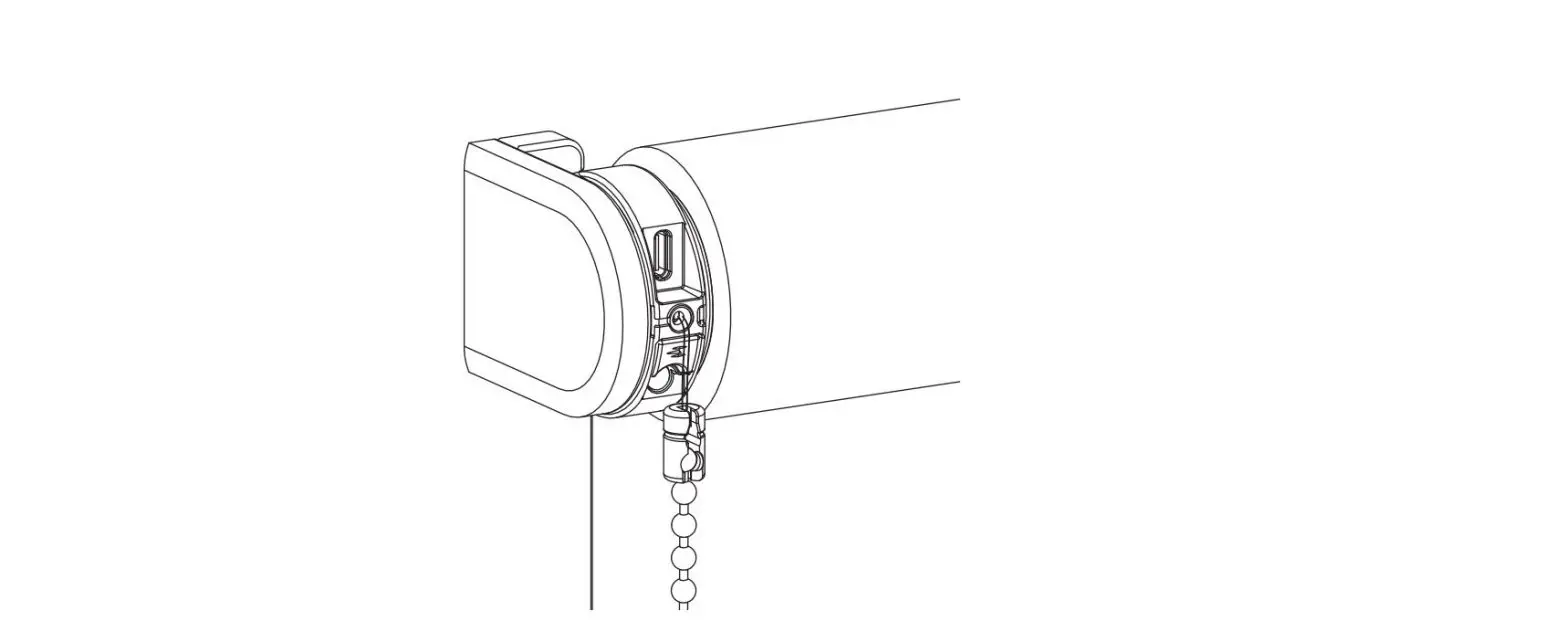
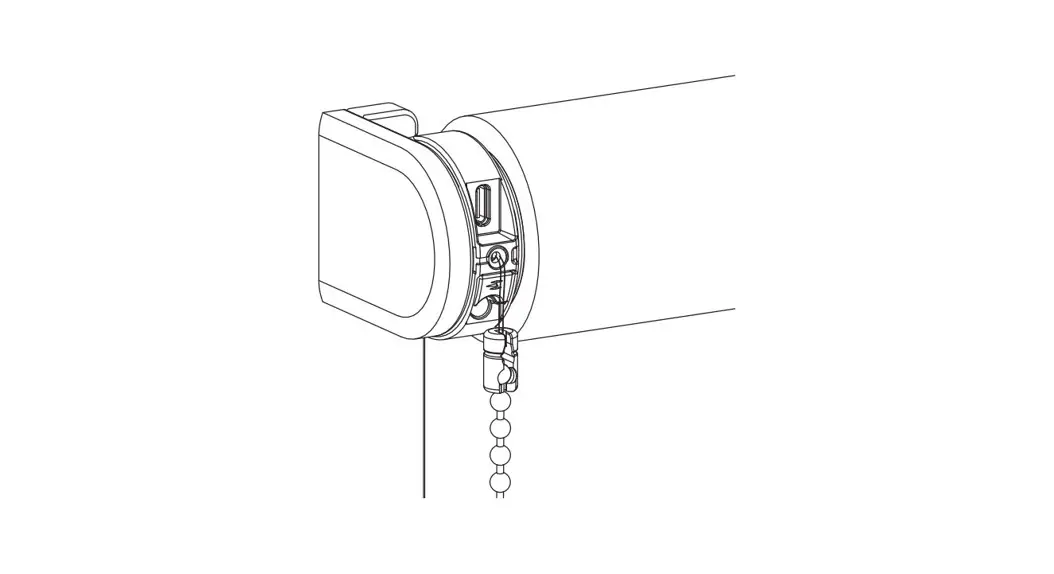
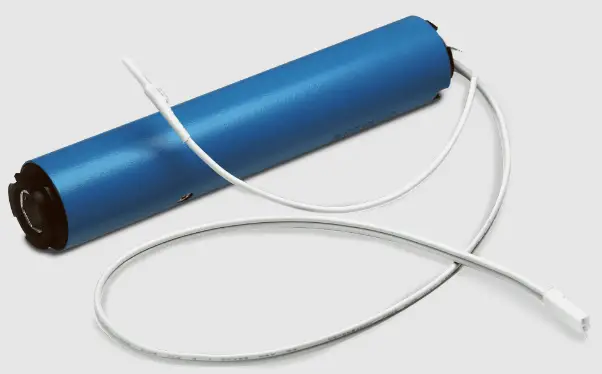
Never drop, knock, drill or submerge the motor. Keep the power cable in the proper position as shown below. Read all safety instructions before installation. Incorrect installation can lead to serious injury and will void manufacturer’s liability and warranty. 
Safety Instructions
- Do not expose motor to humid, damp, or extreme temperature conditions.
- Do not drill into motor.
- Do not cut the antenna. Keep it clear from metal objects.
- Do not allow children to play with this device.
- If the power cable or connector is damaged, do not use.
- Ensure the correct crown and drive adaptor are used.
- Ensure the power cable and aerial is clear and protected from moving parts.
- Cable routed through walls should be properly isolated.
- Motor is to be mounted in horizontal position only.
- Before installation, remove unnecessary cords and disable equipment not needed for powered operation.
- Installation and programming should be performed by a qualified professional. Use or modification outside the scope of these instructions may void warranty.
Charging Instructions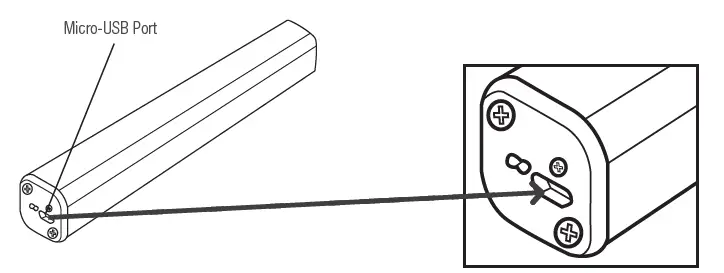
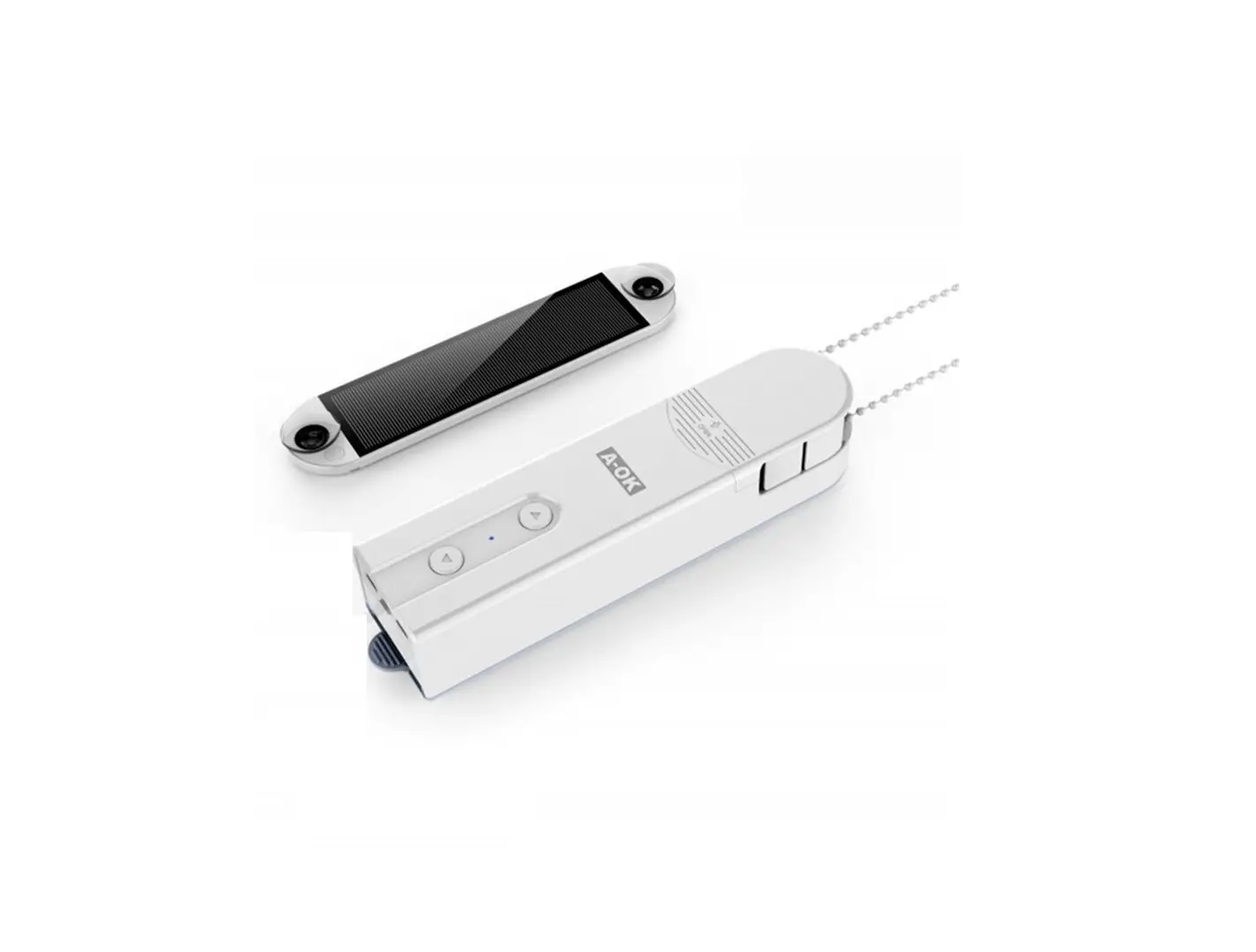
This motor connects with an external Li-ion battery pack with integrated charge management. Max power input for recharging: 5V 2A. Before first use please charge motor for 6 hours using a 5V charger. During operation, if the voltage is detected to be too low, the battery stops running and needs to be recharged.
Rechargeable Battery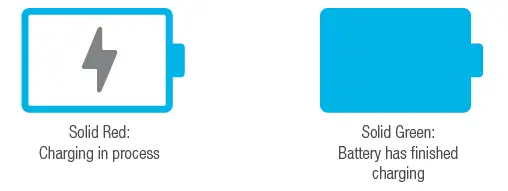
P1 Button Instructions
Button Instructions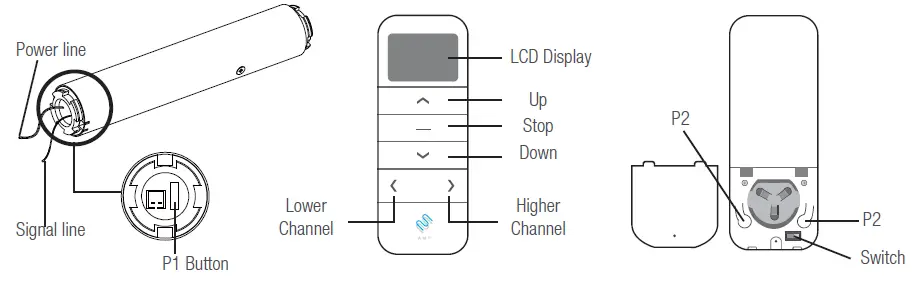
Essential Settings
The steps in factory mode must be completed to ensure proper operation.
- Pair / Unpair Remote Control

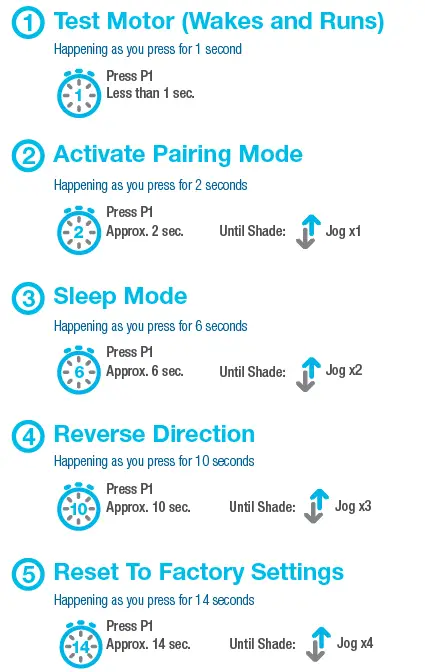
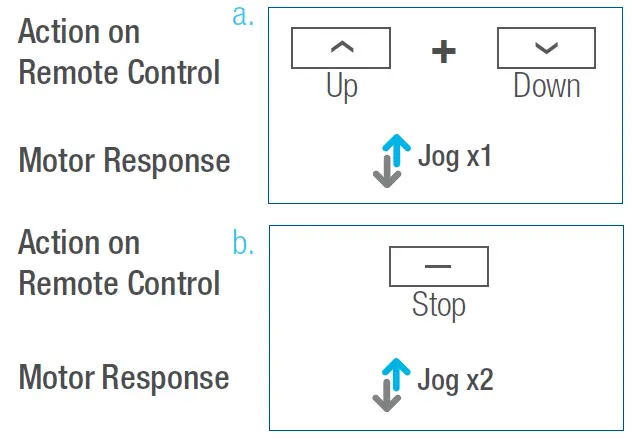
- Press “P1” button (about 2 sec) on the motor head until motor jog x1.
- In the next 10 secs, press and hold “Stop” button on the remote control until motor jog x2.
Repeat the same procedure to unpair remote control.
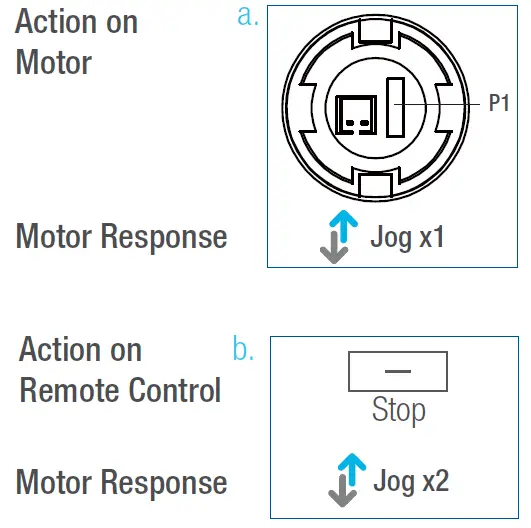
- Change Motor Direction (if necessary)

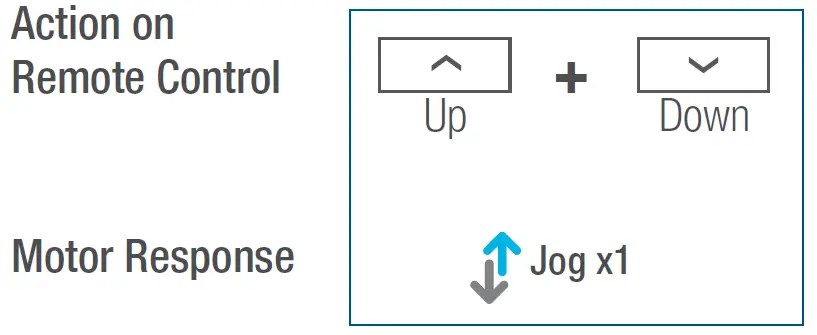
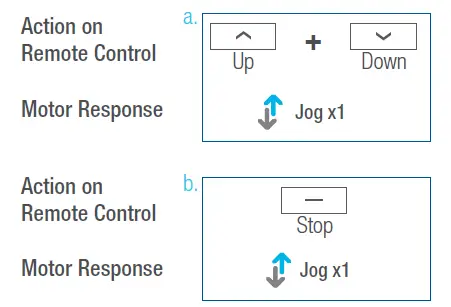
Press “Up” or “Down” button to check if the shade moves in the desired direction. If you need to reverse the direction, press and hold (about 2 sec) “Up” and “Down” buttons simultaneously until motor jog x1. The operation is only valid when there are no limits. If the motor has already set the upper and lower limit, then you can only switch direction by pressing P1 button (See P1 button instructions). - Setting the Upper and Lower Limits

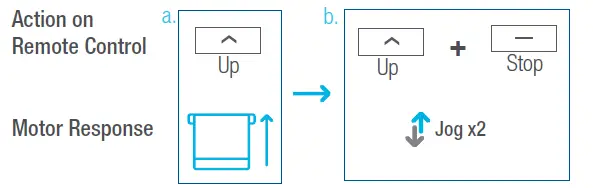
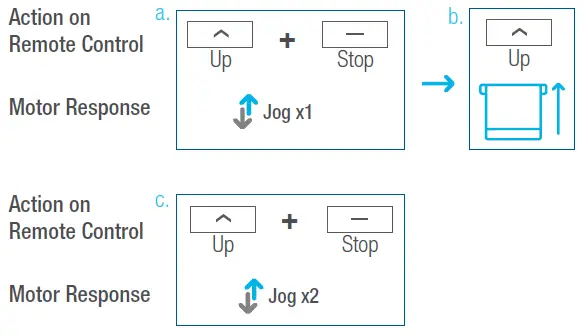
- Press “Up” button to raise the shade, then press “Stop” button when it is in the desired upper limit.
- Press and hold ( about 2 sec ) “Up” and “Stop” buttons simultaneously until motor jog x2.
- Adjust Limits

- Press and hold (about 5 sec) “Up” and “Stop” buttons simultaneously until motor jog x1.
- Use the “Up” button to raise the shade to the desired highest position, and use “Up” or “Down” button to do the final adjustment if necessary.
- Press and hold ( about 2 sec ) “Up” and “Stop” buttons simultaneously until motor jog x2.
Adjust the Lower Limit
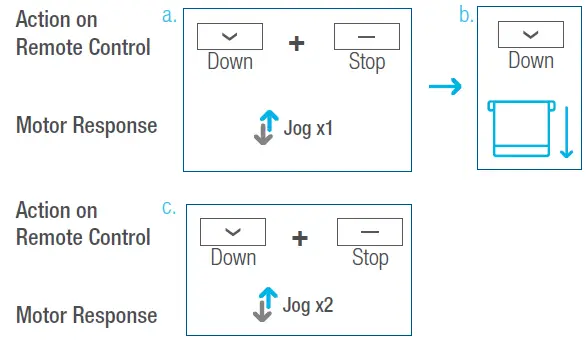
- Press and hold (about 5 sec) “Down” and “Stop” buttons simultaneously until motor jog x1.
- Use “Down” button to lower the shade to the desired lowest position, and use “Up” or “Down” button to do the final adjustment if necessary.
- Press and hold ( about 2 sec ) the “Down” and “Stop” buttons simultaneously until motor jog x2.
- Favorite Position
- Set Favorite Position

- Use “Up” or “Down” button to move the shade to desired Favorite position.
- Press one “P2” button on the back of remote control until motor jog x1.
- Press and hold (about 2 sec) “Stop” button until motor jog x1.
- Once more, press and hold (about 2 sec) “Stop” button until motor jog x2.
- Send Shade to Favorite Position
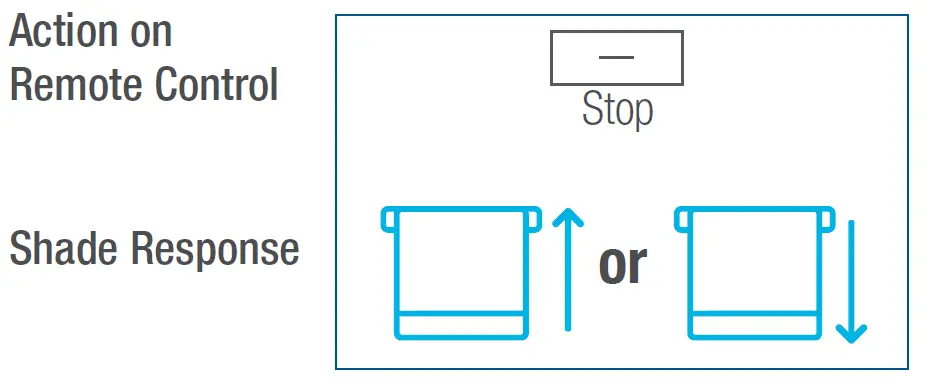
- Press and hold (about 2 sec) “Stop” button, motor will move to Favorite position.

- Press and hold (about 2 sec) “Stop” button, motor will move to Favorite position.
- Delete Favorite Position
- Press one “P2” button until motor jog x1.
- Press and hold (about 2 sec) “Stop” button until motor jog x1.
- Once more, press and hold (about 2 sec) “Stop” button until motor jog x1.

- Set Favorite Position
- Roller Mode and Sheer Mode
- Roller Shade Mode – continue movement after a short press – Default Mode
- Press and hold (about 5 sec) “Up” and
“Down” buttons simultaneously until motor jog x1. - Press and hold (about 2 sec) “Stop” button until motor jog x2.

- Press and hold (about 5 sec) “Up” and
- Sheer Shade Mode – jog movement after a short press (continue movement after a long press)
- Press and hold (about 5 sec) “Up” and “Down” buttons simultaneously until motor jog x1.
- Press and hold (about 2 sec) “Stop” button until motor jog x1.

- Roller Shade Mode – continue movement after a short press – Default Mode
- Add or Remove Additional Remote
- Using Current Remote Control
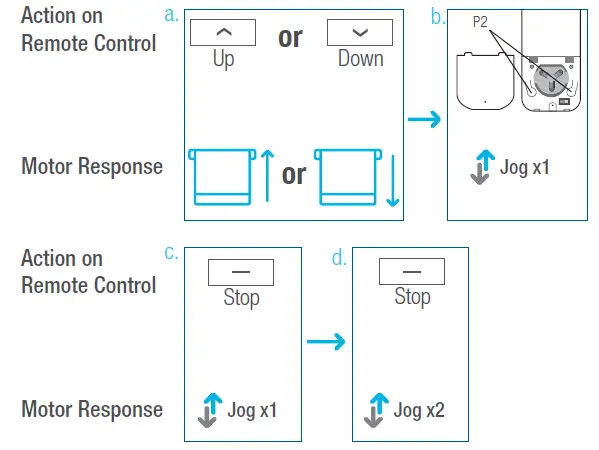
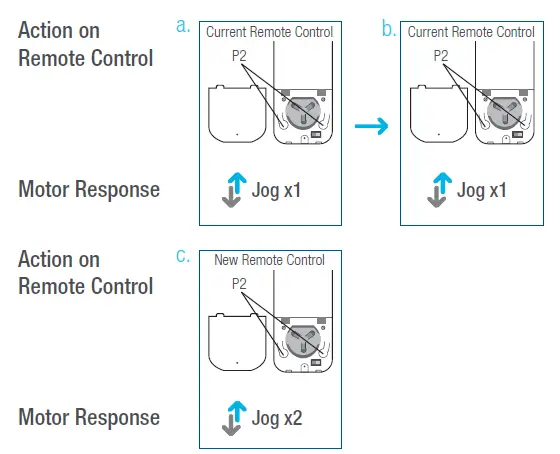
- On the current remote control, press one “P2” button until motor jog x1.
- Once more, on the current remote control, press one “P2” button until motor jog x1.
- On the New remote control, press one “P2” button until motor jog x2.

- New Remote Control
Follow instructions under the section 1. Pair / Unpair Remote Control.
- Using Current Remote Control
- Adjust Motor Speed
- Acceleration Speed
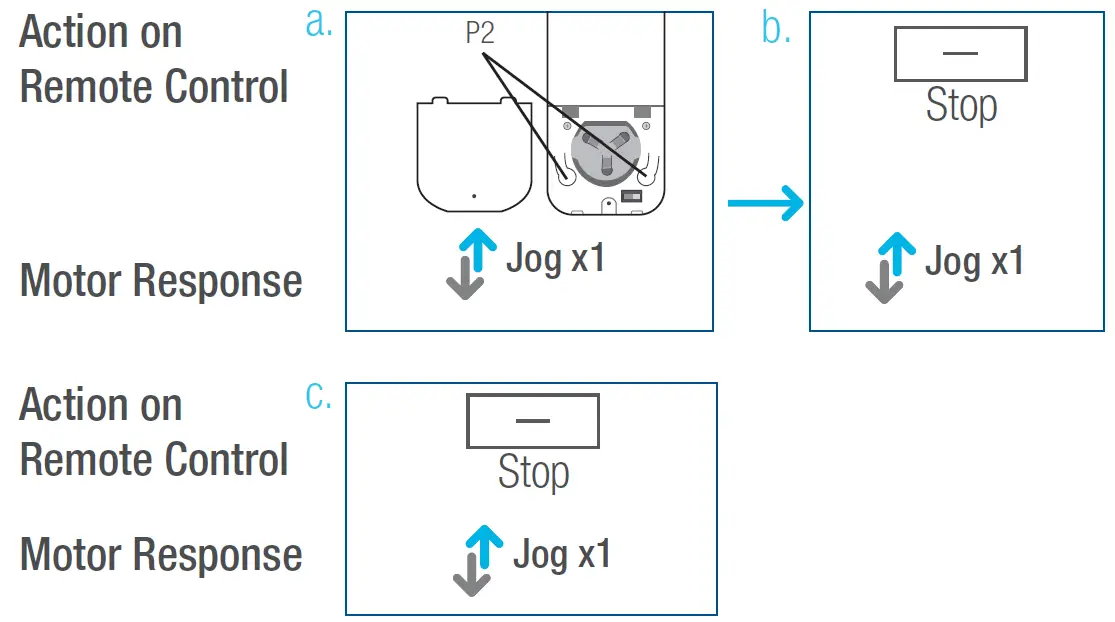
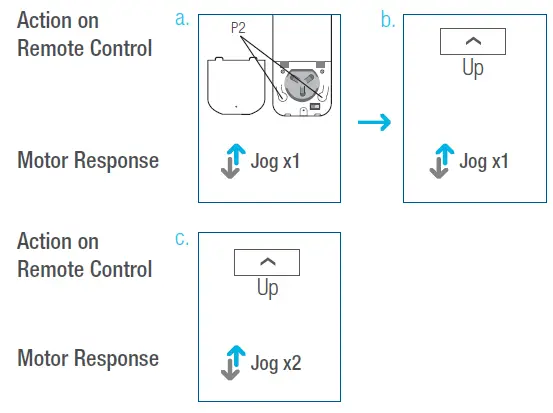
- Press one “P2” button until motor jog x1.
- Press “Up” button until motor jog x1.
- Once more, press “Up” button until motor jog x2.

- Deceleration Speed
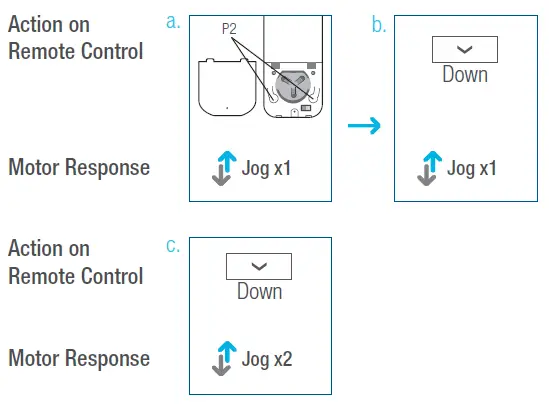
- Press one “P2” button until motor jog x1.
- Press “Down” button until motor jog x1.
- Once more, press “Down” button until motor jog x2.
*If the motor has no response, it already has a Maximum or Minimum speed.
- Acceleration Speed
Troubleshooting
| Issues | Possible Causes | Solution |
|
The motor is not responding | External battery pack is depleted | Recharge with compatible AC adaptor and check connection and positioning of solar PV panel |
| Insufficient charging from Solar PV Panel | Check connection and orientation of solar PV panel | |
| Remote control battery is discharged | Replace battery | |
| Battery is inserted incorrectly into remote control | Check battery polarity | |
| Radio interference / shielding | Ensure remote control and the antenna on the motor are positioned away from metal objects | |
| Receiver is far away from Remote Control | Move remote control to a closer position | |
| Power failure | Check power supply to motor is connected and active | |
| Incorrect wiring | Check that wiring is connected correctly (refer to motor installation instructions) | |
|
Cannot program a single motor (multiple motors respond) |
Multiple motors are paired to the same channel. | Always reserve an individual channel for programming functions |
| SYSTEM BEST PRACTICE – Provide an extra 15 channel remote in your multi-motor projects that provides individual control for each motor for programming purposes | ||
| Place all other motors into sleep mode (ref to P1 button instructions) | ||