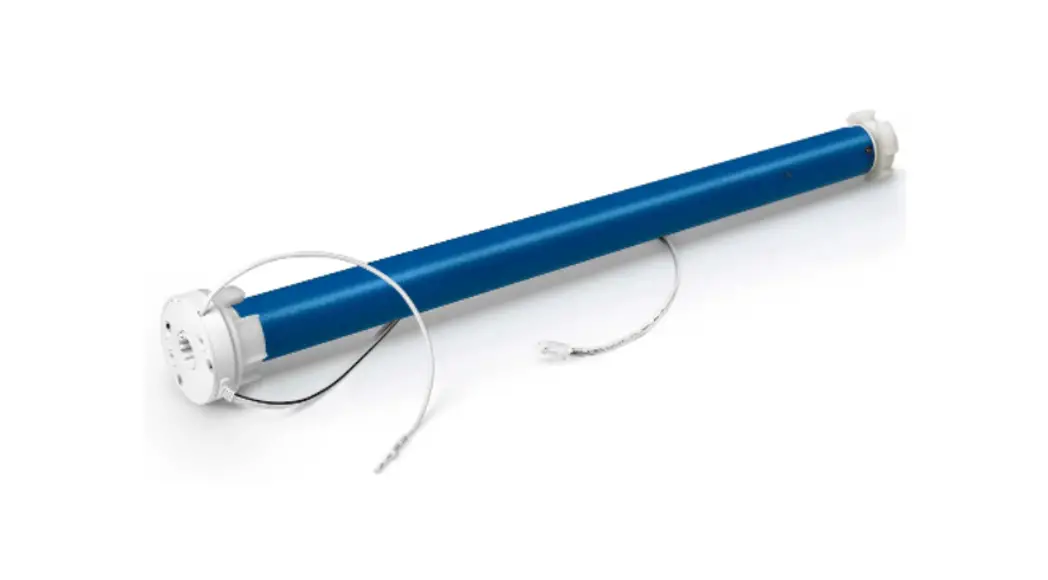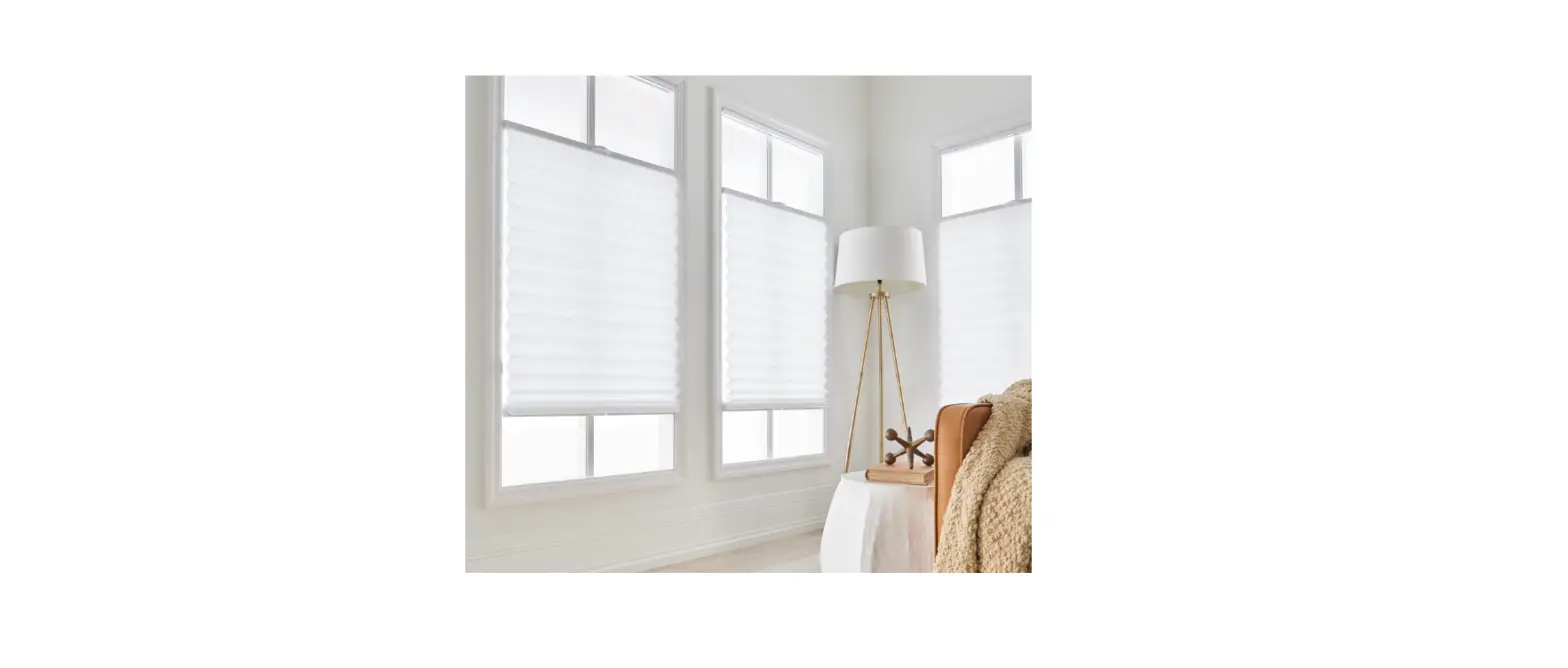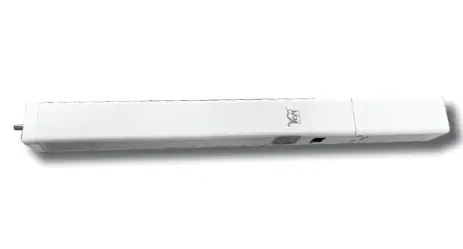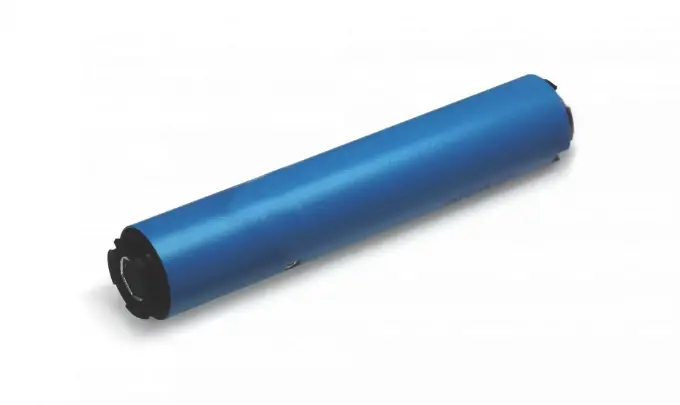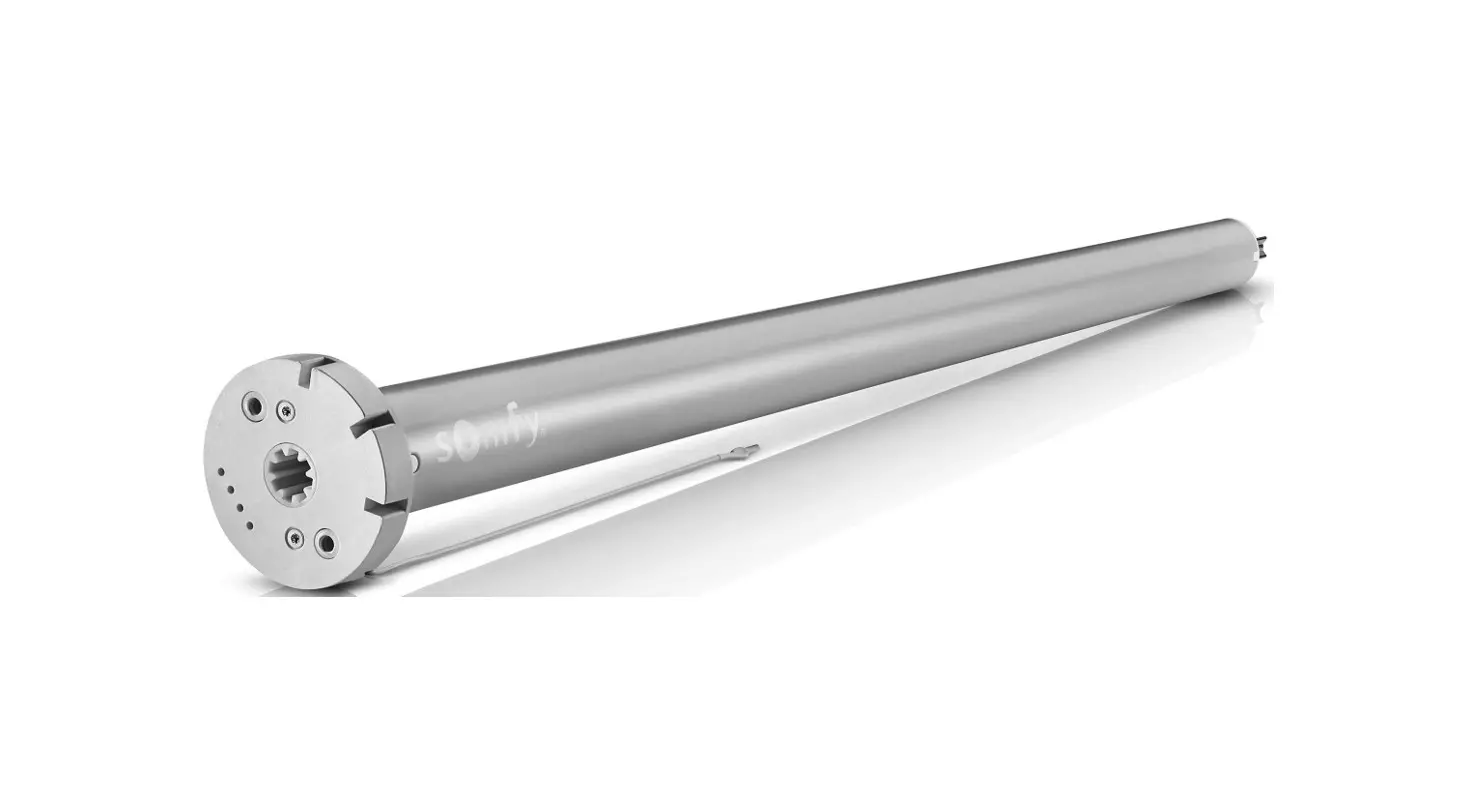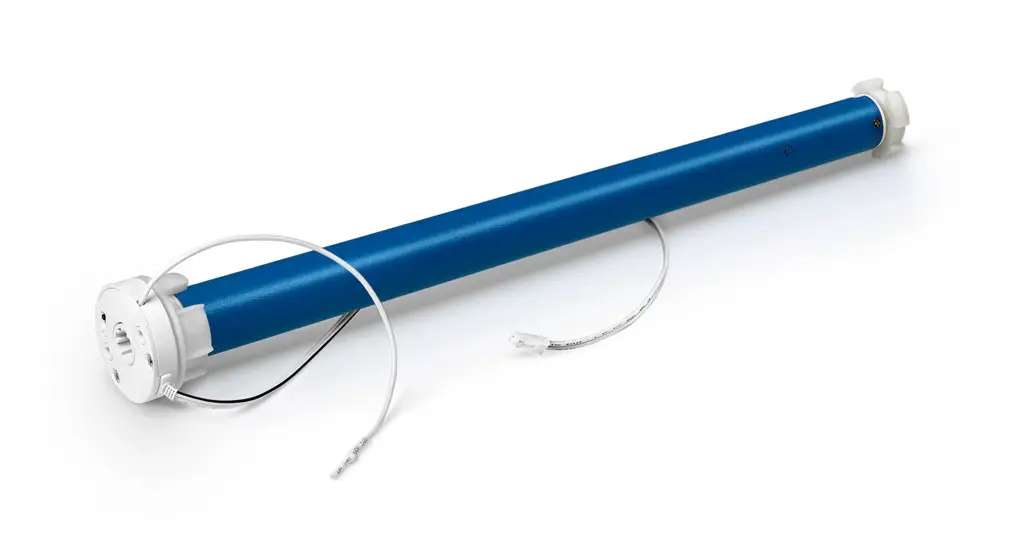

Bluetooth Venetian Blinds Drive Manual
NOTE: This equipment has been tested and found to comply with the limits for a Class B digital device, pursuant to part 15 of the FCC Rules. These limits are designed to provide reasonable protection against harmful interference in a residential installation. This equipment generates uses and can radiate radio frequency energy and, if not installed and used in accordance with the instructions, may cause harmful interference to radio communications. However, there is no guarantee that interference will not occur in a particular installation. If this equipment does cause harmful interference to radio or television reception, which can be determined by turning the equipment off and on, the user is encouraged to try to correct the interference by one or more of the following measures:
- Reorient or relocate the receiving antenna.
- Increase the separation between the equipment and receiver.
- Connect the equipment into an outlet on a circuit different from that to which the receiver is connected.
- Consult the dealer or an experienced radio/TV technician for help
Changes or modifications not expressly approved by the party responsible for compliance could void the user’s authority to operate the equipment.
This device complies with Part 15 of the FCC Rules. Operation is subject to the following two conditions:
- this device may not cause harmful interference, and
- this device must accept any interference received, including interference that may cause undesired operation.
This device contains license-exempt transmitter(s)/receiver(s) that comply with Innovation, Science and Economic Development Canada’s license-exempt RSS(s). Operation is subject to the following two conditions:
- This device may not cause interference.
- This device must accept any interference, including interference that may cause undesired operation of the device.
Key features
- Low power consumption design, compatible with 7.4V battery box and solar panel.
- Dot move and continuous move for option, free to change the motor run direction.
- Can set multiple limit positions(UP/DOWN/Middle limit positions).
- Position sensor open circuit and short circuit protection function, stop on block function.
- Can detect the circles of motor rotation, high precision.
- Automatic correction function for the displacement caused by braking.
- Power failure can save position and function parameters.
Troubleshooting
| No. | Trouble | Reason | Solution |
| 1 | Motor has no rotation or rotate slowly after power on | A.Connected with wrong voltage B.Over loading C.Incorrect installation leads to motor stucking | A.Change to correct voltage B.Change motor which is suitable for loading C.Check if the accessories are right installed |
| 2 | The motor stops suddenly during working | A.Low battery voltage B.Stop on block | A.Change battery(dry battery wand)/chargeable (lithium battery wand) B.Check if overloading or running isn’t smooth |
Parameters
| Model | BTE24B-0.6/34 |
| Input Voltage | 7.4V |
| Rated Torque | 0.6N•m |
| Rated RPM | 34rpm |
| Rated Current | 1.2A |
| Stall Current | 2.5A |
| IP Class | I P44 |
| Control Mode | APP |
| Working Temperature | -10~+60°C |
| Receiving Frequency | 2.4G |
| Modulation | Bluetooth |
| Receiving Distance | ≥ 80m |
Installation
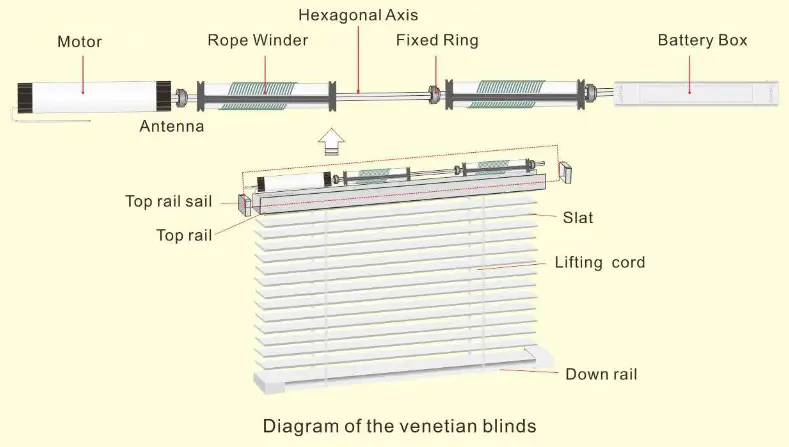
Remark: When installing, pay attention to the location of the antenna and avoid metal objects Blocking the antenna will affect the motor’s reception of wireless signals.
Operation instruction
- Scan QR code, download and install APP.
 http://smart.tuya.com/download
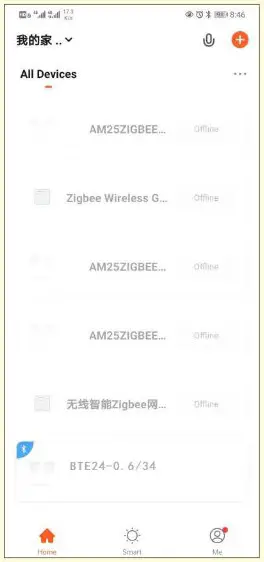
 - On the page of My home, choose “add advice” or “+”.

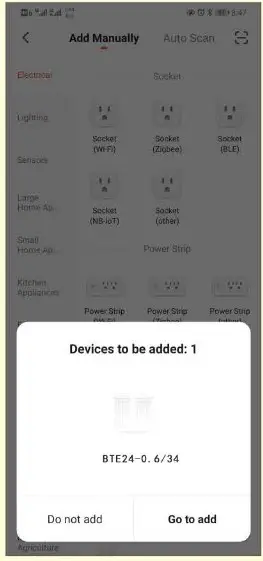
In this interface, the motor can be automatically scanned, and it can be added by selecting “To add”.
Remark: If there is no response for along time, you can short press PROG 4 times and long press 1 time, reset Bluetooth and add again.
- Choose’+’.

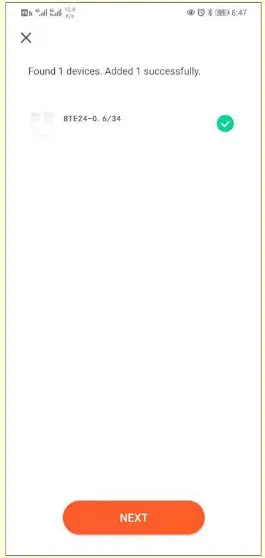
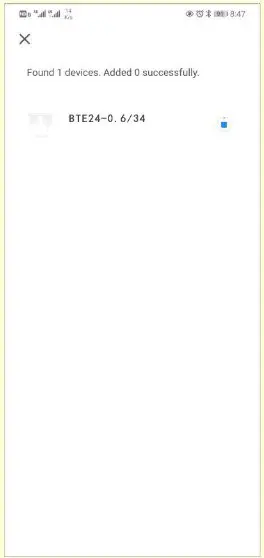
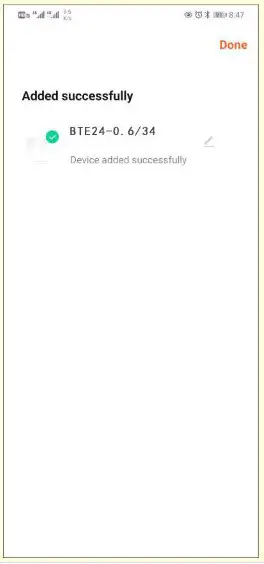
- Wait for motor to be added finished. is

- Choose complete, motor is added successfully.

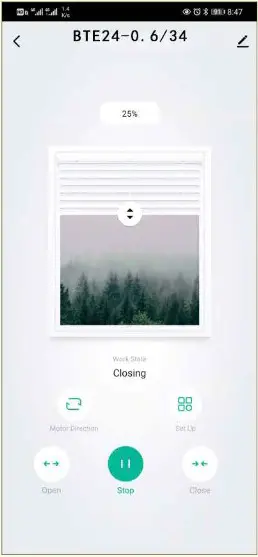
- Inthe control interface, basic control of the motor can be carried out; select “More” to enter the setting interface.