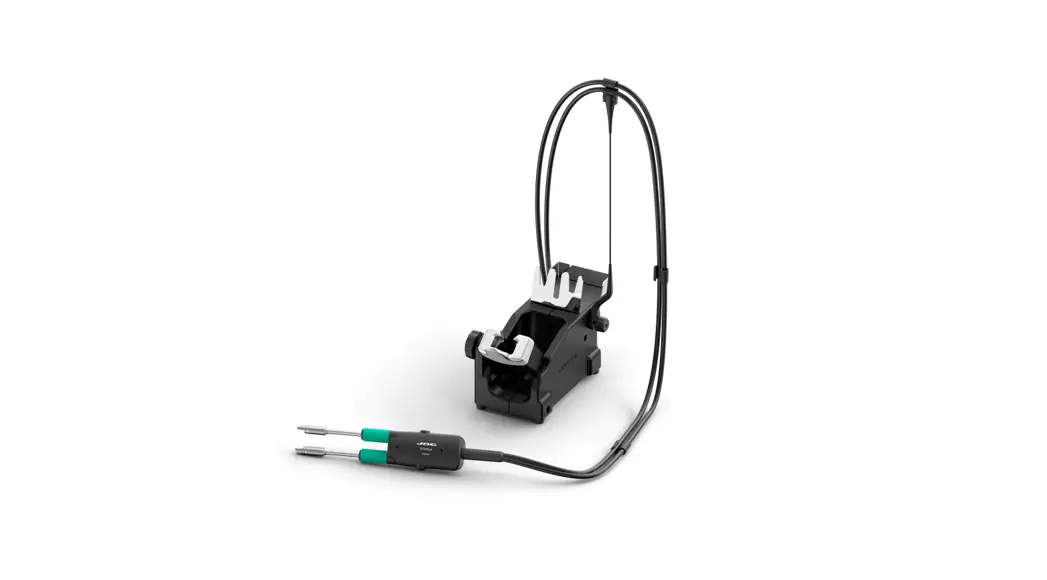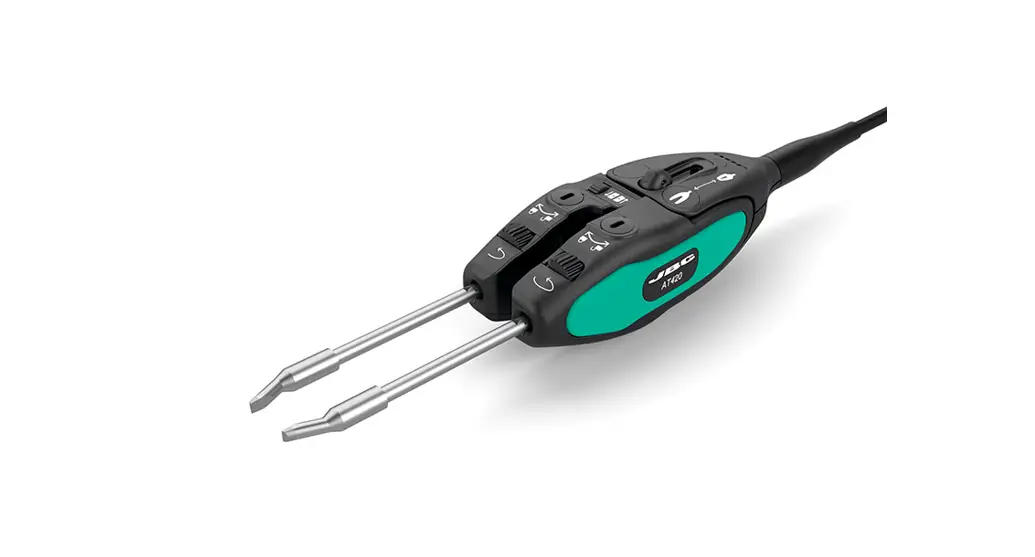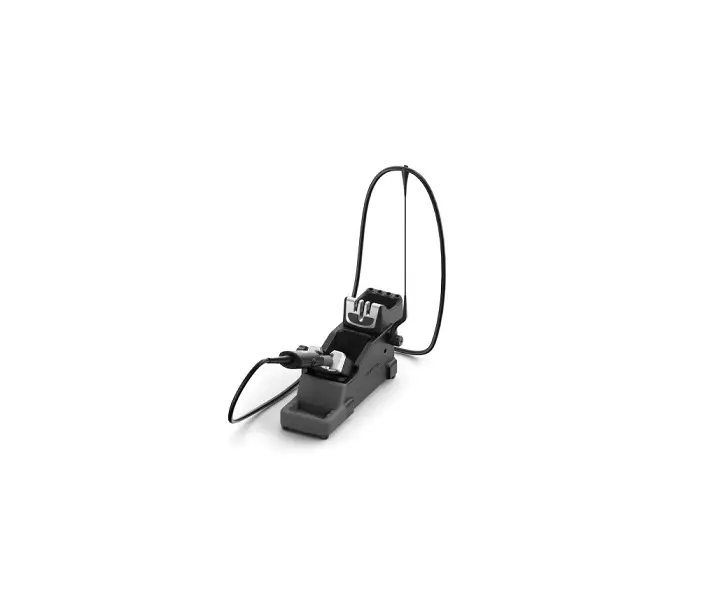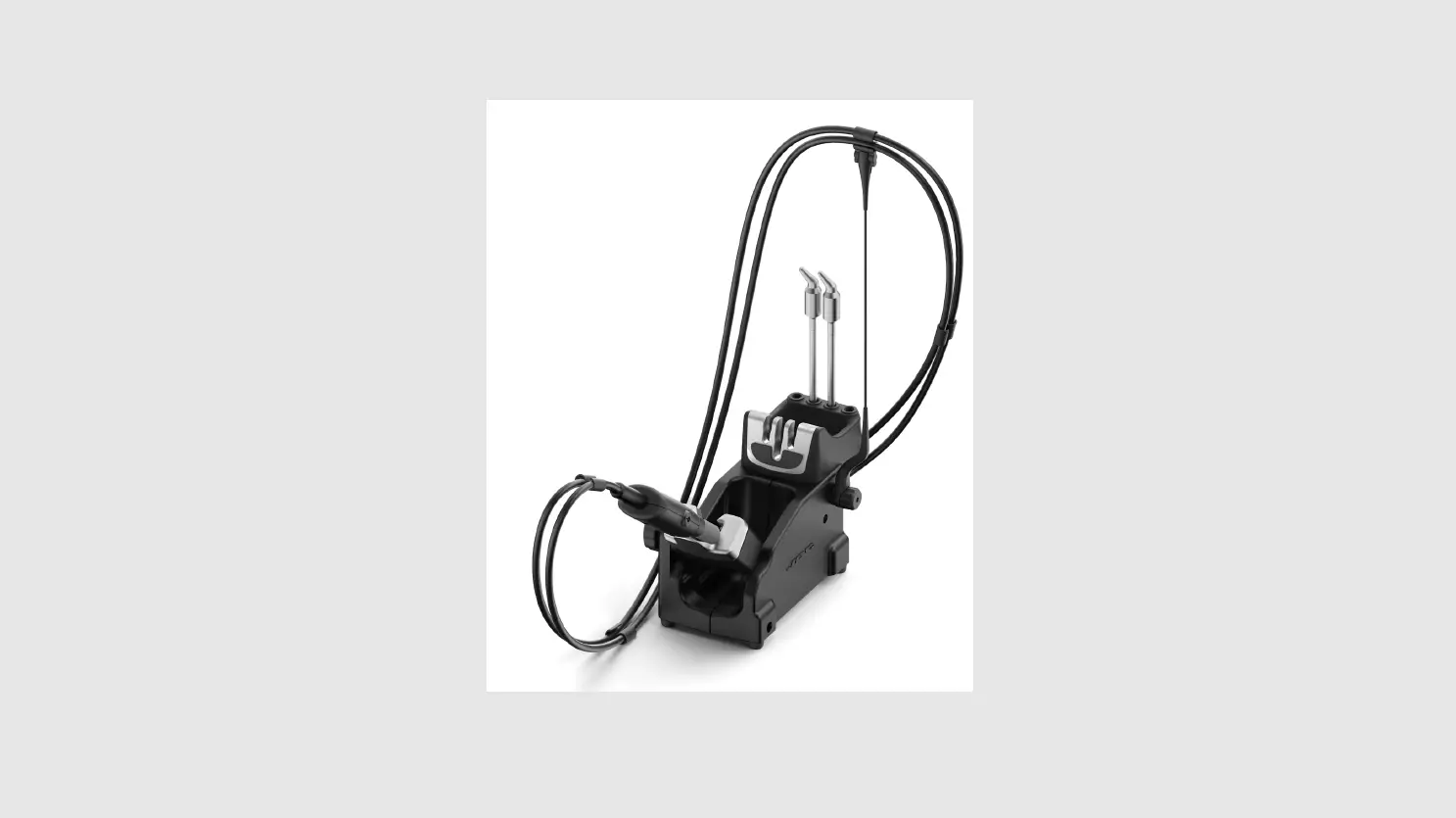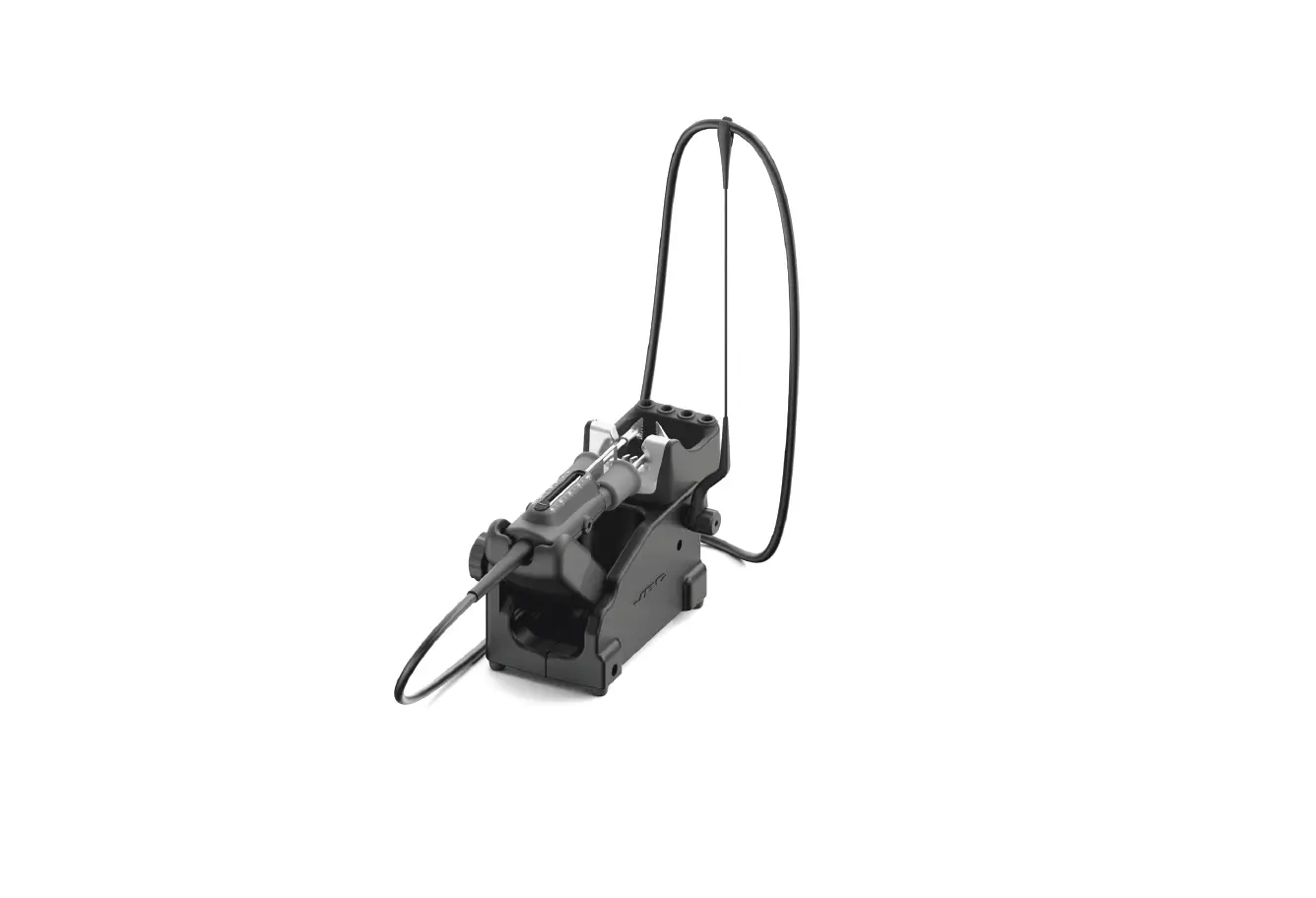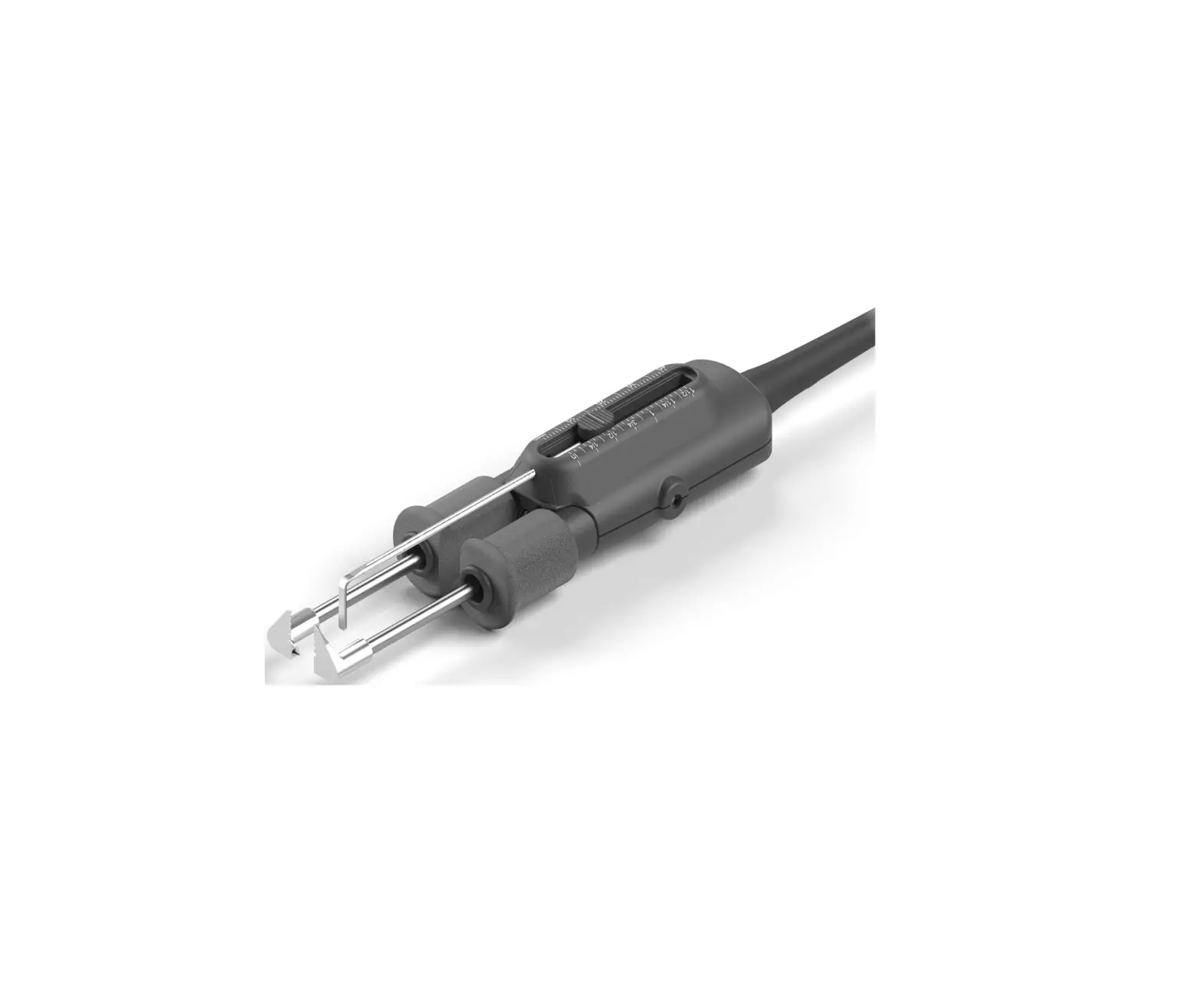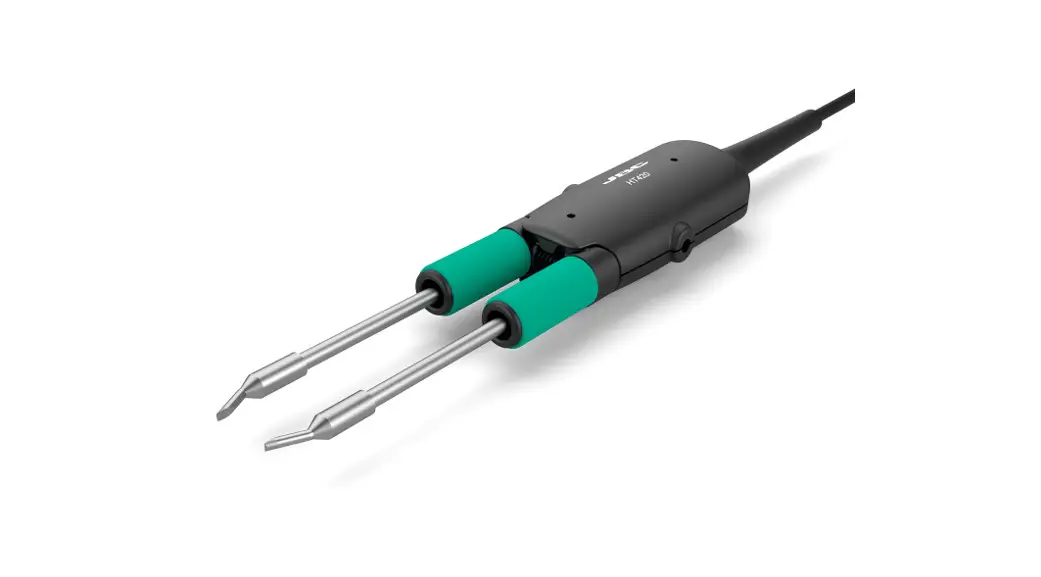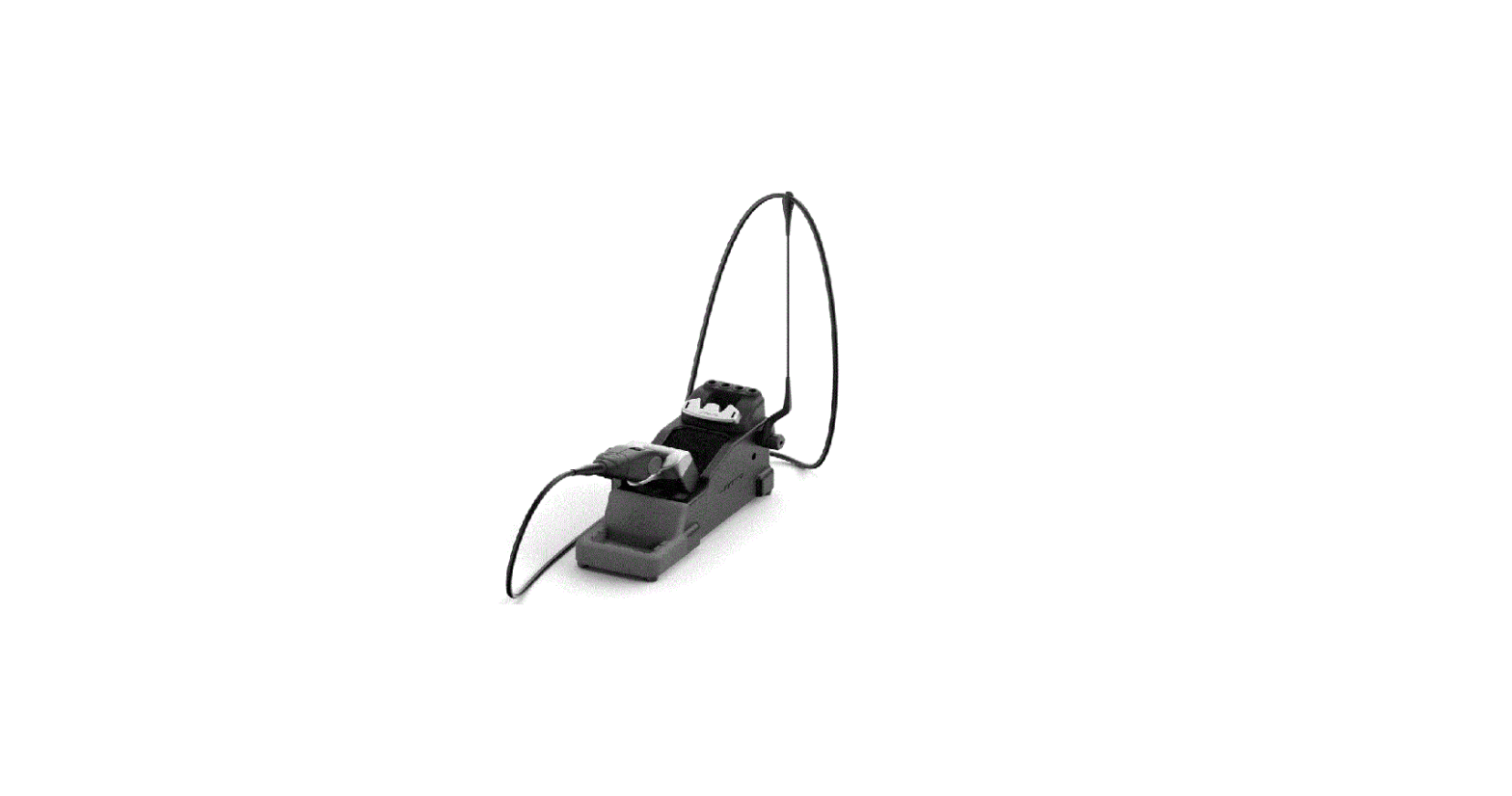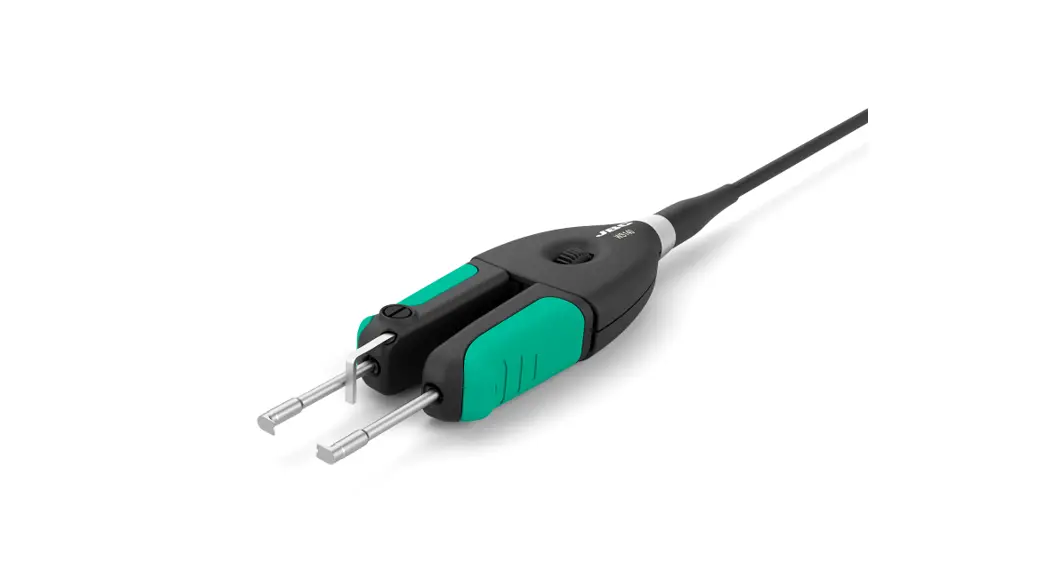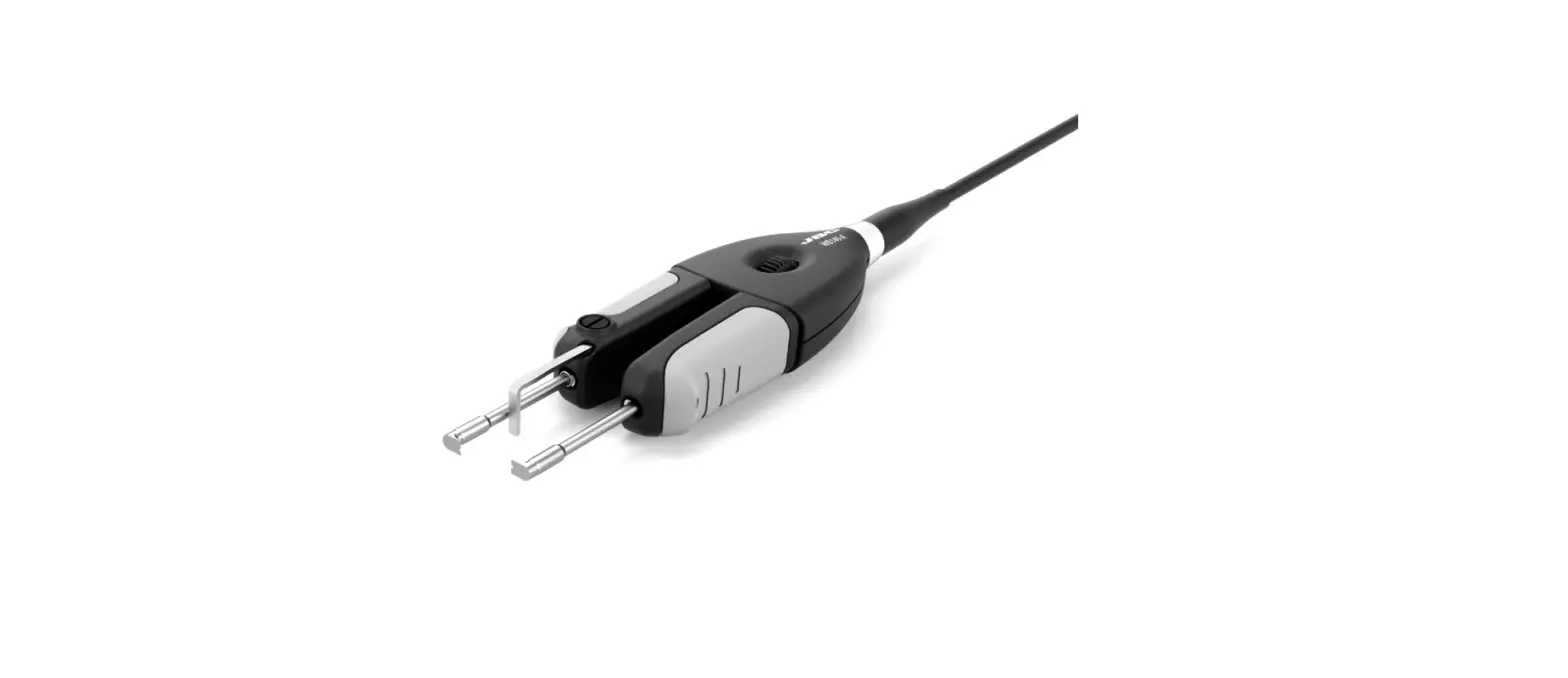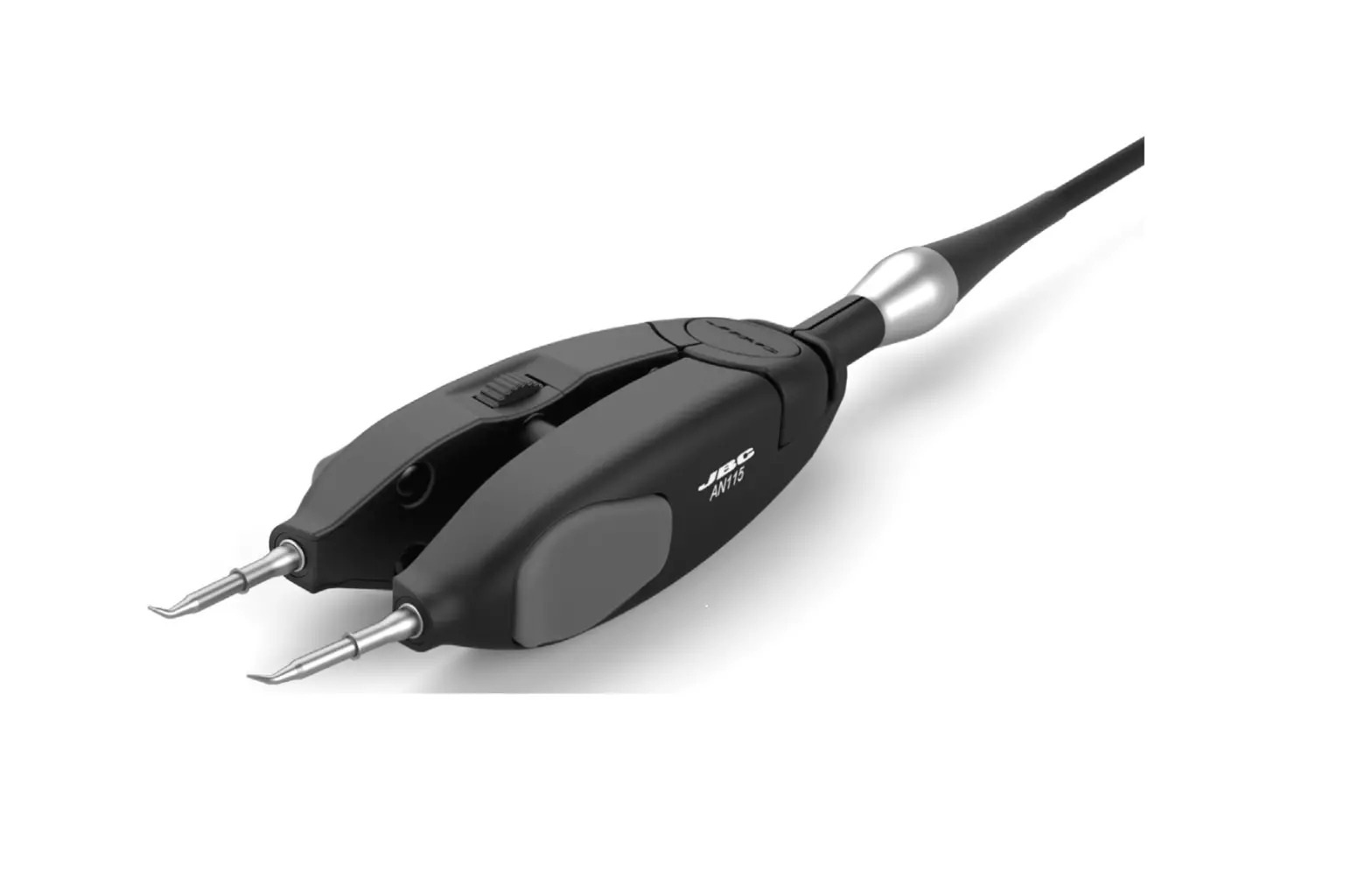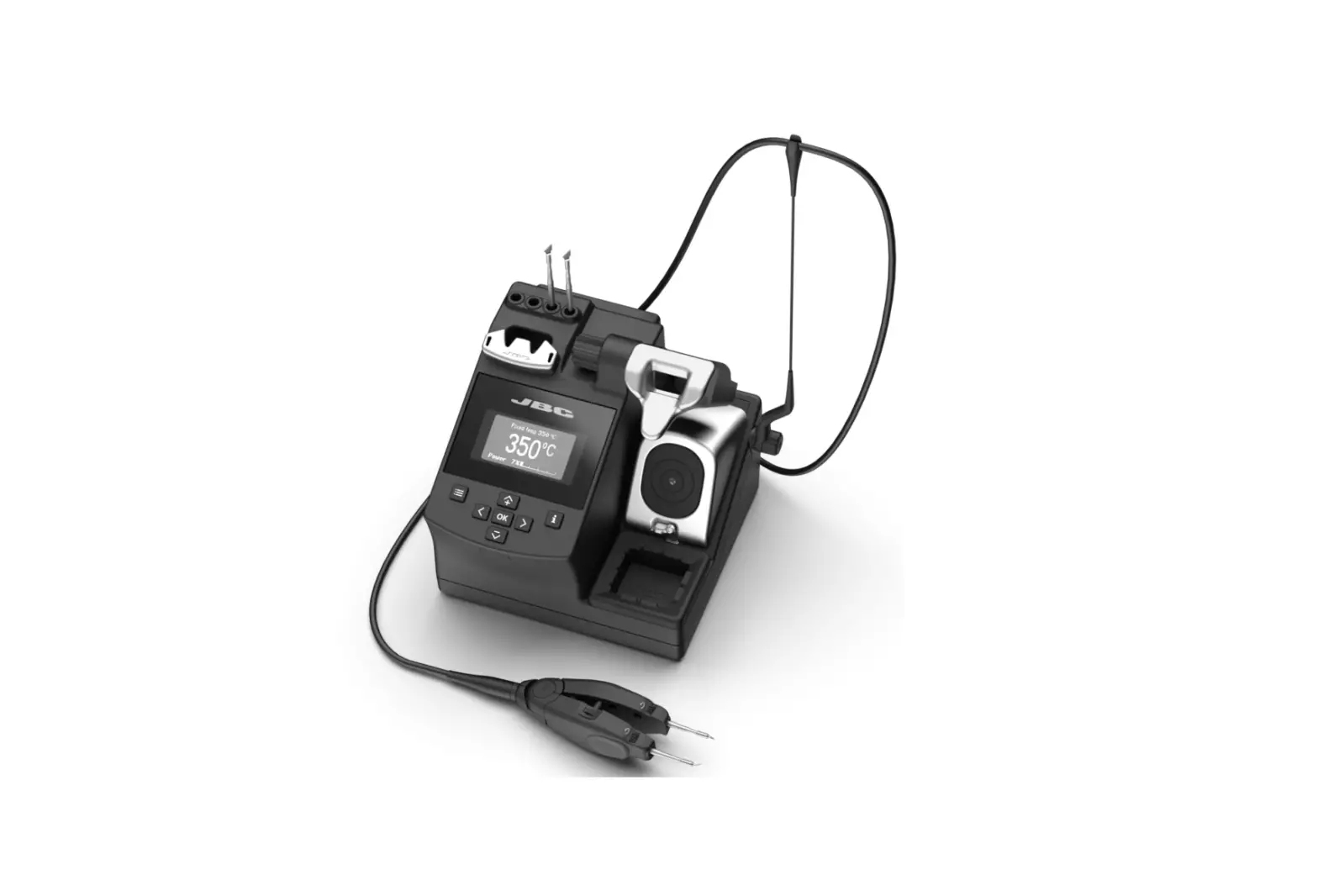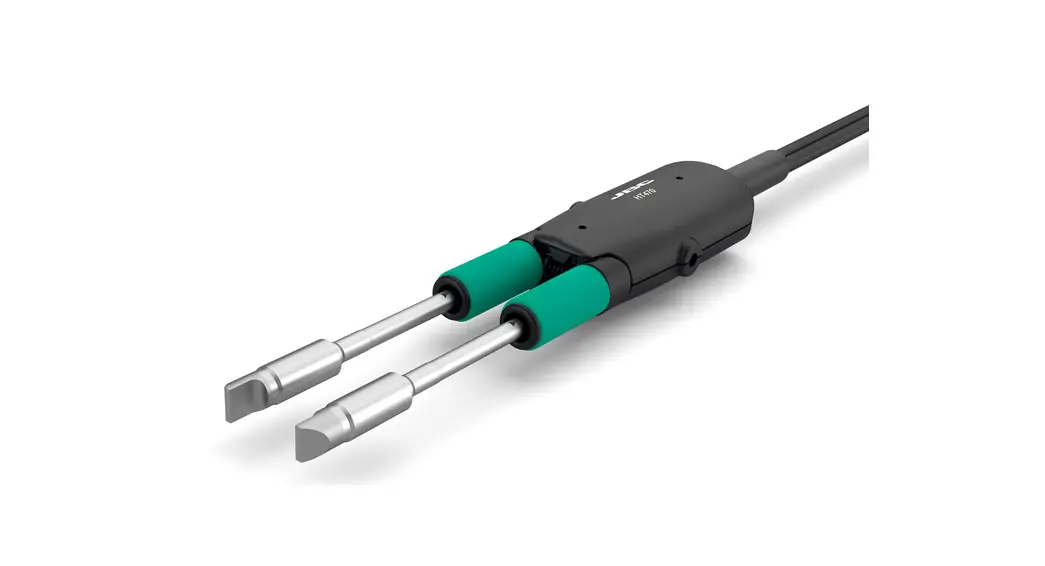
 HT470 Heavy Duty Thermal Tweezers
Instruction Manual`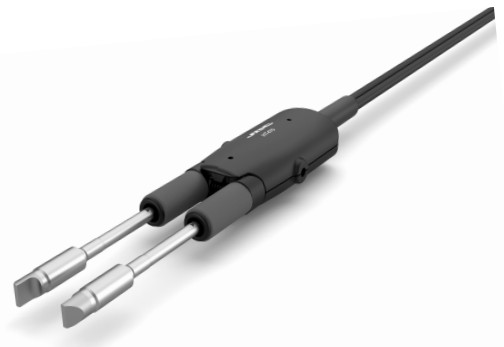
HT470 Heavy Duty Thermal Tweezers
This manual corresponds to the following reference: HT470-A
Packing list
The following items should be included: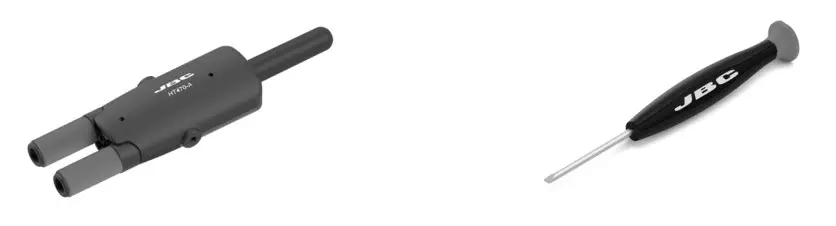
Features
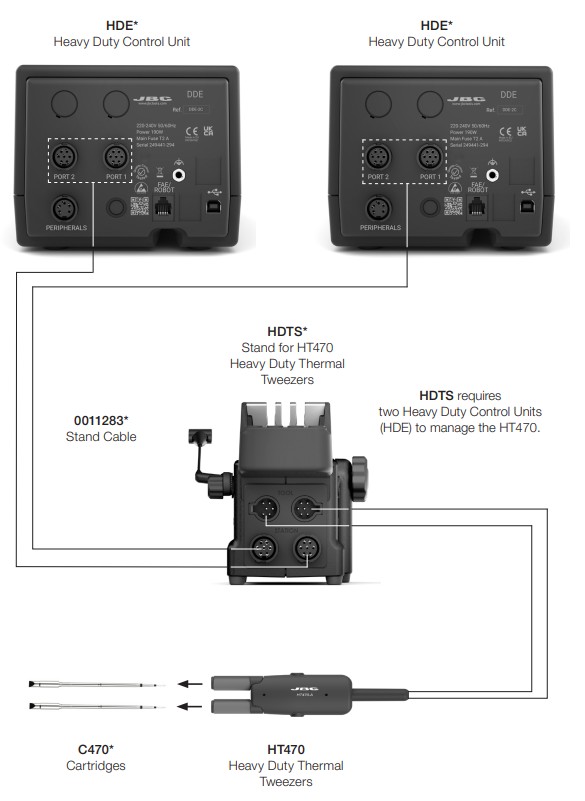
Changing Cartridges
 For a safe cartridge exchange, unplug the tool or turn the station off.
- Unlocking
 Unlock the cartidge fixing screws.
 - Removing
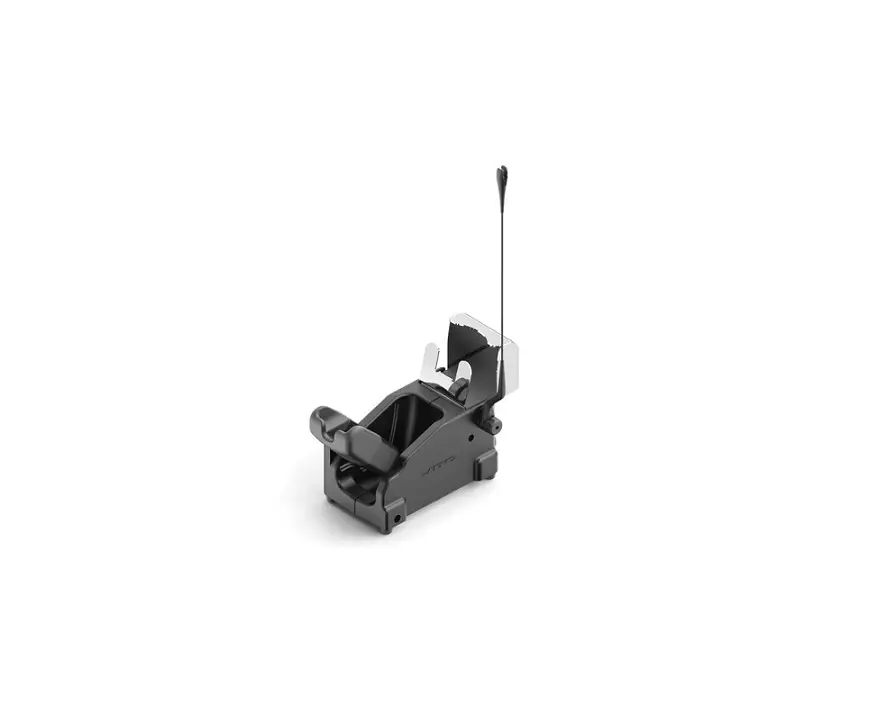
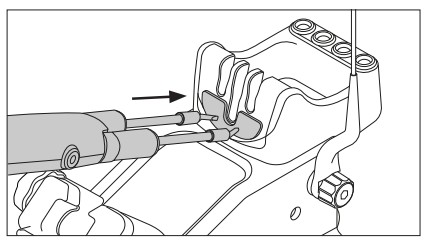
 Place the cartridges in the quick tip changer and pull the tweezers to remove the cartridges.
 - Inserting
 Use the grooves to insert the cartridges as far as the mark*.
 - Locking
 Lock the fixing screws.
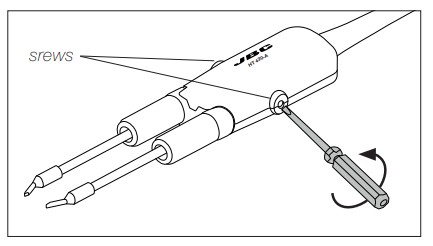 Unlock the cartidge fixing screws.
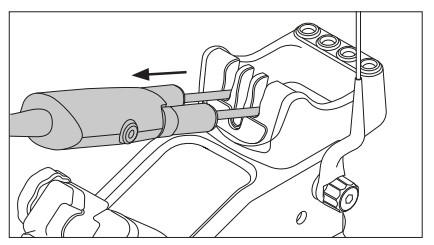 Place the cartridges in the quick tip changer and pull the tweezers to remove the cartridges.
 Use the grooves to insert the cartridges as far as the mark*.
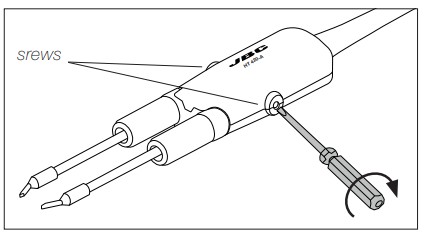 Lock the fixing screws.
*Important
It is essential to insert the cartridges as far as the mark for a proper connection.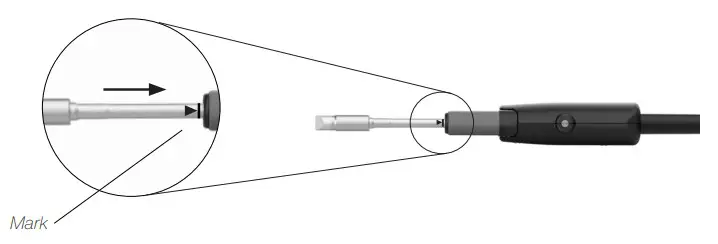 Wiper
Wiper
The integrated wiper offers different ways to clean the cartridge tips.
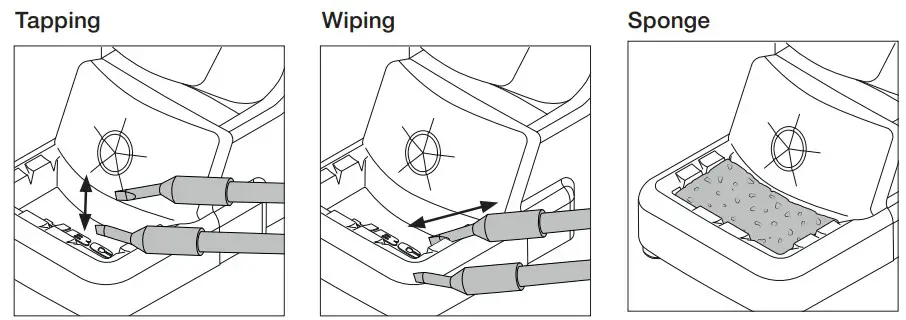 | ||
| Tap gently to remove excess solder. | Use the slots to remove the remaining particles. | The softest cleaning method. Keep the sponge damp with distilled water when working to avoid tip wear. |
Wiper and Brass Wool Replacement
The wiper and brass wool can easily be removed for cleaning or replacement when they are worn.
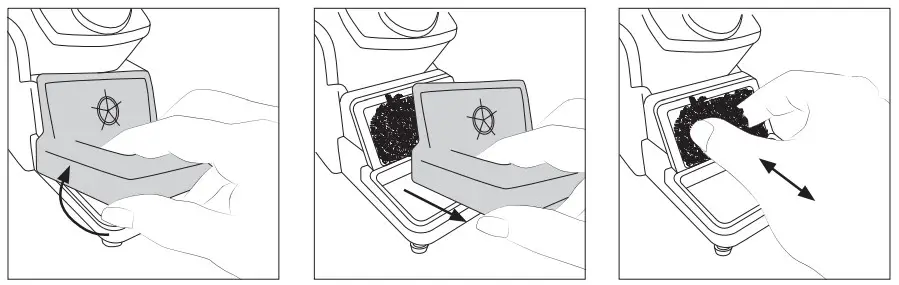 | ||
| Lift the wiper at its front edge. | Remove the wiper by pulling it out. | Replace the brass wool with a new one when it is worn out. Place the wiper back o replace them if desired. |
Compatible Cartridges
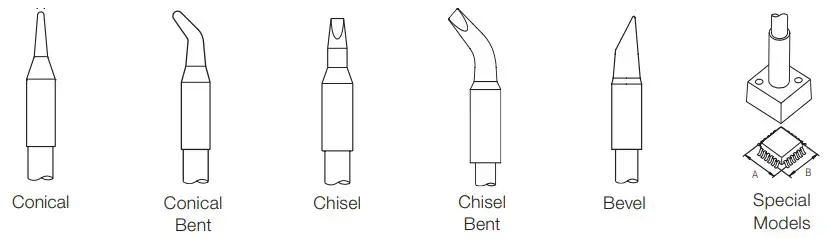
Heavy Duty Thermal Tweezers HT470 workS with C470 cartridges. Find the model that best suits your soldering needs at www.jbctools.com. Safety
 Safety
It is imperative to follow safety guidelines to prevent electric shock, injury, fire or explosion.
- Do not use the device for any purpose other than soldering or rework. Incorrect use may cause a fire.
- The power cord must be plugged into approved bases. Be sure that it is properly grounded before use. When unplugging it, hold the plug, not the wire.
- Do not work on electrically live parts.
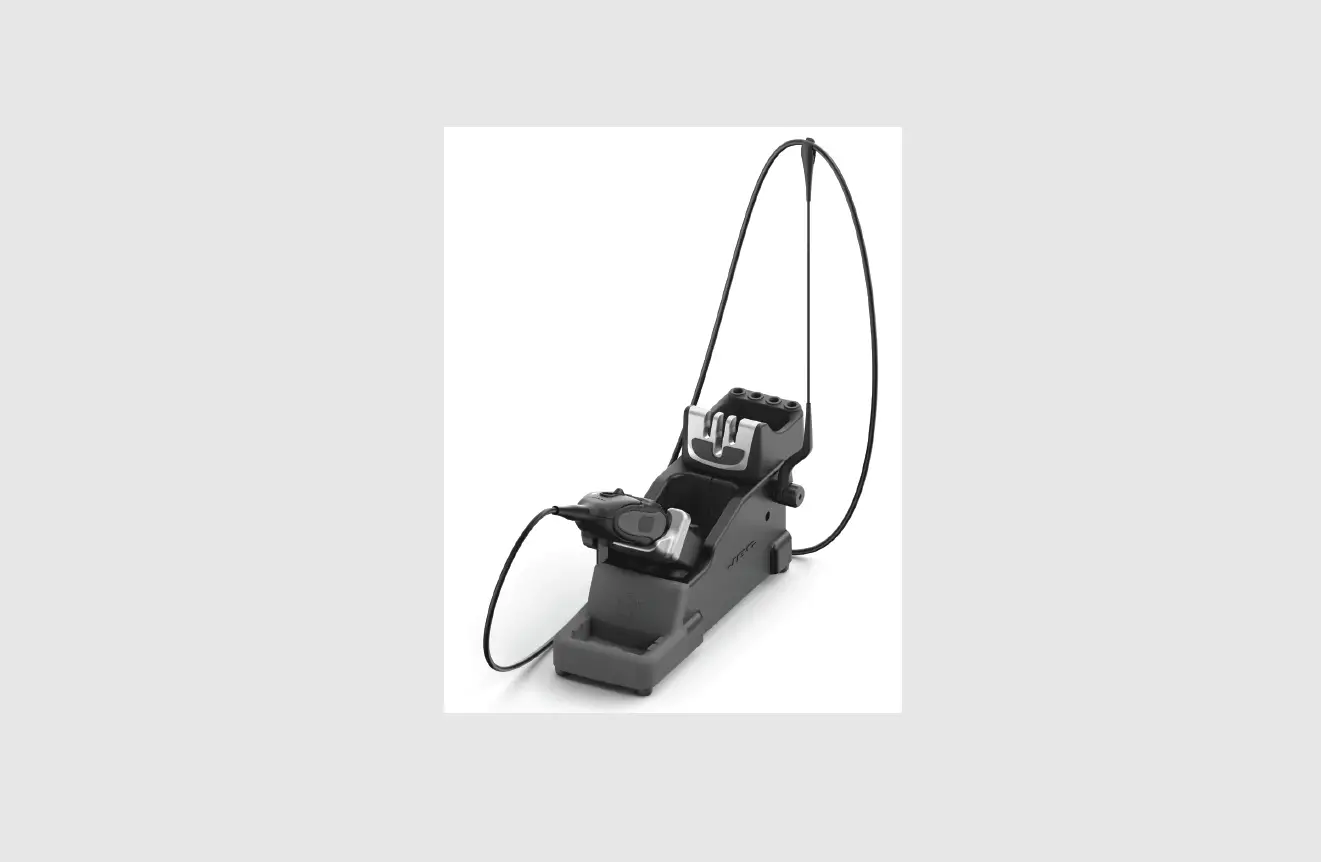
- The tool should be placed in the stand when not in use in order to activate the sleep mode. The soldering tip or nozzle, the metal part of the tool and the stand may still be hot even when the station is turned off. Handle with care, including when adjusting the stand position.
- Do not leave the appliance unattended when it is on.
- Do not cover the ventilation grills. Heat can cause inflammable products to ignite.
- Avoid flux coming into contact with skin or eyes to prevent irritation.
- Be careful with the fumes produced when soldering.
- Keep your workplace clean and tidy. Wear appropriate protection glasses and gloves when working to avoid personal harm.
- Utmost care must be taken with liquid tin waste which can cause burns.
- This can be used by children over the age of eight and also persons with reduced physical, sensory or mental capabilities or lack of experience provided that they have been given adequate supervision or instruction concerning the use of the appliance and understand the hazards involved. Children must not play with the appliance.
- Maintenance must not be carried out by children unless supervised.
Specifications
HT470
Heavy Duty Thermal Tweezers
Ref.: HT470-A
| – Max. Power per Cartridge: | 250 W |
| – Cable Length: | 3 m / 118.11 in |
| – Total Net Weight: | 266 g / 0.586 lb |
| – Package Dimensions/Weight: (L x W x H) | 300 x 125 x 65 mm / 376 g 11.81 x 0.11 x 0.08 in / 0.829 lb |
Complies with CE standard ESD Safe
Warranty
JBC’s 2 year warranty covers this equipment against all manufacturing defects, including the replacement of defective parts and labour.
Warranty does not cover product wear or misuse. In order for the warranty to be valid, equipment must be returned, postage paid, to the dealer where it was purchased.
This product should not be thrown in the garbage. In accordance with the European directive 2012/19/EU, electronic equipment at the end of its life must be collected and returned to an authorized recycling facility. a manuals – color grips

 JBC Soldering and Rework equipment for electronics