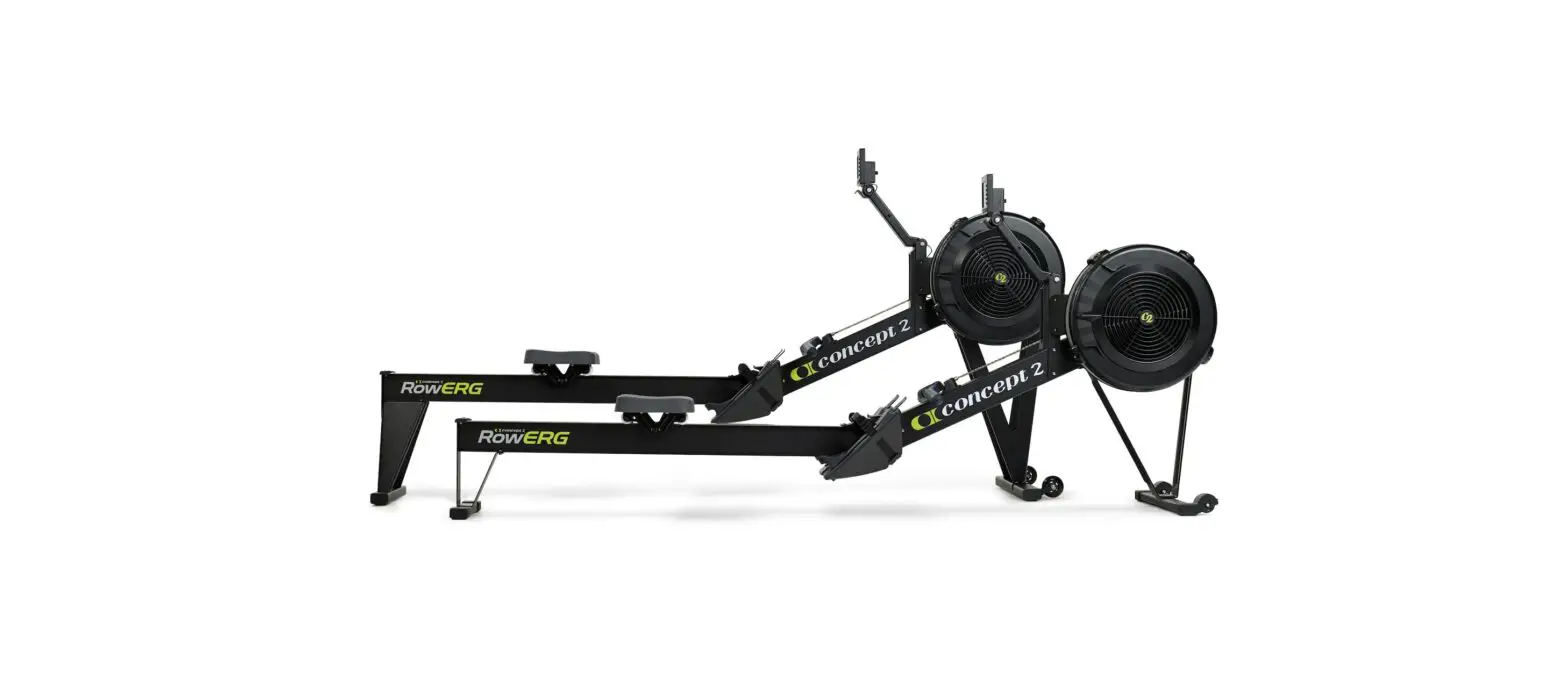
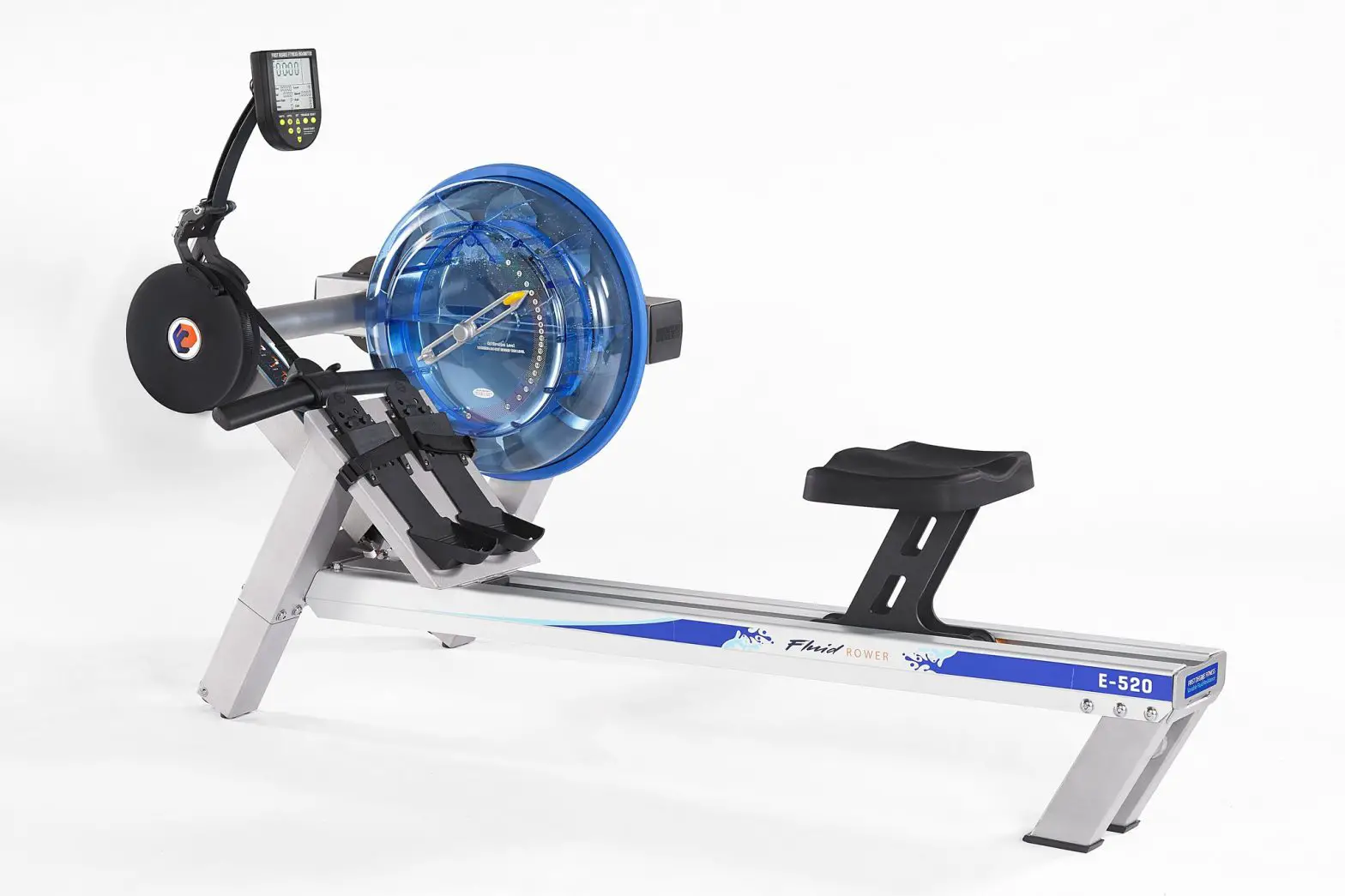
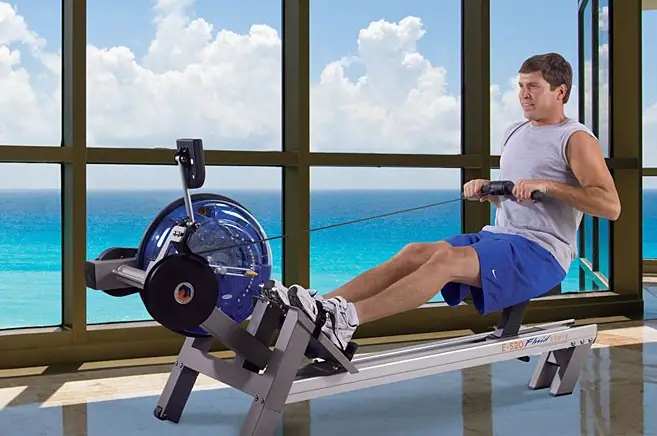
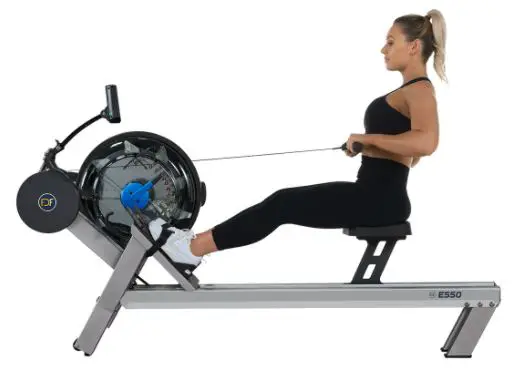
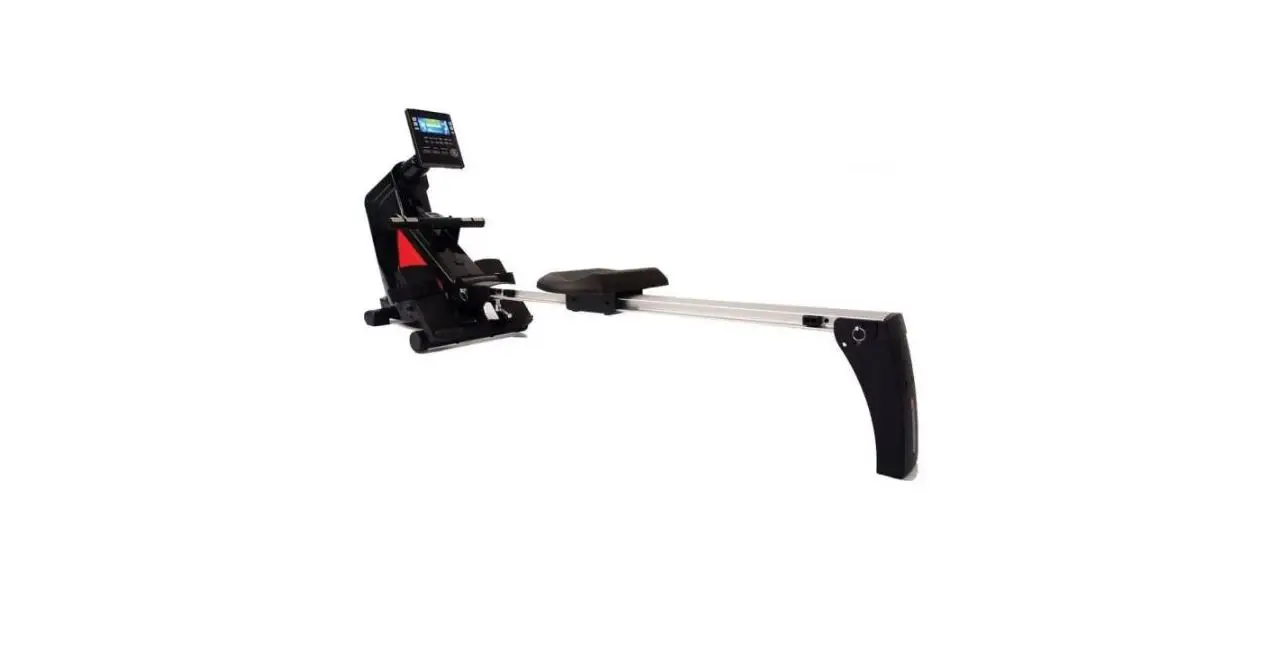
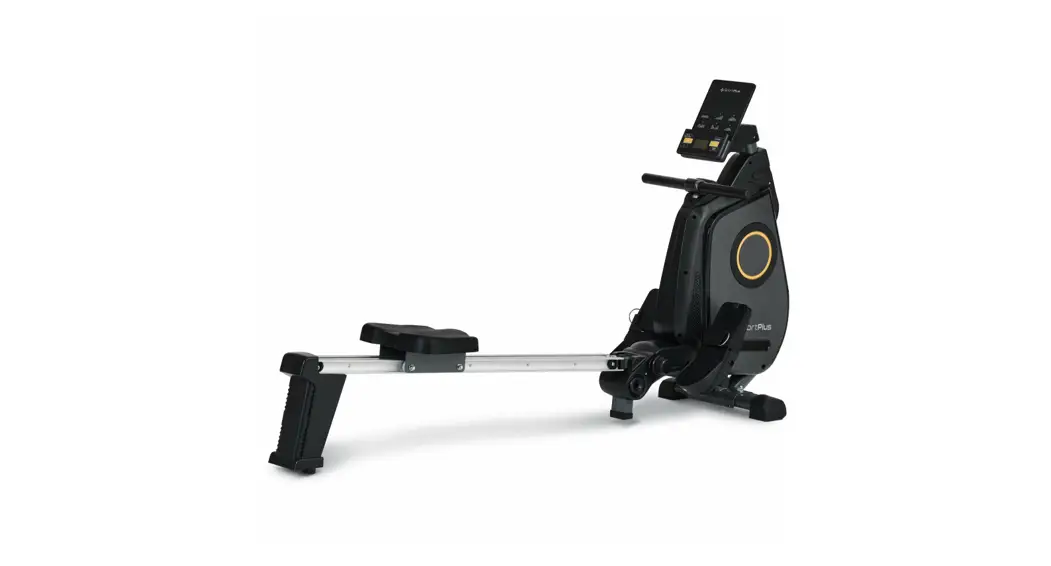
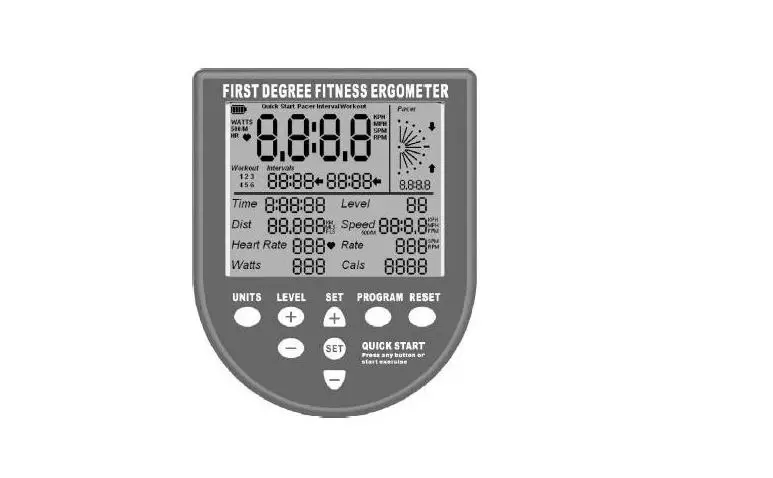
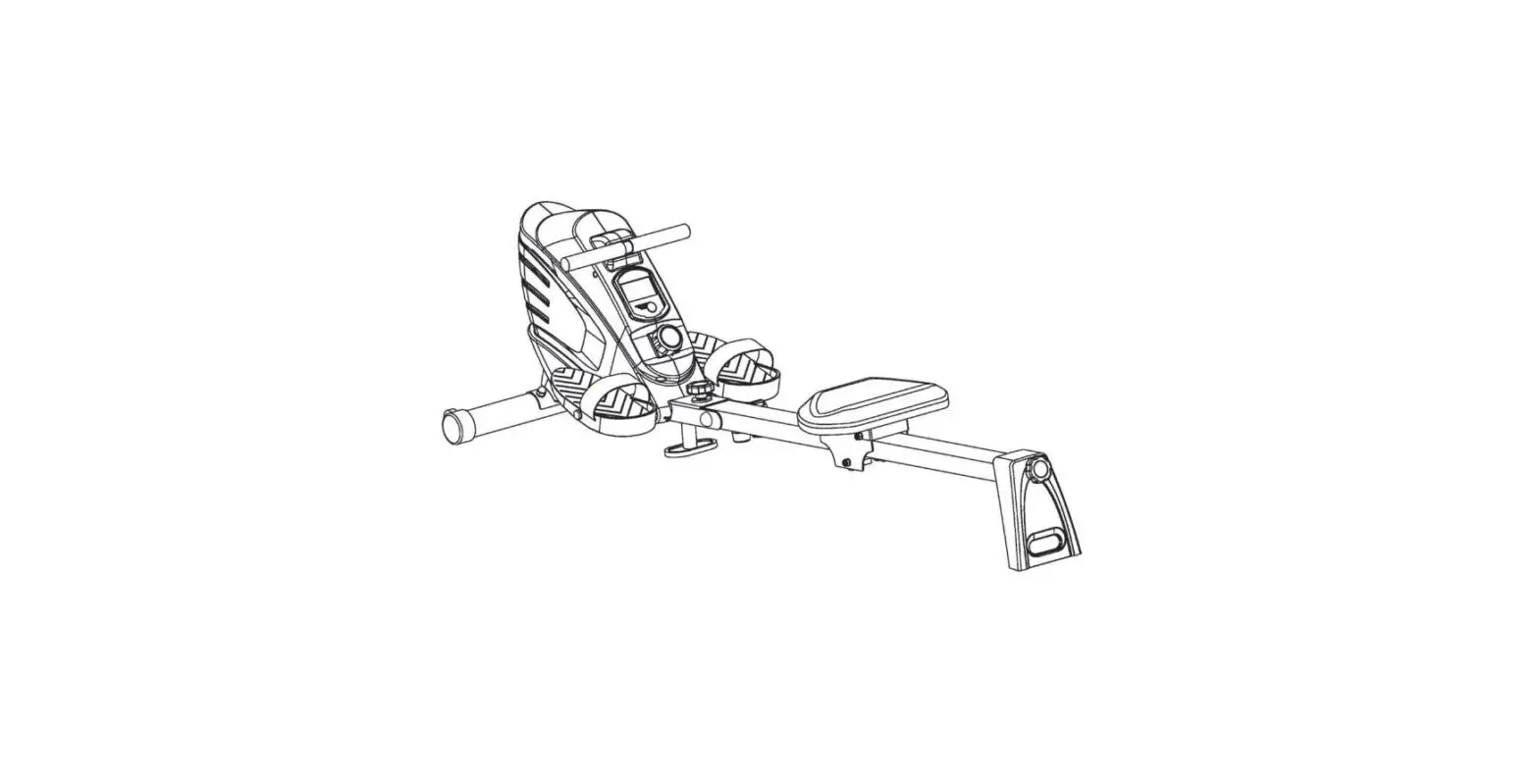
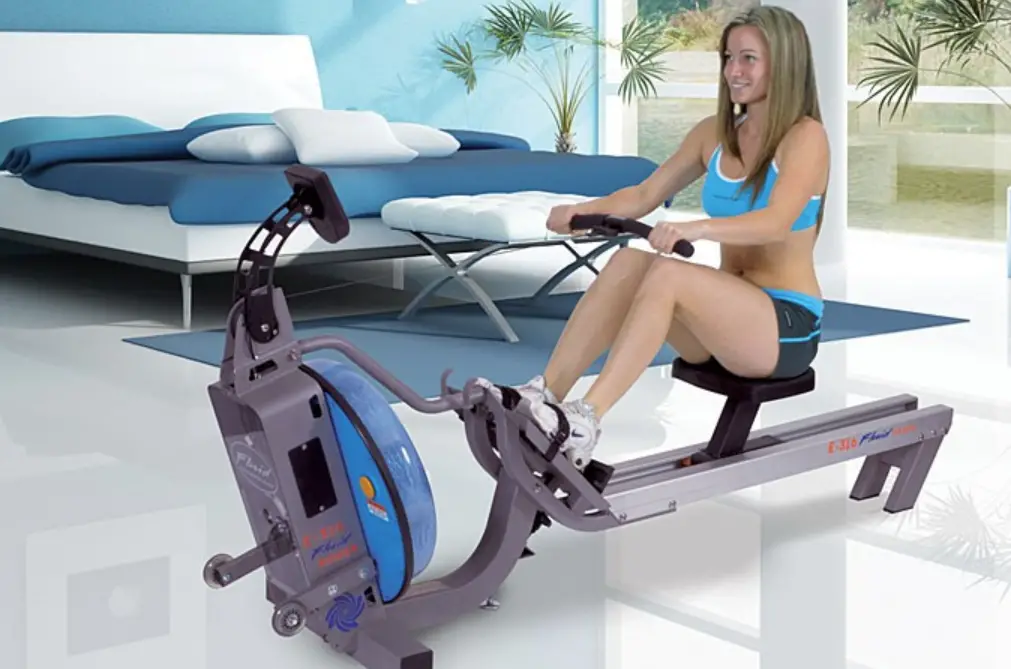
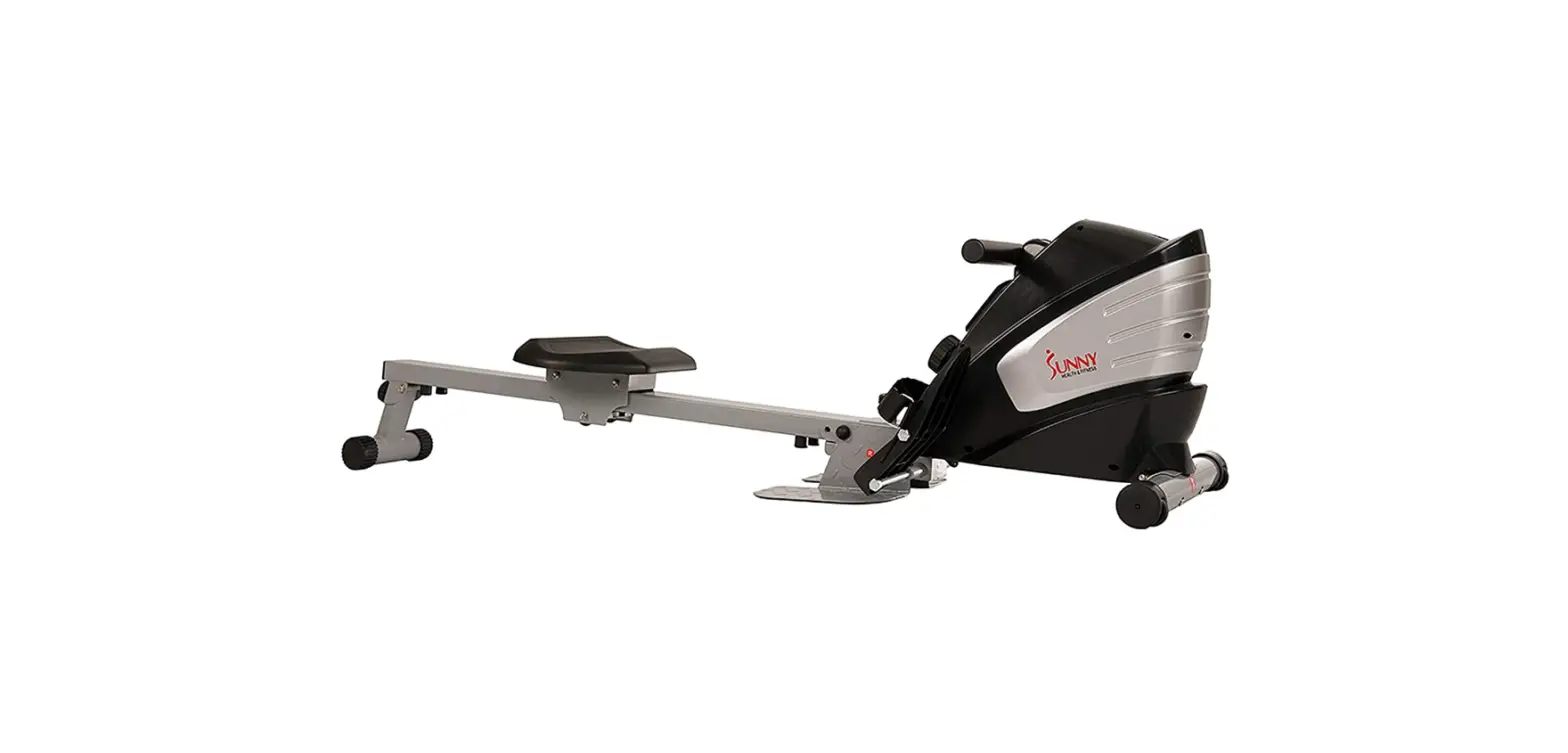
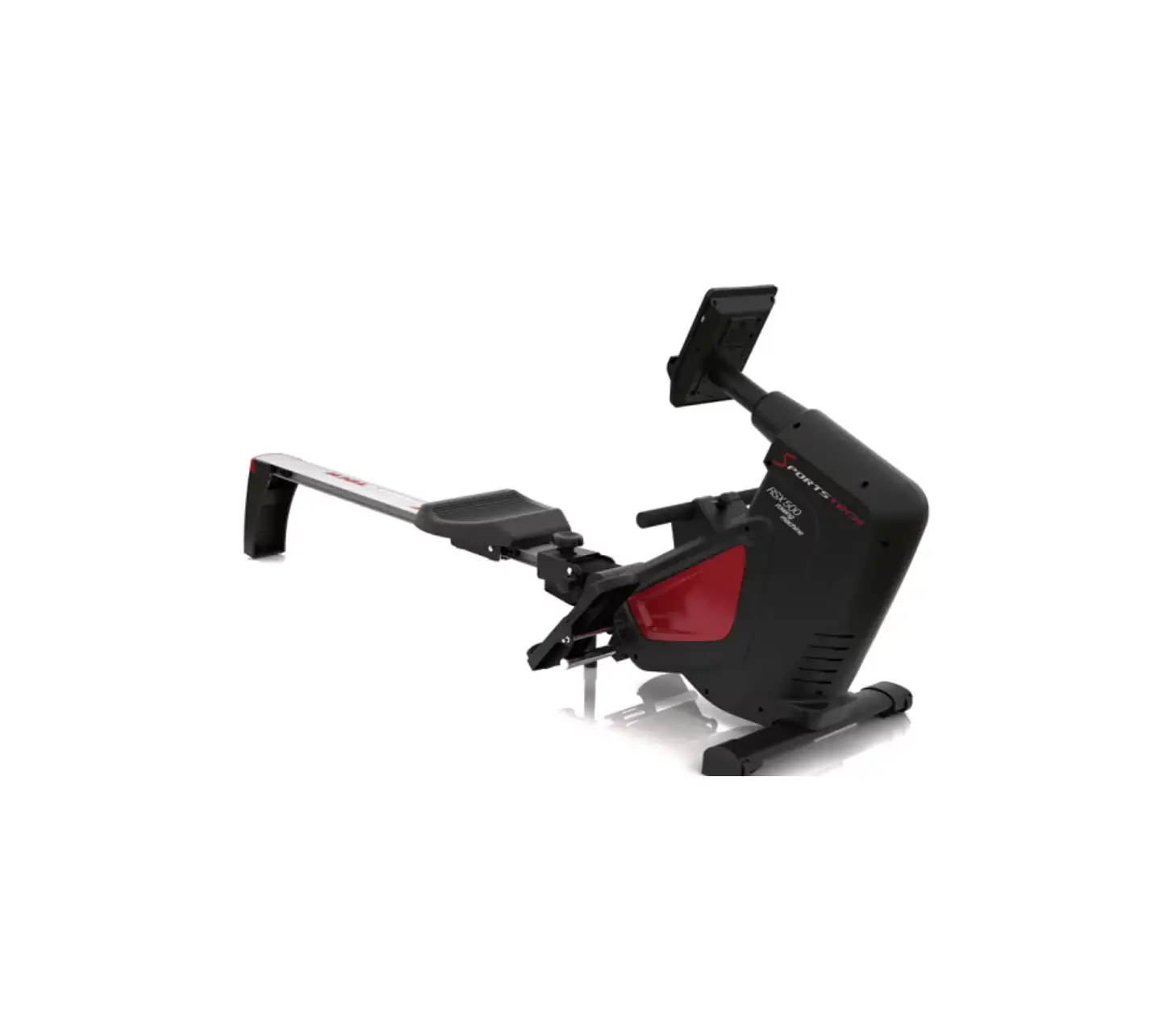
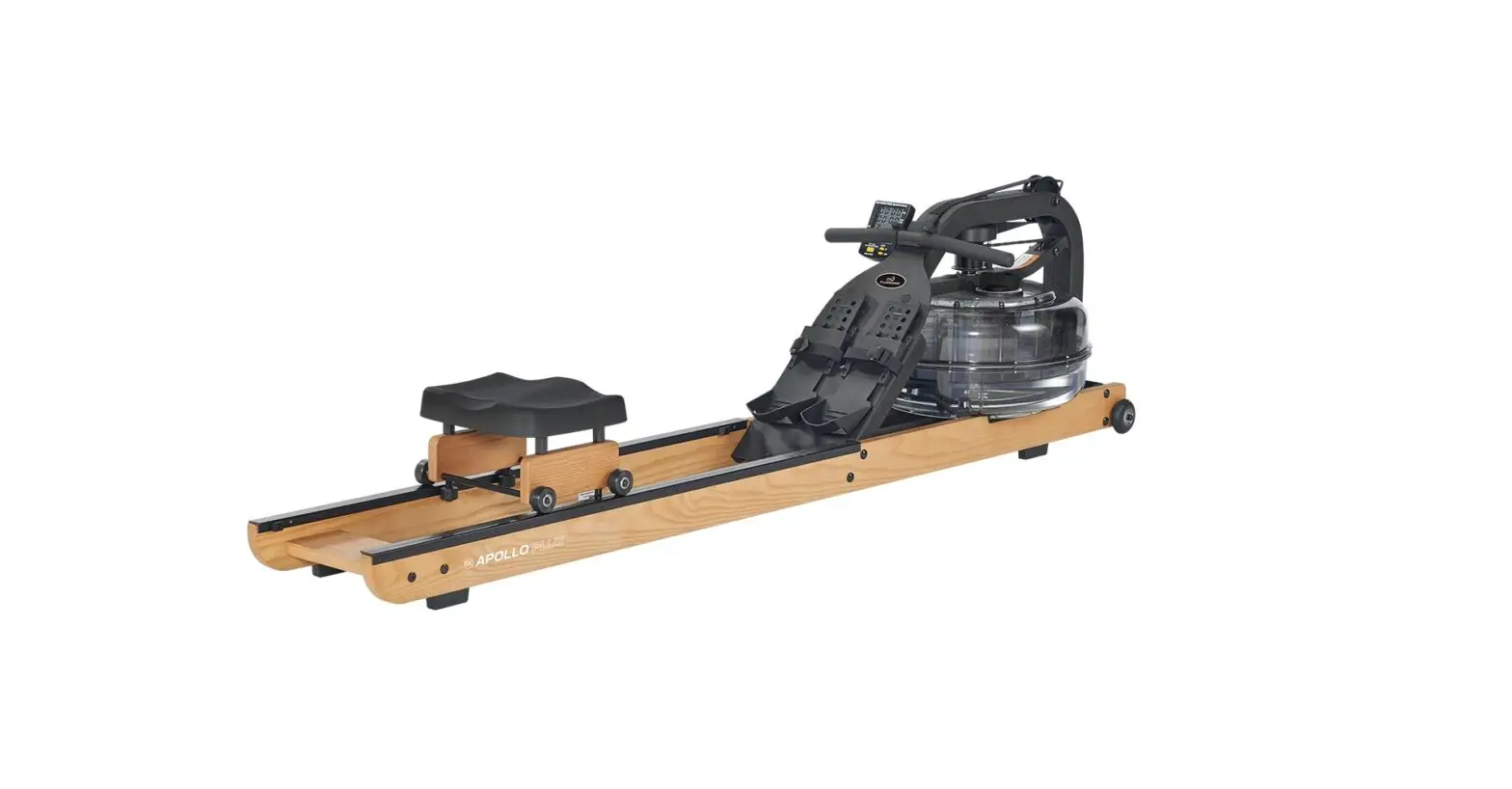
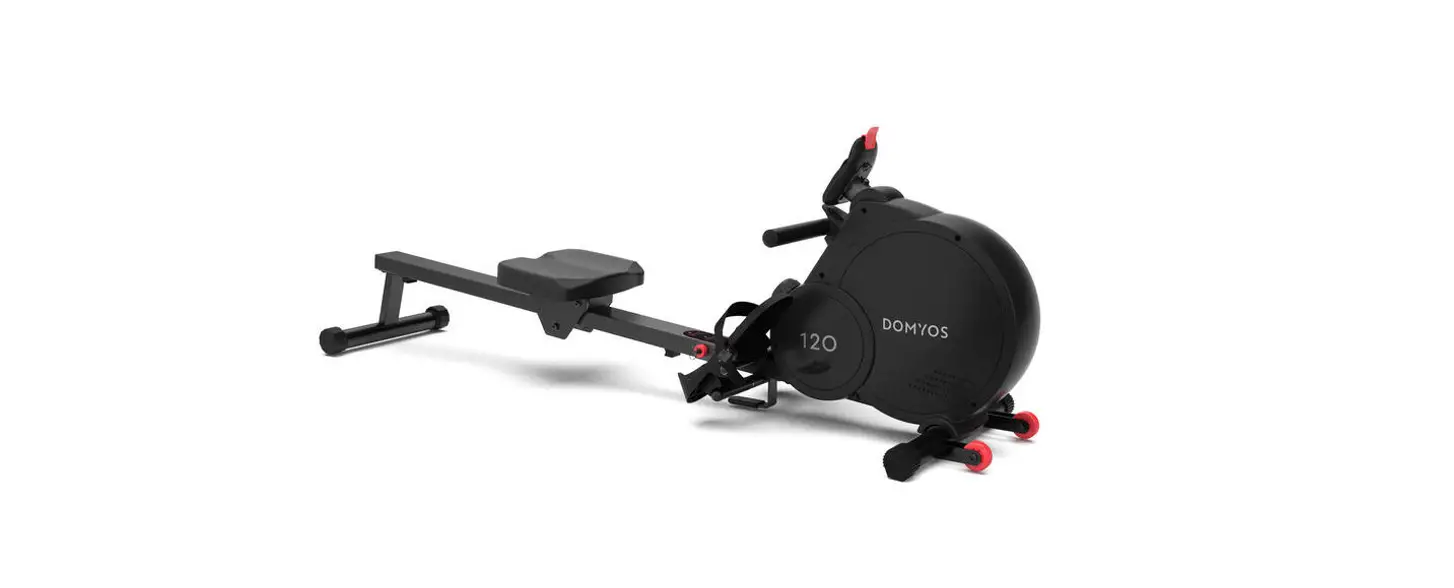
E316 and VX-2 Rowers Indoor Rowing
Product Information:
The Monitor and Sensor Troubleshooting Guide is applicable to
E316 and VX-2 Rowers. It provides step-by-step instructions to
resolve issues related to the monitor and sensor of the rowing
machine. The guide helps in identifying and fixing problems such as
no display on the monitor, abnormal readings, fluctuating readings,
and incorrect time display.
Basic Checks:
- Monitor Displays Nothing: Check batteries and
replace if necessary. - Abnormal Readings: Monitor display is normal,
but readings do not update during exercise or fluctuate
inconsistently. Monitor displays 59:59 for 500mTime (Rowers
Only).
These symptoms indicate a potential issue with the speed sensor
assembly or the wiring between the sensor and monitor.
Troubleshooting:
Step 1: Remove and replace batteries
Ensure to replace the batteries with new ones.
Step 2: Check Sensor Connector at rear of Monitor
- Disconnect and re-connect the sensor cable.
- Check for obvious sensor cable damage.
- Re-test monitor input before proceeding.
Step 3: Remove the Rear Cover
Remove the rear cover by unscrewing the five fixing screws.
Step 4: Check cabling, connectors, and Sensor
Ensure that all cables, connectors, and sensors are properly
connected and undamaged.
Step 5: Check the 6 Magnets on the Sensor Wheel
Inspect the sensor wheel to ensure all six magnets are in
place.
Step 6: Check sensor/sensor wheel gap
- Temporarily replace the rear cover.
- Ensure the sensor/sensor wheel gap is between approximately
0.5mm and 3mm. - Adjust the sensor position if necessary.
Step 7: Sensor Replacement
- Disconnect and remove the old sensor.
- Install and connect the new sensor.
- Adjust the sensor/sensor wheel gap accordingly.
- Reinstall the rear cover.
Step 8: Replacing the Monitor (last resort)
- Disconnect the connectors at the rear of the monitor.
- Remove the securing nut and bolt from the monitor support
stalk. - Replace with a new monitor.
- Reinstall the securing nut and bolt.
- Re-connect both connectors.
Note: Replacing the monitor should be considered as a last
resort after exhausting all other troubleshooting steps.
Monitor and Sensor Trouble Shooting Guide
This document applies to E316 and VX-2 Rowers
1
Basic Checks
1. Monitor Displays Nothing Check batteries and replace if necessary
2. Abnormal Readings Monitor Display is normal but readings do NOT update when exercising Monitor readings fluctuate, i.e. are not consistent, during exercise Monitor displays 59:59 for 500mTime (Rowers Only)
These symptoms indicate an issue with either the speed sensor assembly or the wiring between sensor and monitor. To resolve the issue follow the step-by-step instructions below until normal function resumes.
Troubleshooting
STEP 1: Remove and replace batteries
STEP 2: Check Sensor Connector at rear of Monitor Disconnect and re-connect the sensor cable. Check for obvious sensor cable damage. Re-test monitor input before proceeding
Cable & Connector
2
Cable
STEP 3: Remove the Rear cover Rear Cover
5 Fixing Screws
STEP 4: Check cabling, connectors and Sensor for correct fit or damage. Connector
Cable
Sensor
3
STEP 5: Check the 6 Magnets on the Sensor Wheel 6 x Magnets Sensor Wheel
STEP 6: Temporarily replace rear cover and check sensor/sensor wheel gap is between ~ 0.5 and 3mm. Closer is better. Adjust if necessary.
Check distance is between ~0.5mm and 3mm
Adjust sensor position if necessary
4
STEP 7: Sensor Replacement 1. Disconnect and remove old sensor 2. Install and connect new sensor 3. Adjust sensor/sensor wheel gap accordingly 4. Reinstall rear cover
Connector Sensor Fixing Screw
STEP 8: Replacing the Monitor (last resort) 1. Disconnect the connectors at the rear of the monitor 2. Remove the securing nut and bolt from the monitor support stalk 3. Replace with new monitor 4. Re-install securing nut and bolt 5. Re-connect both connectors Nut and Bolt
Connectors 5