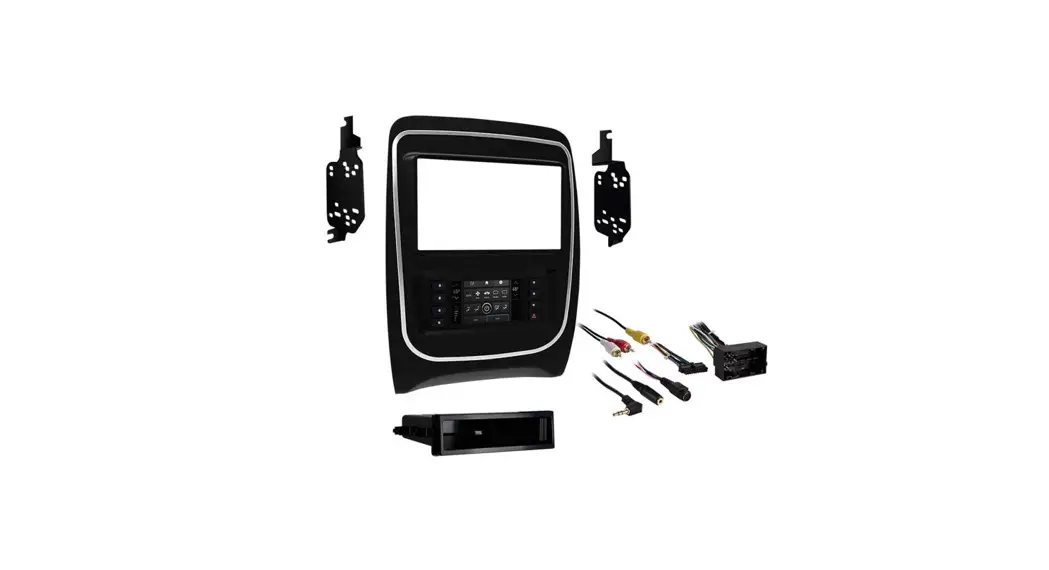
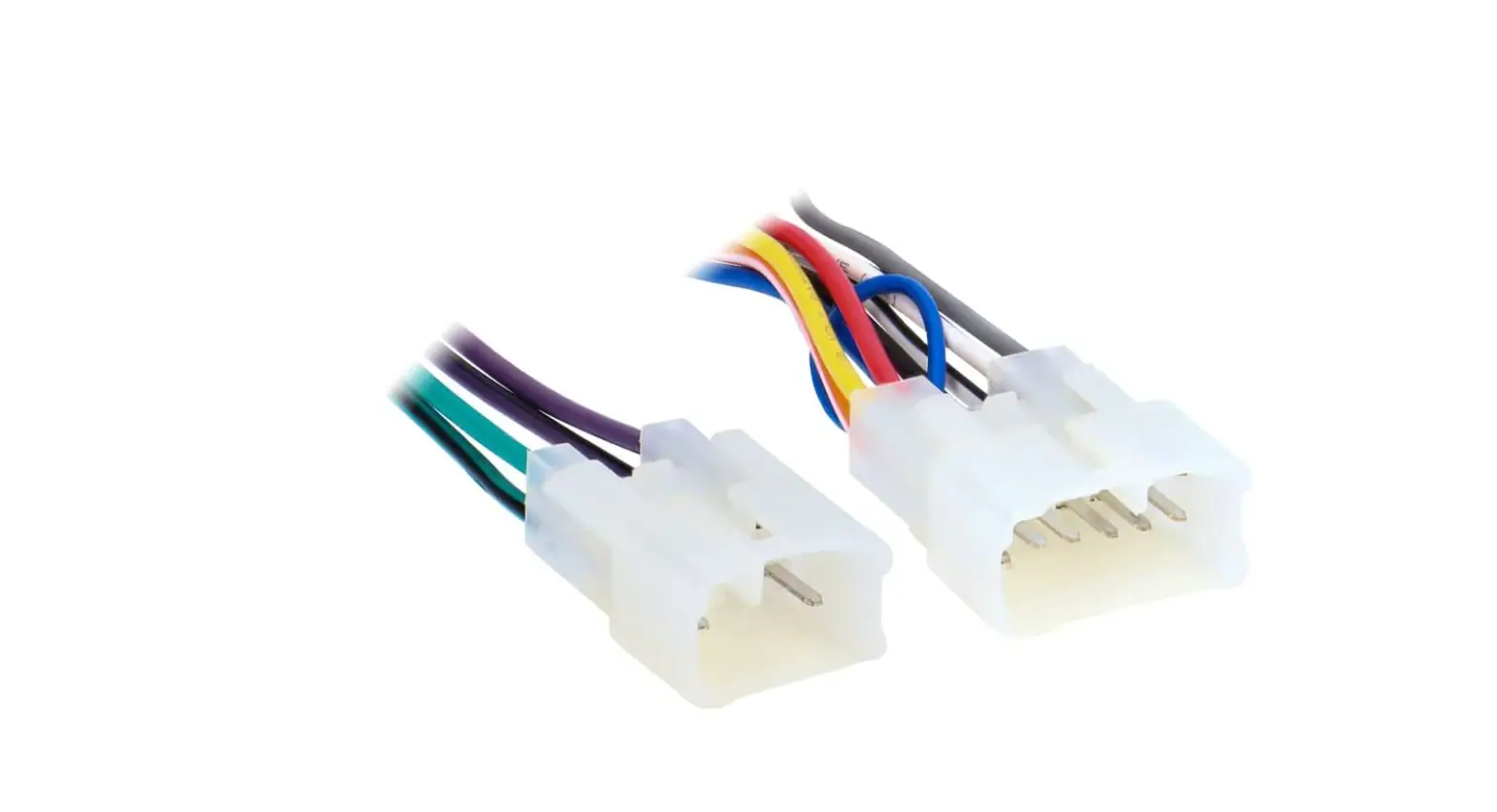
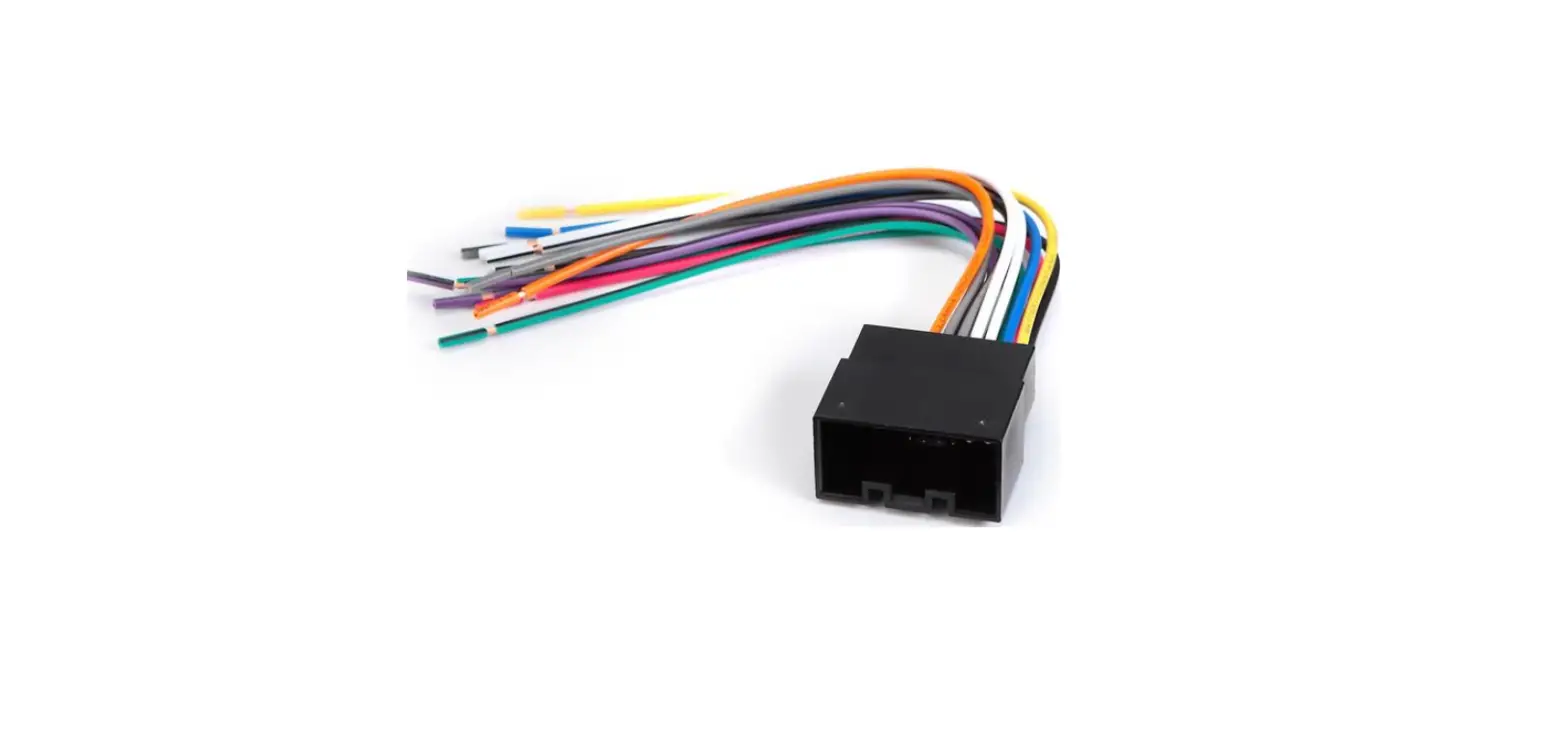
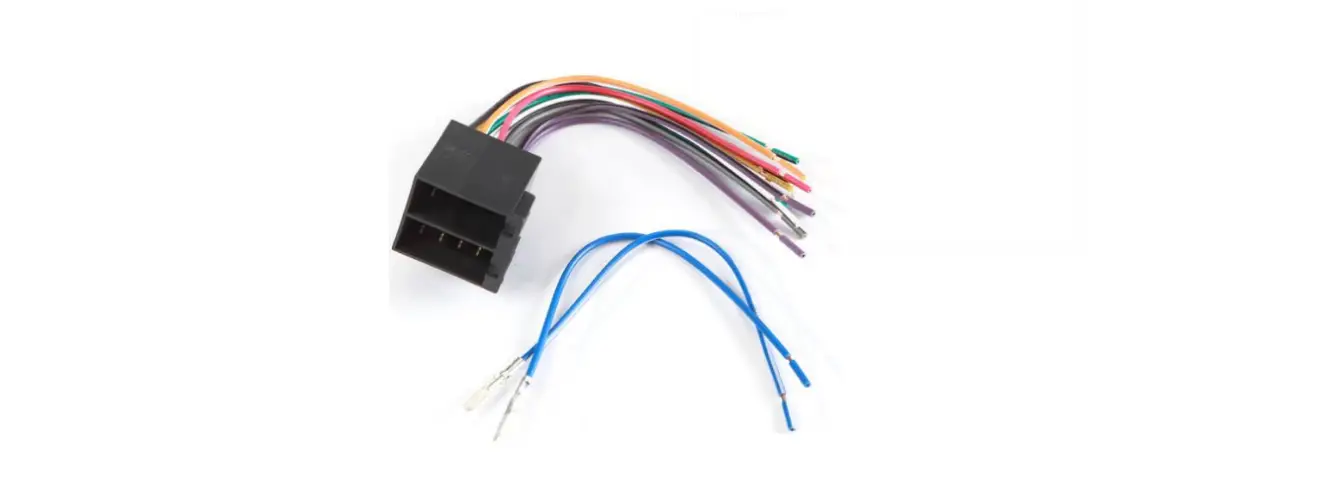
70-7307 Receiver Wiring Connect Harness
Product Information
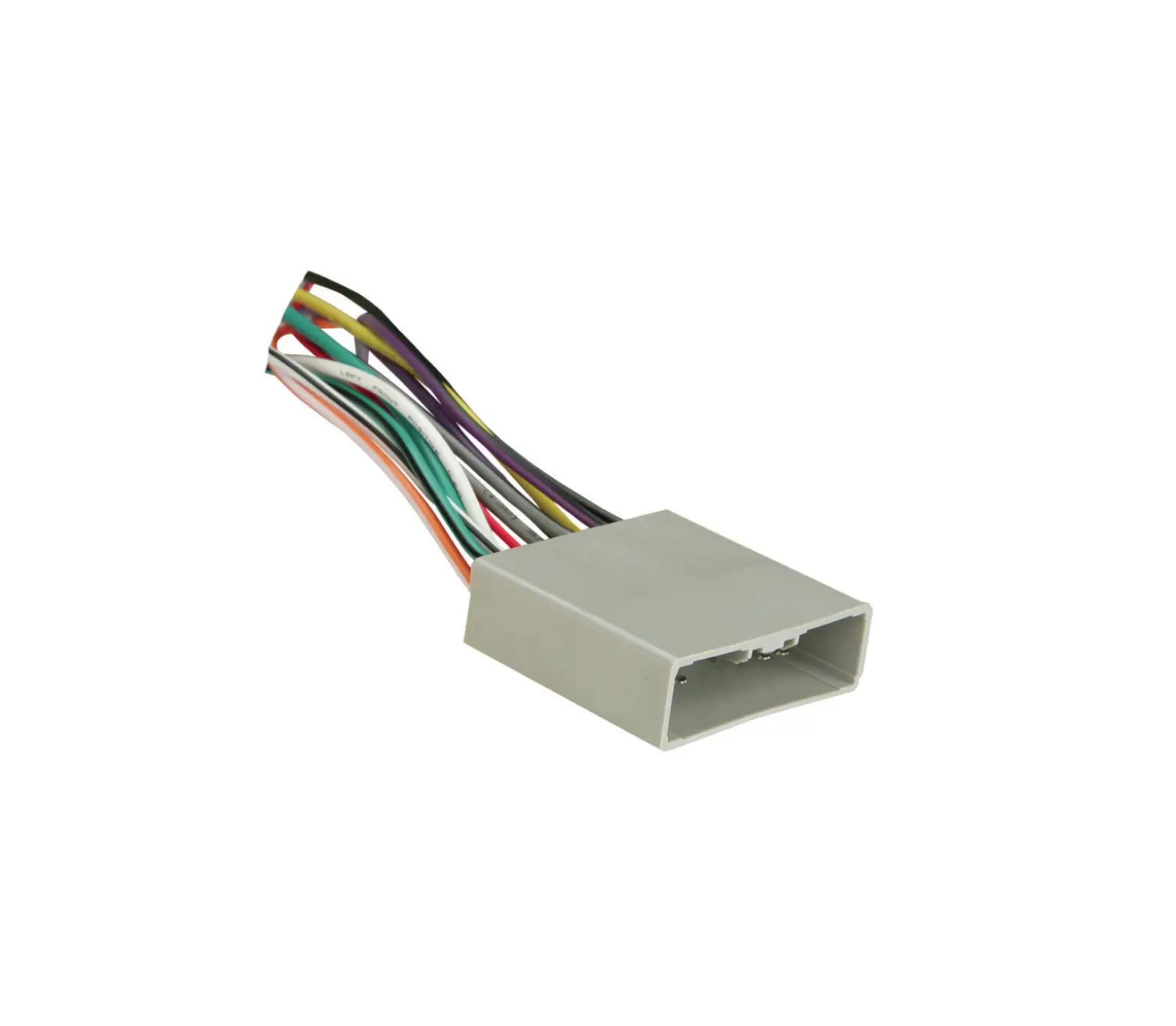
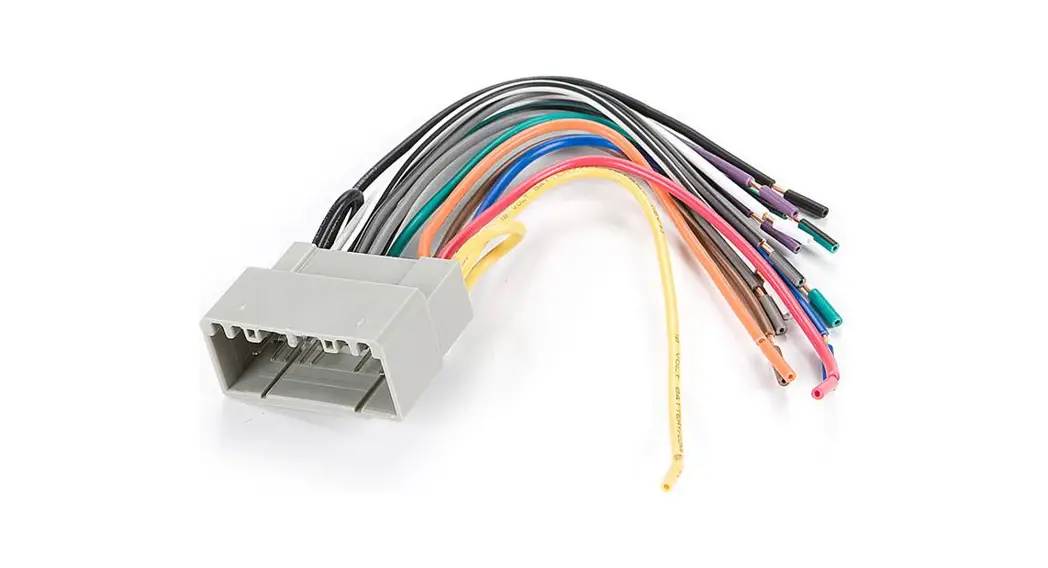
The product is a wiring harness with the model number 70-7307.
It is designed for use in Hyundai Accent 2018 and newer models, as
well as Kia Rio, Rio 5-door, Sedona, and Soul models. The harness
is specifically for vehicles with a base non-touchscreen radio. It
is compatible with Hyundai/Kia vehicles from 2017 and newer. The
harness is used in conjunction with the ASWC-1 (sold separately) to
retain steering wheel audio controls.
Product Usage Instructions
- Step 1: Before installation, ensure that all
accessories, switches, climate control panels, and airbag indicator
lights are connected. - Step 2: Make sure the key is not in the on position and
the vehicle is not running before removing the factory radio. - Step 3: Connect the 12-pin pre-wired ASWC-1 harness to
the ASWC-1 (sold separately). This harness is used to retain
steering wheel audio controls. - Step 4: If the ASWC-1 is not being used, disregard the
12-pin pre-wired harness. - Step 5: Refer to the ASWC-1 instructions for radio
connections and programming.
Please note that the harness that comes with the ASWC-1 should
be disregarded when using the 70-7307 harness.
For more detailed information and up-to-date vehicle-specific
applications, please visit MetraOnline.com.
70-7307
INSTALLATION INSTRUCTIONS
HARNESS FEATURES
· Wiring harness for installation of an aftermarket radio · Provides power and four speakers · Retains balance and fade · Provides NAV outputs (parking brake, reverse, speed sense)
APPLICATIONS Hyundai Accent
2018-up
Kia Rio / Rio 5-door Sedona Soul
Only for models with a Base “non-touchscreen” radio
Hyundai/Kia Wiring Harness (with Base radio) 2017-up*
*Visit MetraOnline.com for up-to-date vehicle specific applications.
TABLE OF CONTENTS Connections……………………………………………………2
OPTIONAL ACCESSORIES (sold separately) Steering Wheel Control Interface: ASWC-1 12V TO 6V Step-Down: AX-CAM6V
· Pre-wired ASWC-1 harness (ASWC-1 sold separately) · Retains the factory AUX-IN jack · Retains the factory backup camera · Retains the factory USB
TOOLS REQUIRED
· Crimping tool and connectors, or solder gun, solder, and heat shrink
· Tape · Wire cutter · Zip ties
2018-up 2017-up 2017-up
CAUTION! All accessories, switches, climate controls panels, and especially air bag indicator lights must be connected before cycling the ignition. Also, do not remove the factory radio with the key in the on position, or while the vehicle is running.
Metra. The World’s Best Kits.®
MetraOnline.com
© COPYRIGHT 2018 METRA ELECTRONICS CORPORATION
REV. 7/30/18 INST70-7307
70-7307
INSTALLATION INSTRUCTIONS
CONNECTIONS
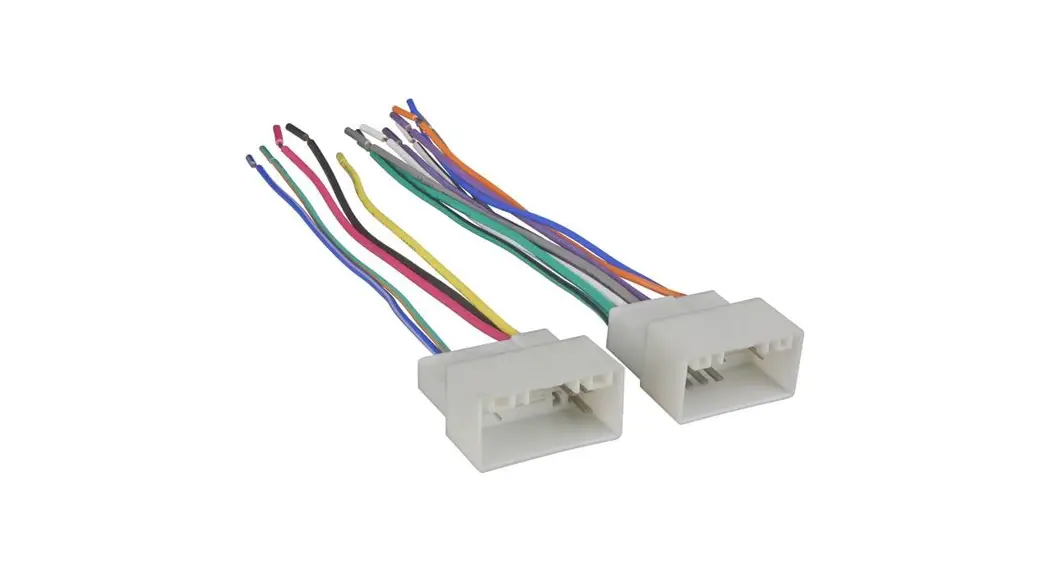
From the 70-7307 harness to the aftermarket radio: · Connect the Black wire, and also the Black wire labeled “Camera Ground”, to the ground wire. · Connect the Yellow wire to the battery wire. · Connect the Red wire to the accessory wire. · Connect the Red wire labeled “Camera Power 6V” to the Blue/Red wire from the AX-CAM6V
(sold separately). · Connect the Blue wire to the power antenna turn-on wire. · Connect the Orange wire to the illumination wire, if applicable. · Connect the Gray wire to the right front positive speaker wire. · Connect the Gray/Black wire to the right front negative speaker wire. · Connect the White wire to the left front positive speaker wire. · Connect the White/Black wire to the left front negative speaker wire. · Connect the Green wire to the left rear positive speaker wire. · Connect the Green/Black wire to the left rear negative speaker wire. · Connect the Purple wire to the right rear positive speaker wire. · Connect the Purple/Black to the right rear negative speaker wire.
The following (3) wires are only for multimedia/navigation radios that require these wires. · Connect the Light Green wire to the parking brake wire. · Connect the Blue/Pink wire to the VSS/speed sense wire. · Connect the Green/Purple wire to the reverse wire.
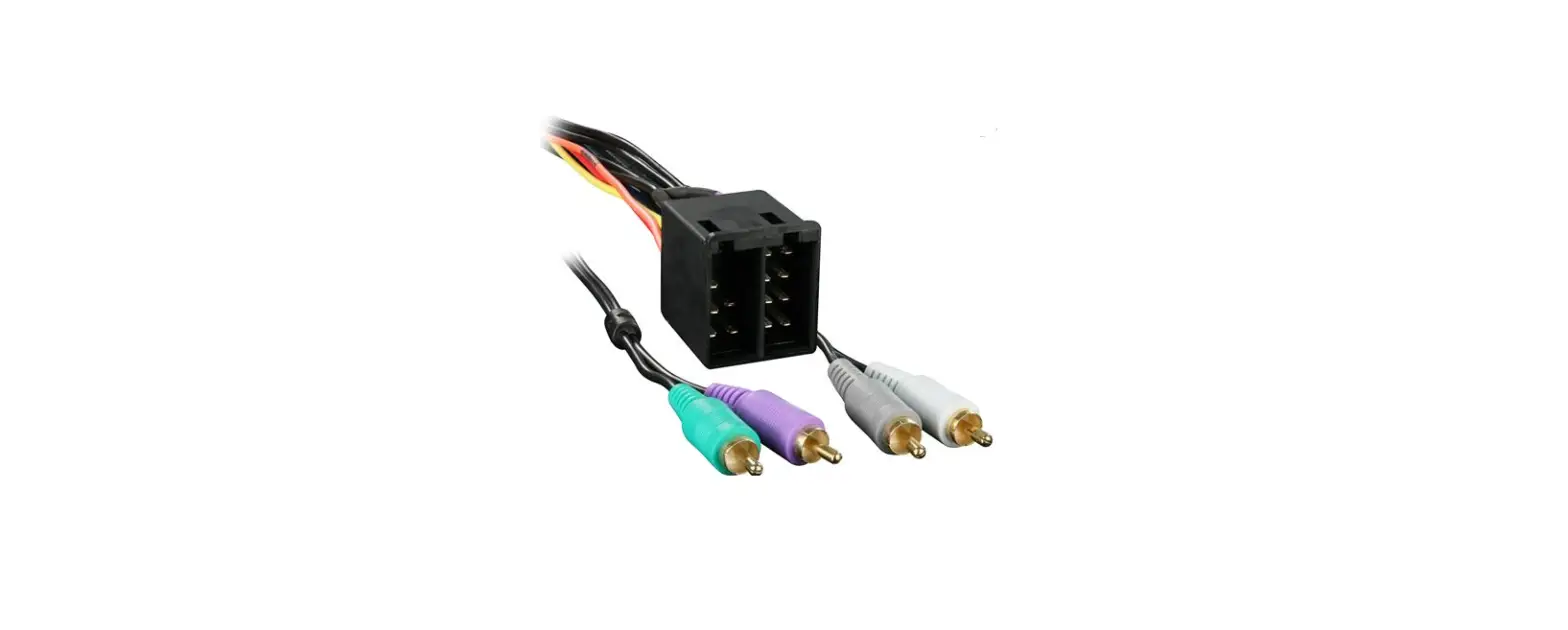
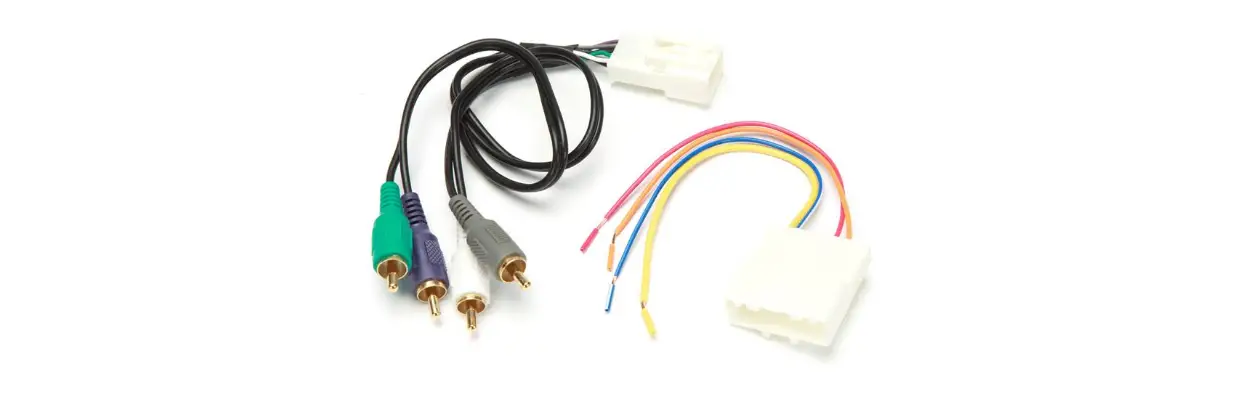
· If retaining the factory AUX-IN jack is desired, connect the Red & White RCA jacks to the AUX-IN jacks.
· Connect the Yellow RCA jack to the jack designated for a backup camera input.
· If retaining the factory USB is desired, connect the USB cable to USB input.
12-pin pre-wired ASWC-1 harness:
This harness is to be used along with the ASWC-1 (sold separately) to retain steering wheel audio controls. If the ASWC-1 is not being used, disregard this harness. If it is to be used, please refer to the ASWC-1 instructions for radio connections and programming. Disregard the harness that comes with the ASWC-1.
Metra. The World’s Best Kits.®
MetraOnline.com
© COPYRIGHT 2018 METRA ELECTRONICS CORPORATION
REV. 7/30/18 INST70-7307
70-7307
INSTRUCCIONES DE INSTALACIÓN
CARACTERÍSTICAS DEL ARNÉS
· Arnés de cableado para la instalación de una radio no original · Proporciona potencia y cuatro altavoces · Retiene el balance y la intensidad · Proporciona salidas de NAV (freno de mano, reversa, silencio,
sensor de velocidad)
APLICACIONES Hyundai Accent
2018 y mas
Kia Rio / Rio 5-door Sedona Soul
Solo para modelos con radio base “sin pantalla táctil”
Hyundai/Kia Arnés de Cableado (con radio Base) 2017 y mas*
* Visite MetraOnline.com para aplicaciones específicas de vehículos actualizadas.
INDICE Conexiones ……………………………………………………. 2
ACCESORIOS OPCIONALES (se vende por separado) Interfaz de control en volante: ASWC-1 12V a 6V de bajada: AX-CAM6V
· Arnés ASWC-1 precableado (el ASWC-1 se vende por separado) · Retiene la conector AUX-IN de fábrica · Retiene la cámara de reversa de fábrica · Retiene USB de fábrica
HERRAMIENTAS REQUERIDAS
· Herramienta de engarzado y conectores, o pistola de soldadura, soldadura y termocontracción · Cinta · Cortacables · Zip lazos
2018 y mas 2017 y mas 2017 y mas
¡PRECAUCIÓN! Todos los accesorios, interruptores, paneles de controles de clima y especialmente las luces del indicador de las bolsas de aire deben estar conectados antes ciclar la ignición. Además, no quite el radio de fábrica con la llave en la posición o de encendido ni con el vehículo funcionando.
Metra. The World’s Best Kits.®
MetraOnline.com
© COPYRIGHT 2018 METRA ELECTRONICS CORPORATION
REV. 7/30/18 INST70-7307
70-7307
INSTRUCCIONES DE INSTALACIÓN
CONEXIONES
Desde el arnés 70-7307 al radio de mercado secundario: · Conecte el cable negro, y también el cable negro con la etiqueta “Camera Ground”,
al cable de tierra. · Conecte el cable amarillo con el cable de la batería. · Conecte el cable rojo con el cable de accesorios. · Conecte el cable rojo con la etiqueta “Camera Power 6V” al cable azul/rojo del AX-CAM6V
(se vende por separado). · Conecte el cable azul con el cable de encendido de la antena. · Conecte el cable anaranjado con el cable de iluminación, si aplica. · Conecte el cable gris con la salida positiva de la bocina derecha delantera. · Conecte el cable gris/negro con la salida negativa de la bocina derecha delantera. · Conecte el cable blanco con la salida positiva de la bocina izquierda delantera. · Conecte el cable blanco/negro con la salida negativa de la bocina izquierda delantera. · Conecte el cable verde con la salida positiva de la bocina izquierda trasera. · Conecte el cable verde/negro con la salida negativa de la bocina izquierda trasera. · Conecte el cable púrpura con la salida positiva de la bocina derecha trasera. · Conecte el cable púrpura/negro con la salida negativa de la bocina derecha trasera.
The following (3) wires are only for multimedia/navigation radios that require these wires. · Conecte el cable verde claro al cable de freno de mano · Conecte el cable azul/rosa al cable VSS/sensor de velocidad. · Conecte el cable verde/púrpura al cable de reversa.
· Si retener el enchufe AUX-IN de fábrica, conecte los conectores RCA rojo y blanco a las tomas AUX-IN de audio de la radio de fábrica.
· Conecte la conector amarilla RCA al conector designado para una entrada de cámara de respaldo.
· Si desea conservar el USB de fábrica, conecte el cable USB a la entrada USB.
Arnés ASWC-1 precableado de 12 pins:
· Este arnés se debe usar junto con el ASWC-1 opcional (no incluido) para retener los controles de audio en el volante. Si no se usará el ASWC-1, ignore este arnés. Si se va a utilizar, consulte las instrucciones de ASWC-1 para las conexiones del radio y la programación. Ignore el arnés que viene con el ASWC-1.
Metra. The World’s Best Kits.®
MetraOnline.com
© COPYRIGHT 2018 METRA ELECTRONICS CORPORATION
REV. 7/30/18 INST70-7307
 Metra Online | Welcome to Metra Auto Parts Online Warehouse