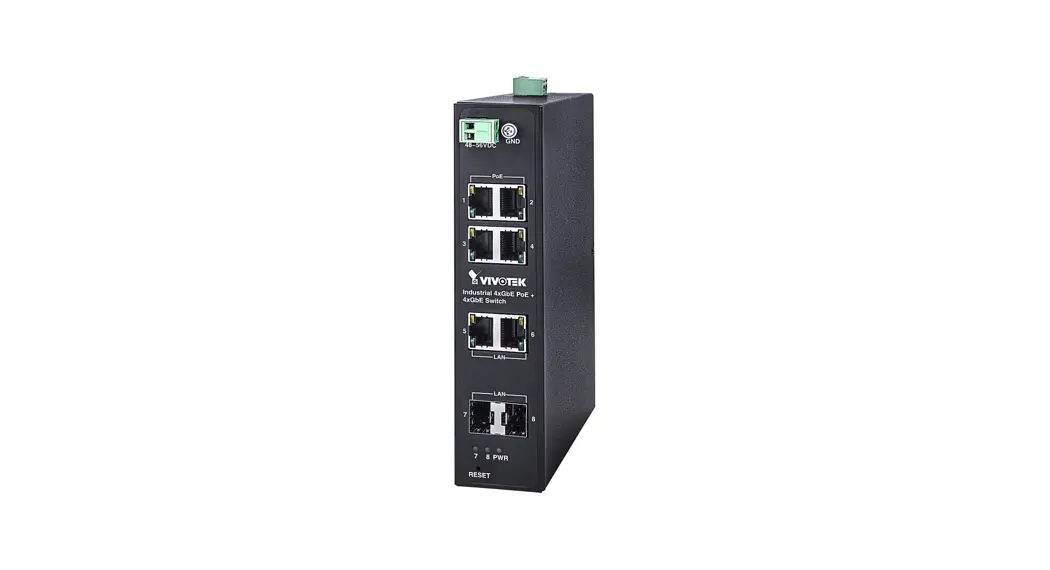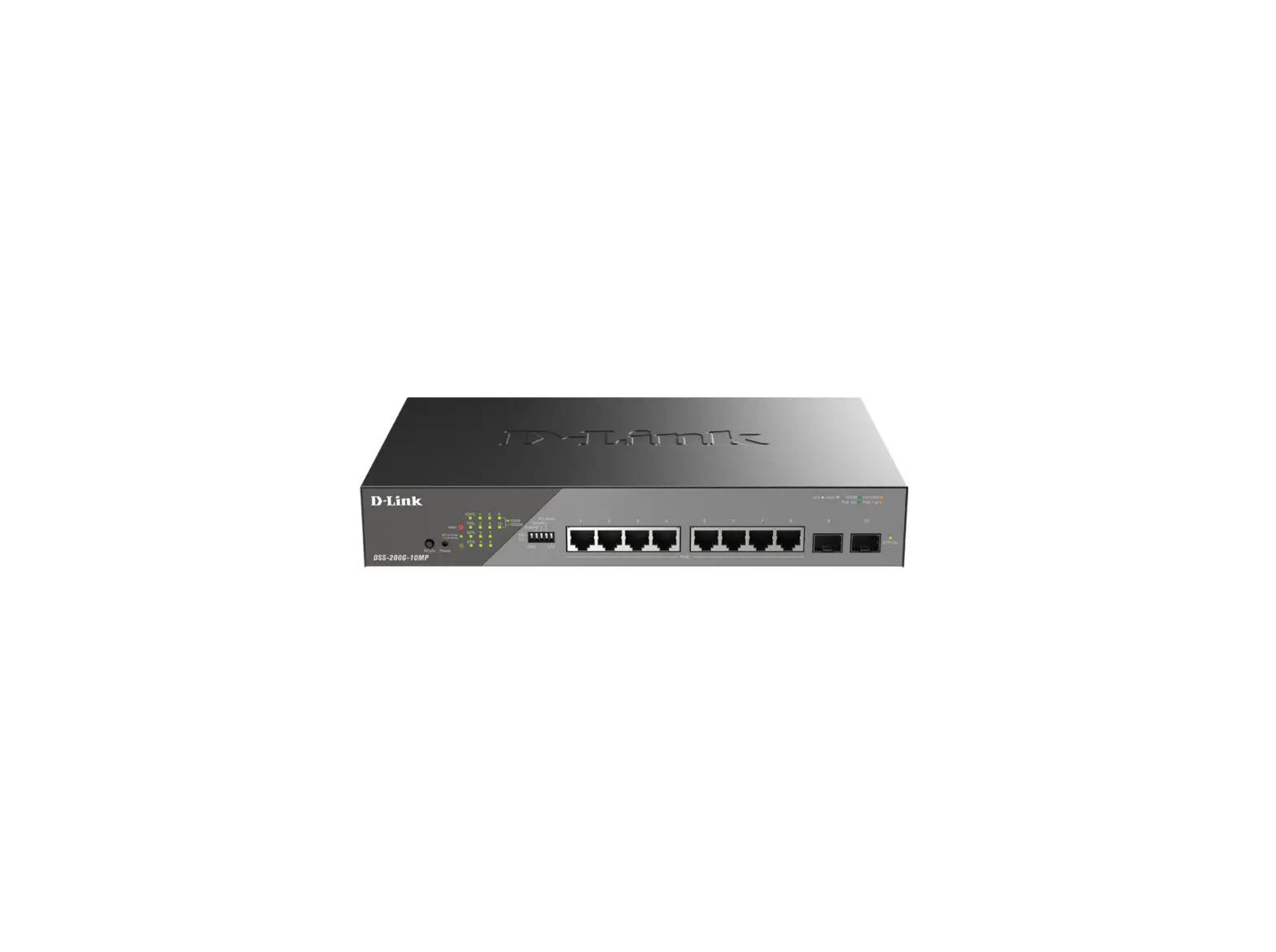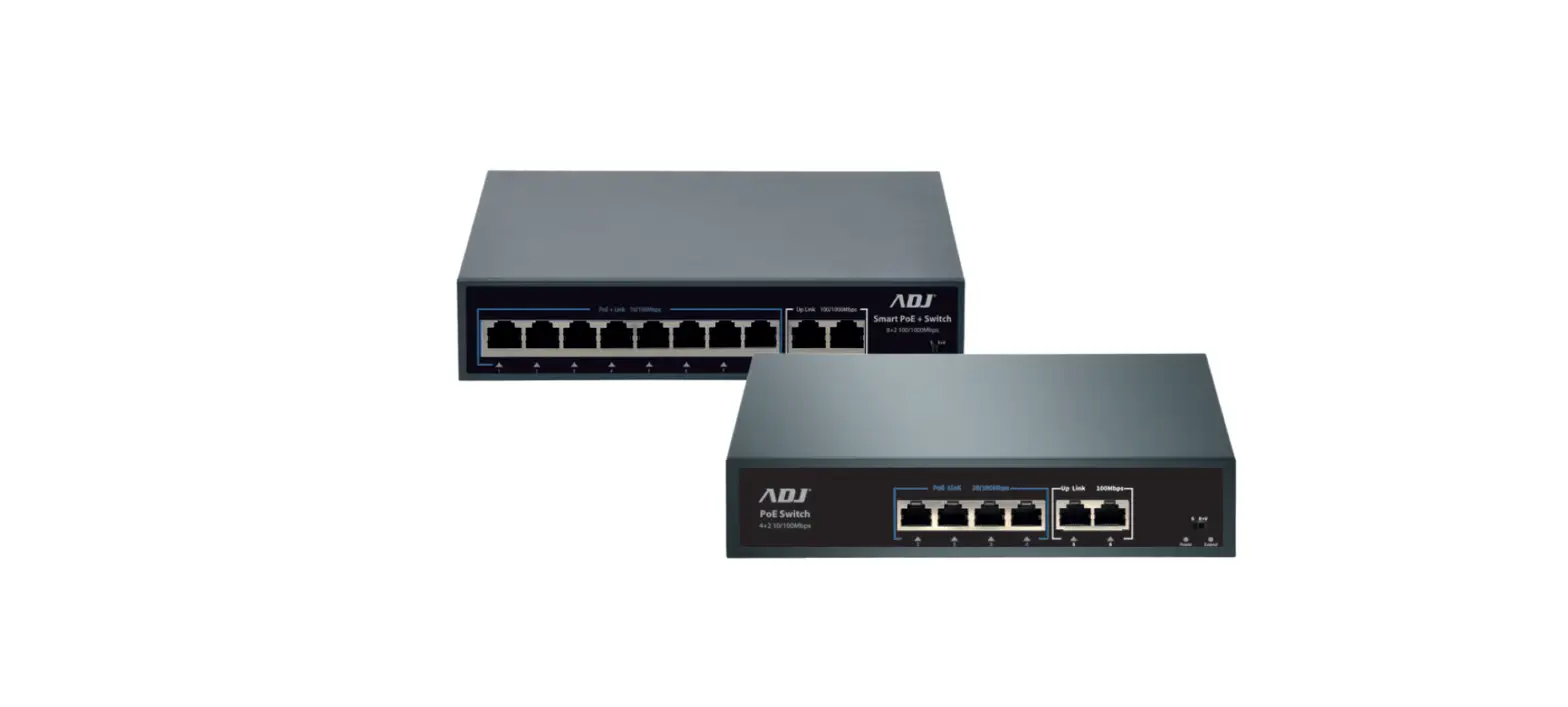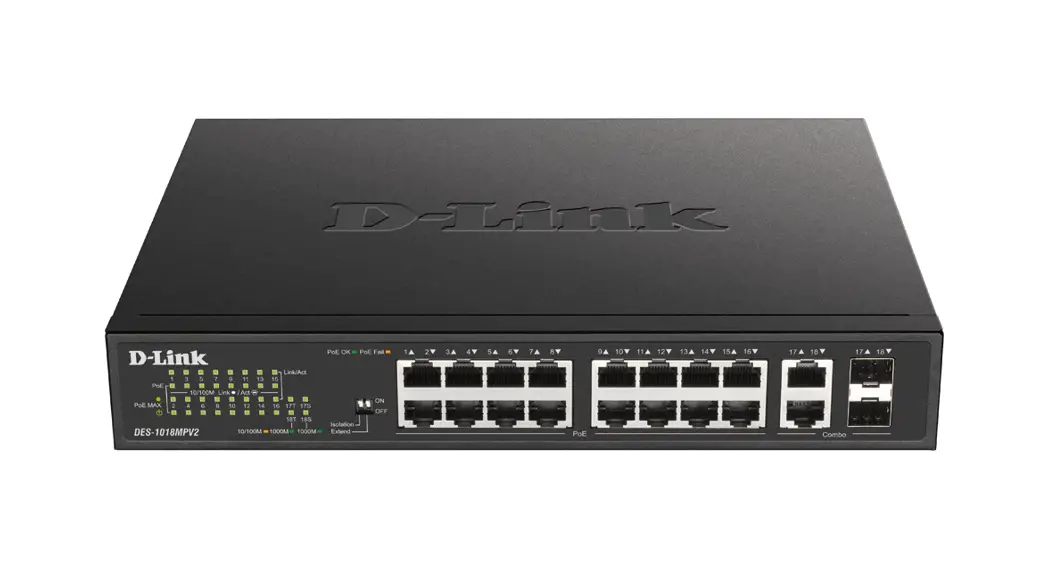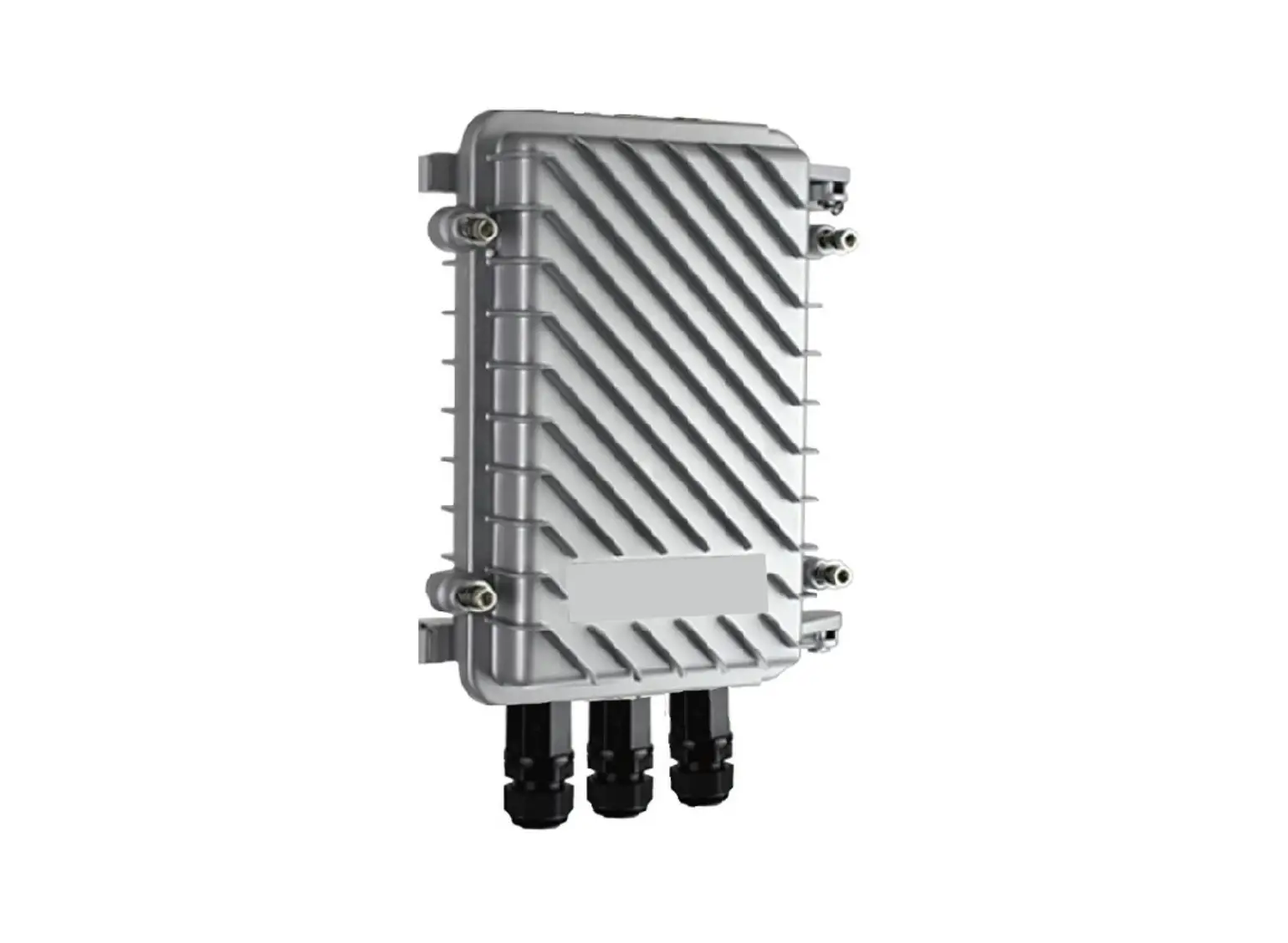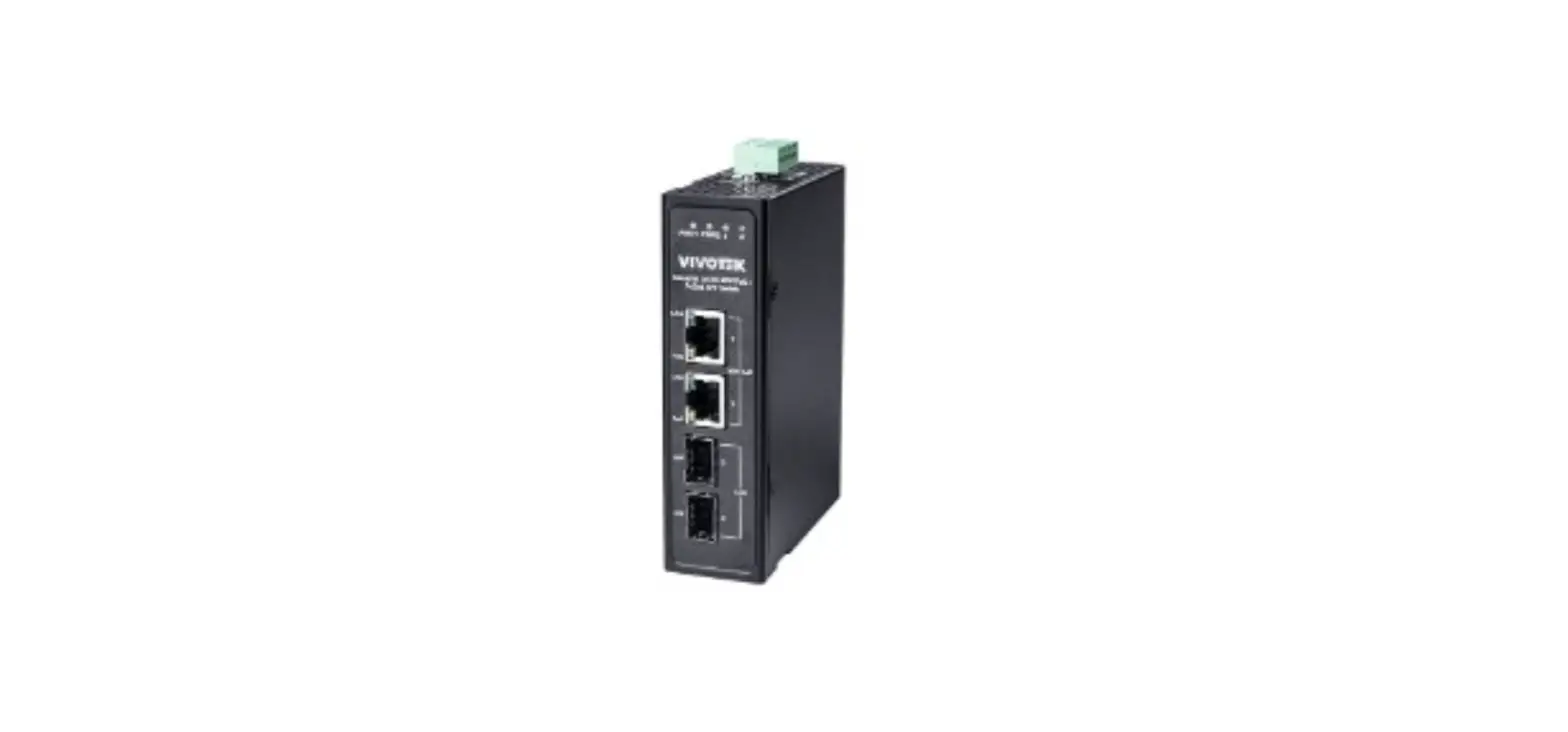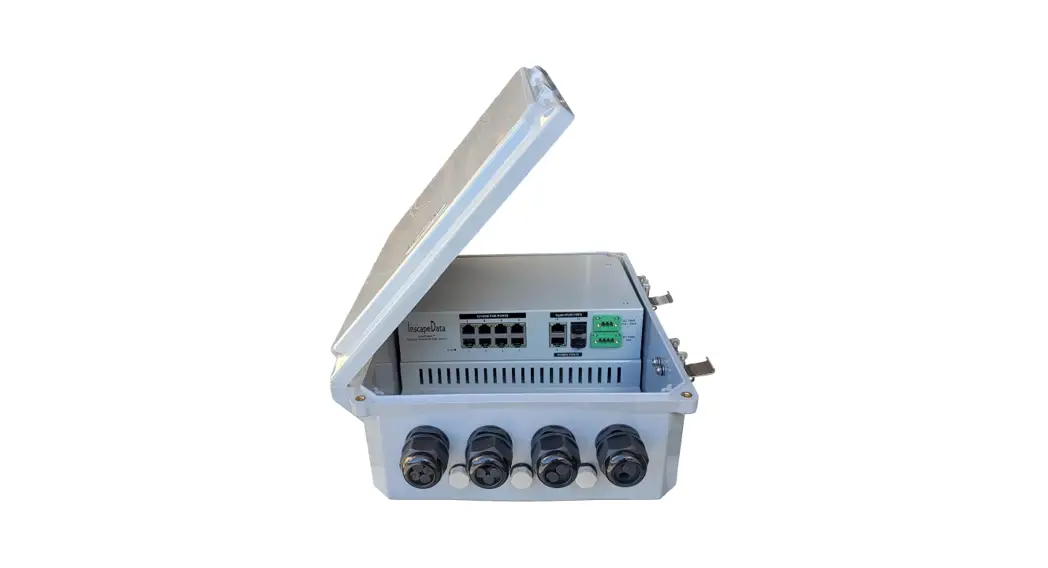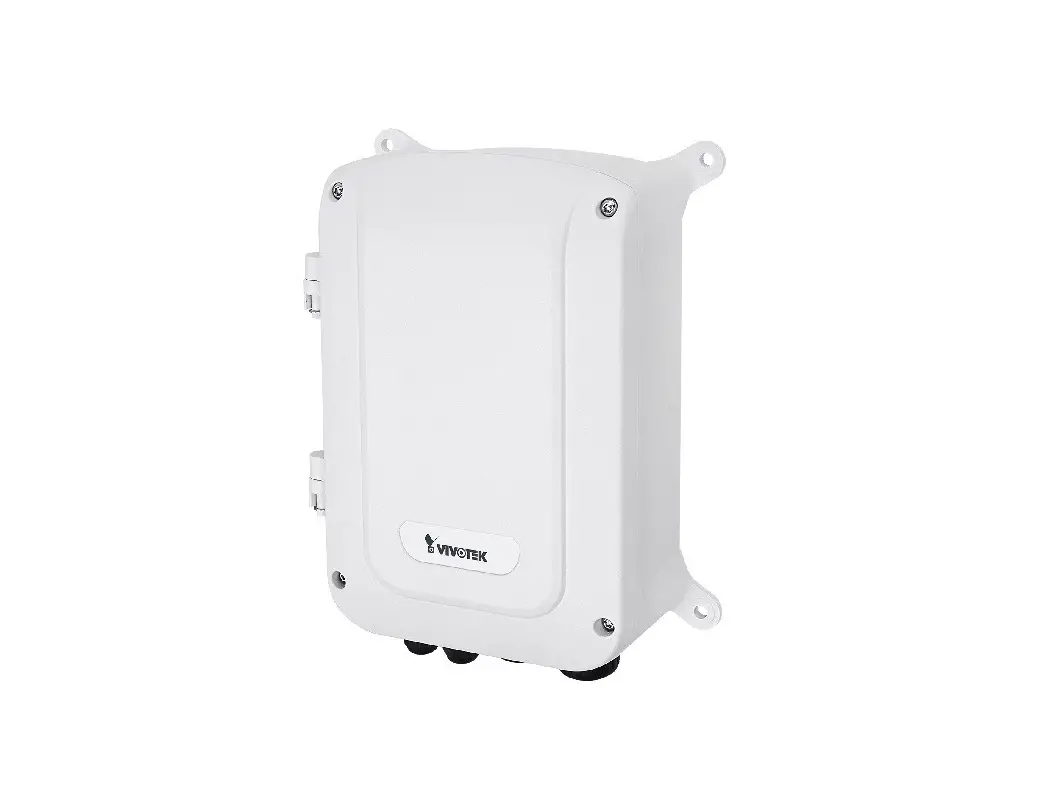

VIVOTEK AW-GET-083A-120 4 Port 10/100/1000BaseT Outdoor PoE Switch
INTRODUCTION
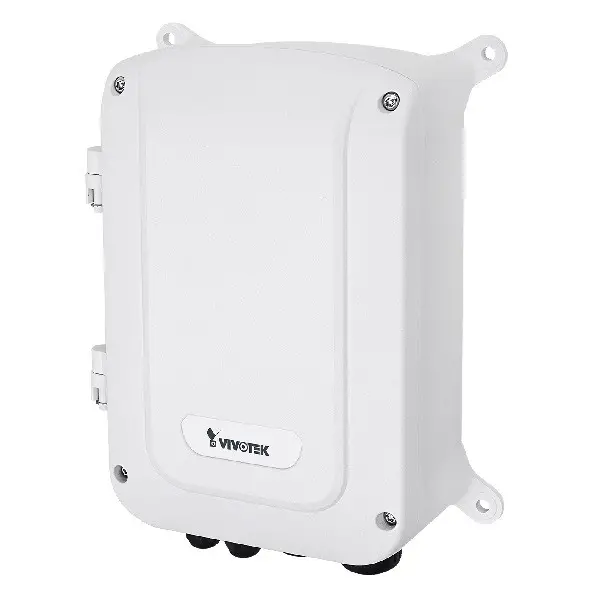
The AW-GET-083A-120 is a 4 port 10/100/1000BaseT PoE switch capable of feeding 15.4/30W (54V max. per port) power to Power over Ethernet (PoE) devices. It comes with another 2x GbE Ethernet and 2x GbE SFP port. The switch is capable of a total of 120 Watts PoE power budget.
PACKAGE CONTENTS
| * 1x PoE switch | * 1x Quick Installation Guide |
| * 1x T30 L-wrench, 4x wall anchors |
IMPORTANT
- Install the PoE switch in a ventilated and dry place that is free of electromagnetic source, vibration, moisture, and dust.
- Make sure the ventilation openings on the switch are not blocked.
- Use CAT5 or 5e UTP/STP cables.
- AC input (100~240V/AC, 50~60Hz), for a max. consumption of 150W.
CONNECTION
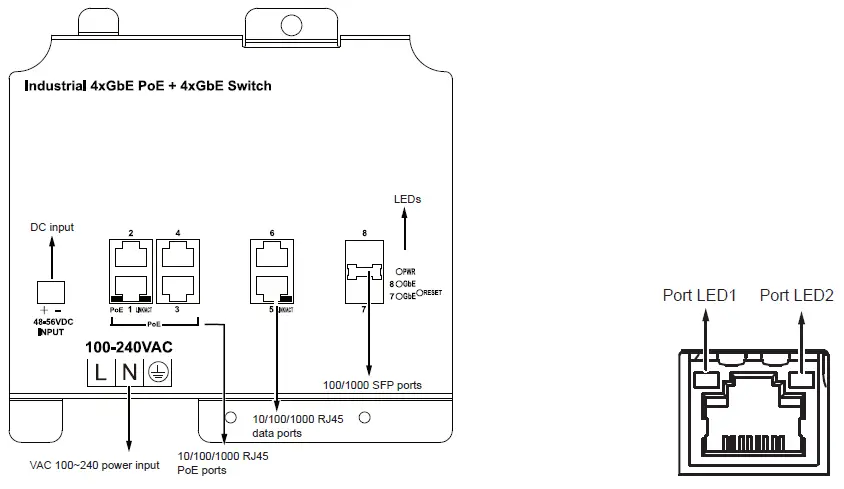
LED DEFINITIONS
| Power1 | Green ON | Power is on and normal. |
| Green Off | The switch is not receiving power. | |
| Power2 | Green ON | Power is on and normal. |
| Green Off | The switch is not receiving power. | |
| RJ45 ports LED1 | Green ON | Port is enabled and link established with a device at the 1000Mbps speed. |
| Grren Blinking | Port is transmitting and receiving data at the 1000Mbps speed. | |
| Amber ON | Port is enabled and link established with a device at the10/100Mbps speed. | |
| Amber Blinking | Port is transmitting and receiving data at the 100Mbps speed. | |
| Off | No active network connection. The port may have been disabled through user interface. | |
| RJ45 ports LED2 | Green ON | The port is enabled and supplying power to connected device. |
| Amber ON | An abnormal state, such as overload status has occurred. | |
| Off | The port has no active network cable connected, or it is not connected a PoE PD device. Otherwise, the port may have been disabled through the switch user interface. | |
| SFP ports | Green ON | Port is enabled and link established with a device at the 1000Mbps speed. |
| Grren Blinking | Port is transmitting and receiving data at the 1000Mbps speed. | |
| Off | No active network connection. The port may have been disabled through user interface. |
RESET
| Reset the switch | Hold Reset Button 2 seconds | All LEDs On/Off |
INSTALLATION
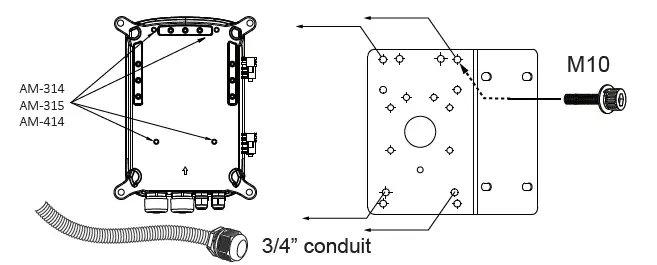
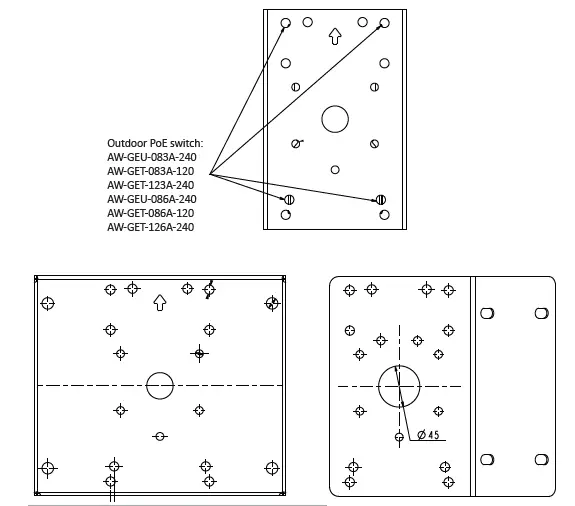
Use the included M10 hex socket screws to secure the power box to a pole-mount or corner mount bracket.
 IMPORTANT:
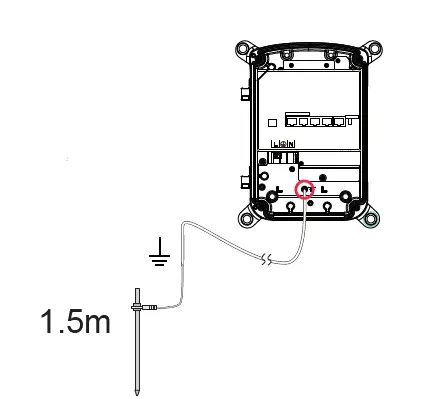
If the need should arise for connecting two outdoor switches, use the uplink ports #5 ~ #8. If you use PoE ports for cross-switch connections, the 12KV surge protection will not apply.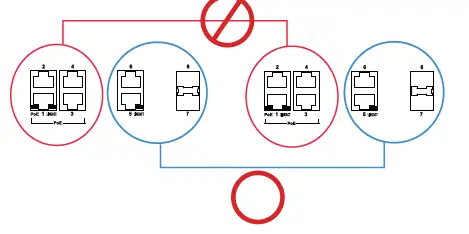 The cabinet must be grounded using a ground wire between the ground screw and earth ground.
 VIVOTEK Europe
Randstad 22-133, 1316BW Almere, The Netherlands T: +31(0)36-5298-434E: [email protected]
VIVOTEK USA, INC.
50 Ringwood Avenue, San Jose, CA 95131
| T: 408-773-8686 | F: 408-773-8298 | E : [email protected]