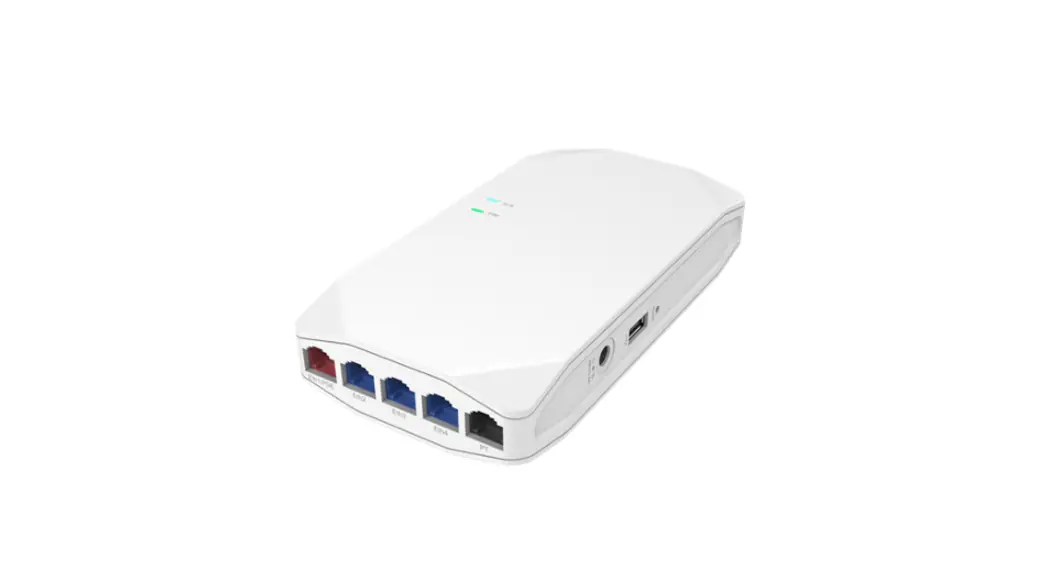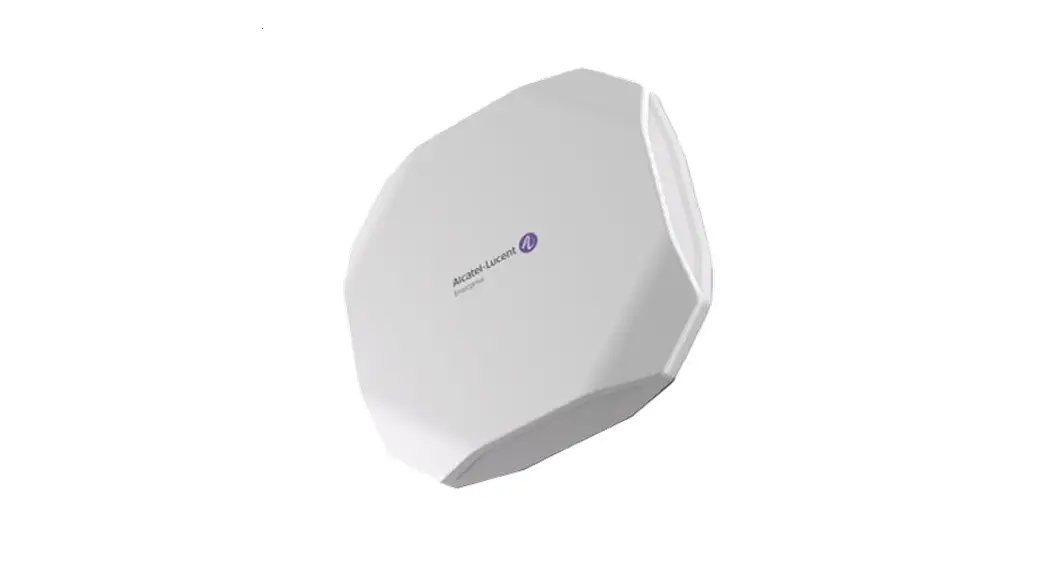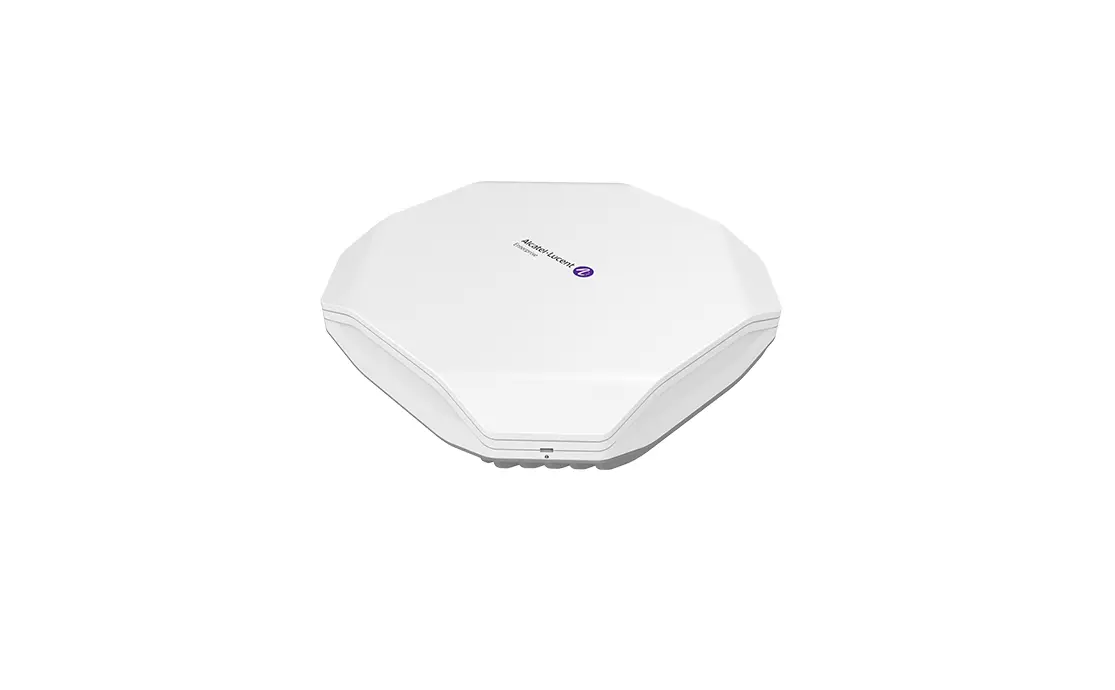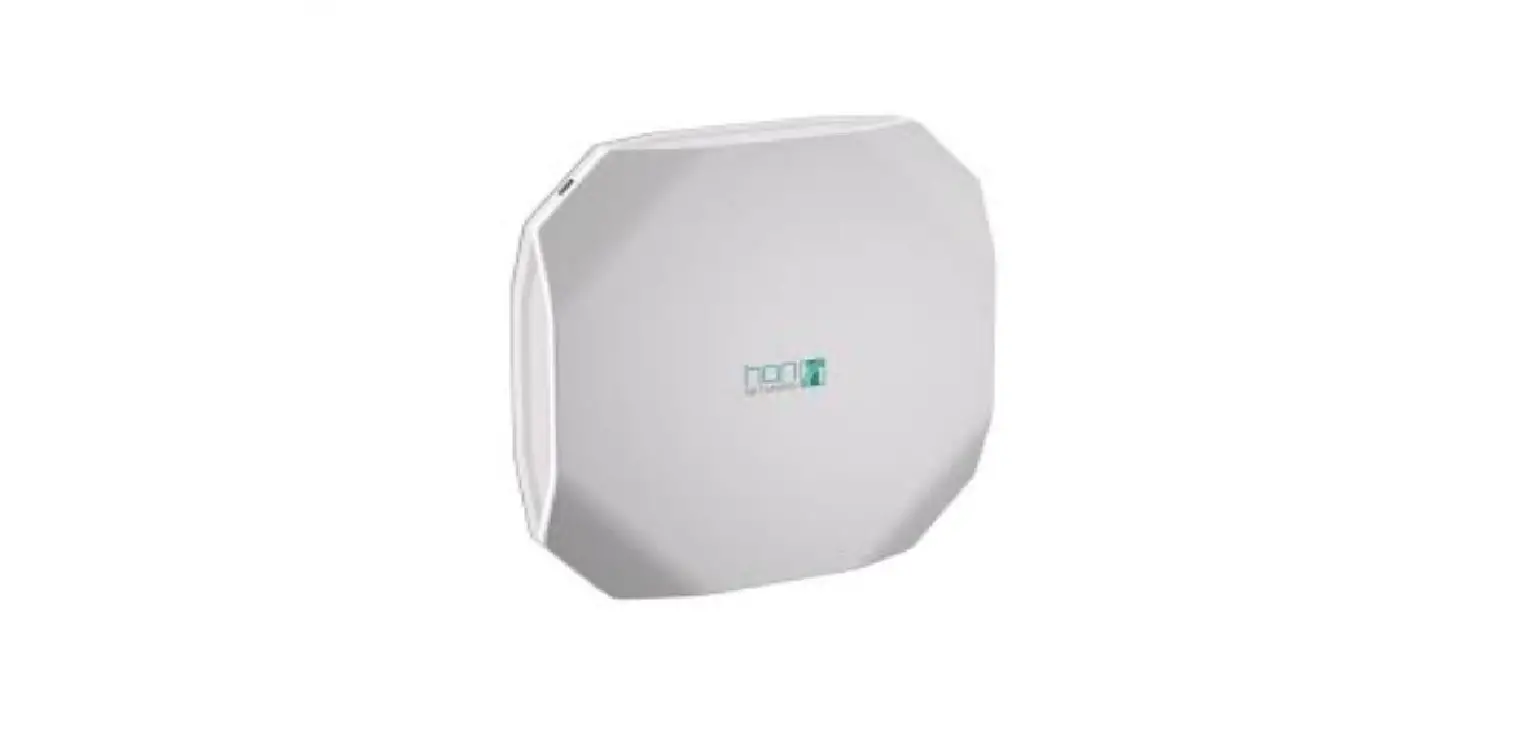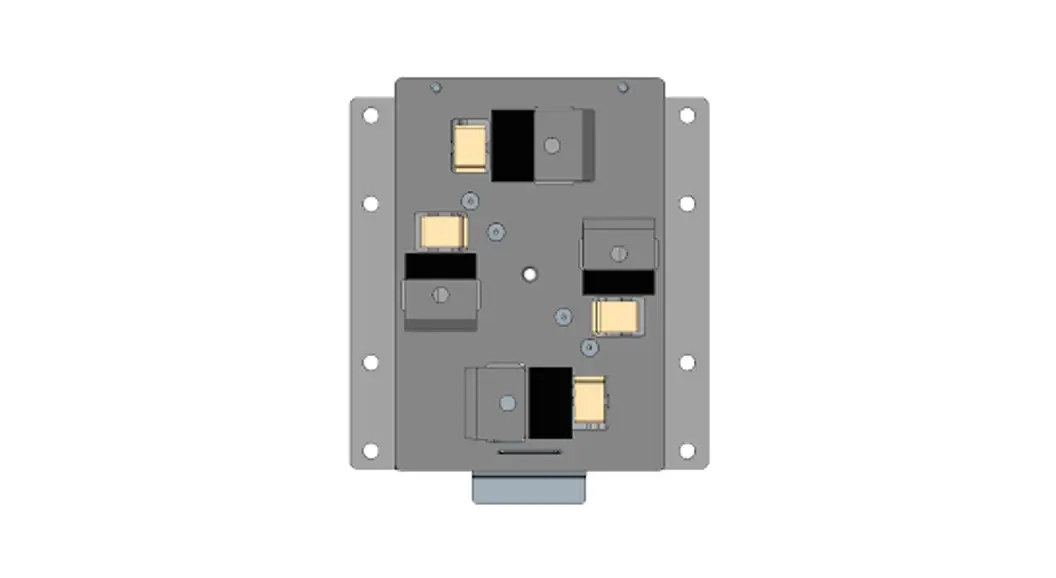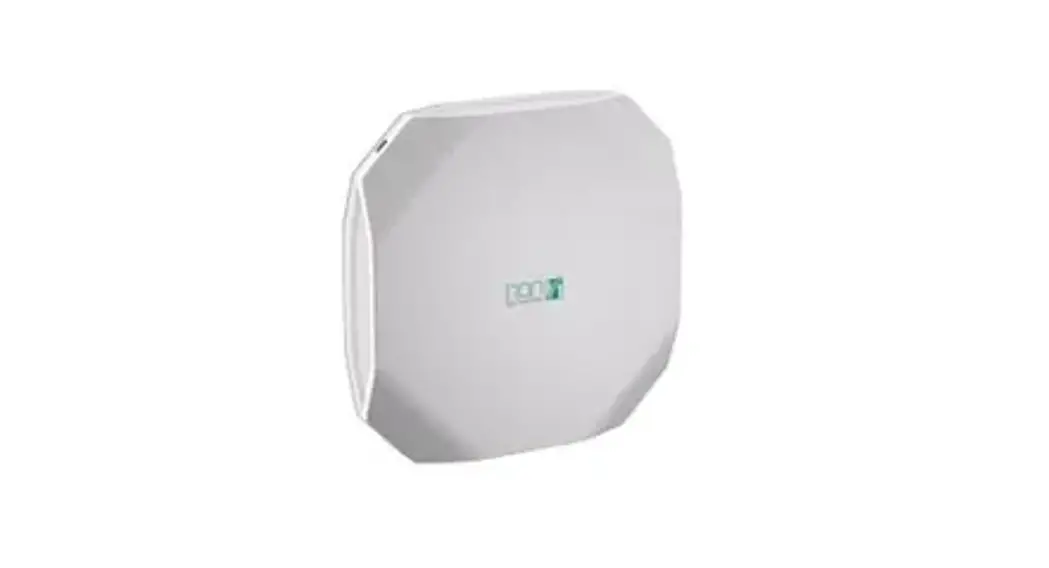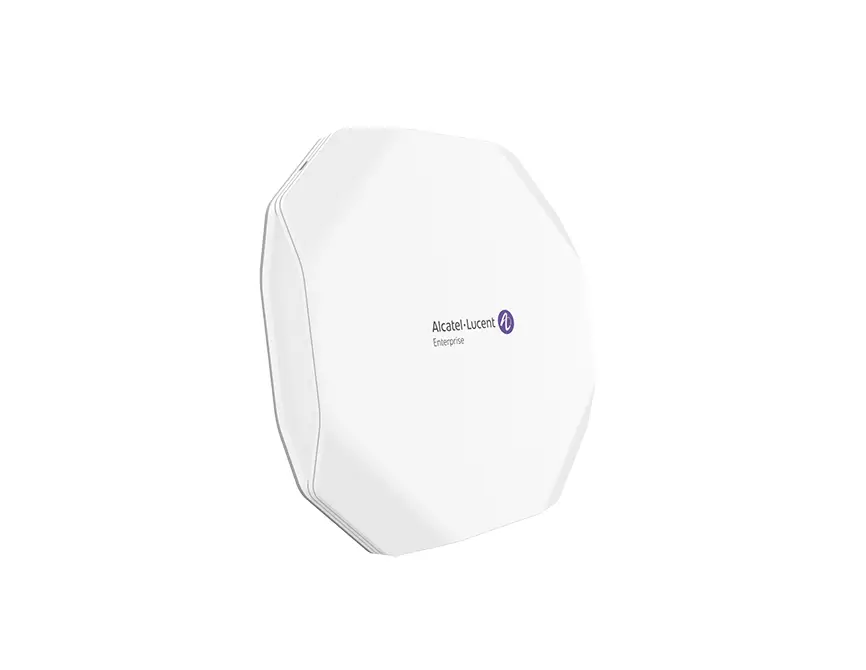
 ALE AP1331 OmniAccess Stellar
 ALE AP1331 OmniAccess Stellar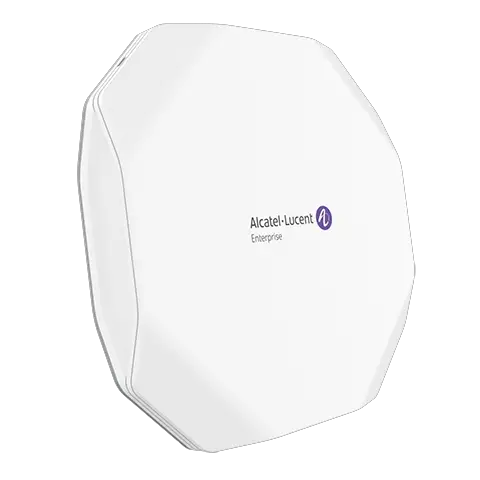
Summary of Installation Steps
- WLAN Planning. Usually, a comprehensive site survey is required before installation, such as installation location, brackets, cables, power source, etc.
- Unpack the AP box and check all contents
- Install the AP bracket on ceiling or wall
- Installing the AP
- Connecting required cables
- Power connection
- Verifying post-installation connectivity
- AP provisioning
Access points are radio transmission devices and are subject to governmental regulation. Network administrators who are responsible for the configuration and operation of access points must comply with local broadcast regulations. Specifically, access point must use channel assignments appropriate to the location where the access point will be deployed.
Package Contents
| Item | Name | Qty | Unit |
| 1 | Access Point | 1 | Pcs |
|
2 | Quick Start Guide | 1 | Pcs |
| Installation Guide | 1 | Pcs | |
| Regulatory Compliance and Safety Information | 1 | Pcs | |
| User Guide Info Card | 1 | Pcs |
Optional Accessories(To be ordered separately)
| Item | Name | Description |
| 1 | OAW-AP-MNT-B | Indoor mounting kit, Type B1(9/16″) and B2(15/16″) for T shaped ceiling rail. |
| 2 | OAW-AP-MNT-C | Indoor mounting kit, Type C1(Open Silhouette) and C2 (Flanged Interlude), for other shaped ceiling rail mounting. |
| 3 | OAW-AP-MNT-W | Indoor mounting kit, Type W wall and ceiling mounting with screws. |
Figure1: Product Packing
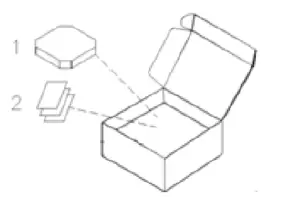 Inform your ALE sales representative of incorrect, missing, or damaged parts. If possible, retain the carton, including the original packing materials. Use these materials to repack and return the unit to the supplier if needed. Additional mounting
kits for use with the OmniAccess Stellar access points are sold separately. Contact your ALE sales representative for details.
Hardware Overview
The following sections outline the hardware components of the OAW-
AP1331 Series access point.
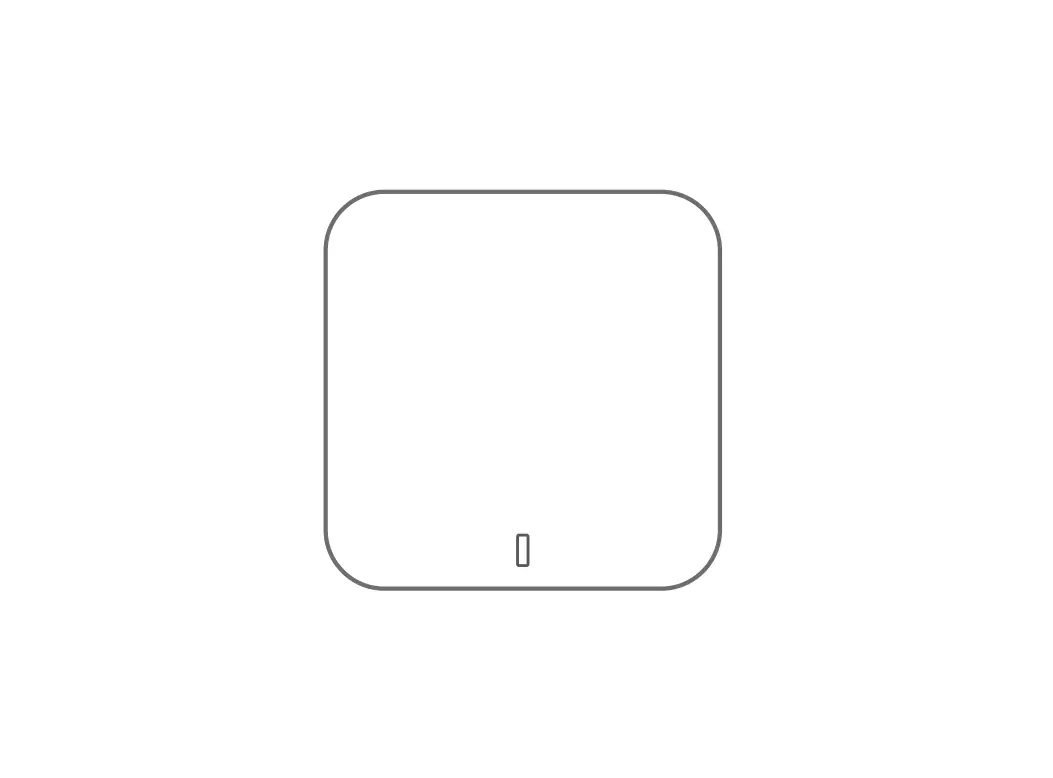
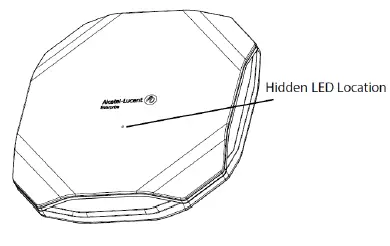
Figure 2: OAW-AP1331 Front View
 LED
LED
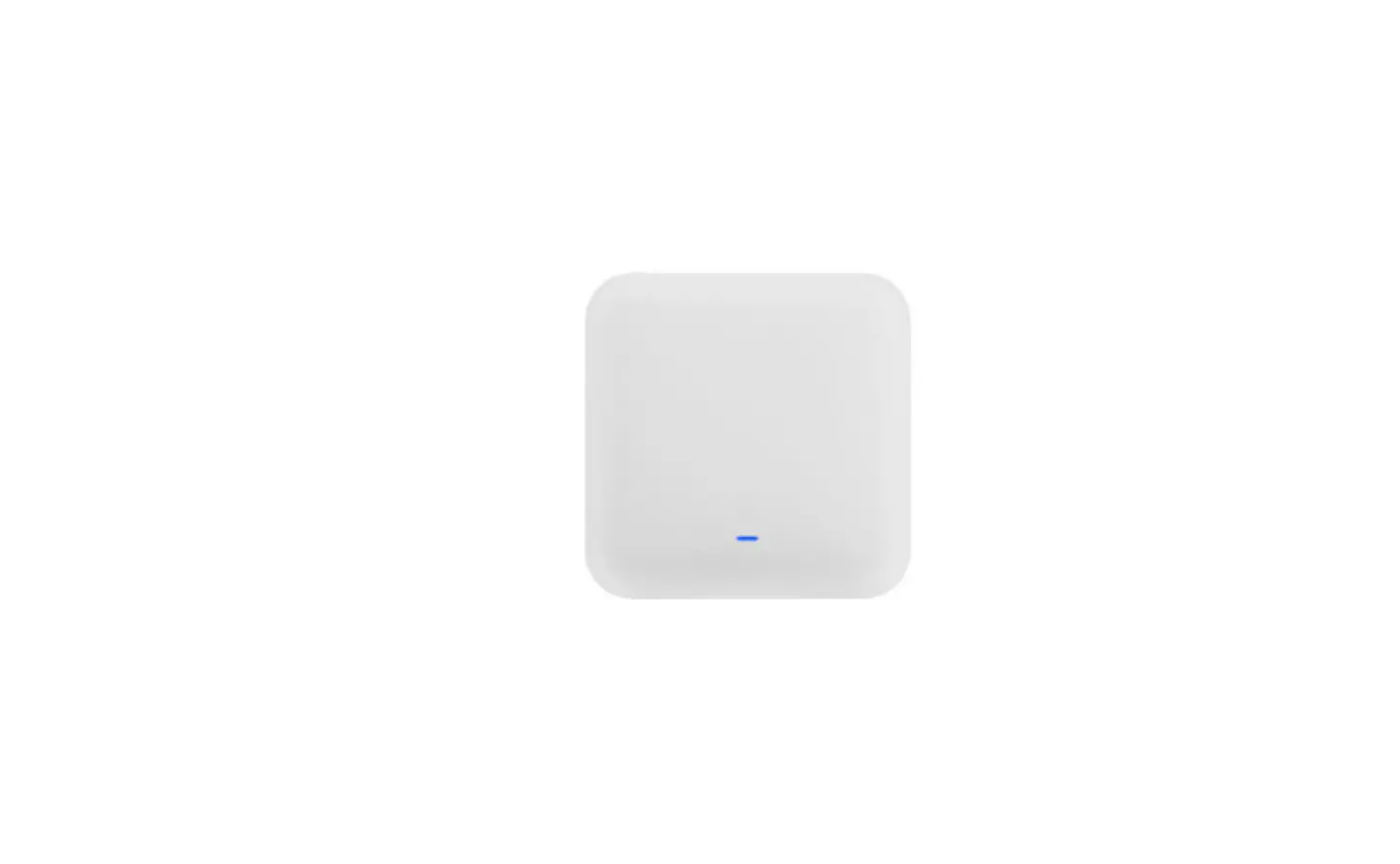
The OAW-AP1331 Series access point is equipped with hidden LED display that indicates different status with different color.
For the details of the LED status, please refer to the Quick Start Guide.
Figure 3: OAW-AP1331 Back View 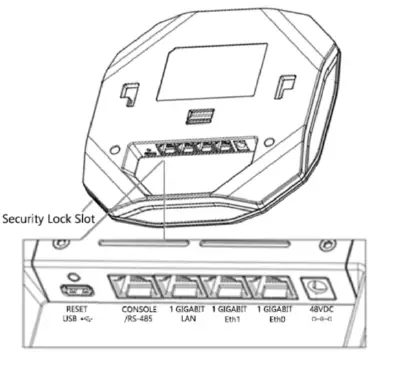 OAW-AP1311 series External Interfaces
| Interface | Specifications |
| 1 Gigabit Eth0 | 1x 10/100/1000BASE-T autosensing (RJ-45) port, Power over Ethernet (PoE). In case of only one WAN link,Eth0 would be preferred. |
| 1 Gigabit Eht1 | 1x 10/100/1000BASE-T autosensing (RJ-45) port, Power over Ethernet (PoE). In case of only one WAN link, either of Eth0 and Eth1 could work as WAN, Eth0 would be more preferred. In case of two WAN links,Eth0 + Eth1 would be preferred. |
| 1 Gigabit LAN | 1x 10/100/1000BASE-T autosensing (RJ-45) port. |
| Console | RJ-45 connector, default is RS-232 Console for Service & Support only. Support software configure to RS-485 mode. |
| USB | USB 2.0 host interface (Type C, output current 0.5A ) |
| DC Power Socket | DC 48V power jack, support powering AP through a designated AC-DC power adapter. |
| Reset | Factory reset. Press reset button for 5s, AP LEDs will quickly flash for 3s, then AP will restart and restore factory configurations. |
| Security Lock Slot | The AP is equipped with a security lock slot for additional security. |
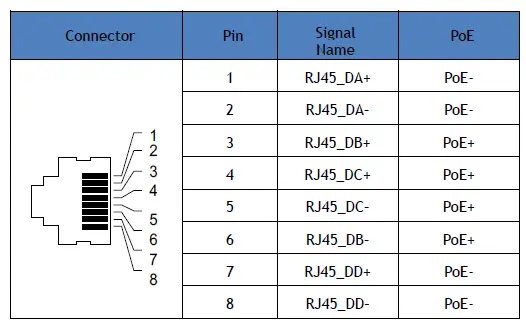
Table 2 Ethernet Port Pinout
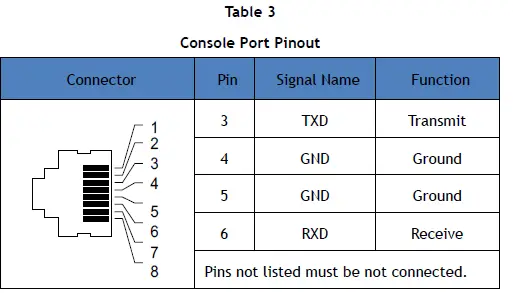
 Note: The serial console port allows you to connect the AP to a serial terminal or a laptop for direct local management. This port is an RJ-45 female connector with the pinouts described in Table 3. Currently for use by Service & Support only.
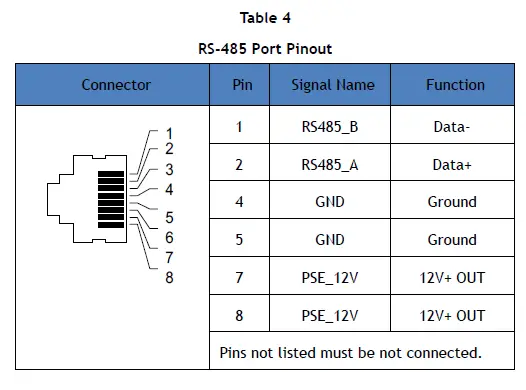
Note: The RS-485 port allows you to connect the AP to a RS-485 terminal. The maximum allowable current of PSE 12V power output is 300mA. In addition, PSE 12V power output can be turned on and off by software. This port is an RJ-45 female connector with the pinouts described in Table 4.
Power
The OAW-AP1331 series access point supports direct DC power adapter (48V DC nominal, sold separately) and Power over Ethernet (PoE).
Before You Begin
Before installing your OAW-AP1331 Stellar access point, be sure that you have the following items:
- 8-conductor, CAT5 or better UTP cable of required length.
- One of the following power sources:
IEEE 802.3at compliant Power over Ethernet (PoE) source (PoE switch or PoE injector).
AC-DC adapter (sold separately),output voltage DC 48V, output current ≥0.6A - A terminal or a notebook
Identifying Specific Installation Locations
You can mount the OmniAccess Stellar AP on a ceiling rail or on a wall. You should first determine the location of the installation. The installation position is located at the center of the required coverage area and should be free from obstructions or obvious sources of interference.
- Minimize the number of obstructions (such as walls) between the AP and user terminals.
It is strictly prohibited to install around stagnant water, water seepage, leakage or condensation. Avoid cable condensation or water seepage along the cables connecting to the AP.
AP Installation
Refer to mounting kits installation Guide.
Verifying Post-Installation Connectivity
The LED on the AP can be used to verify that the AP is receiving power and initializing successfully.
Product Specifications
OAW-AP1331 series Dimensions/Weight
Unboxed OAW-AP1331:
- Net Weight: 1.28lbs / 0.582kg
- Dimensions (HxWxD): 7.1 inches x 7.1 inches x 1.42 inches (18 cm x 18cm x 3.6cm)
Environmental
- Operating :
- Temperature: -10°C to +50°C
- Humidity: 5% to 95% non-condensing
- Storage and transportation :
- Temperature: -40°C to +70°C(-40°F to +158°F)
For additional specifications on this product, please refer to the Datasheet.
Contacting Alcatel-Lucent Enterprise
| Website Support | |
| Main Site | https://www.al-enterprise.com/ |
| Support Site | https:// businessportal.al-enterprise.com |
| Support Email | |
| Telephone Support | |
| North America | 1-800-995-2696 |
| Latin America | 1-877-919-9526 |
| Europe | +800 00200100 (Toll Free) or +1(650)385-2193 |
| Asia Pacific | +65 6240 8484 |
| Other Region | 1-818-878-4507 |
FCC Statment
This document contains domestic and international regulatory compliance information for the access point OAW-AP1331. To ensure that this device complies with the regulatory standards for your region, please refer to the content below.
FCC Part 15:
This equipment has been tested and found to comply with the limits for a Class B digital device, pursuant to Part15 of the FCC Rules.
These limits are designed to provide reasonable protection against harmful interference in a residential installation. This equipment generate, uses and can radiate radio frequency energy and, if not installed and used in accordance with the instructions, may cause harmful interference to radio communications.
However, there is no guarantee that interference will not occur in a particular installation. If this equipment does cause harmful interference to radio or television reception, which can be determined by turning the equipment off and on, the user is encouraged to try to correct the interference by one of the following measures:
- Reorient or relocate the receiving antenna.
- Increase the separation between the equipment and receiver.
- Connect the equipment into an outlet on a circuit different from that to which the receiver is connected.
- Consult the dealer or an experienced radio/TV technician for help.
This device complies with Part 15 of the FCC Rules. Operation is subject to the following two conditions:
(1) This device may not cause harmful interference, and (2) this device must accept any interference received, including interference that may cause undesired operation.
FCC Caution: Any changes or modifications not expressly approved by the party responsible for compliance could void the user’s authority to operate this equipment.
RF exposure warning
This equipment complies with FCC radiation exposure limits set forth for an uncontrolled environment.
This product may not be collocated or operated in conjunction with any other antenna or transmitter
This equipment must be installed and operated in accordance with provided instructions and the antenna(s) used for this transmitter must be installed to provide a separation distance of at least 20 cm from all persons and must not be collocated or operating in conjunction with any other antenna or transmitter.
For EU
ALE USA Inc., hereby declares that these models are compliant with the essential requirements and other provisions of Directive 2014/53/EU. For the complete CE DoC, please access the website below to get more information:
https://businessportal2.alcatel-lucent.com/
Waste Electrical and Electronic Equipment (WEEE) Statement
European Union RoHS
ALE products are compliant with the EU Restriction of Hazardous Substances Directive 2011/65/EU (RoHS). EU RoHS restricts the use of specific hazardous materials in the manufacture of electrical and electronic equipment. The restricted materials under the Directive are Lead (including Solder used in printed circuit assemblies), Cadmium, Mercury, equivalent Chromium, and Bromine.
Global RF health information:
RF Radiation Exposure Statement: This equipment complies with FCC and CE RF radiation exposure limits. This equipment should be installed and operated with a minimum distance of 20 cm between the equipment and a human’s body for 2.4 GHz and 5 GHz operations. This transmitter must not be co-located or operating in conjunction with any other antenna or transmitter.
IC Radiation Exposure Statement for Canada
This device complies with Industry Canada licence-exempt RSS standard(s). Operation is subject to the following two conditions: (1) this device may not cause interference, and (2) this device must accept any interference, including interference that may cause undesired operation of the device.
The Alcatel-Lucent name and logo are trademarks of Nokia used under license by ALE. To view other trademarks used by affiliated companies of ALE Holding, visit: www.al-enterprise.com/en/legal/trademarks-copyright. All other trademarks are the property of their respective owners. The information presented is subject to change without notice. Neither ALE Holding nor any of its affiliates assumes any responsibility for inaccuracies contained herein. (2021)
 Rental Cars at Low, Affordable Rates | Enterprise Rent-A-Car
 Trademarks Copyright | Alcatel-Lucent Enterprise