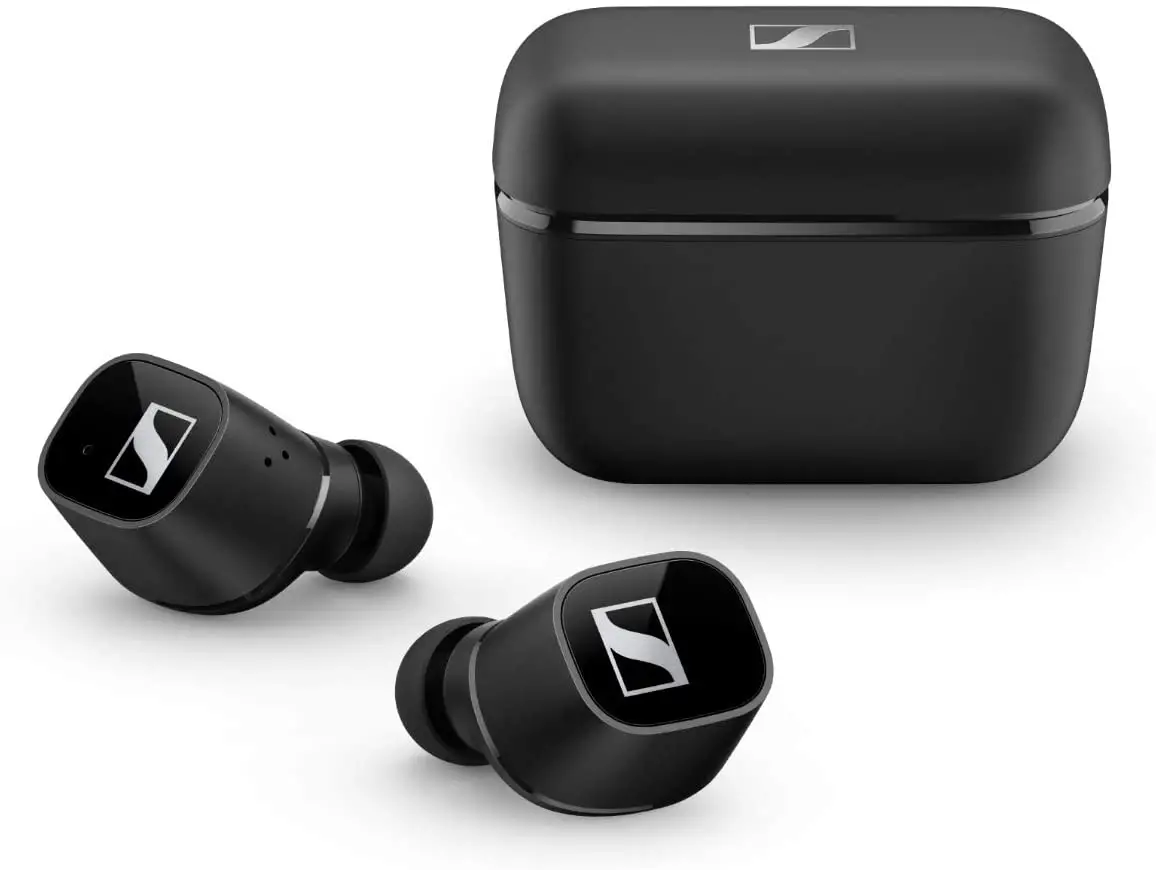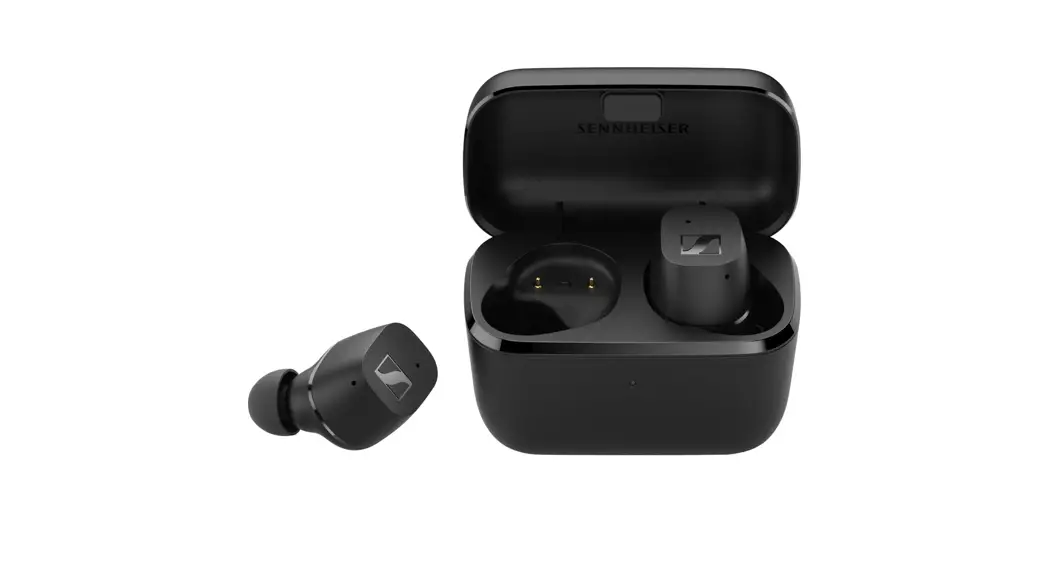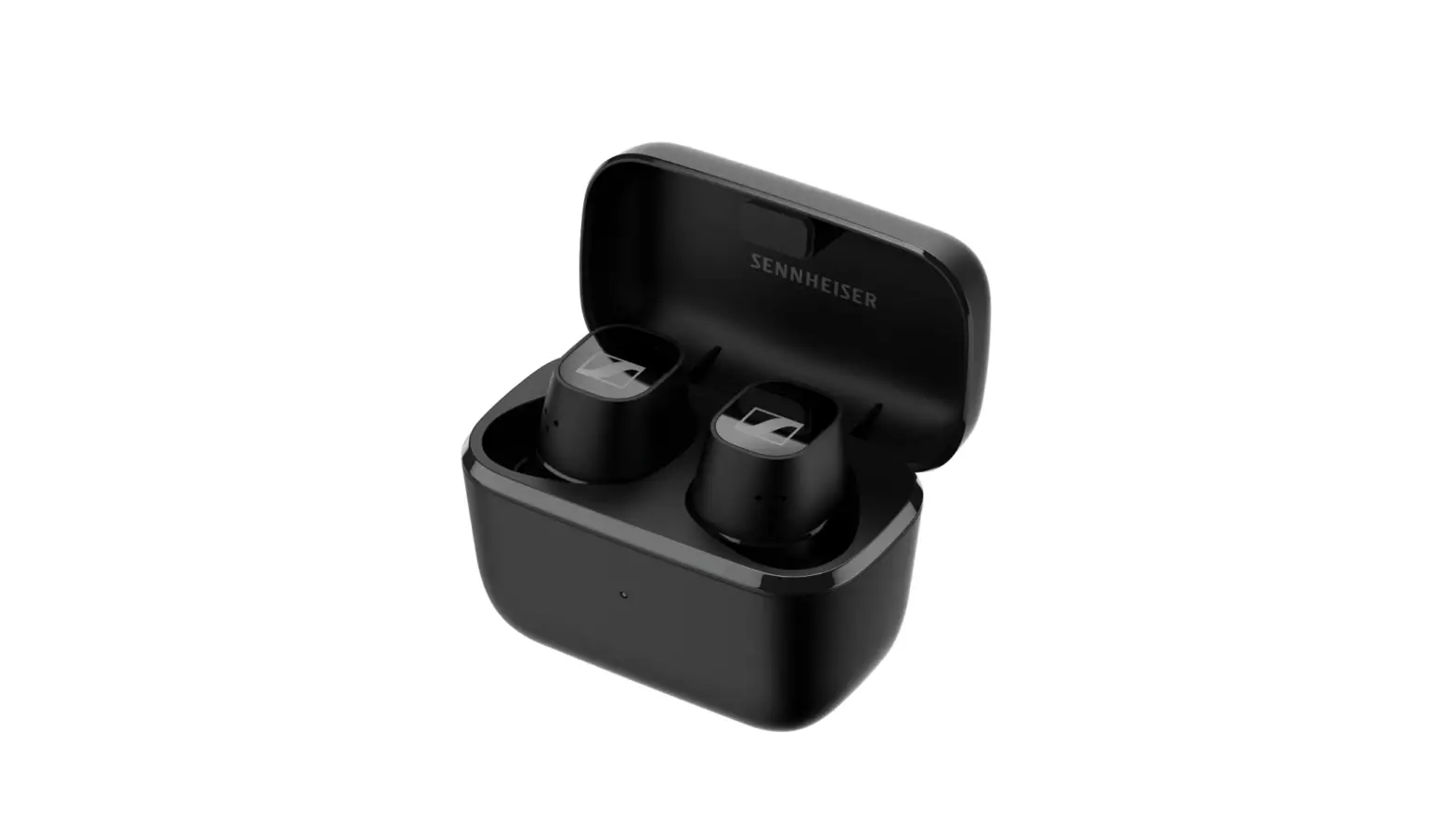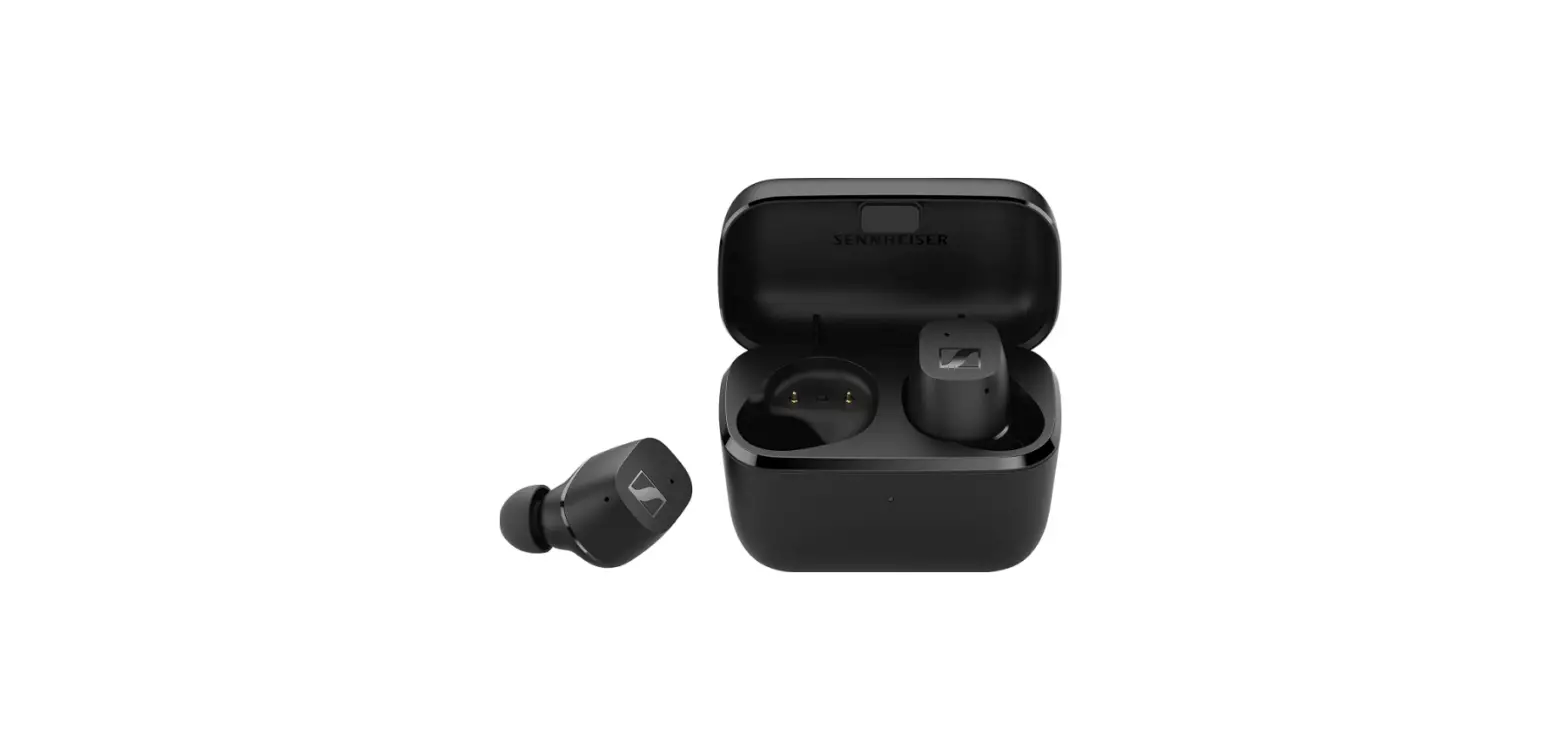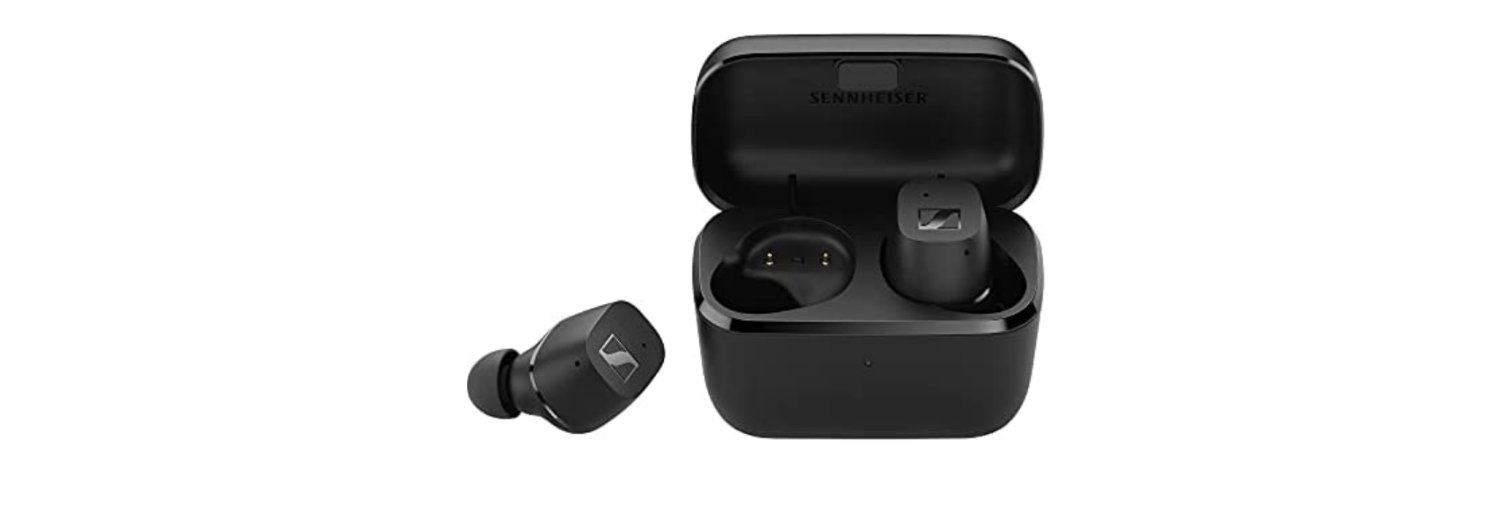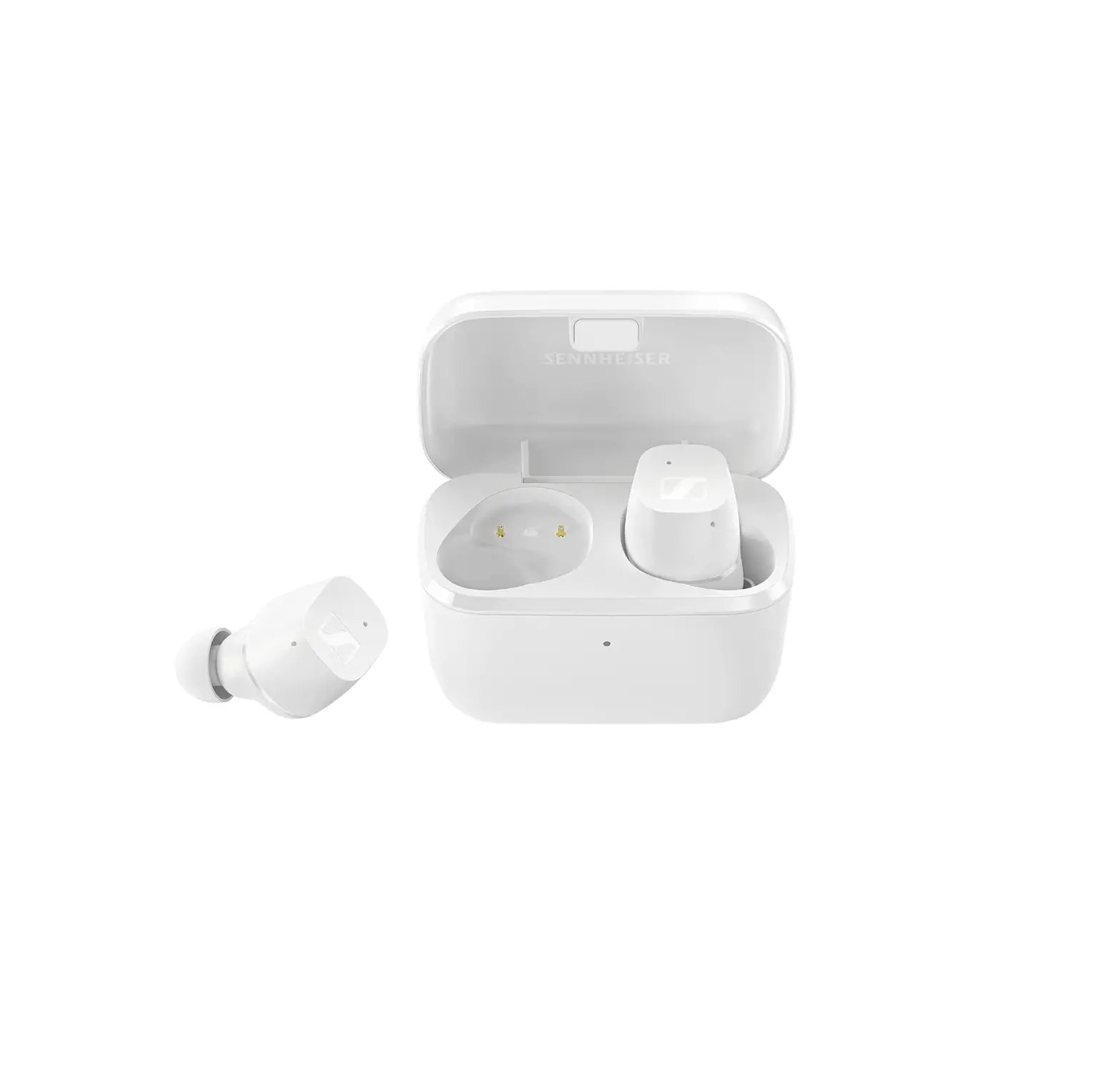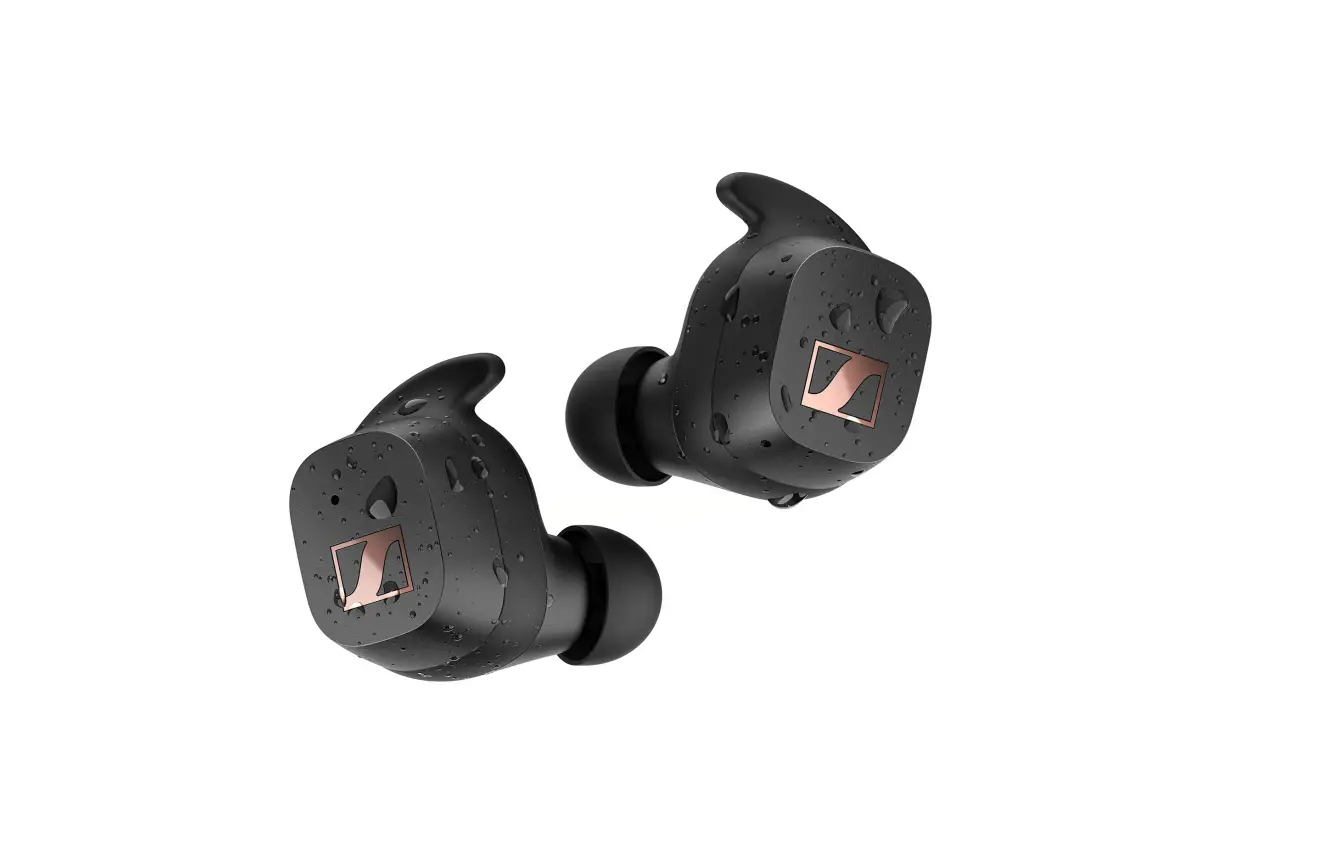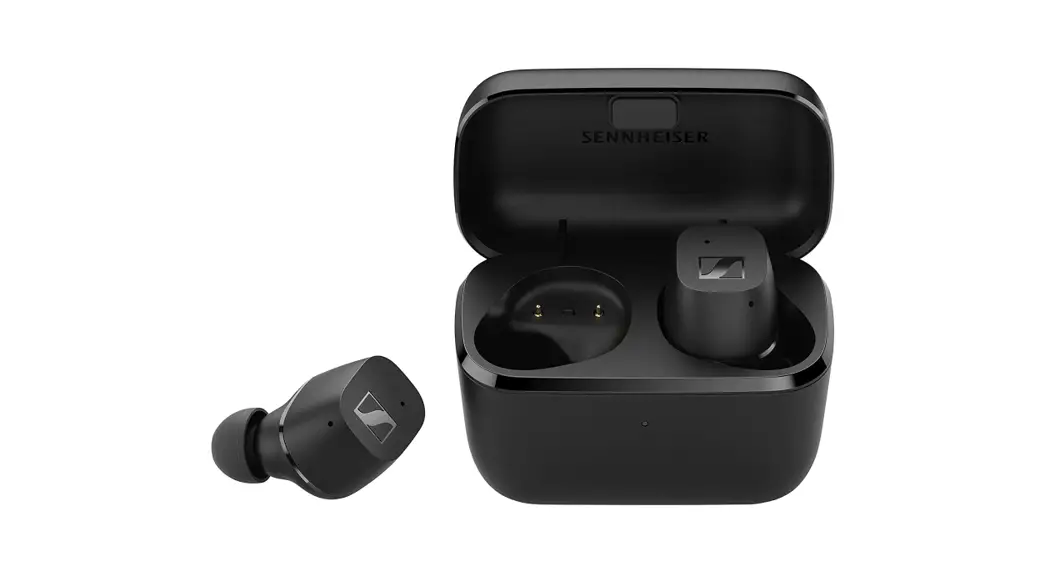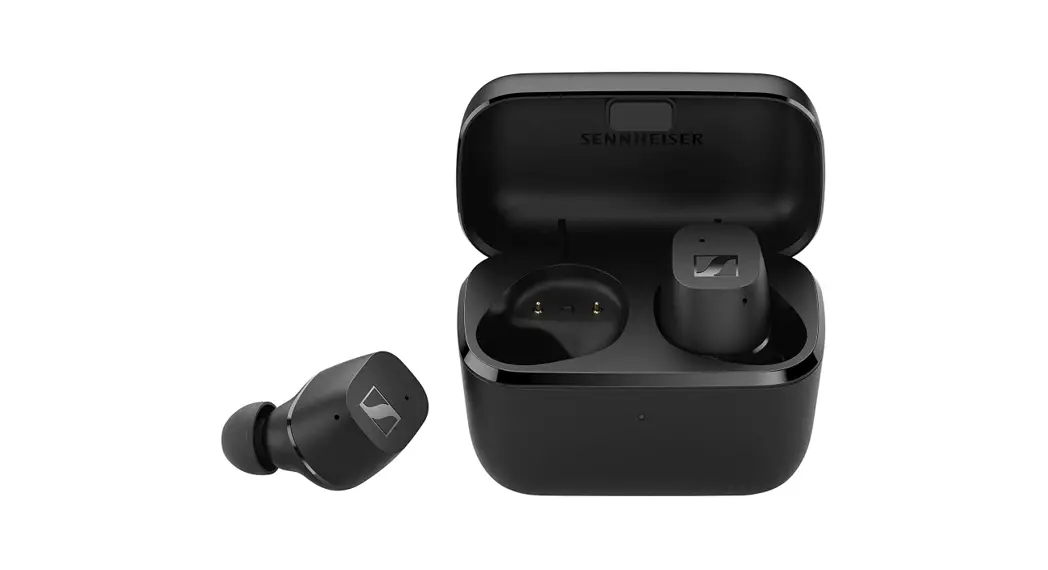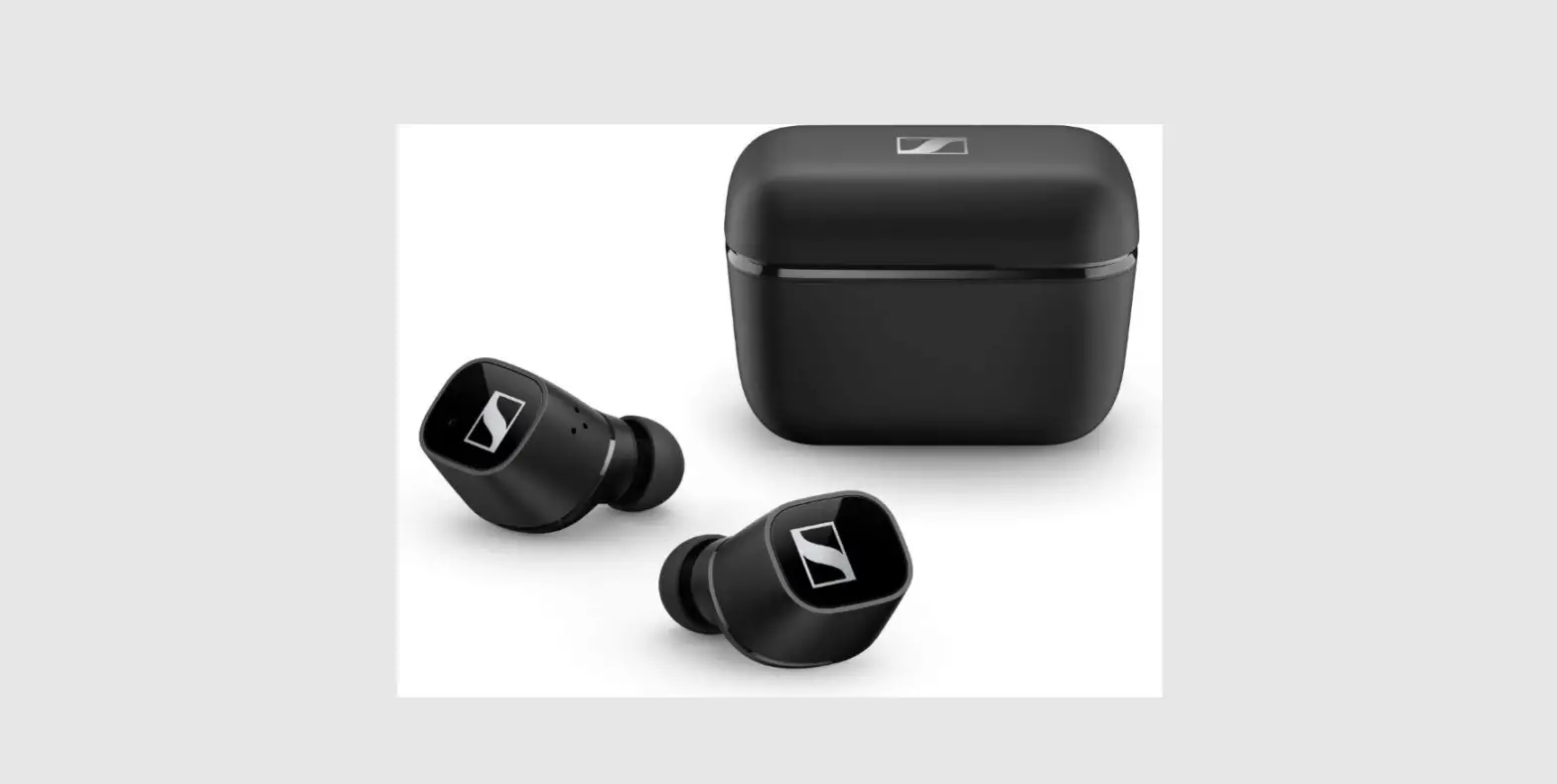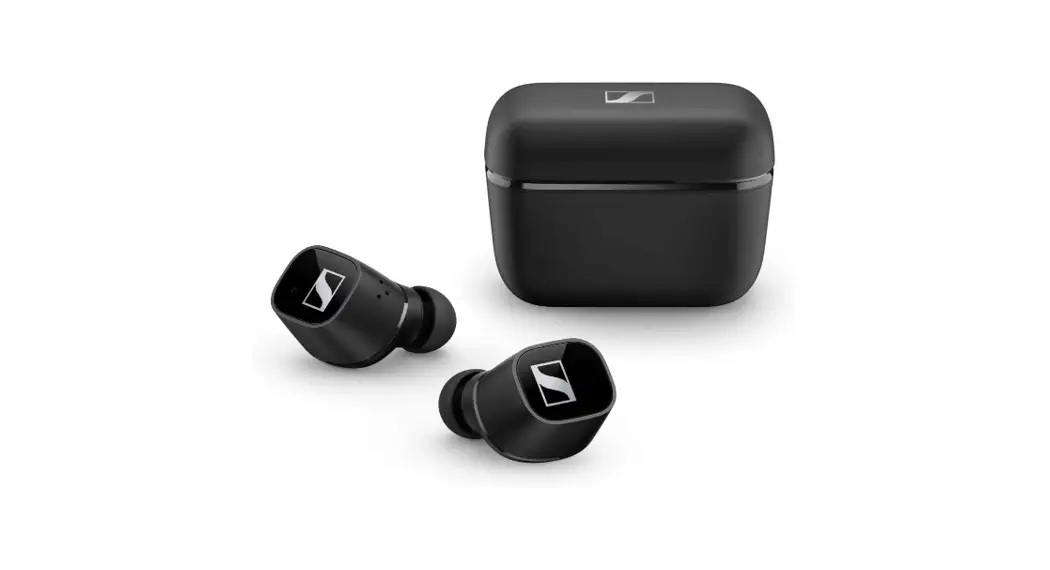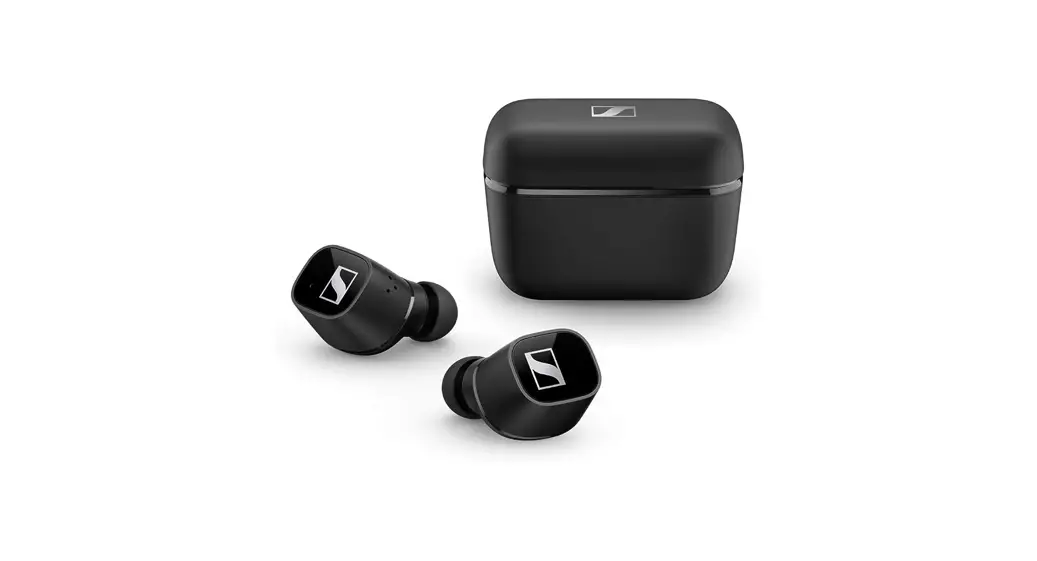

SENNHEISER CX400TW1 TWS Wireless Earbuds
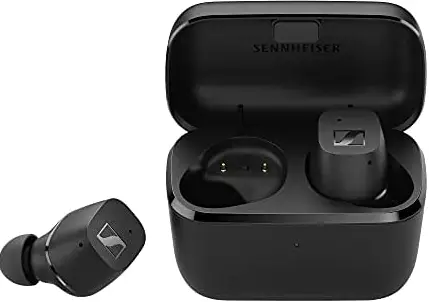
Waking up and charging
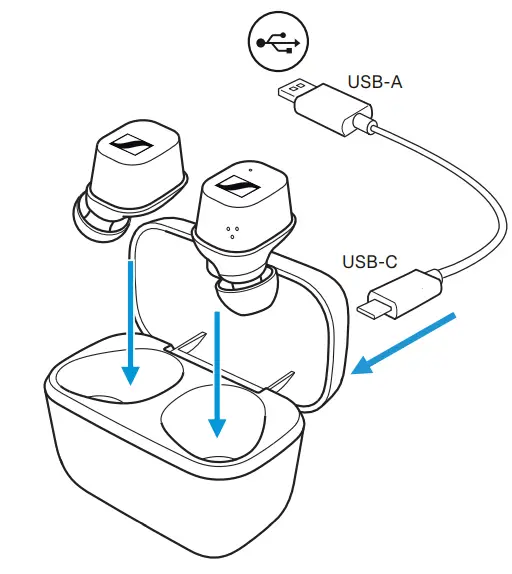
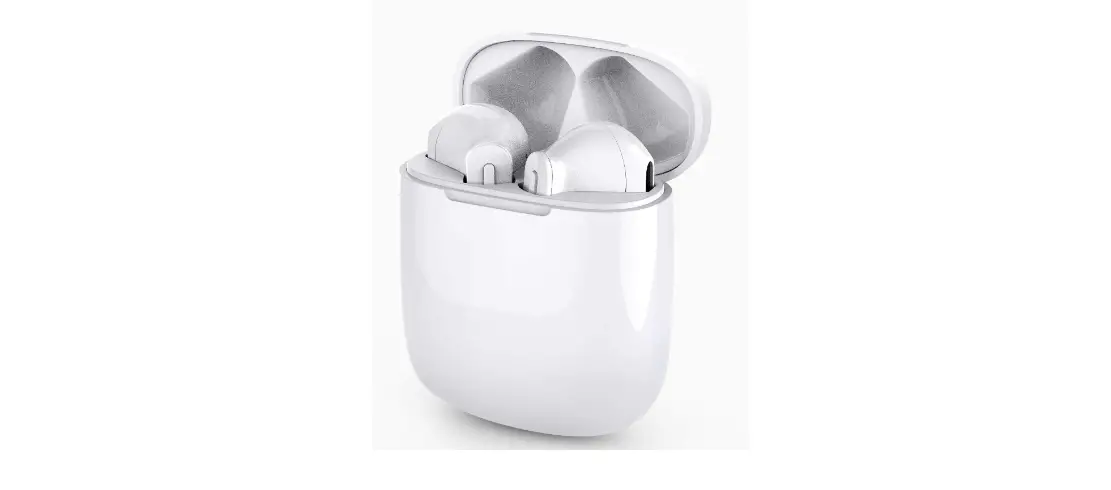
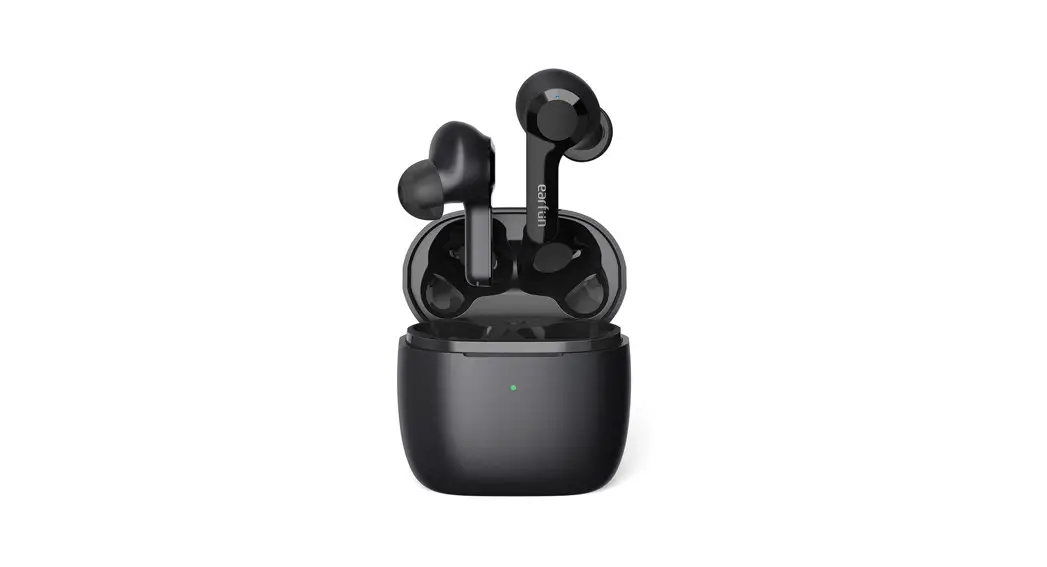
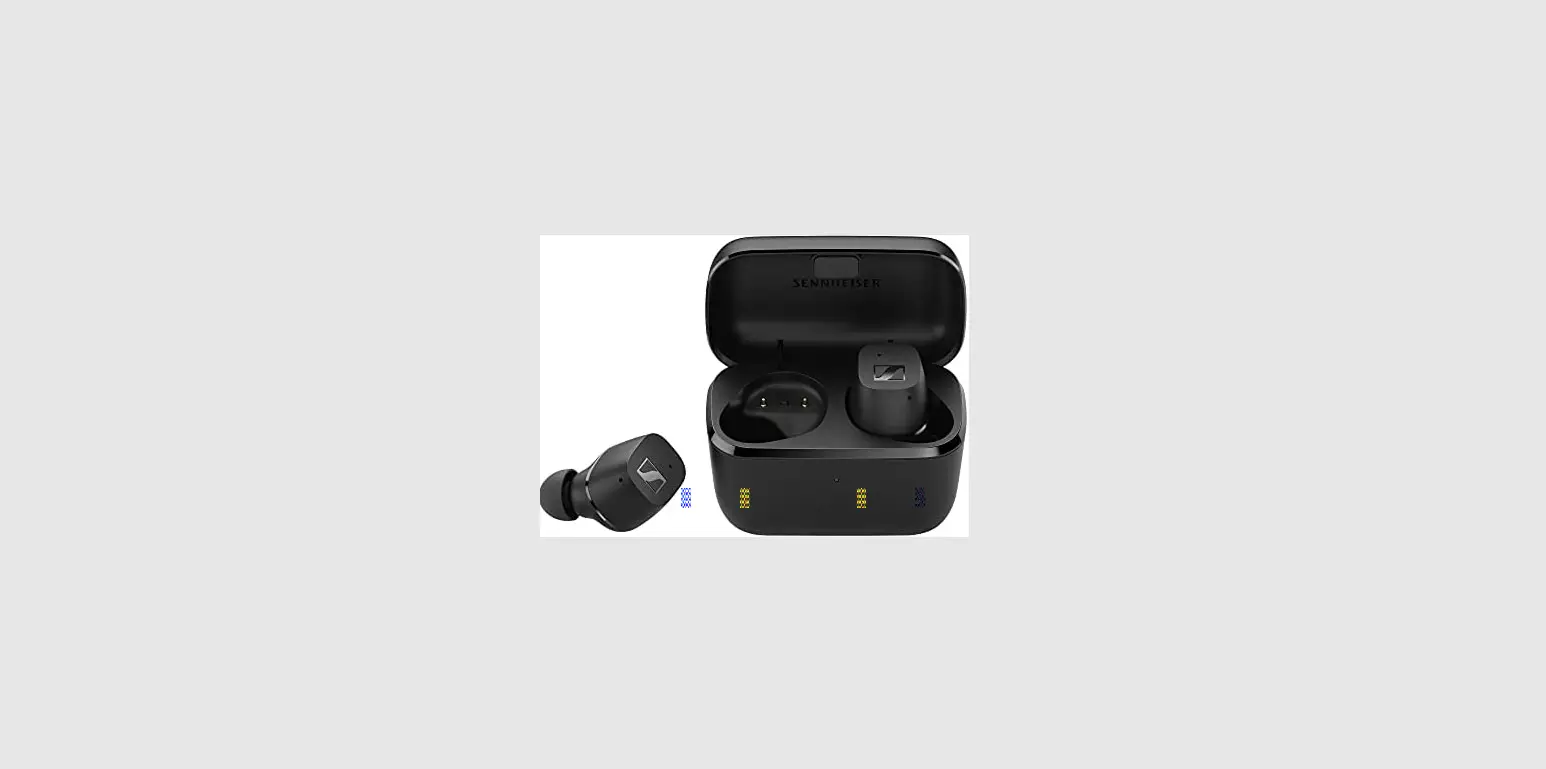
Place the earbuds into the charging case and connect the power supply.
Wear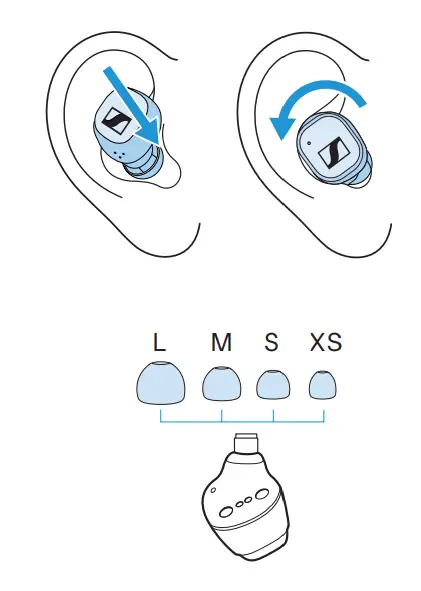
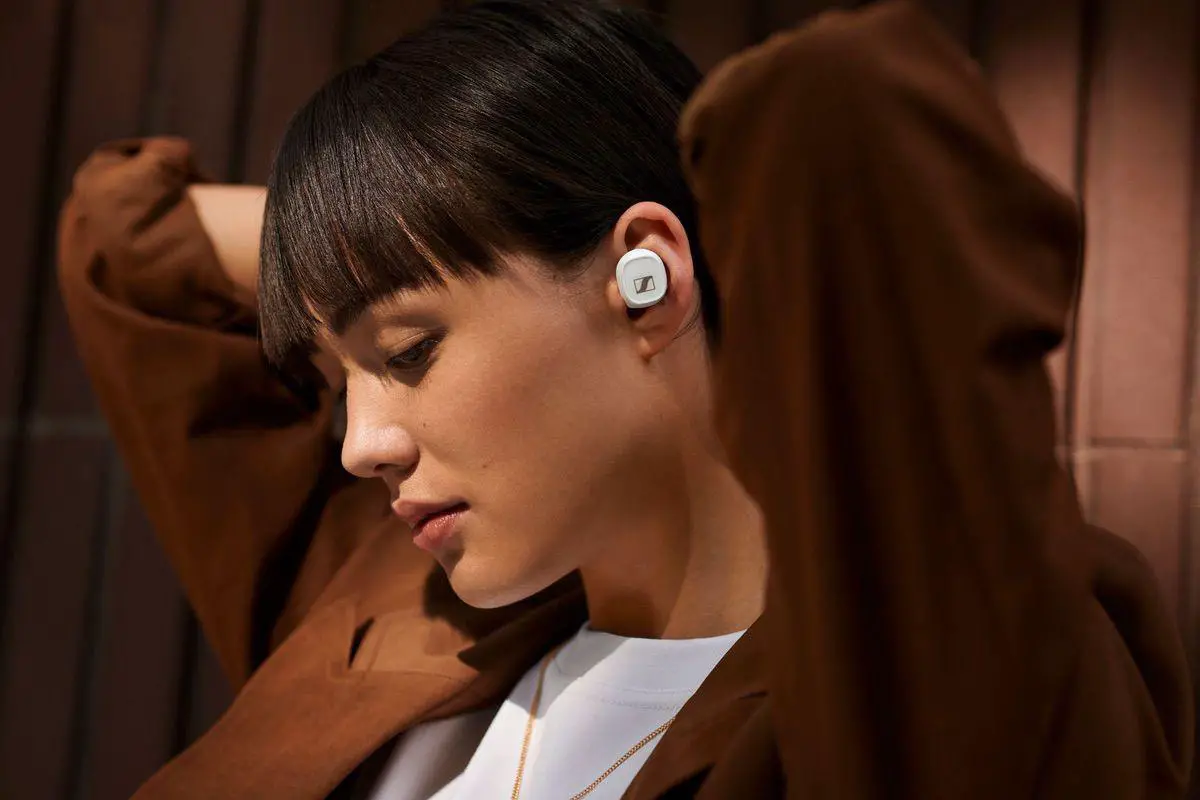
Insert the earbuds with a slight twist. Try a different adapter for the perfect fit.
Pair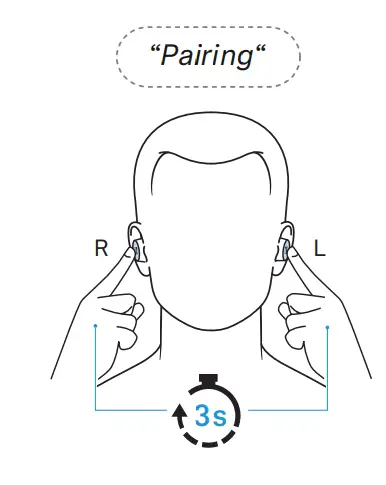
Touch and hold both earbuds for 3 seconds to start Bluetooth® pairing.
Connect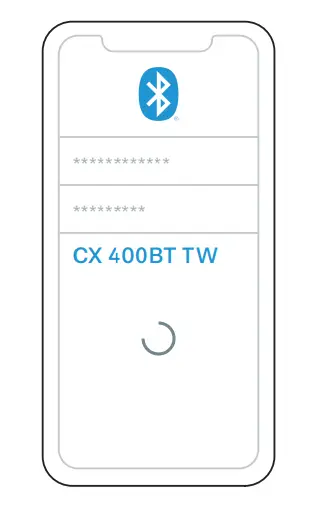
Open the Bluetooth settings and search for “CX 400BT TW”.
Download the app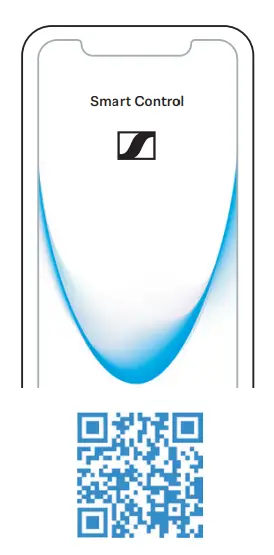
Fine-tune your listening experience and update the earbuds using the app.
Touch control

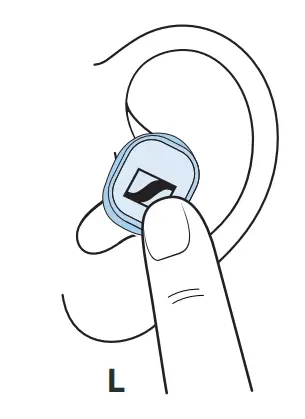
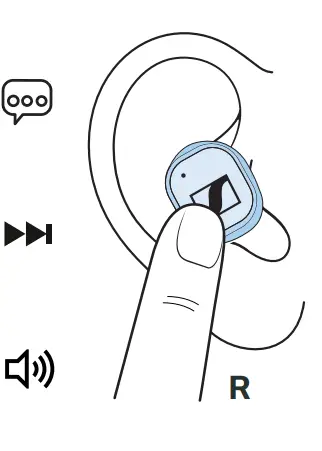
- 1x
Play/Paus - 2x
Previous - Hold
Volume – - 1x
Voice assistant - 2x
Next - Hold
Volume +
Phone calls
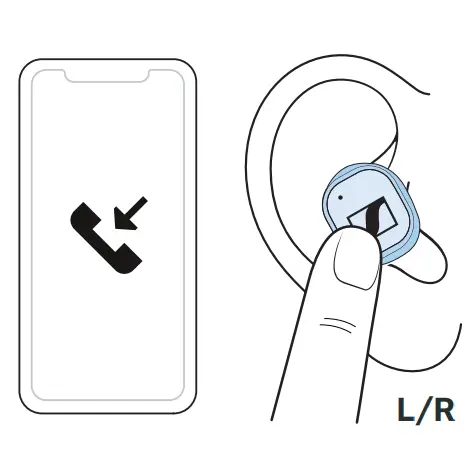
- 1x
Accept/end call - 2x
Reject call
Charge status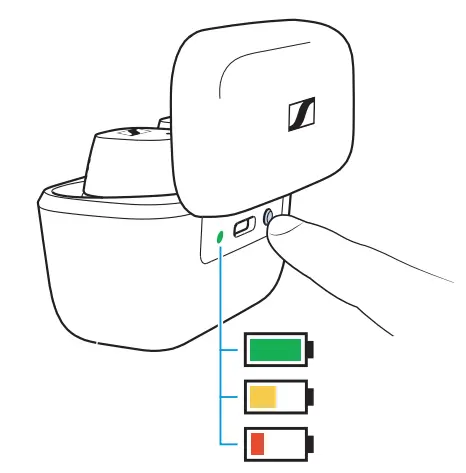 Place the earbuds into the charging case. Press the button to view the battery charge status.
www.sennheiser.com/download
Instruction manuals and product support
 Sennheiser — Headphones, Microphones, Wireless Systems