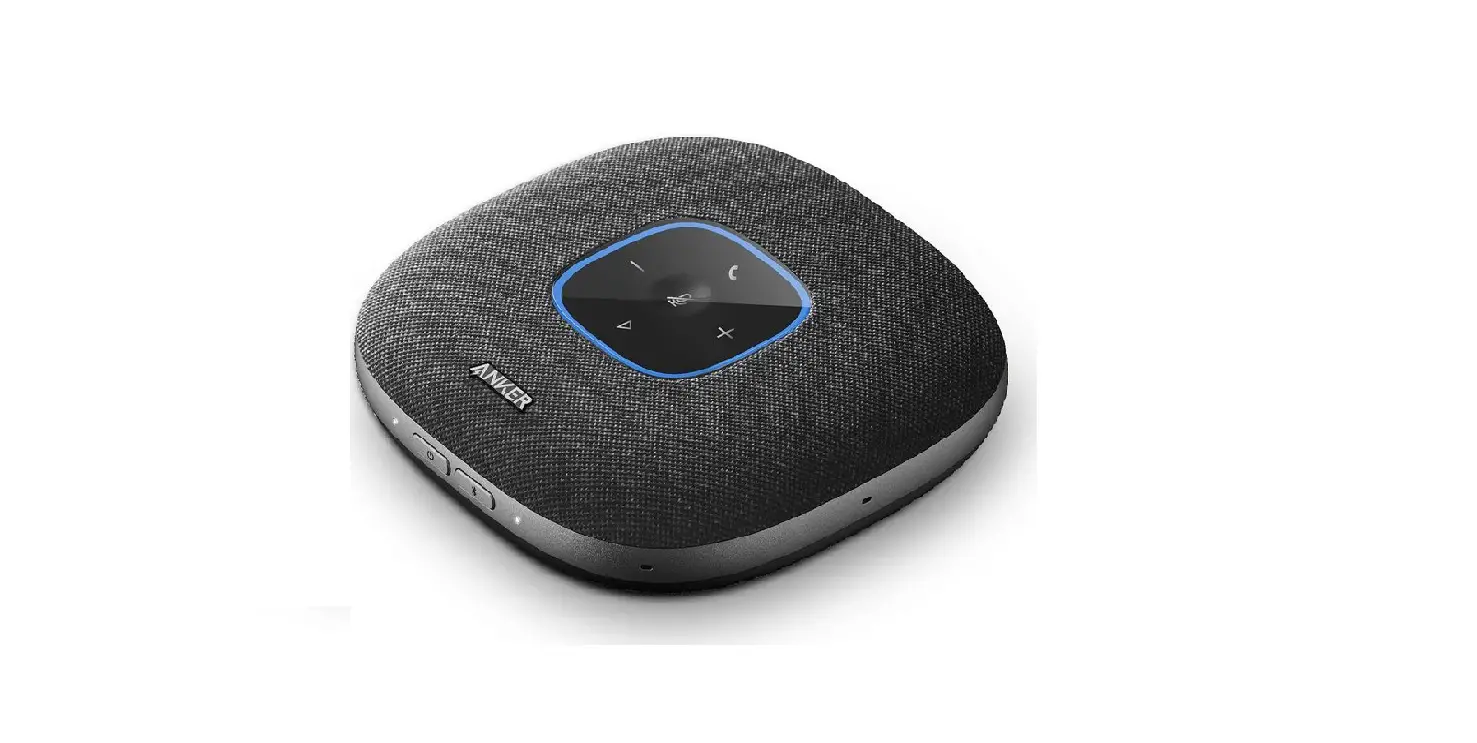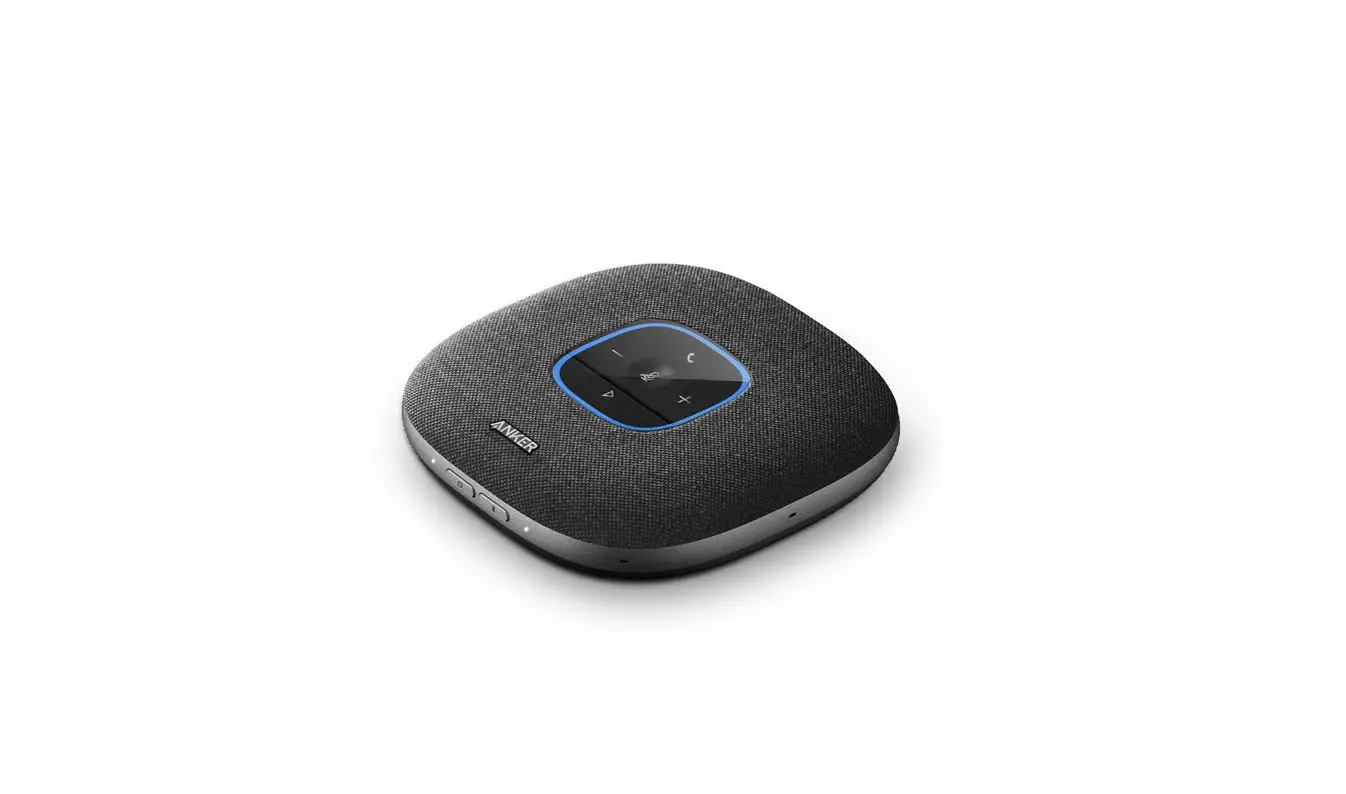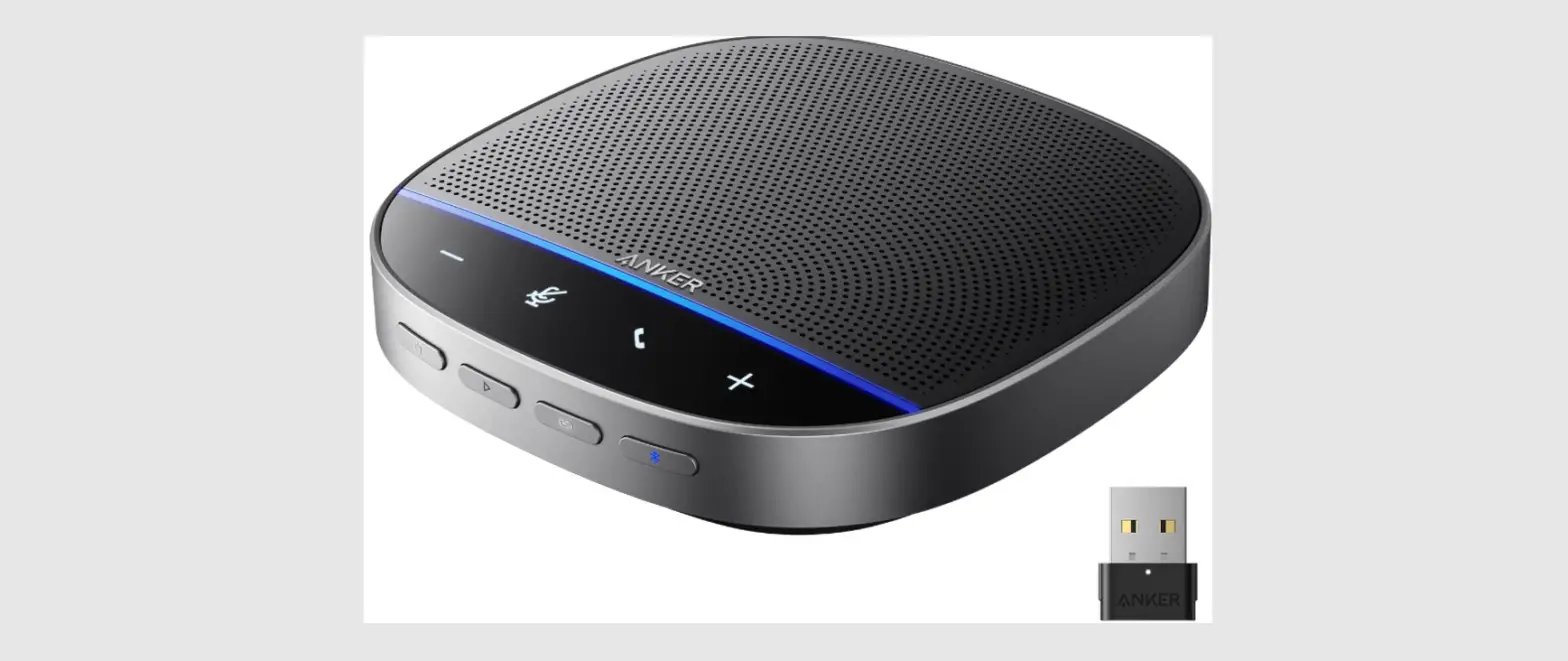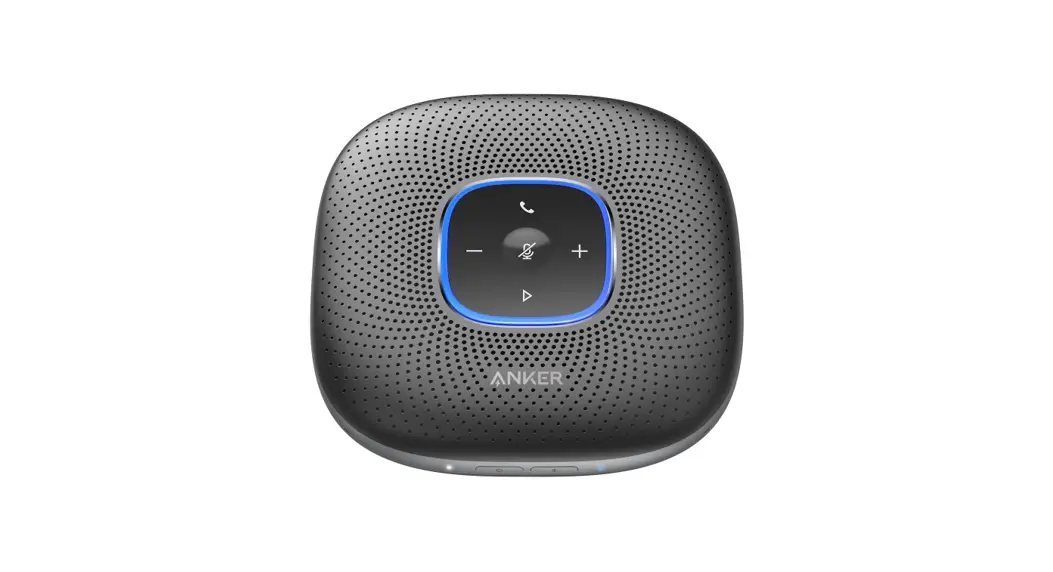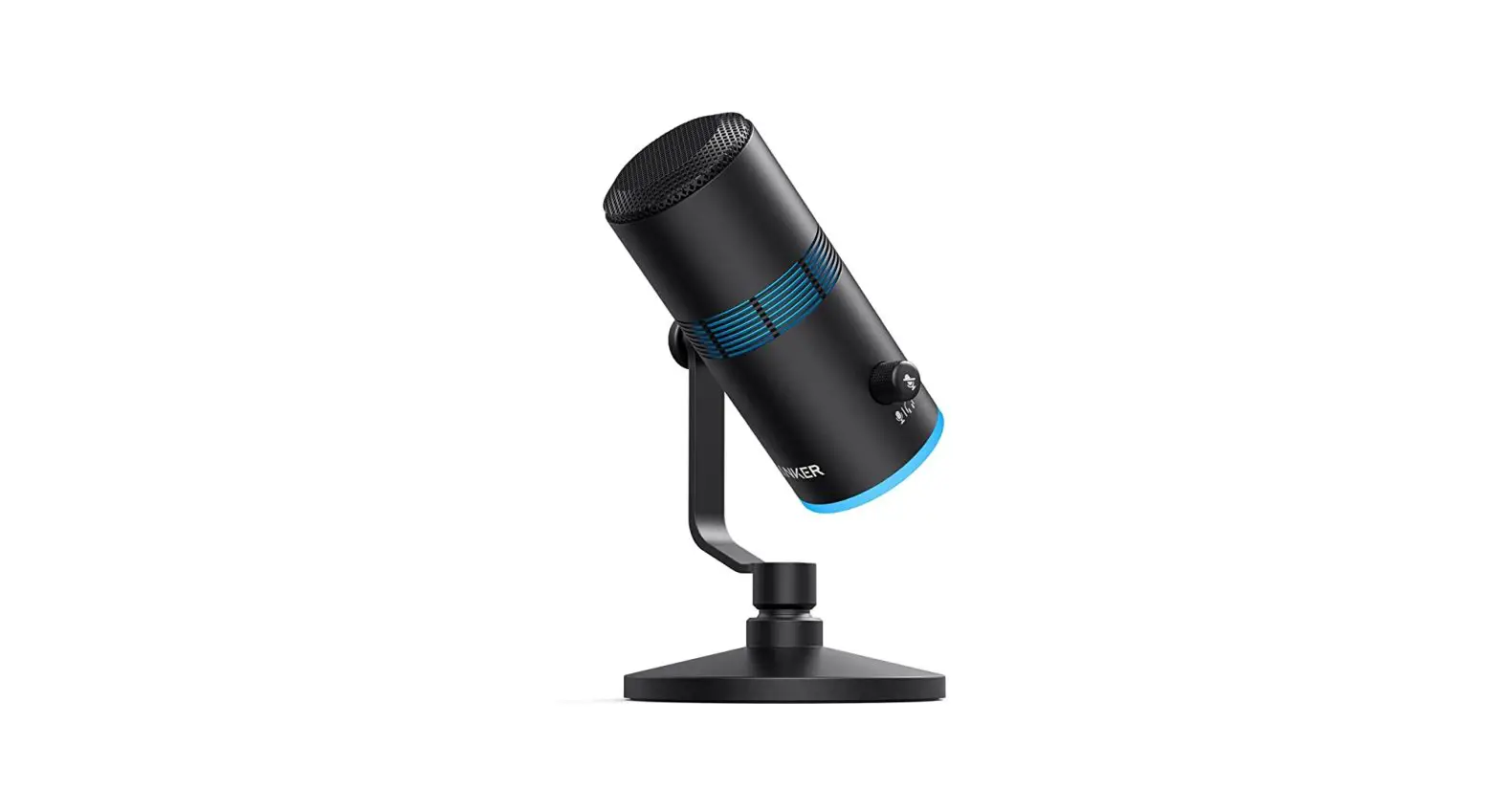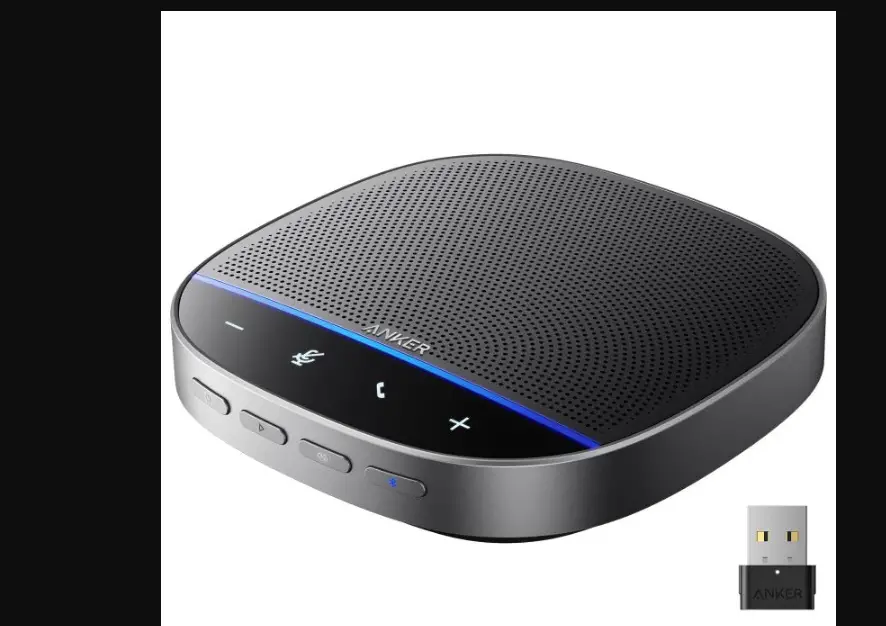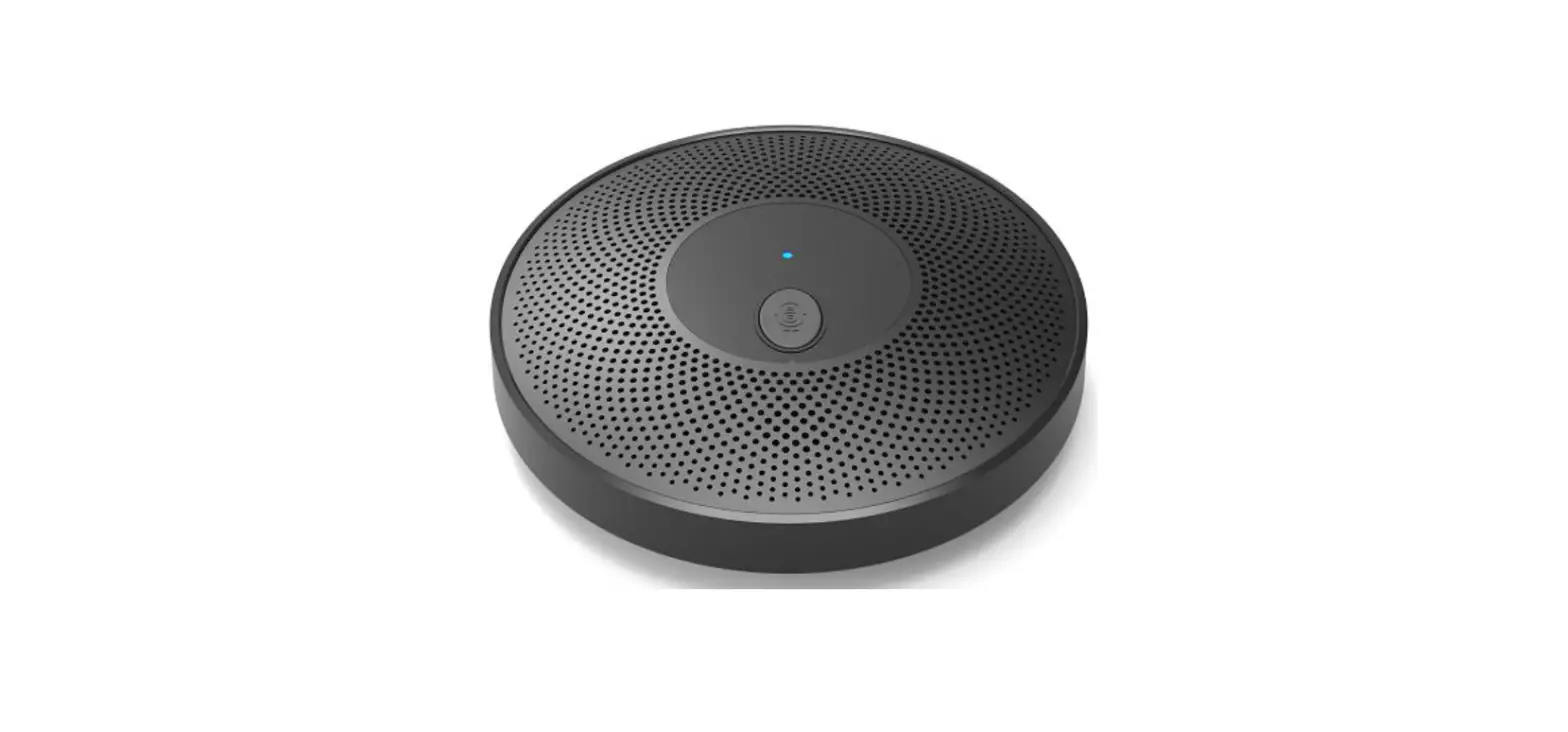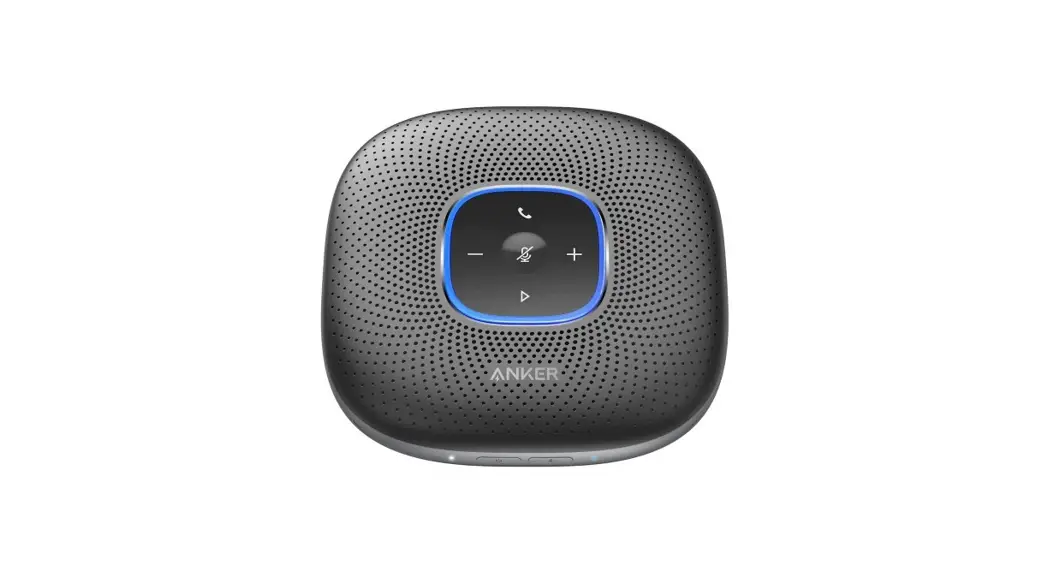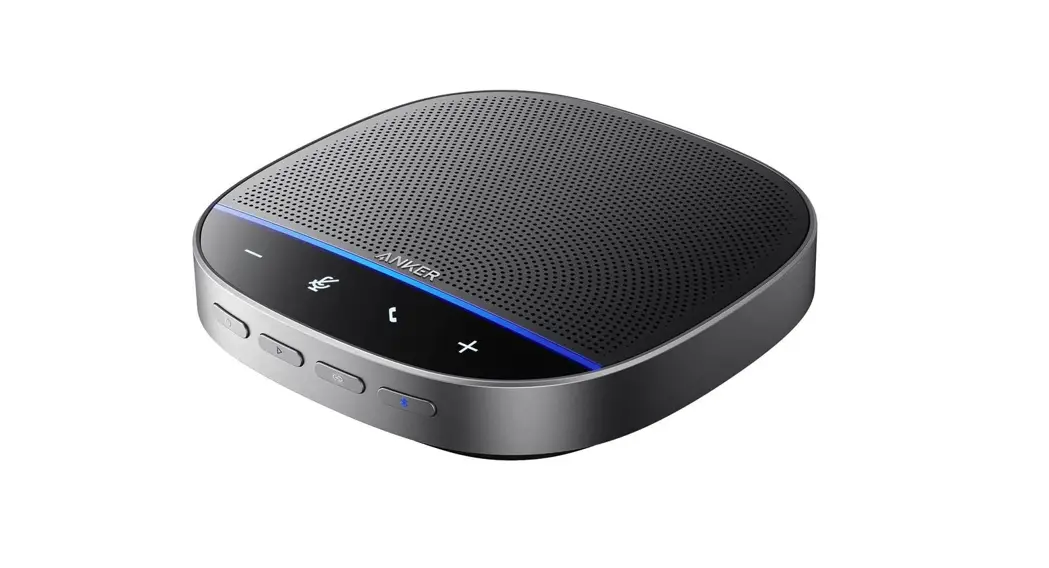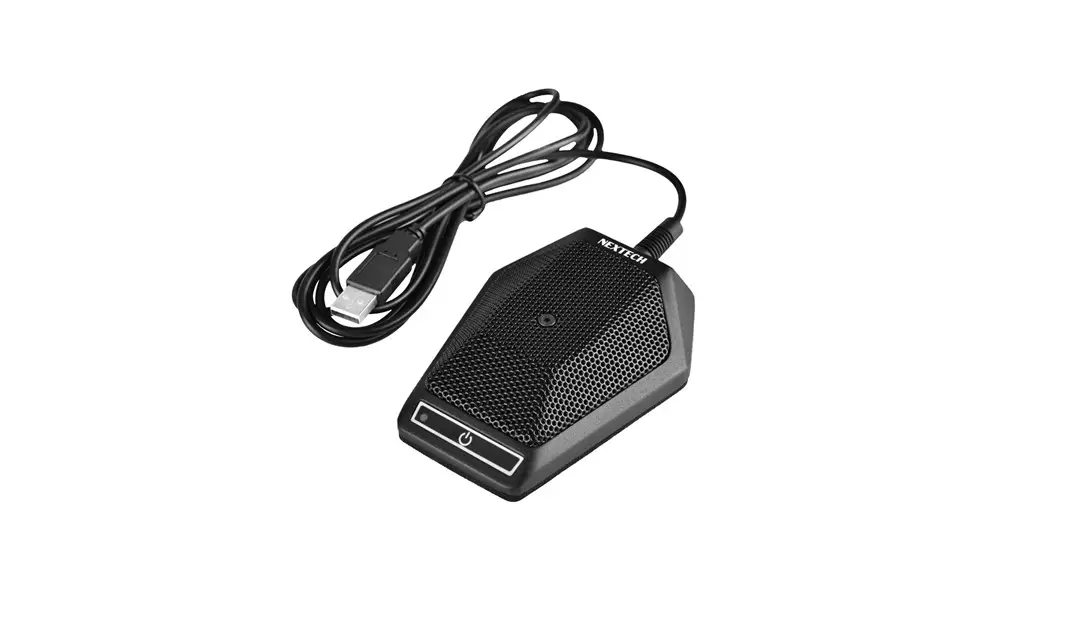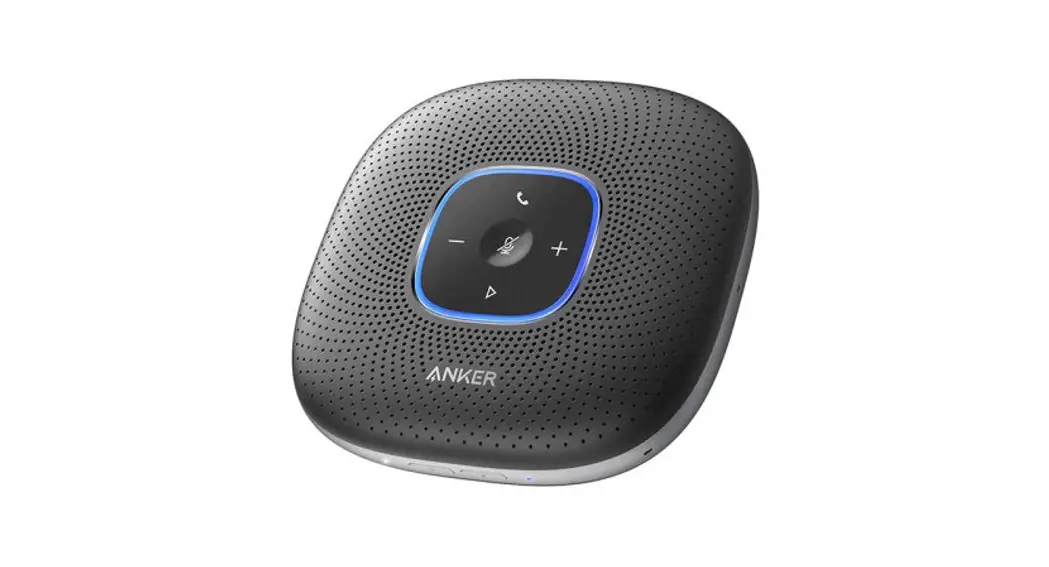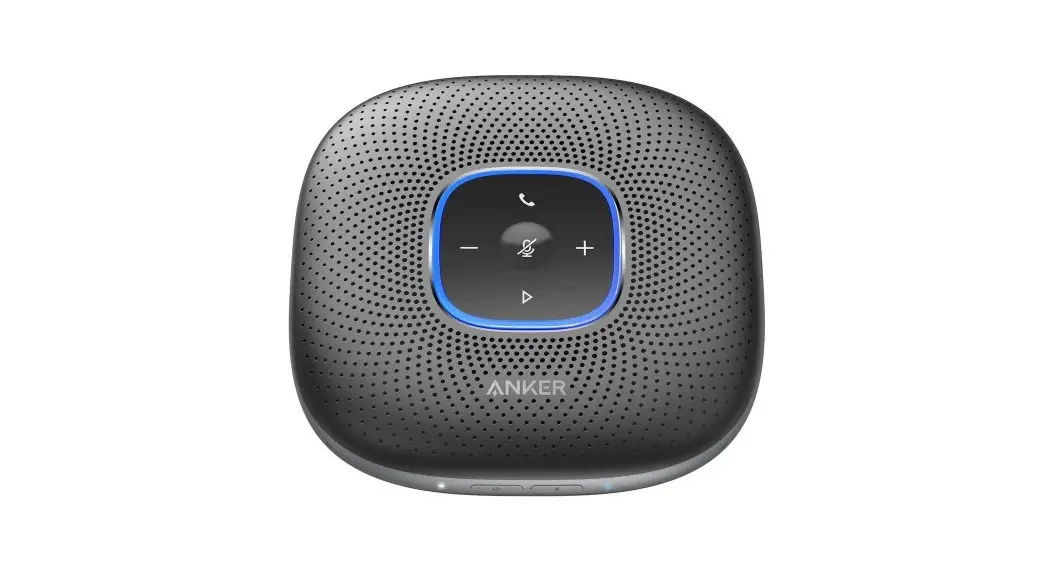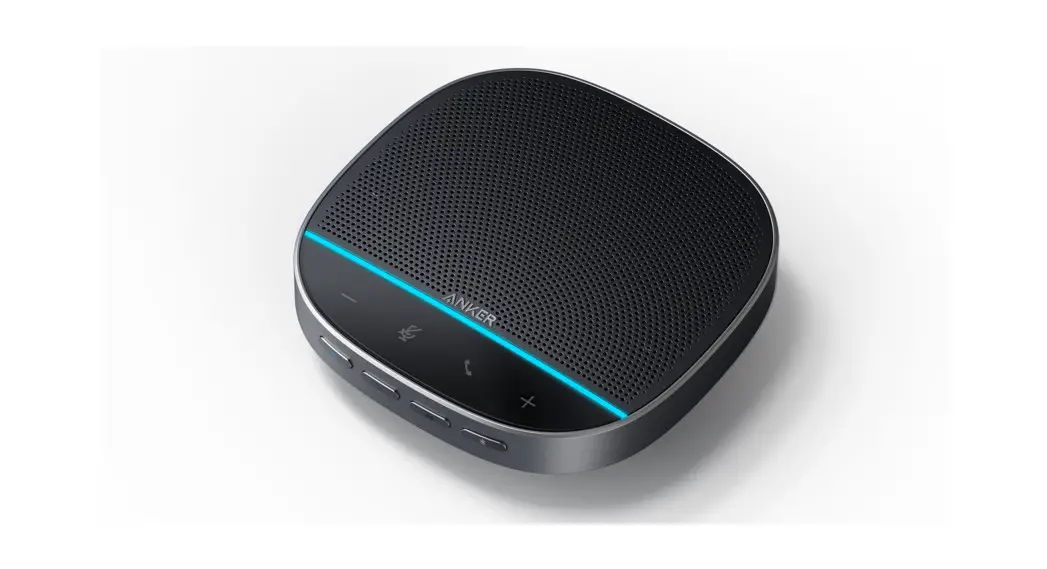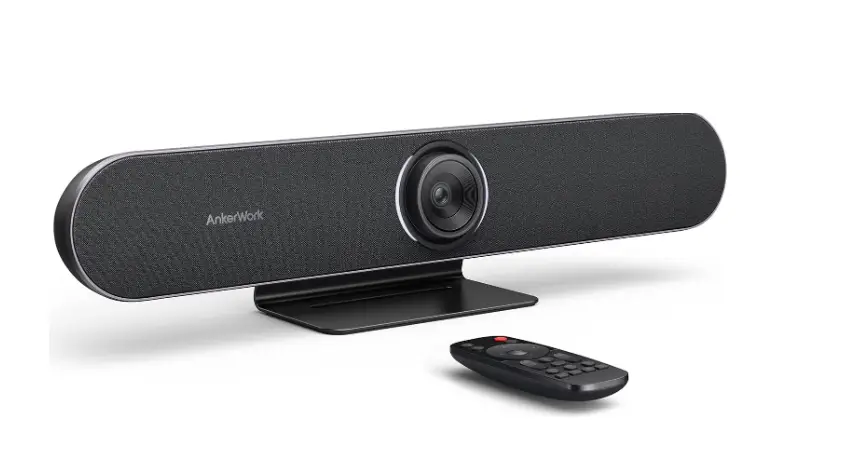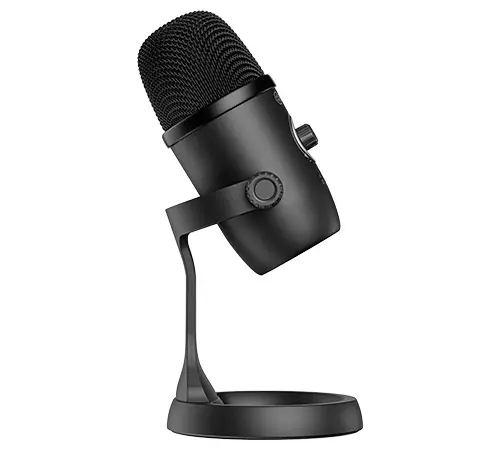

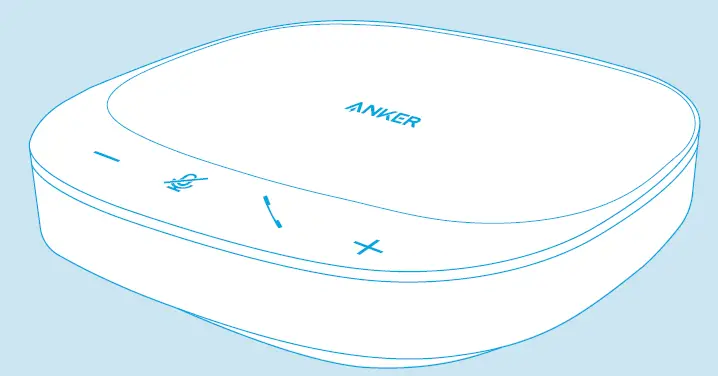
ANKER S330 PowerConf USB Conference Microphone
For FAQs and more information, please visit: anker.com/support
SUPPORT
For FAQs, detailed user manuals, and other information, please visit www.anker.com/support
ANKERWORK SOFTWARE
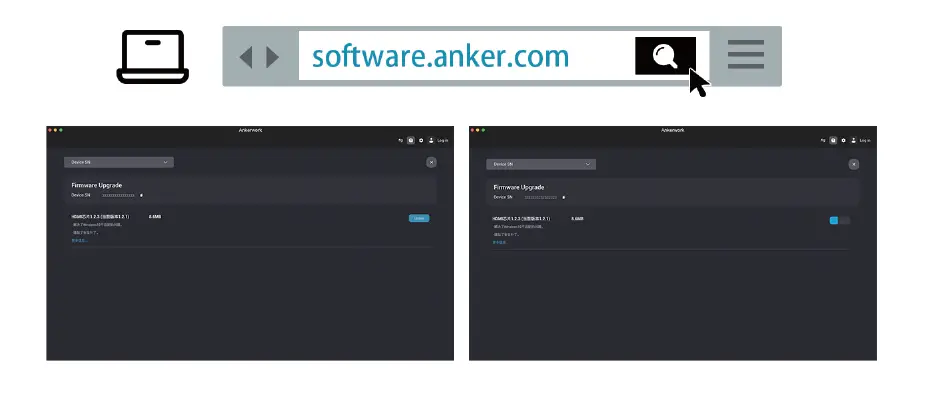
Download and install the AnkerWork software on your PC to update firmware
CONNECTING
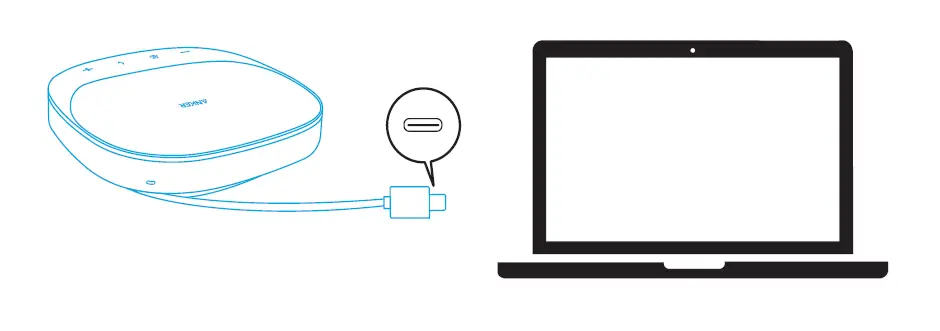
Connect PowerConf S330 to your PC via the USB-C cable. Once the speakerphone is connected and powered on, all buttons will flash white for 2 seconds and then stay solid white.
Make sure the output from your PC’s USB port to the speakerphone is more than 5V/2A. DO NOT connect this device to your smartphone.
CONTROLS
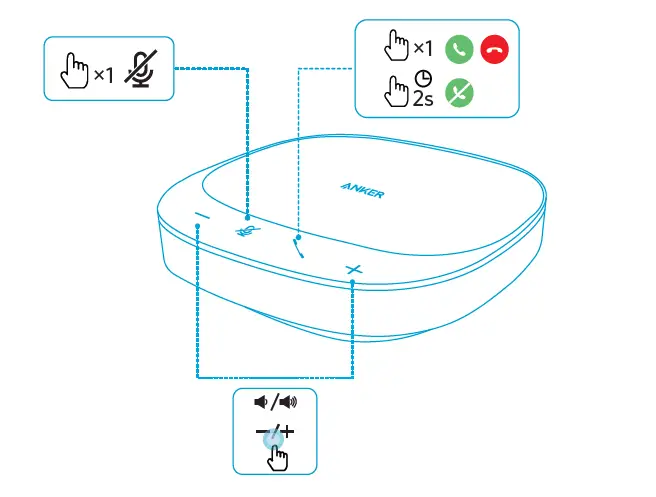
- x1: Press once
- 2s: Press and hold for 2 seconds
- Answer, reject, or end a call only with certified software.
Customer Service
- 18-month limited warranty
- Lifetime technical support
- Our warranty is additional to the legal rights consumers have buying this product.