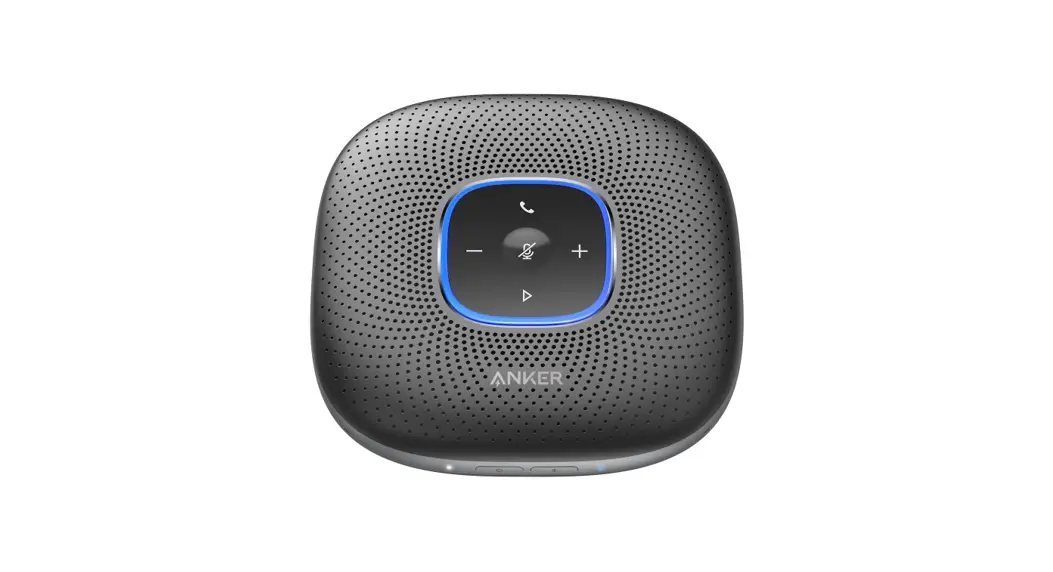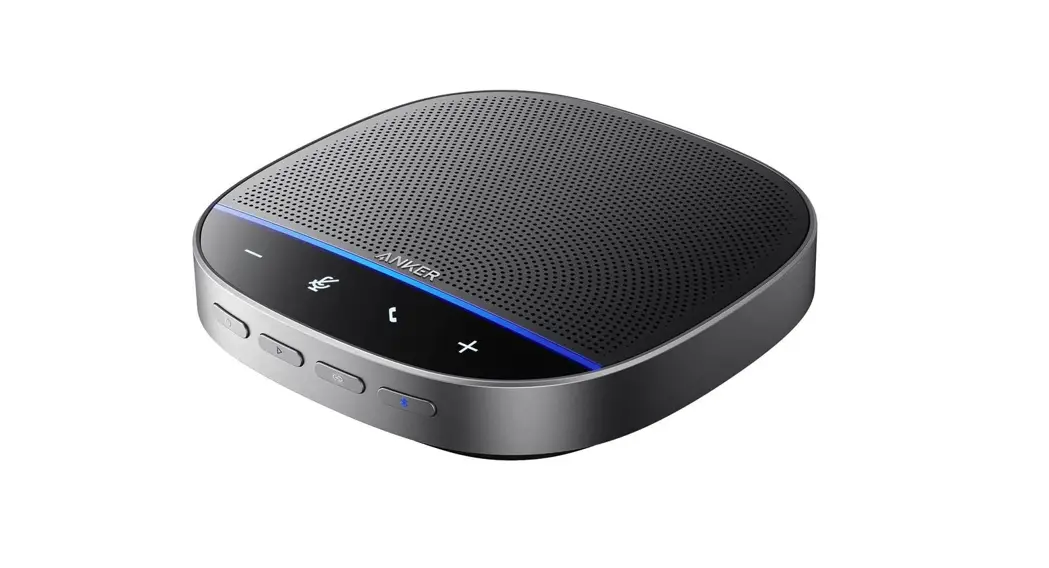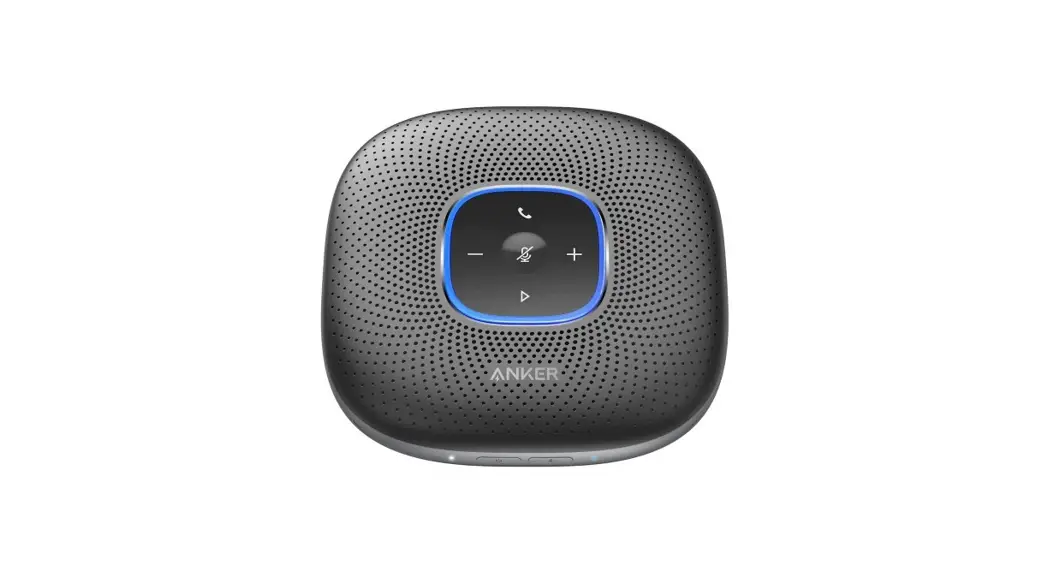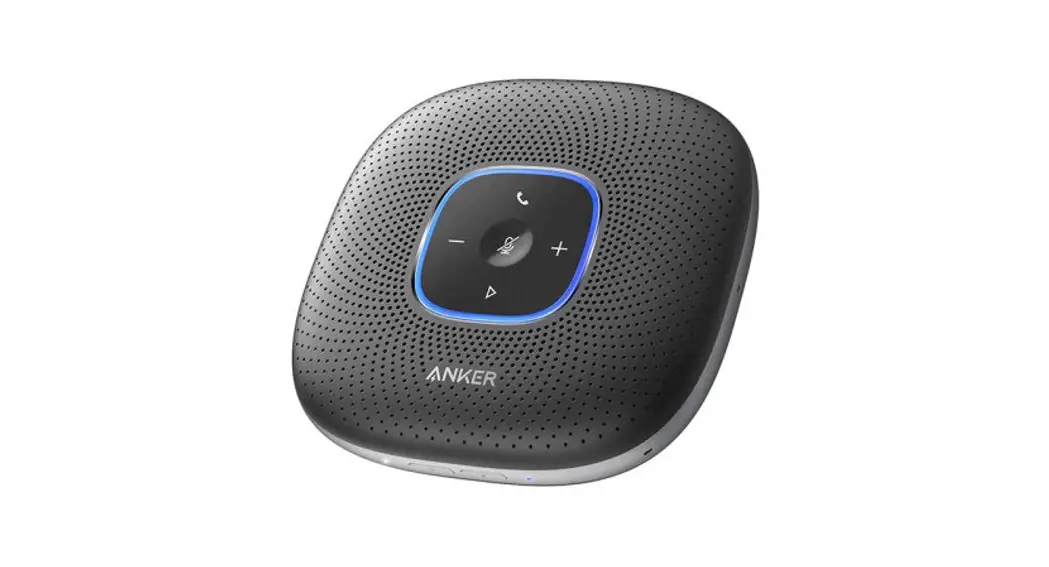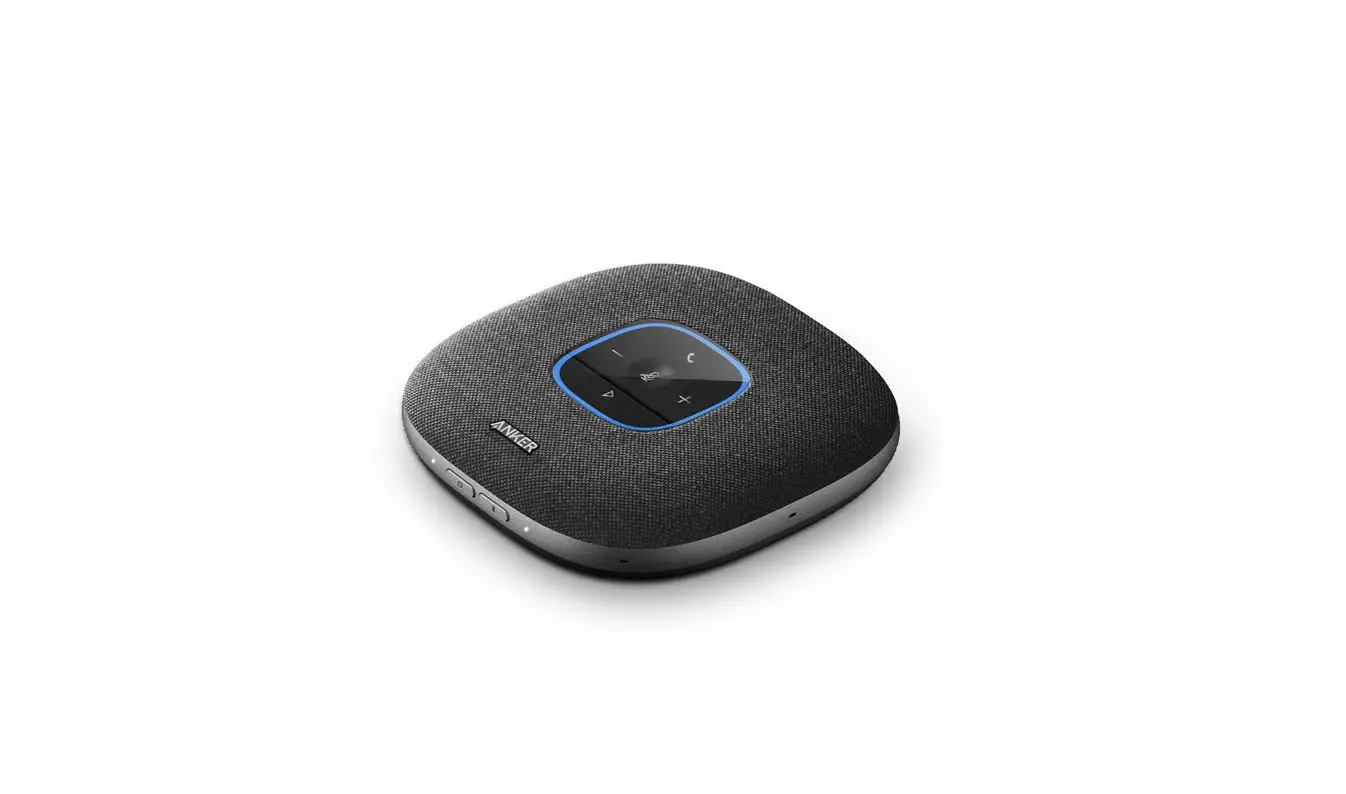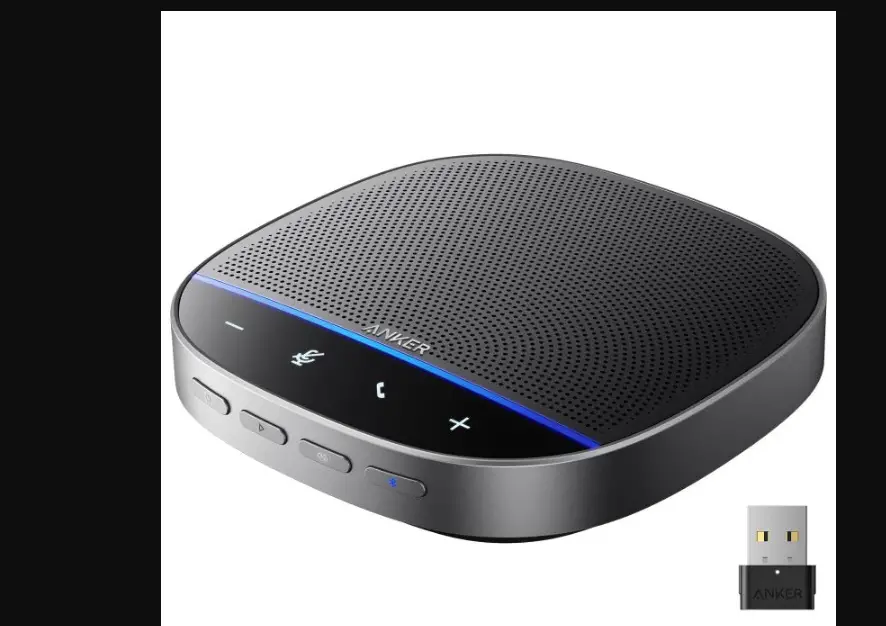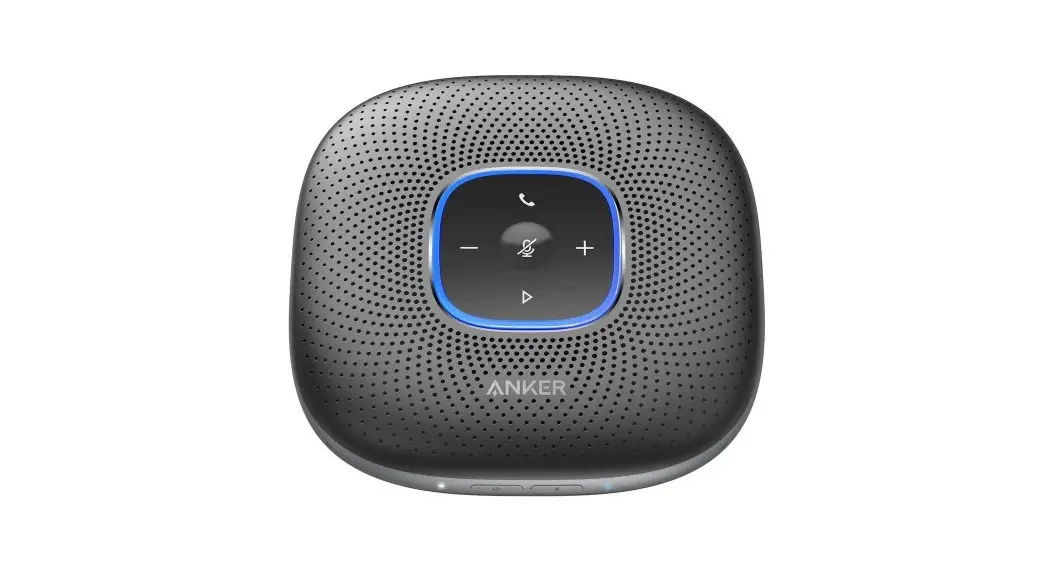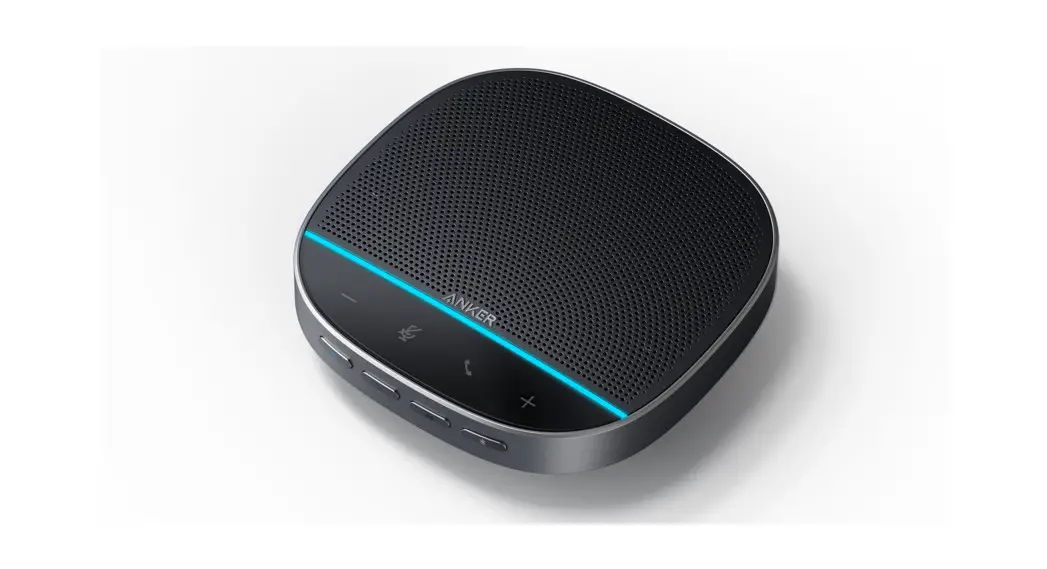

ANKER S330 PowerConf USB Speakerphone
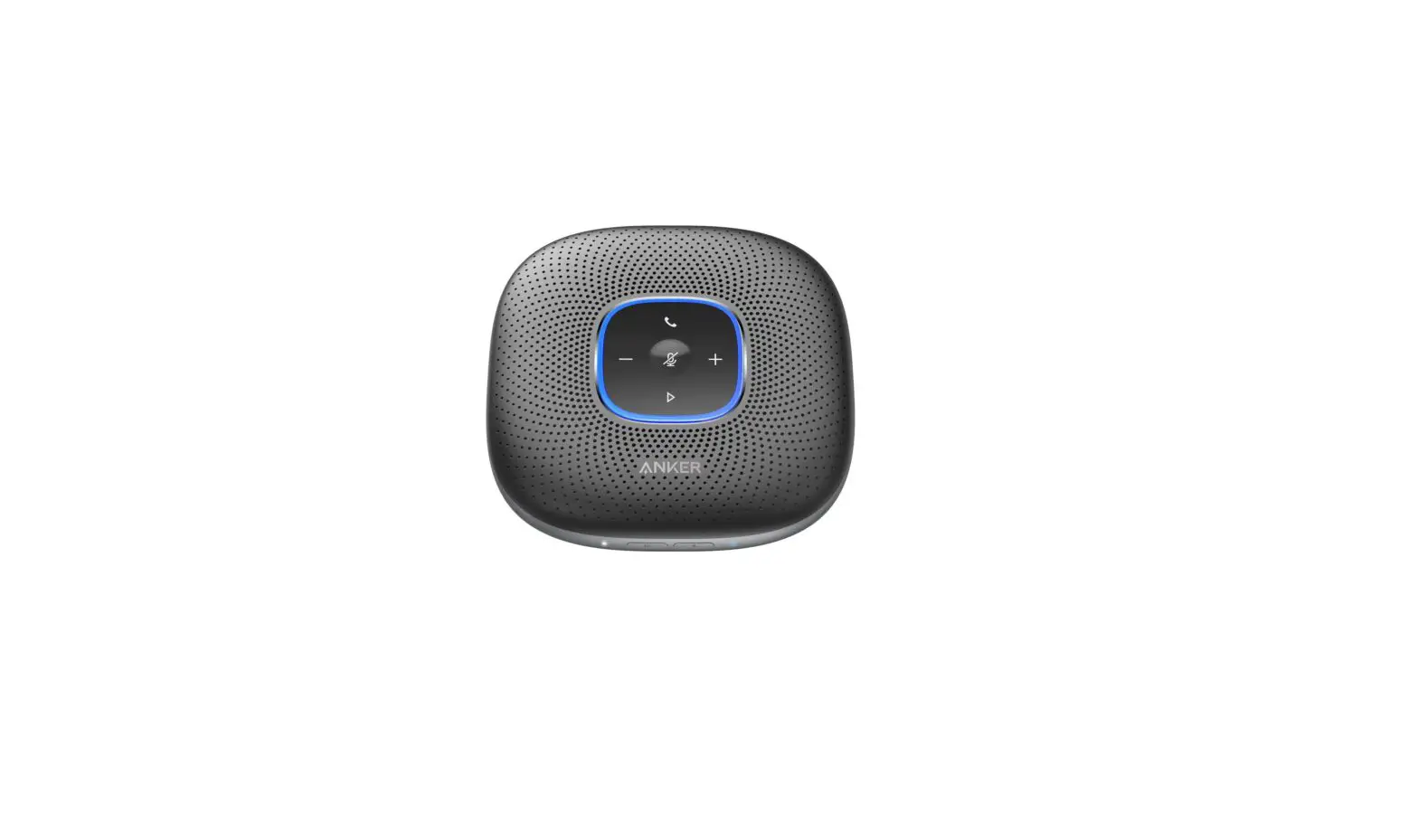
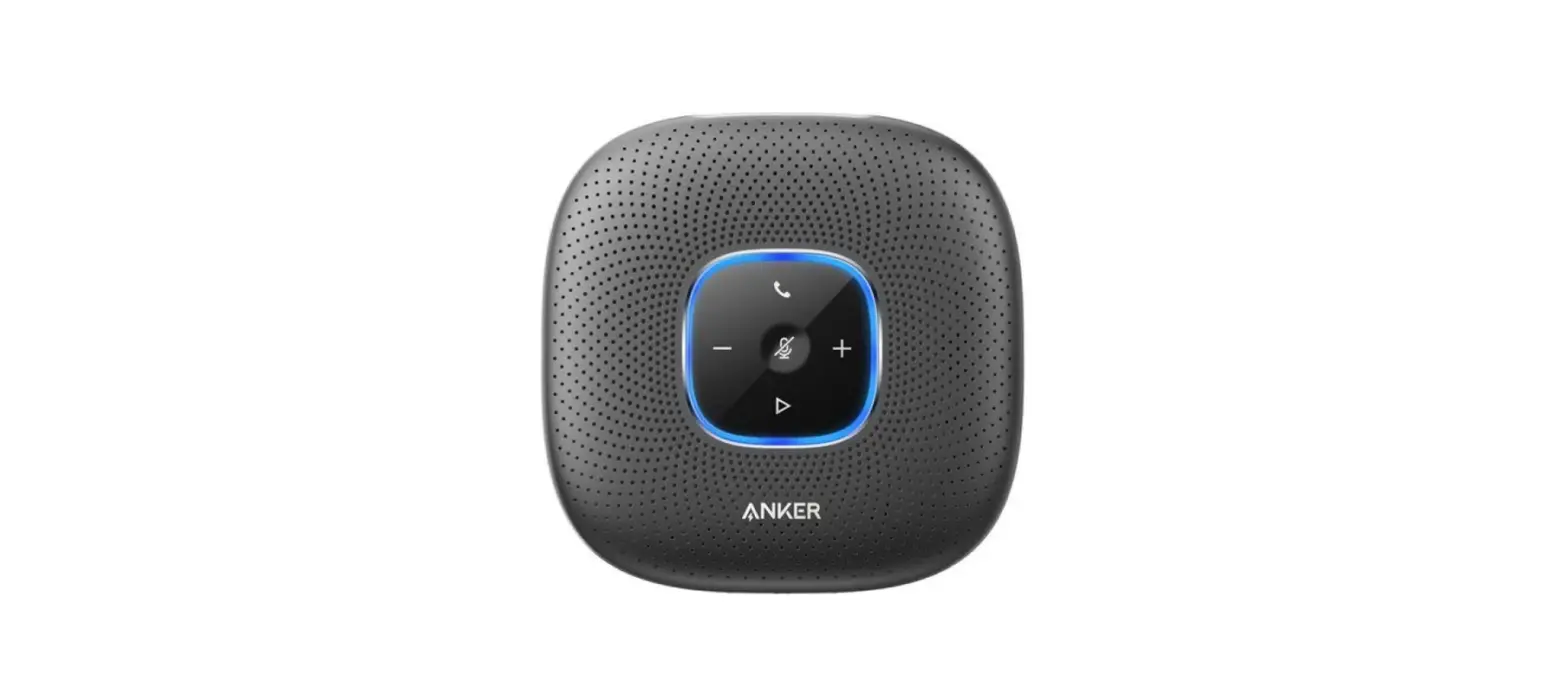
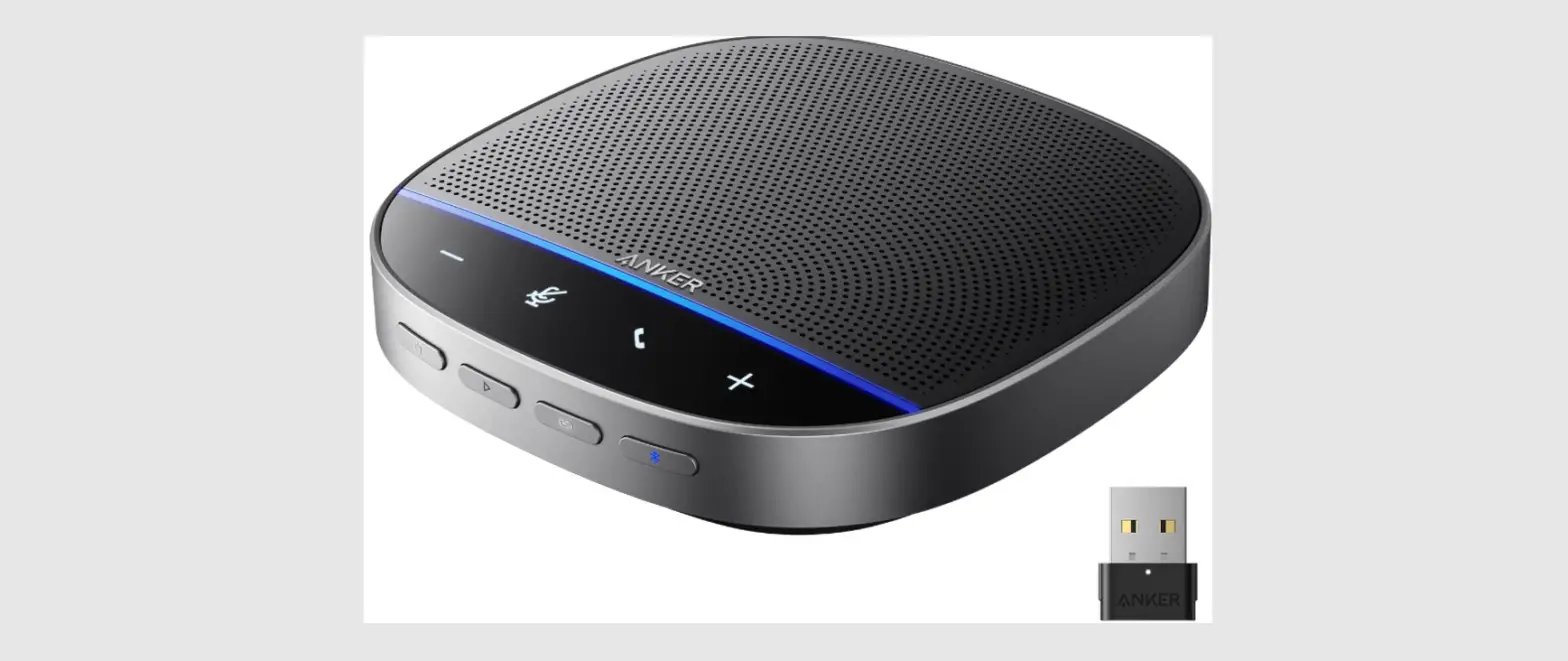
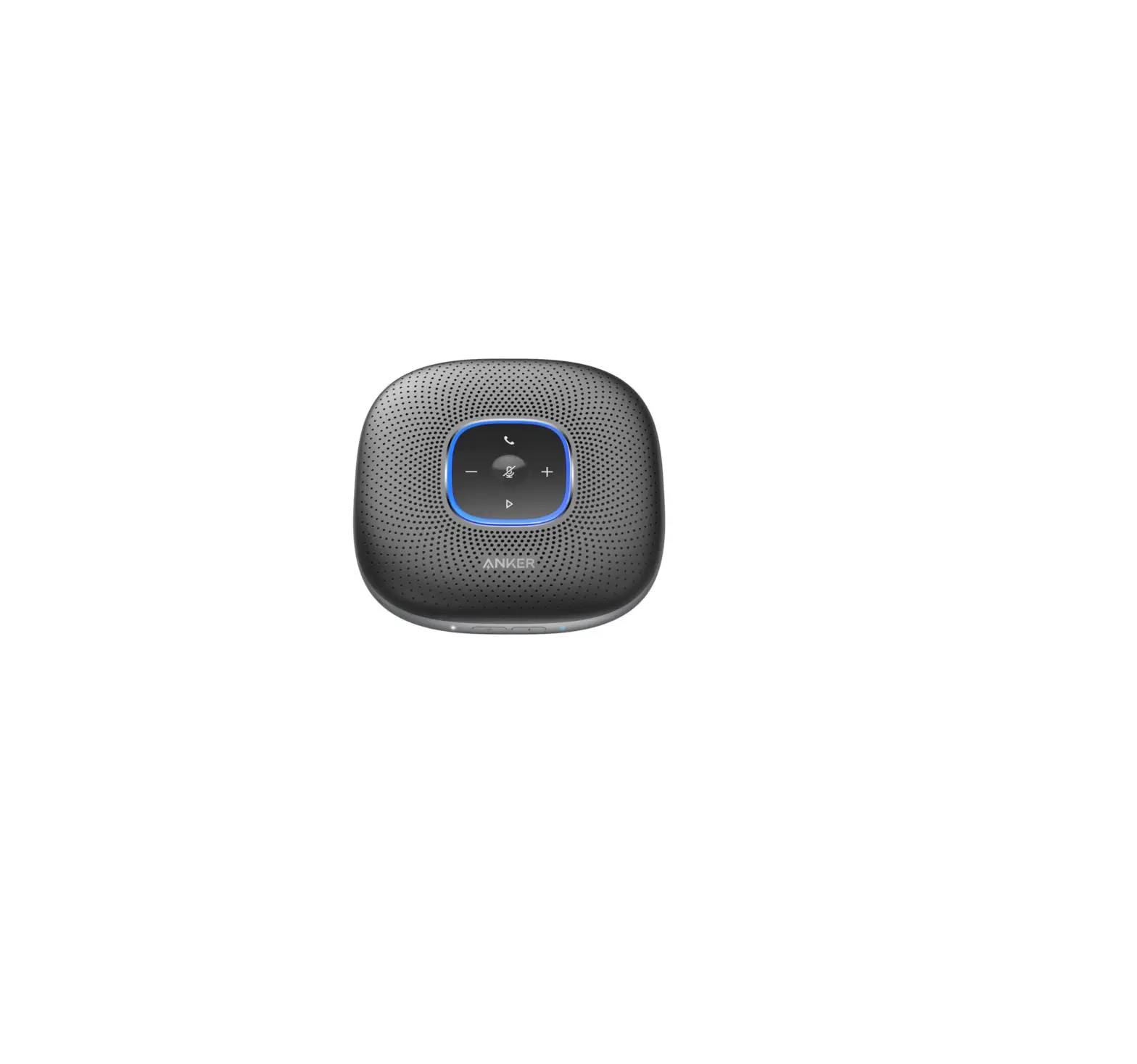
At a Glance
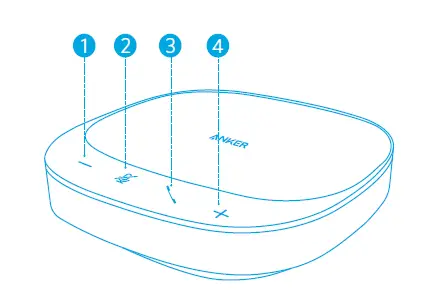
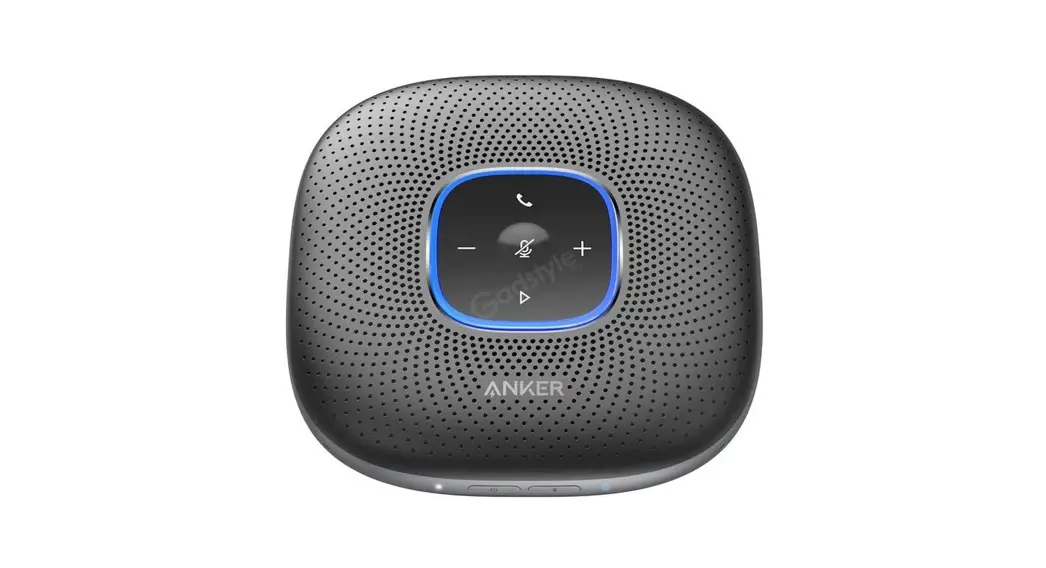
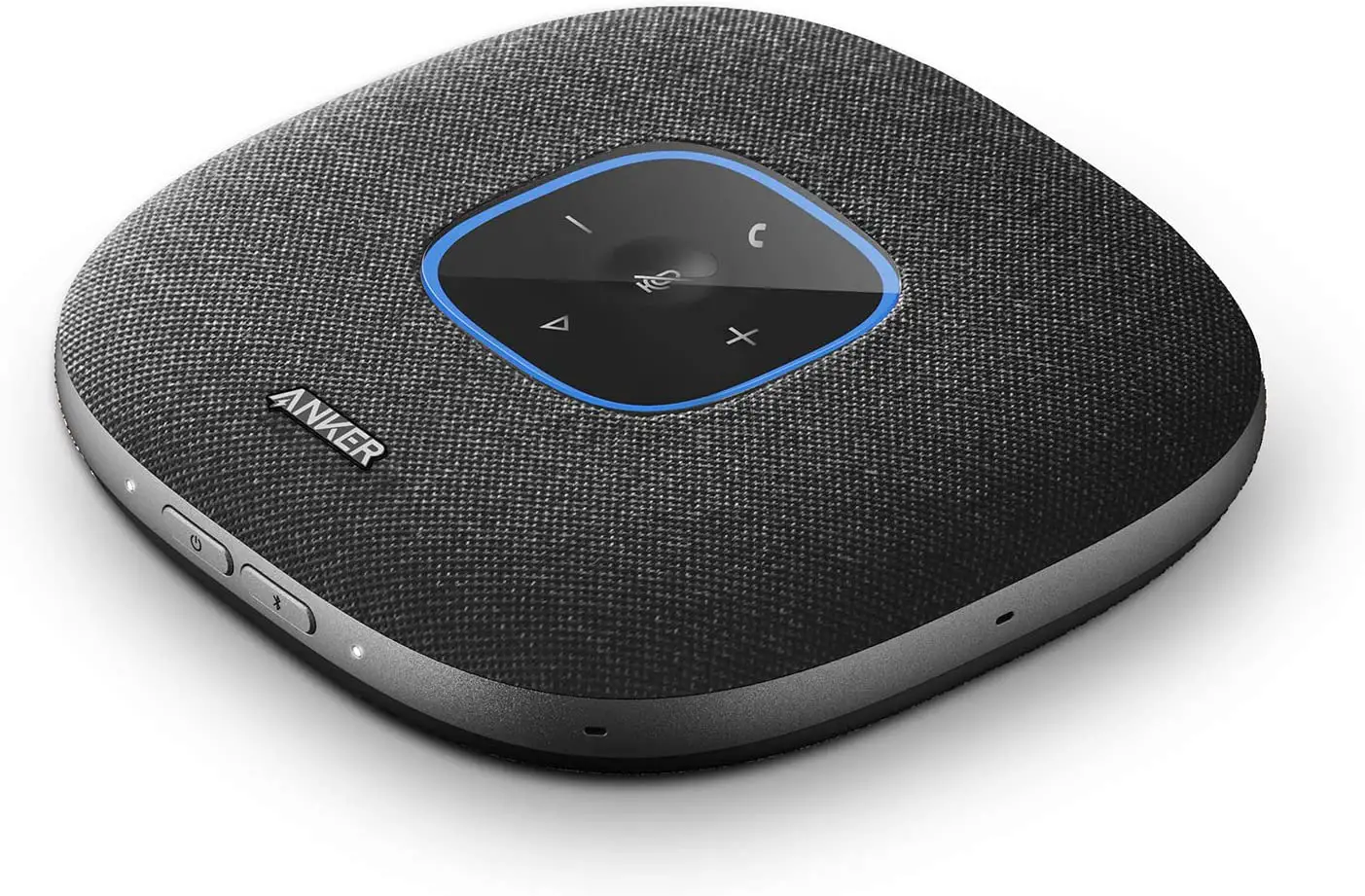
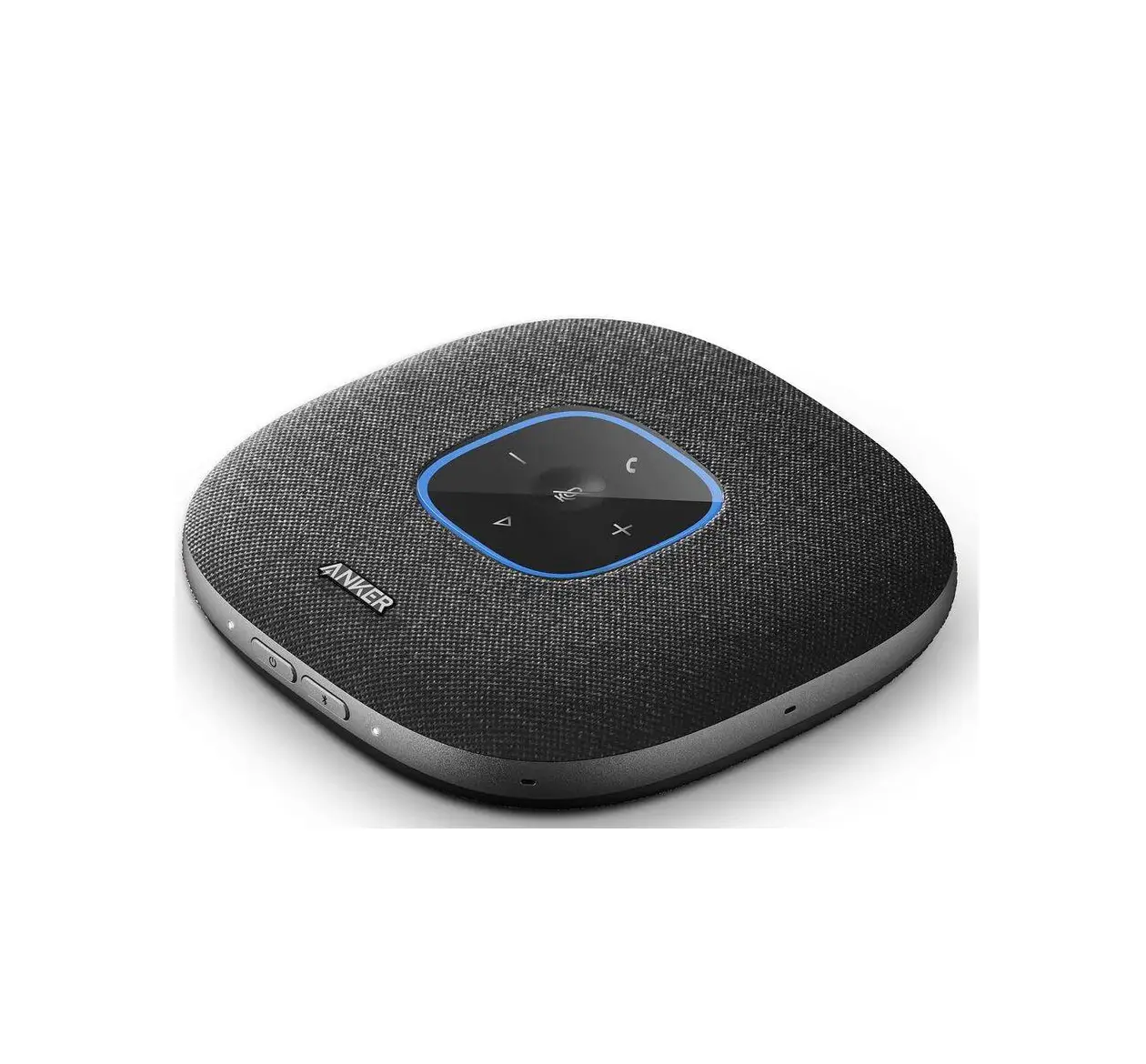
- Volume down button
- Mute button
- Phone call button
- Volume up button
Connecting
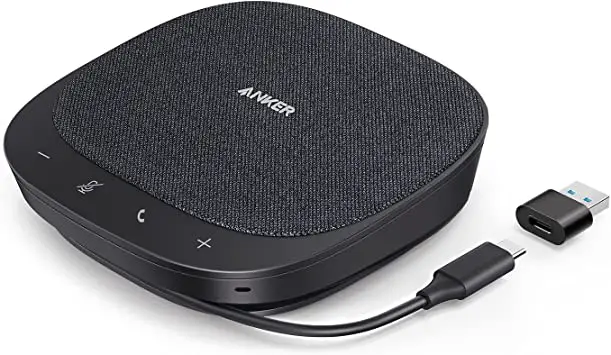
Connect PowerConf S330 to your PC via the USB-C cable.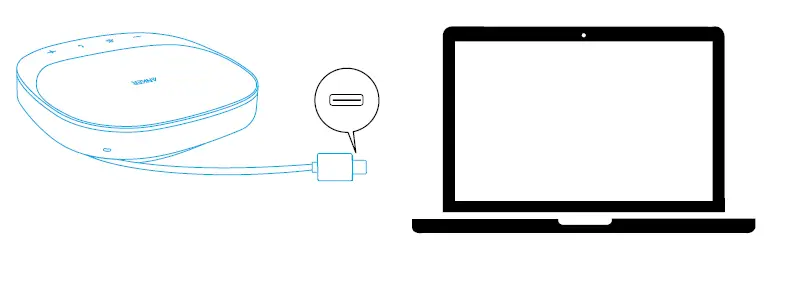
- The PowerConf speakerphone will automatically power on once connected to your PC via the USB-C cable.
- Once the speakerphone is connected and powered on, all buttons will flash white for 2 seconds and then stay solid white.
- Make sure the output from your PC’s USB port to the speakerphone is more than 5 V / 2 A, otherwise the speakerphone cannot work normally.
- DO NOT connect this device to your smartphone.
Using Your PowerConf
| Press once | Answer / End a call | |
| Press and hold for 2 seconds | Reject a call | |
| Press or press and hold | Volume up / down | |
| Press once | Mute or restore the microphone |
Make, answer, reject, or end a call only with certified software.
LED Indicator
|
| Make a call | Flashing green |
| Incoming call | Flashing green | |
| Answer / End a call | Solid green for 1 second, then solid white | |
| Reject a call | Solid green for 1 second, then solid white | |
| Volume up / down | Flashing white | |
| Mute on | Solid red | |
| Mute off | Solid white |
There is an LED indicator when you make, answer, reject, or end a call, only with certified software.
ANKERWORK SOFTWARE
Download and install the AnkerWork software on your PC to update firmware.
Specifications
Specifications are subject to change without notice.
| Input | 5V 2A |
| Rated output power | 3W |
| Speaker driver size | 1 x 1.75” full-range drivers |
| Voice pickup frequency | 16kHz |
| Voice pickup range | Up to 6 people |
| Microphone | 4 |