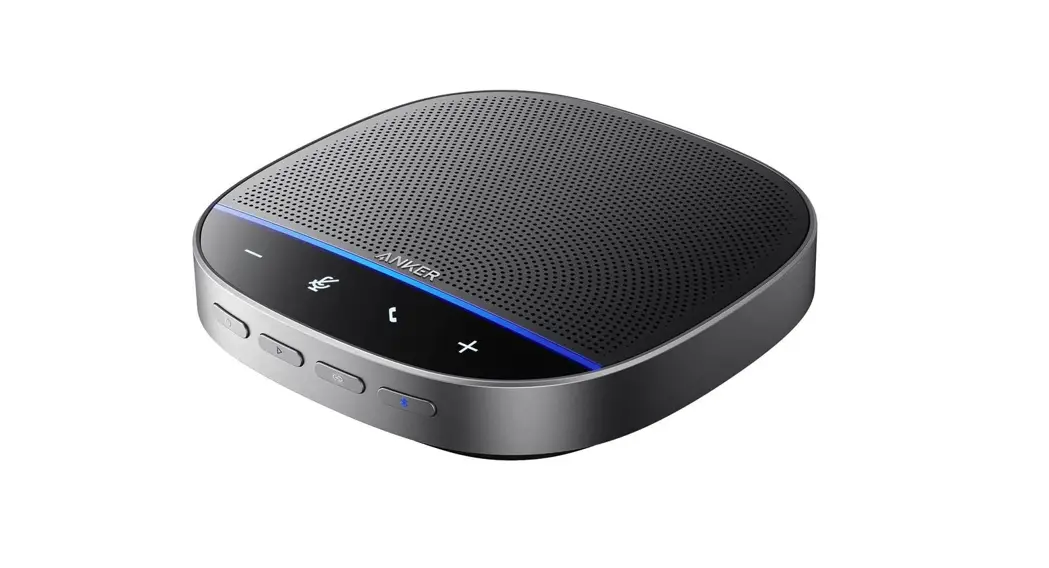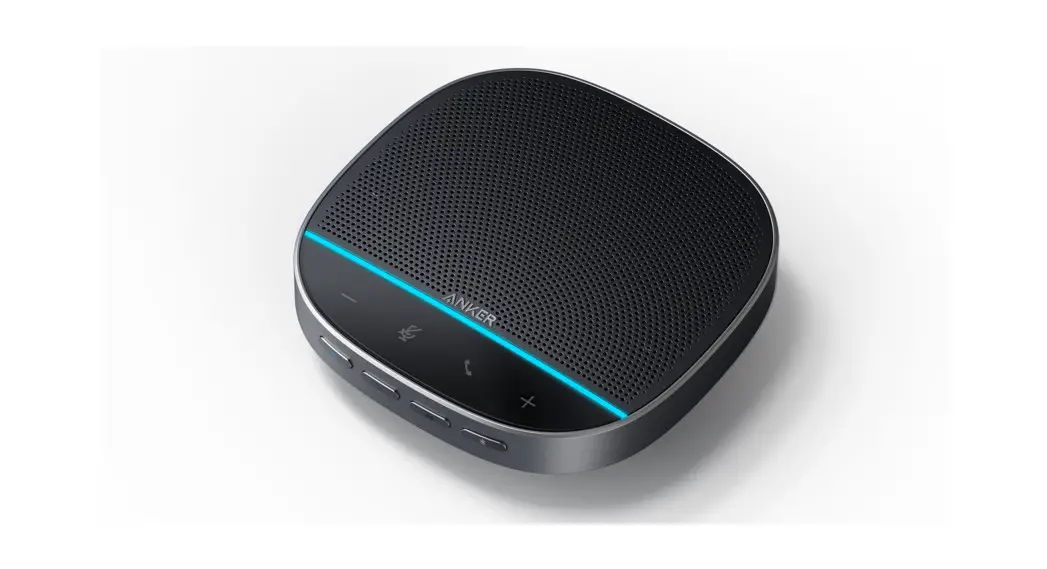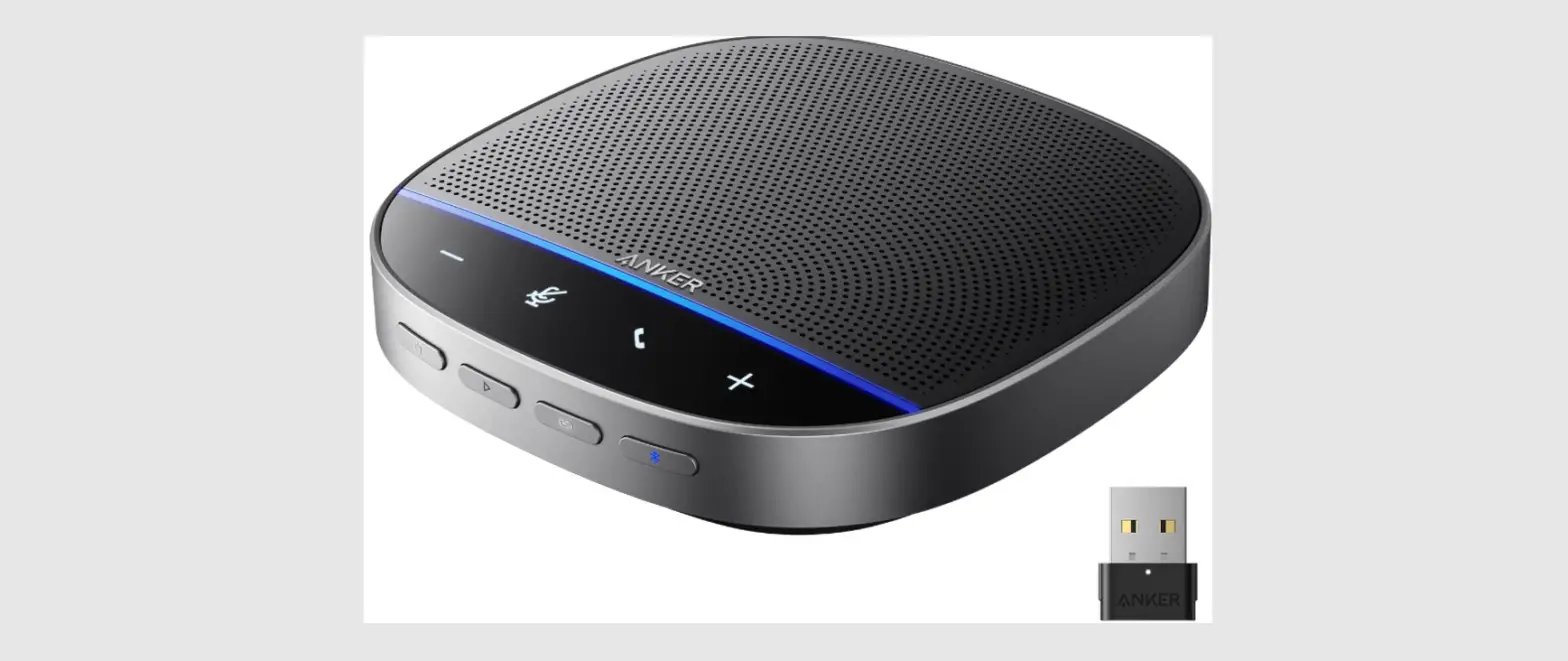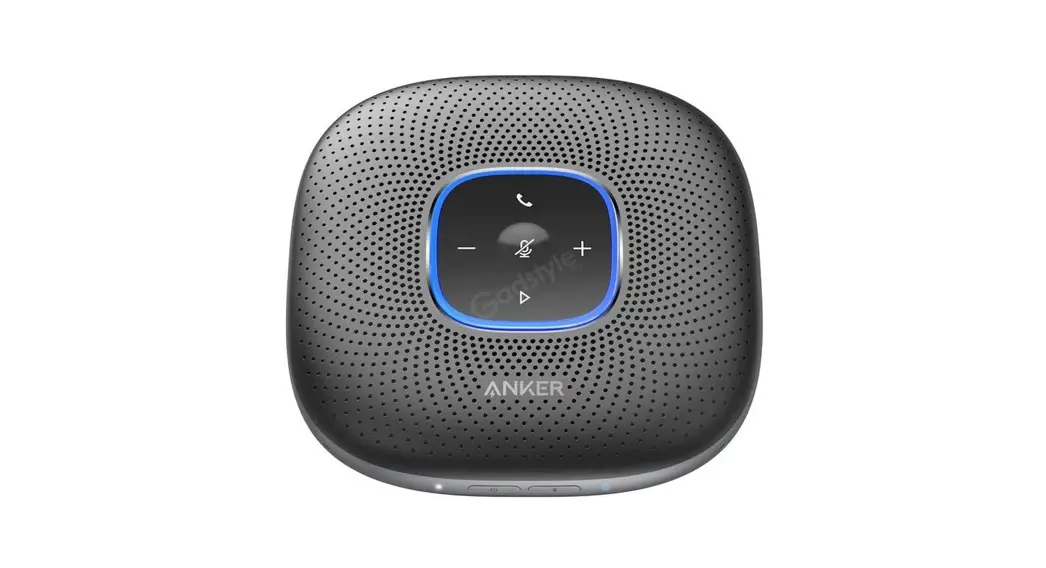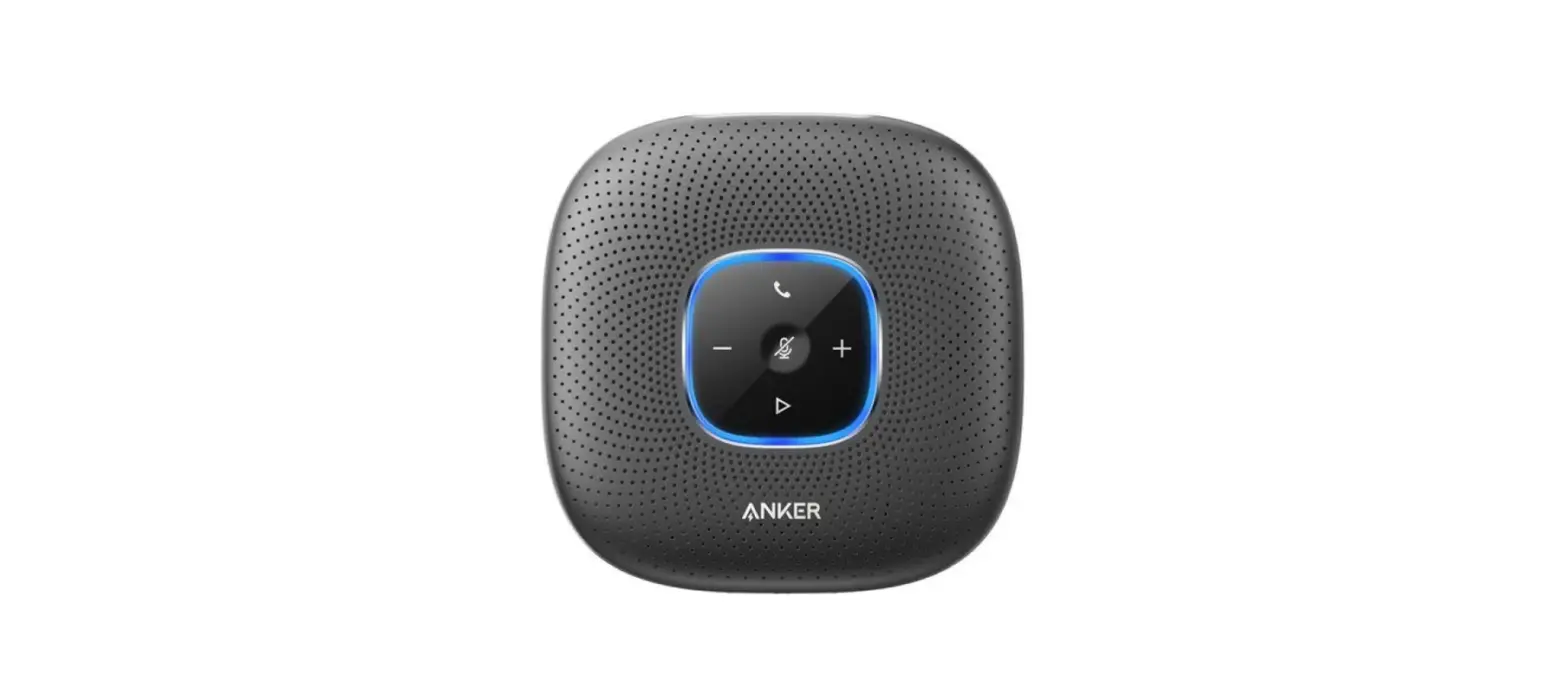
 PowerConf S360 USB Speakerphone
User Manual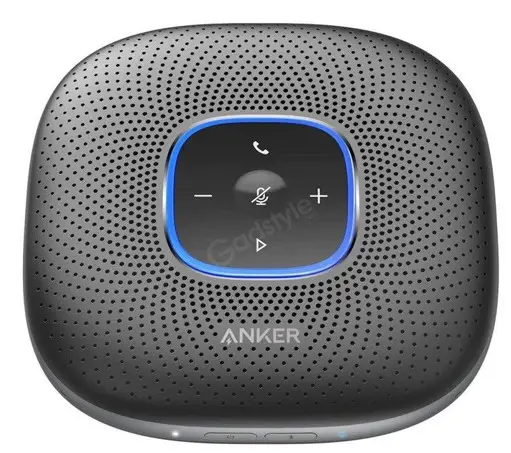
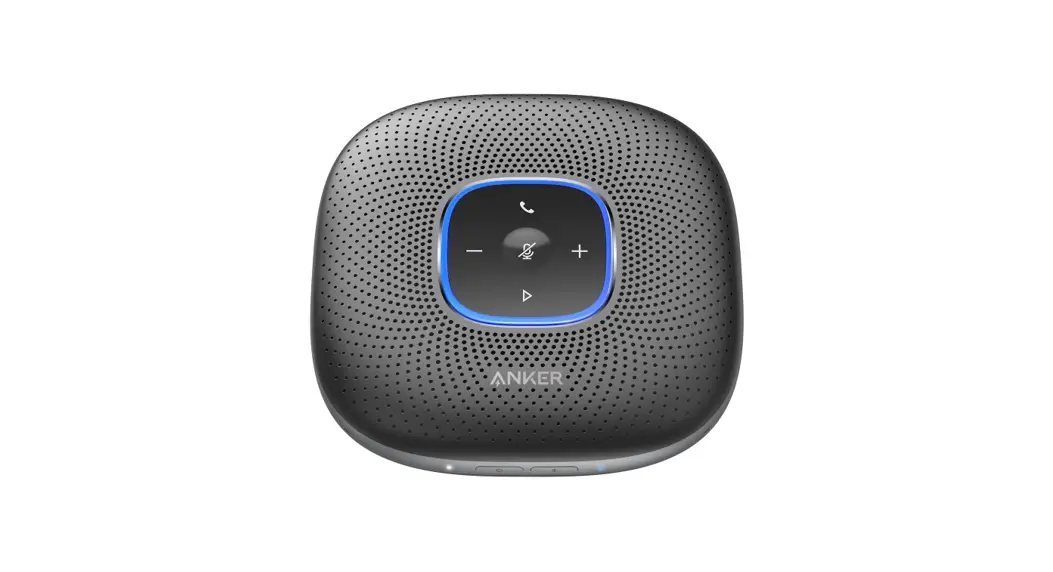
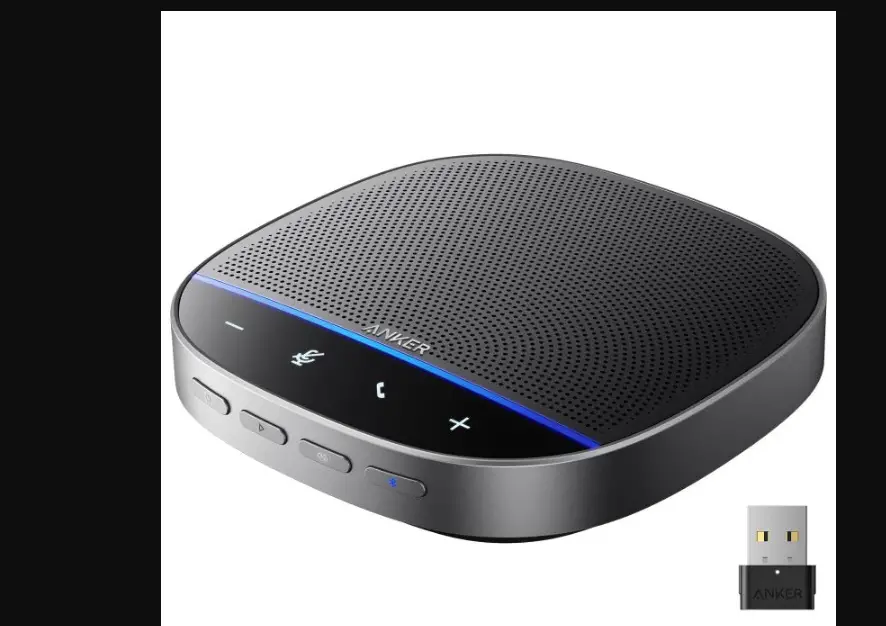
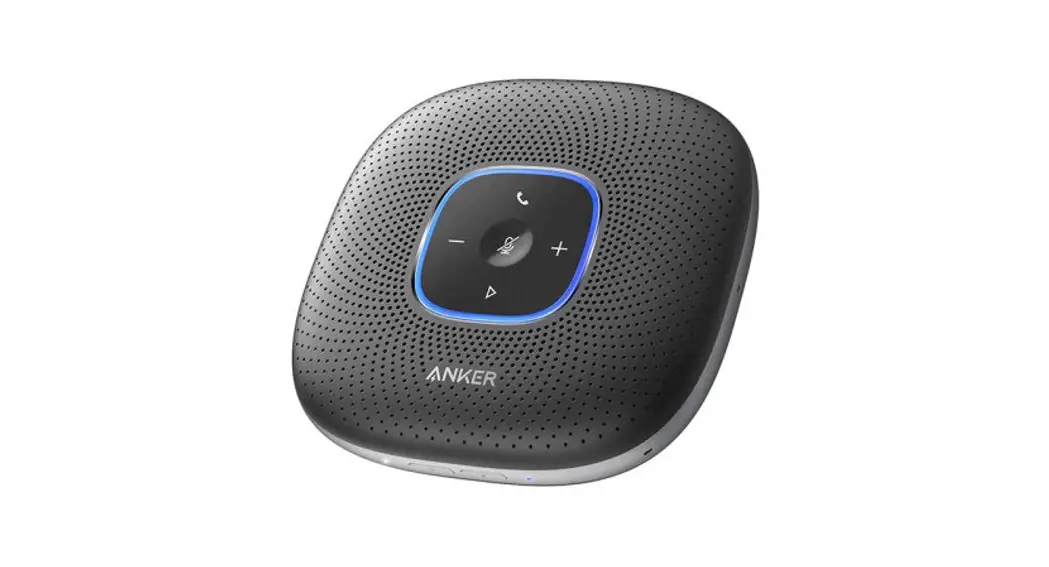
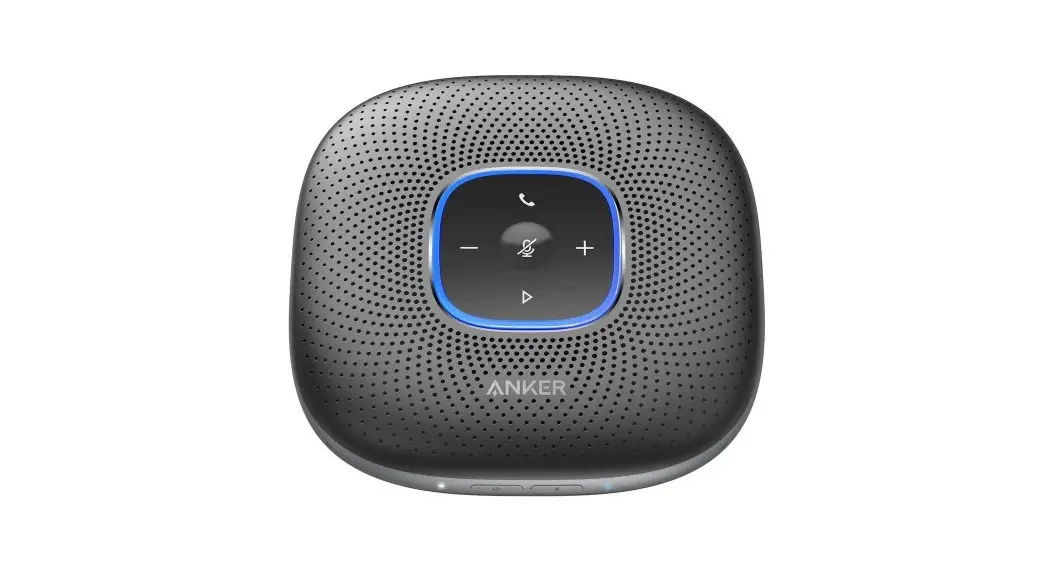
At a Glance
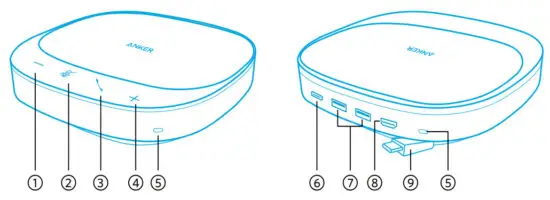
| 1. Volume down button | 6. PD-IN port |
| 2. Mute button | 7. USB-A port (USB 3.2 Gen 1, 5 Gbps) |
| 3. Phone call button | 8. HDMI port (HDMI 1.4, up to 4K030 Hz) |
| 4. Volume up button | 9. USB-C connector (USB 3.2 Gen 1, 5 Gbps) |
| 5. Microphone |
Connecting
There are 2 ways that you can connect the speakerphone to your devices.
Option A
Plug the USB-C connector of the speakerphone into a USB-C port on your PC. 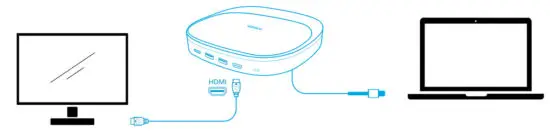
Option B
- Plug the USB-C connector of the speakerphone into a USB-C port on your PC.
- Connect the speakerphone to a PD power adapter (not included) via the USB-C port on the back. Then, the speakerphone can power your PC.
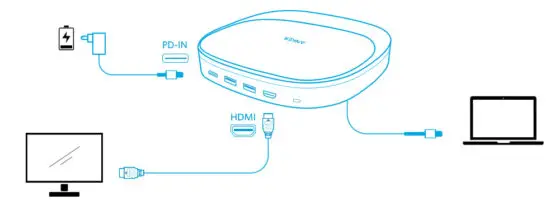
- The speakerphone will automatically power on once it’s connected to your PC.
- Once the speakerphone is connected and powered on, all buttons will flash white for 2 seconds and then stay solid white.
- If necessary, connect the speakerphone to a monitor via the HDMI port, or to a USB-A device to support data transfer via the USB-A port.
You might need to manually select PowerConf S360 and its built-in microphones for your PC system or conference software. - macOS
System Preferences > Sound > Sound Effects / Output / Input - Windows
Right-click on the sound icon > Open Sound settings > Choose your output device /Choose your input device - Software(Zoom, Skype, others)
Settings > Audio > Speaker / Microphone
Controls
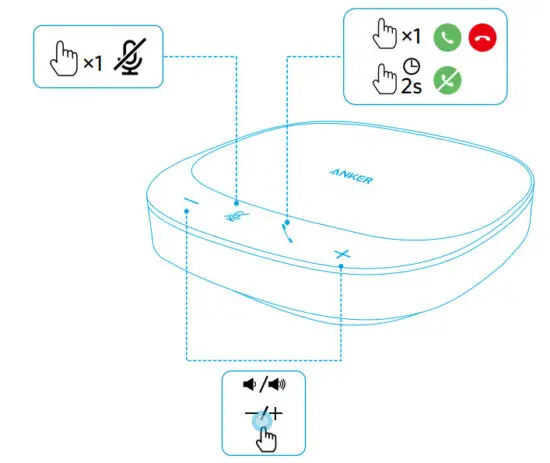
 | Press once | Answer/End a call |
| Press and hold for 2 seconds | Reject a call | |
 | Press once | Mute or restore the microphone |
 | Press or press and hold | Volume up/down |
Make, answer, reject, or end a call only with certified software.
LED Light Guide
| Make a call | Flashing green |
| Incoming call | ||
| Answer / End a call | Solid green for 1 second, then solid | |
| white Reject a call | ||
| Mute on | Solid red |
| Mute off | Solid white | |
| Volume up / down | Flashing white |
AnkerWork Software
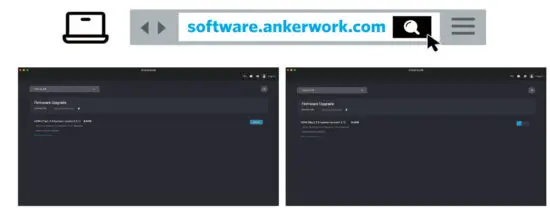 Download and install the AnkerWork software on your PC to update the firmware.
Specifications
Specifications are subject to change without notice.
| PD-IN port input | 5V 3 A, 9 V3 A, 12V3 A, 15 V3 A, 20 V5 A 3 A, 9 V3 A, 12V3 A, 15 V3 A, 20 V5 A |
| Total USB-A port output | 5 V 1.5 A (7.5 W max per port) |
| USB-C connector maximum input | 5 V3 A |
| USB-C connector output (with PD-IN port connected to USB-C adapter, and other port(s) loaded) | 5 V0.5 A, 9 V0.9 A, 12 V1.4 A, 15 V 1.45 A, 20 V1.5 A |
| USB-C connector maximum output (with PD-IN port connected to USB-C adapter, and no other port loaded) | 5 V 2.4 A, 9 V 1.85 A, 12 V2.1 A, 15V 2.1 A, 20 V 3.6 A |
| Rated output power | 3W |
| Speaker driver size | 1 x 1.75″ full-range driver |
| Voice pickup frequency | 16 kHz |
| Voice pickup range | Up to 6 people |
| Microphone | 4 |
 AnkerWork Software Download Center