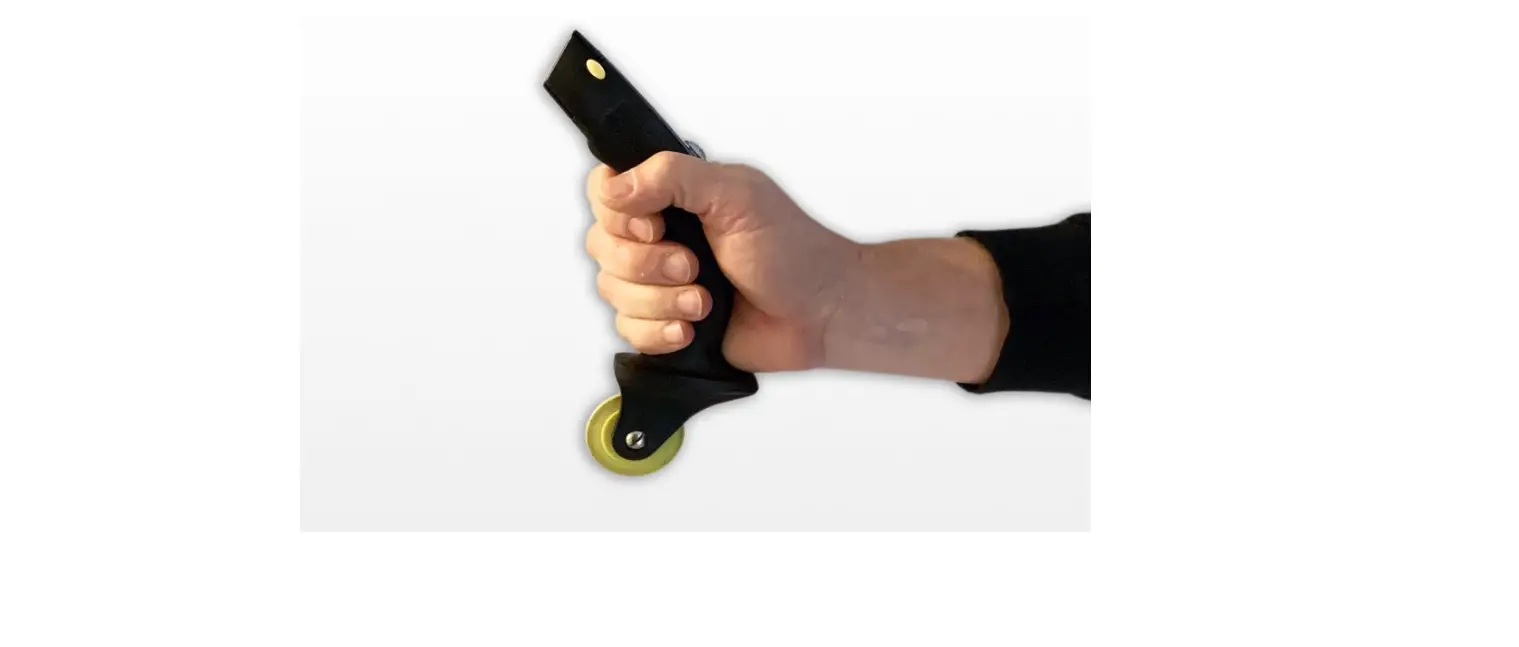
 PCA PRODUCTS EZ Roller Utility Knife and Screen Rolling Tool

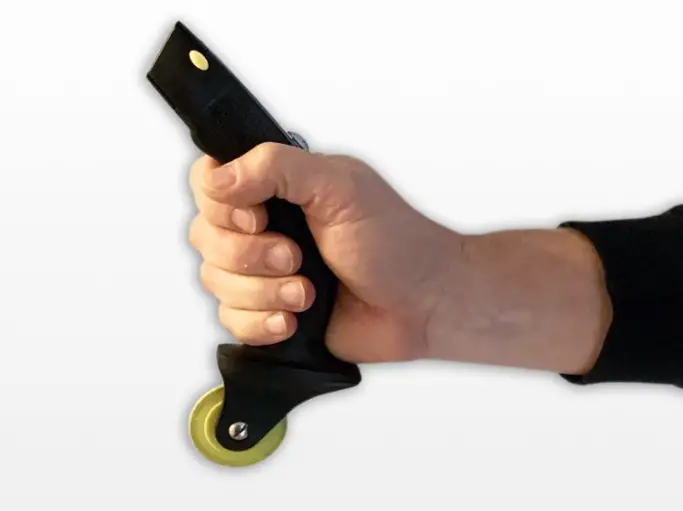
Quick Blade Change
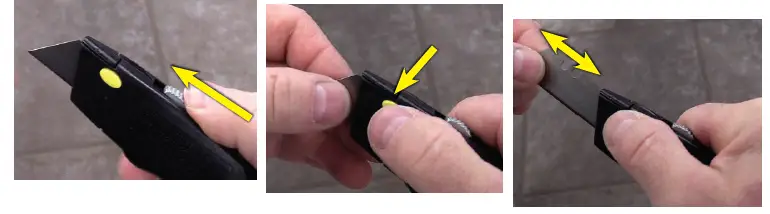
With the blade extended, press the blade release button on the side of the tool. With the other hand, grasp the blade between your thumb and forefinger and gently pull the blade out through the front of the tool. Reverse this process for the insertion of a new blade. The EZ Roller tool accepts standard double ended utility blades.
 EZ Wheel Change
 EZ Wheel Change
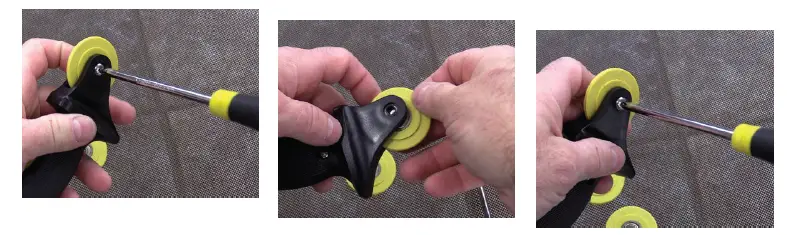
Loosen center wheel hub screw. Remove roller wheel and install desired profile wheel (3 wheel profiles are included in kit). Reinstall center hub and tighten screw to secure wheel.
 Learn more about all the features of the PCA EZ Roller at pcaproducts.com/EZroller or snap the QR code below.
 EZ Roller Utility Knife and Screen Rolling Tool in One | PCA Products