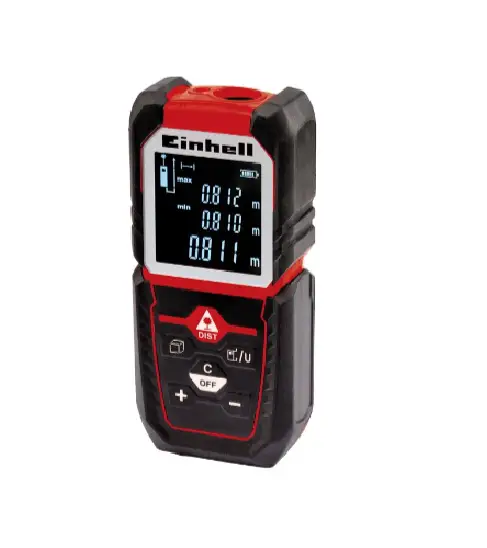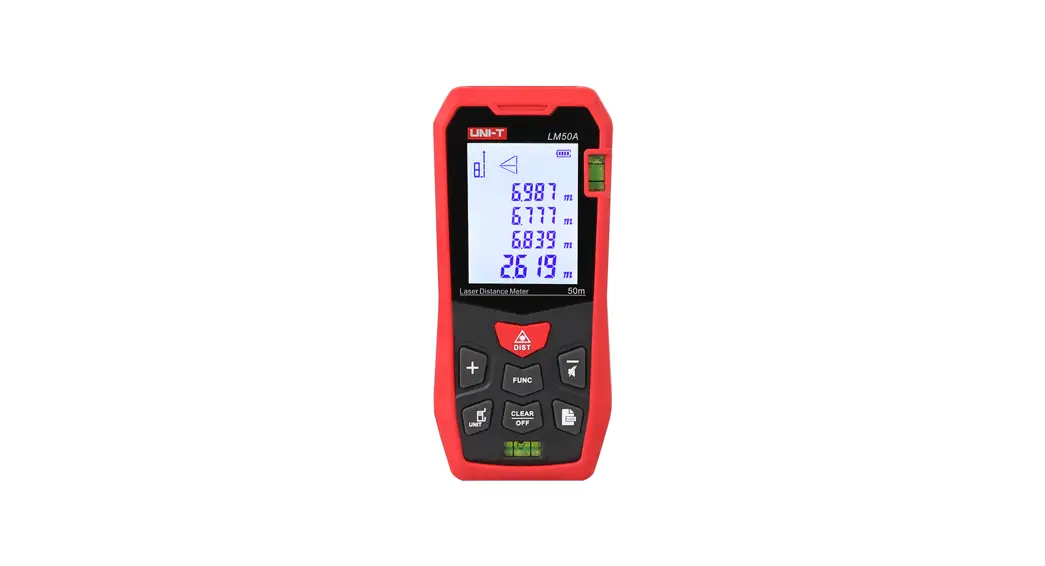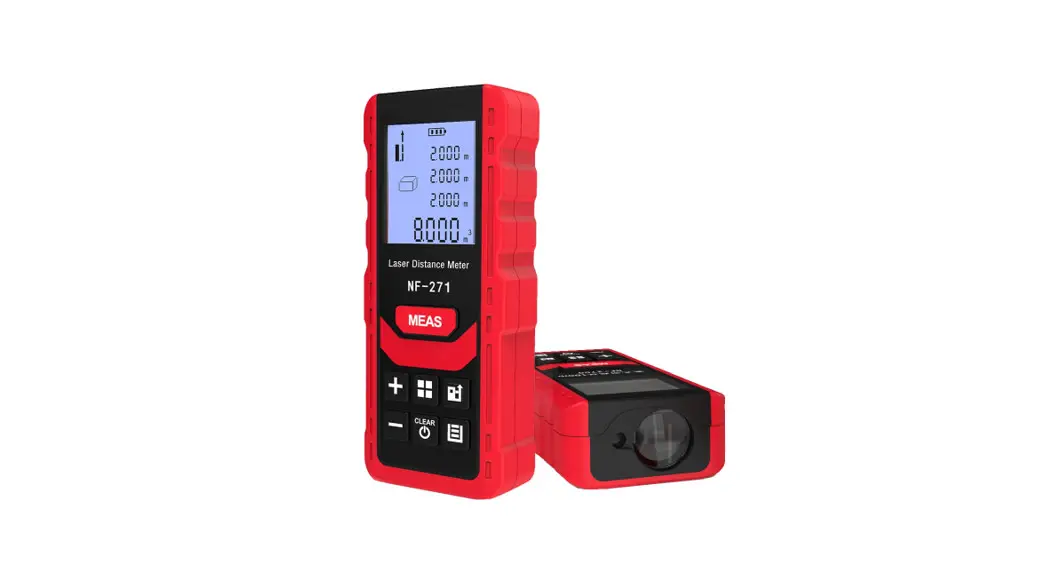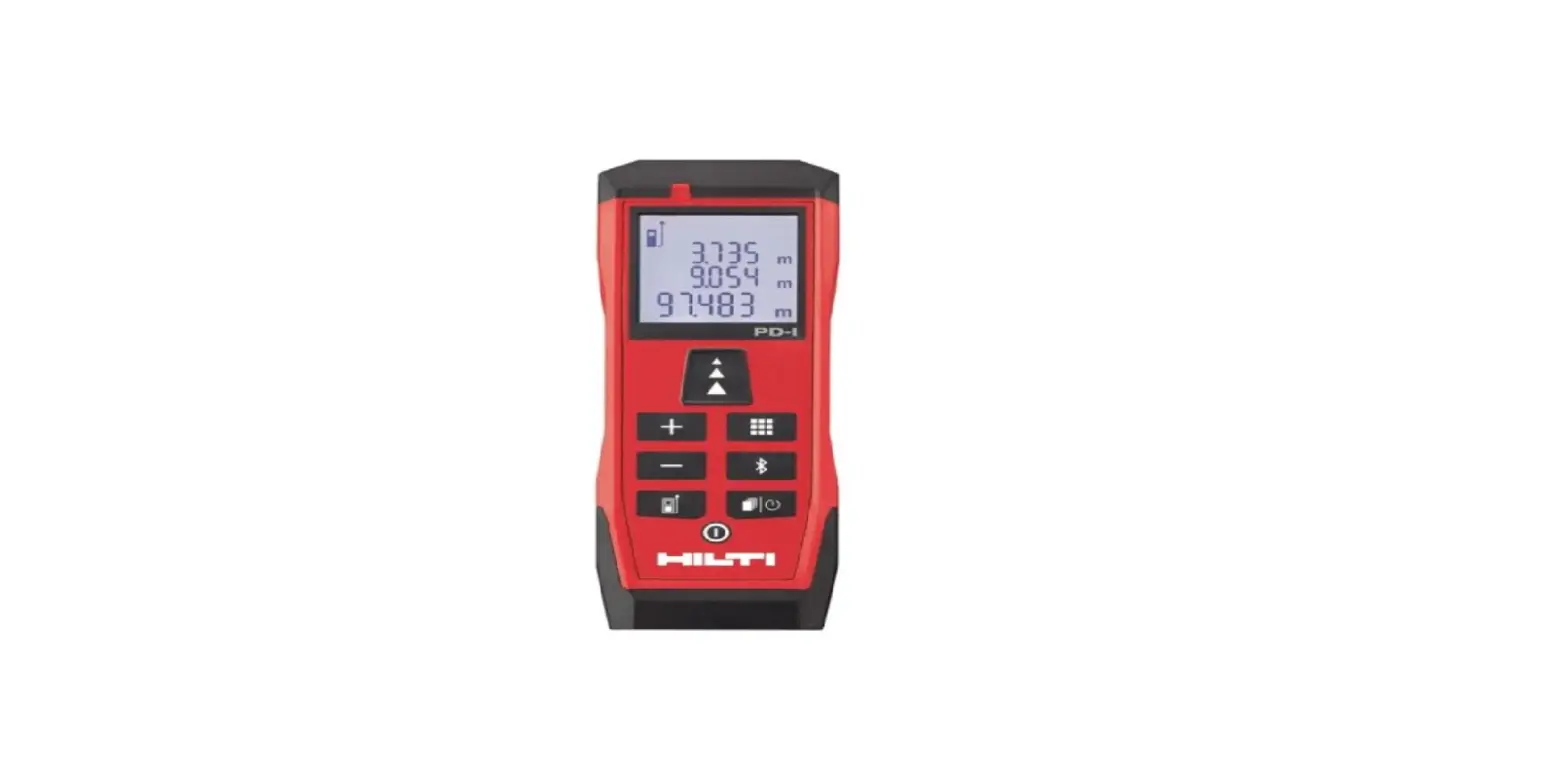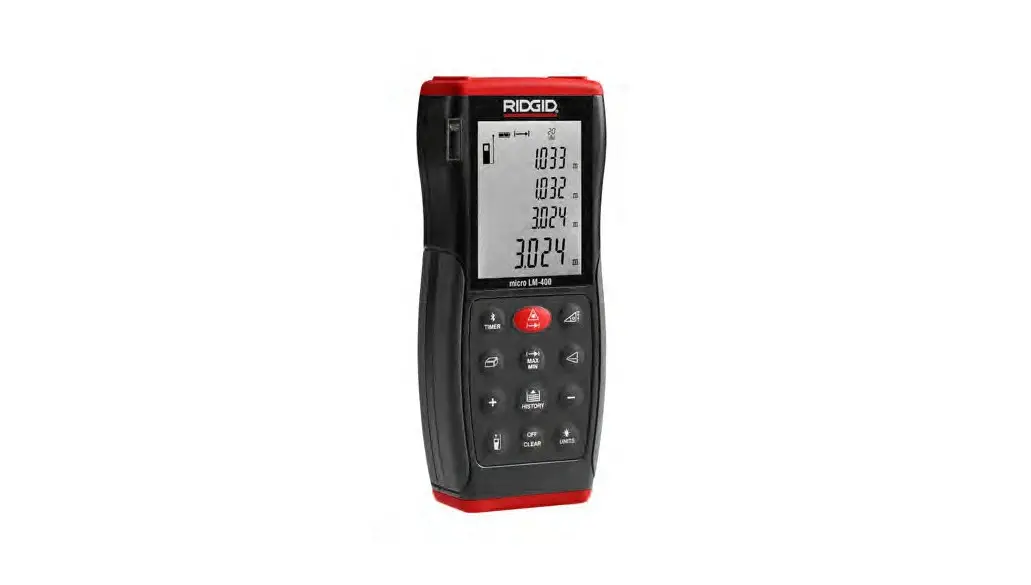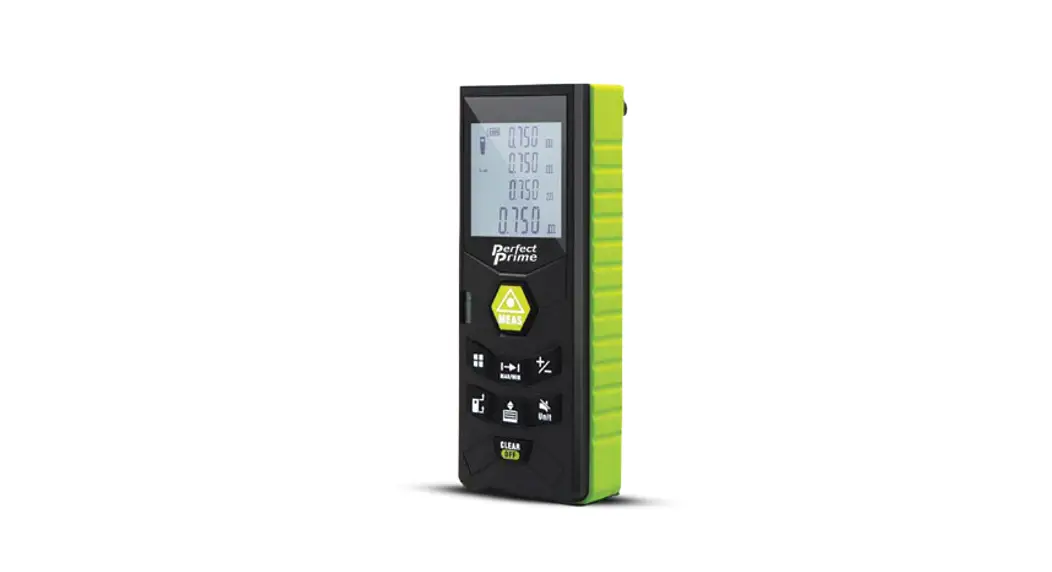

RF0350 Laser Distance Meter
Instruction Manual
Overview
Thank you for choosing our products! Please carefully read this product Quick Start to ensure the safe and most efficient use of this product.
Designed by a globally recognized team, this laser distance meter is compact and handy. The innovative design with a clip accessory enables the user to bring the meter anytime as well as it also protects the batteries broken out when drop on the ground in operation.
Distance measurement, Areallolume, and Pythagorean calculation are provided to fulfill most of the measurement conditions.
Warning
CAUTION
LASER RADIATION DOES NOT STARE INTO THE BEAM MAXIMUM OUTPUT<lmW WAVELENGTH 630-670nm CLASS 2 LASER PRODUCT
Laser Class 2 products;
Do not look directly into the beam with optical aids or direct it towards other people unnecessarily.
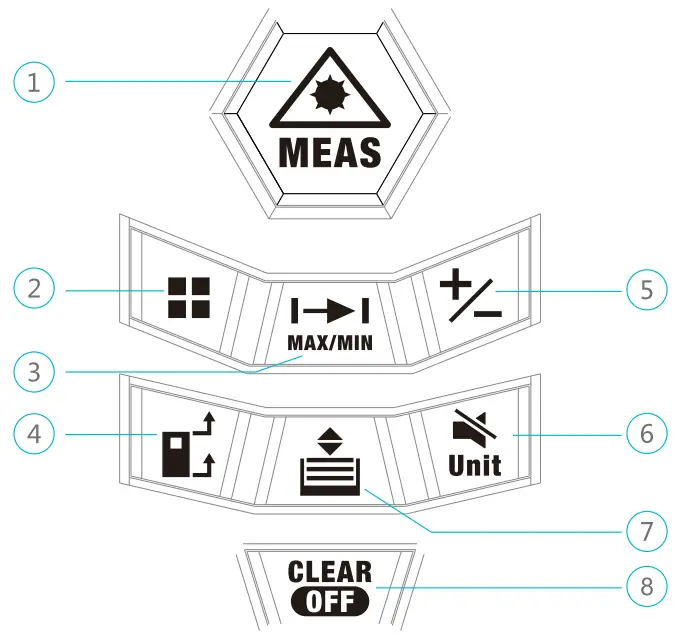
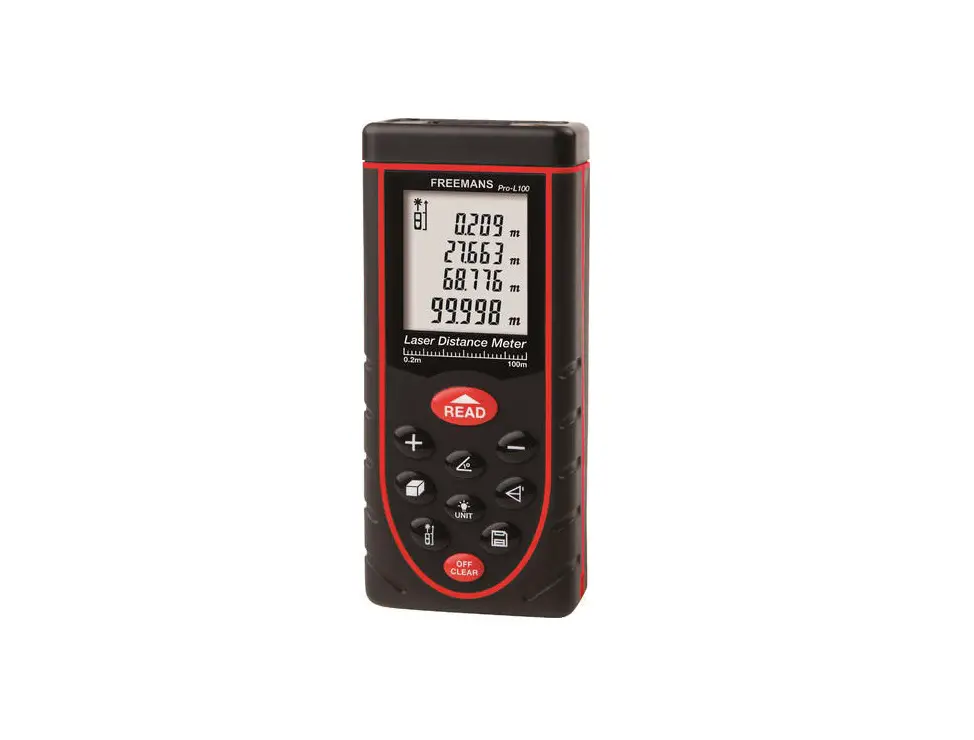
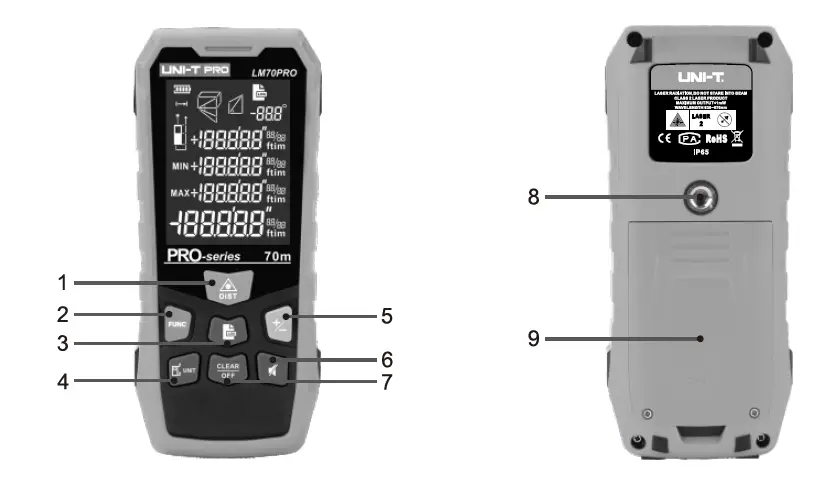
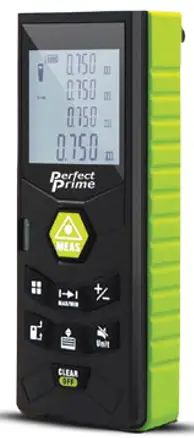
- ON / Measure button
- Area /Volume/Pythagorean button
- Continuous measurement button
- Measuring reference button
- Add(+)/Subtract(-) button
- Unit/Beep button
- Historical memory button
- OFF/Return/Clear button
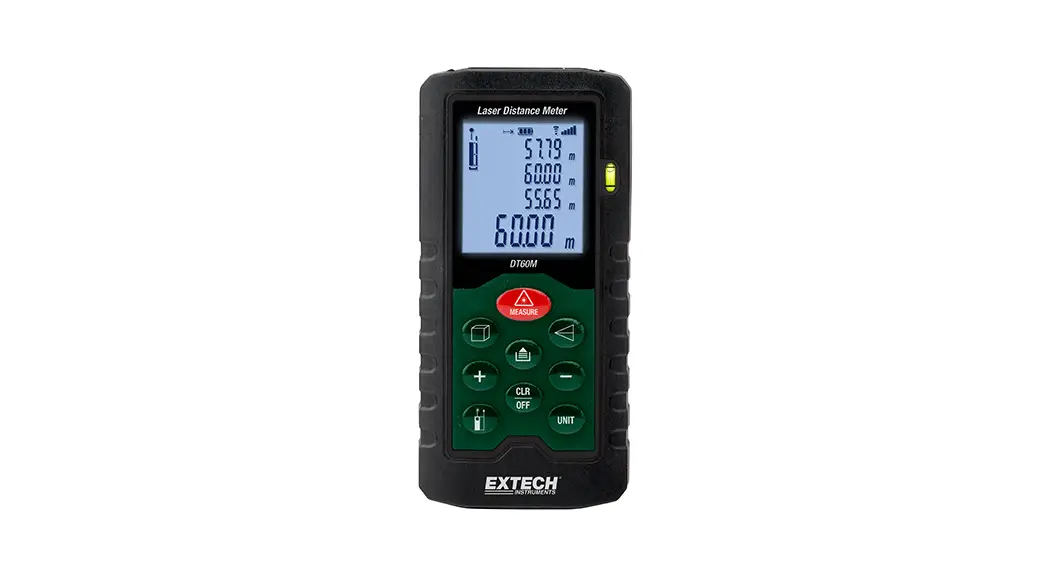
LCD Display
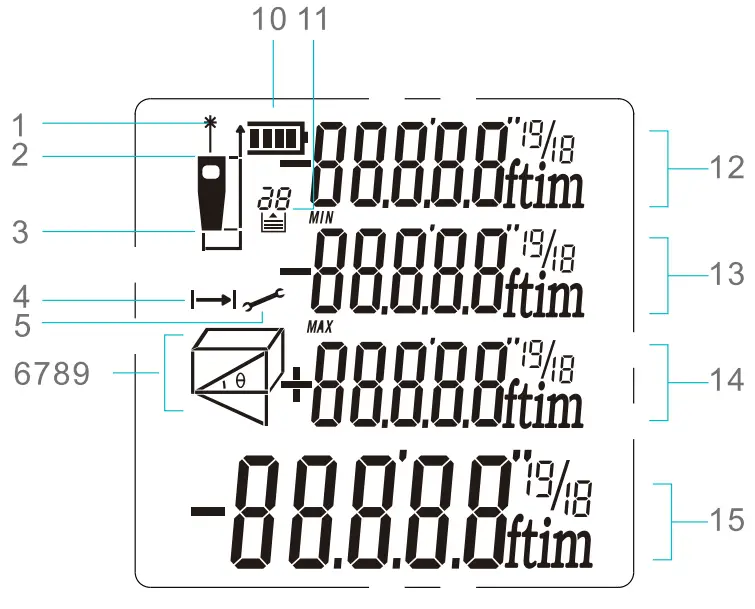
- Laser on
- The reference point (front)
- The reference point (rear)
- Distance /Continuous measurement
- Setting
- 7,8,9 Measuring mode indication
10 Battery status
11. Historical memory
12. Value 1
13. Value 2 / Min value
14. Value 3 / Max value
15. Summary line / latest value / Calculation result
Initial Operating and Setting
5.1. Power On/Off
Power on/off (manually)
Long press to switch on the device.
Long press to switch off the device.
Power off (automatically)
The instrument switches off automatically after three minutes of inactivity.
5.2. Return/Clear
When measuring, press to undo the last action or clear the measured value.
5.3. Adjusting Measuring
Reference Press  to switch the reference points between the front and the rear of the instrument. There is a beep warning tone when the reference point is changed.
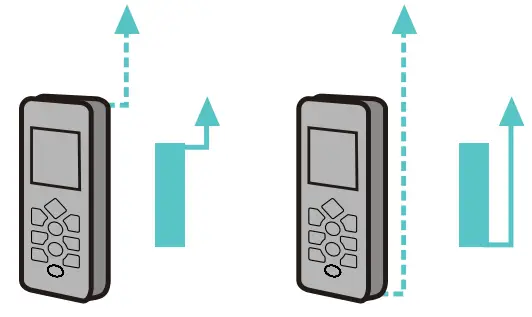
The default reference setting is from the rear of the instrument. The reference point will be set to default every time when it’s powered off, i.e. the measuring reference point is from the rear of the instrument every time when it’s powered on.
5.4. Unit Change
Press to change distance unit between m, ft, in and ft-Fin.
5.5. Beep On/Off
Long Press to switch on/off the beep.
Distance Measurement
6.1. Single Distance Measurement
Press to activate the laser.
Press again to trigger the distance measurement. The measured value is displayed immediately.
6.2. Continuous Measurement (Min/Max)
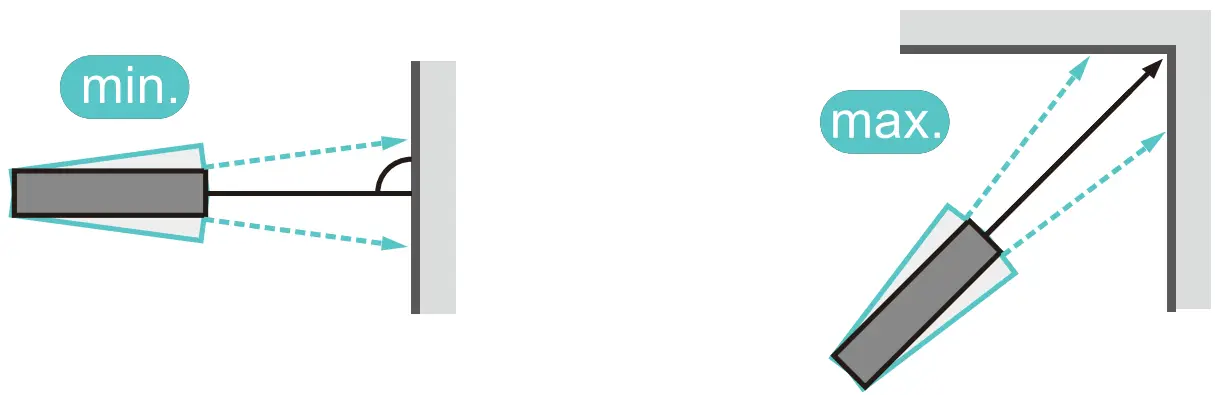
Press key to activate continuous measurement. The maximum and minimum distances measured are shown in the display. The last measured value is displayed in the summary line. This function will be stopped automatically after 5 minutes of inactivity.
Users can press or VS to stop the function.
Functions
7.1. Area Measurement
Press once, the symbol
  appears in the function field of the display.
Press to take the first distance measurement (e.g. Length).
Press again to take the second distance measurement (e.g. width).
The results of length, width, perimeter, and area are displayed in the screen.
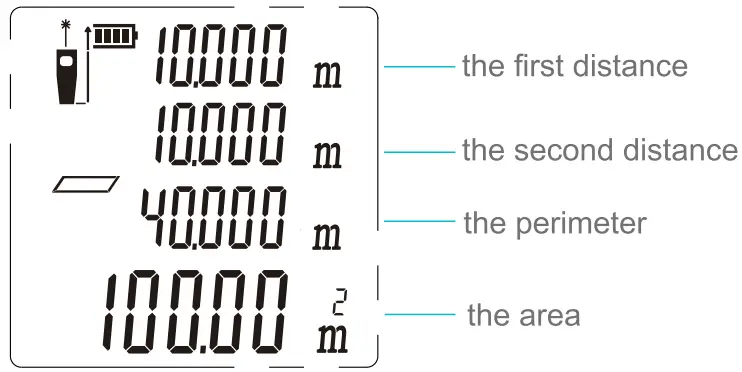 7.2. Volume Measurement
Press’ twice, and the symbol  appears in the function field on the display.
Presso takes the first distance measurement (e.g. Length). Next, get the width, then height, the result of length, width, height and volume is displayed orderly.
73. Pythagorean Method-Two Points
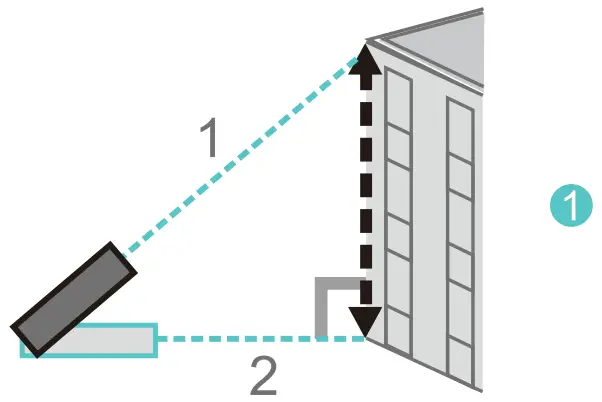 Refer to figure 1. Press times to activate. the function, the symbol
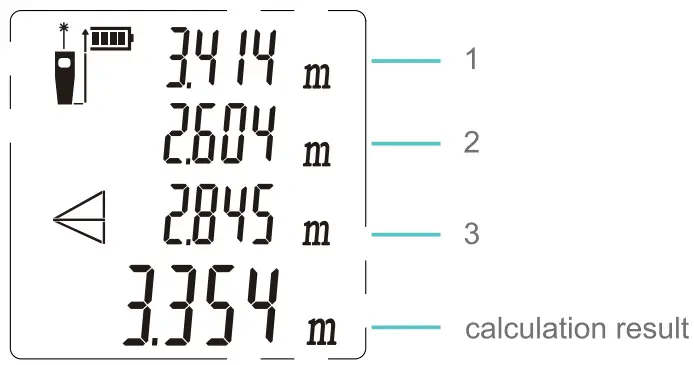
  appears in the function field on the display. Take measurements with the 2 points shown in the below figure in numeric sequence, the height of the object will be calculated automatically and displayed on screen.
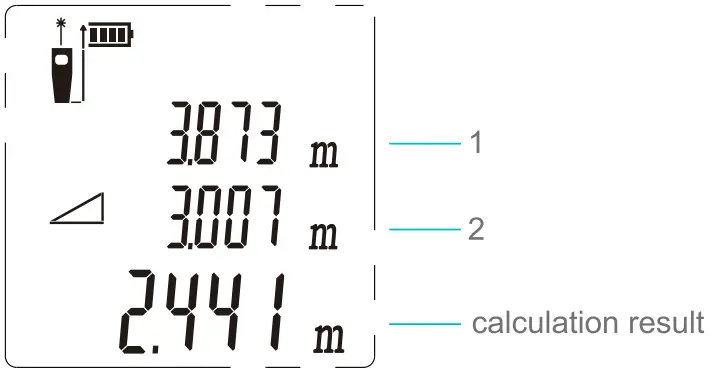
7.4. Pythagorean Method Three Points
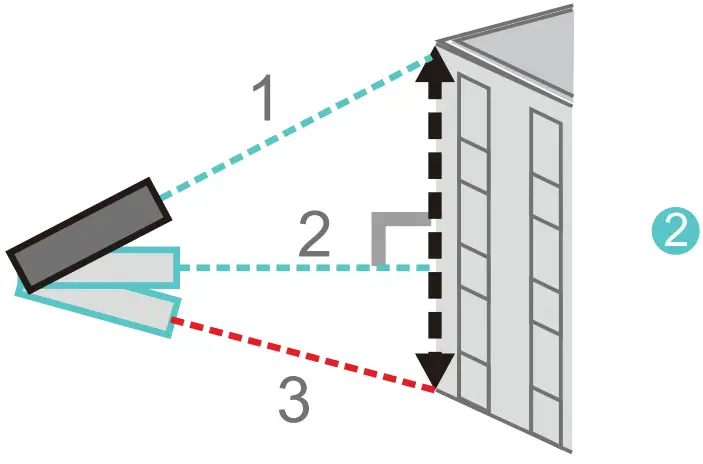 Refer to figure 2. Press 4 times to activate the function, and the symbol
  appears in the function field on the display. Take a measurement with the 3 points shown in the below figure in numeric sequence, the height is calculated and displayed on the summary line.
Press’to deletes any measured length and then presses to re-measure.
7.5. Addition/Subtraction
Addition: shod press
Subtraction: long press
Take a measurement, then press the addition/subtraction symbol that will appear on display, then press the WA button to take the second measurement, and the second value will be automatically added to/subtracted from the first one.
Note: This process can be repeated as required
7.6. Historical Memory
Press to view historical memory, the last 20 measured values will be displayed in reversed order.
Press Veto quit historical value viewing.
Trouble Shooting
All errors or failures will be shown as codes. The following table explains the meaning of codes and solutions.
| Code | Cause | Corrective Measure |
| 204 | Calculation error | Refer to the user manual, and repeat the procedures. |
| 208 | Excessive current | Please contact your distributor |
| 220 | Battery low | Replace new batteries. |
| 252 | Temperature too high | Let the device cool down to an operating temperature at 0°C-40°C. |
| 253 | Temperature too low | Warm up the device to operating temperature. |
| 255 | Received signal too weak or measurement time too long | Use the target plate or change a good reflective surface. |
| 250 | Received signal too strong | Target too reflective, use target plate or do not aim at strong light objective. |
| 261 | Outside of the range of measurement | Select the measurement distance within the range of measurement. |
Specification
| Specification | RFO3 | Specification | RFO3 |
| The maximum measuring range’ | 0.2∼120m | 4-line display with backlight |  |
| Measuring accuracy2 | ±2 mm | Single distance measurement | |
| Measuring units | m / in / ft / ft+in | Historical memory | 20 sets |
| Laser class | Class 2 | Button | Soft rubber buttons |
| Laser type | 630-670nm, < 1 mW | Operating temperature | 0°C-40°C |
| Area, Volume Measurement | | Storage temperature | -10°C-60°C |
| Indirect Pythagorean theorem | | Battery life | 5,000 measurement times |
| Addition and subtraction | | Battery type | AAA 2 x 1.5V |
| Continuous measurement | | Auto laser off | 30 seconds |
| Min. / max. value | | Auto instrument off | 180 seconds |
| Beep | | Dimensions (mm) | 120*48*27 |
| Weight (g) | 120 |
- The maximum measuring range is determined by the version of the laser distance meter. The exact measuring range is shown on the gift box. During daylight or if the target has poor reflection properties, please use the target plate.
- Unfavorable conditions (good target surface properties, room temperature), the device can reach up to the rated measuring range. In unfavorable conditions, such as intense sunshine, poorly reflecting target surface (black surface) or high-temperature variations, the deviation over 10m of distance may increase.
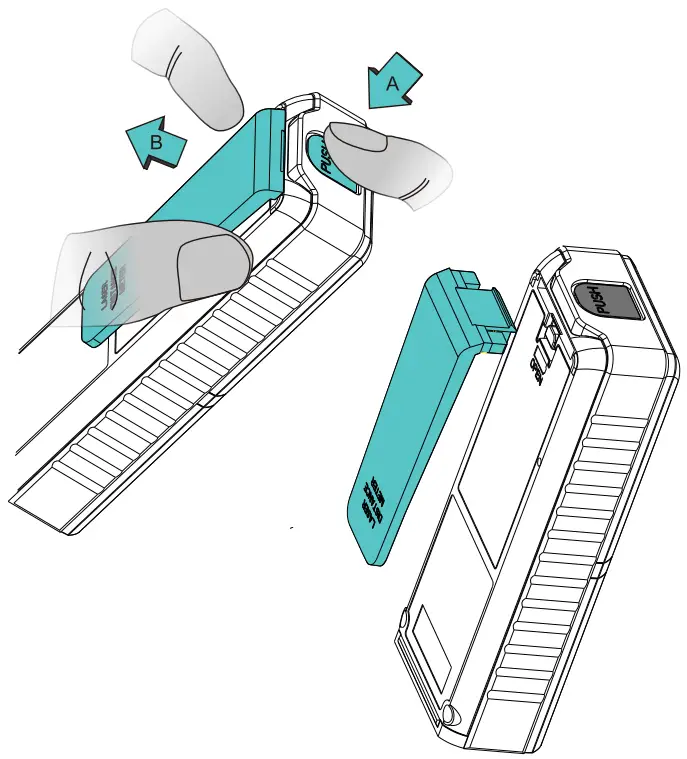
Clip Assembly Drawing
hold down A and simultaneously pull out B
CUSTOMER SERVICE INQUIRIES
Your emails are important to us so we strive to reply all inquiries and emails within 24 hours. In exceptional cases, we may require more time to respond. Thank you for your understanding. For more information about our products and services,
please send us an email: [email protected]
For B2B or project-based application, please send an email: [email protected]
FOR MORE INFORMATION ABOUT PERFECT PRIME PLEASE VISIT OUR ABOUT US PAGE AND FEEL FREE TO BROWSE.
 https://goo.gl/gwmP2H
Scan QR Code for the Product Manual page (Multi-Language available for certain products)
Retailer: HOMES LIMITED
Email: [email protected]
Address: G/F UNIT 3, 61 GLENTHORNE ROAD, LONDON W6 OLJ UNITED KINGDOM
Telephone: +44 203 7695377