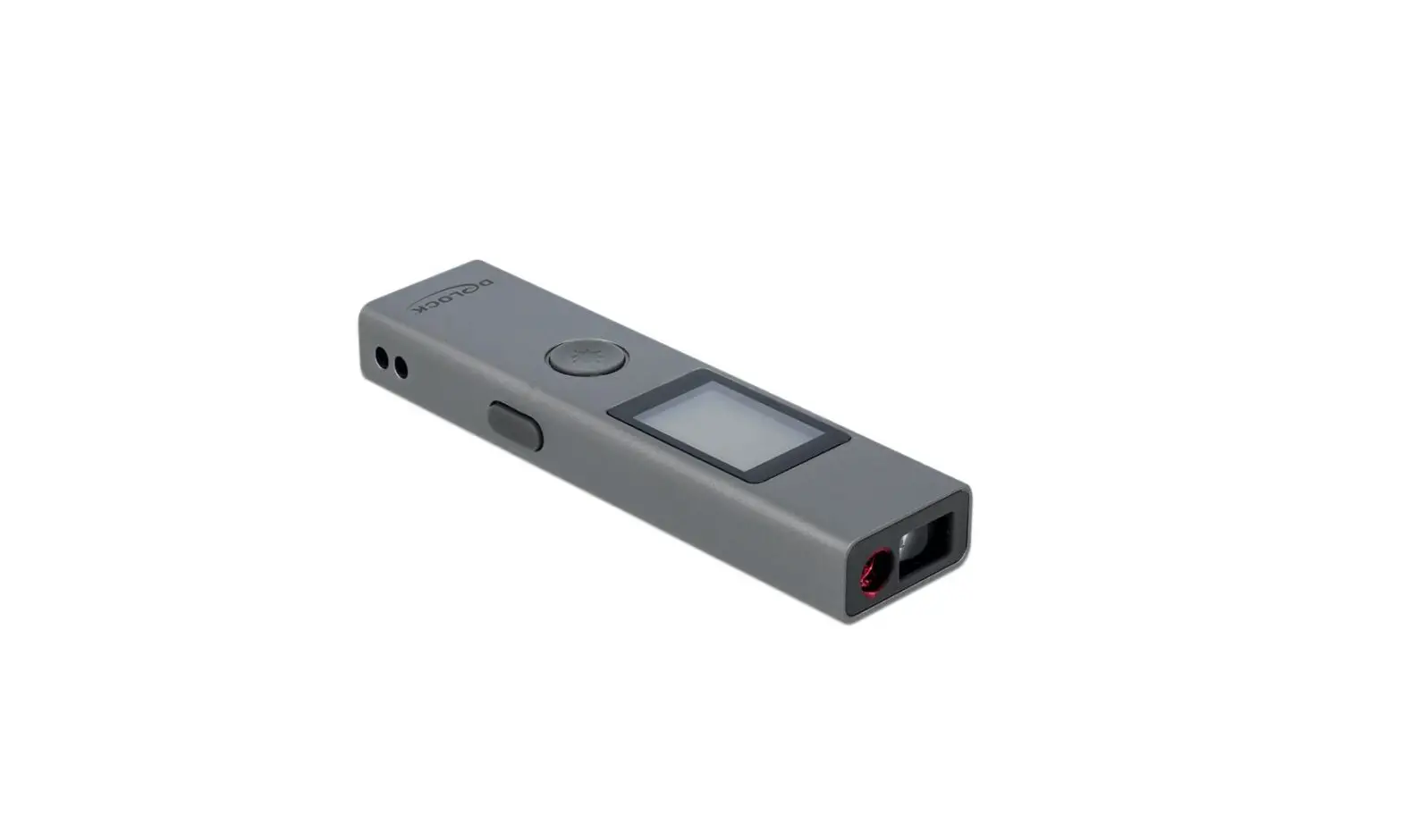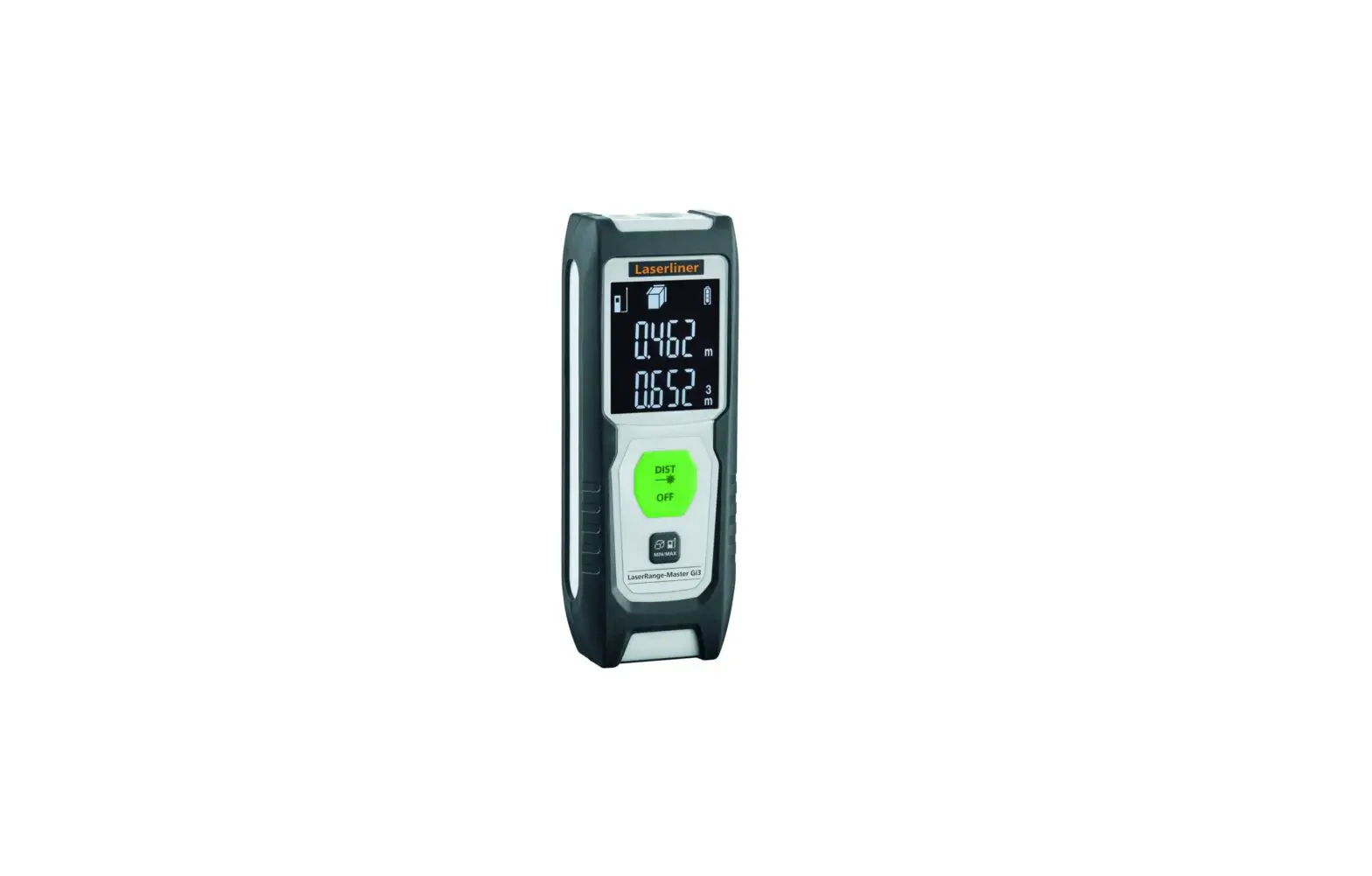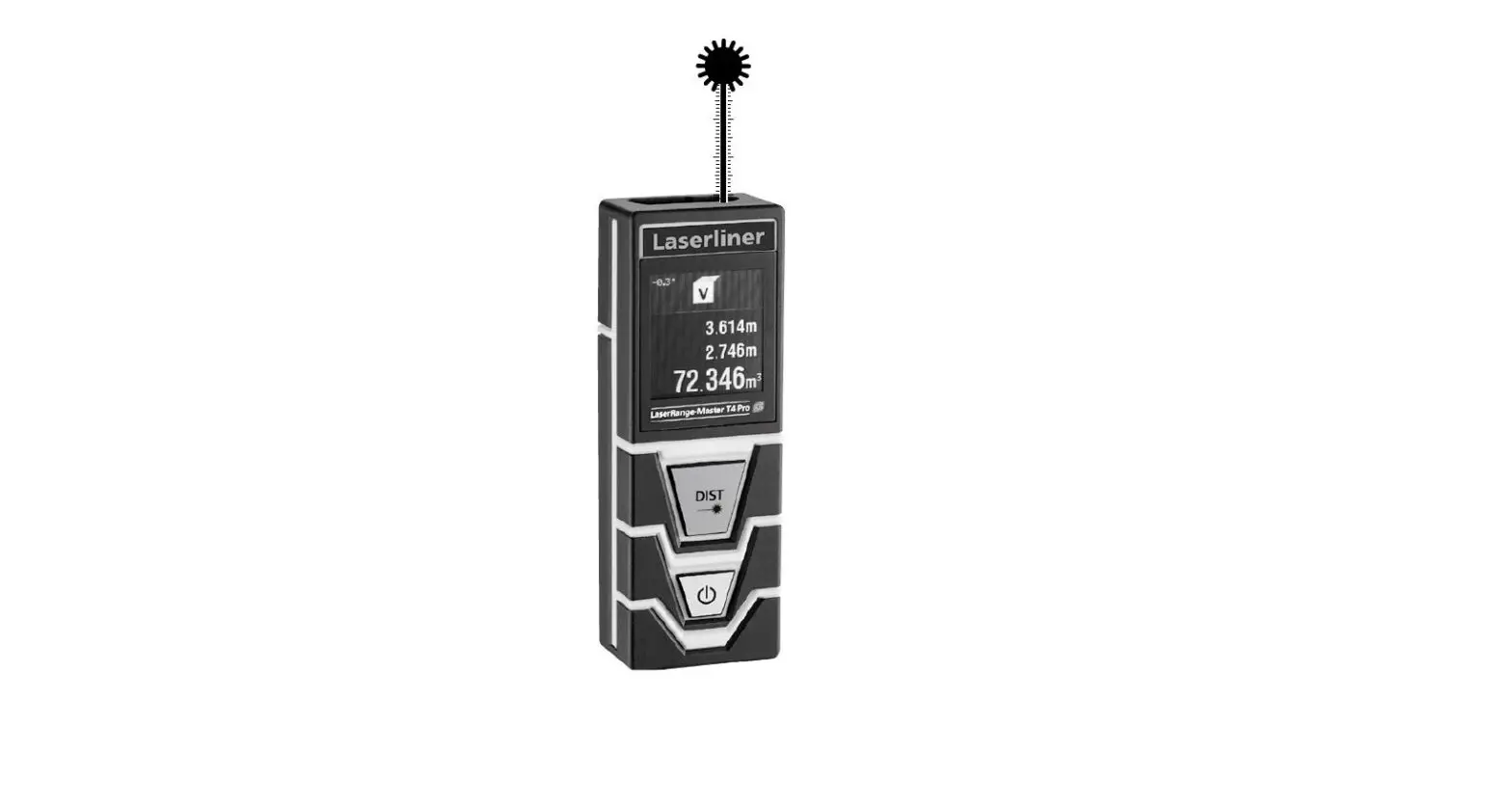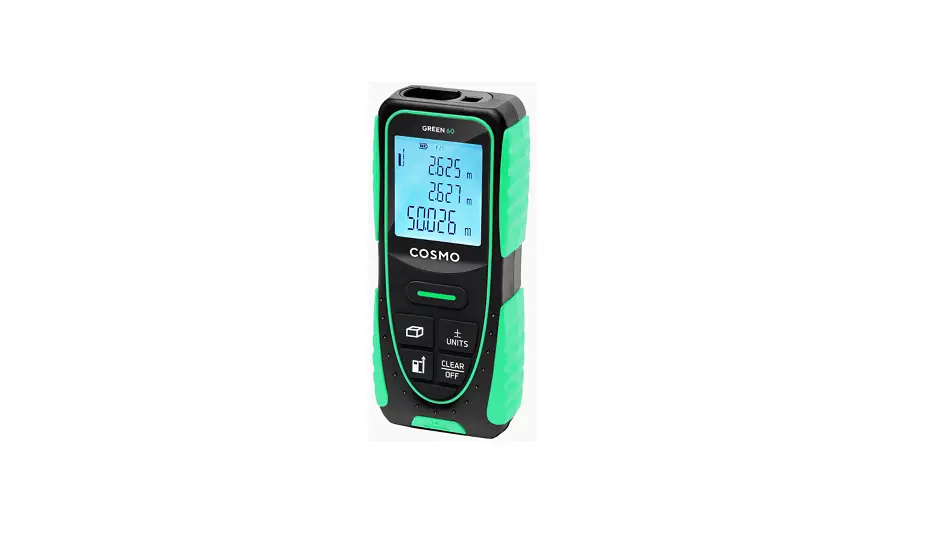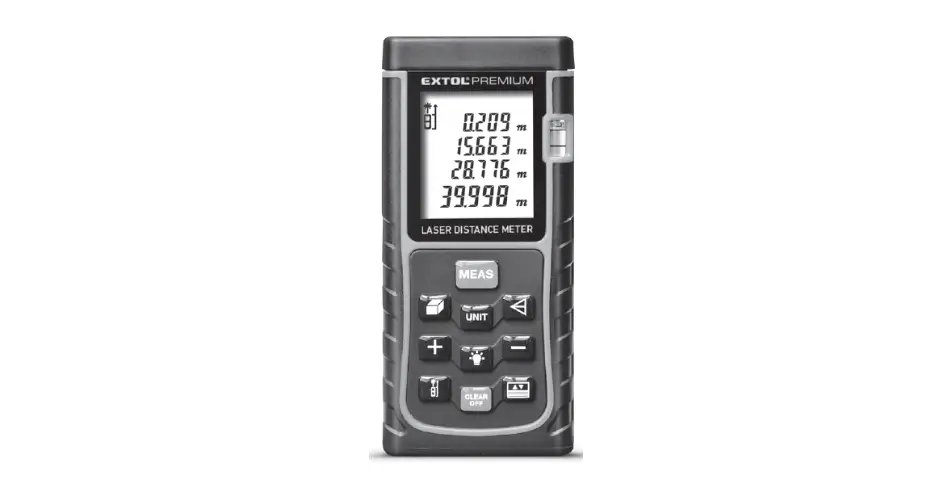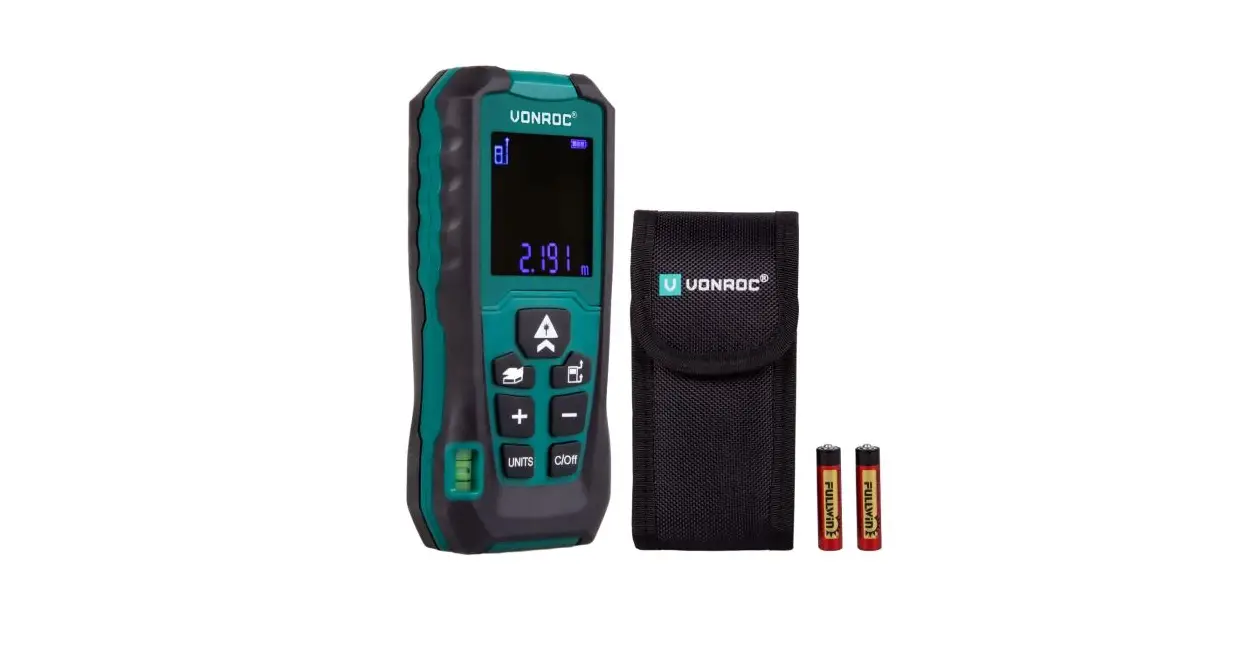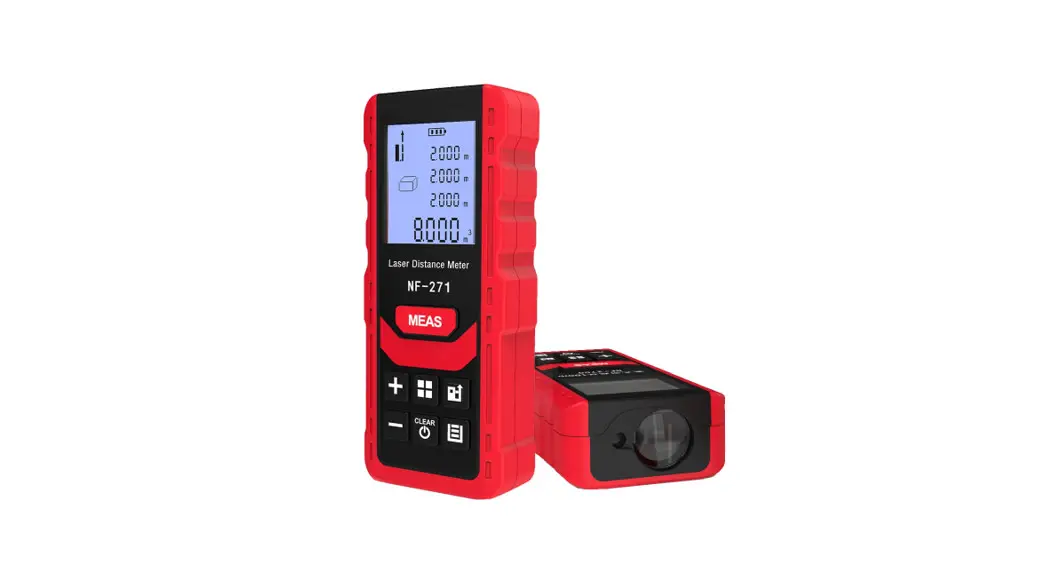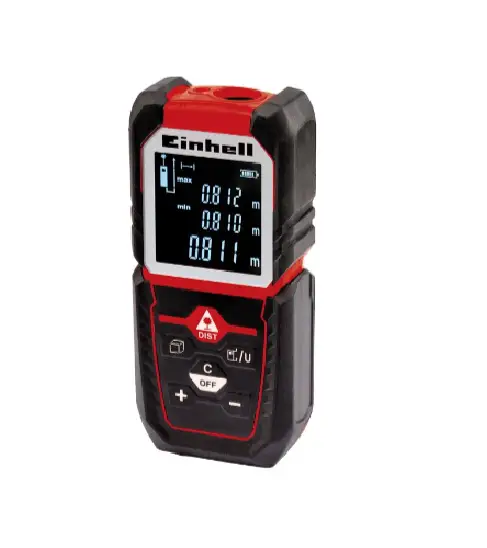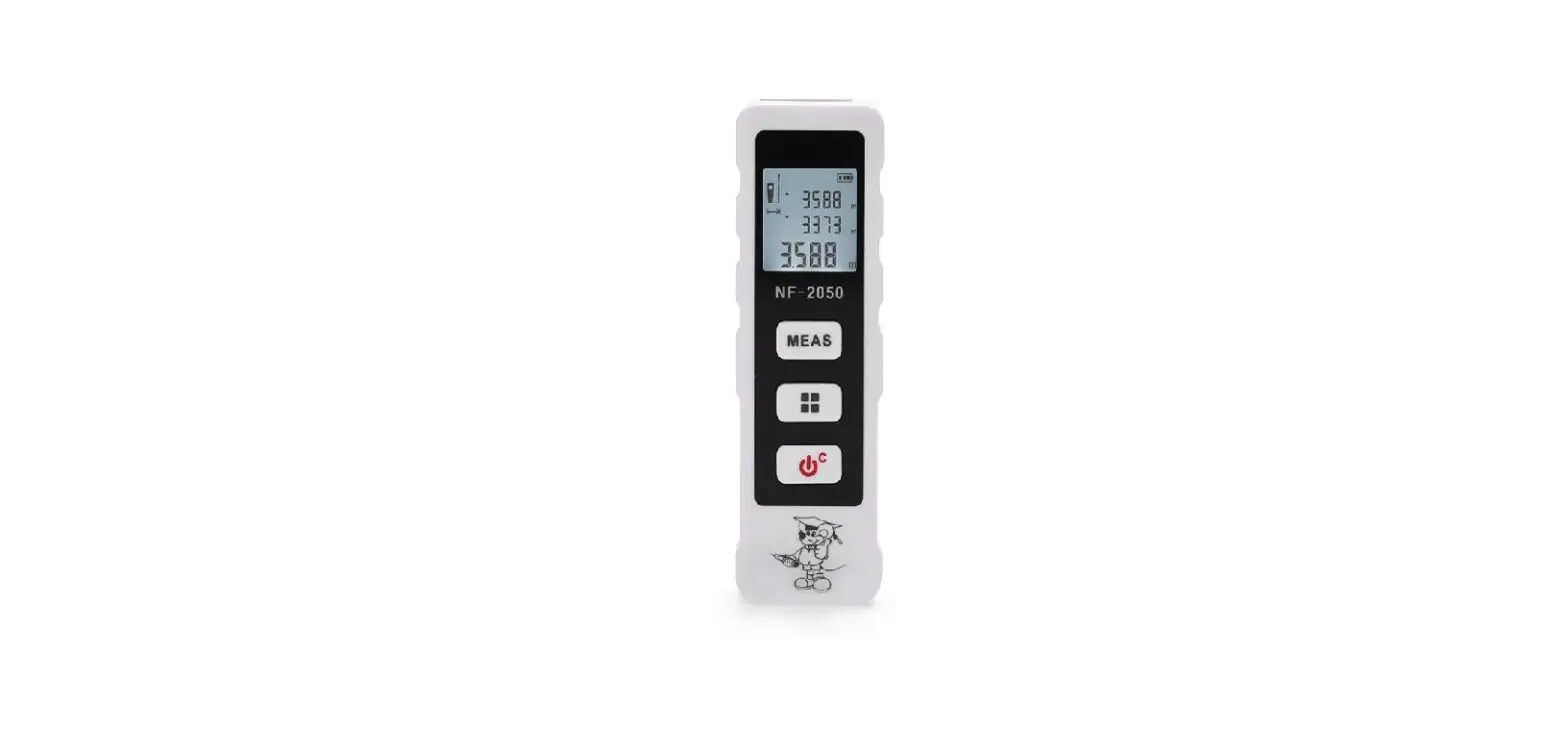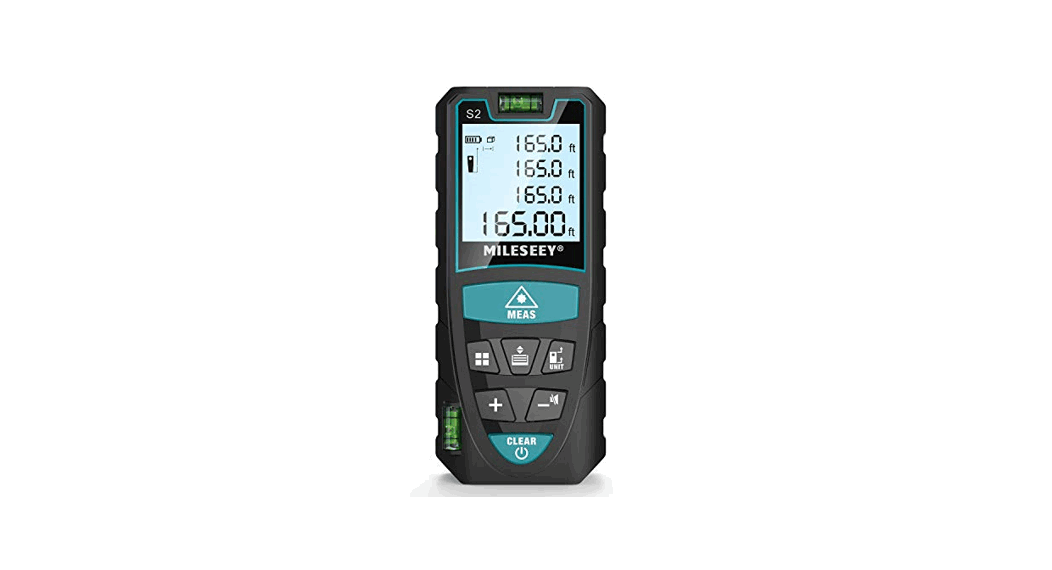

 Laser afstandmeter 40/60/100M
77458/77459/77561
Instruction manual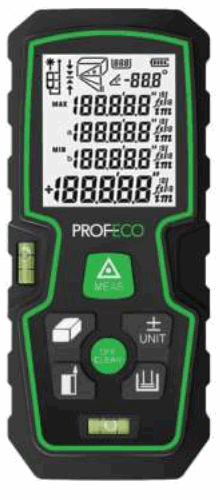
Safety instructions
Instrument application
- Measuring distance indoors
- Area and volume calculation
- Its use is prohibited in the following circumstances:
- Use the instrument without reading this manual.
- Use the instrument outside the specified area.
- Destroy the protection system, remove dangerous signs.
- Open the meter with a tool (such as a screwdriver).
- Update or modify the instrument.
- Use accessories not approved by our company, or other company accessories.
- On the scaffolding, climbing ladders, use the instrument near the measuring stationary machine or close to the no protection devices equipment, or irresponsible action.
- Aim directly at the sun.
- Shake or shine the others intentionally in the dark place.
- Measure in the place without safety devices (such as on the road etc.).
Laser class
This product has on visible laser, it emits in the front of the instrument.
This product is the second grade laser products, according to the following standards:
1EC60825-1:2014 “Safety products against laser radiation”.
Second-degree laser product:
Do not look directly into the laser beam; do not point unnecessarily at others.
Eyes will instinctively turn by visual or blinking action to take self-preservation. Warning!
Through the optical lens (such as the eyepiece, telescope, etc.) direct laser beam, will do damage to the eyes.
Preventive measures: Do not look through the laser beam from lenses. Be careful!
It will be harmful to the eyes if you look straight into the laser beam.
Preventive measures: Do not look straight into the laser beam. Pay attention to make the laser beam on the eyes or under the shot. (Especially in the instrument
fixed under the condition of mechanical equipment quality).
Start
Installing/replacing the battery
- Open the battery cover
- Insert the battery correctly
- Close the battery cover
The battery should be replaced when the LCD shows the symbol.
Use an alkaline battery.
Remove the battery if the meter is not to be used for a long period of time.

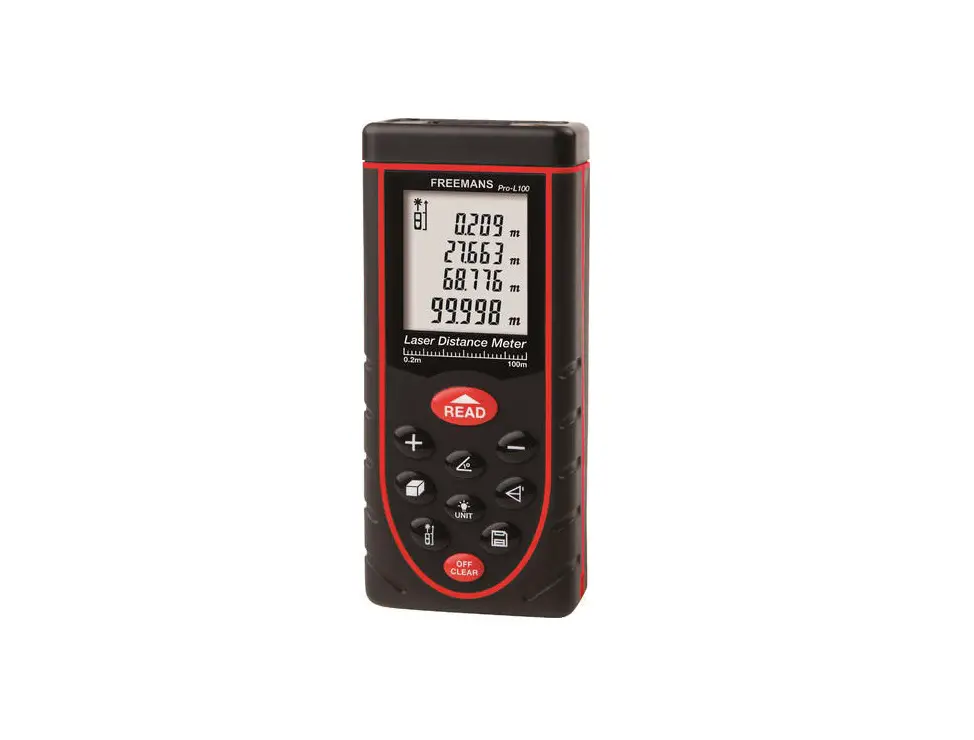
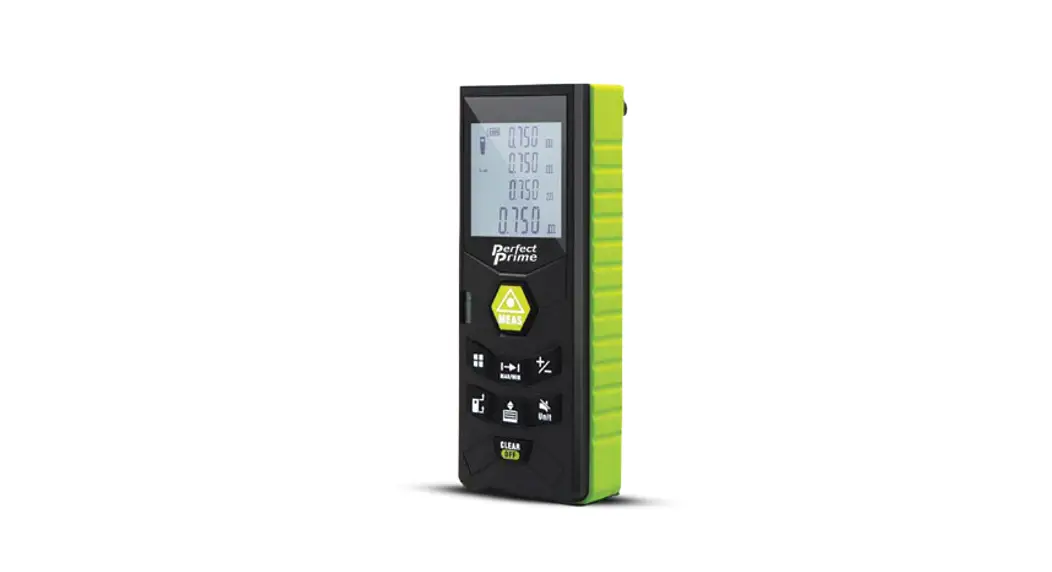
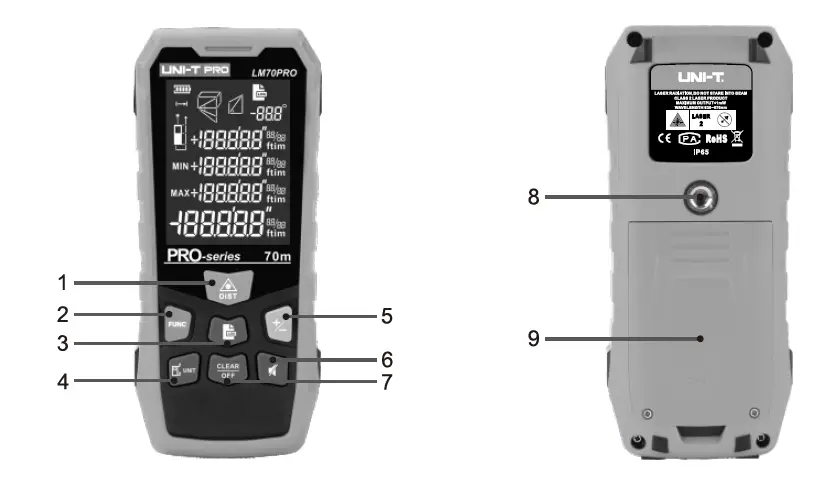
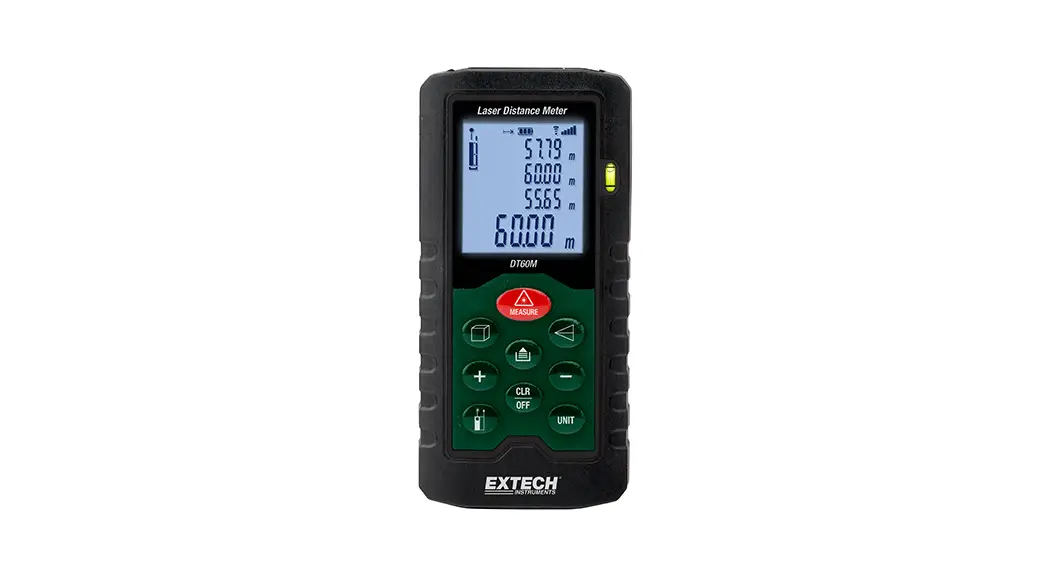
Button:
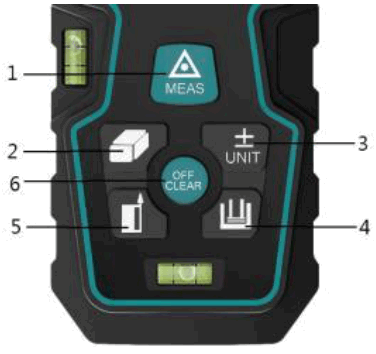
- ON/MEASURING
- Volume/ Area/ Pythagorean Theorem
- Plus, minus, unit
- Data storage
- Date button
- Cancel / switch off
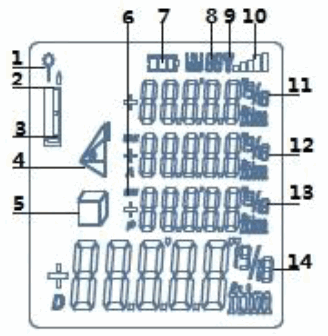
LCD display
- The laser is on
- Measure the zero point edge (front side)
- Measure the zero point edge (rear)
- Use the Pythagorean Theorem to measure.
- Area/volume measurement
- Continuous measurement
- Battery level
- Memory
- Emission signal
- Signal strength
- The third display line
- The second display line
- The first display line
- Result
 The first operation and turn on the power
MEAS: Press this button for about one second to turn it on. Press shortly to turn on the laser, press again to access the measurement data, press long to access the continuous measurement condition. OFF/CLEAR:
- Press and hold this button to switch it off, after 45 seconds of not being used it will switch off automatically.
- Clear button, cancel the last instruction or clear the display.
 Plus/ min/ unit:
Plus: Press this button briefly, the first display line will shine plus number.
The next reading will be plus the previous reading.
Min: Short press this button again, the first display line will be shiny minus number. The next measuring value will be minus the previous one.
Unit: Long press the button(+,- UNIT ), change the distance units until the desired units are displayed: m, in, ft, ft+in.
| Distance | Area | Volume | |
| 1 | 0,000 m | 0.000 m2 | 0.000 m3 |
| 2 | 0 1/16 in | 0.000 ft2 | 0.000 ft3 |
| 3 | 0.000 ft | 0.000 ft2 | 0.000 ft3 |
| 4 | 0’00” 1/16 | 0.000 ft2 | 0.000 ft3 |
Date / Backlight on/off
Date: The position of measuring reference edge (please see the diagram)
The taking reference edge of the instrument is the back porch.
Keys: Multi-function stand, leading edge and back porch will be chosen as measuring reference edges respectively. When you change the measuring
reference edges, there will be several beeps to remind you.
Press this key to set the benchmark after restart, the measuring reference edges will be back to the acquiescent reference edge (back porch). Long press this key, backlight will be on or off. 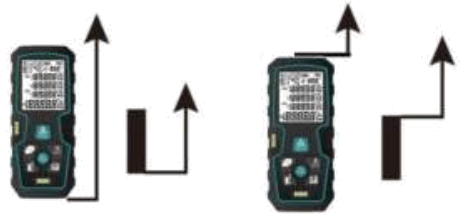
Functions
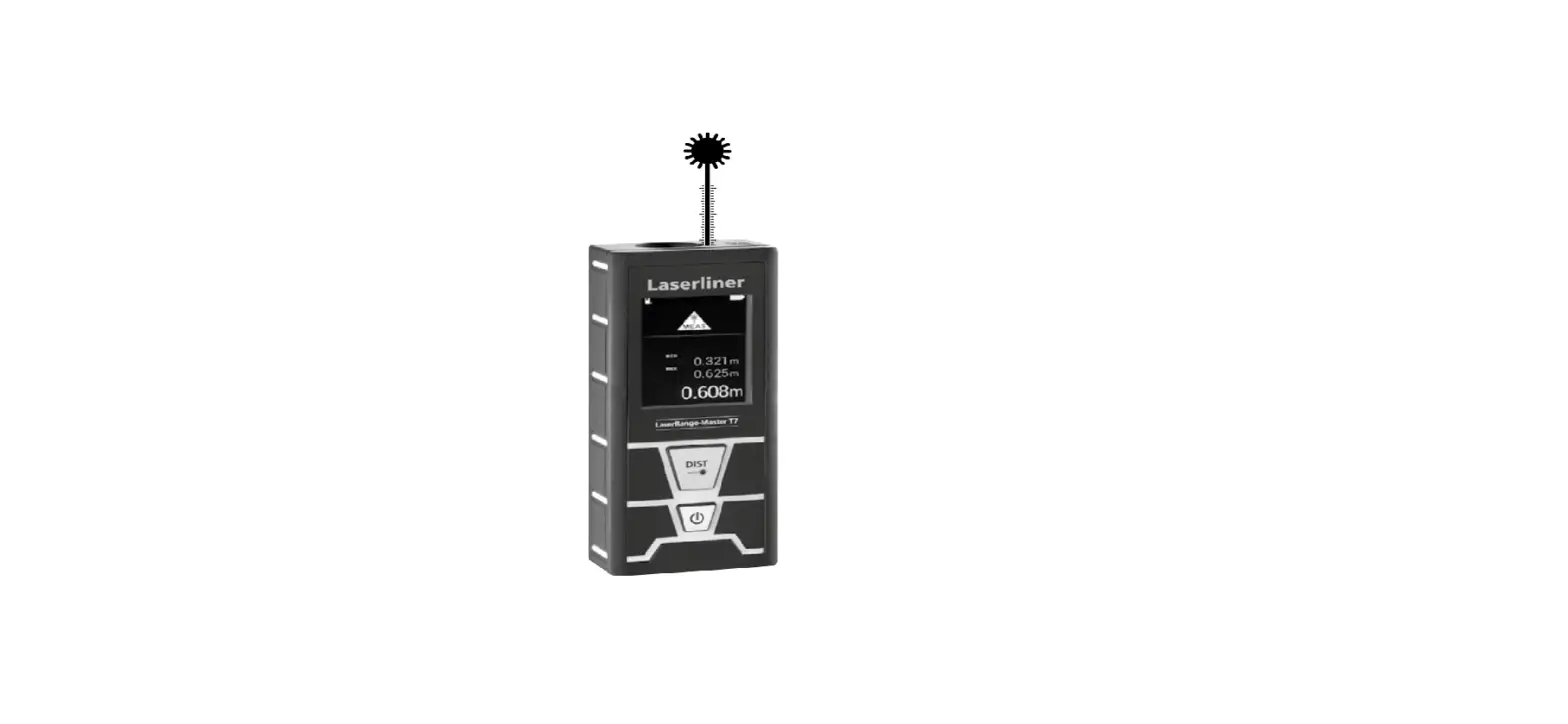
A single distance measurement
Press the key: switch on the laser. Press the button again, measurement starts.
The measurement data are displayed on the screen. Continuous measurement
Long press this button, continuous measurement, Max/Min value will be displayed.
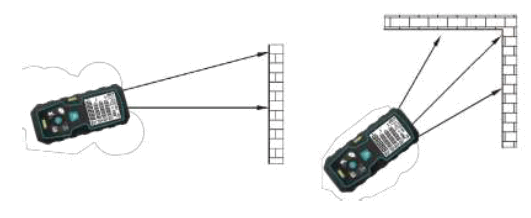
Continuous measurement can allow the user to measure the maximum/minus distance of one measuring point. For example, measuring the Diagonal distance (maximum value) of the room or the Horizontal distance (Min value). Press this key without moving until it beeps, that means the device enters into continuous measurement, sweeping large area around the measurement target by laser (ex: angle).
Press to stop the continuous measurement. The corresponding max/min values and the last measured data are displayed on the main screen. The instrument will exit the mode of continuous measurement automatically after you have measured continuously for 100 times.
Area/volume/ Pythagorean theorem
 Press once,
  the icon will appear on the screen. The button will move on the first distance measurement (such as length). Pressing the button again will move to measure the 2nd distance (like width). The area of the calculated result will be displayed on the main screen line. Very single
measuring result will be display on the 2nd or third line. The function of volume.
Press 2 times, the icon appears on the screen. Press: Move to the first distance measurement (such as length). Press: switch to the second distance measurement (such as width). Press: go to the second distance measurement (such as height)
The volume measuring result will be finally displayed on the main screen, the previous 3 times result will be displayed on the first, second, third helped line.
Pythagoras measurement
This model can be completed automatic calculation by the Pythagorean law. This function was designed with the aim of measuring the place where we can reach.
For example: see on the map the height of F, must measure 2 times The step is: Press  times, this icon will appear on the screen, the measured distance will shine on the screen. Button: measuring the rectangular side distance of triangle. When measuring, try to keep the device standard. Button, measuring the slanted side distance of the triangle.
If the measurement result satisfies the requirement of Pythagoras’ Law (bevel side > right angle side). The height of the indirect measuring shall be display on
the main line. The middle measuring value will be display on the second, third line separately, presses 4 times and presses 5 times, the Pythagorean theorem is a rarely used one, if you need, please refer to the above operations.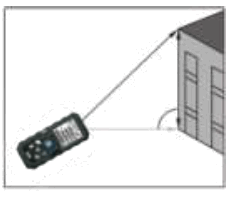
Memory data
 Hold key: the last measurement will be displayed in the main screen, and the 20 data sets will be displayed in reverse order. Instrument to store the last 20 sets of data, a new measurement data will handle more than 20 unexpected group of old data storage.
Specifications reference
The causes of error and solutions
| Message | Reason | Solution |
| B.L | Battery voltage too low | To replace the battery |
| T.L | Temperature too low | To warm up the device |
| T.H | Temperature too high | To cool down the device |
| D.E | Data error | Rock is too big |
| No new data | Signal strength too weak | Use the target |
| No new data | Signal strength too high | Use the target |
Standards
Range: The maximum measuring range 40m or 60m or 100m.
When in less reflective light, please use visor.
The surface of the measured object
It will make mistakes if the surface of the object is liquid (water) or clear transparent substance.
If the object has very strong reflected light, the laser may be reflected, and it will make mistakes.
When measures no reflected or dark surface, it will increase the measuring time Storage:
It is prohibited to place the meter in water, please use soft and damp cloth to clean the meter, do not use corrosion to clean it.
| Model | 77458/77459/77561 |
| Measuring range | 0,05-40/60/100m |
| Measurement accuracy | ±2mm |
| Measurement unit | m/inch/ft/ft+in |
| Smallest display | 1mm |
| Laser level | Class Ⅱ |
| Type of laser | 630-650nm, <1mw |
| Surface area, volume | √ |
| Pythagorean theorem | √ |
| Addition/subtraction | √ |
| Continuous measurement | √ |
| Backlight | √ |
| Zero point transformation | √ |
| LCD | 2’ |
| Data in memory | 20 |
| Operating temperature | 0 C to 40 C |
| Storage temperature | -20 ο C to 60 οC |
| Battery type | 2 x 1.5V AAA |
| Automatic laser cut-off | 15s |
| Auto power off | 45s |
| Dimensions | 115 x 50x 26mm |
| Weight | 90g |