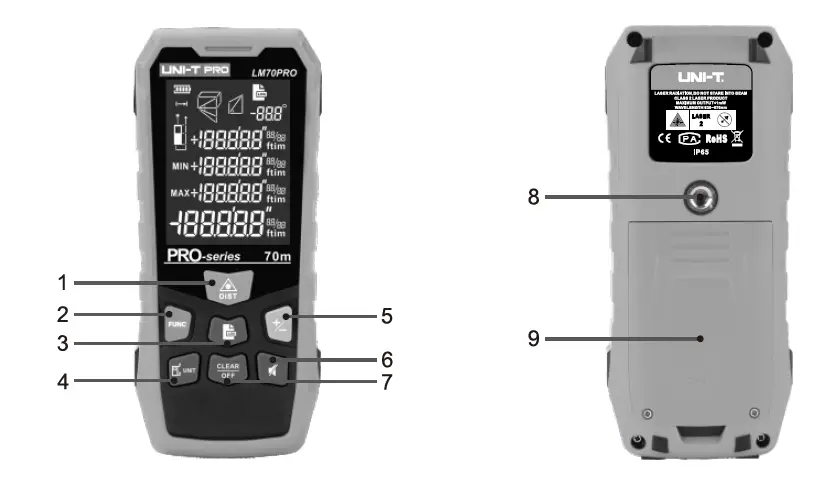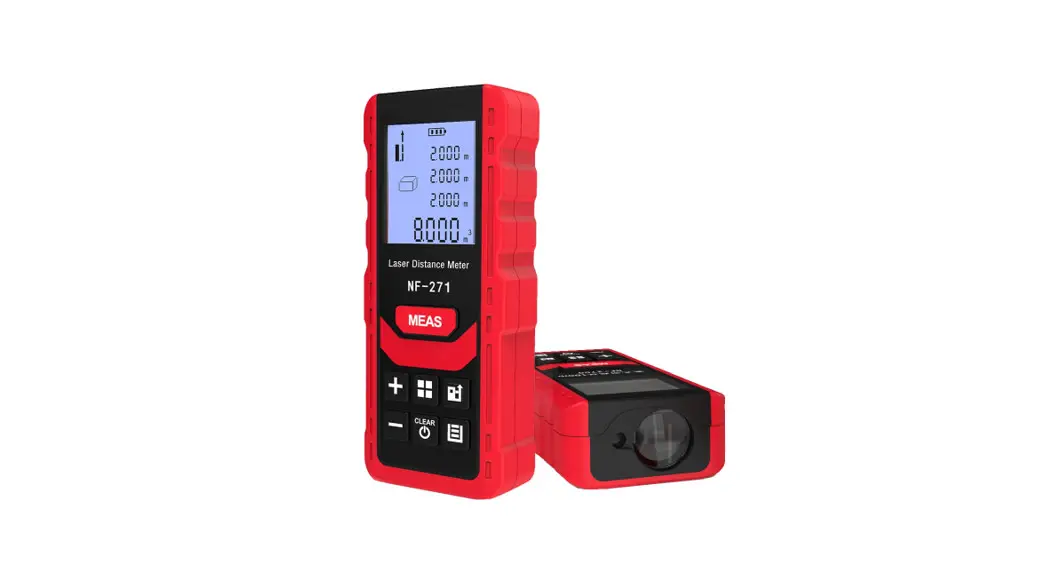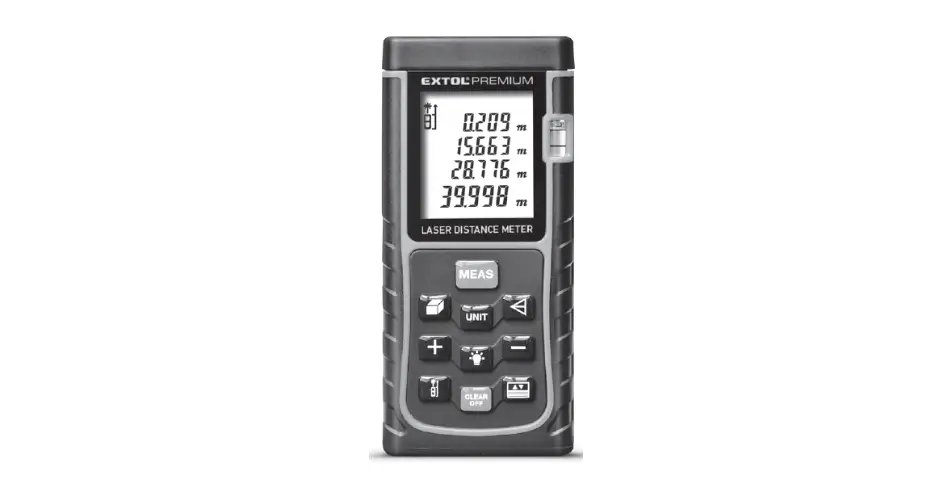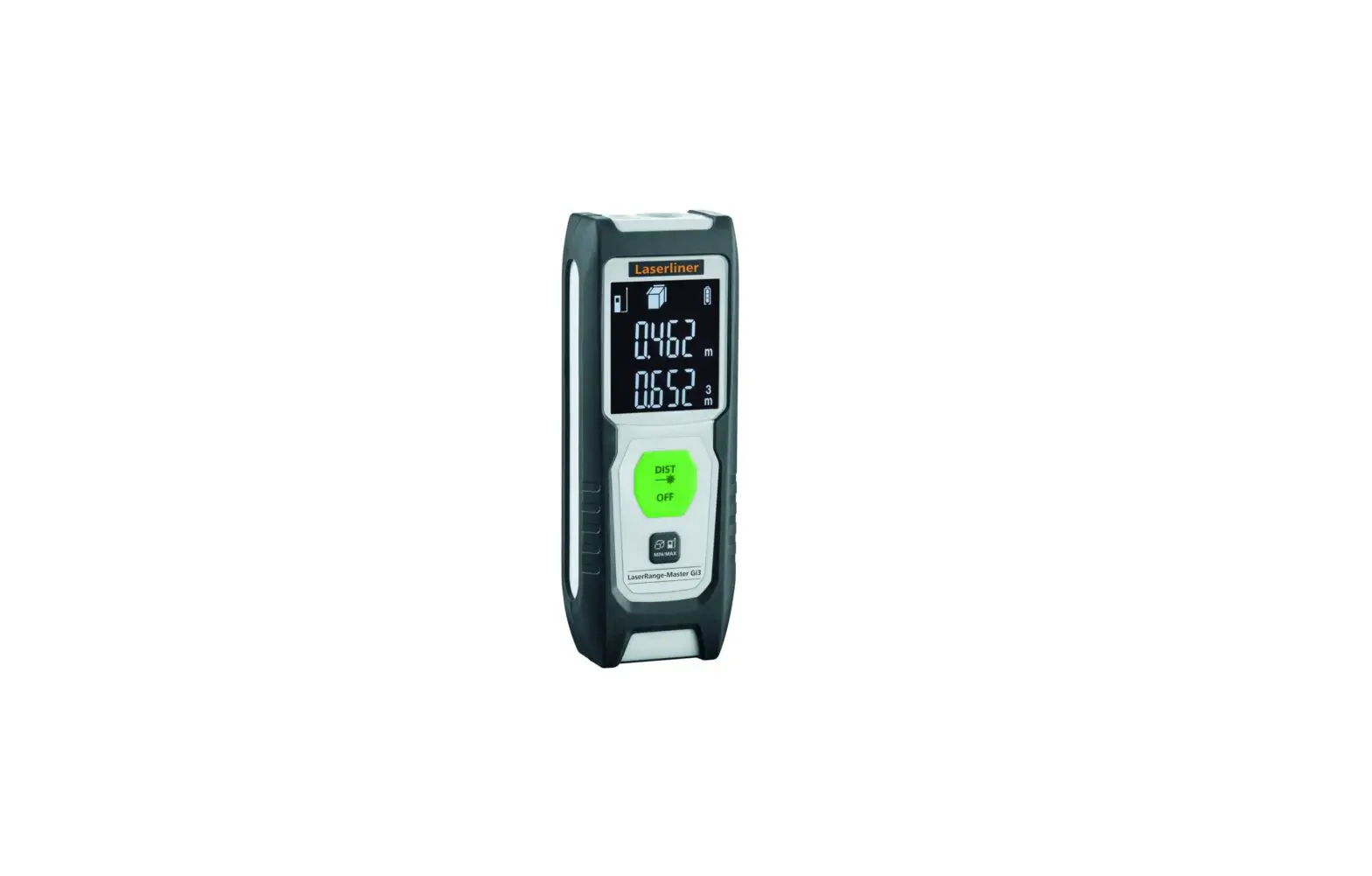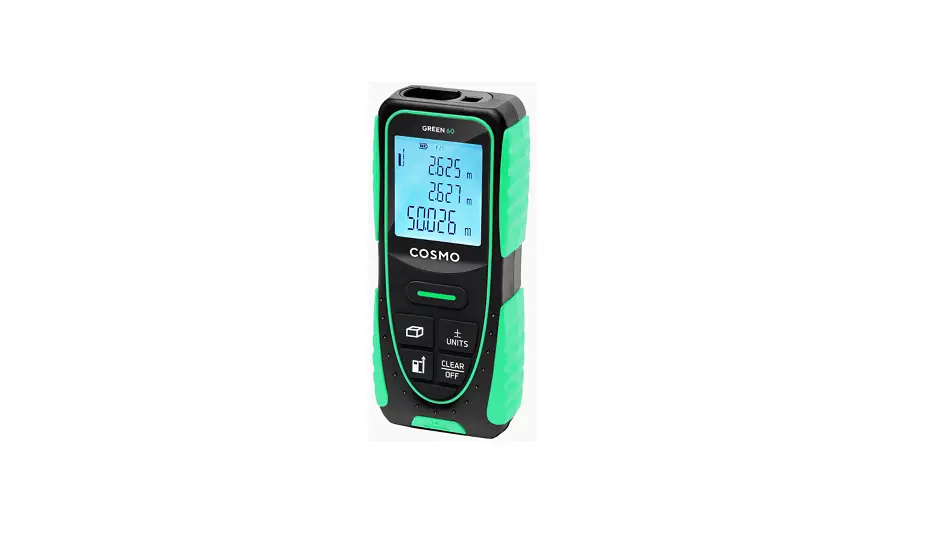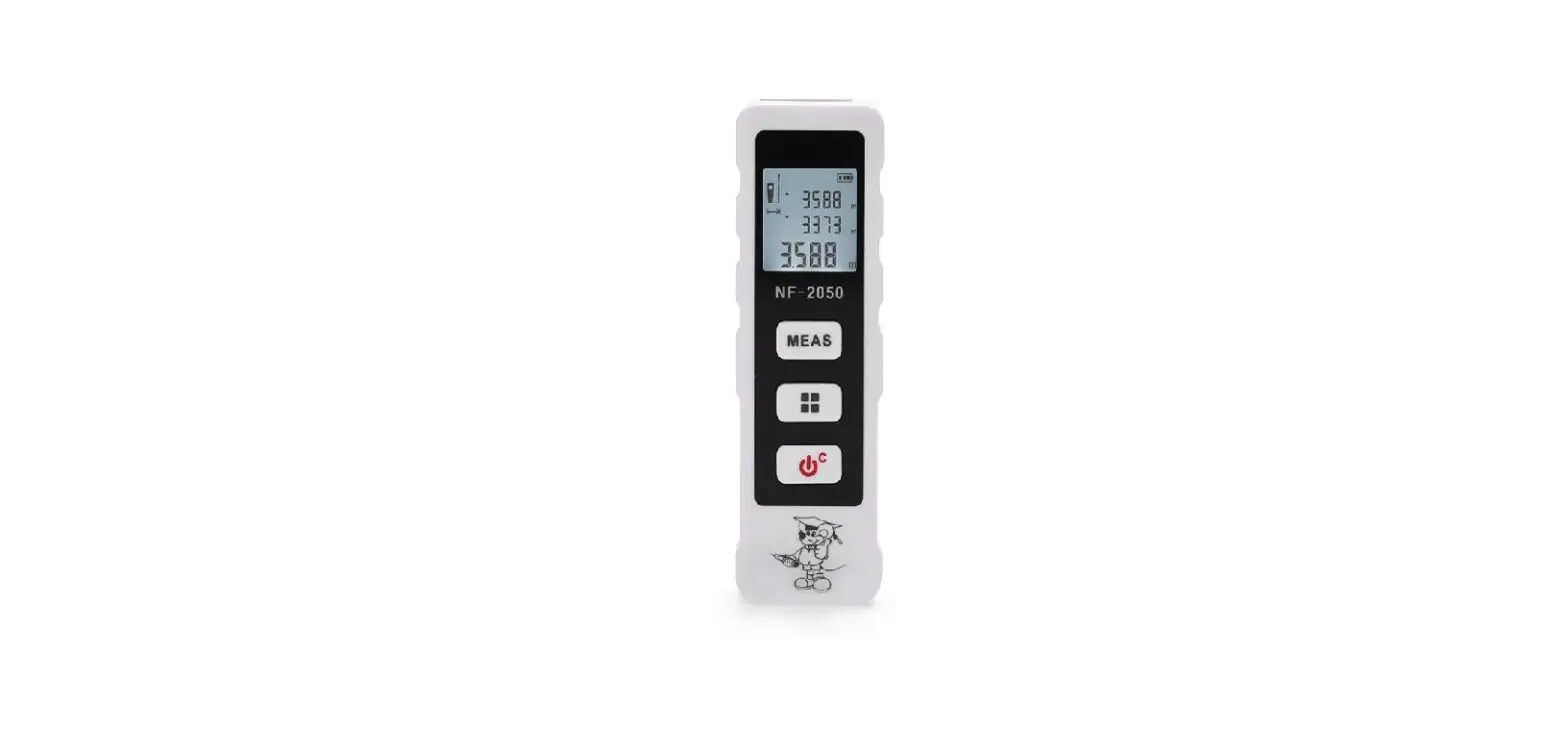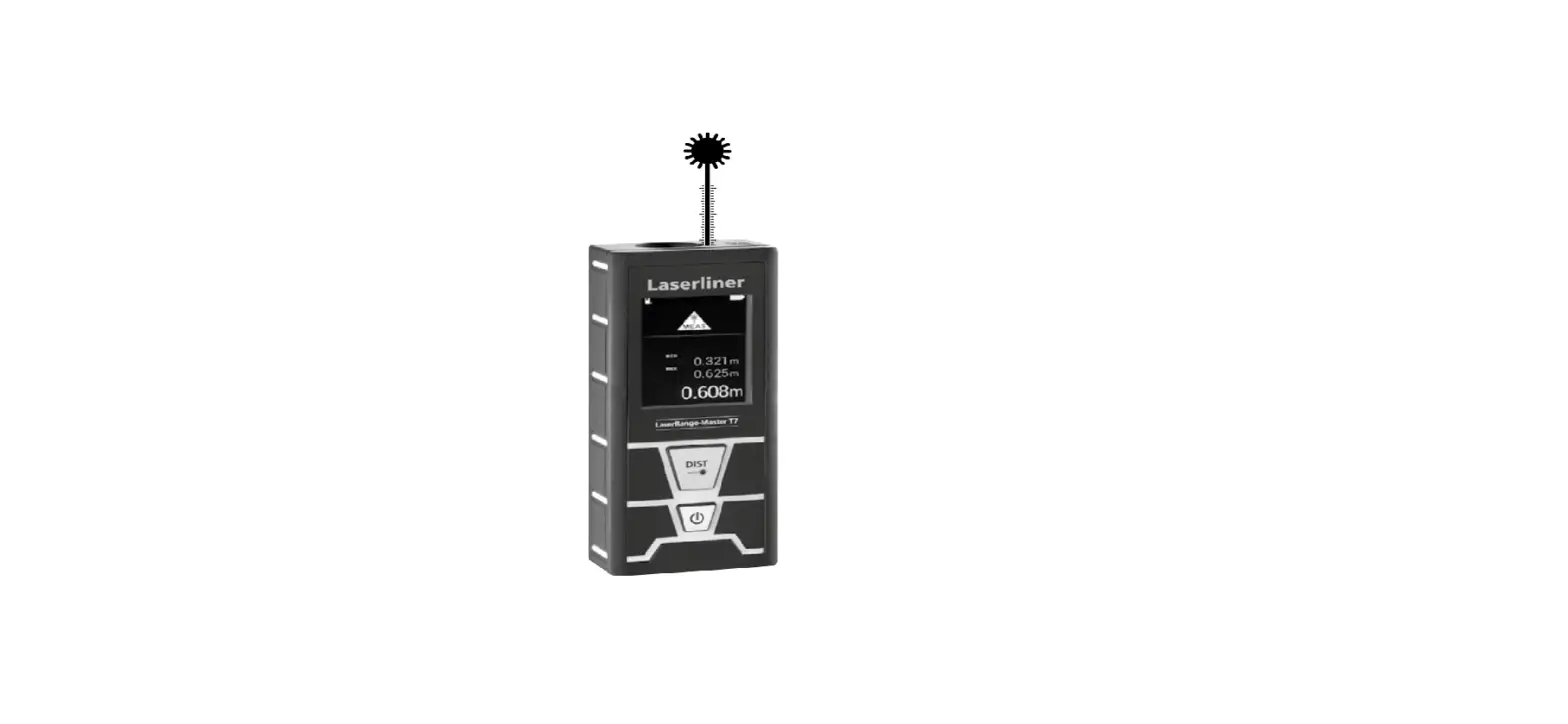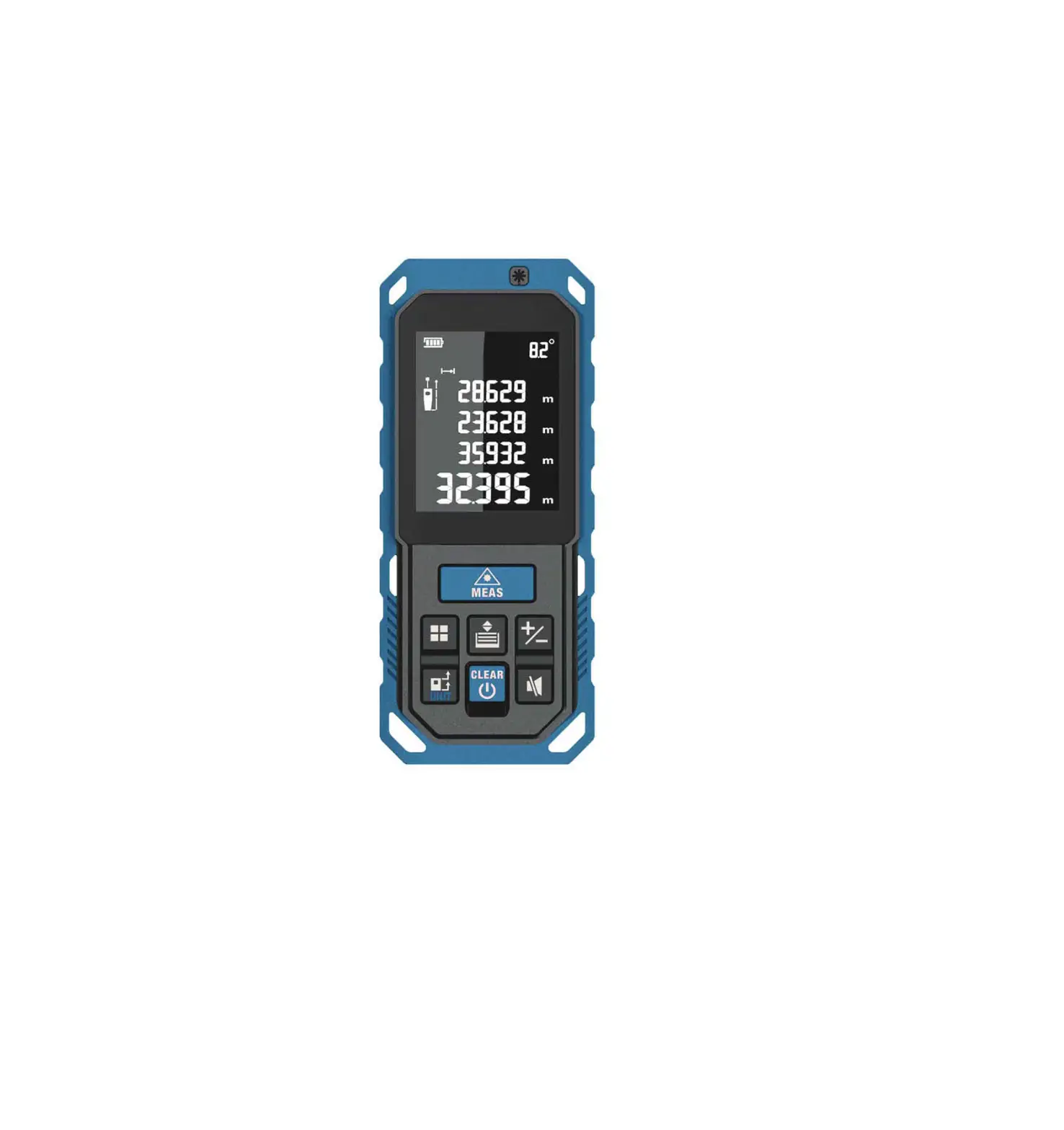

DELOCK 64071 Laser Distance Meter
Description
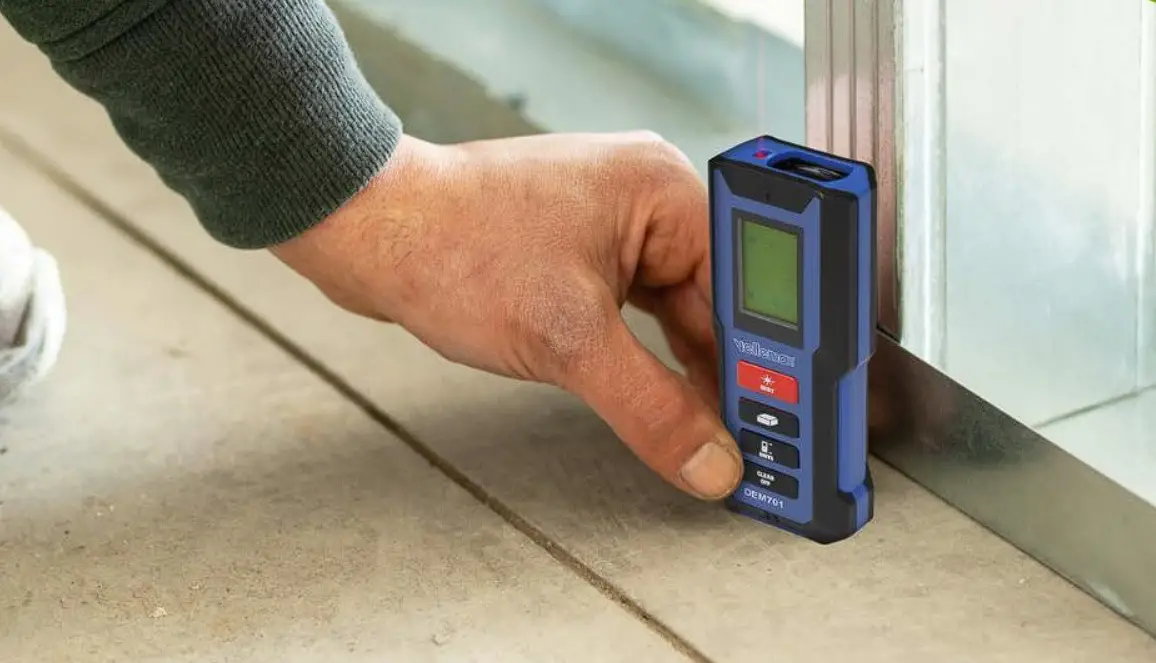
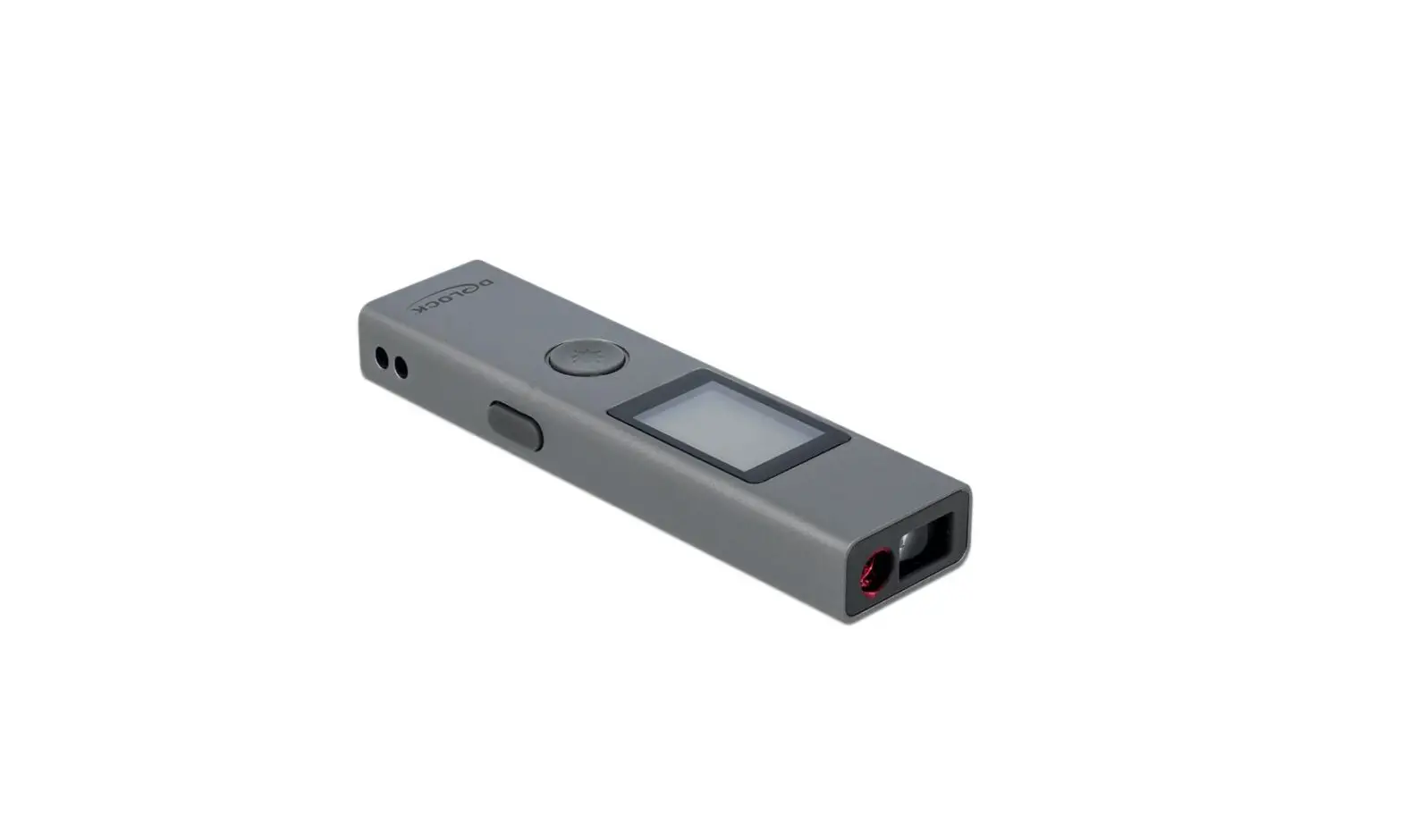
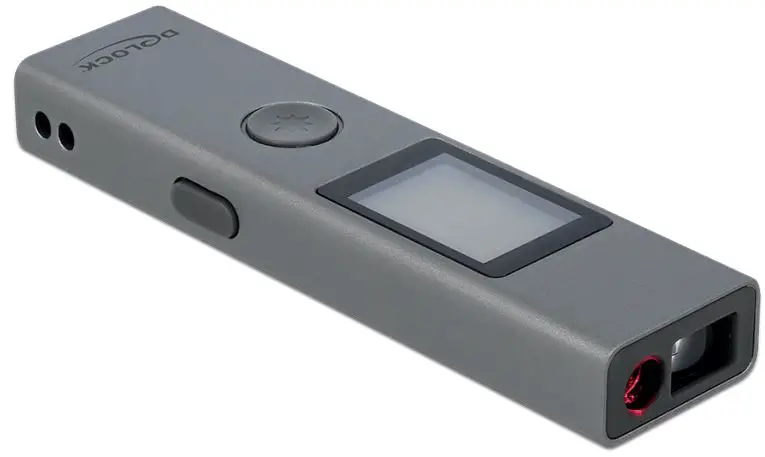
This distance meter by Delock is used for the laser-assisted measurement of indoor and outdoor distances, areas and angels. The built-in class 2 laser allows a precise measurement with a tolerance of ± 2 mm. The 180 mAh rechargeable battery can be charged via the USB Type Micro-B female port.
All information at a glance
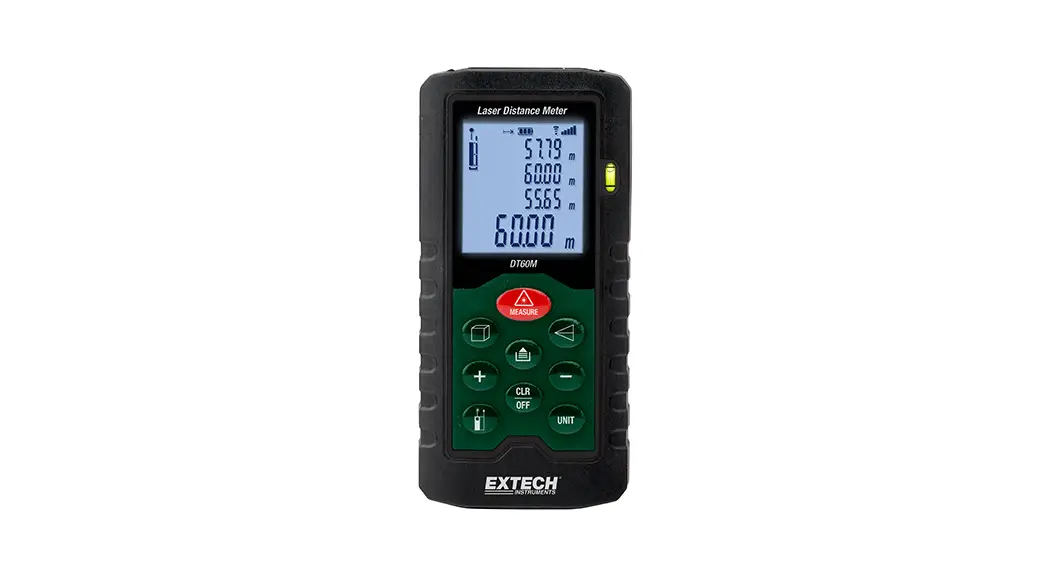
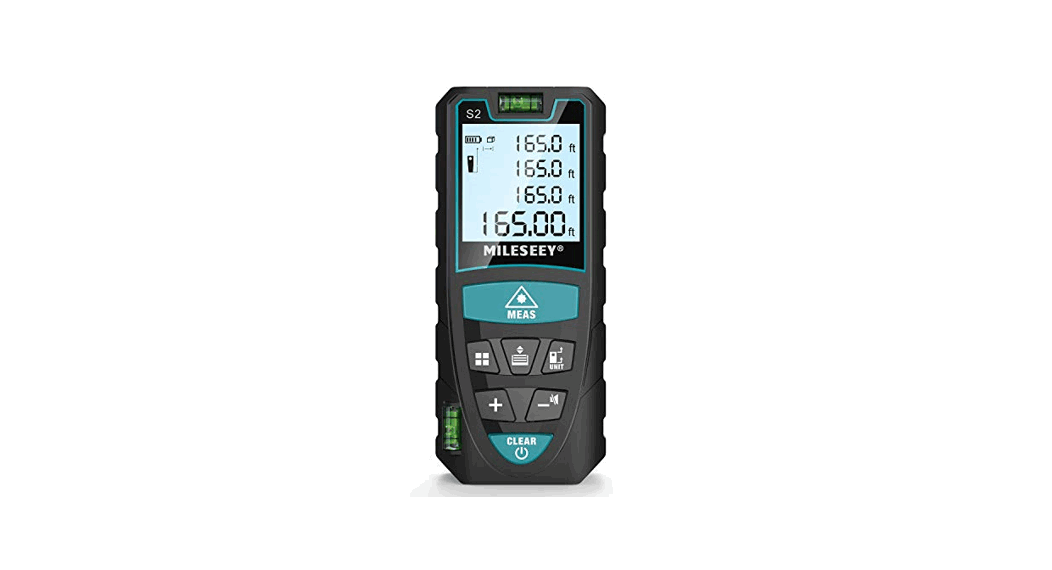
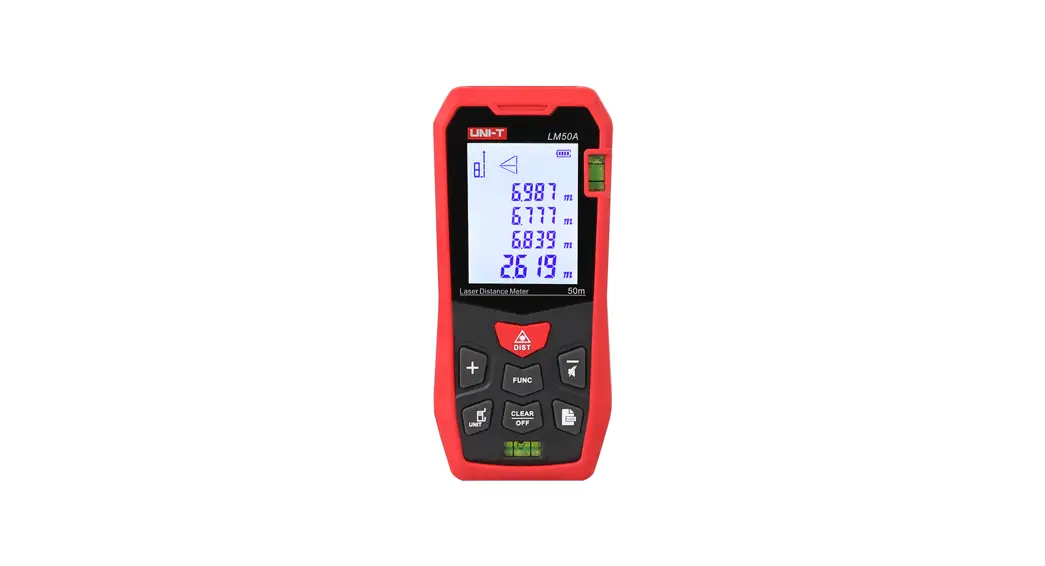
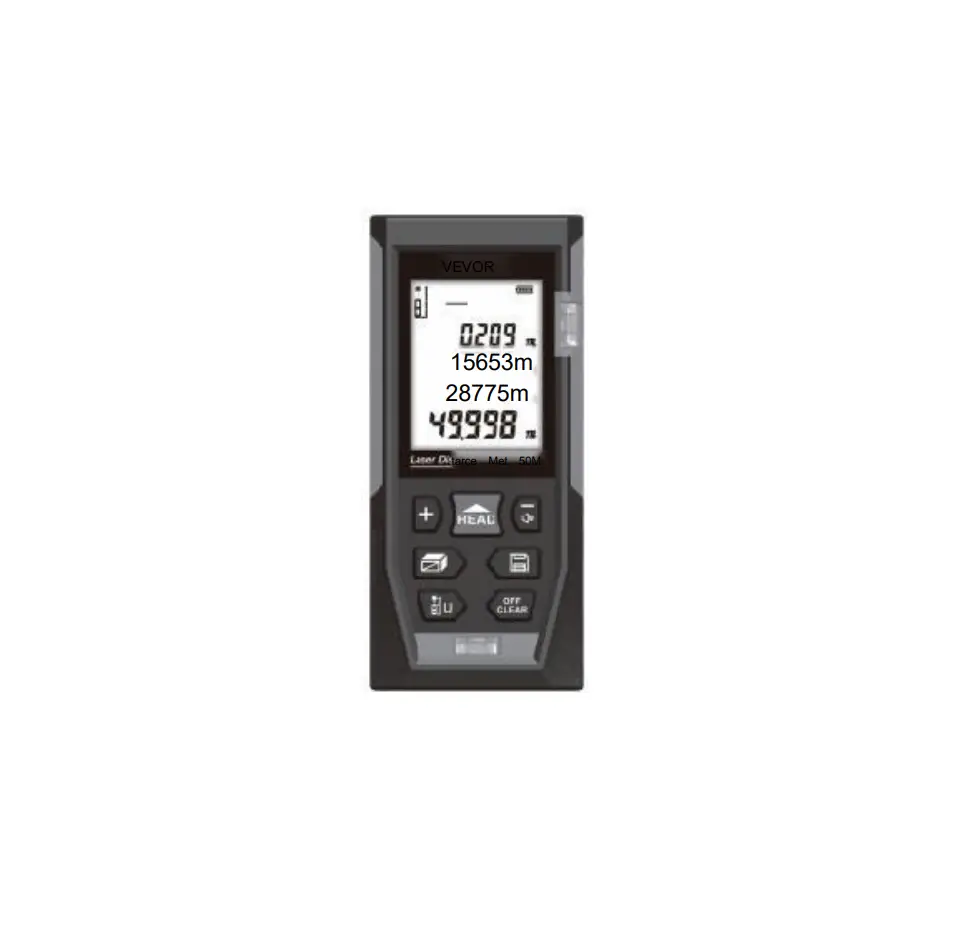
The easy to read backlight LCD display shows all important information at a glance. The four latest measurement results, measurement method and battery charge status can be read off.
Specification
- Connector: 1 x USB Type Micro-B charging port
- Measuring range: 3 cm – 40 m
- Accuracy: ± 2 mm
- Adjustable measuring unit: m / in / ft
- LCD display with backlight
- Charging power: 5 V min. 0.2 A
- Rechargeable battery: Li-Polymer battery 180 mAh
- Light source: laser class 2 620 – 670 nm, <1 mW
- Robust aluminum housing
- Weight: ca. 28 g
- Dimensions (LxWxH): ca. 86.0 x 22.4 x 11.3 mm
Package content
- Laser distance meter
- Charging cable USB 2.0 Type Micro-B > USB 2.0 Type-A male
- Wrist strap
- User manual
Safety instructions
- The device generates visible laser beams.
- The device corresponds to laser class 2 according to:
IEC 60825-1:2015-07 - Ensure that the laser beam is guided in such a way that no persons are in the projection area and that the reflected beam does not reach the occupied zone of persons.
- Do not look into the laser beam and do not point it at persons or animals. Laser radiation can cause injuries to the eye.
- If a laser beam hits the eye, close the eye consciously and move the head out of the beam immediately.
- Do not aim the laser beam at reflective surfaces.
- Repair or maintenance work may only be carried out by trained specialists who are familiar with the respective hazards.
Product Overview
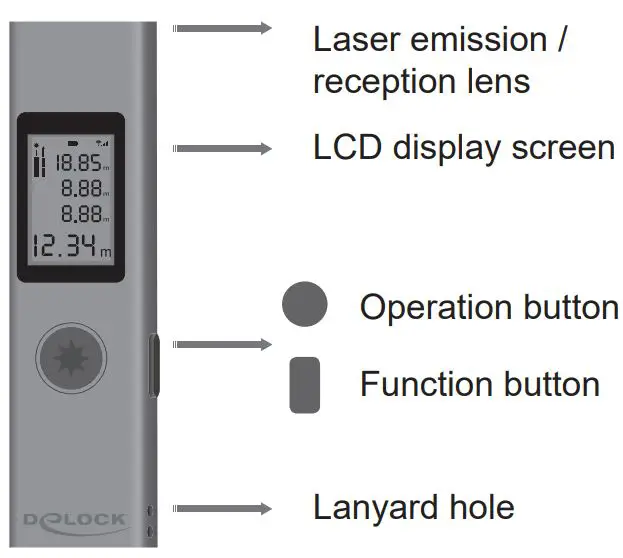
switch On / Off:
long press for about 1.5 seconds to switch on long press for about 5 seconds to switch off, 45 seconds without operation automatic shutdown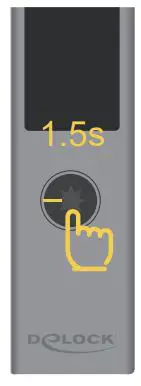
Measurement:
Single short-twist press starts measuring again to get measurement data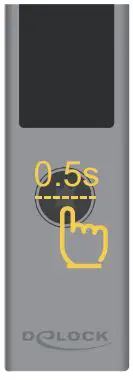
Continuous measurement:
Press and hold the operation button for 1.5 seconds. Release the button to initiate continuous measurement.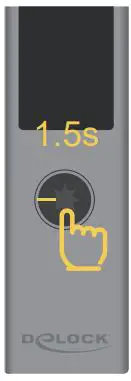
Maximum / minimum:
In continuous measurement mode, the system automatically displays.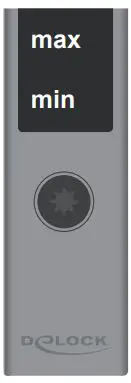
Switch starting point:
Long press for 3 seconds in the power on state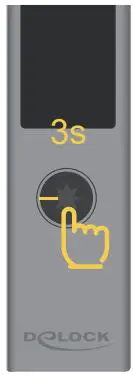
Head measurement icon
Tail measurement icon
Advanced Features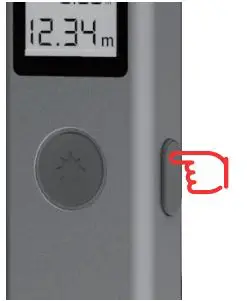
short-circuit switching function
long-term exit advanced function mode
Area measurement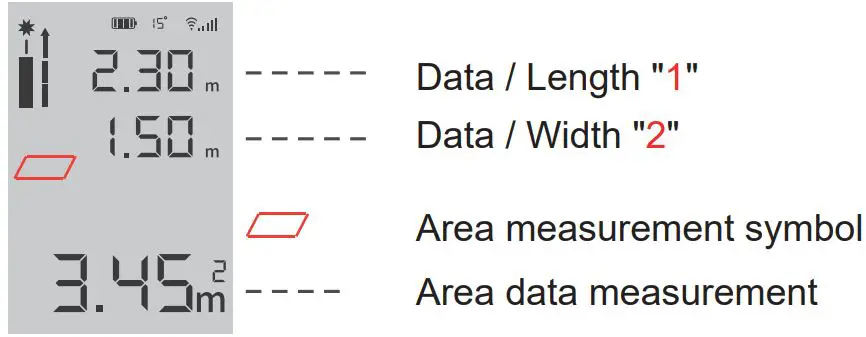
Click the operation button to get the data “1”. Click again the data “2”.
The system automatically calculates the area data.
Volume measurement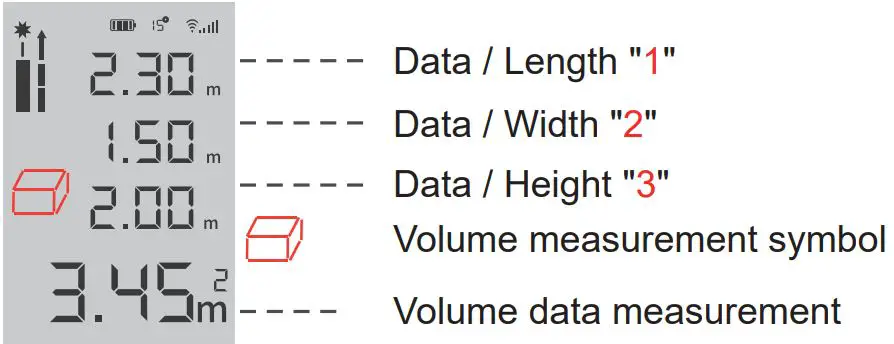
Click the operation button to get the data “1”
Click again get the data “2”.
Click again to get the data “3” and the system will calculate the volume data.
Pythagorean measurement (Indirect)
In this mode, the system uses the Pythagorean law a²+b²=c². Calculate the third side data by measuring data on both sides.
One Pythagorean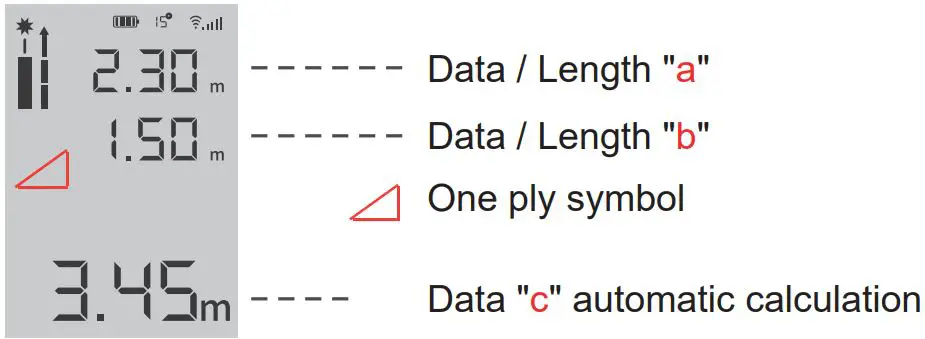
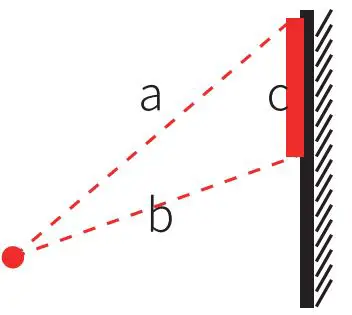
Click the operation button to get the data “a”.
Click again data “b”.
The system automatically calculates the “c” data.
Secondary Pythagorean (adding data)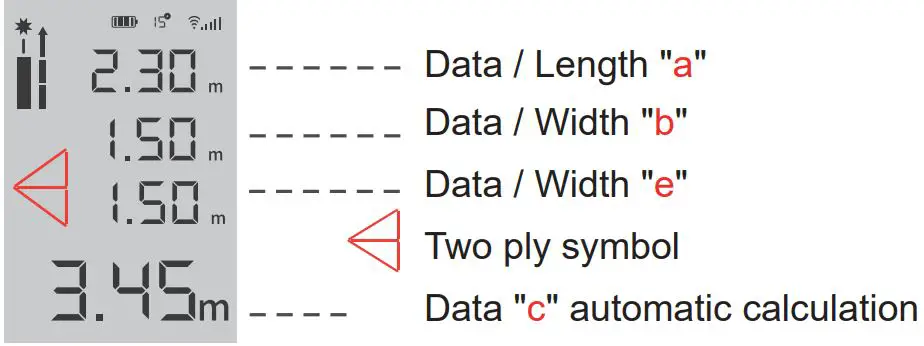
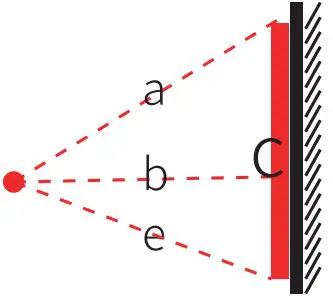
Click to operate data “a” Click again data “b”
Click again to get the data “e” System calculates data “c”
Secondary Pythagorean (Data subtraction)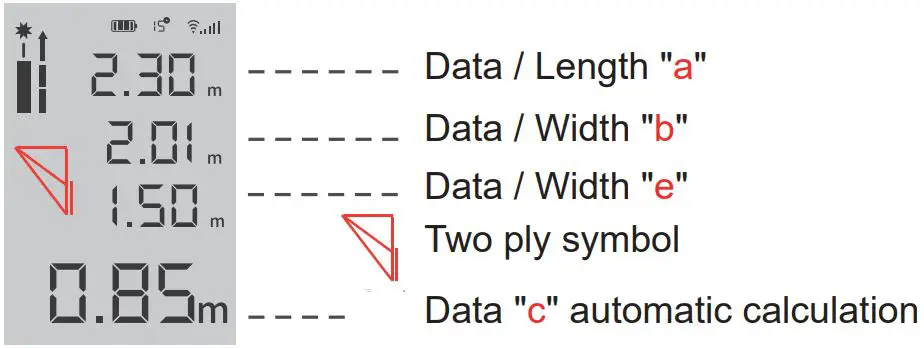
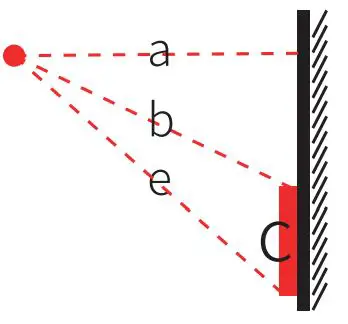
Click to operate the data “a” Click again data “b”
Click again to get the data “e” system calculates “c” data
One-button height measurement / angle measurement
The system uses the angle sensor to measure the angle, the shortest distance and the height of the object with one click.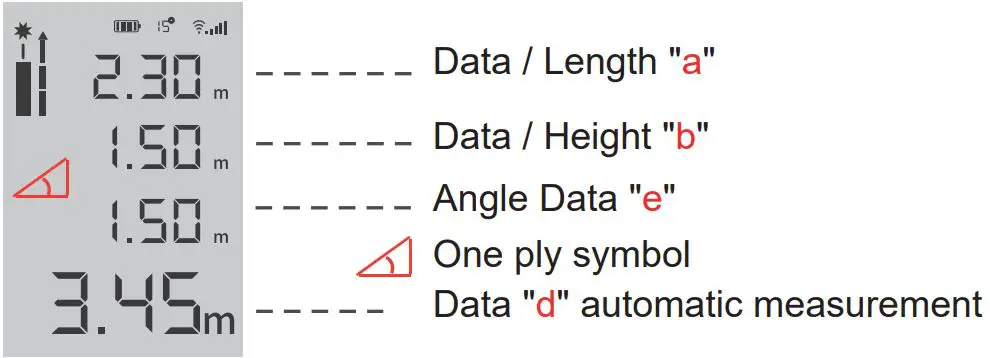
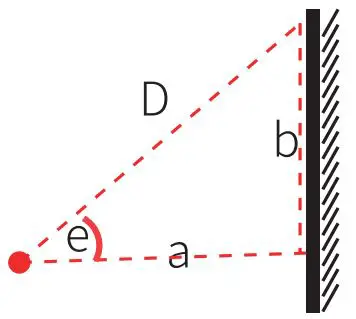
Click to get the data “D”
The system will calculates the shortest distance “a”.
Automatically calculate the actual height “b”.
Automatically calculate the angle “e”
Screen Description
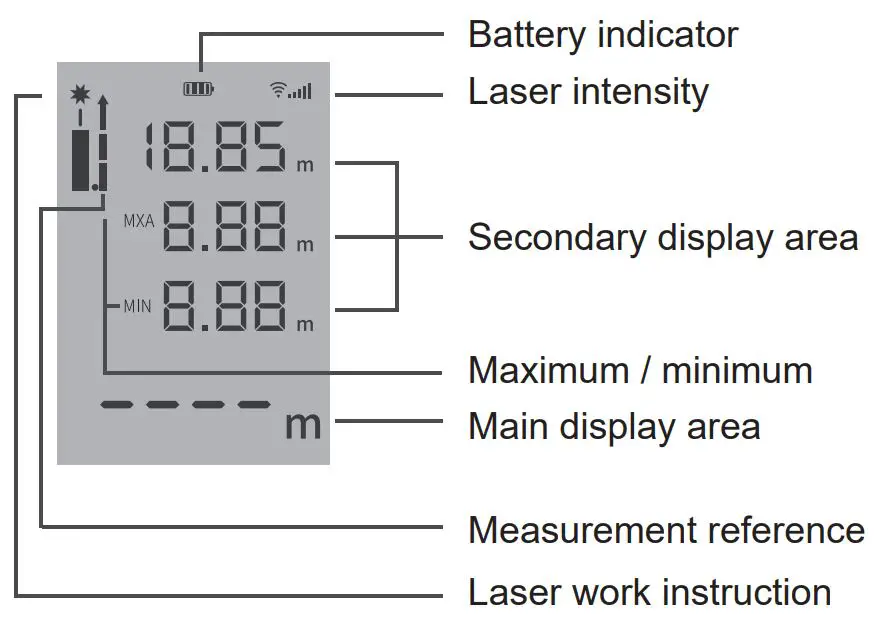
In the setting mode, the meaning of the icon: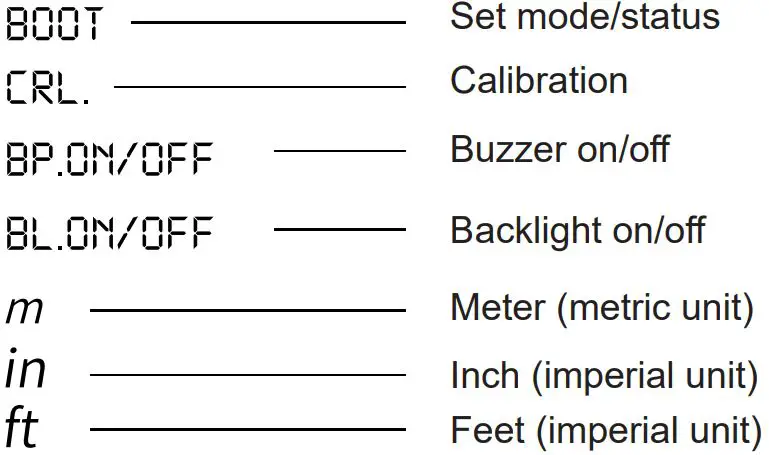
Enter setting mode
The way to enter the setting mode, turn on and keep pressing for 5 seconds.
single short pressing change setting data/mode
longer short pressing (1 second), save the current settings and go to the next setting
Setup Page 1: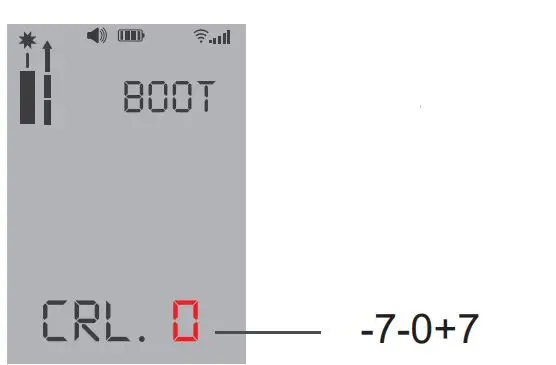
Calibrating the laser rangefinder +- 7mm.
Setup Page 2
Change the unit of measure: ´“, in, /in m, ft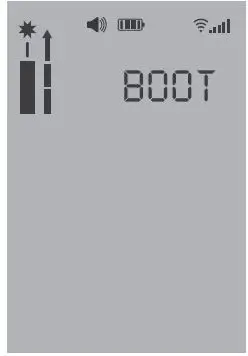
Setup Page 3
Turn the backlight on / off: BL.ON / OFF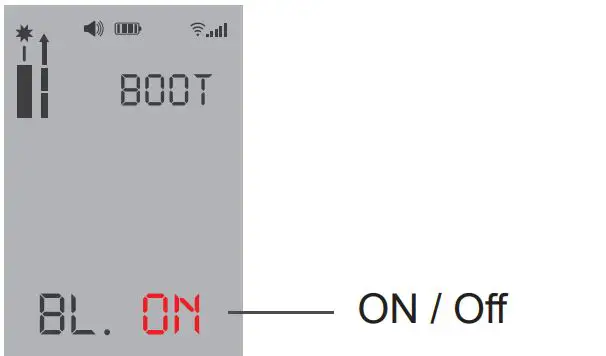
Support Delock
If you have further questions, please contact our customer support [email protected]
You can find current product information on our homepage: www.delock.com
Final clause
Information and data contained in this manual are subject to change without notice in advance. Errors and misprints excepted.
Copyright
No part of this user manual may be reproduced, or transmitted for any purpose, regardless in which way or by any means, electronically or mechanically, without explicit written approval of Delock.

 Delock Home