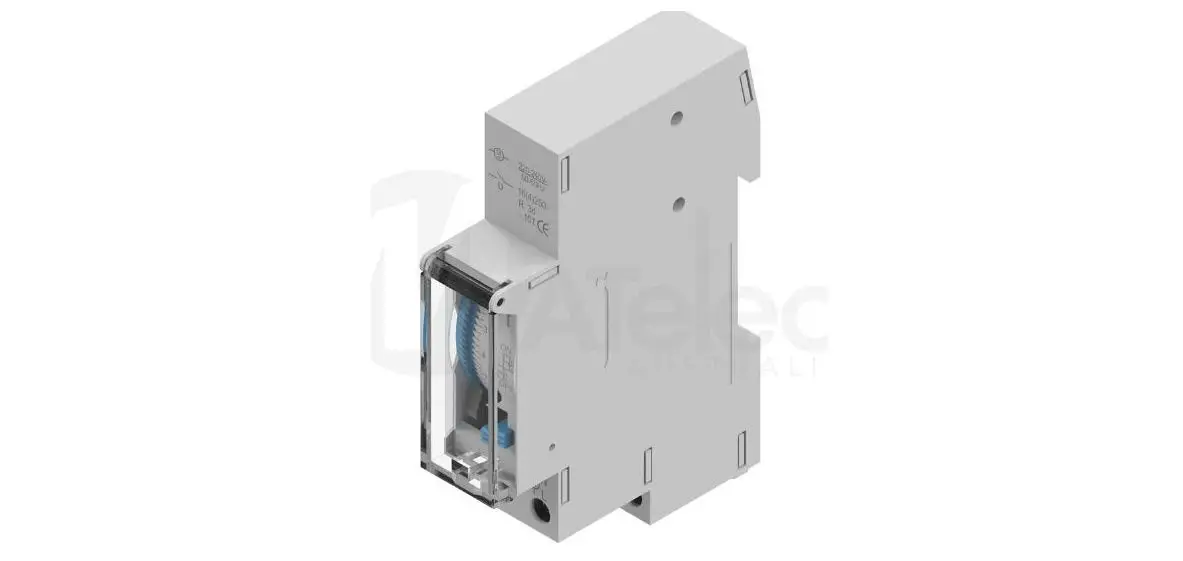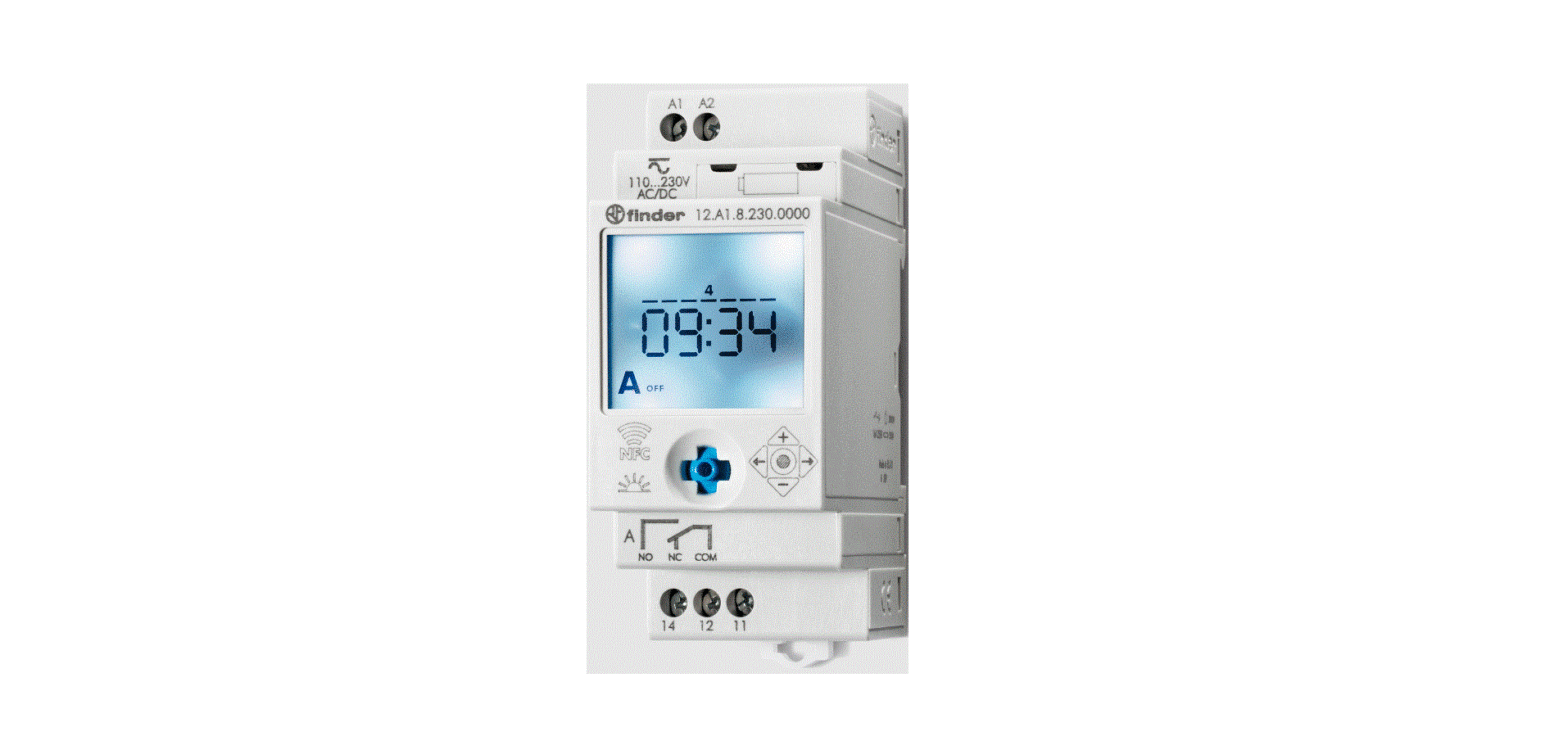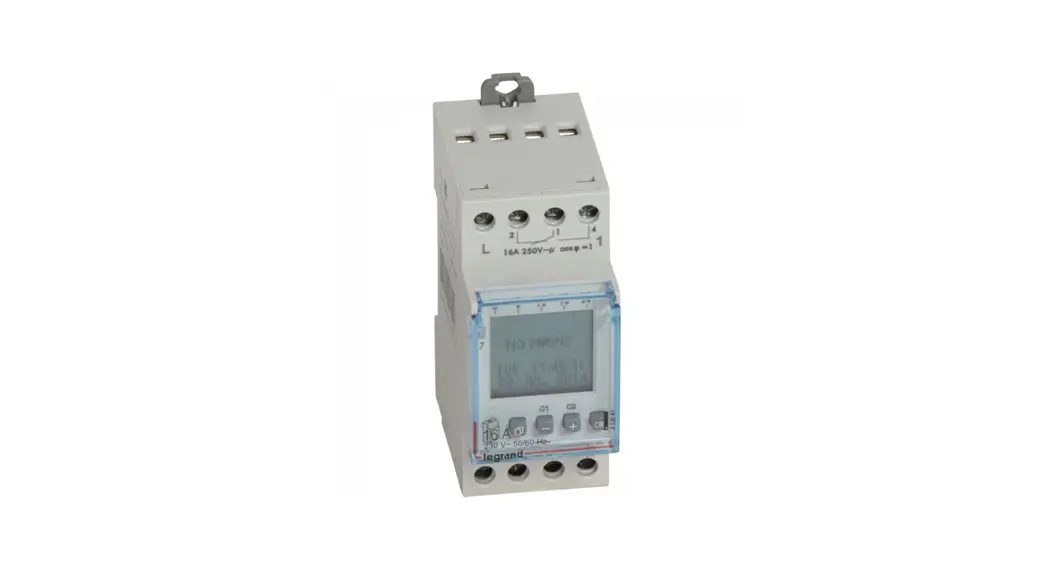

412733 DIN Rail Mount Timer Analogue
Instruction Manual
412733 DIN Rail Mount Timer Analogue
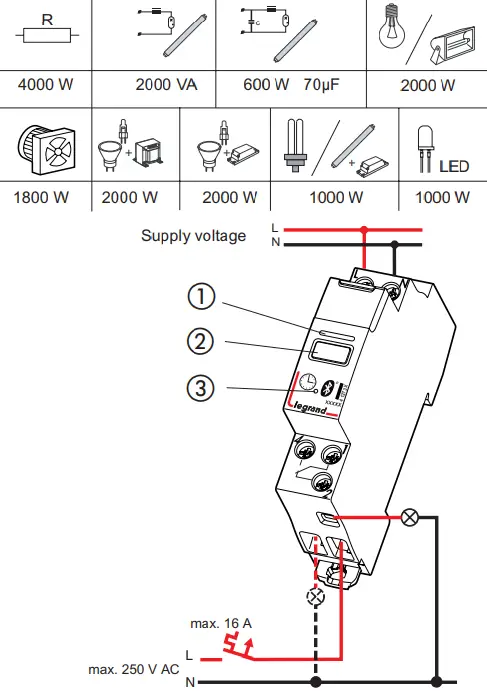
| AlphaRex³ D11 BLE | 4 127 31 |
| AlphaRex³ D11 astro BLE | 4 127 32 |
| AlphaRex³ DY11 BLE | 4 127 33 |
 | 230 V∼ 50/60 Hz |
 | R 5 a / +25 °C |
P | 0,40 W |
 | ∼ 0,1 s/d |
 | 16 A/250 V∼μcoscp= 1 |
 |  |
 | – 20 °C … +55 °C |
 | – 20 °C … +60 °C |
IP |  |
 | • Transmission frequency | 2400 MHz … 2483,5 MHz |
| • max. transmission power | 1,58 mW |
- LED indicator
- Device button (see separate description)
- Reset button
• Shortest switching step: 1 minute
Start-up: after applying the supply voltage, the time switch starts automatically with the last selected function. The relay position is set by the current program.
 |  | 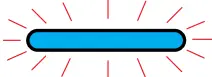 | 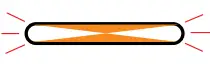 | 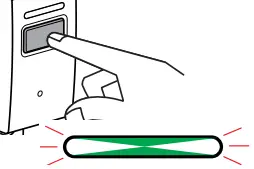 |  |
| Relay switched on | Relay switched off Mains operation | Bluetooth connection during mains operation | Relay ON | Relay OFF | Error |
 Safety notes
 Safety notes
This product may be installed only by a qualified electrician. Noncompliance may result in a fire hazard or electric shocks. Before installation, read the operating instructions
and observe the product specific requirements for the installation location. Use only original spare parts for repair and maintenance. All Legrand products may be opened and repaired only by specially trained Legrand personnel. Unauthorised opening and repair by other persons will invalidate all claims for liability, replacement or warranty services.
Operating principle: Typ 1.B. S. T.
IEC/EN 60730-1, IEC/EN 60730-2-7
Montage: in distribution panel
Degree of contamination: 2
Switch output, potential-free
Rated impulse voltage: 4 kV
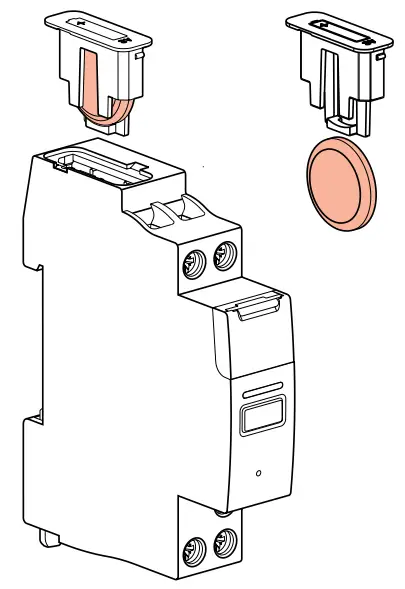
The device contains a LiMnO2 primary cell. When the product reaches the end of its life, this cell must be correctly removed and disposed of in accordance with national legislation and the requirements of environmental protection.
Battery type: lithium cell CR2032.Manufacturer: Panasonic/ Renata, High temperature type min + 70 °C.
For safety reasons, different types of batteries must not be used. Leaking or damaged batteries can cause acid burns upon contact with the skin. You should therefore wear gloves when handling damaged batteries.
Declaration of Conformity
Hereby, Legrand GmbH declares that the time switch is in compliance with Directive 2014/53/EU. The fullt text of the EU declaration of conformity is available at the following internet address: https://www.professional.legrand.de/downloads/zertifikate-und-zulassungen.html
 Legrand-Time-Switch APP
| Access code factory setting | 123123 |
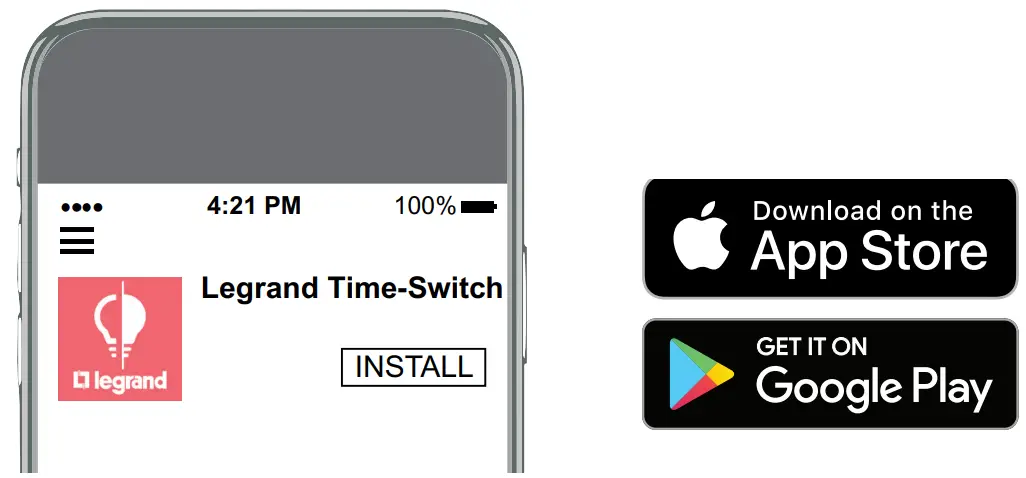
Below are the basic instructions for pairing a smartphone with an AlphaRex³ BLE timer.
- First install the Legrand Time-Switch app.
- Go to the Bluetooth section of your smartphone; this is usually under Settings.
Make sure Bluetooth is switched on. - Location services on the smartphone must be enabled; GPS does not have to be activated.
- In normal mode with supply voltage, a connection can be established at any time with the Legrand Time-Switch app.
- Devices are now displayed within the Legrand Time-Switch app, both during configuration and when importing.
- Select the AlphaRex³ BLE timer from the list of devices.
- The access code is 123123.
- Enter the access code.
- The AlphaRex³ BLE is now paired.
- The Legrand Time Switch APP can be used to reset the Bluetooth configuration to the factory settings if the access code has been lost. See Help/Configuration/ Password in the Legrand Time Switch APP.
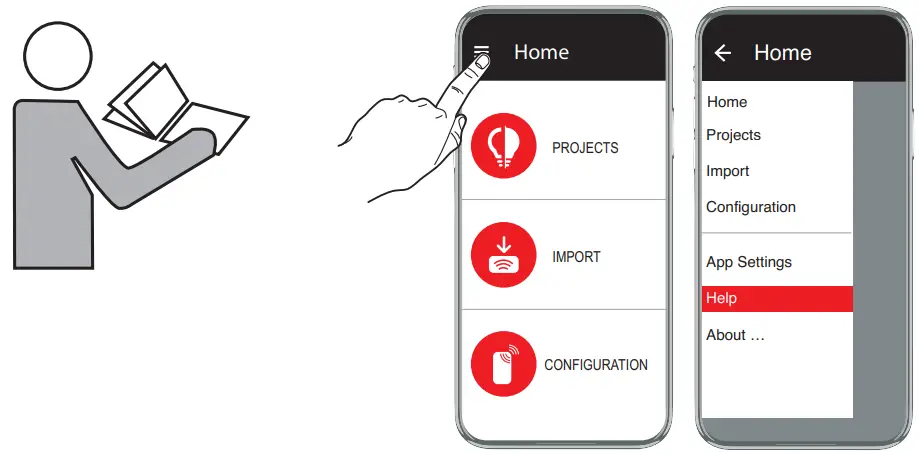
Operating instructions:  \ Help
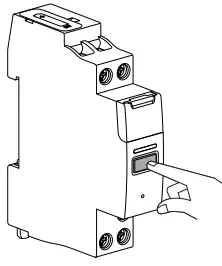
Special function of the device button
Using the Legrand Time-Switch app, it is possible to set/deactivate a special function for the device button.
In mains operation, the button triggers one of the following functions:
- Always ON
- Always OFF
- Extra
- 1 hr test
- Button deactivated
Pressing the button again ends the function.
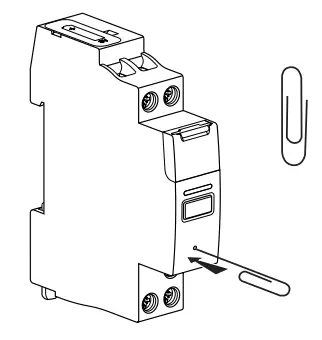
Reset
Warning!
The memory will be cleared, and all set data will be lost.
Hold for longer than three seconds. Factory settings
The language, time, date, summertime/wintertime and switching times will have to be re-entered.
 Spezialist für elektrische und digitale Infrastrukturen | Legrand